Built around the jobs tattoo artists actually do
See what you take home from each session
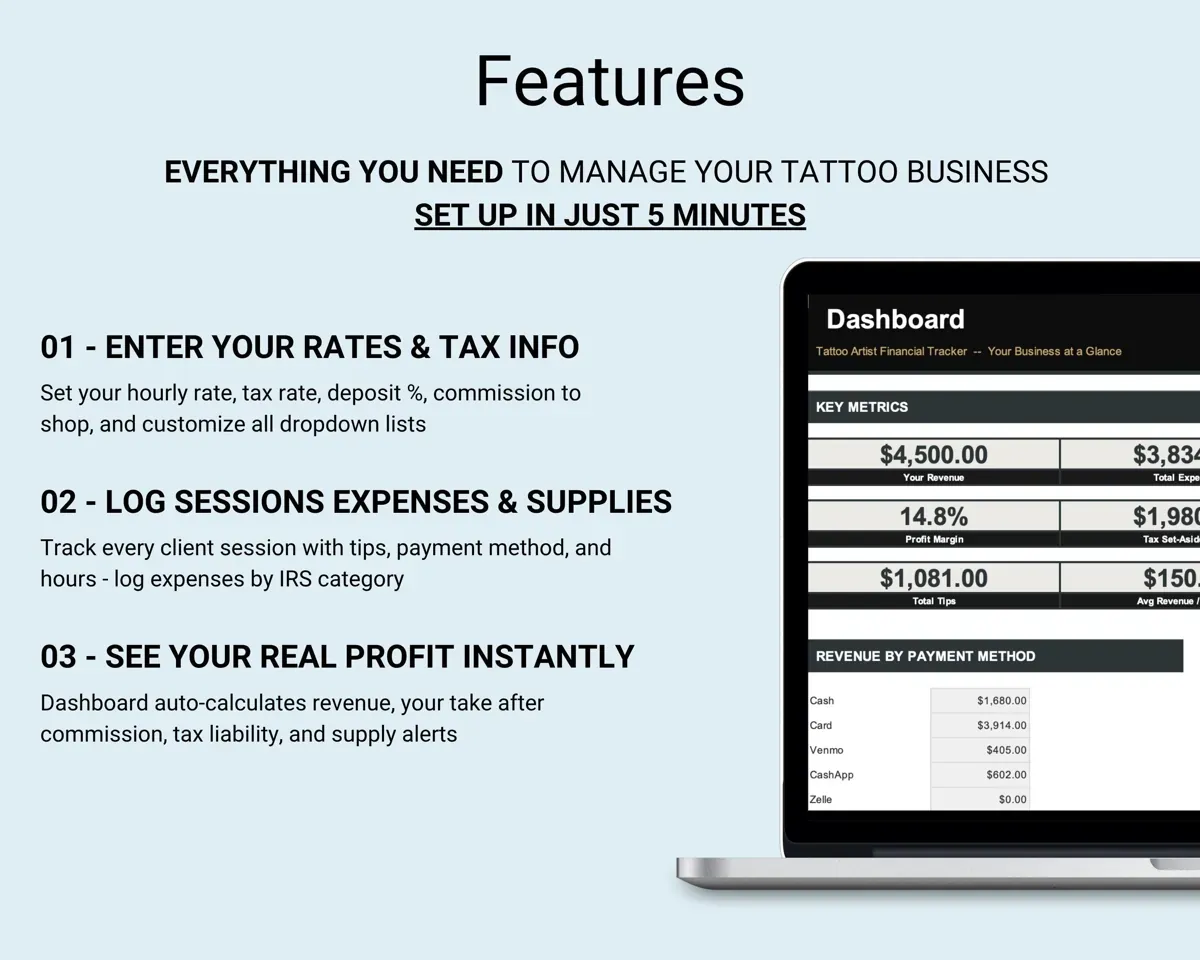
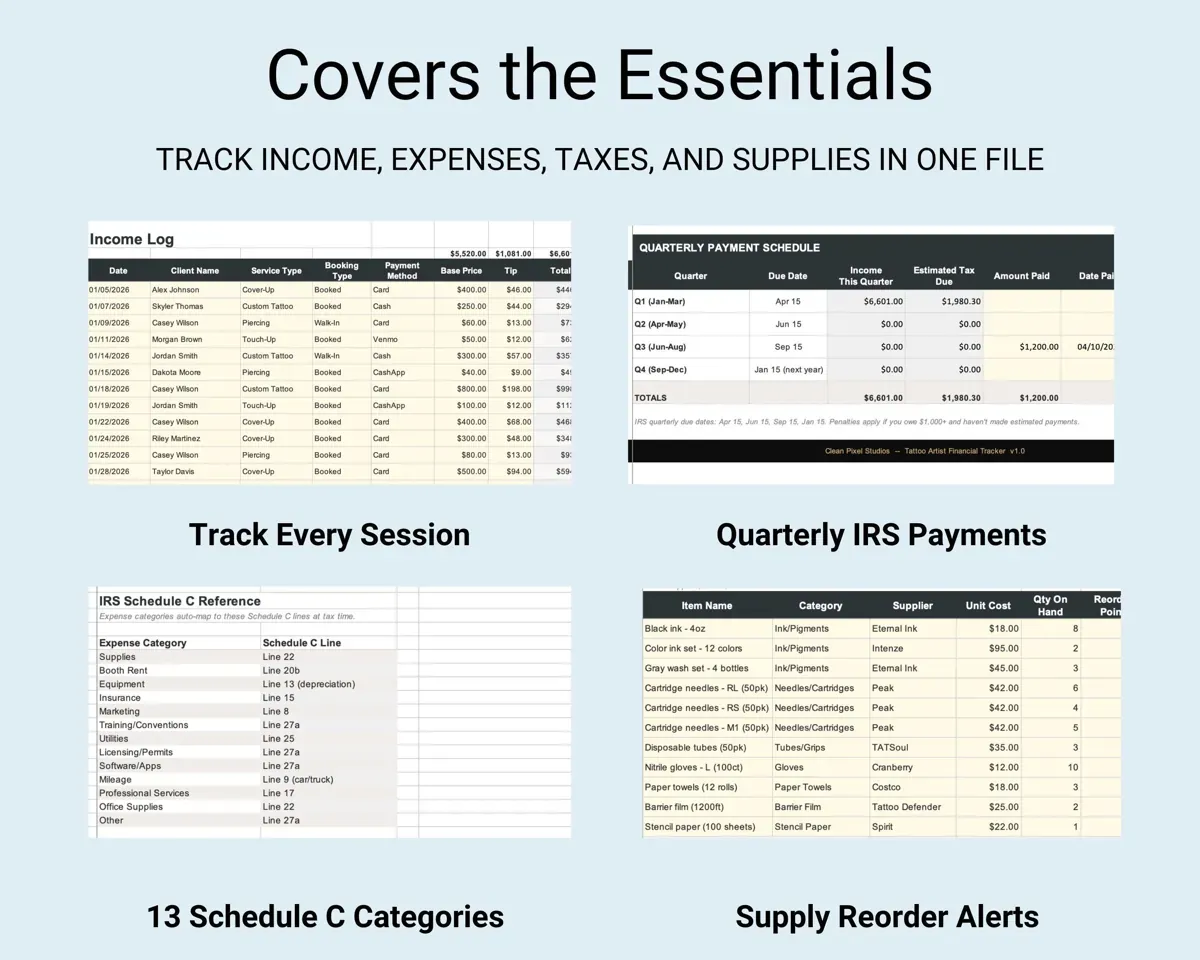
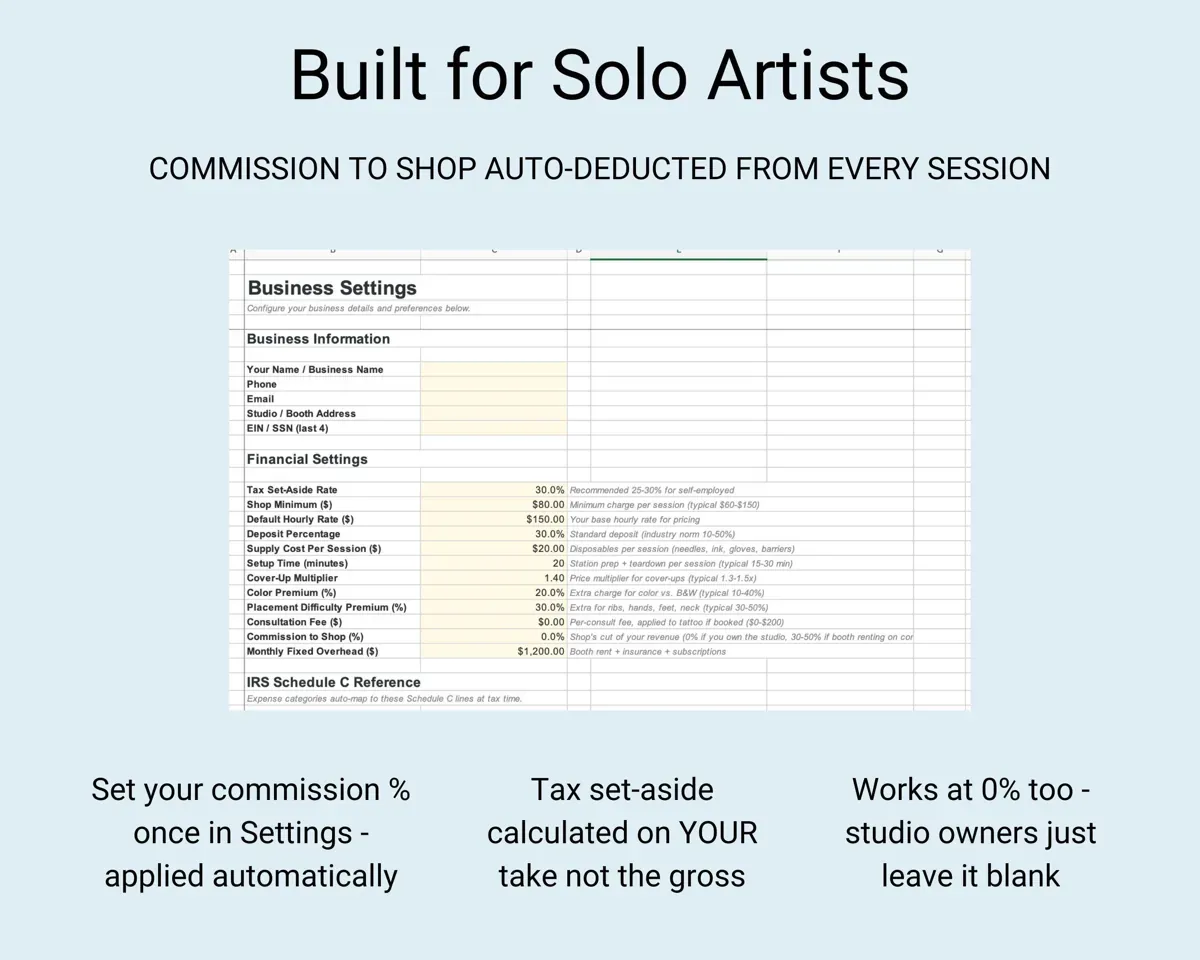
Log the client, service, payment method, price, tips and hours. If you pay the shop a commission, the sheet takes out its cut and shows your take.
Price, tips, hoursYour takeSet aside the right amount each quarter
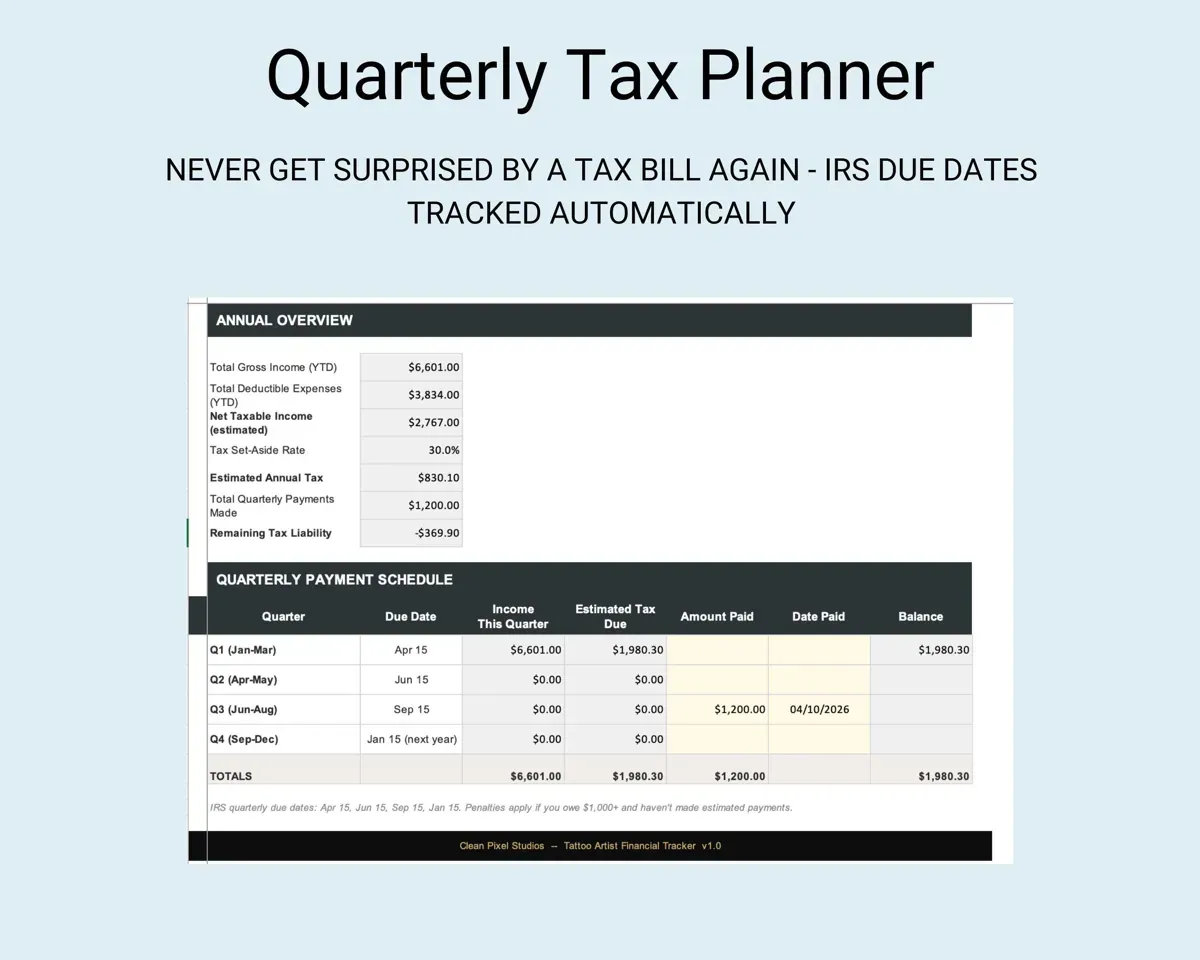
Expenses go into 13 tattoo categories matched to Schedule C lines. The Tax Planner lists the 1040-ES due dates, tracks payments and shows what is left in red or green.
Expenses, tax paymentsRemaining tax owedKnow when to reorder ink and needles
Record the unit cost, quantity on hand and a reorder point for each supply. Every item shows OK, REORDER or OUT OF STOCK.
Qty, reorder pointReorder statusKeep deposits and no-shows straight
Each booking gets a suggested deposit amount. No-shows and cancellations are logged with the revenue they cost you.
BookingsRevenue lost to no-showsQuote with real numbers
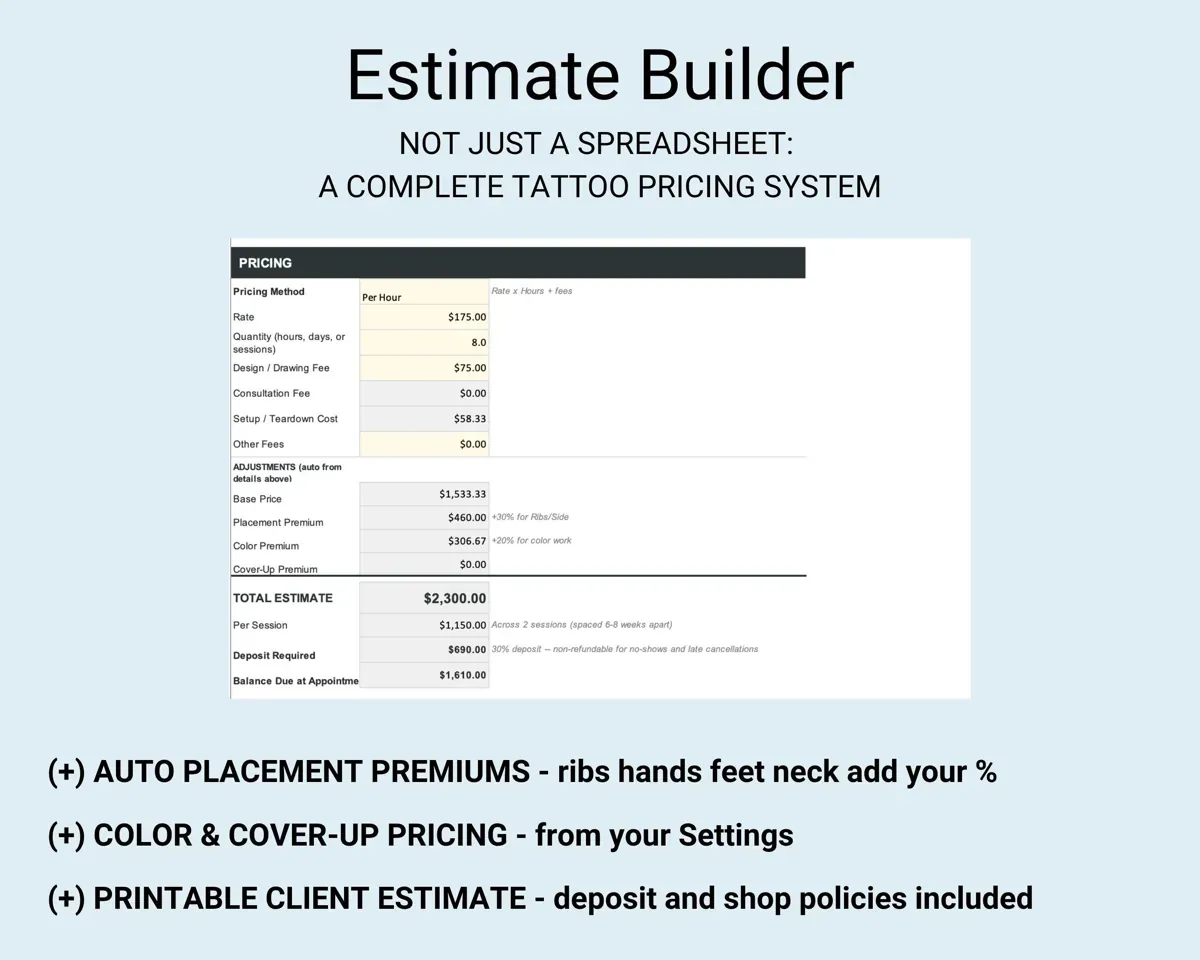
The Estimate Builder prices by the hour, day or session, adds placement, color and cover-up premiums, and splits big pieces into sessions on a printable estimate. The Pricing Calculator shows break-even sessions and minimum prices by size.
Size, placement, colorClient estimateSee the whole year on one screen
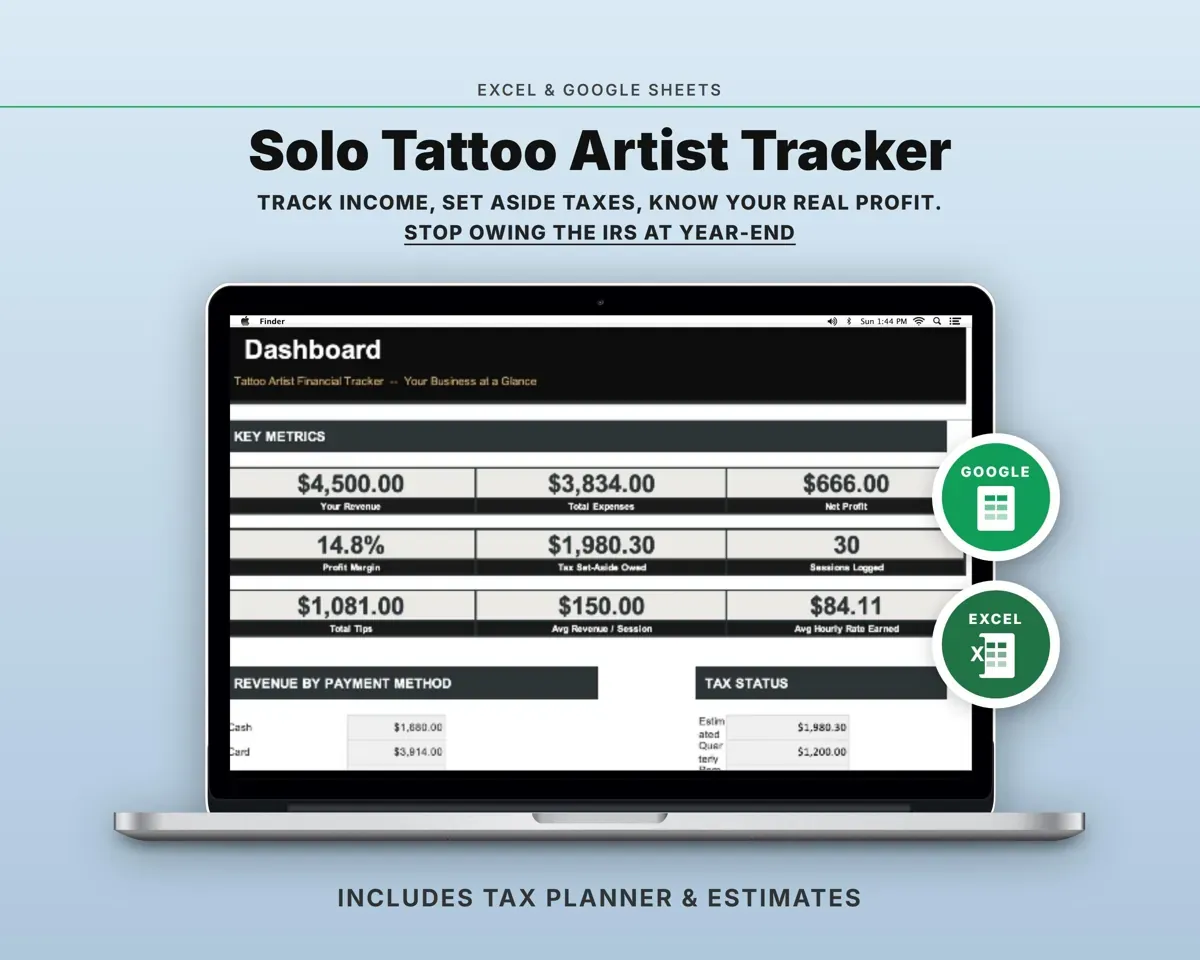
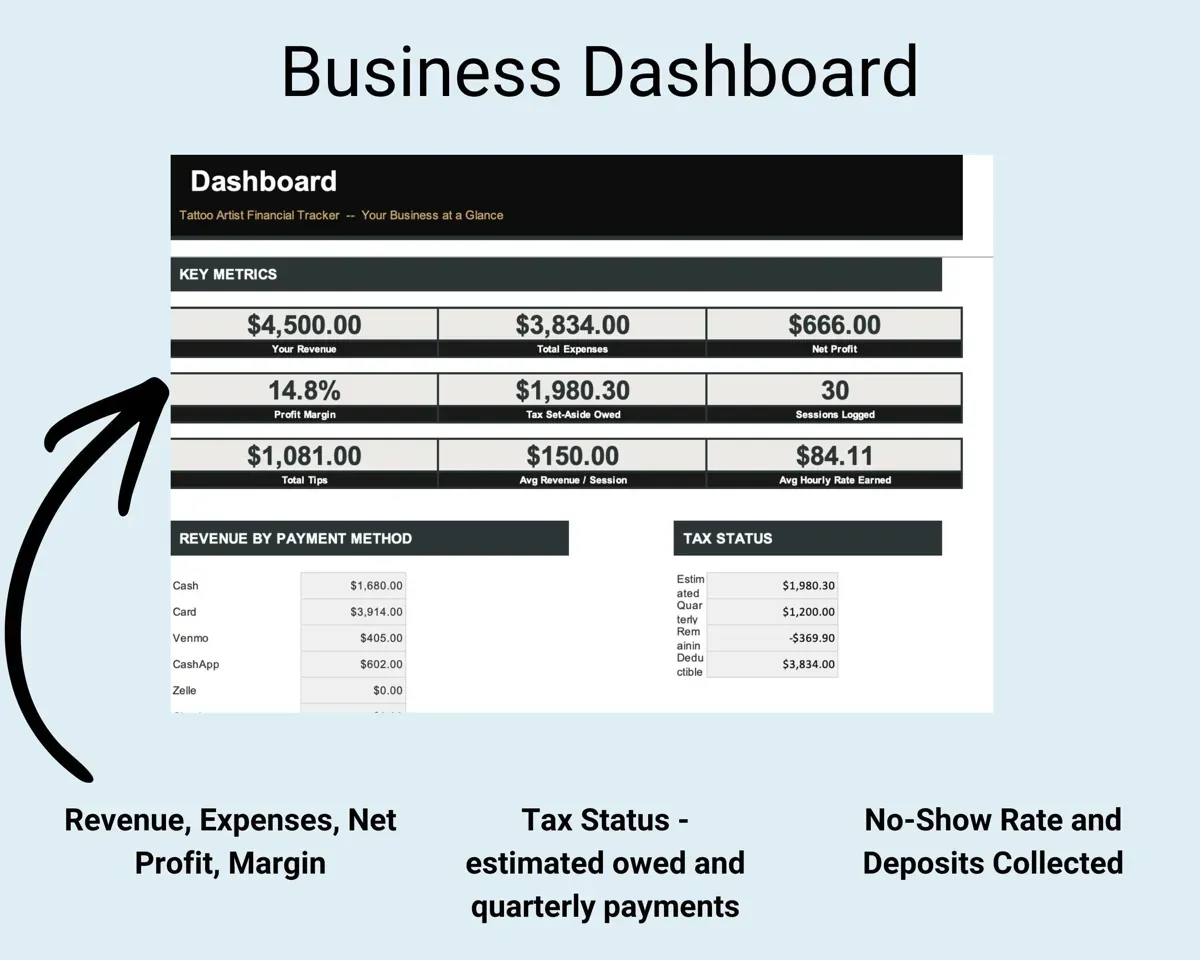
Revenue, profit margin, tax status, no-show rate, supply alerts and a 12-month cash flow, all filled in from the other tabs.
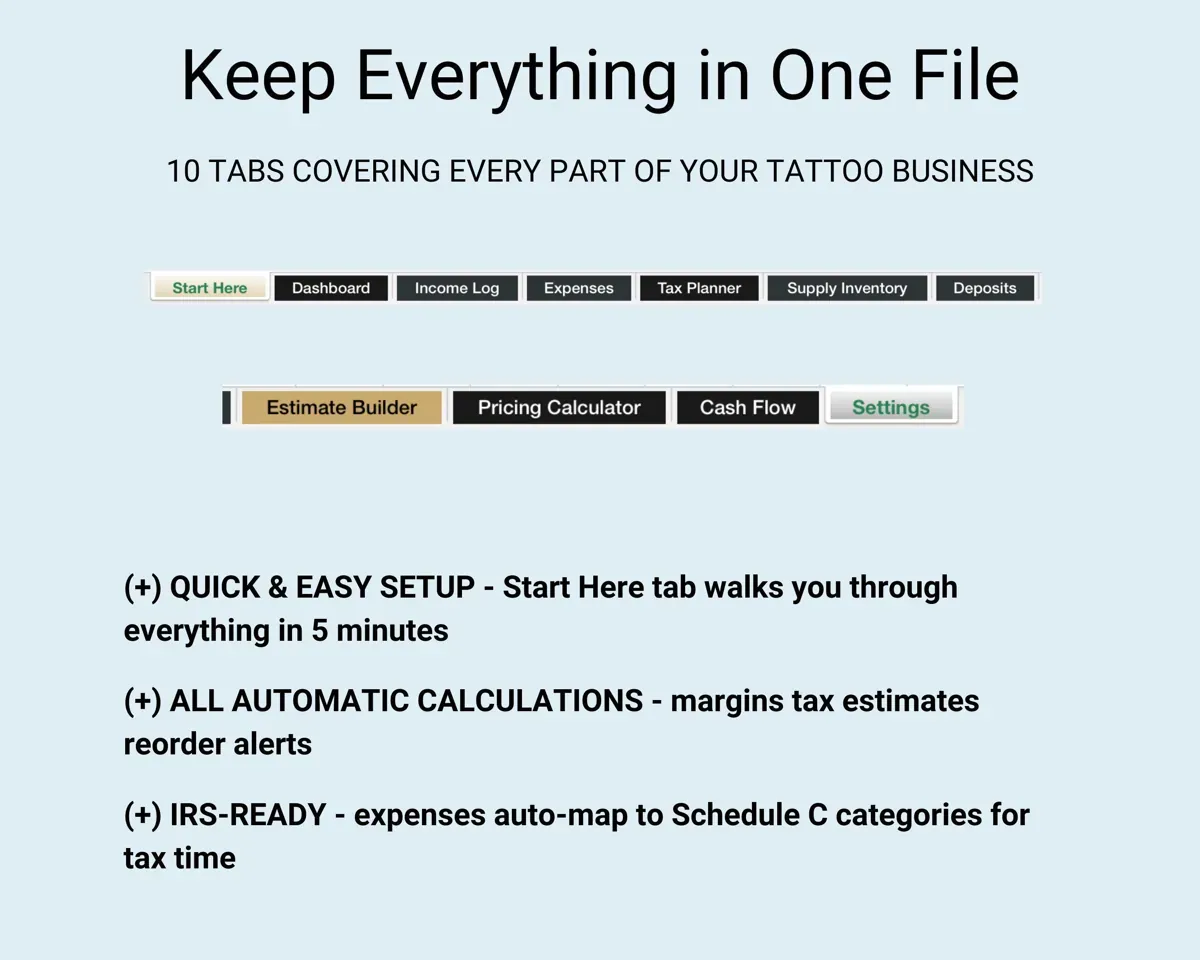
Your other tabsYear at a glance11 tabs in one file
- Start Here
- Dashboard
- Income Log
- Expenses
- Tax Planner
- Supply Inventory
- Deposits
- Estimate Builder
- Pricing Calculator
- Cash Flow
- Settings
- Start Here
- Setup steps and a quick guide to each tab.
- Dashboard
- Revenue, margin, tax status, no-shows and supply alerts.
- Income Log
- Every session with tips, shop commission and your take.
- Expenses
- Spending in 13 tattoo categories mapped to Schedule C.
- Tax Planner
- Quarterly 1040-ES due dates, payments and what is left.
- Supply Inventory
- Ink, needles, gloves and film with reorder alerts.
- Deposits
- Bookings, suggested deposits, no-shows and cancellations.
- Estimate Builder
- Printable client estimates with placement and color premiums.
- Pricing Calculator
- Cost per session, break-even and minimum price by size.
- Cash Flow
- Twelve months of revenue and expenses by service type.
- Settings
- Your rates, tax rate, deposit percent, shop commission and lists.
Pair it with
“Excellent! Very easy to use.”
“Nice Organization for 4H projects”
Before you buy
I don't pay a shop commission. Is it still useful?
Yes. Leave Commission to Shop at 0% on the Settings tab and those columns stay empty. It works the same for studio owners and guest spots.
How is the commission handled?
Set your Commission to Shop percentage on Settings, anywhere from 0 to 50%. Each session in the Income Log shows the shop's cut and your take, and the tax estimates use what you keep, not the gross.
Can I change the expense categories?
Yes. Expense categories, service types and every other dropdown list are editable on the Settings tab.
I run a shop with several artists. Is this the right one?
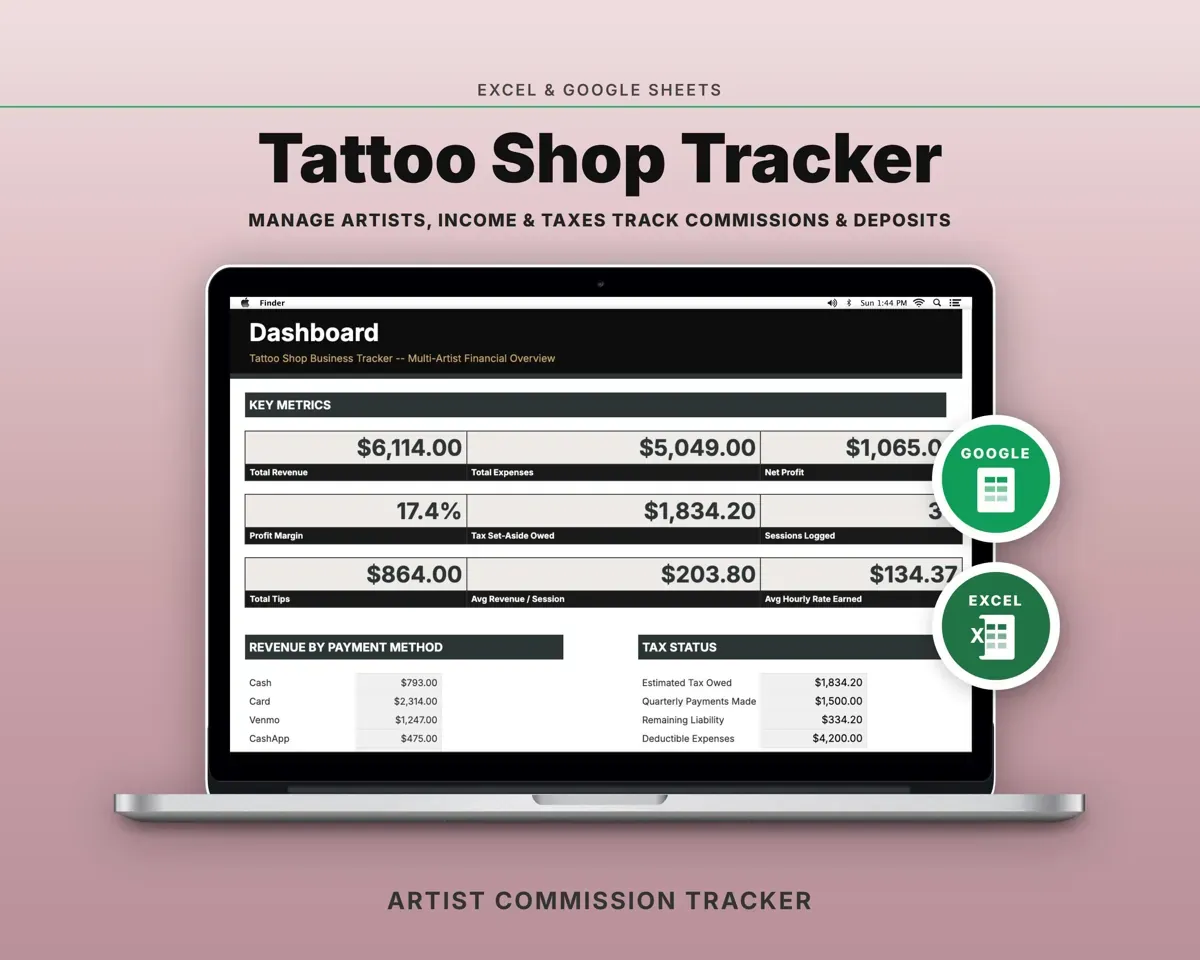
This one is built for a single artist. The Tattoo Shop Tracker adds an artist roster with a commission rate and payout for each artist.
What do I get?
An Excel file (.xlsx), a filled-in sample to look at, and a quick-start PDF guide with a link that makes your own copy in Google Sheets.
How does delivery work?
You get your download links right after checkout, and Stripe emails your receipt. There is nothing to ship and nothing to wait for.
How do I set it up in Google Sheets?
Open the quick-start PDF and click the Google Sheets link. Google makes a copy in your own Drive that only you can edit. You need a free Google account.
Will it work on a Mac?
Yes. It works in Excel on Mac and Windows, and in Google Sheets in any browser.
I'm not a spreadsheet person. Is that a problem?
No. You only type in the yellow cells. Everything in gray works itself out, and the Start Here tab shows you where to begin.
Can I get a refund?
Templates are digital downloads, so sales are final. If a file won't open, is broken or doesn't match its description, email hello@cleanpixelstudios.com within 30 days and we'll fix it, or refund you if we can't.
What if I get stuck?
Email hello@cleanpixelstudios.com and we'll help you get it working.
More in Beauty & wellness pros
See all Beauty & wellness pros templates
 Made by Clean Pixel Studios
We start every template by reading what people in that line of work say they struggle with, then build the spreadsheet around those problems. This one was made for tattoo artists and nobody else.
How we build templatesTattoo Artist Financial Tracker$7.99 · Excel + Google Sheets