Built around the jobs hair stylists who rent a booth or suite actually do
Know what each color service costs
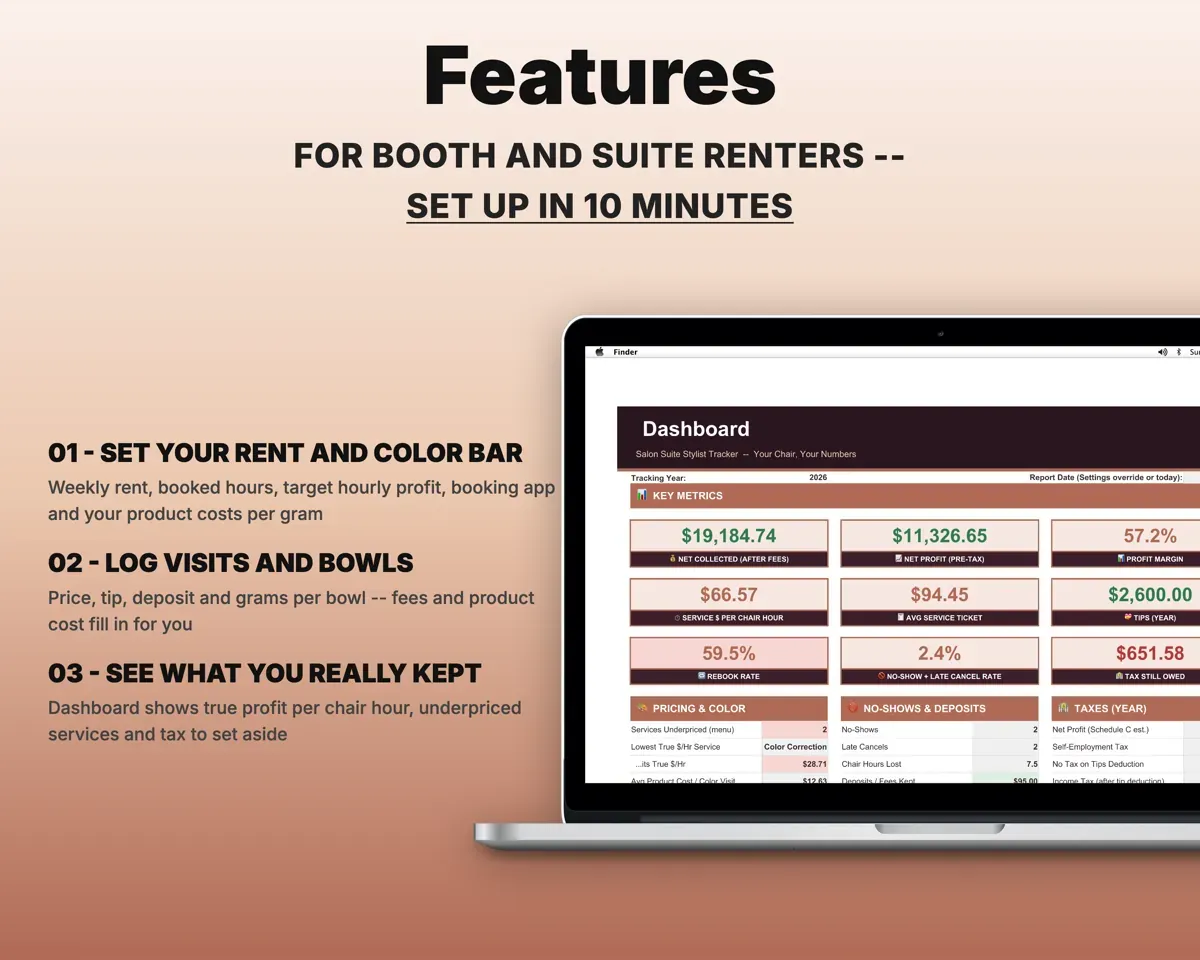
Add your color, lightener and developer once with container size and price. Log grams per bowl and the cost fills in, rolls into the visit and comes off your stock.
Grams per bowlBowl costPrice services off your real numbers
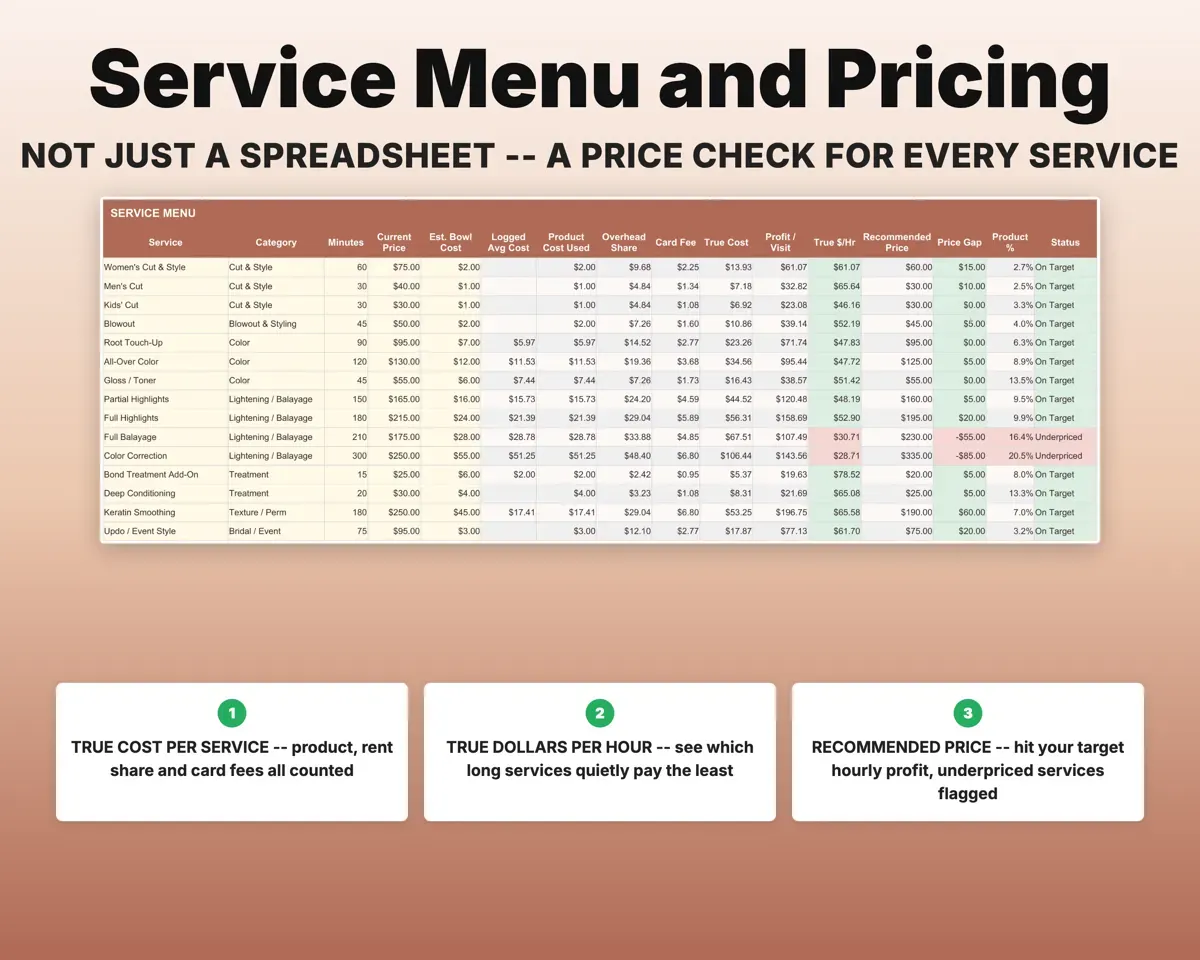
The Service Menu shares your rent and fixed costs across the hours you book, then gives each service a true cost, true dollars per hour and a recommended price. Anything under your target is flagged Underpriced.
Minutes, price, productRecommended priceTake booking and card fees out automatically
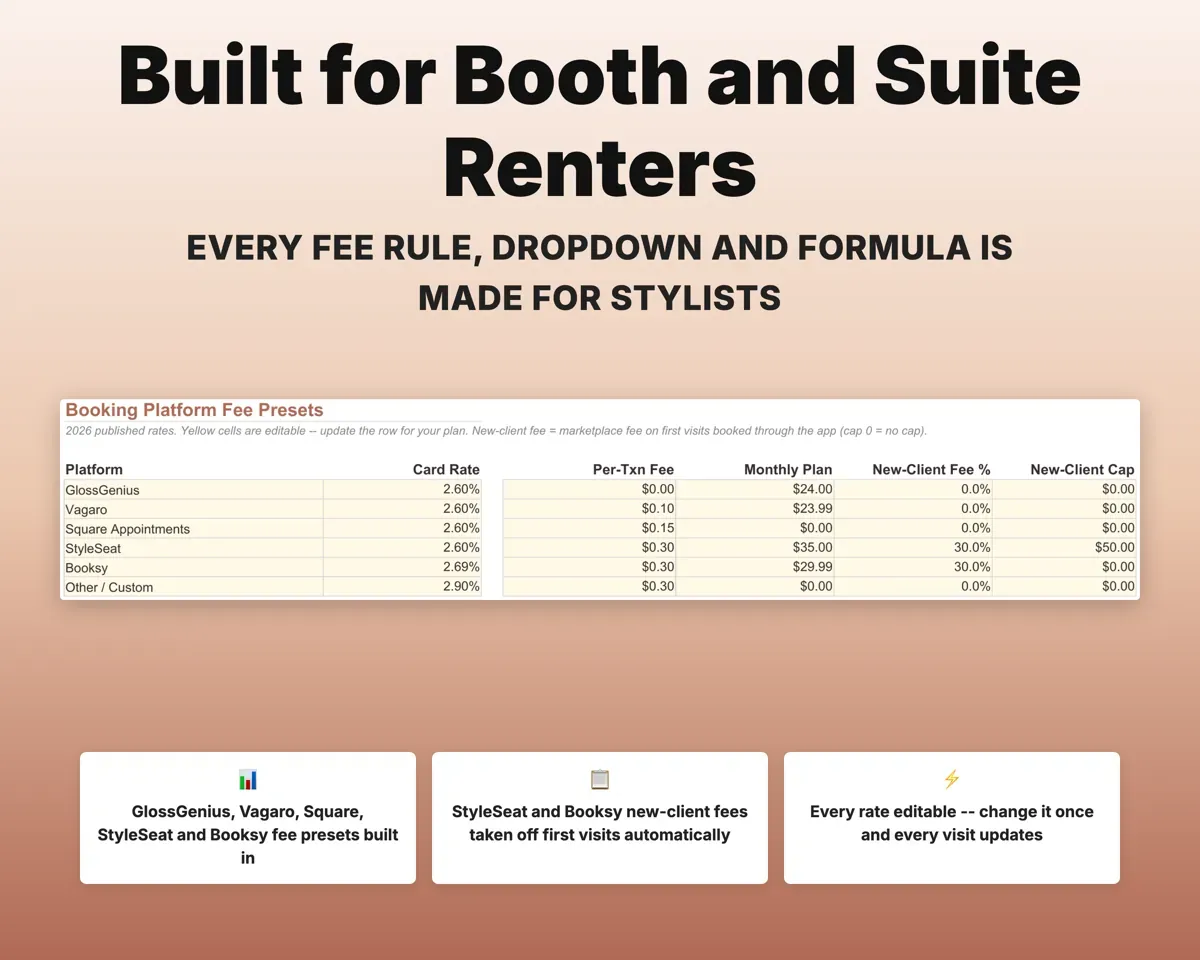
Pick your booking platform once. Card rates, per-transaction fees, plan cost and new-client fees come off each visit, and every rate is editable.
Booking platformNet collectedKnow what to set aside each week
Tips get their own column and payment method. The Tax Planner estimates self-employment tax, income tax after the tip deduction, quarterly payments and a weekly set-aside.
Tips, expensesWeekly set-asideDecide if renting is worth it
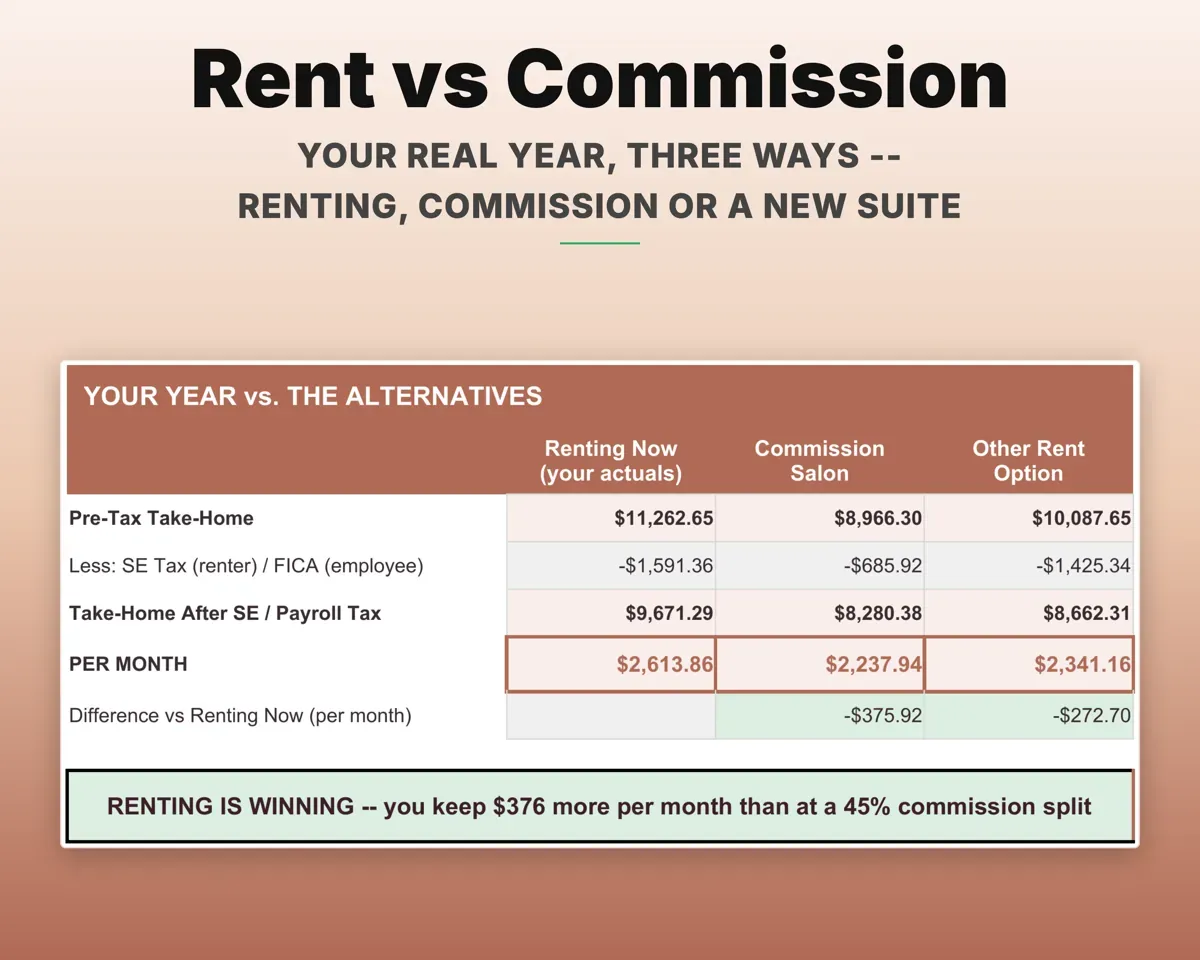
Set your current rent against working on commission at your split, or against a different booth or suite. Each option shows monthly take-home and the service revenue you need to break even.
Rent, commission splitTake-home per monthSpot slow weeks and repeat no-shows
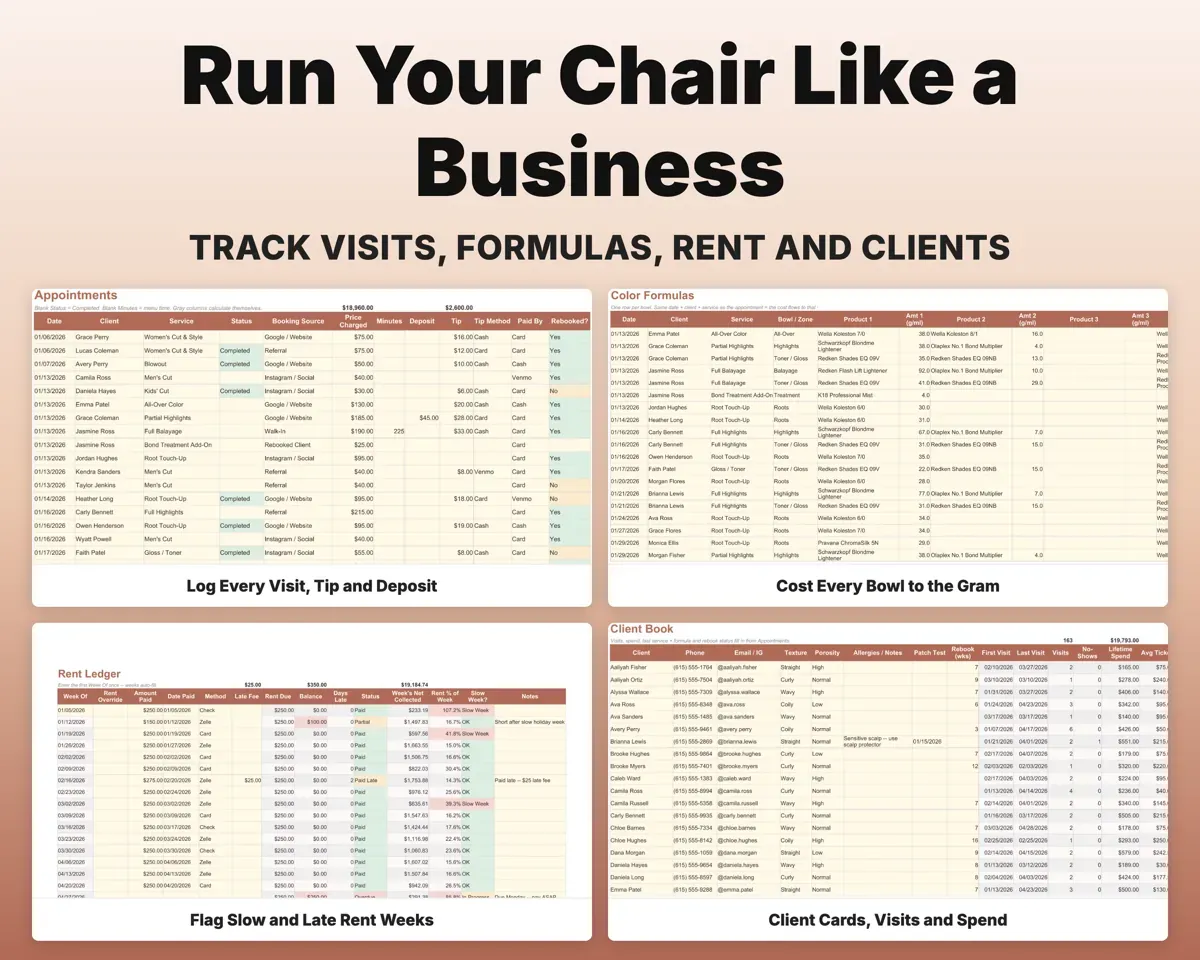
The Rent Ledger flags late rent and weeks when rent takes too much of what you collected. No-shows track the fee kept, revenue lost and clients who keep doing it.
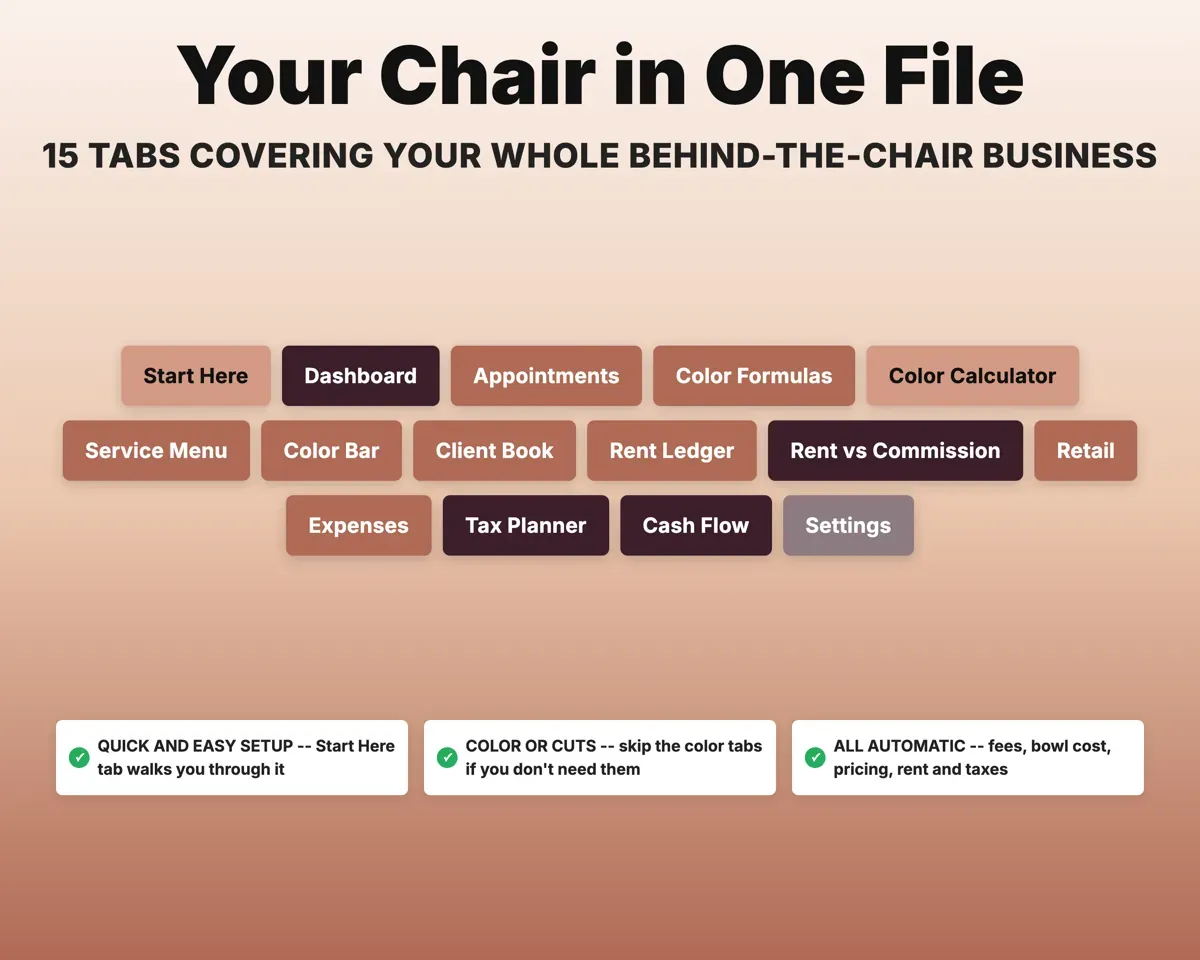
Weekly rent paidSlow week flag15 tabs in one file
- Start Here
- Dashboard
- Appointments
- Color Formulas
- Color Calculator
- Service Menu
- Color Bar
- Client Book
- Rent Ledger
- Rent vs Commission
- Retail
- Expenses
- Tax Planner
- Cash Flow
- Settings
- Start Here
- Setup steps, color key and a map of every tab.
- Dashboard
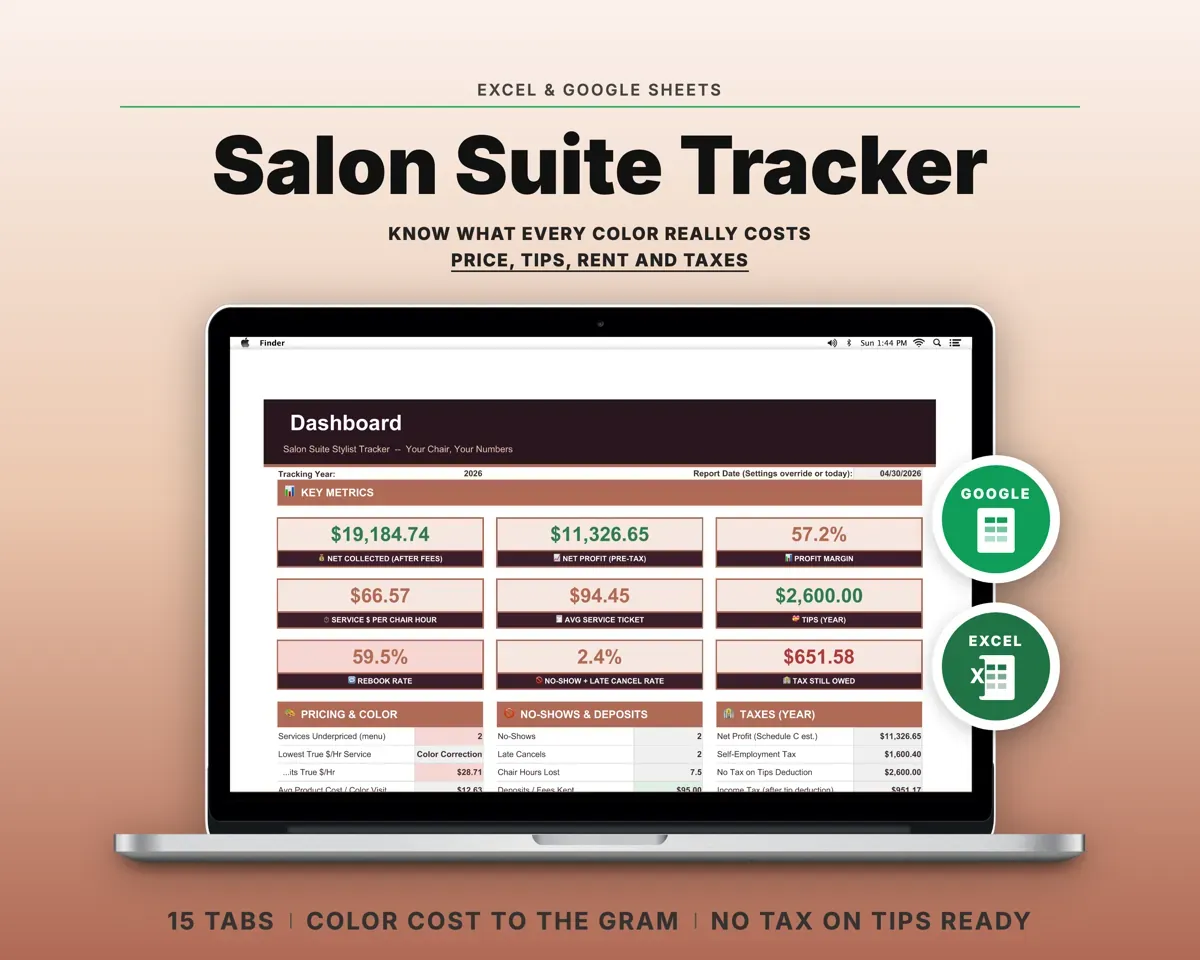
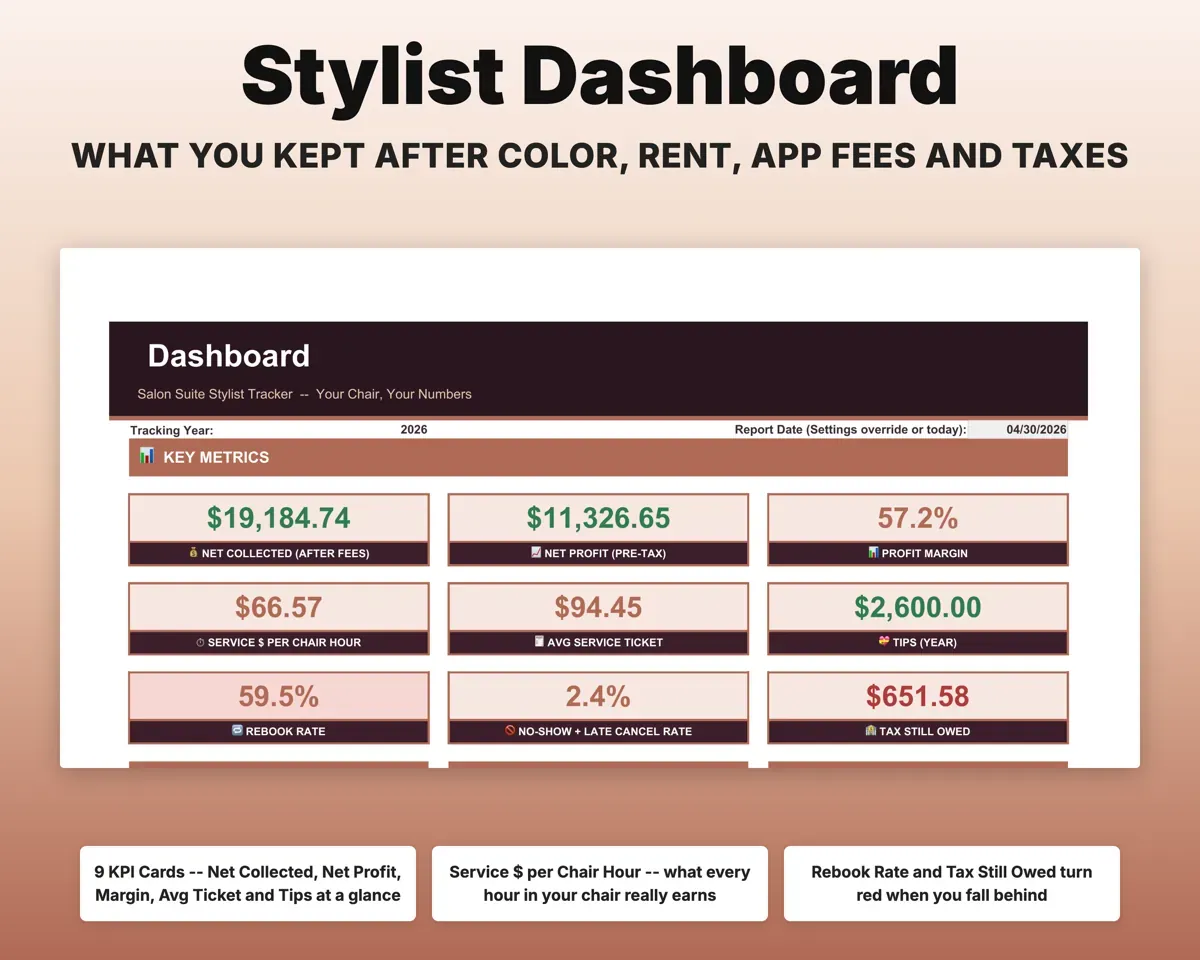
- Net profit, dollars per chair hour, rebook rate and tax owed.
- Appointments
- Every visit with tips, fees, product cost and net collected.
- Color Formulas
- One row per bowl, with shades, grams and cost.
- Color Calculator
- Quote one service with true cost and a suggested deposit.
- Service Menu
- Each service's true cost, dollars per hour and recommended price.
- Color Bar
- Your product library with cost per gram and reorder status.
- Client Book
- Client details, patch tests, last formula and rebook status.
- Rent Ledger
- Weekly rent, late fees and slow-week flags.
- Rent vs Commission
- Renting, commission and another rent option compared monthly.
- Retail
- Retail margin, units sold and reorder status.
- Expenses
- Every cost mapped to a Schedule C line.
- Tax Planner
- Self-employment tax, tip deduction and quarterly payments (Form 1040-ES).
- Cash Flow
- Twelve months of revenue against rent and expenses.
- Settings
- Rent, target hourly profit, platform fees, tax rates and lists.
Pair it with
“Well thought out worksheets nicely presented”
“Excellent! Very easy to use.”
Before you buy
I rent a booth, not a suite. Will it work?
Yes. Weekly rent is one setting, so it works for a booth, a suite or a private studio.
I mostly do cuts. Is it still useful?
Yes. You still get true hourly pricing, fee netting, tips, the Rent Ledger, no-show tracking and quarterly taxes. The color tabs can stay empty.
Do I need to weigh every bowl?
No. The Service Menu holds an estimated bowl cost for each service. Logging real grams makes the numbers more exact.
My booking app raised its fees. Can I update them?
Yes. Card rates, per-transaction fees, plan cost and new-client fees all live on Settings. Change one and every visit updates.
What do I get?
An Excel file (.xlsx), a filled-in sample to look at, and a quick-start PDF guide with a link that makes your own copy in Google Sheets.
How does delivery work?
You get your download links right after checkout, and Stripe emails your receipt. There is nothing to ship and nothing to wait for.
How do I set it up in Google Sheets?
Open the quick-start PDF and click the Google Sheets link. Google makes a copy in your own Drive that only you can edit. You need a free Google account.
Will it work on a Mac?
Yes. It works in Excel on Mac and Windows, and in Google Sheets in any browser.
I'm not a spreadsheet person. Is that a problem?
No. You only type in the yellow cells. Everything in gray works itself out, and the Start Here tab shows you where to begin.
Can I get a refund?
Templates are digital downloads, so sales are final. If a file won't open, is broken or doesn't match its description, email hello@cleanpixelstudios.com within 30 days and we'll fix it, or refund you if we can't.
What if I get stuck?
Email hello@cleanpixelstudios.com and we'll help you get it working.
More in Beauty & wellness pros
See all Beauty & wellness pros templates
 Made by Clean Pixel Studios
We start every template by reading what people in that line of work say they struggle with, then build the spreadsheet around those problems. This one was made for hair stylists who rent a booth or suite and nobody else.
How we build templatesHair Stylist Salon Suite Tracker$19.99 · Excel + Google Sheets