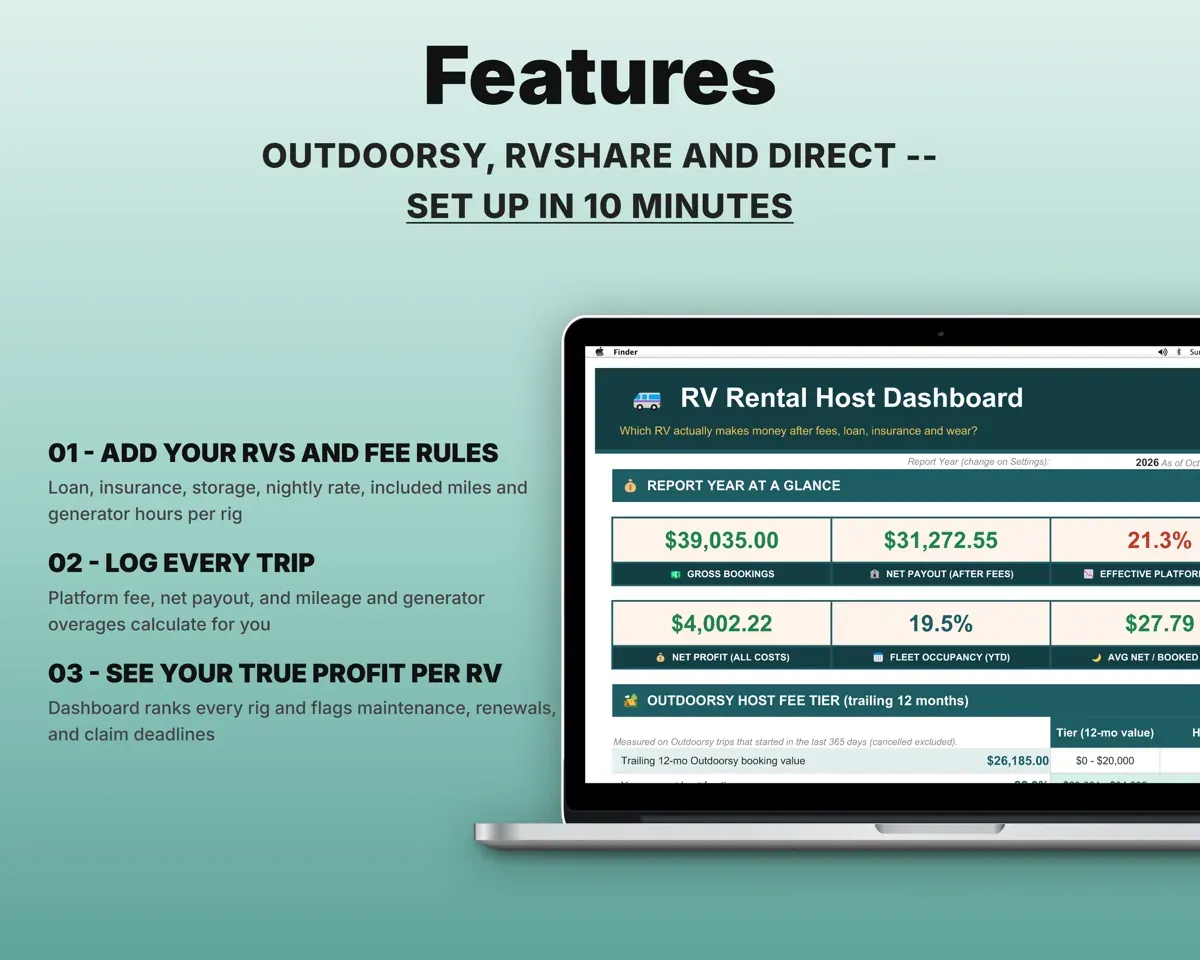
Built around the jobs RV rental hosts actually do
Know what each trip really paid you
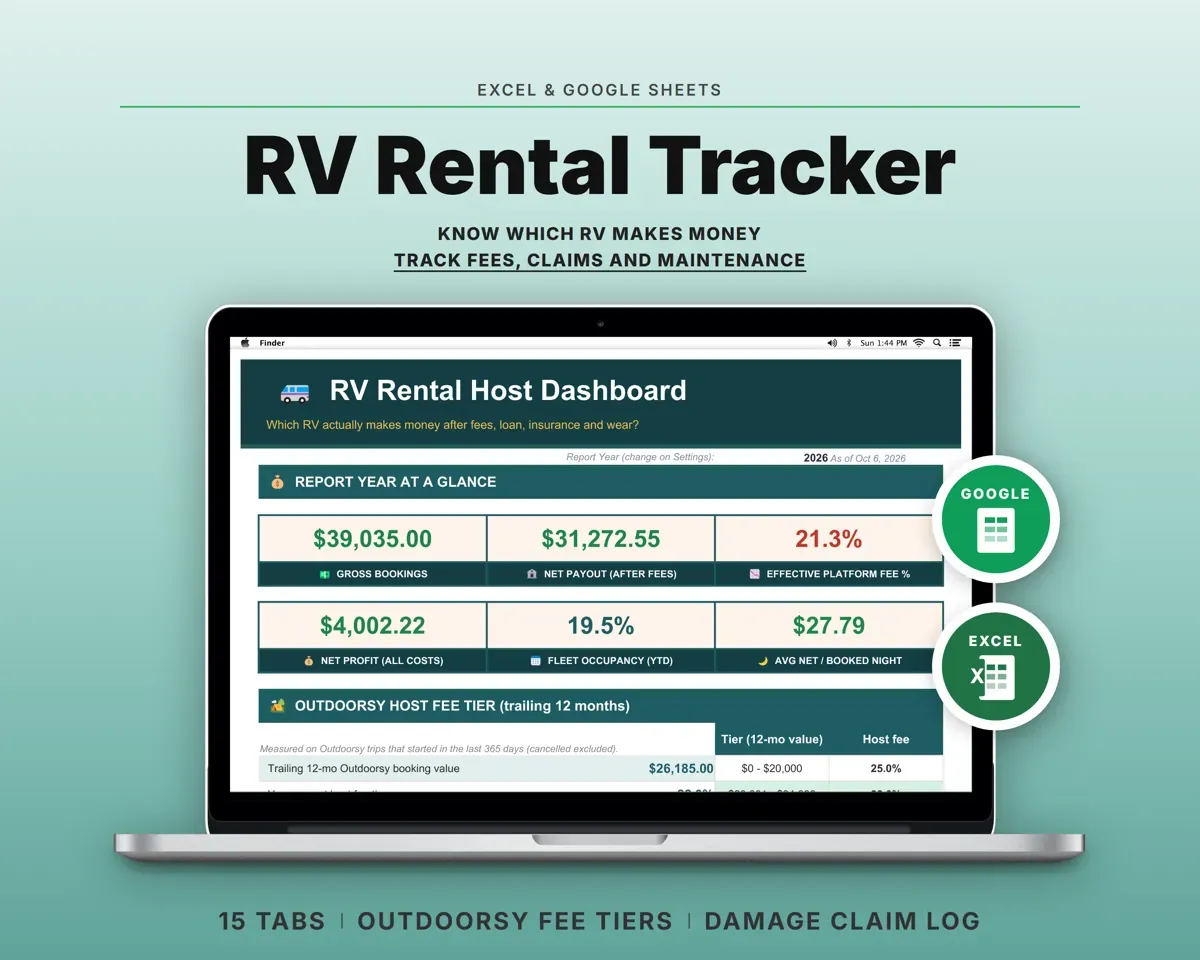
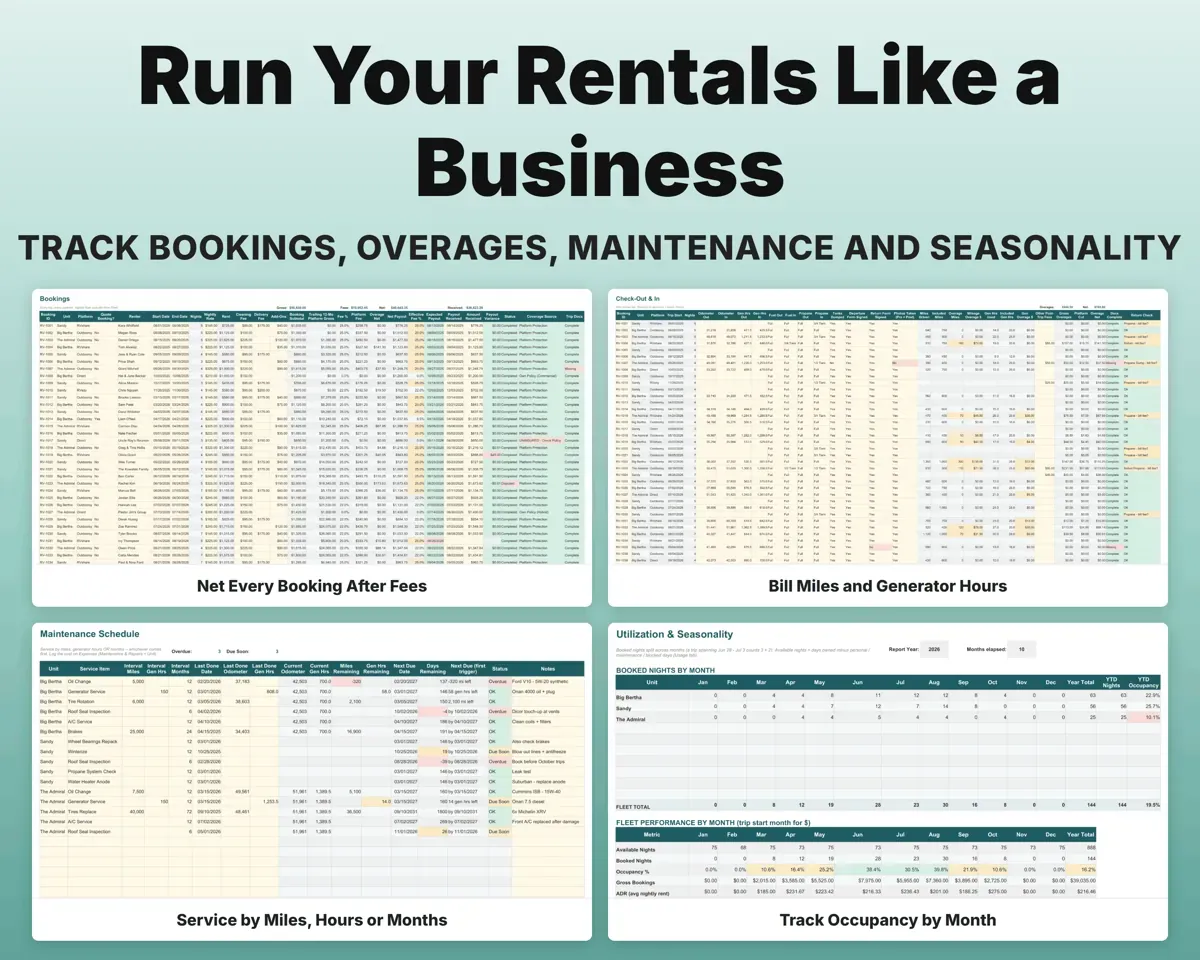
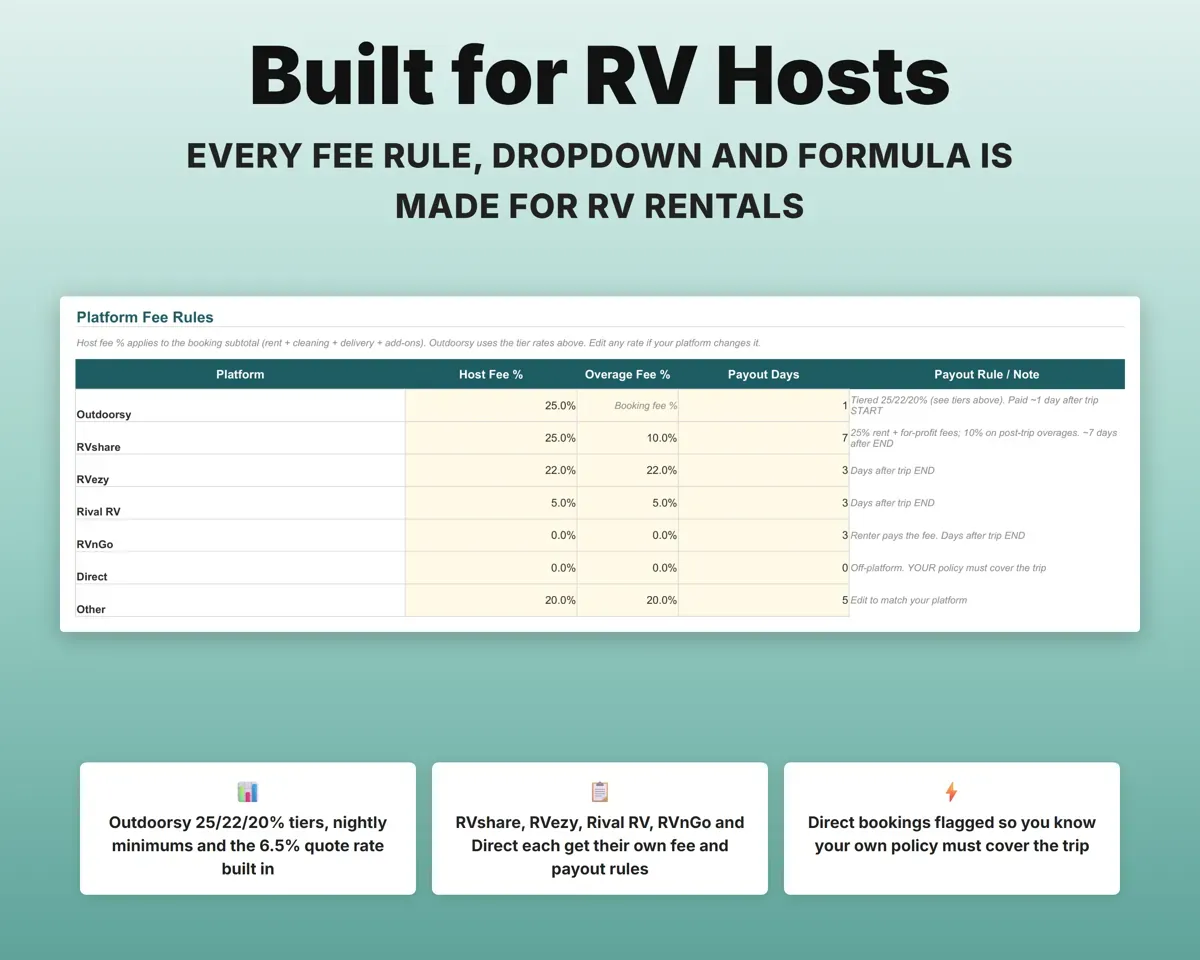
Pick the platform and the fee fills in, including Outdoorsy's tiered rates. You get net payout, effective fee and an expected payout date with a variance check.
Platform, nights, rentNet payoutSee which rig makes money
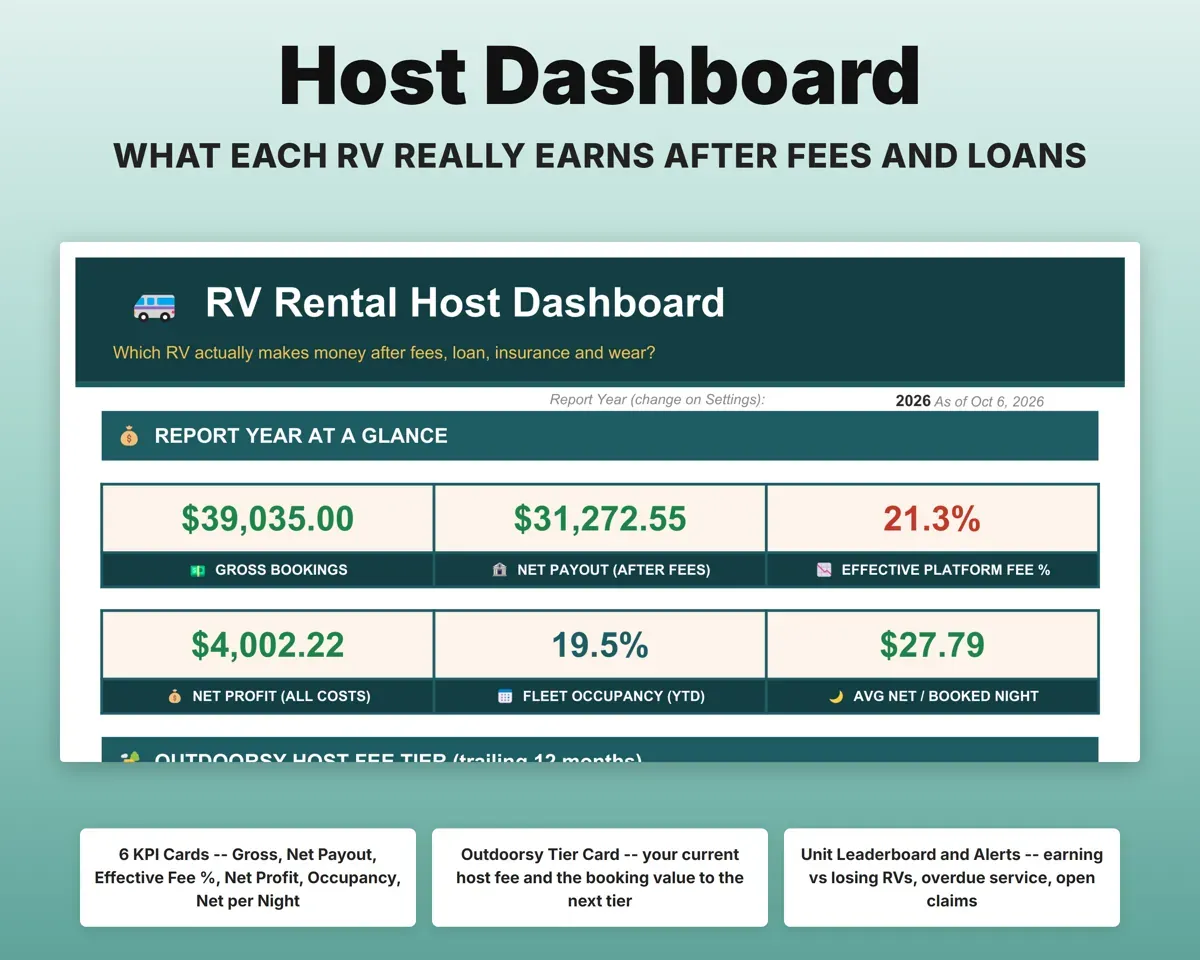
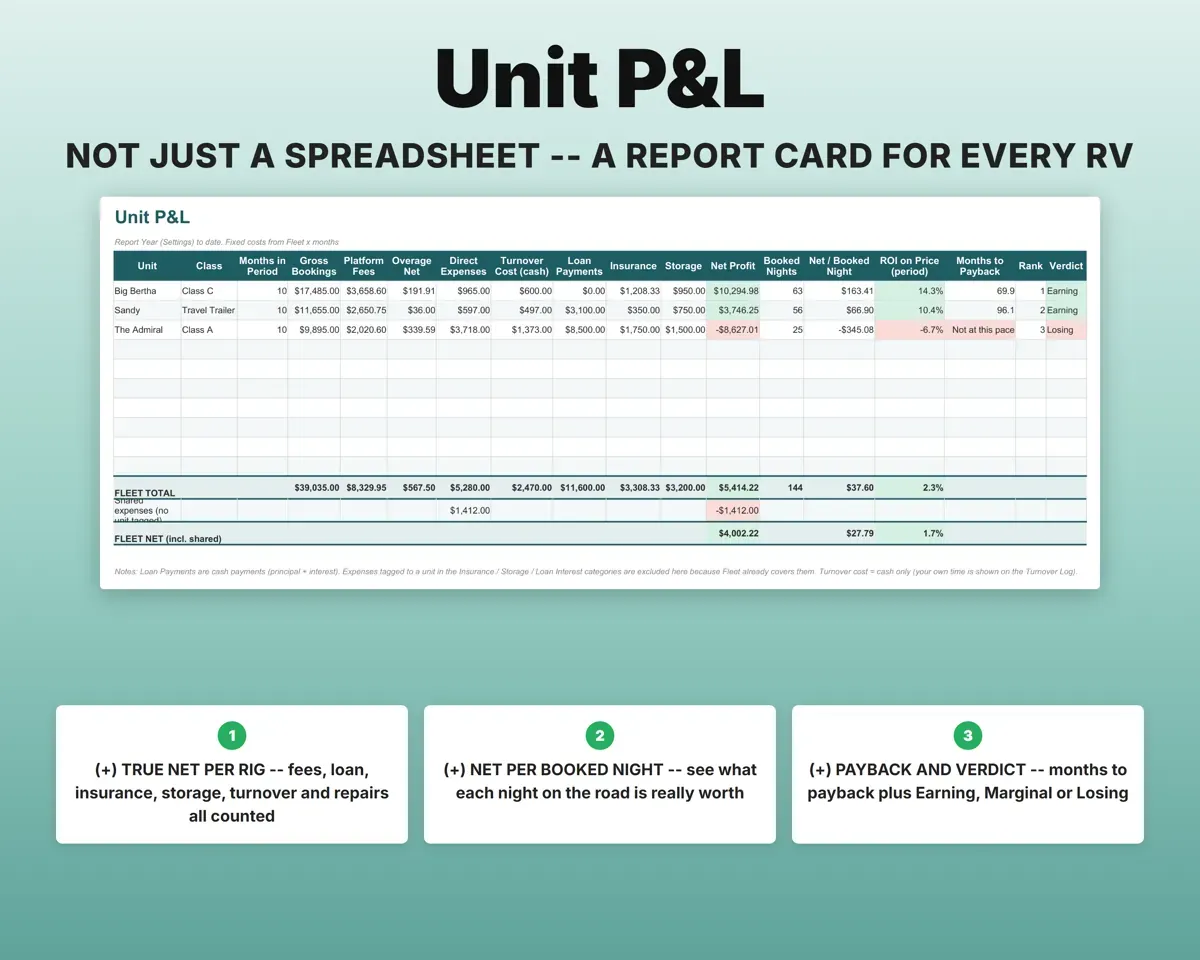
Unit P&L sets each RV side by side with fees, expenses, turnover, loan, insurance and storage. You get net per booked night, ROI, months to payback and a verdict.
Costs per RVEarning or LosingBill every extra mile and generator hour
Enter odometer and generator hours out and in. Included amounts come from each RV's settings, and overage dollars and the platform's share calculate for you.
Odometer, gen hoursOverage chargesReport damage before the deadline
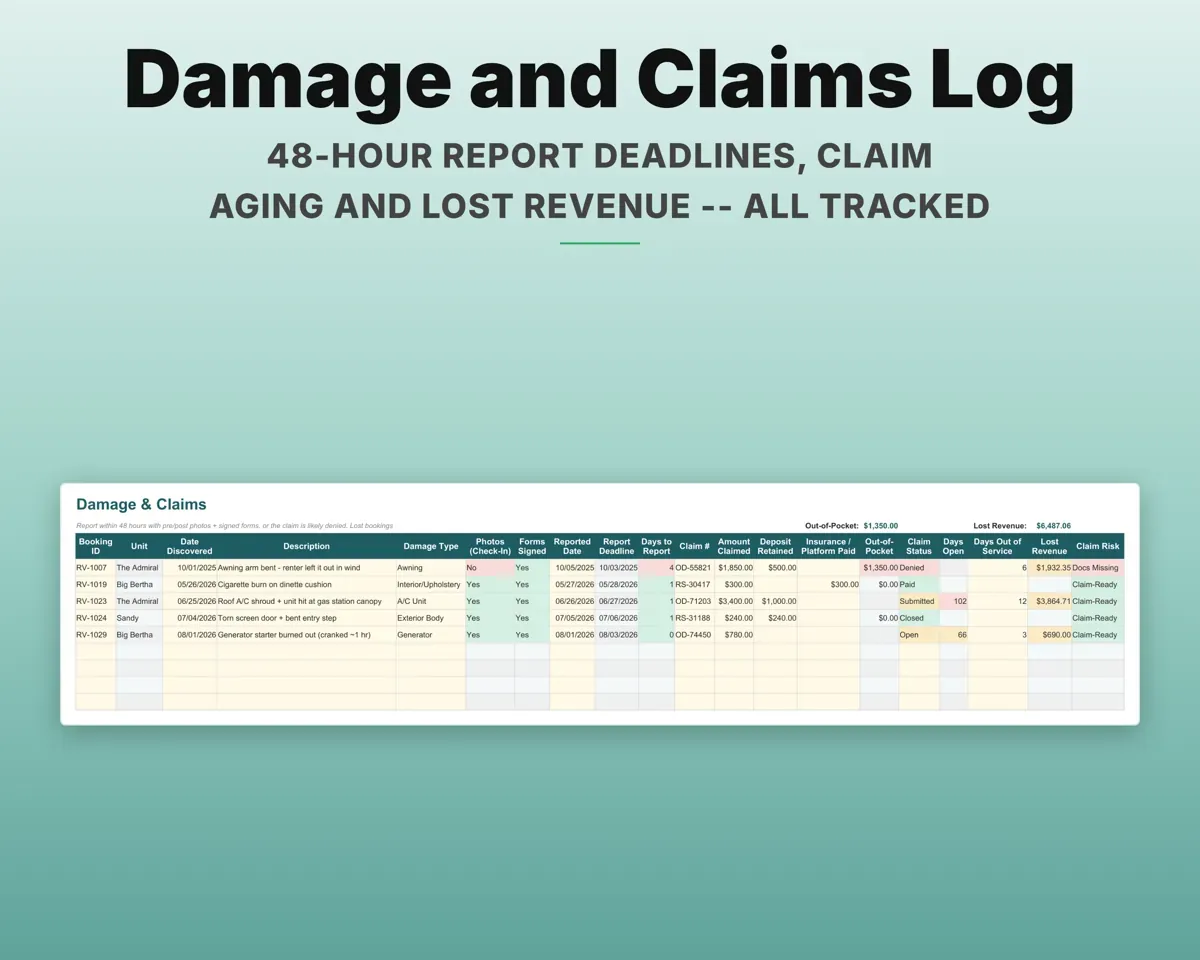
Check-out and check-in forms and photos are tracked for each trip. Damage claims get a 48-hour report deadline, aging and lost revenue totals.
Forms, photos, claimsLate report flagService by miles, hours or months
Each item is due on whichever comes first, using readings from your trip log. Overdue items show red on the Dashboard.
Service intervalsDue Soon, OverdueKeep the tax side organized
Expenses map to Schedule C lines, rental and personal days are split with a 14-day rule flag, and the sheet runs 5-year MACRS depreciation and quarterly estimates.
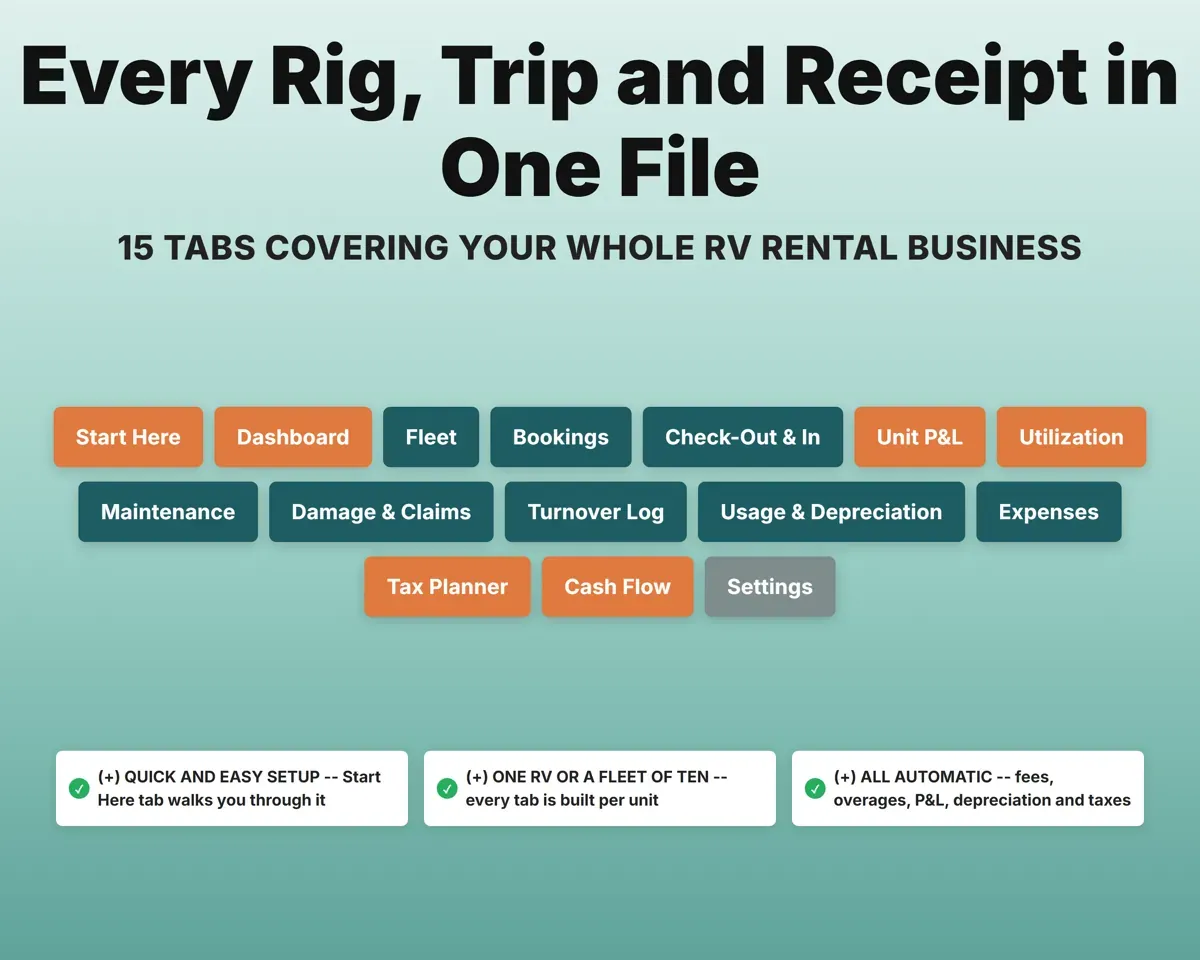
Expenses, use daysBusiness-use %15 tabs in one file
- Start Here
- Dashboard
- Fleet
- Bookings
- Check-Out & In
- Unit P&L
- Utilization
- Maintenance
- Damage & Claims
- Turnover Log
- Usage & Depreciation
- Expenses
- Tax Planner
- Cash Flow
- Settings
- Start Here
- Setup steps, Outdoorsy tiers, the 48-hour rule and a color key.
- Dashboard
- Gross, net, fees, occupancy and alerts across the fleet.
- Fleet
- Each RV's loan, insurance, rates, included miles and readings.
- Bookings
- Every trip on every platform with fees and net payout.
- Check-Out & In
- Readings, fuel, tanks, forms and photos, with overages.
- Unit P&L
- Net profit, ROI, payback and a verdict for each RV.
- Utilization
- Booked nights by month, occupancy, ADR and break-even nights.
- Maintenance
- Service items by miles, generator hours or months.
- Damage & Claims
- Report deadlines, claim status, payouts and lost revenue.
- Turnover Log
- Cleaning, supplies, propane and time per trip versus fees.
- Usage & Depreciation
- Business-use percent, MACRS depreciation and a 1099-K check.
- Expenses
- Every cost by RV, matched to Schedule C lines.
- Tax Planner
- Quarterly estimated tax with self-employment tax (Form 1040-ES).
- Cash Flow
- Twelve months including loan payments and turnover costs.
- Settings
- Platform fee rules, payout timing, thresholds and dropdown lists.
Pair it with
“Excellent! Very easy to use.”
“Nice Organization for 4H projects”
Before you buy
I only have one RV. Is it overkill?
No. It handles anywhere from one RV to ten. With a single rig you still get net per trip, overage billing, maintenance and tax numbers.
I list on more than one platform. Does that work?
Yes. Each booking has a platform dropdown. Outdoorsy, RVshare, RVezy, Rival RV, RVnGo and your direct bookings all get separate, editable fee rules.
What if a platform changes its fees?
Fee rates, tier thresholds, nightly minimums and payout timing are all editable on the Settings tab, and every formula follows the change.
What do I get?
An Excel file (.xlsx), a filled-in sample to look at, and a quick-start PDF guide with a link that makes your own copy in Google Sheets.
How does delivery work?
You get your download links right after checkout, and Stripe emails your receipt. There is nothing to ship and nothing to wait for.
How do I set it up in Google Sheets?
Open the quick-start PDF and click the Google Sheets link. Google makes a copy in your own Drive that only you can edit. You need a free Google account.
Will it work on a Mac?
Yes. It works in Excel on Mac and Windows, and in Google Sheets in any browser.
I'm not a spreadsheet person. Is that a problem?
No. You only type in the yellow cells. Everything in gray works itself out, and the Start Here tab shows you where to begin.
Can I get a refund?
Templates are digital downloads, so sales are final. If a file won't open, is broken or doesn't match its description, email hello@cleanpixelstudios.com within 30 days and we'll fix it, or refund you if we can't.
What if I get stuck?
Email hello@cleanpixelstudios.com and we'll help you get it working.
More in Automotive
See all Automotive templates
 Made by Clean Pixel Studios
We start every template by reading what people in that line of work say they struggle with, then build the spreadsheet around those problems. This one was made for RV rental hosts and nobody else.
How we build templatesRV Rental Host Tracker$21.99 · Excel + Google Sheets