Built around the jobs runners actually do
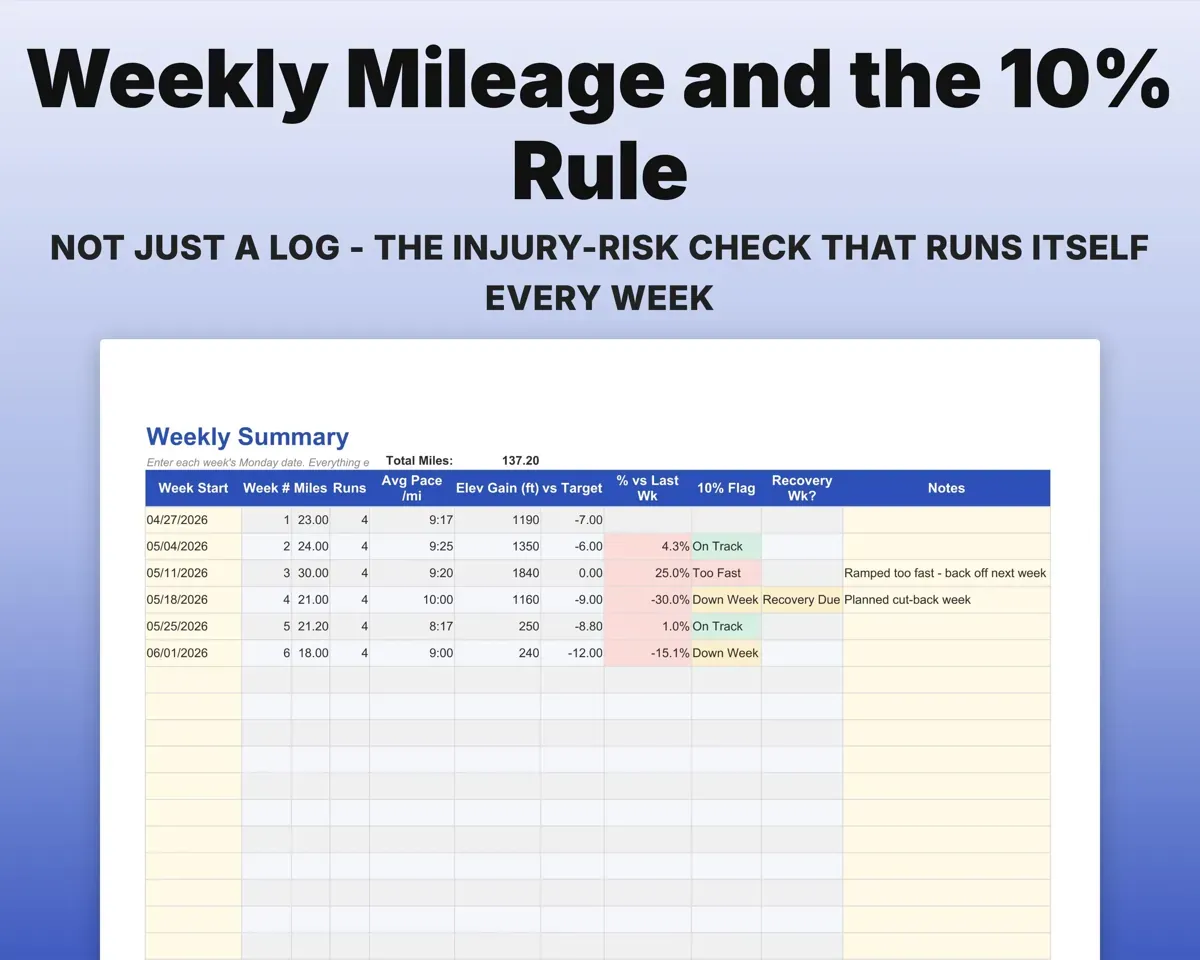
Build mileage without ramping too fast
The Weekly Summary totals each week from your runs and compares it to the week before. Go past your limit and the 10% flag turns red, and cut-back weeks flag on your own cadence.
Distance, time10% rule flagSee how closely you follow the plan
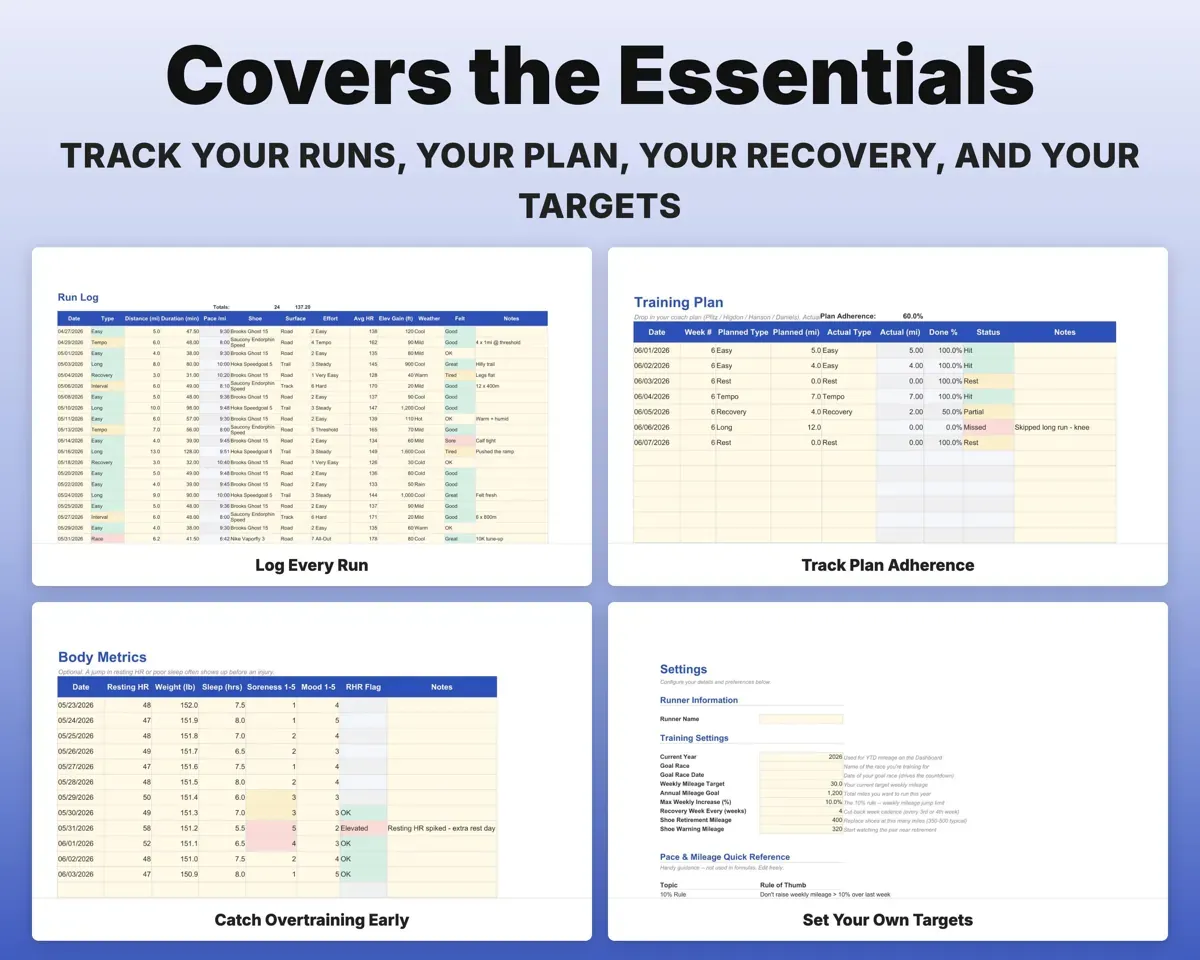
Paste in any plan. Actual miles pull in by date, each day scores Hit, Partial, Missed or Rest, and you get an adherence percentage.
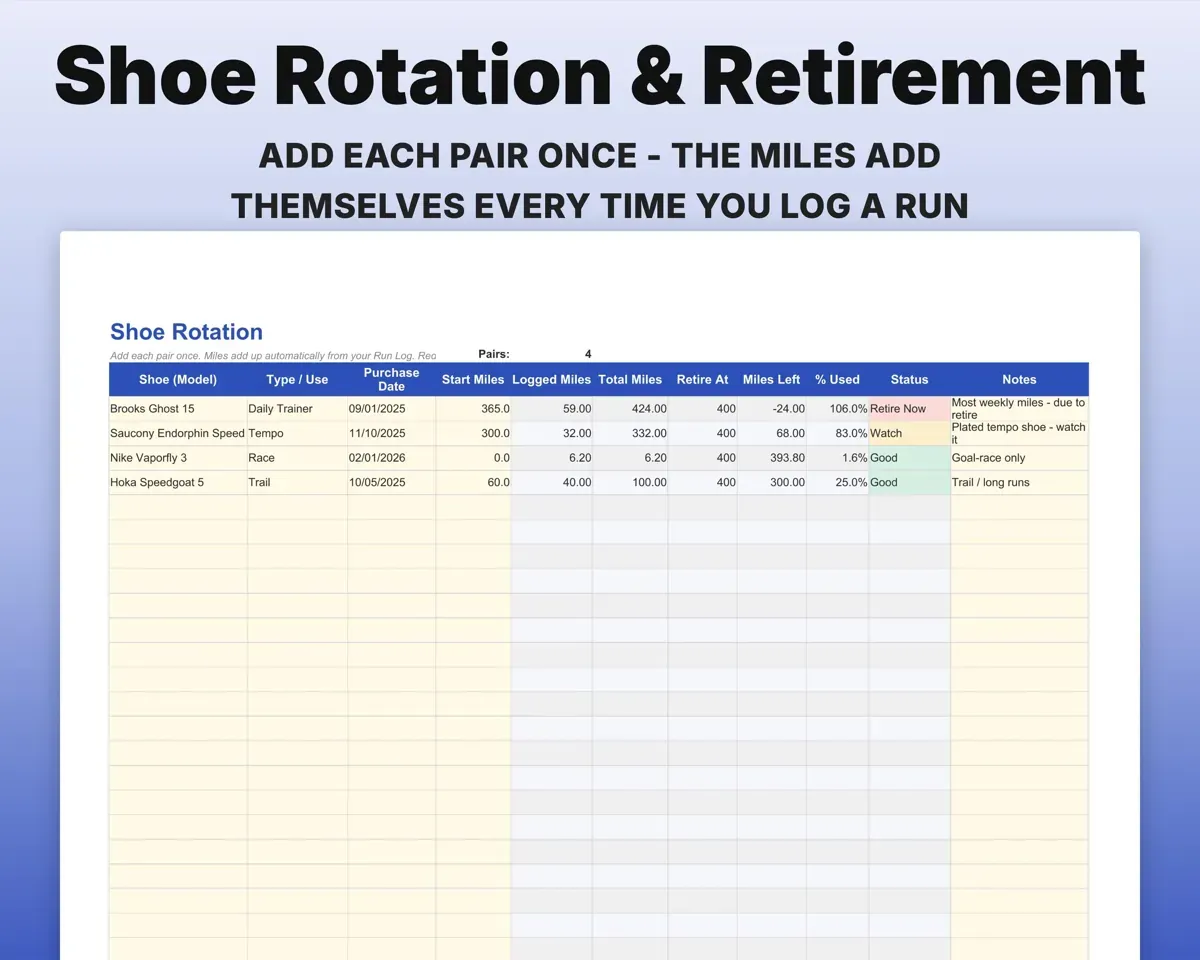
Planned milesAdherence %Know when to retire a pair
Add each pair once and miles add up from every run logged in it. Percent used, miles left and a Good, Watch or Retire Now status follow.
Shoe on each runMiles leftKeep every PR in one place
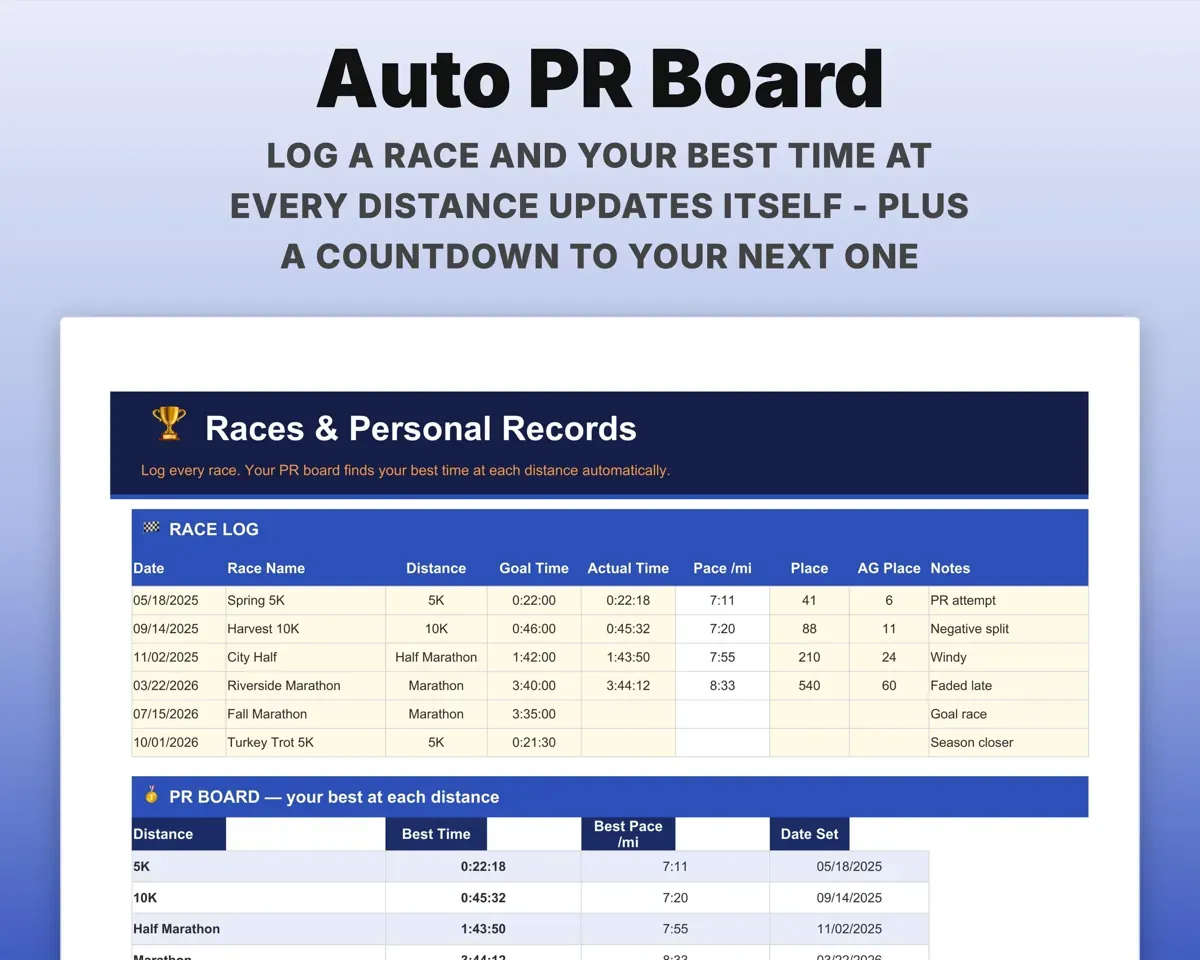
Log races with goal and actual time. The PR board finds your best from 5K to 100K with pace and date, and counts down to your next race.
Race timesPR boardNotice fatigue early
Log resting heart rate, weight, sleep, soreness and mood. A resting heart rate above your own 7-day average is flagged.
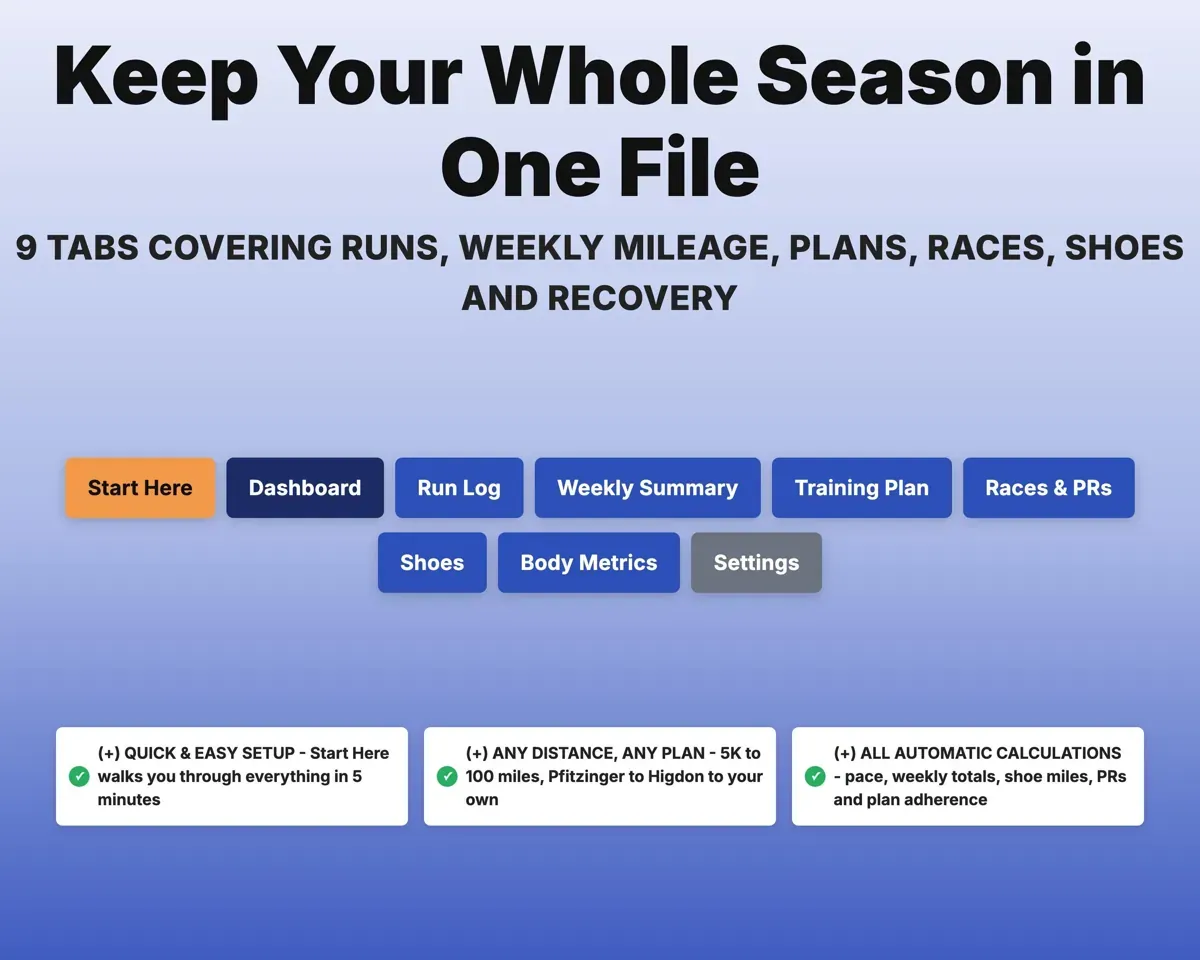
Resting HR, sleepElevated RHR flag9 tabs in one file
- Start Here
- Dashboard
- Run Log
- Weekly Summary
- Training Plan
- Races & PRs
- Shoes
- Body Metrics
- Settings
- Start Here
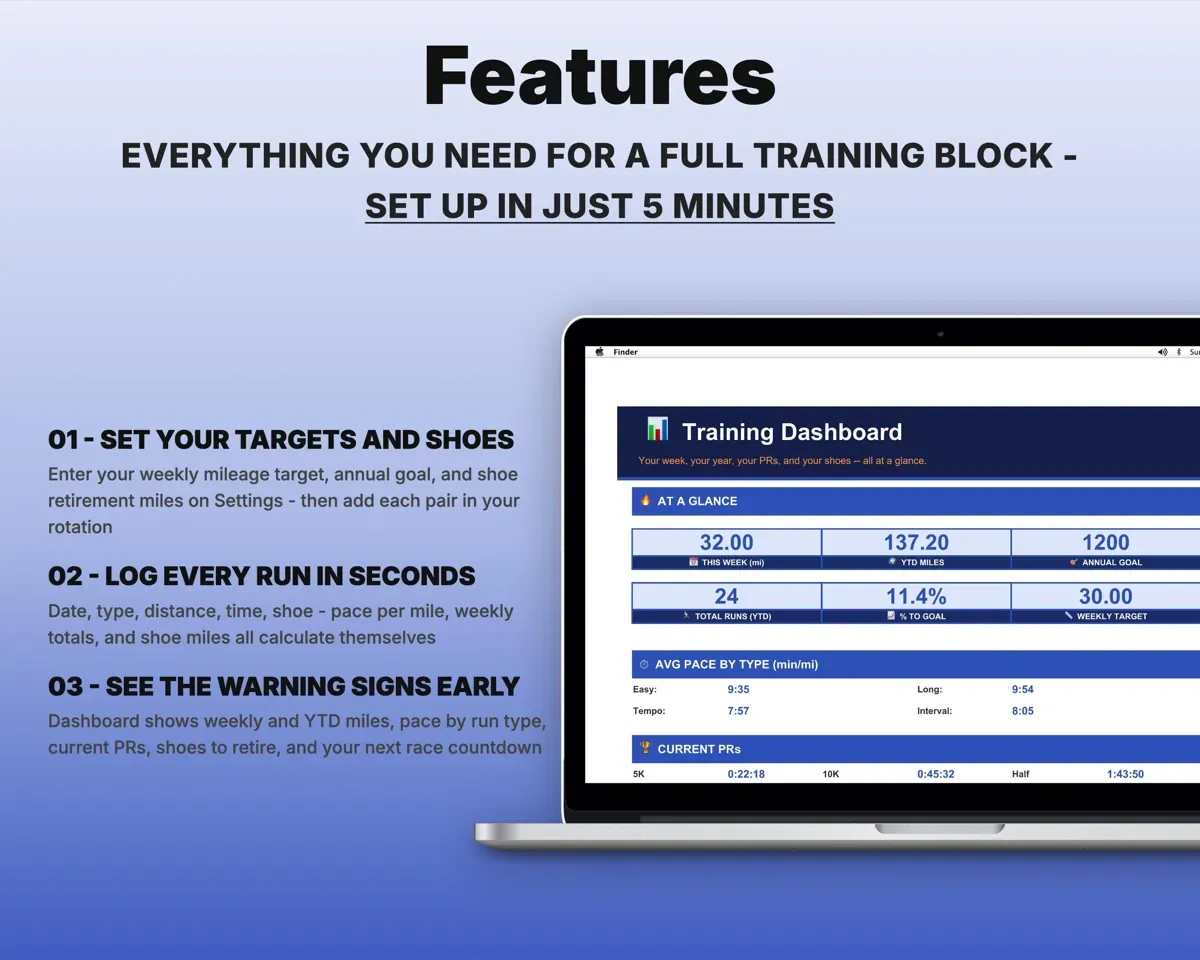
- Setup steps and a short guide to every tab.
- Dashboard
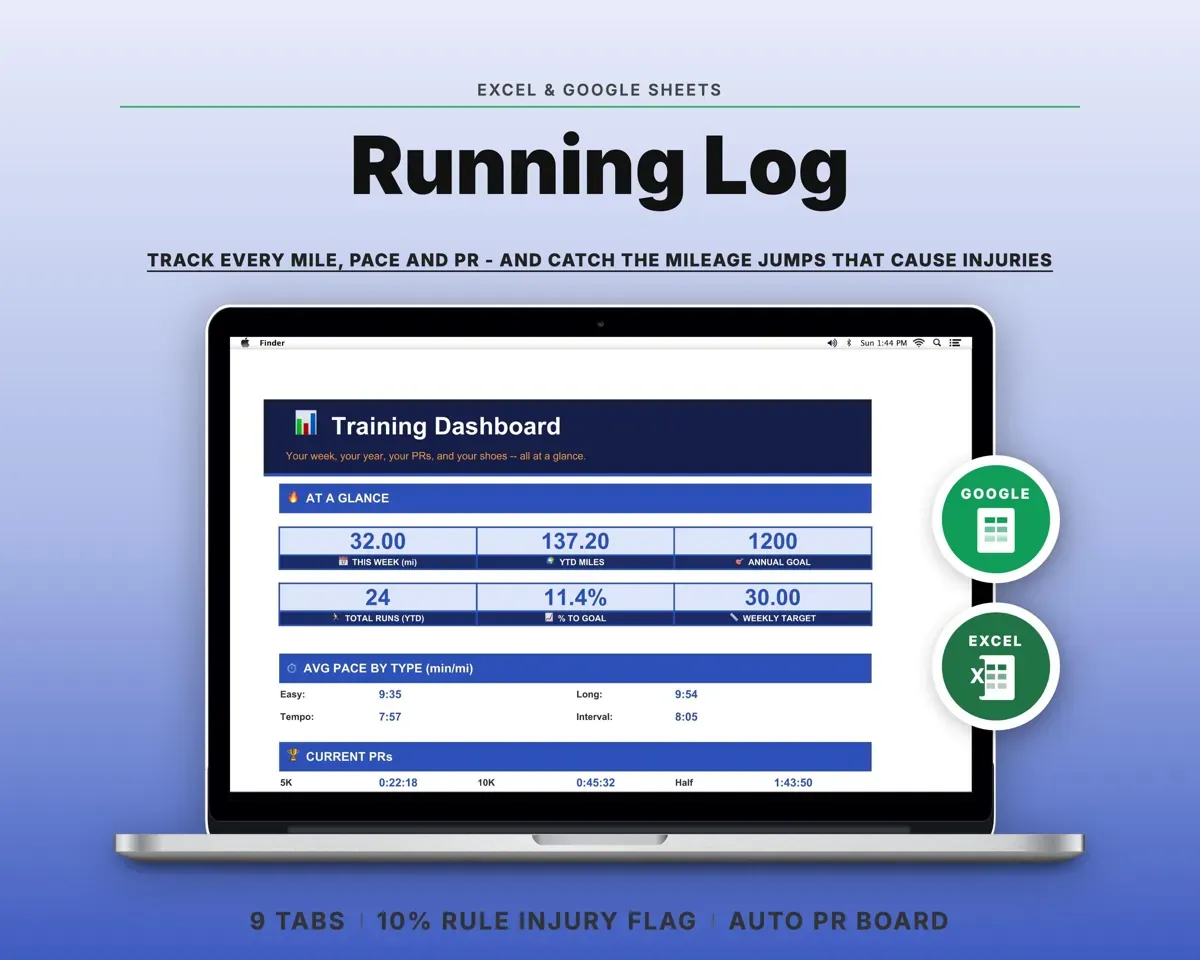
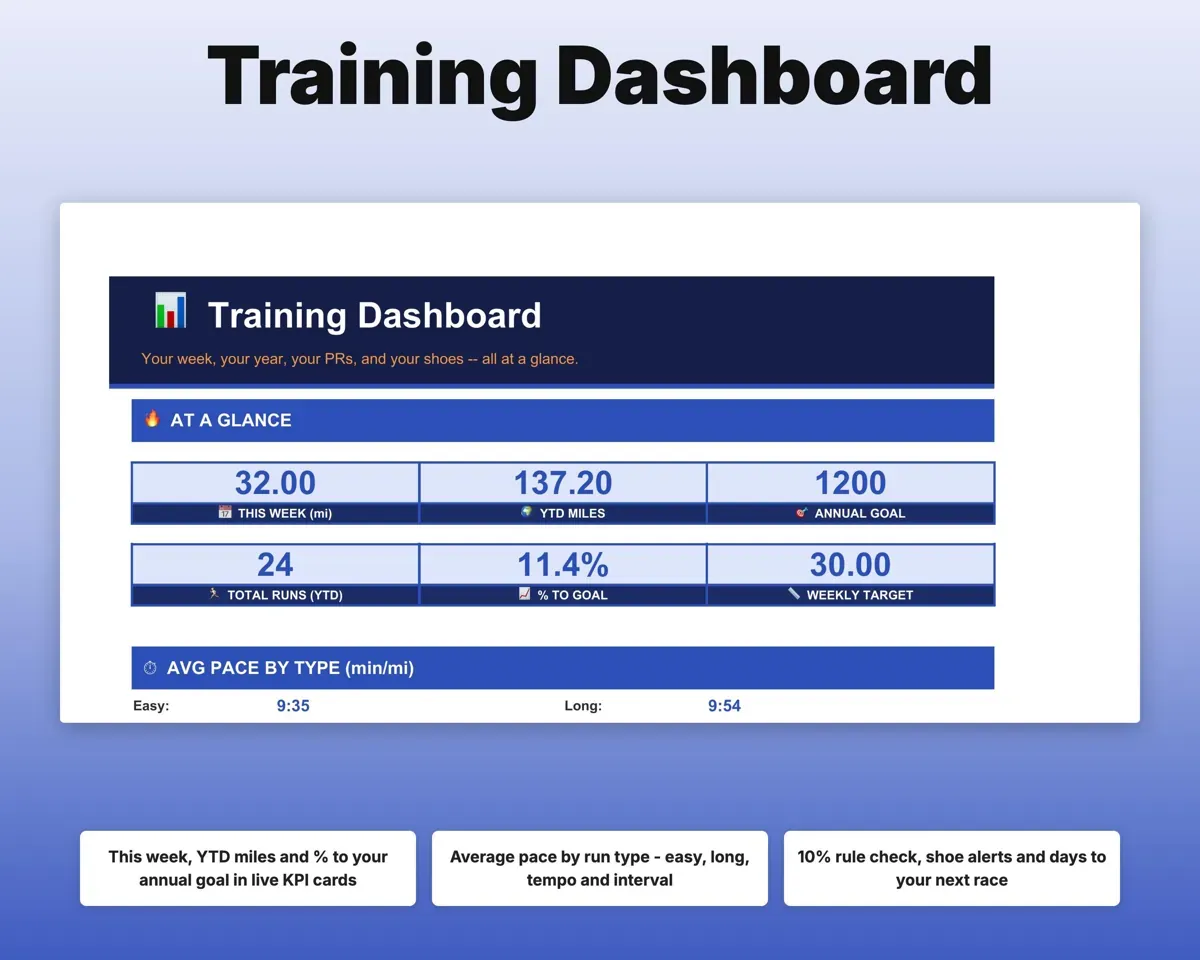
- Weekly and yearly miles, pace, PRs, shoe alerts and next race.
- Run Log
- Every run with pace, type, shoe, effort and conditions.
- Weekly Summary
- Weekly totals with the 10% flag and recovery-week reminder.
- Training Plan
- Planned versus actual by day, with adherence.
- Races & PRs
- Race results, goal times and your best at each distance.
- Shoes
- Miles, percent used and retirement status for each pair.
- Body Metrics
- Resting heart rate, weight, sleep, soreness and mood.
- Settings
- Mileage targets, 10% limit, shoe miles and dropdown lists.
Pair it with
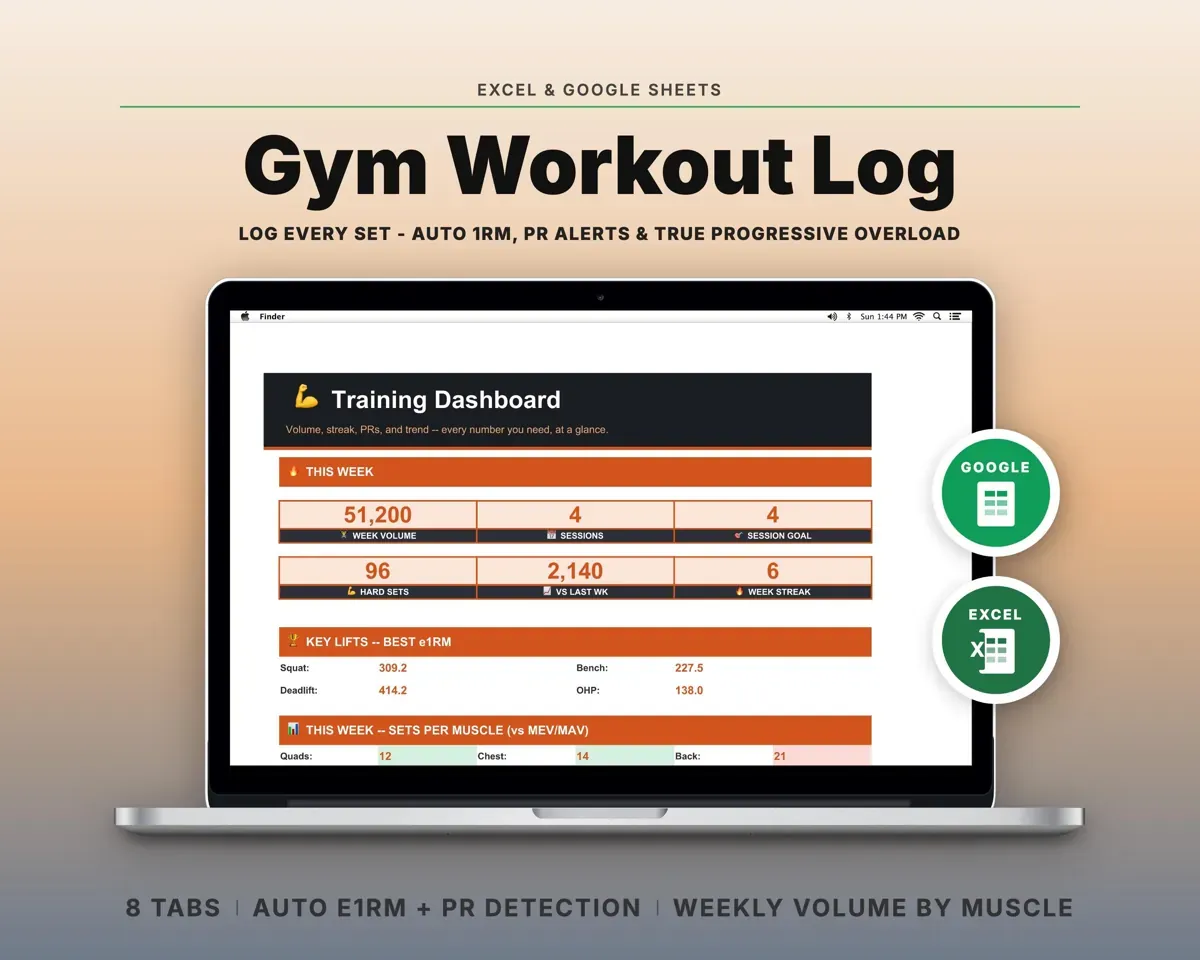
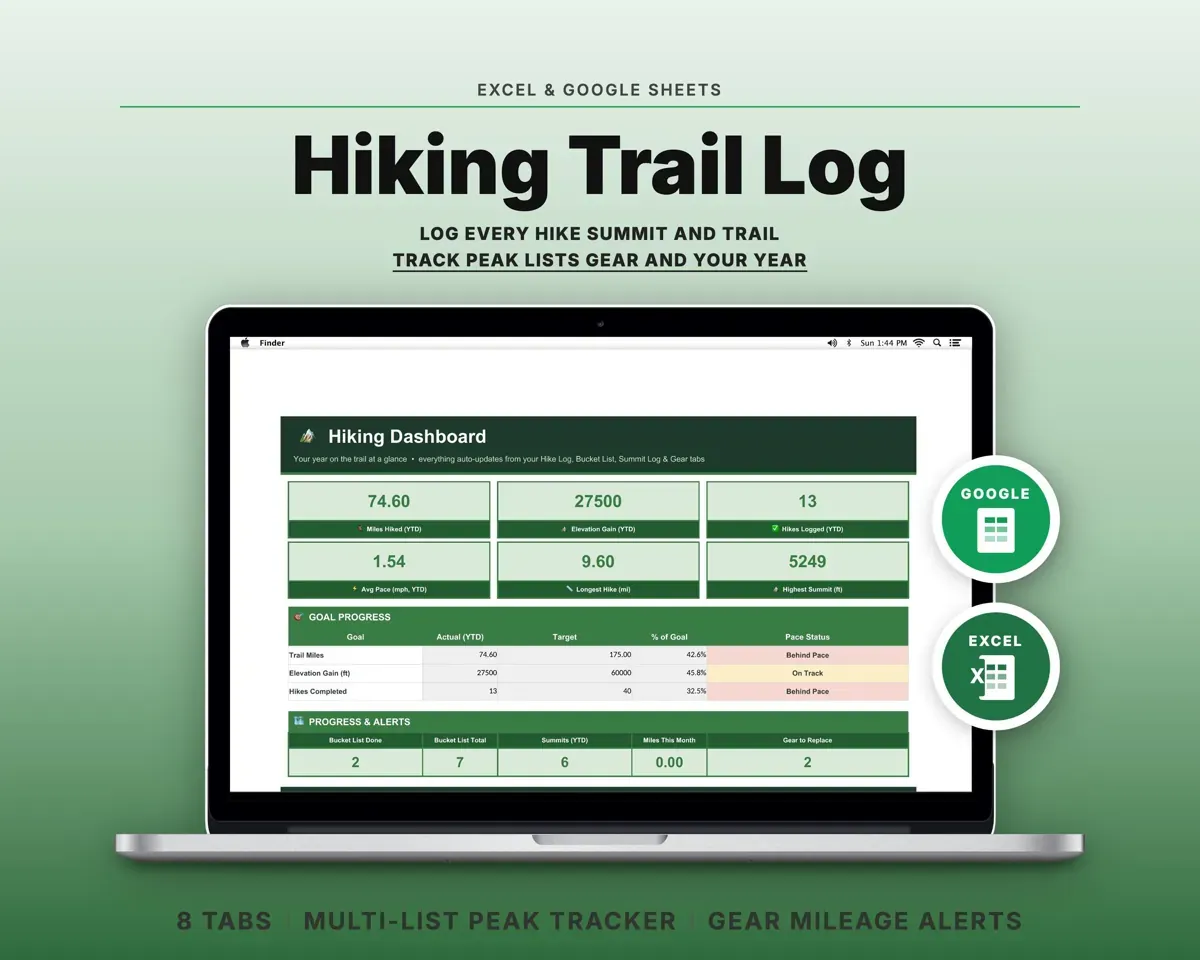
“Excellent! Very easy to use.”
“Nice Organization for 4H projects”
Before you buy
Is it only for marathon training?
No. The distance list covers 5K up to 100 miles. Paste any plan into the Training Plan tab, whether it is couch-to-5K or an 18-week marathon build.
Does it sync with Garmin or Strava?
No. You type each run in: date, type, distance, time and shoe. Everything else calculates from there.
Can I change the 10% limit and my targets?
Yes. All of them sit on the Settings tab: your weekly and annual goals, the allowed weekly jump, how often you take a cut-back week and when shoes retire.
What do I get?
An Excel file (.xlsx), a filled-in sample to look at, and a quick-start PDF guide with a link that makes your own copy in Google Sheets.
How does delivery work?
You get your download links right after checkout, and Stripe emails your receipt. There is nothing to ship and nothing to wait for.
How do I set it up in Google Sheets?
Open the quick-start PDF and click the Google Sheets link. Google makes a copy in your own Drive that only you can edit. You need a free Google account.
Will it work on a Mac?
Yes. It works in Excel on Mac and Windows, and in Google Sheets in any browser.
I'm not a spreadsheet person. Is that a problem?
No. You only type in the yellow cells. Everything in gray works itself out, and the Start Here tab shows you where to begin.
Can I get a refund?
Templates are digital downloads, so sales are final. If a file won't open, is broken or doesn't match its description, email hello@cleanpixelstudios.com within 30 days and we'll fix it, or refund you if we can't.
What if I get stuck?
Email hello@cleanpixelstudios.com and we'll help you get it working.
More in Health & fitness
See all Health & fitness templates
 Made by Clean Pixel Studios
We start every template by reading what people in that line of work say they struggle with, then build the spreadsheet around those problems. This one was made for runners and nobody else.
How we build templatesRunning Training Log Spreadsheet$16.99 · Excel + Google Sheets