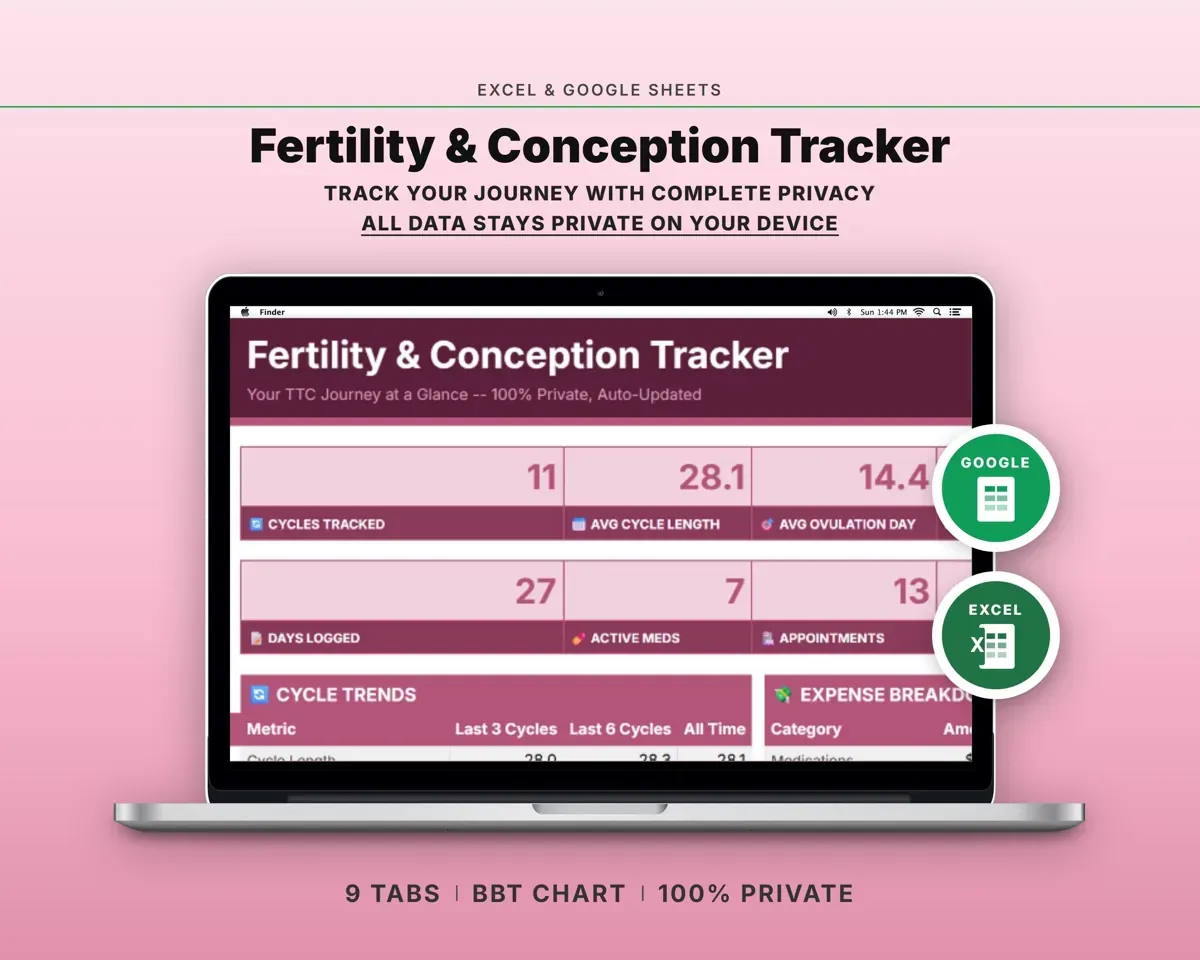
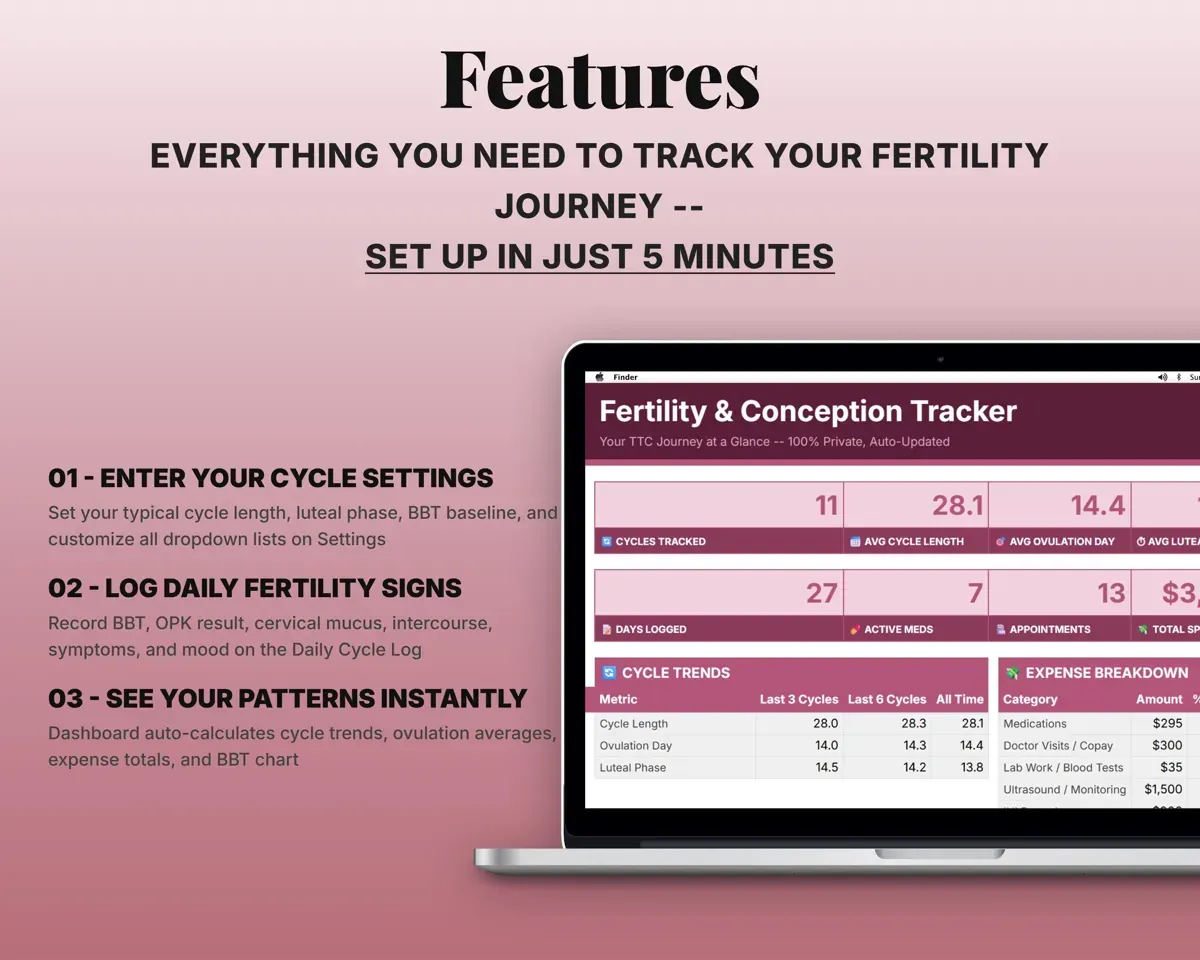
Built around the jobs people trying to conceive actually do
Log every fertility sign in one row
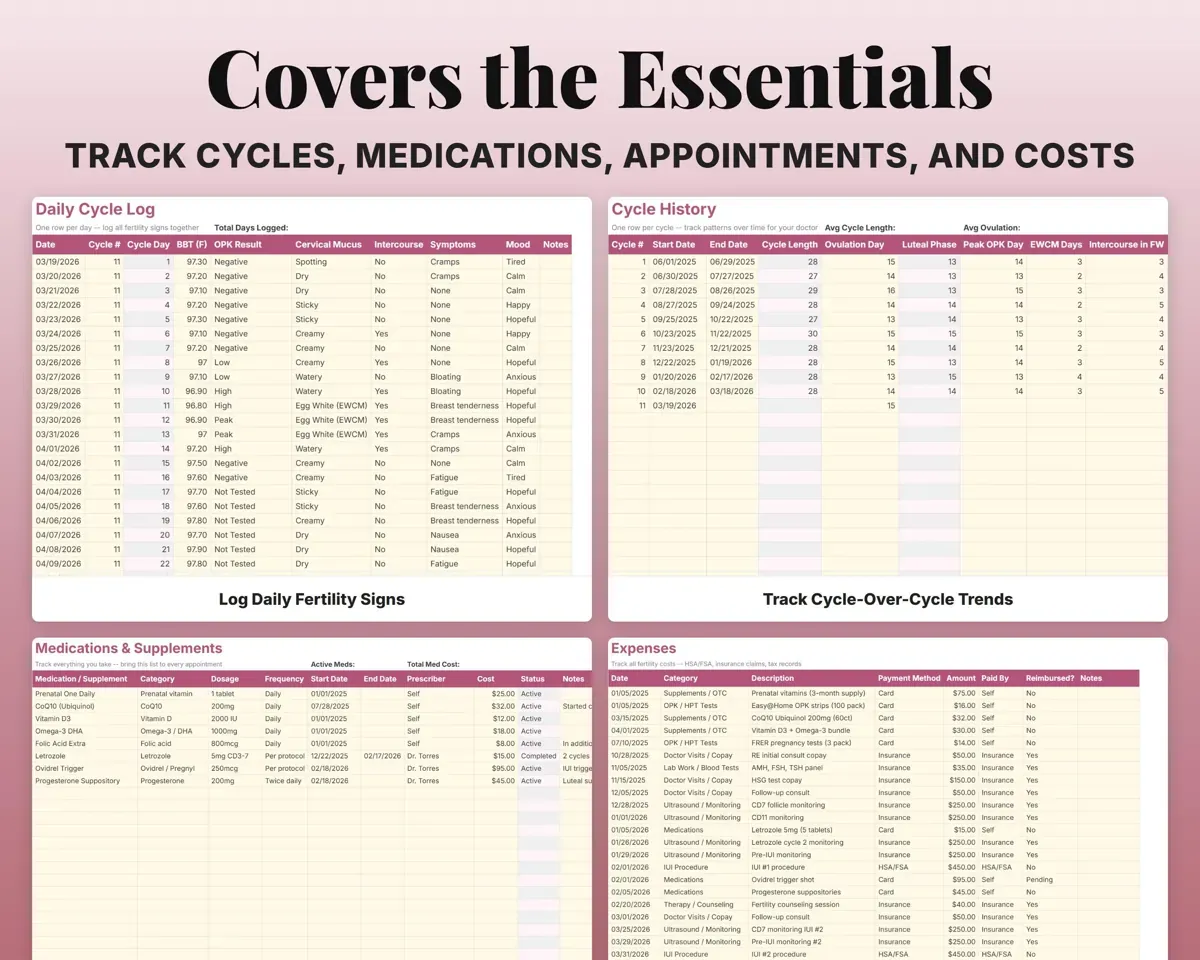
BBT, OPK result, cervical mucus, intercourse, symptoms and mood for each day, with the cycle day counted for you.
BBT, OPK, mucusCycle dayWatch your temperature chart build
Log your temperature each day and a line chart updates as you go, so the shift after ovulation is easy to see.
Daily BBTBBT line chartCompare cycles side by side
Start and end dates, ovulation day, peak OPK day, EWCM days and outcome for each cycle. Cycle length and luteal phase are worked out.
Cycle dates, ovulationLuteal phase lengthTrack IUI and IVF costs per cycle
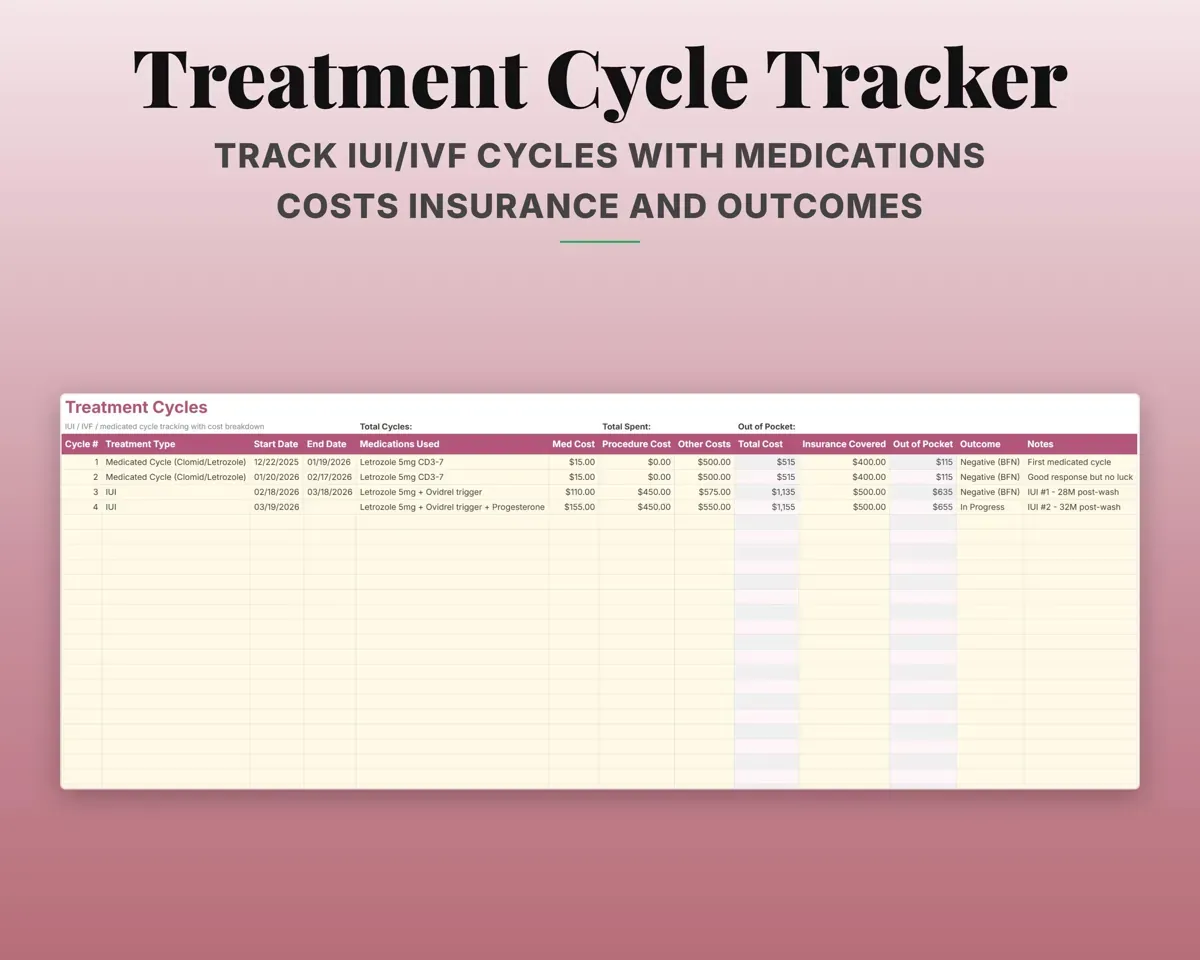
Medications, procedure and other costs for each treatment cycle, with the total, insurance covered and out-of-pocket amount worked out.
Costs, insurance paidOut of pocketKeep medications and appointments organized
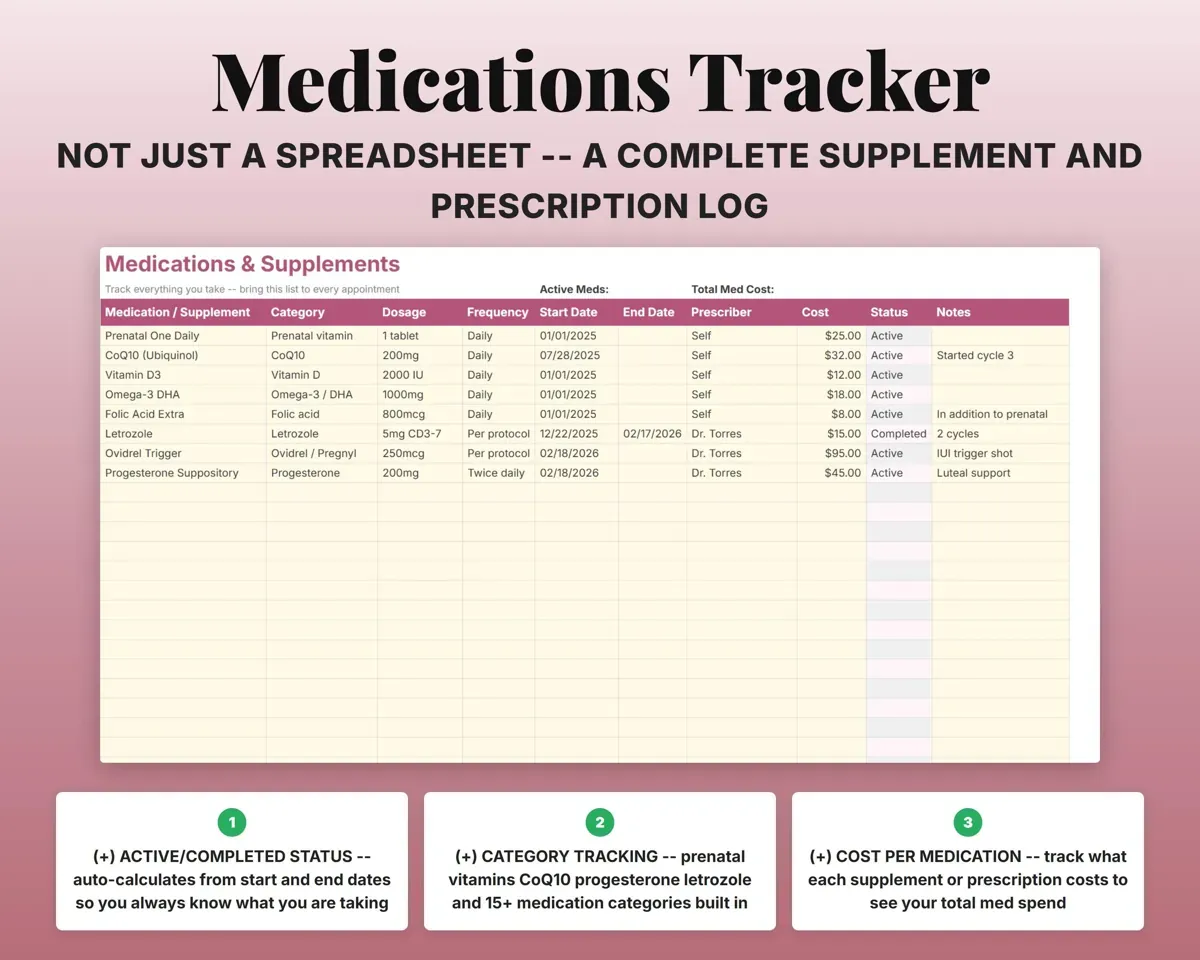
Supplements and prescriptions with dose, frequency, dates and cost, marked Active or Completed. Visits, scans and blood work are logged with cost and follow-ups.
Dose, dates, costActive or completedSee what you have spent in total
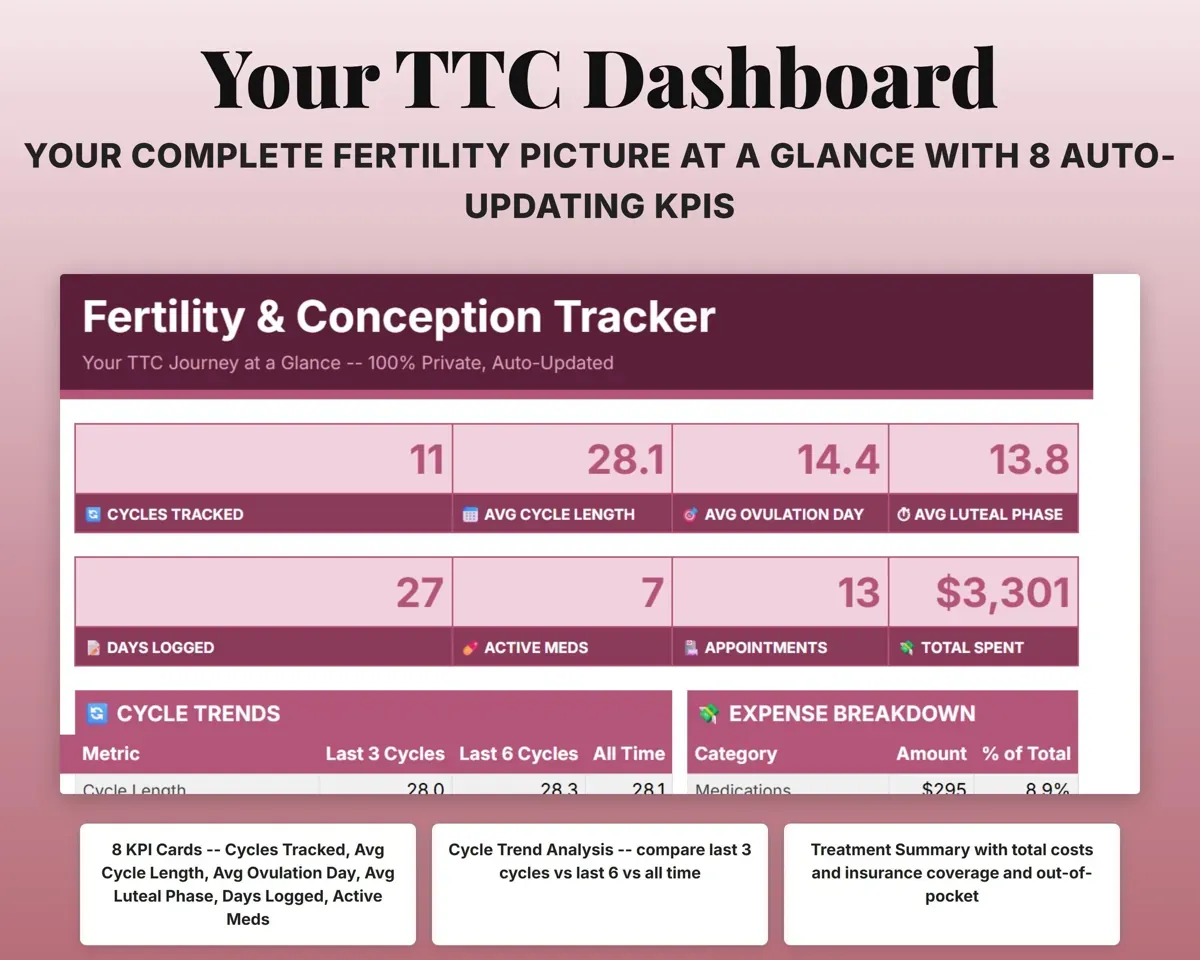
Fertility costs in 13 categories with payment method and insurance reimbursement, totaled on the Dashboard.
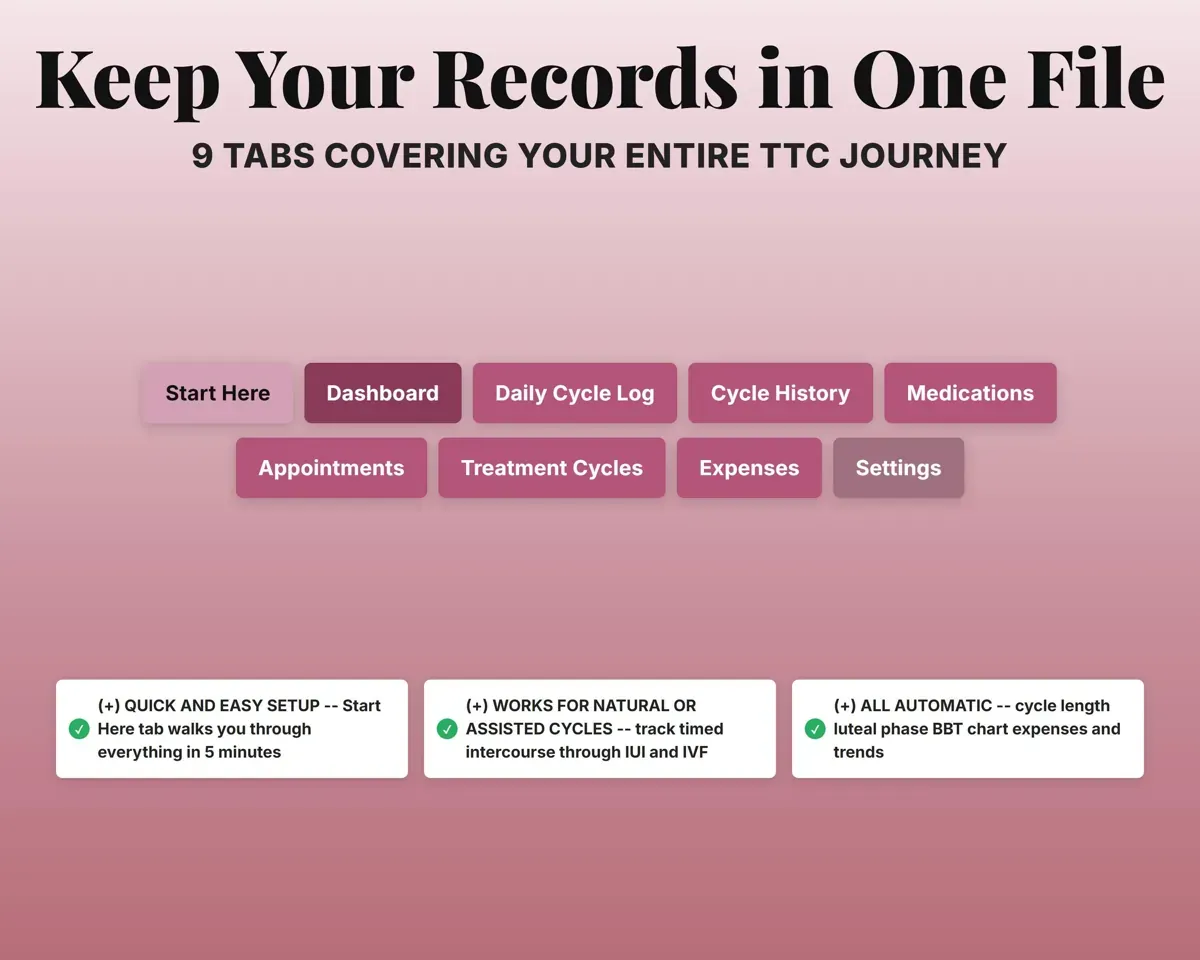
Costs by categoryTotal spent9 tabs in one file
- Start Here
- Dashboard
- Daily Cycle Log
- Cycle History
- Medications
- Appointments
- Treatment Cycles
- Expenses
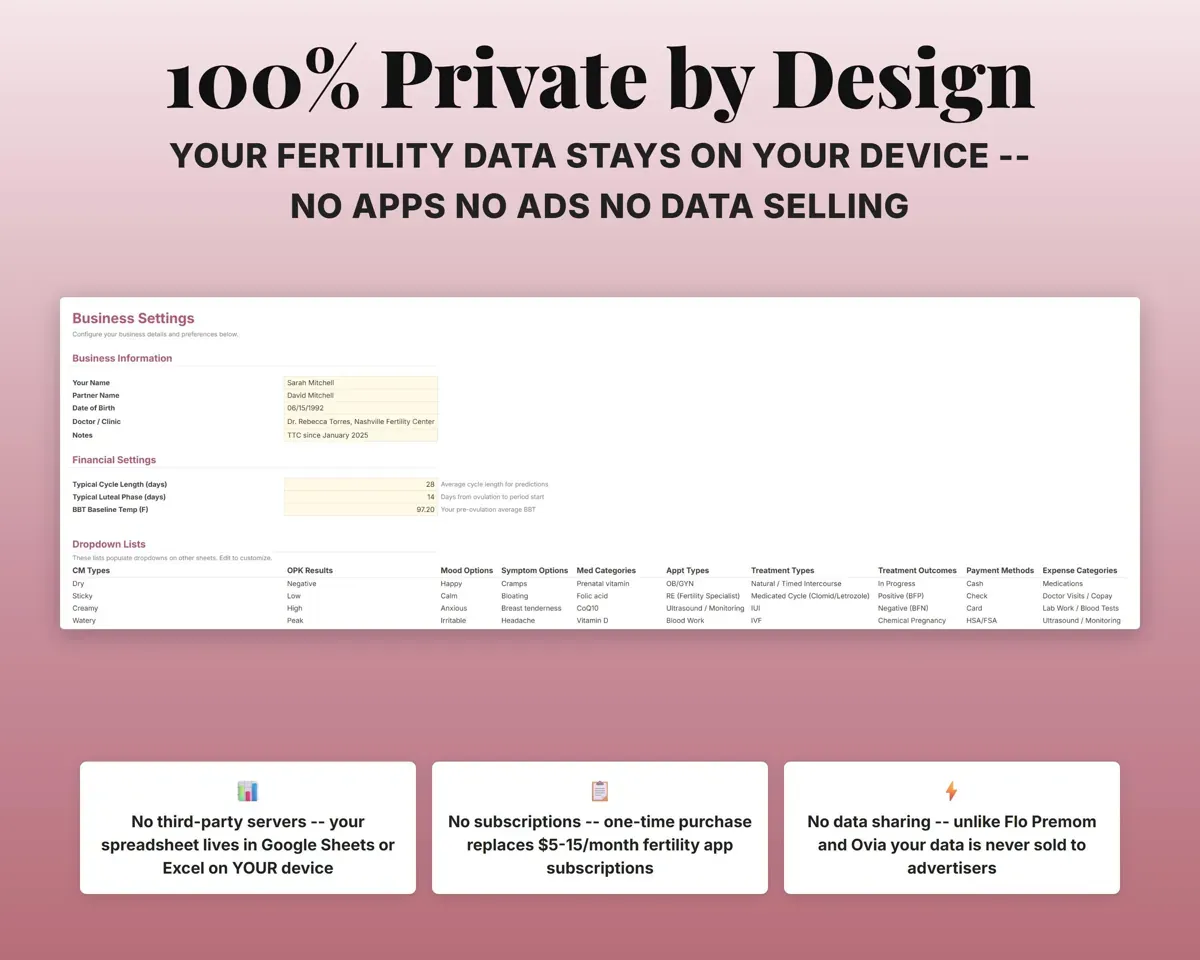
- Settings
- Start Here
- Setup steps, a tab overview and a color key.
- Dashboard
- Cycle averages, spending, treatment summary and BBT chart.
- Daily Cycle Log
- One row per day for BBT, OPK, mucus and symptoms.
- Cycle History
- A summary row for each cycle with length and luteal phase.
- Medications
- Supplements and prescriptions with dose, dates and cost.
- Appointments
- Visits, scans, blood work and procedures with costs.
- Treatment Cycles
- IUI and IVF cycles with costs, insurance and outcome.
- Expenses
- Fertility costs by category with insurance reimbursement.
- Settings
- Your info, cycle defaults and dropdown lists.
Pair it with
“Excellent! Very easy to use.”
“Nice Organization for 4H projects”
Before you buy
Does it track IUI and IVF cycles?
Yes. Treatment Cycles logs each cycle's medications, costs, insurance coverage and outcome, and the Dashboard totals your treatment and out-of-pocket spend.
Where does my data live?
Only in your own copy, in your Google account or as an Excel file on your device. There is no app collecting it and no ads.
Can I share it with my partner or doctor?
Yes. Share the Google Sheet with your partner, or show the Dashboard to your doctor. You decide who sees it.
Does it give medical advice?
No. It helps you organize what you track so you can review it with your doctor.
What do I get?
An Excel file (.xlsx), a filled-in sample to look at, and a quick-start PDF guide with a link that makes your own copy in Google Sheets.
How does delivery work?
You get your download links right after checkout, and Stripe emails your receipt. There is nothing to ship and nothing to wait for.
How do I set it up in Google Sheets?
Open the quick-start PDF and click the Google Sheets link. Google makes a copy in your own Drive that only you can edit. You need a free Google account.
Will it work on a Mac?
Yes. It works in Excel on Mac and Windows, and in Google Sheets in any browser.
I'm not a spreadsheet person. Is that a problem?
No. You only type in the yellow cells. Everything in gray works itself out, and the Start Here tab shows you where to begin.
Can I get a refund?
Templates are digital downloads, so sales are final. If a file won't open, is broken or doesn't match its description, email hello@cleanpixelstudios.com within 30 days and we'll fix it, or refund you if we can't.
What if I get stuck?
Email hello@cleanpixelstudios.com and we'll help you get it working.
More in Health & fitness
See all Health & fitness templates
 Made by Clean Pixel Studios
We start every template by reading what people in that line of work say they struggle with, then build the spreadsheet around those problems. This one was made for people trying to conceive and nobody else.
How we build templates