Built around the jobs people tracking their supplements actually do
Find out if a supplement is earning its place
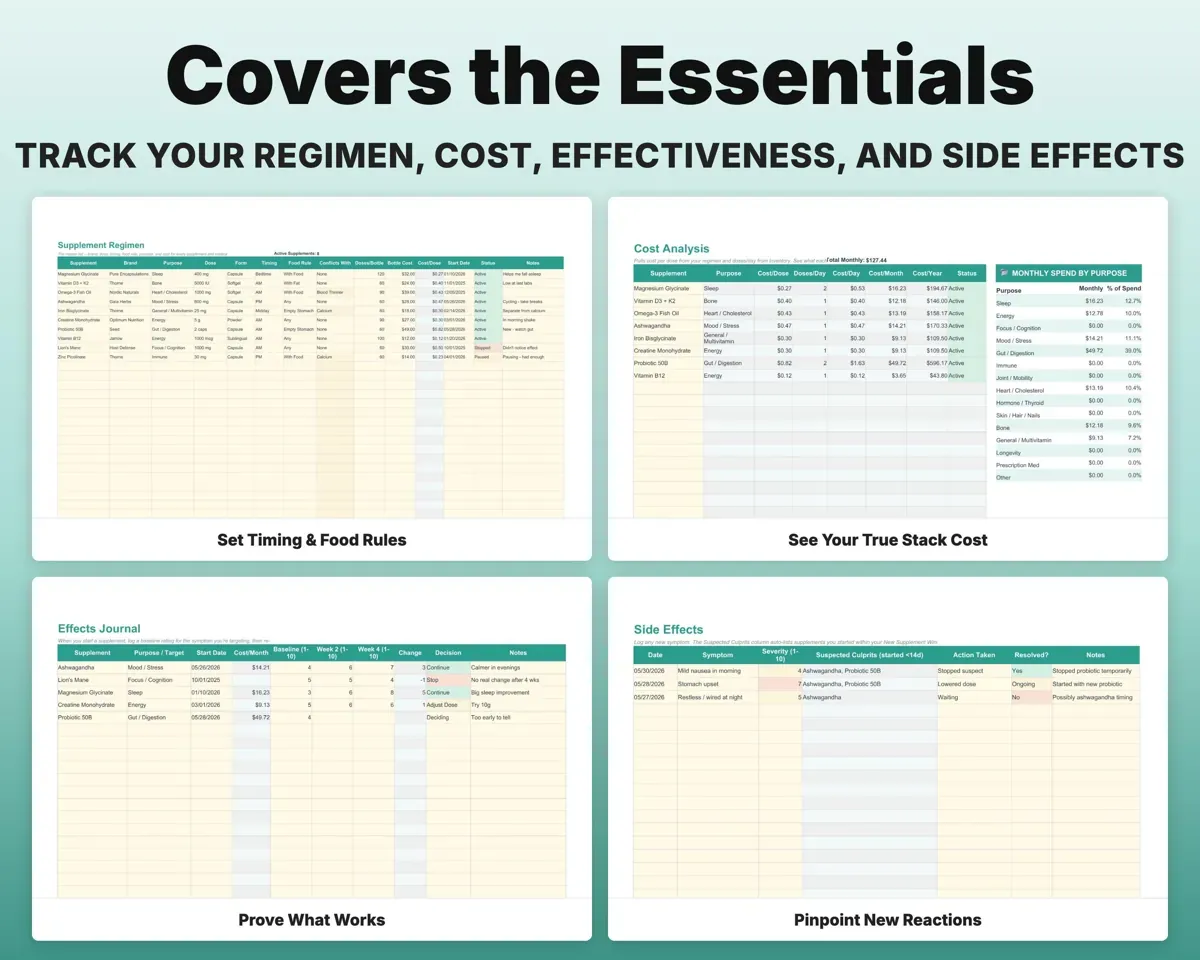
Rate the symptom you are targeting before you start, then again at week 2 and week 4. The ratings sit next to the monthly cost, and you mark each one keep, adjust or drop.
Baseline and week ratingsKeep, adjust or dropReorder before a bottle runs dry
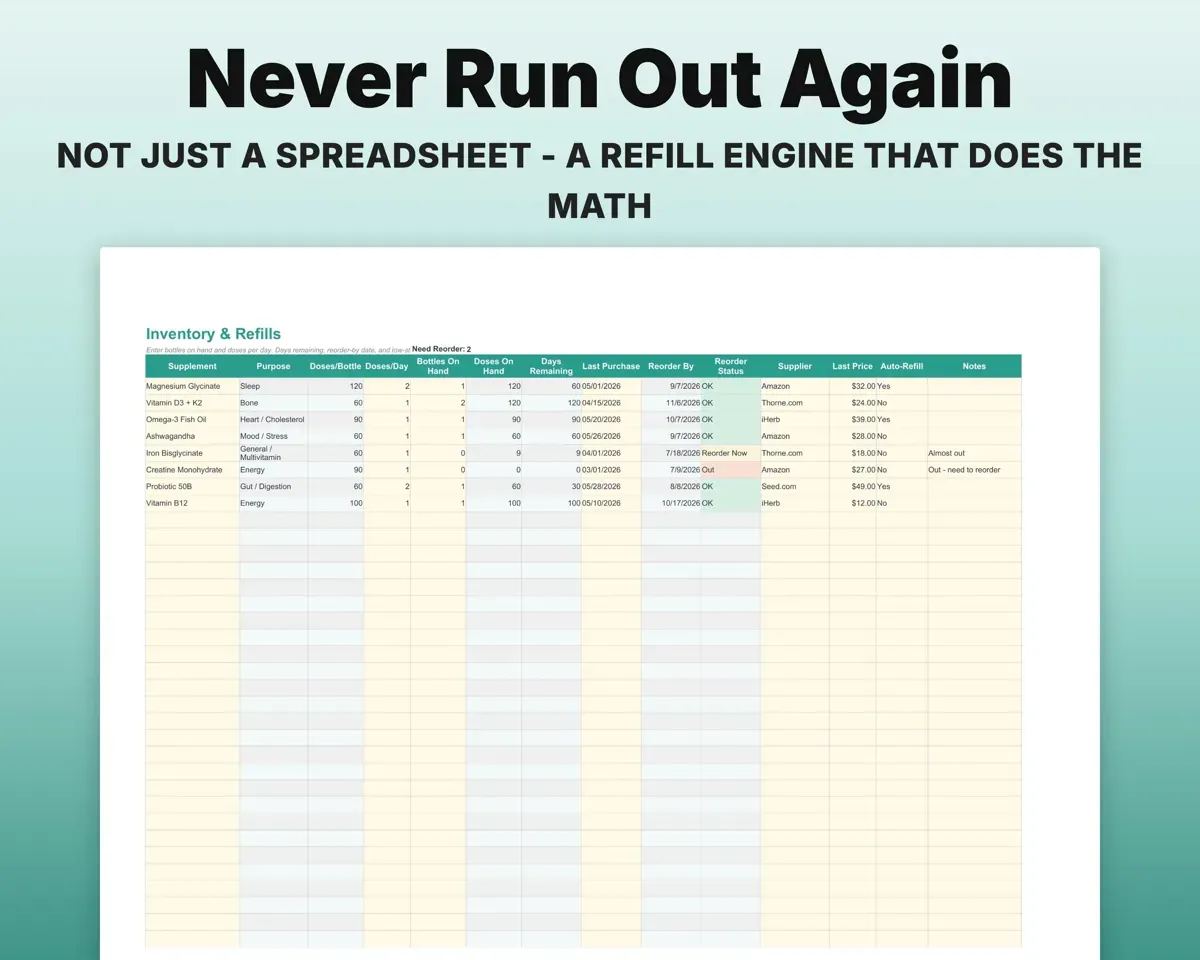
Enter how many bottles you have and how many doses you take a day. The sheet works out the days left and a reorder-by date, and turns red when stock gets low.
Bottles, doses per dayReorder-by dateKeep the food and timing rules in one place
Each item on your regimen list holds its timing, food rule and any conflicts, like iron and calcium. A reference tab covers common interactions to go over with your pharmacist.
Timing, food ruleConflicts at a glanceSee what your stack really costs
Cost per dose, day, month and year for every supplement, plus spending grouped by purpose, so you can see what sleep or gut support costs you.
Bottle price, dosesCost per monthCheck off each day and rate how you feel
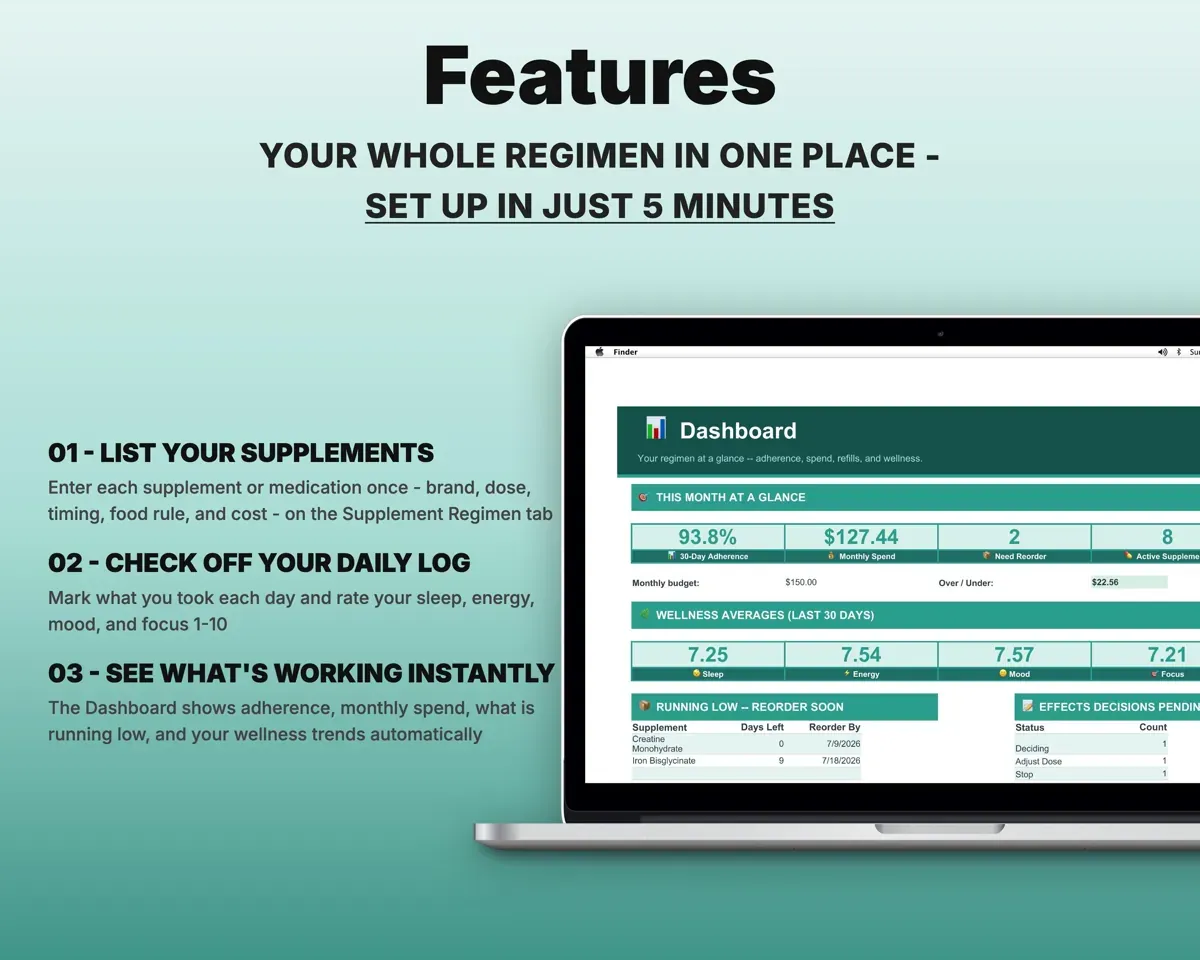
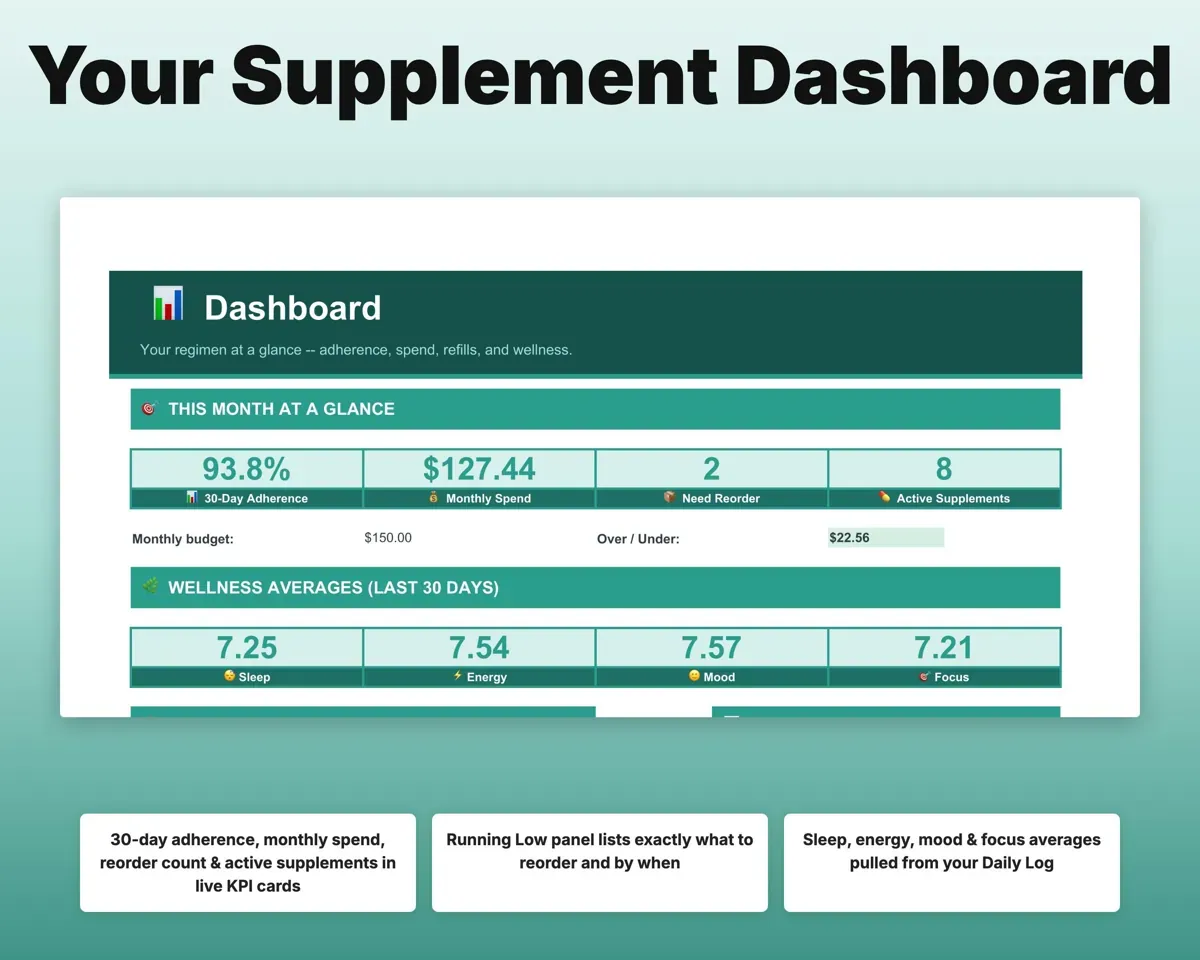
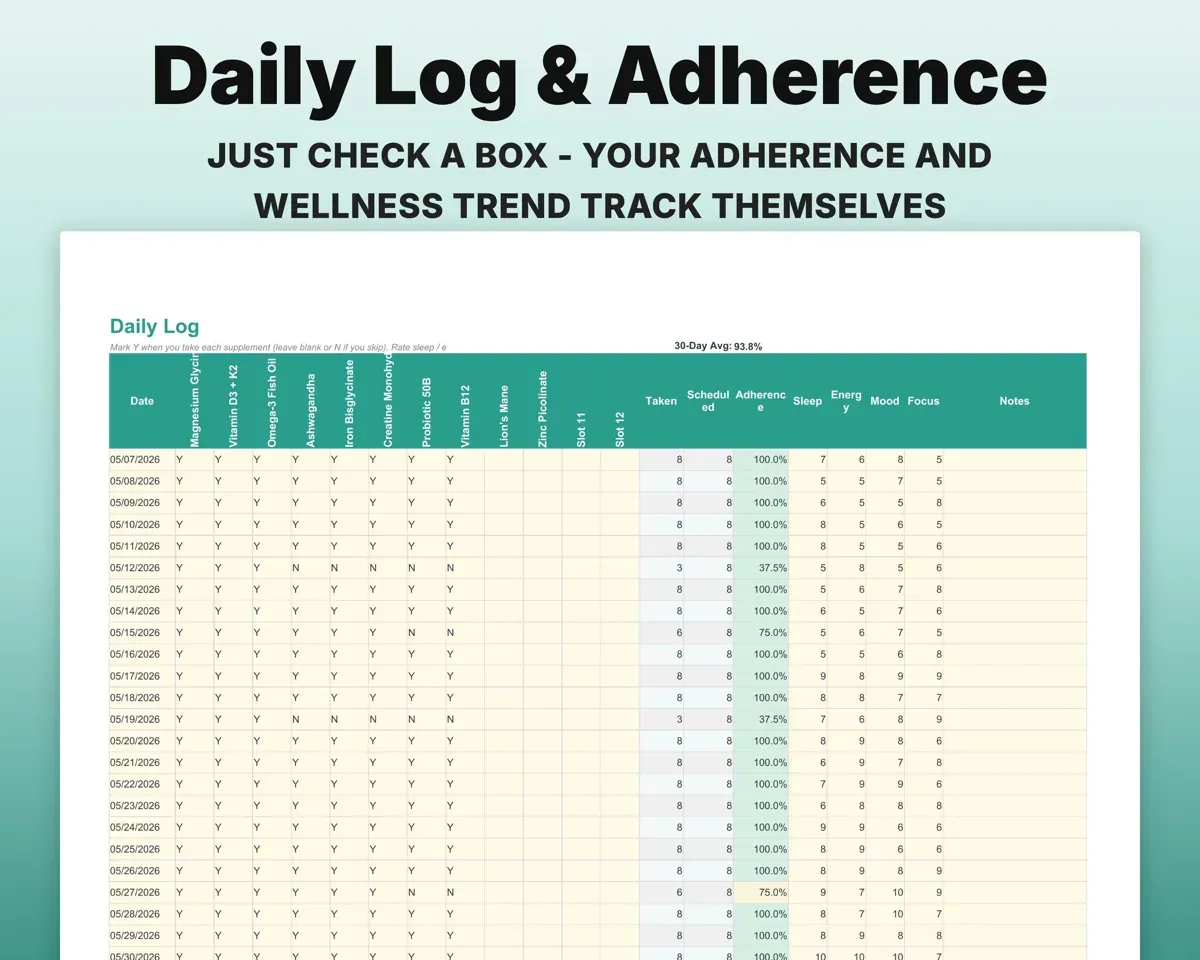
Tick what you took and rate sleep, energy, mood and focus from 1 to 10. Your adherence works itself out and shows on the Dashboard.
Daily check-offs30-day adherenceBring a clean list to your next appointment
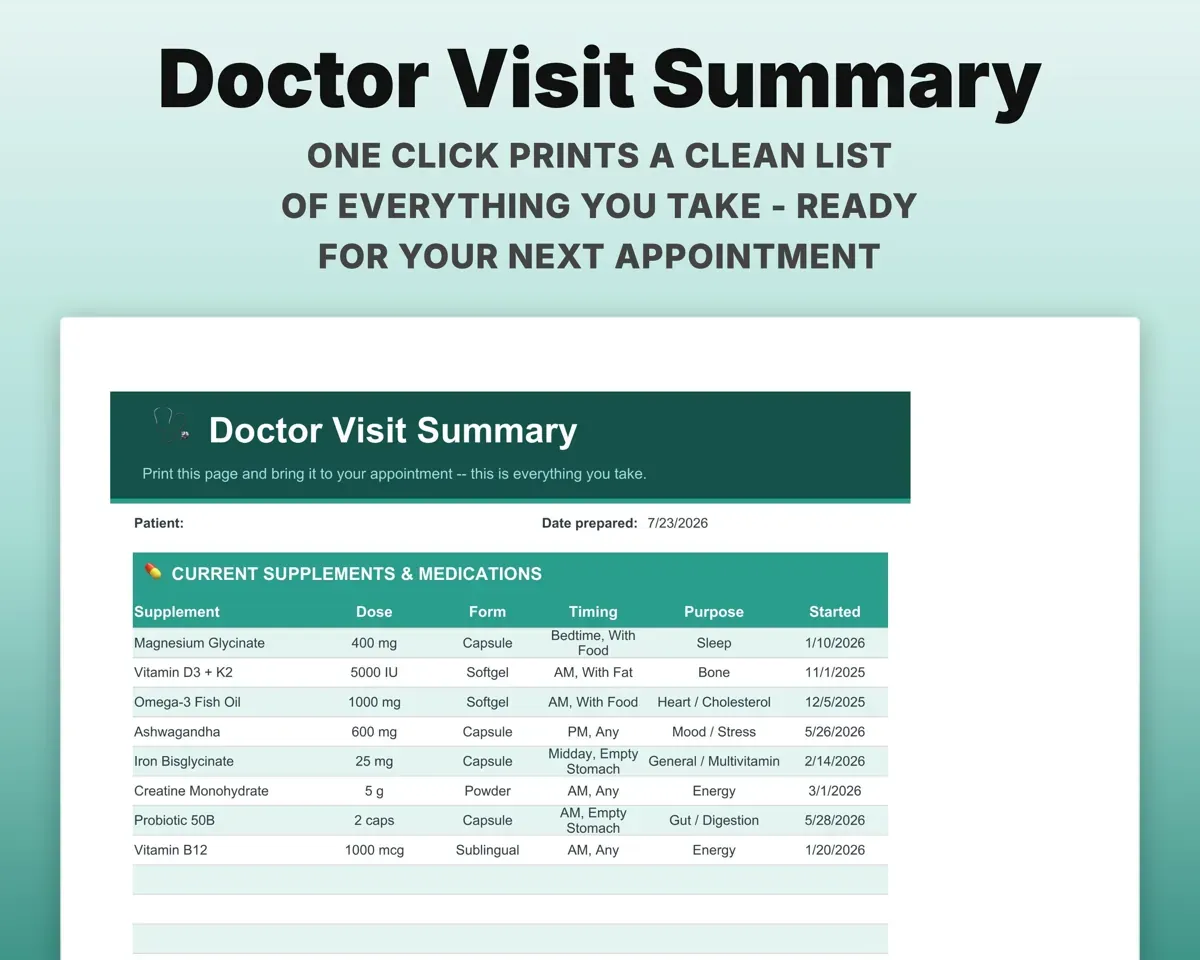
The Doctor Visit Summary prints every item with dose, timing, purpose and start date. Stack History keeps a record of each add, drop and dose change.
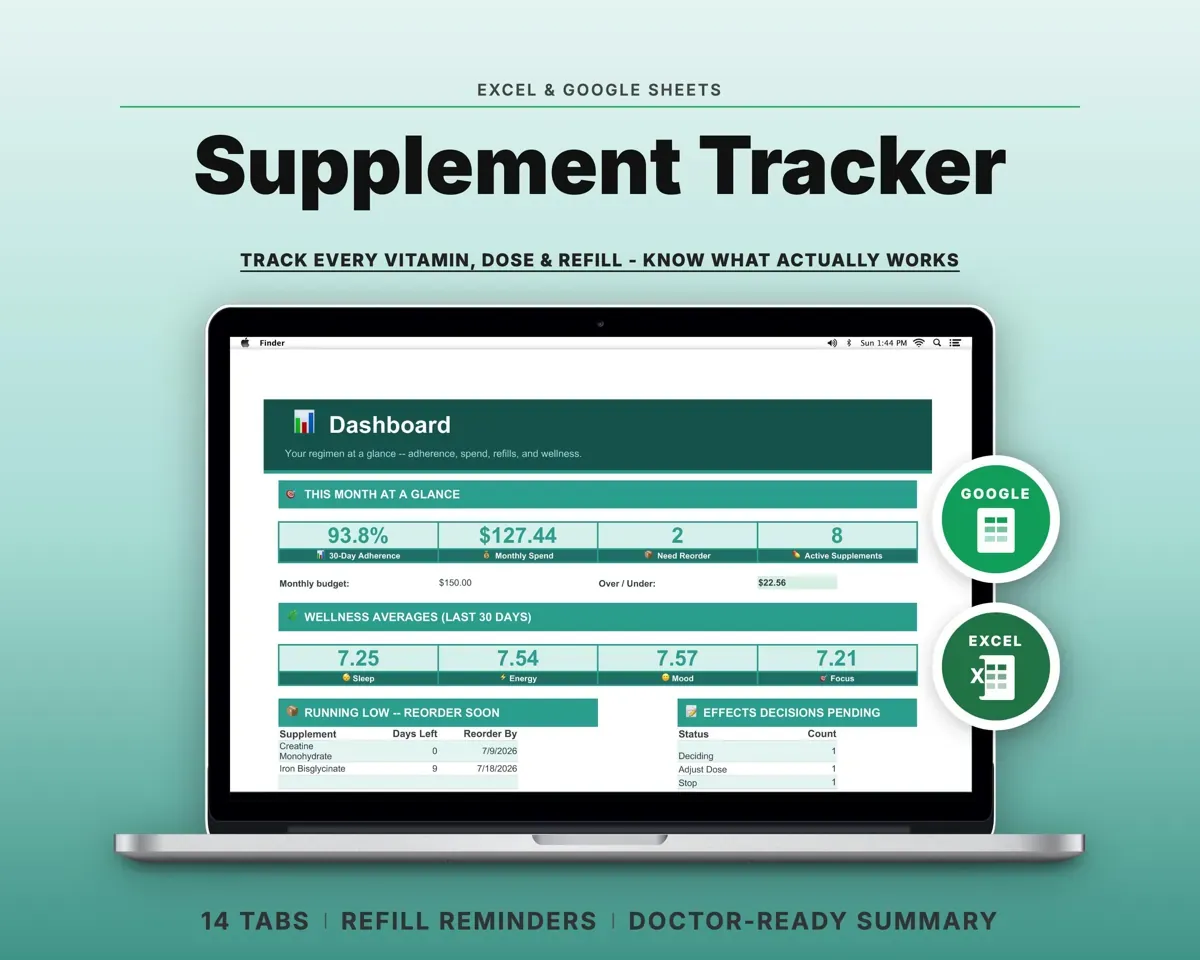
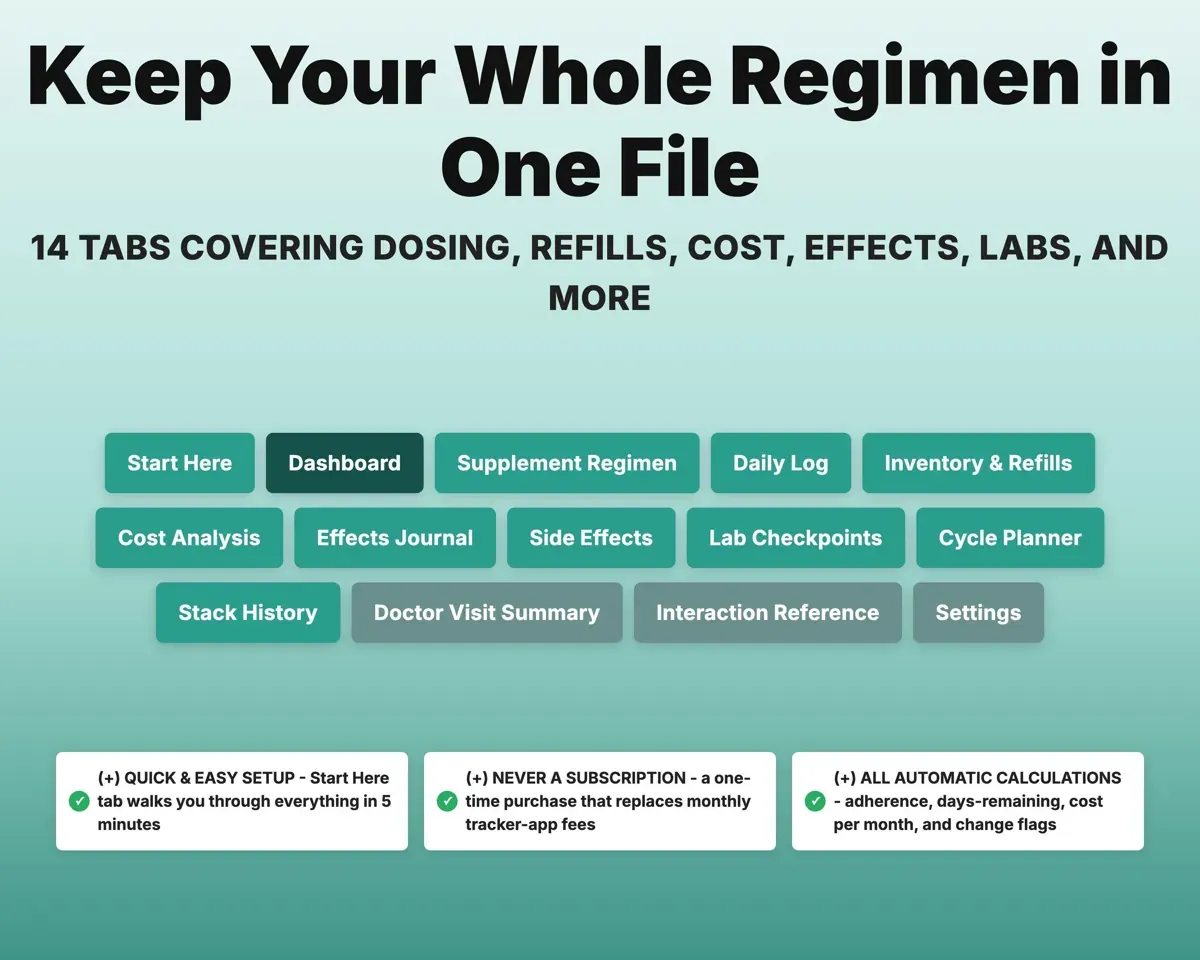
Your regimenPrintable summary14 tabs in one file
- Start Here
- Dashboard
- Supplement Regimen
- Daily Log
- Inventory & Refills
- Cost Analysis
- Effects Journal
- Side Effects
- Lab Checkpoints
- Cycle Planner
- Stack History
- Doctor Visit Summary
- Interaction Reference
- Settings
- Start Here
- A short walkthrough of where to begin.
- Dashboard
- Adherence, spending, low stock and daily rating averages.
- Supplement Regimen
- The master list every other tab reads from.
- Daily Log
- Daily check-offs plus sleep, energy, mood and focus ratings.
- Inventory & Refills
- Days remaining and reorder-by dates for every bottle.
- Cost Analysis
- Cost per dose, day, month and year, grouped by purpose.
- Effects Journal
- Before and after ratings with a keep, adjust or drop call.
- Side Effects
- New symptoms matched to supplements started in the last 14 days.
- Lab Checkpoints
- Before and after bloodwork tied to the supplement behind it.
- Cycle Planner
- On and off schedules with your next switch date.
- Stack History
- A changelog of every add, drop, dose change and brand swap.
- Doctor Visit Summary
- A printable list of your full regimen for appointments.
- Interaction Reference
- Common timing and interaction rules to check with your pharmacist.
- Settings
- Low-stock threshold, monthly budget, adherence goal and dropdown lists.
Pair it with
“Excellent! Very easy to use.”
“Nice Organization for 4H projects”
Before you buy
Can I add prescriptions as well as supplements?
Yes. Add them to the regimen list next to your supplements. Timing rules, refill math, cost tracking and the Doctor Visit Summary treat them the same way.
How many supplements can I track?
The daily check-off view is set up for up to 12 at a time. The other tabs hold more than that.
How does the side effects check work?
Log a new symptom with its date on the Side Effects tab. It lists every supplement you started in the 14 days before, so you know where to look first.
Does it tell me what to take?
No. It organizes what you already take and what you notice. The Interaction Reference is a starting point to review with your doctor or pharmacist, not medical advice.
What do I get?
An Excel file (.xlsx), a filled-in sample to look at, and a quick-start PDF guide with a link that makes your own copy in Google Sheets.
How does delivery work?
You get your download links right after checkout, and Stripe emails your receipt. There is nothing to ship and nothing to wait for.
How do I set it up in Google Sheets?
Open the quick-start PDF and click the Google Sheets link. Google makes a copy in your own Drive that only you can edit. You need a free Google account.
Will it work on a Mac?
Yes. It works in Excel on Mac and Windows, and in Google Sheets in any browser.
I'm not a spreadsheet person. Is that a problem?
No. You only type in the yellow cells. Everything in gray works itself out, and the Start Here tab shows you where to begin.
Can I get a refund?
Templates are digital downloads, so sales are final. If a file won't open, is broken or doesn't match its description, email hello@cleanpixelstudios.com within 30 days and we'll fix it, or refund you if we can't.
What if I get stuck?
Email hello@cleanpixelstudios.com and we'll help you get it working.
More in Health & fitness
See all Health & fitness templates
 Made by Clean Pixel Studios
We start every template by reading what people in that line of work say they struggle with, then build the spreadsheet around those problems. This one was made for people tracking their supplements and nobody else.
How we build templatesSupplement Tracker Spreadsheet$15.99 · Excel + Google Sheets