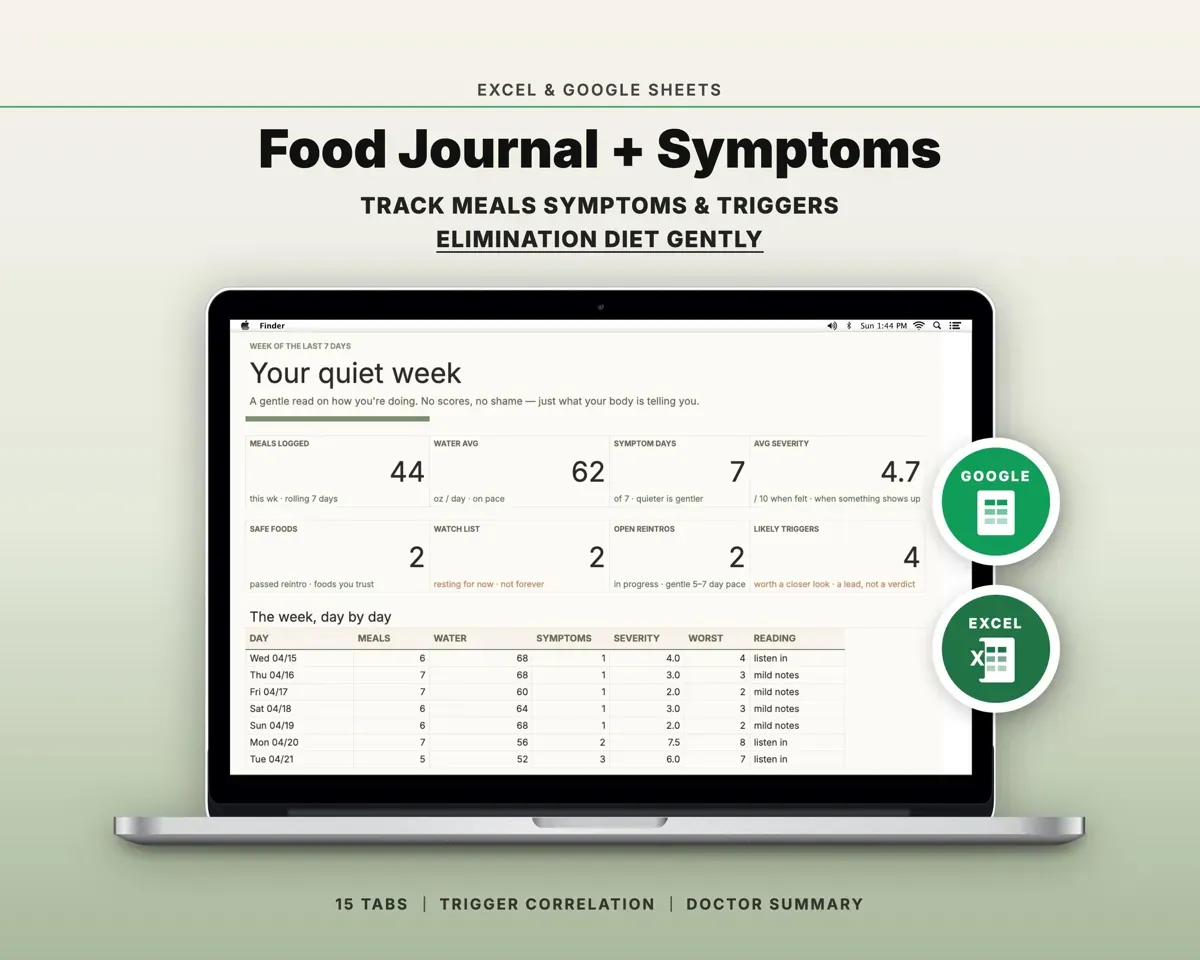
Built around the jobs people tracking food and symptoms actually do
See which foods line up with symptoms
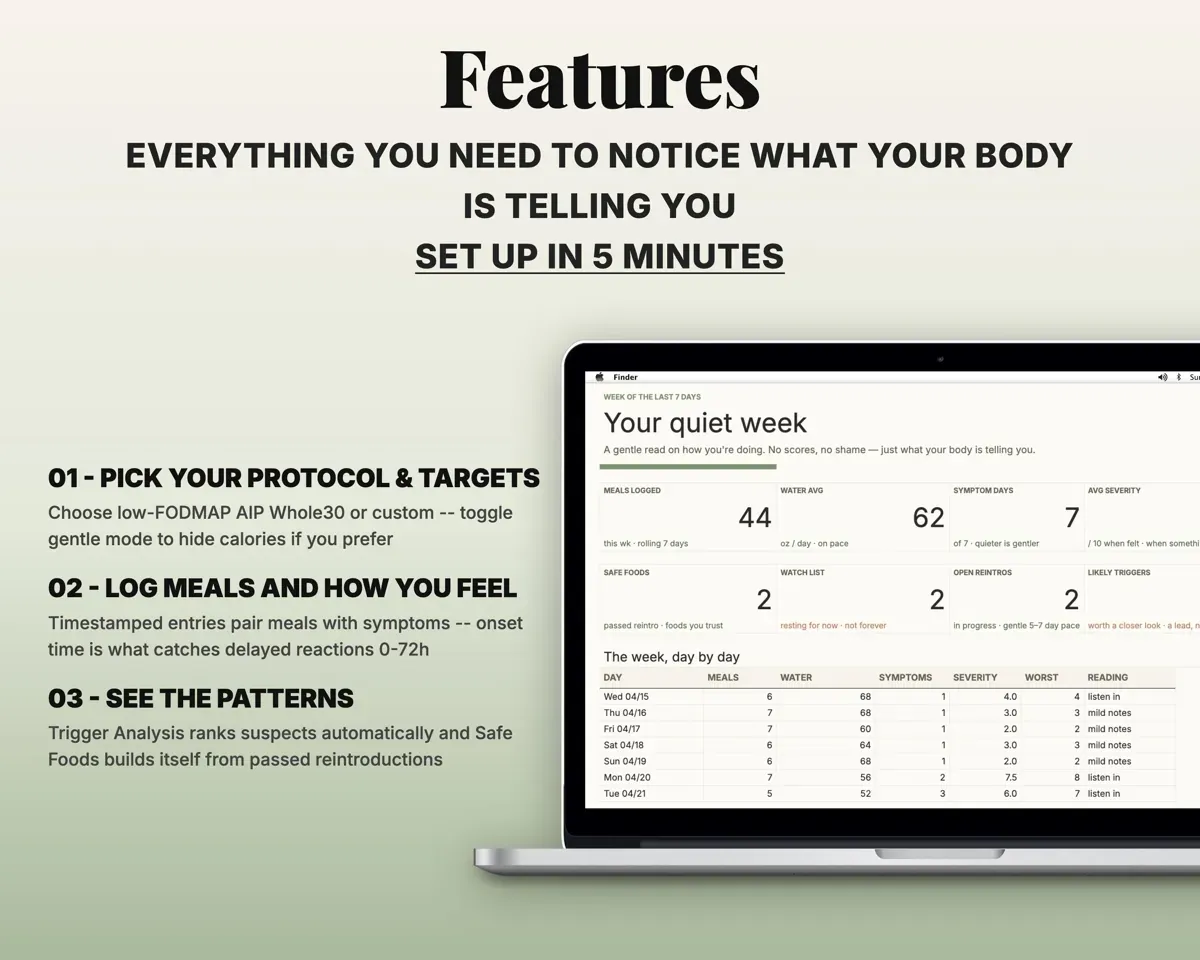
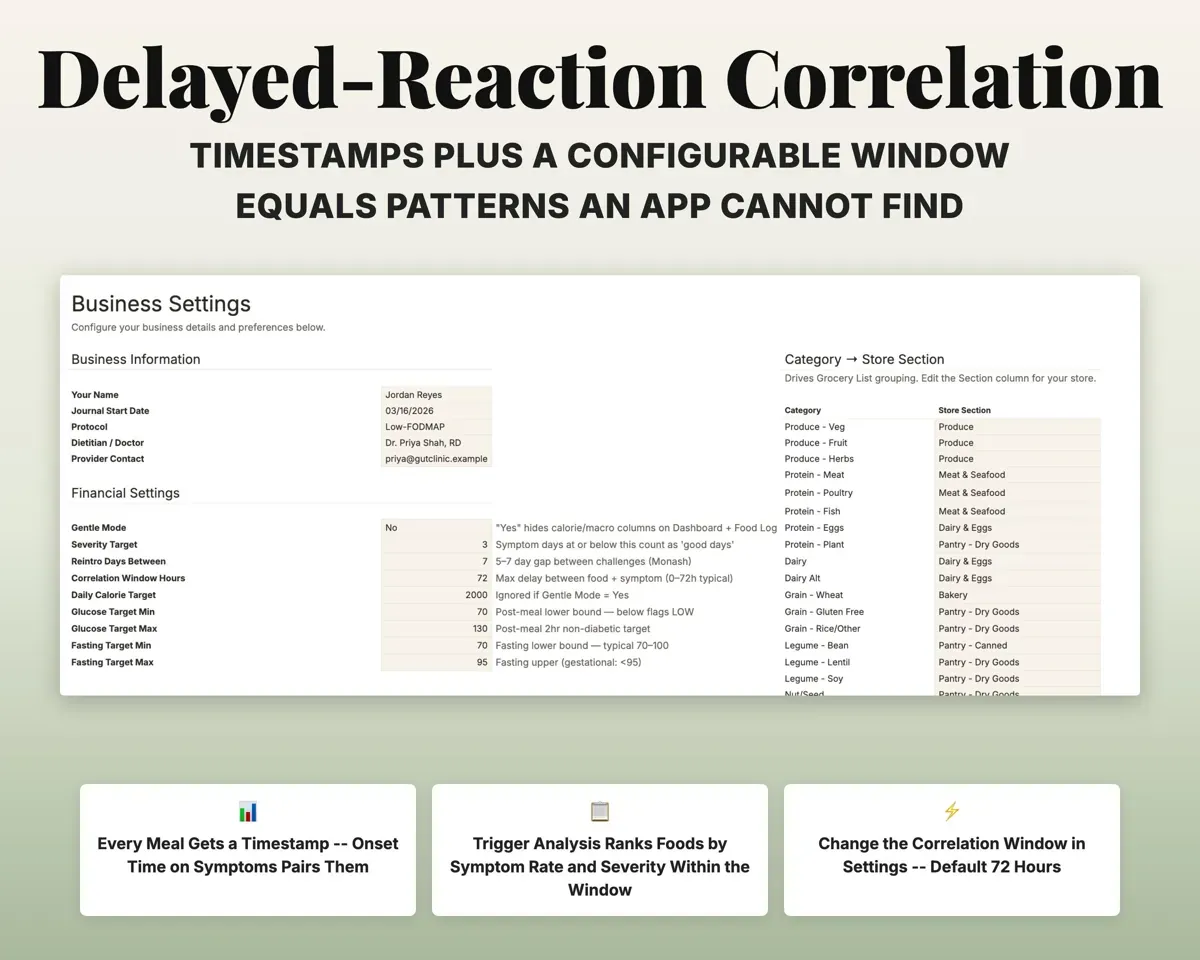
Each meal and each symptom gets a time. Trigger Analysis matches them within a window you set (72 hours by default) and ranks foods by symptom rate and severity.
Meal time, onset timeRanked likely triggersTest foods back in one at a time
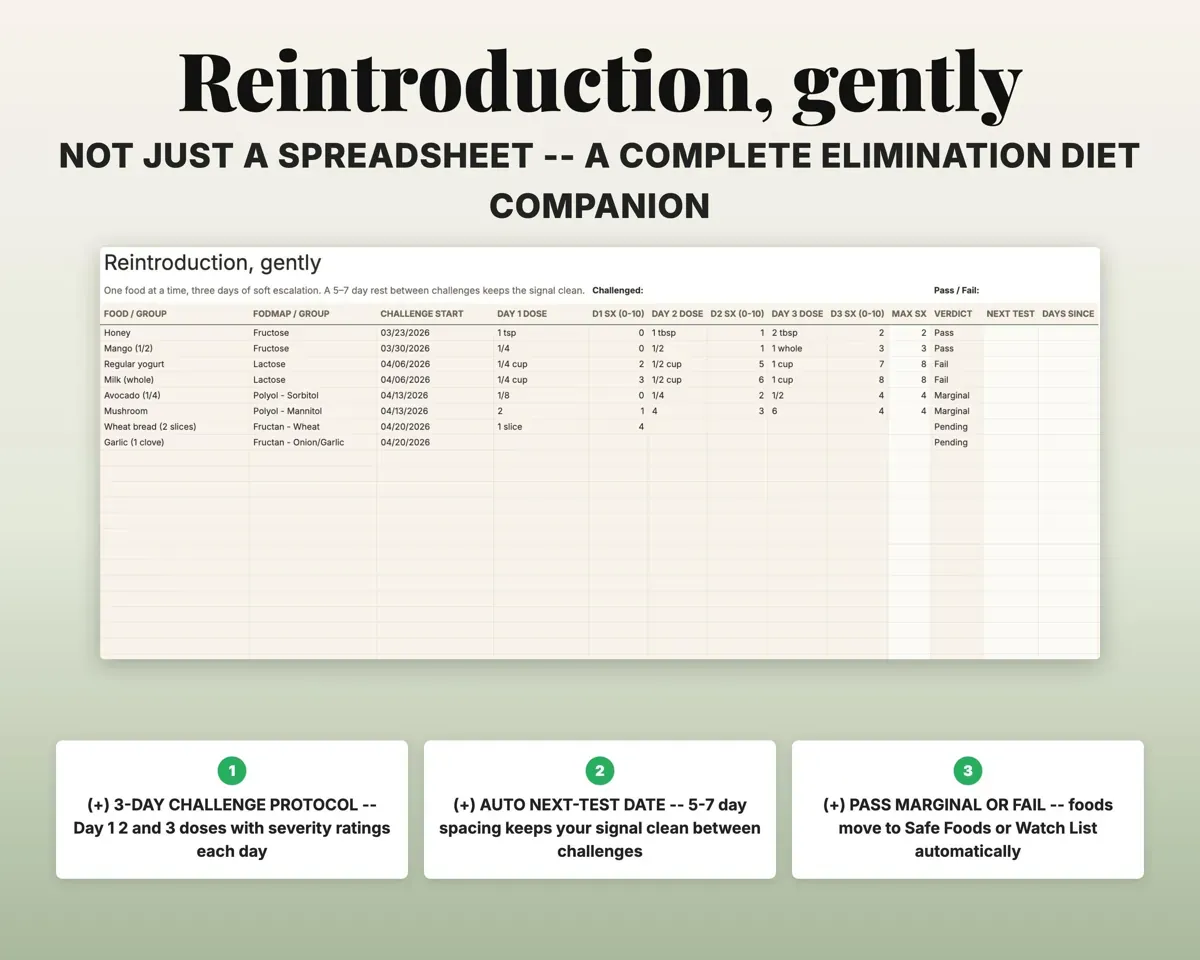
A three-day challenge with a dose and a symptom rating each day. The sheet sets the next test date, a Pass moves the food to Safe Foods and a Fail moves it to Trigger Foods.
Daily dose, ratingPass, marginal or failBring a one-page summary to your provider
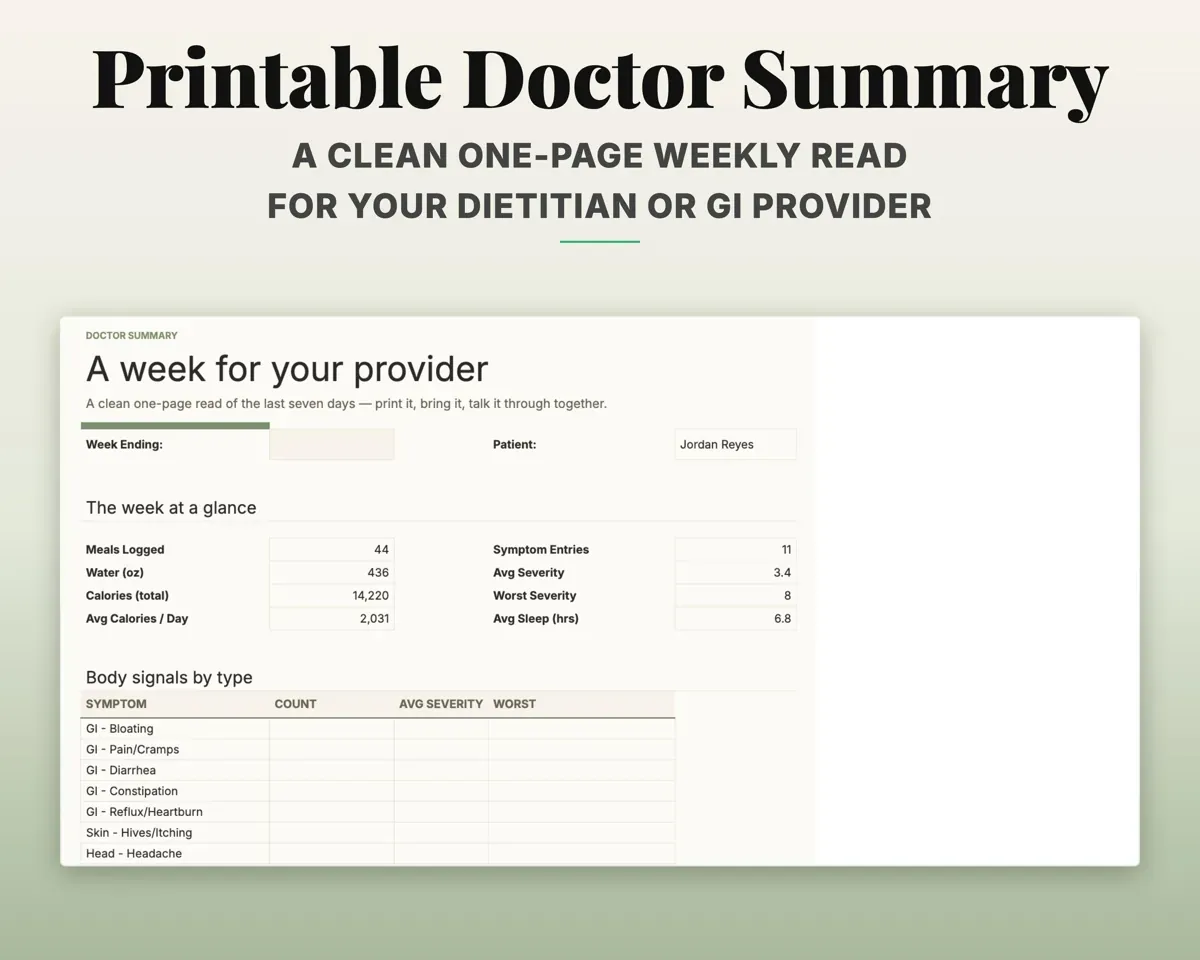
The Doctor Summary fills in a week of meals, symptoms, bowel movements, sleep and reintroductions, ready to print or save as a PDF.
Week ending datePrintable weekly summaryTrack without the numbers
One switch in Settings hides calorie and macro columns on the Food Log and Dashboard. There are no streaks or badges anywhere.
Gentle mode onCalories hiddenPlan the week and shop from it
Plan seven days of four meals from your favorites. The grocery list groups items by store section, and you can change the sections in Settings.
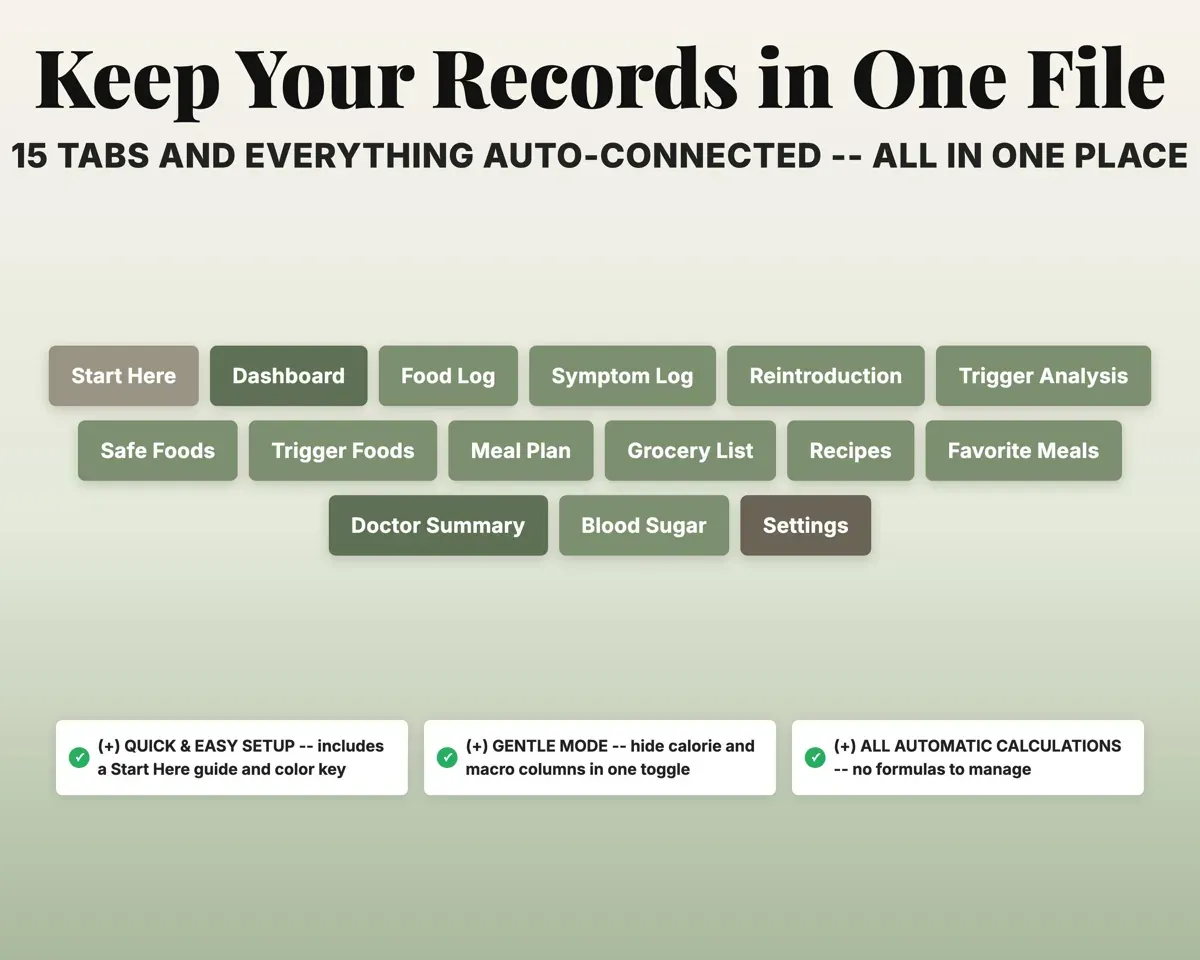
Weekly meal planGrocery list by aisle15 tabs in one file
- Start Here
- Dashboard
- Food Log
- Symptom Log
- Reintroduction
- Trigger Analysis
- Safe Foods
- Trigger Foods
- Meal Plan
- Grocery List
- Recipes
- Favorite Meals
- Doctor Summary
- Blood Sugar
- Settings
- Start Here
- Setup steps and the color key.
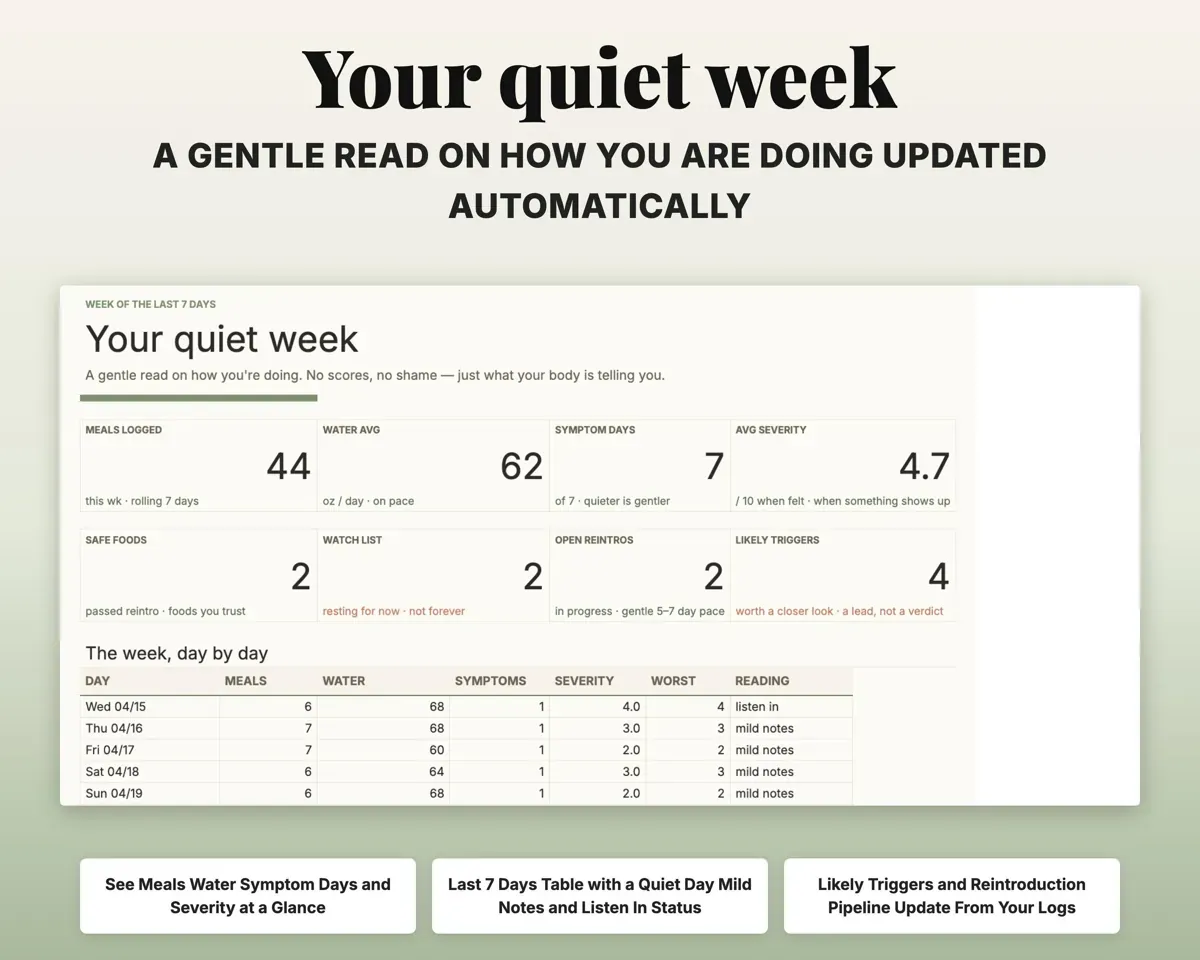
- Dashboard
- Key numbers, weekly trends, likely triggers and reintroductions.
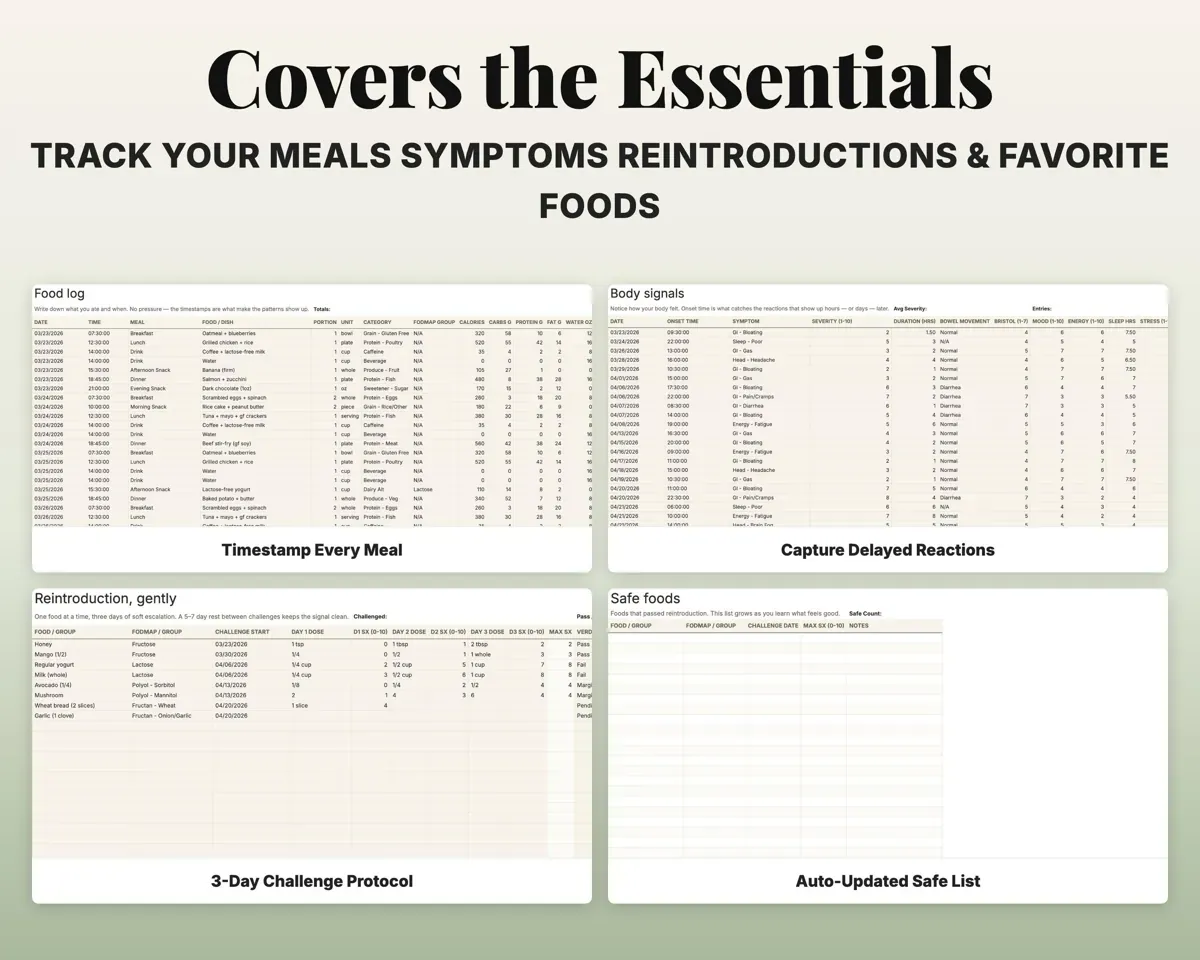
- Food Log
- Timed meals with portion, category, FODMAP group and notes.
- Symptom Log
- Symptoms with severity, onset, duration, sleep and stress.
- Reintroduction
- Three-day food challenges with verdicts and next test dates.
- Trigger Analysis
- Foods ranked by symptom rate and severity.
- Safe Foods
- Foods that passed reintroduction, filled in automatically.
- Trigger Foods
- Foods that failed reintroduction, filled in automatically.
- Meal Plan
- Seven days of meals in four slots.
- Grocery List
- Shopping items grouped by store section, with status.
- Recipes
- Your own recipes with per-serving macros.
- Favorite Meals
- Saved staple meals that are ready to log again.
- Doctor Summary
- A printable one-page weekly summary for your provider.
- Blood Sugar
- Optional glucose readings checked against your targets.
- Settings
- Protocol, gentle mode, targets and your dropdown lists.
Pair it with
“Excellent! Very easy to use.”
“Nice Organization for 4H projects”
Before you buy
Does it work for diets other than low FODMAP?
Yes. Set the protocol to Custom in Settings. Reintroduction and the Safe Foods and Trigger Foods tabs work the same way for AIP, Whole30 or any elimination plan.
Can I track without seeing calories?
Yes. Gentle mode hides the calorie and macro columns on the Food Log and Dashboard, and the template has no streaks or badges.
Does it diagnose food intolerances?
No. It organizes what you eat and how you feel and shows patterns in your own entries. The Doctor Summary gives you something clear to talk through with your provider.
What do I get?
An Excel file (.xlsx), a filled-in sample to look at, and a quick-start PDF guide with a link that makes your own copy in Google Sheets.
How does delivery work?
You get your download links right after checkout, and Stripe emails your receipt. There is nothing to ship and nothing to wait for.
How do I set it up in Google Sheets?
Open the quick-start PDF and click the Google Sheets link. Google makes a copy in your own Drive that only you can edit. You need a free Google account.
Will it work on a Mac?
Yes. It works in Excel on Mac and Windows, and in Google Sheets in any browser.
I'm not a spreadsheet person. Is that a problem?
No. You only type in the yellow cells. Everything in gray works itself out, and the Start Here tab shows you where to begin.
Can I get a refund?
Templates are digital downloads, so sales are final. If a file won't open, is broken or doesn't match its description, email hello@cleanpixelstudios.com within 30 days and we'll fix it, or refund you if we can't.
What if I get stuck?
Email hello@cleanpixelstudios.com and we'll help you get it working.
More in Health & fitness
See all Health & fitness templates
 Made by Clean Pixel Studios
We start every template by reading what people in that line of work say they struggle with, then build the spreadsheet around those problems. This one was made for people tracking food and symptoms and nobody else.
How we build templatesFood Journal Symptom Tracker Spreadsheet$9.99 · Excel + Google Sheets