Built around the jobs people tracking their bloodwork actually do
Keep your whole lab history in one file
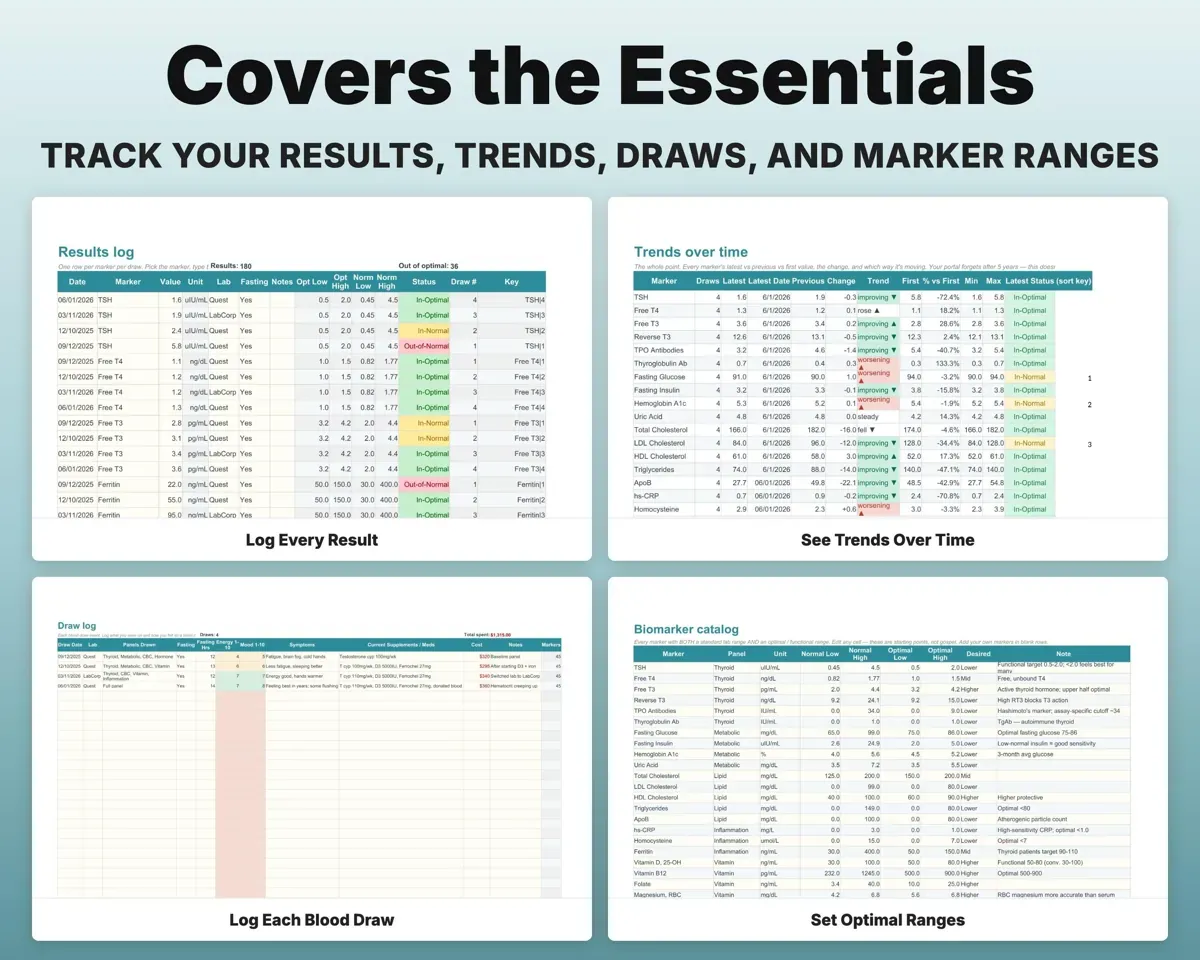
Log one row per marker per draw, from any lab or at-home kit. There is no row limit, so older results stay on the same trend line.
Marker, date, valueFull result historySee normal and optimal side by side
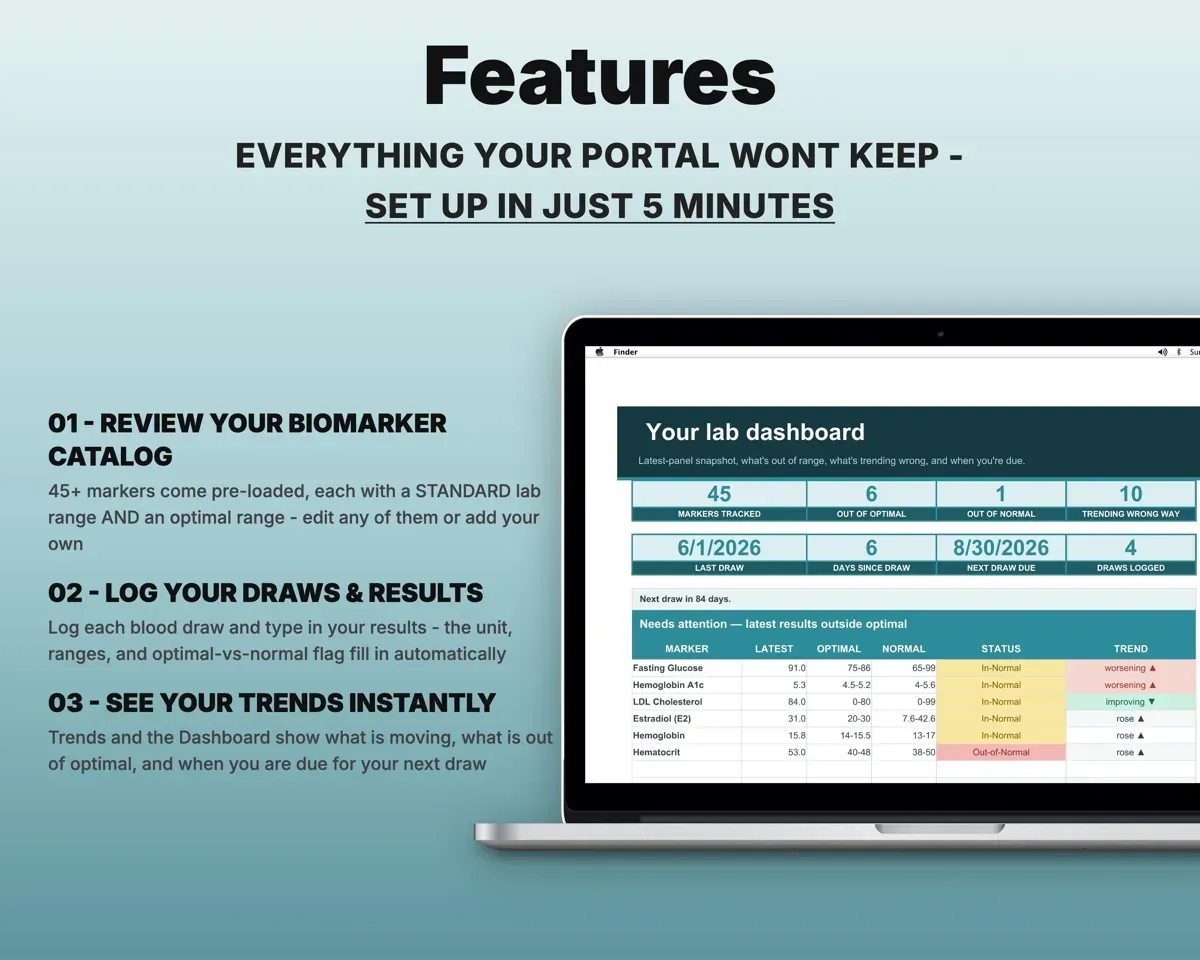
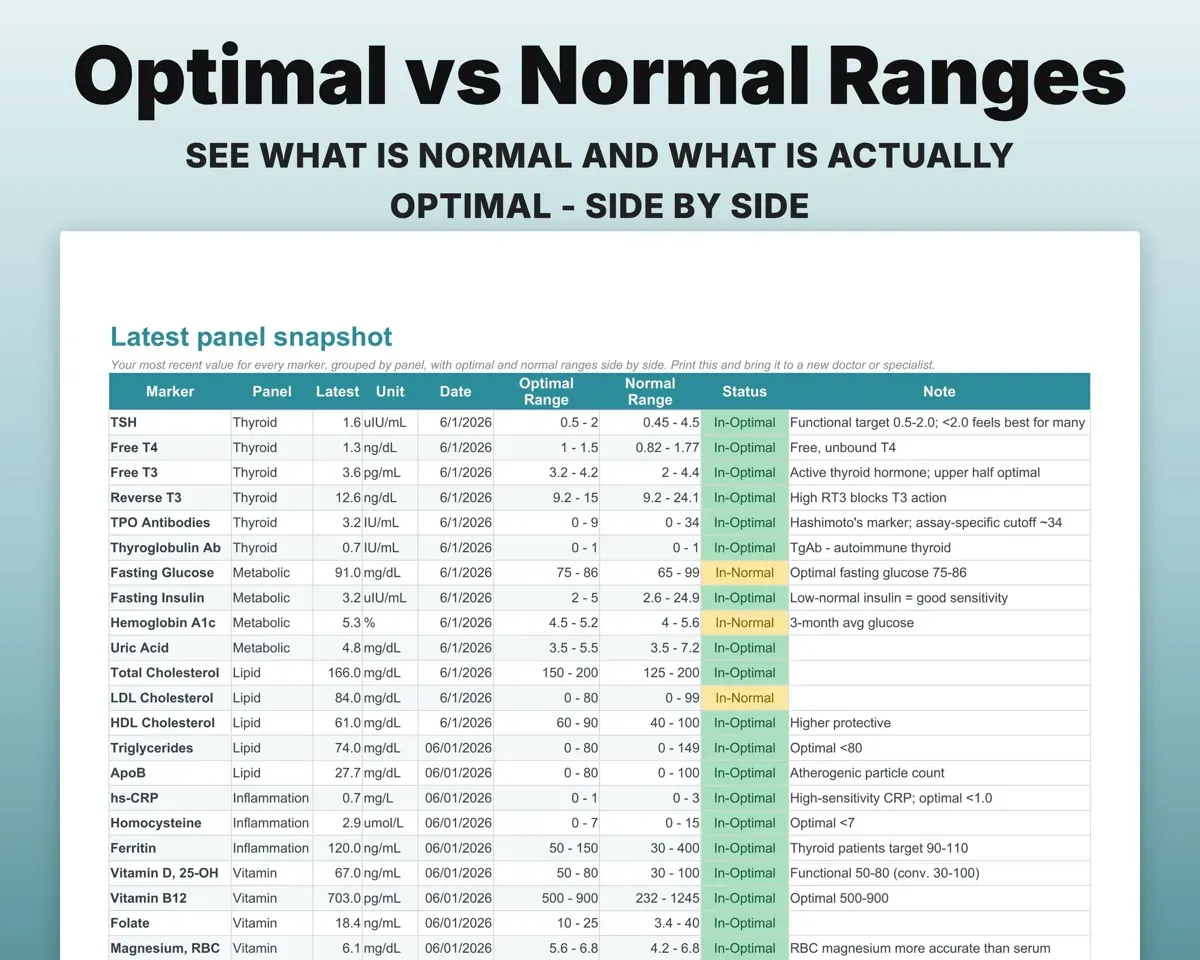
Each of the 45+ preloaded markers has a standard lab range and an optimal range. Results show green inside optimal, amber inside normal and red outside normal.
Your resultOptimal or normal flagSee which way each marker is moving
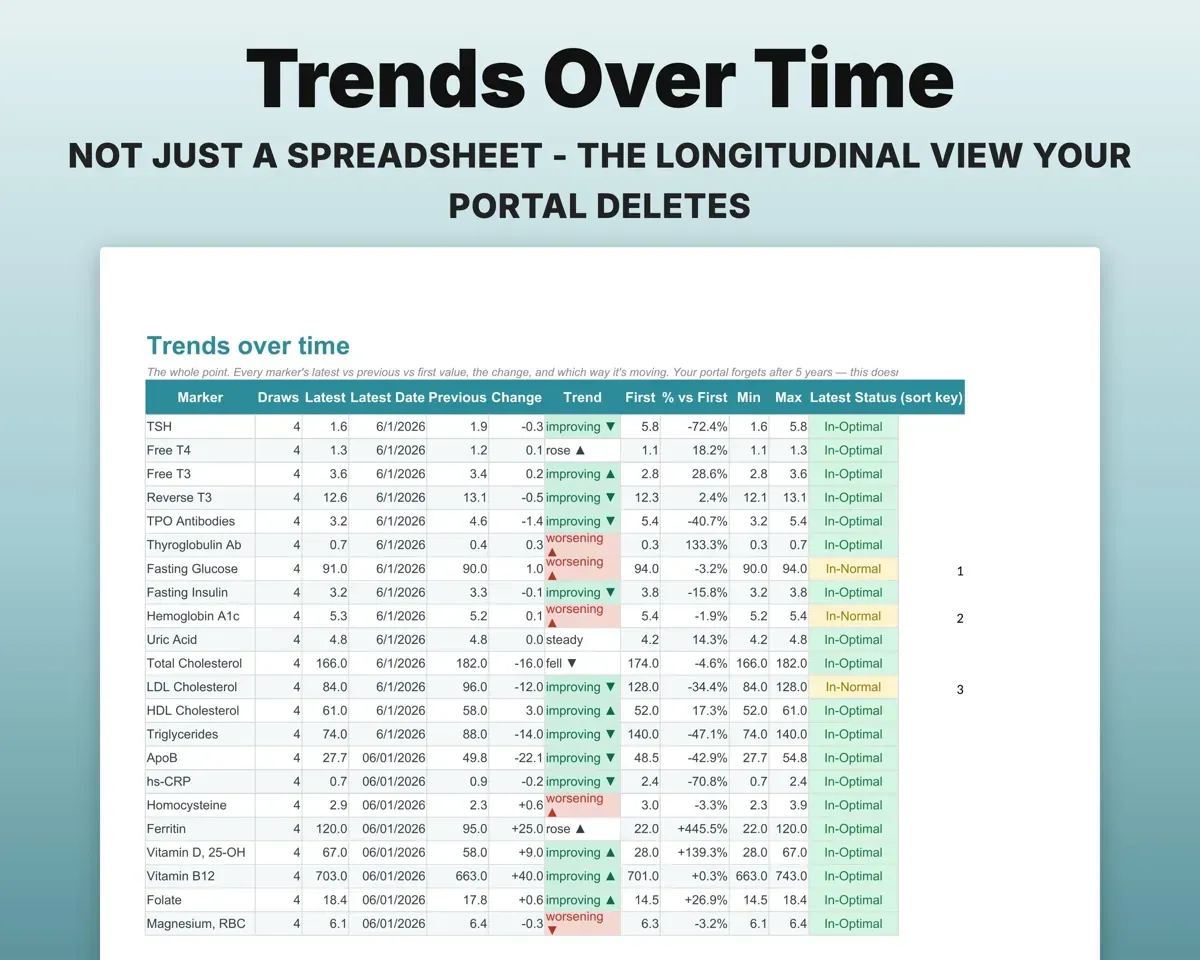
The Trends tab lists the latest, previous and first value for every marker, the change, its direction and the percent change from your own baseline.
Results over timeChange from baselineRemember what was going on at each draw
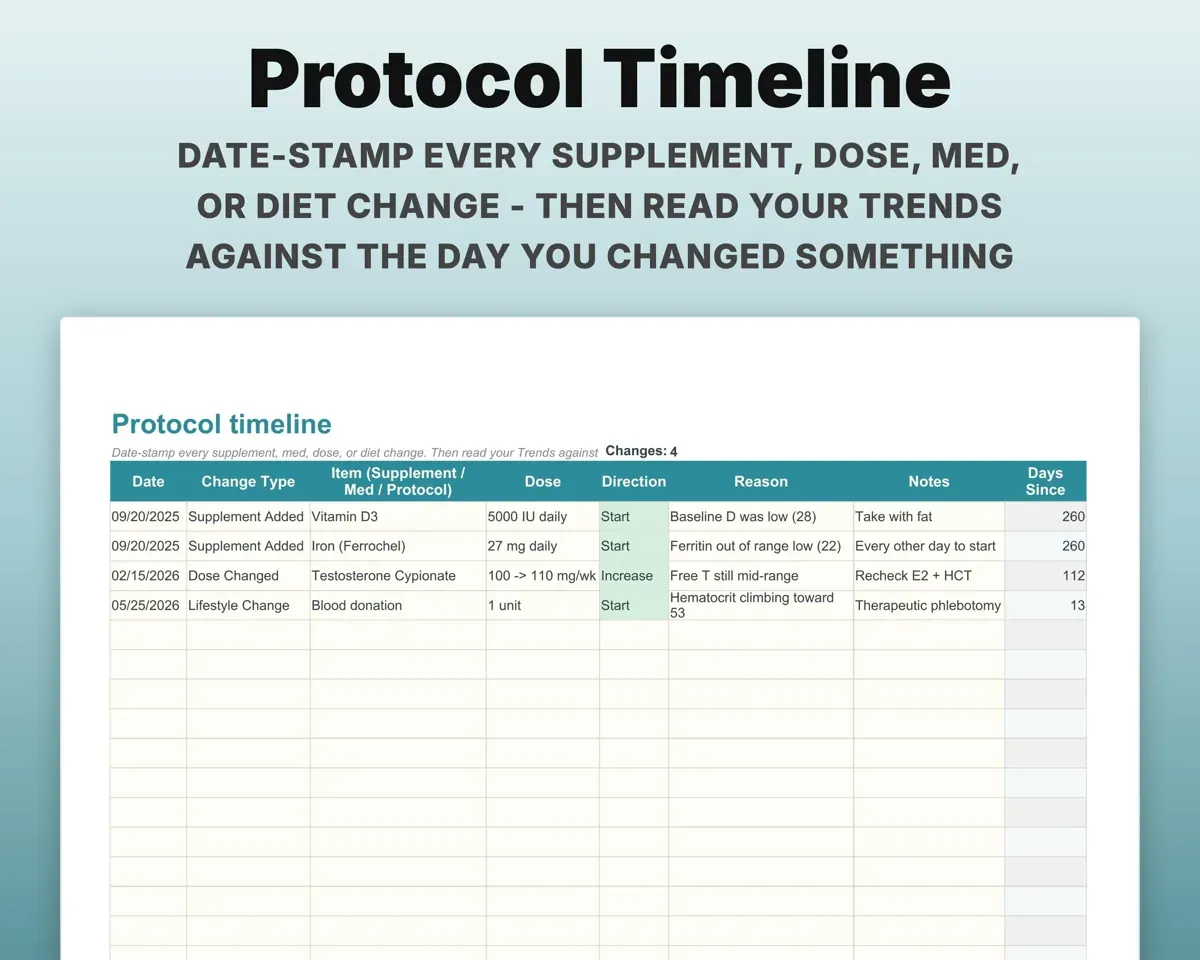
The Draw Log records fasting, symptoms, energy, mood and the supplements and meds you were taking. The Protocol Timeline dates every dose, med or diet change.
Fasting, meds, changesTrends with contextCompare results from different labs
Note the lab on every result. The Unit Conversion tab covers ng/mL to nmol/L and 19 more, so US, international and at-home results share one scale.
Lab and unitOne common scaleBring a clean summary to your doctor
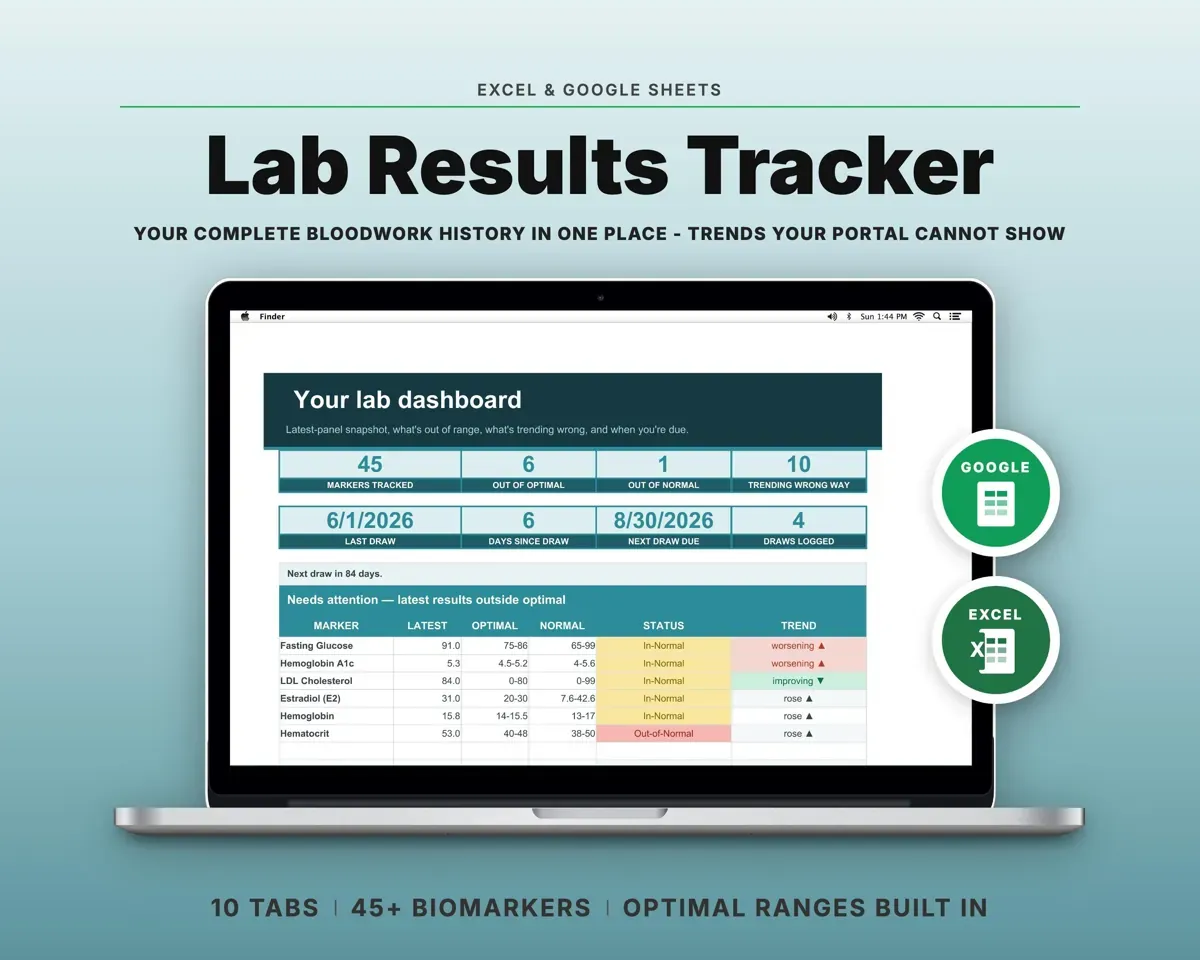
Latest Panel is a print-ready page with your most recent value for each marker, grouped by panel, with both ranges beside it.
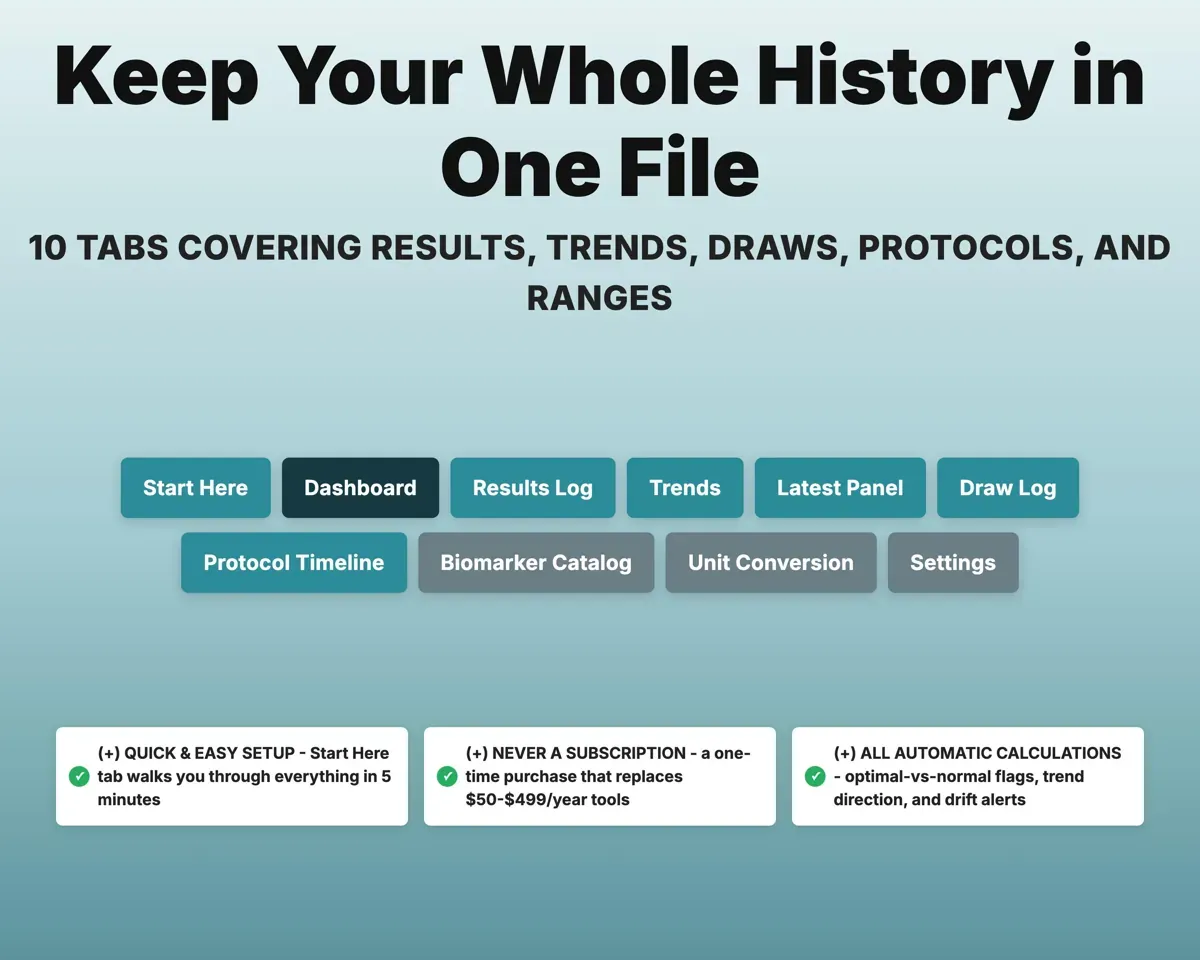
Your Results LogPrint-ready panel10 tabs in one file
- Start Here
- Dashboard
- Results Log
- Trends
- Latest Panel
- Draw Log
- Protocol Timeline
- Biomarker Catalog
- Unit Conversion
- Settings
- Start Here
- Setup steps and a note that this is not medical advice.
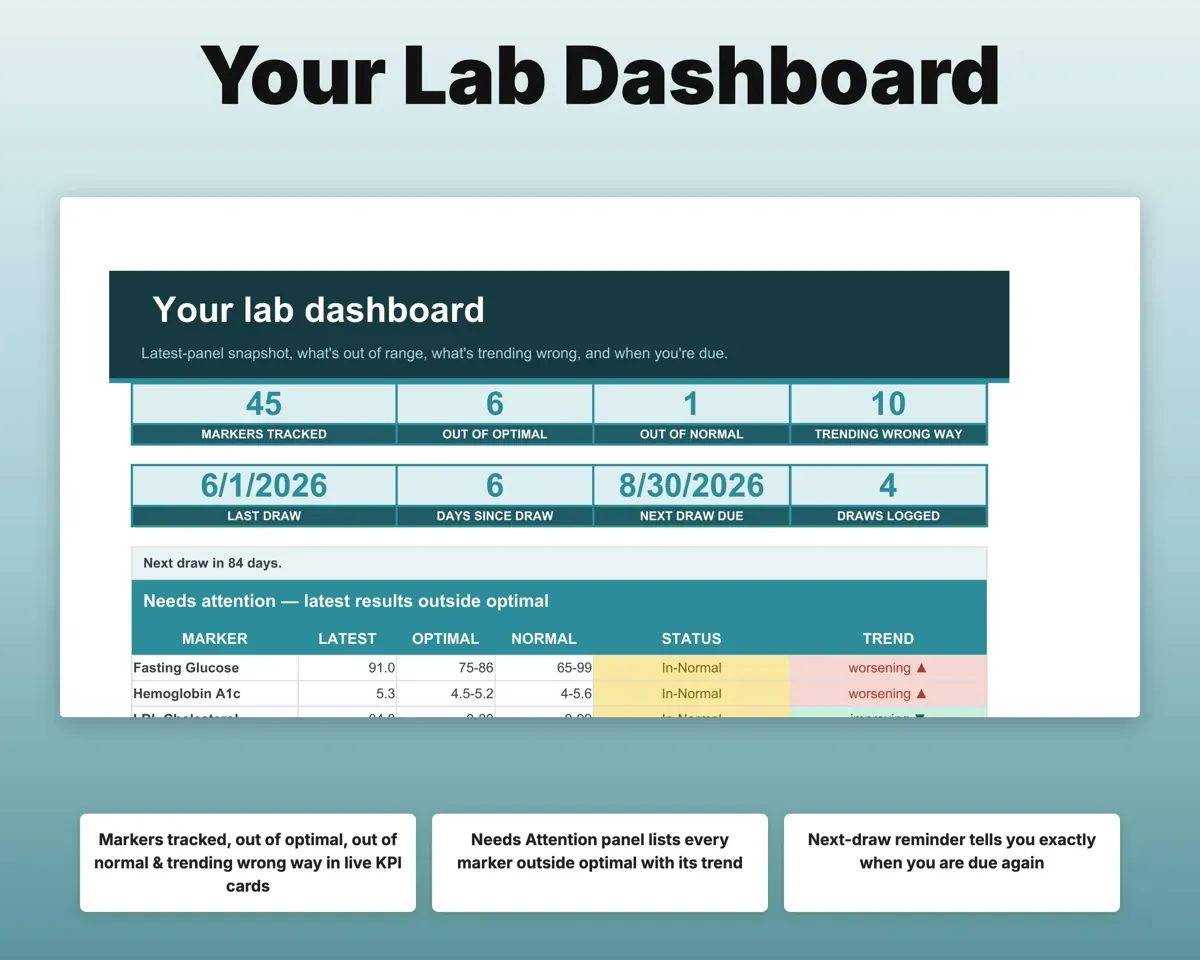
- Dashboard
- Out-of-range markers, drifting trends and your next draw date.
- Results Log
- One row per marker per draw, flagged automatically.
- Trends
- Latest, previous and first value for every marker.
- Latest Panel
- A printable snapshot of your most recent results.
- Draw Log
- Each draw with fasting, lab, symptoms and what you were taking.
- Protocol Timeline
- Dated supplement, medication, dose and diet changes.
- Biomarker Catalog
- 45+ markers with standard and optimal ranges, all editable.
- Unit Conversion
- Converts between US and international lab units.
- Settings
- Your name, reminder window, drift alert and dropdown lists.
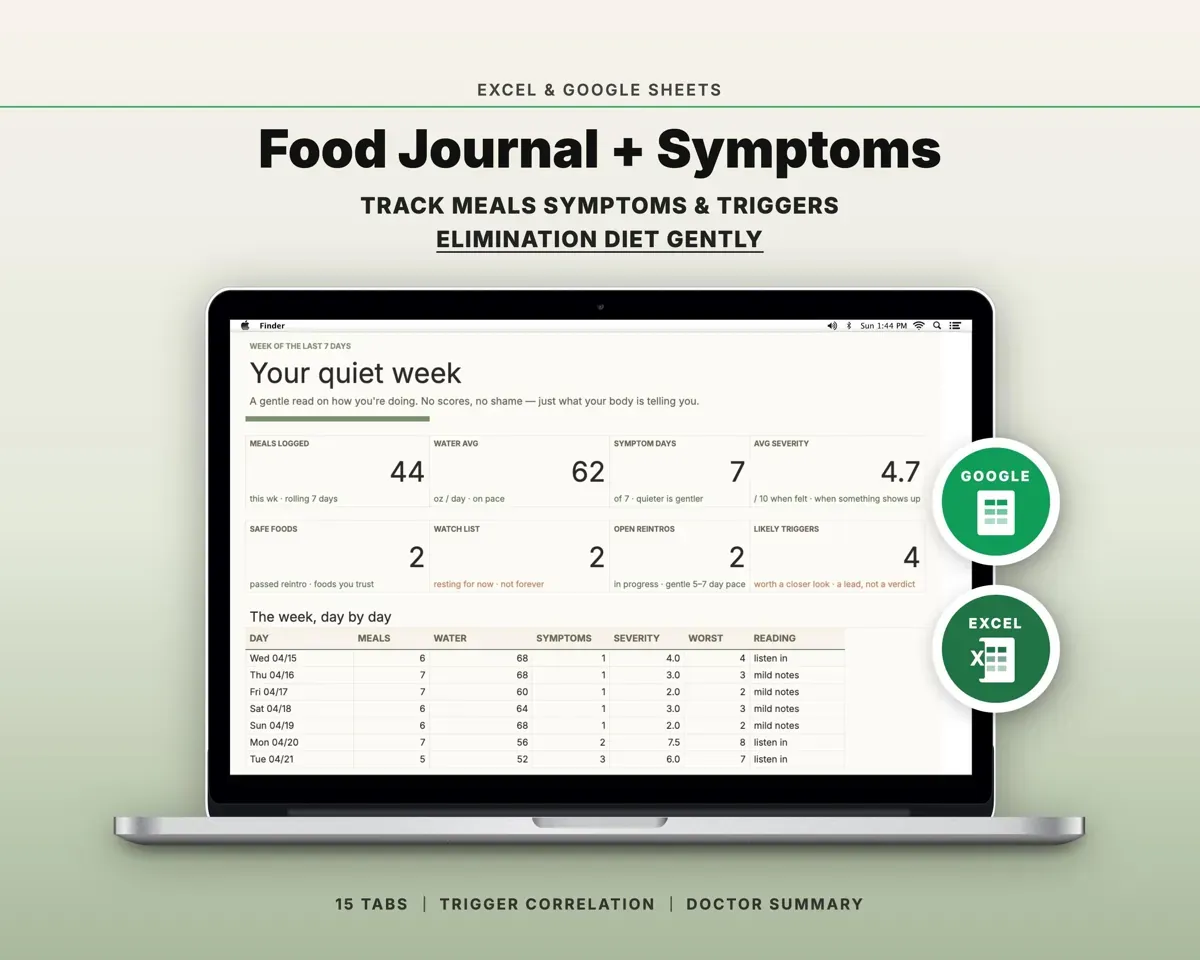
Pair it with
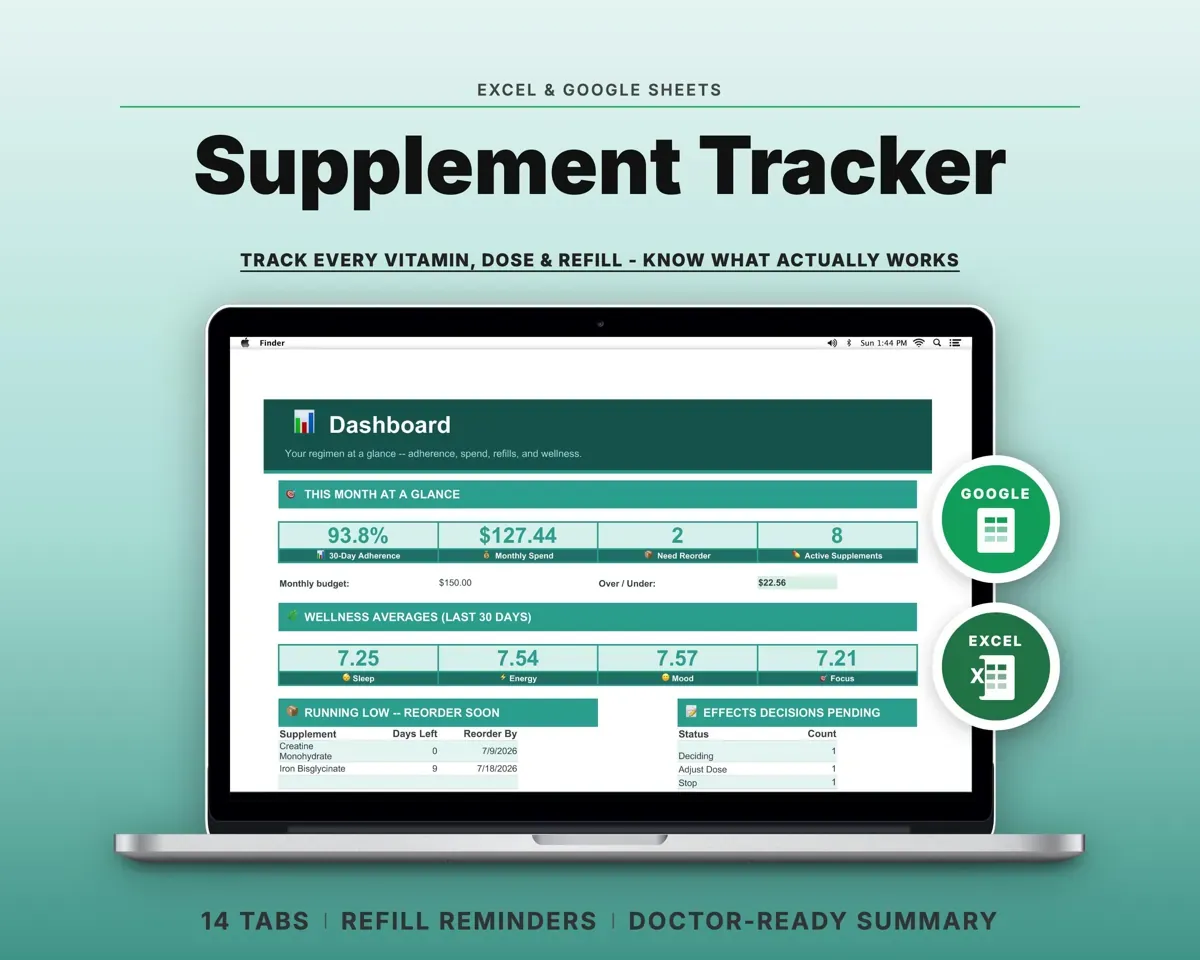
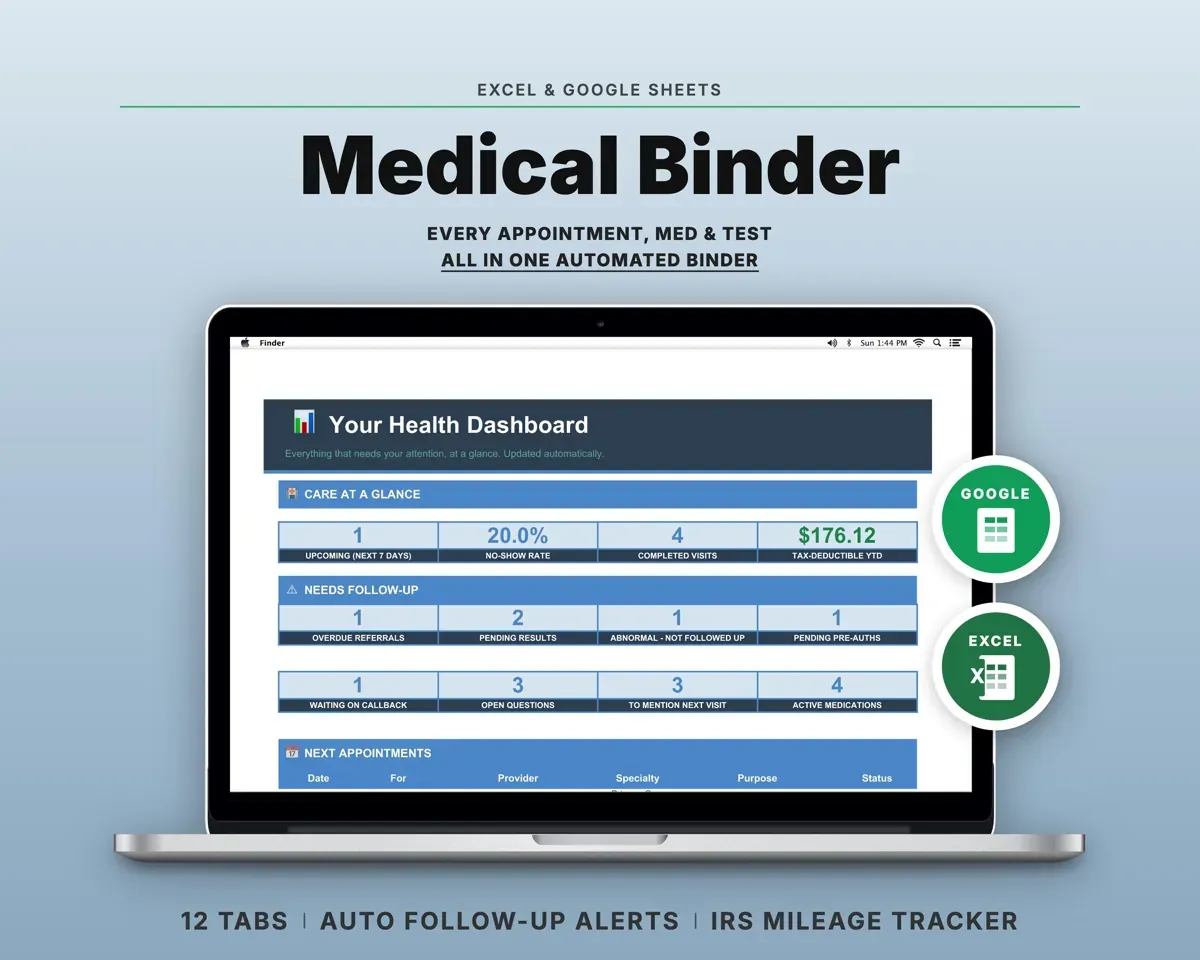
“Excellent! Very easy to use.”
“Nice Organization for 4H projects”
Before you buy
What are the optimal ranges based on?
Common functional-medicine reference values, loaded in as a starting point. You can edit every range on the Biomarker Catalog tab to match what you and your provider choose.
Do I have to type results in by hand?
Yes. Pick the marker from a dropdown and type the date and value. The unit, both ranges and the flag fill in for you.
Can I log results from at-home test kits?
Yes. Record the lab or kit on each result and use the Unit Conversion tab when units differ, so everything sits on one trend line.
Is this medical advice?
No. It is a personal record of your results. Reference ranges vary by lab, age and sex, so talk through any result with your healthcare provider.
What do I get?
An Excel file (.xlsx), a filled-in sample to look at, and a quick-start PDF guide with a link that makes your own copy in Google Sheets.
How does delivery work?
You get your download links right after checkout, and Stripe emails your receipt. There is nothing to ship and nothing to wait for.
How do I set it up in Google Sheets?
Open the quick-start PDF and click the Google Sheets link. Google makes a copy in your own Drive that only you can edit. You need a free Google account.
Will it work on a Mac?
Yes. It works in Excel on Mac and Windows, and in Google Sheets in any browser.
I'm not a spreadsheet person. Is that a problem?
No. You only type in the yellow cells. Everything in gray works itself out, and the Start Here tab shows you where to begin.
Can I get a refund?
Templates are digital downloads, so sales are final. If a file won't open, is broken or doesn't match its description, email hello@cleanpixelstudios.com within 30 days and we'll fix it, or refund you if we can't.
What if I get stuck?
Email hello@cleanpixelstudios.com and we'll help you get it working.
More in Health & fitness
See all Health & fitness templates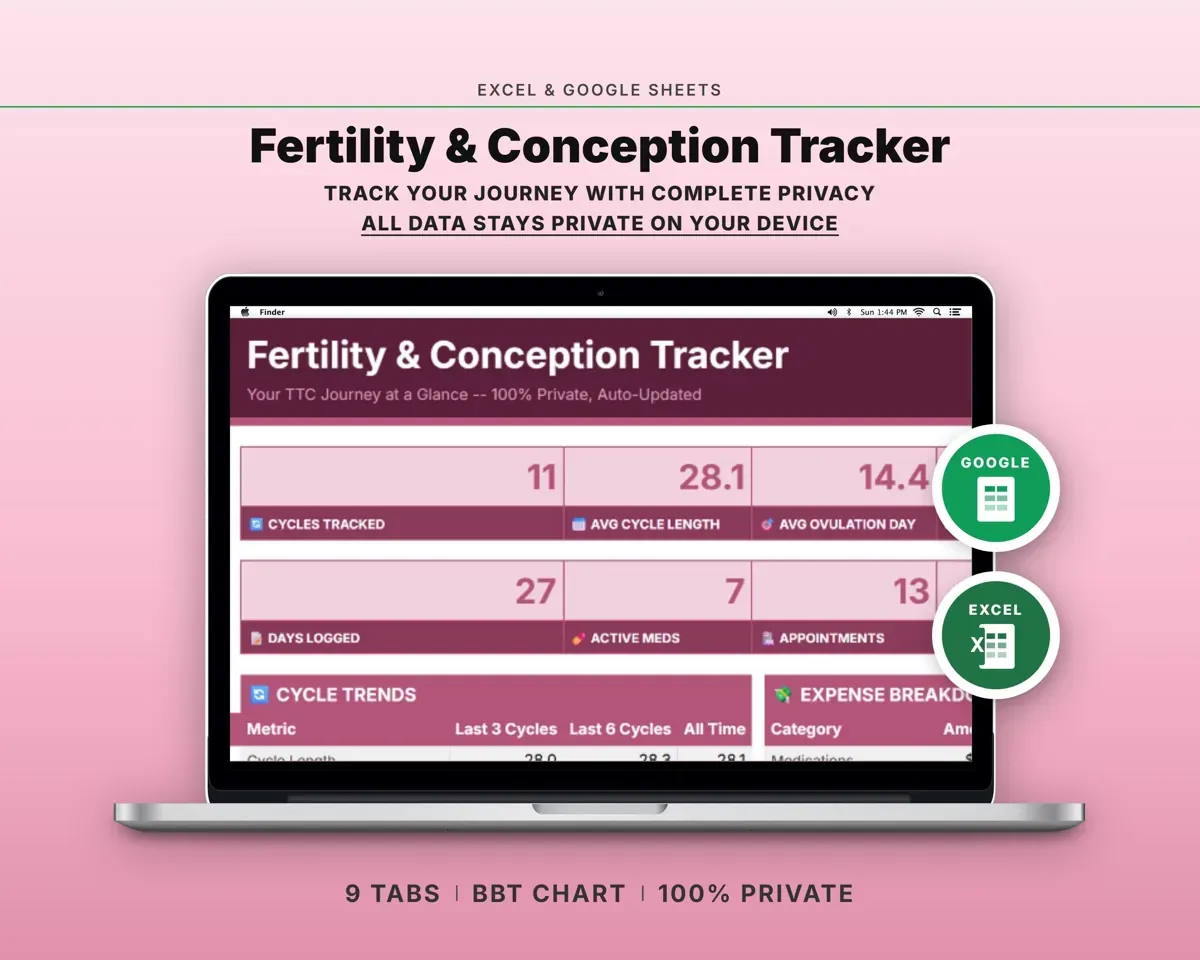
 Made by Clean Pixel Studios
We start every template by reading what people in that line of work say they struggle with, then build the spreadsheet around those problems. This one was made for people tracking their bloodwork and nobody else.
How we build templatesLab Results Tracker Spreadsheet$16.99 · Excel + Google Sheets