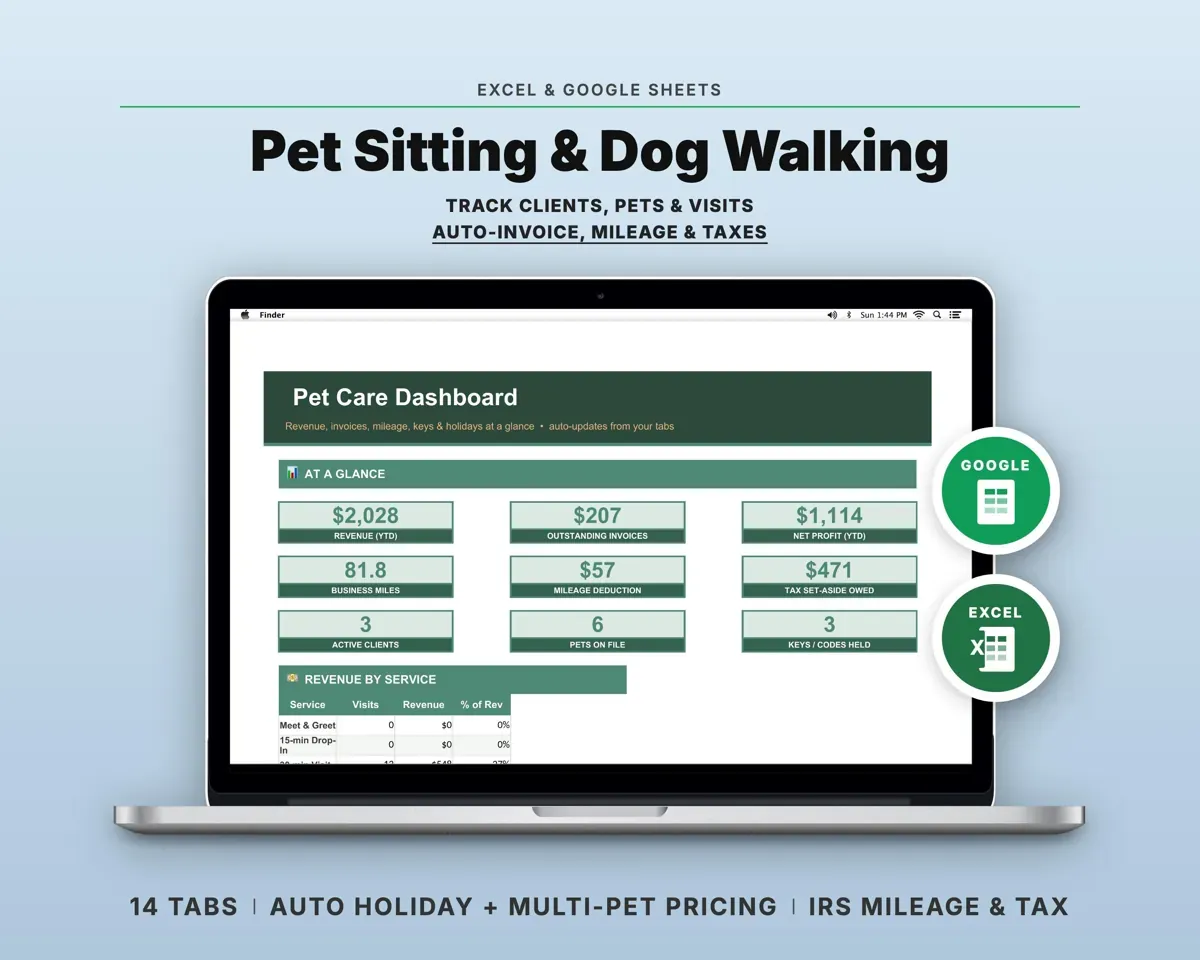
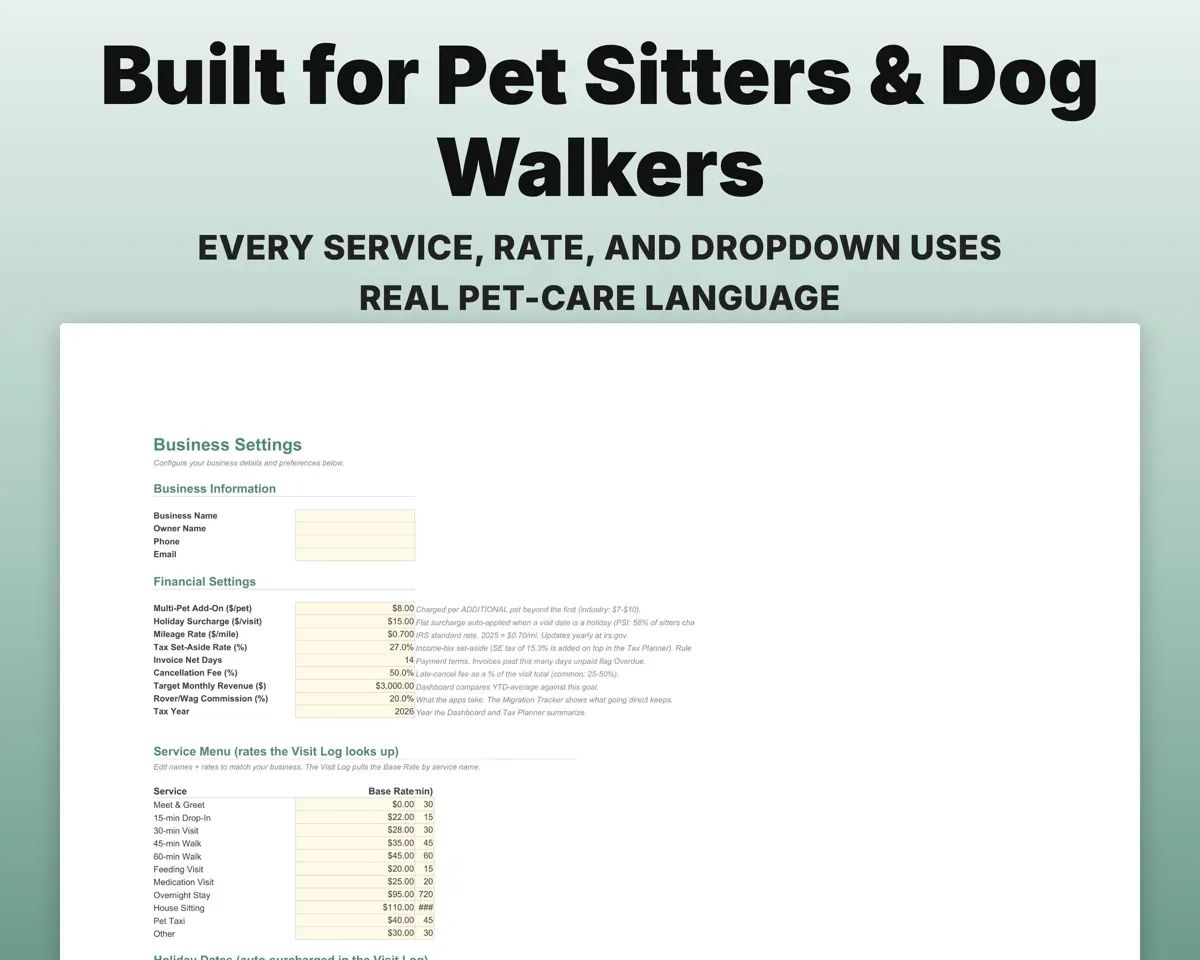
Built around the jobs pet sitters and dog walkers actually do
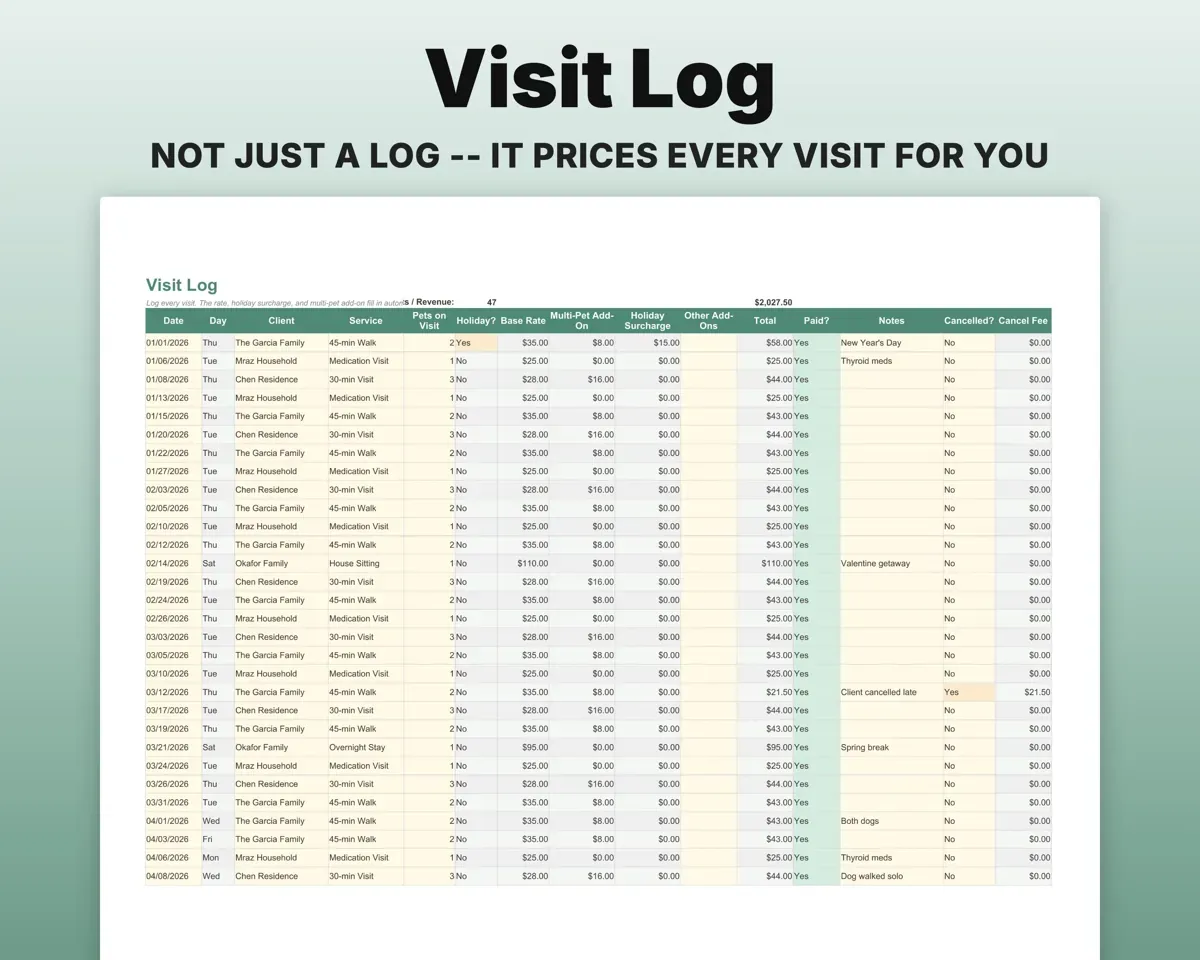
Log a visit and let the rate fill in
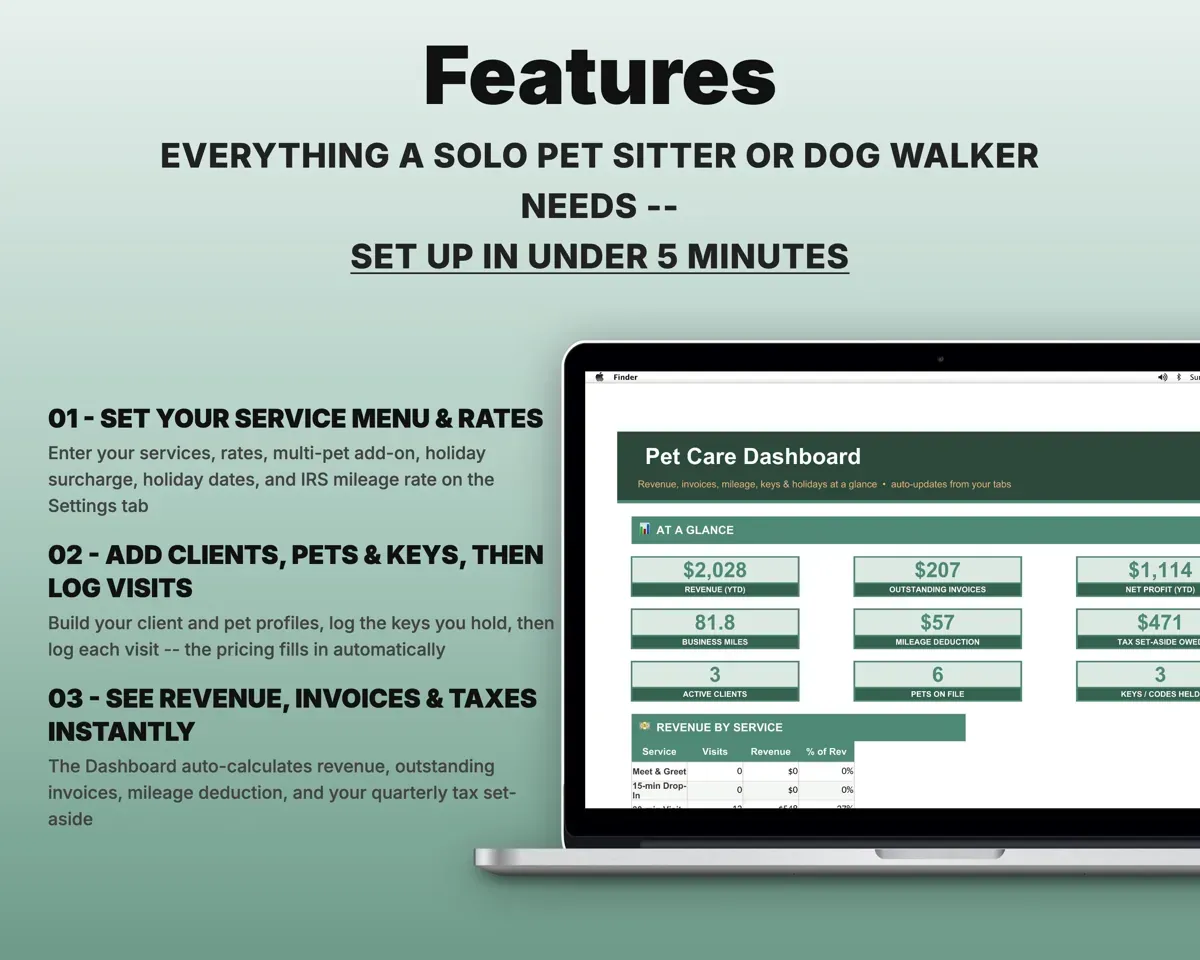
Pick the client and service. The rate, holiday surcharge and multi-pet add-on come from your Settings.
Client, serviceVisit priceBill each client for the month
Pick a client and a month. Visits, add-ons, holiday fees and mileage total up, with a due date and an overdue flag.
Client, monthInvoice totalKnow which keys and codes you are holding
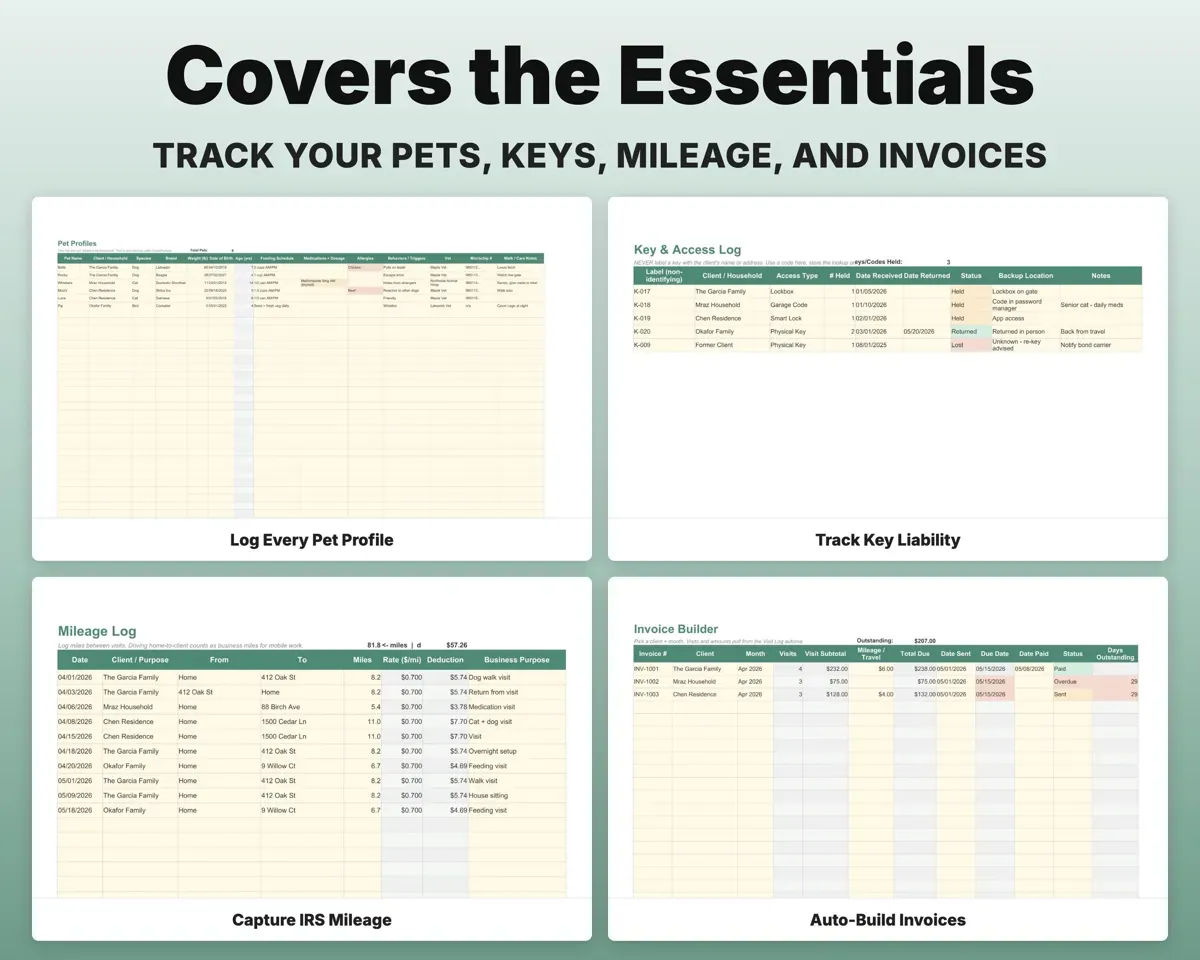
Log each key, lockbox and code under a label that doesn't identify the home, with a Held, Returned or Lost status.
Key, labelKeys heldKeep every household's details at hand
Access codes, alarm and WiFi, vets and emergency contacts for each home, plus each pet's feeding, meds, allergies and behaviors. Standing weekly visits sit on their own tab.
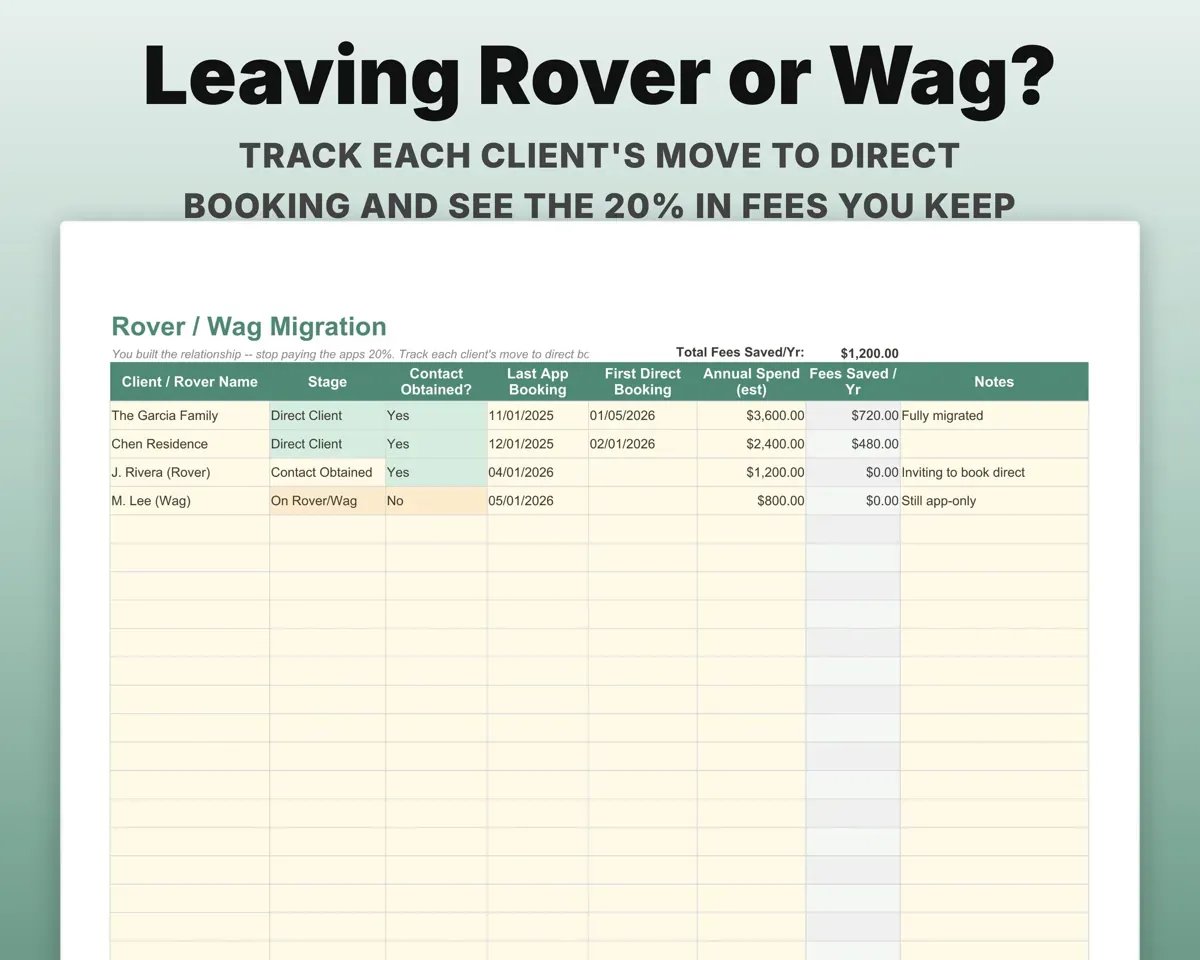
Household, pet notesCare detailsSee what you keep by booking direct
Track each client's move off Rover or Wag and see the 20% app fee you no longer pay.
Clients movedFees keptHave mileage and quarterly taxes ready
Log trips for the mileage deduction. Insurance, bonding, gear and dues map to Schedule C lines, and the Tax Planner estimates quarterly payments with SE tax.
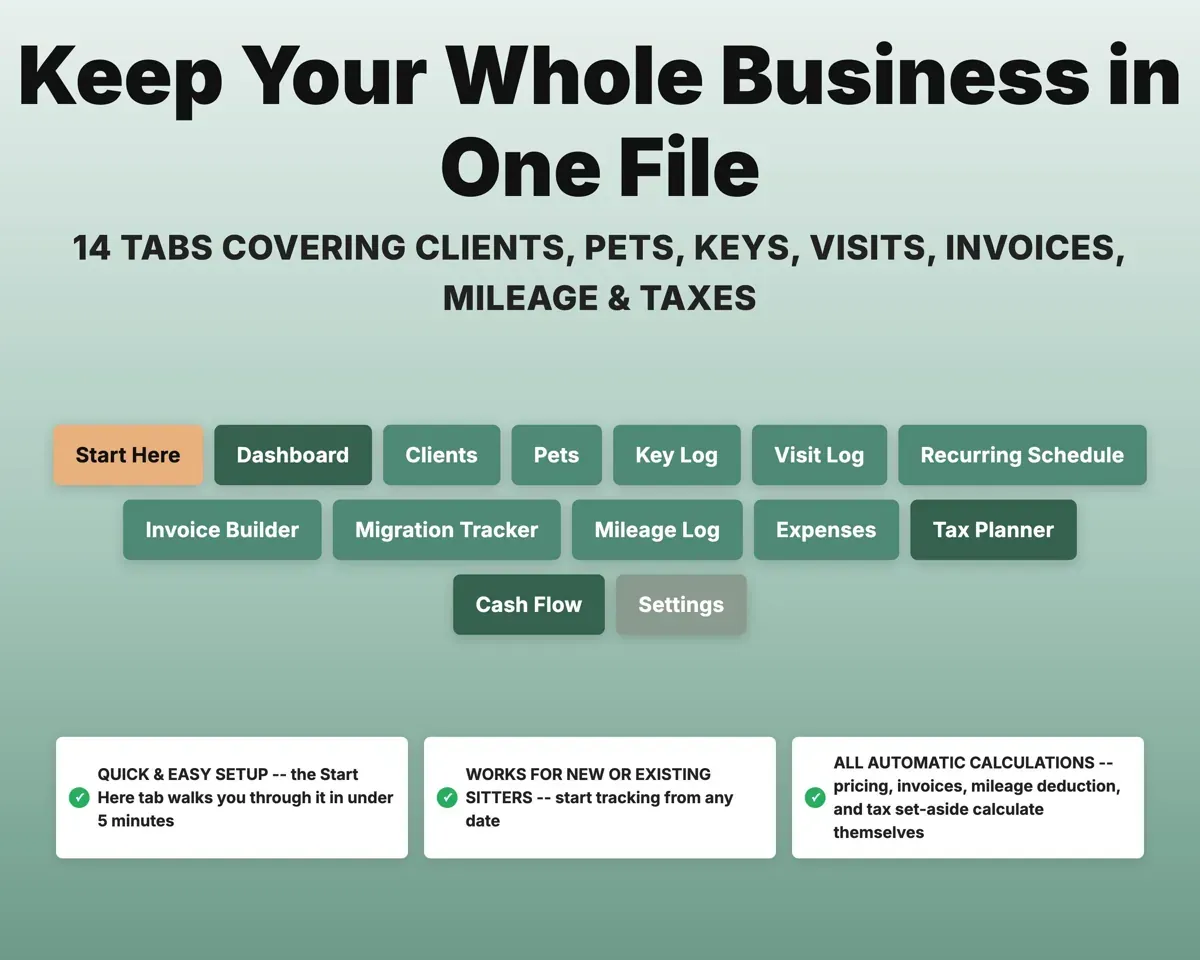
Miles, expensesQuarterly estimate14 tabs in one file
- Start Here
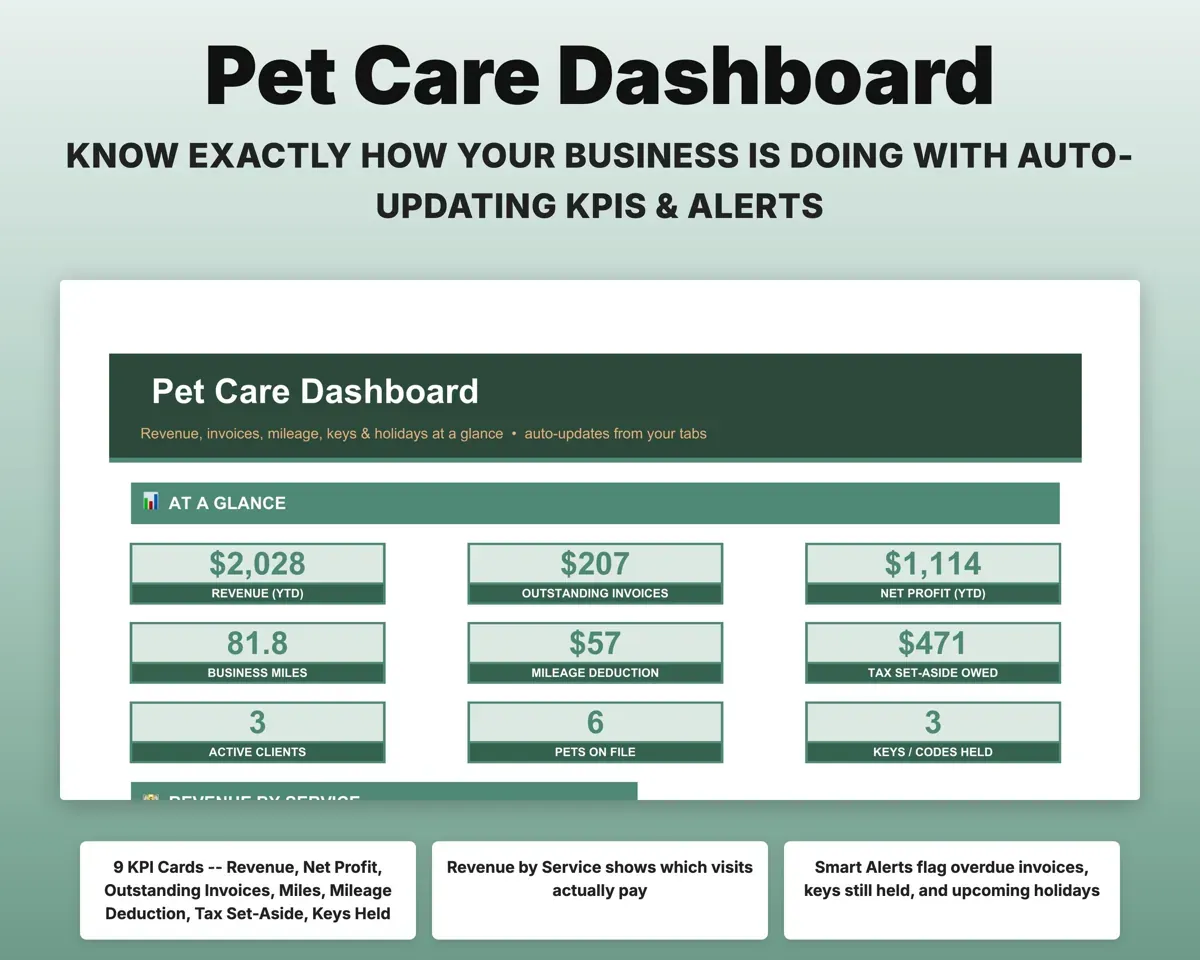
- Dashboard
- Clients
- Pets
- Key Log
- Visit Log
- Recurring Schedule
- Invoice Builder
- Migration Tracker
- Mileage Log
- Expenses
- Tax Planner
- Cash Flow
- Settings
- Start Here
- Setup steps and a color key so you know where to begin.
- Dashboard
- Revenue, unpaid invoices, profit, miles, keys and tax set-aside.
- Clients
- Each household's address, access details, vets and contacts.
- Pets
- Each pet's feeding, meds, allergies, behaviors and vet.
- Key Log
- Every key, lockbox and code with its status.
- Visit Log
- Each visit with rate, holiday surcharge and add-ons.
- Recurring Schedule
- Each client's standing weekly schedule.
- Invoice Builder
- Monthly invoices per client with due date and overdue flag.
- Migration Tracker
- Clients moving off Rover or Wag and fees saved.
- Mileage Log
- Trips with the mileage deduction worked out.
- Expenses
- Business costs mapped to Schedule C lines.
- Tax Planner
- Quarterly estimated taxes (Form 1040-ES) with SE tax.
- Cash Flow
- Twelve months of income and expenses by category.
- Settings
- Services, rates, add-ons, holidays, mileage rate and lists.
Pair it with
“Excellent! Very easy to use.”
“Nice Organization for 4H projects”
Before you buy
Can I set my own services and prices?
Yes. The Settings tab holds your service menu, multi-pet add-on, holiday surcharge and holiday dates. Change them once and every visit and invoice follows.
I'm moving clients off Rover or Wag. Does it help?
Yes. The Migration Tracker records each client's move to direct booking and shows the 20% in app fees you keep.
Can I keep using it next year?
Yes. Update the holiday dates and mileage rate on Settings and keep logging. Your history stays in place.
What do I get?
An Excel file (.xlsx), a filled-in sample to look at, and a quick-start PDF guide with a link that makes your own copy in Google Sheets.
How does delivery work?
You get your download links right after checkout, and Stripe emails your receipt. There is nothing to ship and nothing to wait for.
How do I set it up in Google Sheets?
Open the quick-start PDF and click the Google Sheets link. Google makes a copy in your own Drive that only you can edit. You need a free Google account.
Will it work on a Mac?
Yes. It works in Excel on Mac and Windows, and in Google Sheets in any browser.
I'm not a spreadsheet person. Is that a problem?
No. You only type in the yellow cells. Everything in gray works itself out, and the Start Here tab shows you where to begin.
Can I get a refund?
Templates are digital downloads, so sales are final. If a file won't open, is broken or doesn't match its description, email hello@cleanpixelstudios.com within 30 days and we'll fix it, or refund you if we can't.
What if I get stuck?
Email hello@cleanpixelstudios.com and we'll help you get it working.
More in Pets & breeders
See all Pets & breeders templates
 Made by Clean Pixel Studios
We start every template by reading what people in that line of work say they struggle with, then build the spreadsheet around those problems. This one was made for pet sitters and dog walkers and nobody else.
How we build templatesPet Sitting Business Tracker$17.99 · Excel + Google Sheets