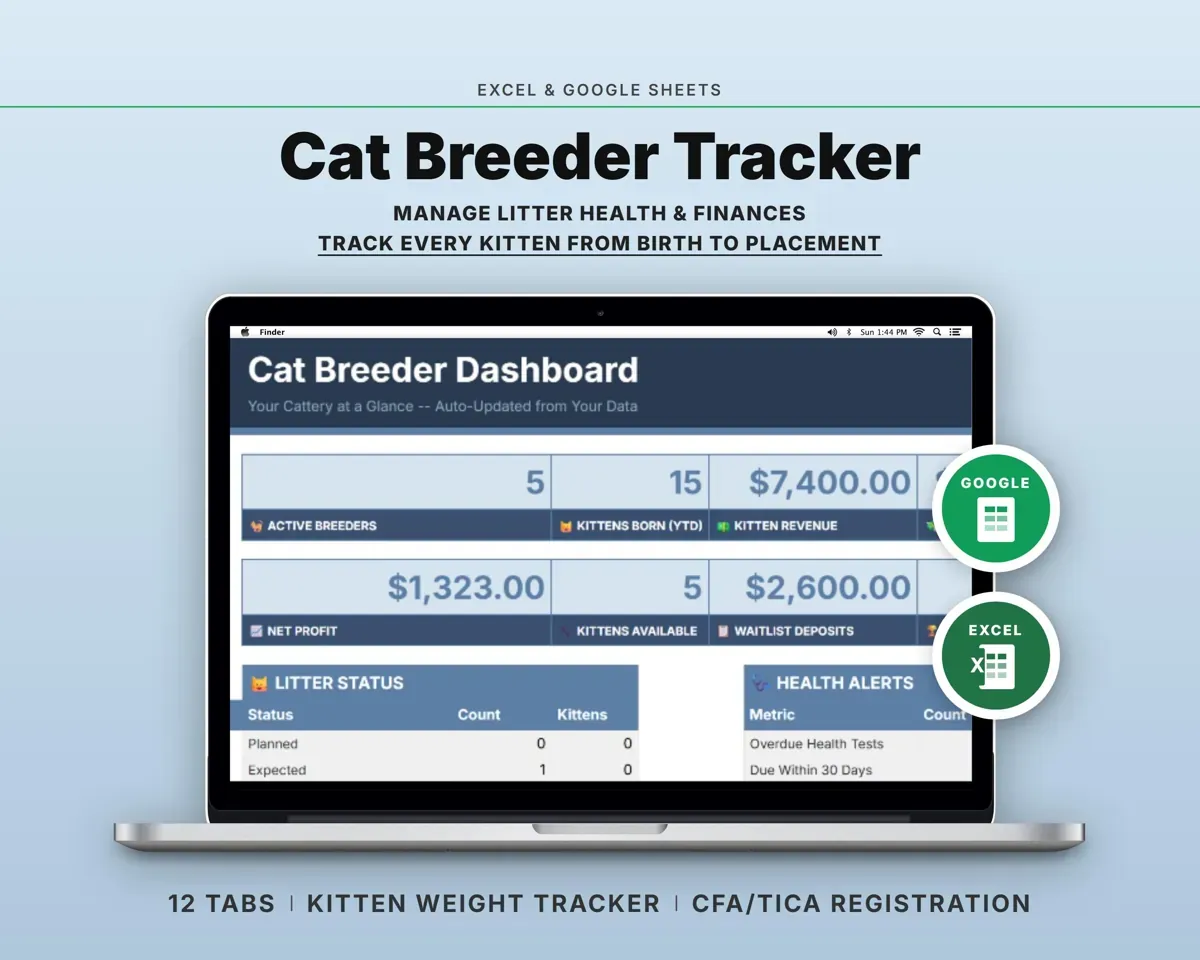
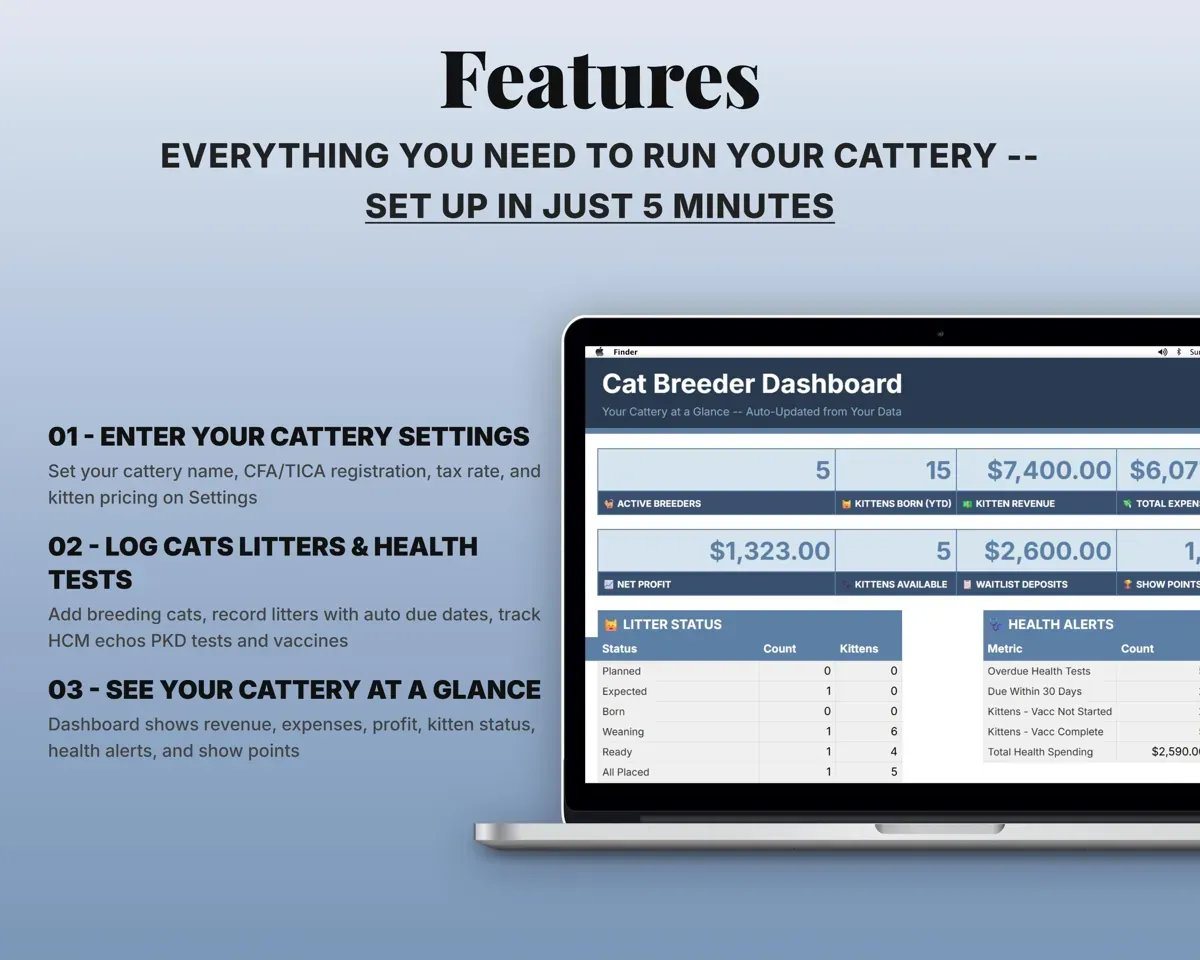
Built around the jobs cat breeders actually do
Know which tests are overdue
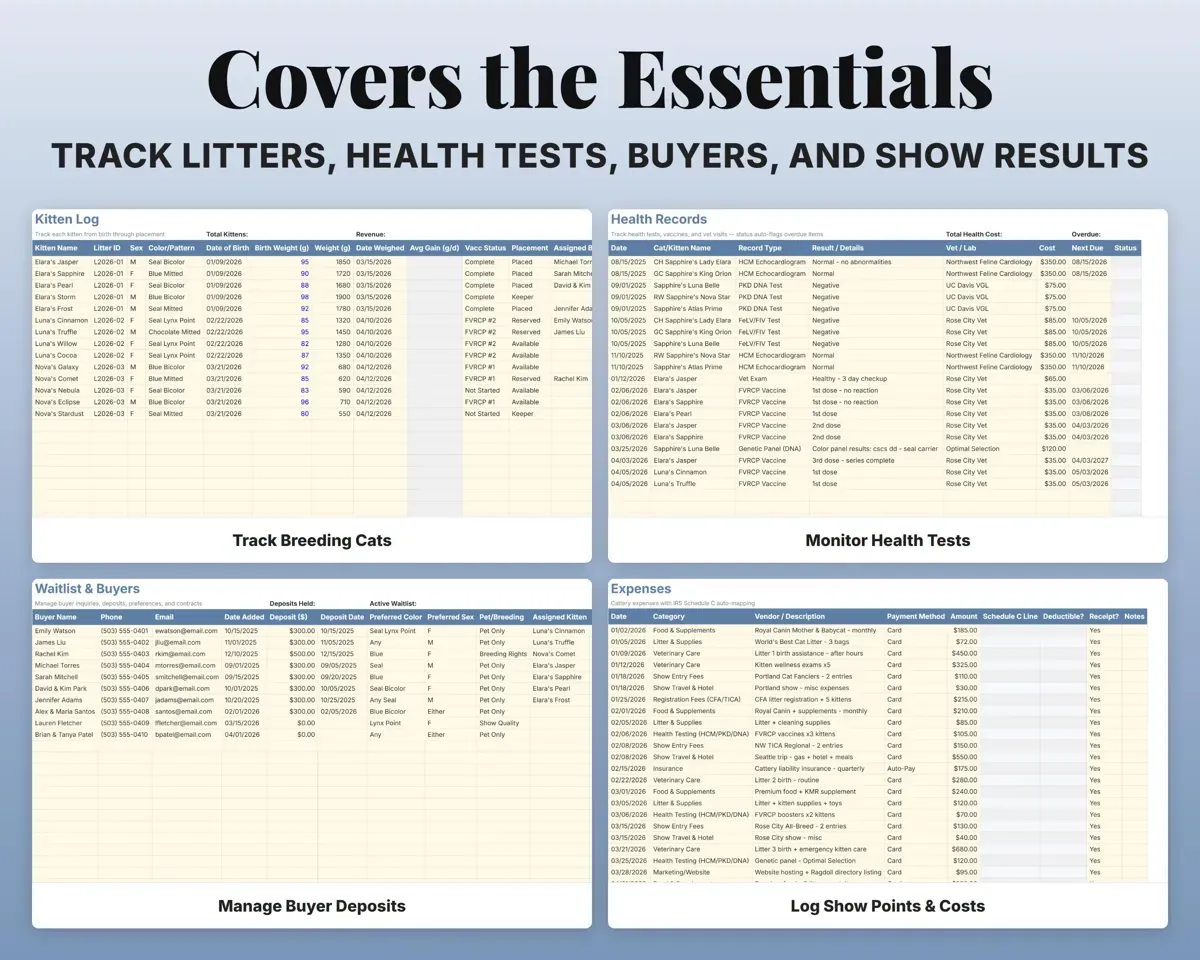
Log HCM echoes, PKD DNA, FeLV/FIV, genetic panels and FVRCP vaccines with a next due date. Each one shows Overdue, Due Soon or Current.
Test, next due dateOverdue or Due SoonCatch a kitten that is not gaining
Record the weight and date at each weigh-in. The sheet works out average daily gain and highlights anything under 7 g a day.
Weight, date weighedGrams gained per dayKnow when each litter is due
Enter the queen, sire and breeding date and the due date fills in at 65 days. Births, survivors and litter status sit on the same row.
Breeding dateDue dateKeep deposits and preferences straight
Each buyer's deposit, preferred color and sex, whether they want a pet, breeding or show cat, the kitten assigned and where the contract stands.
Deposit, preferencesDeposits heldCount the cost of showing
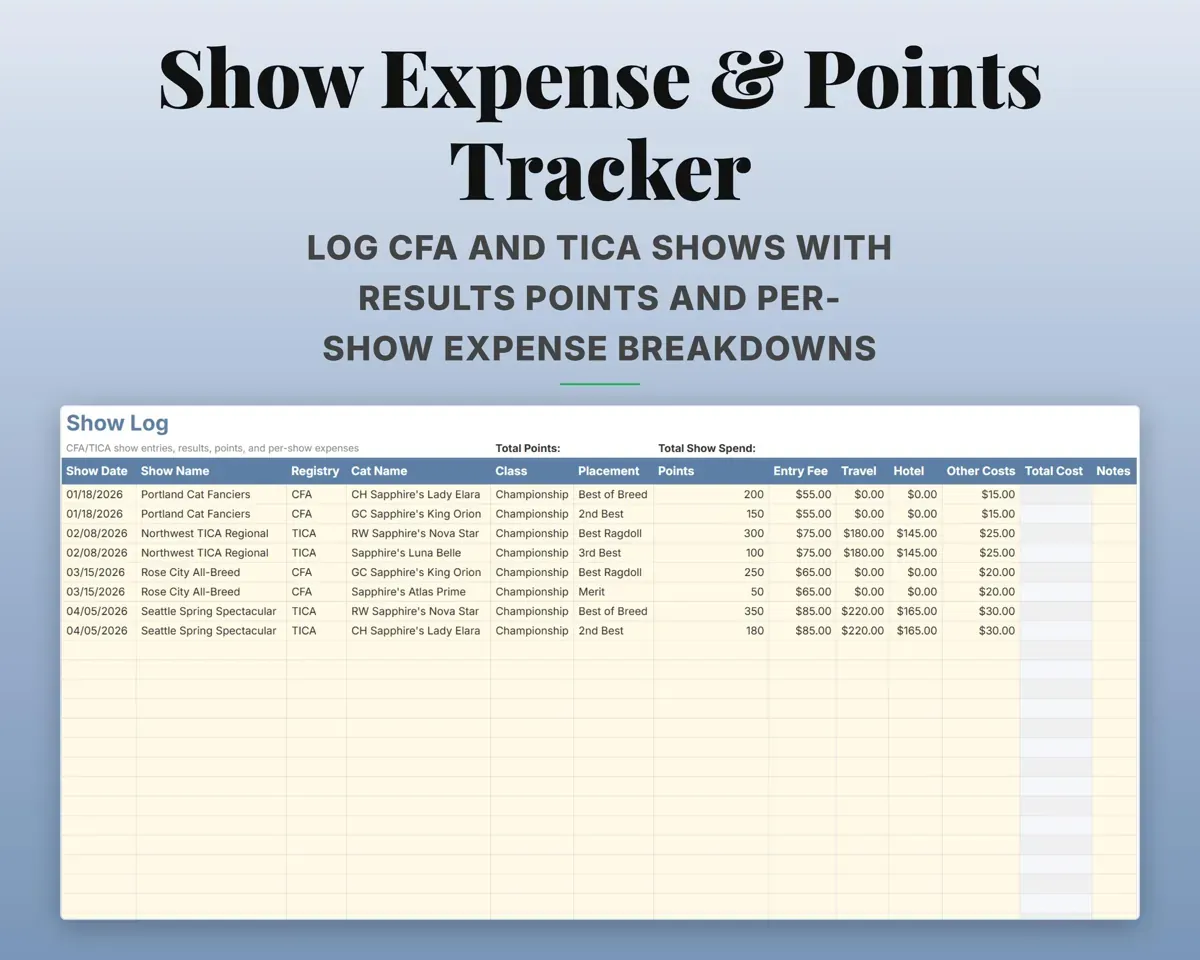
CFA and TICA entries with results and points, and entry, travel and hotel costs totaled for each show.
Entry, travel, hotelCost per showSee your real profit
Kitten sales against vet, food, litter, registration, show and supply costs, with 12 expense categories matched to Schedule C lines and quarterly tax dates.
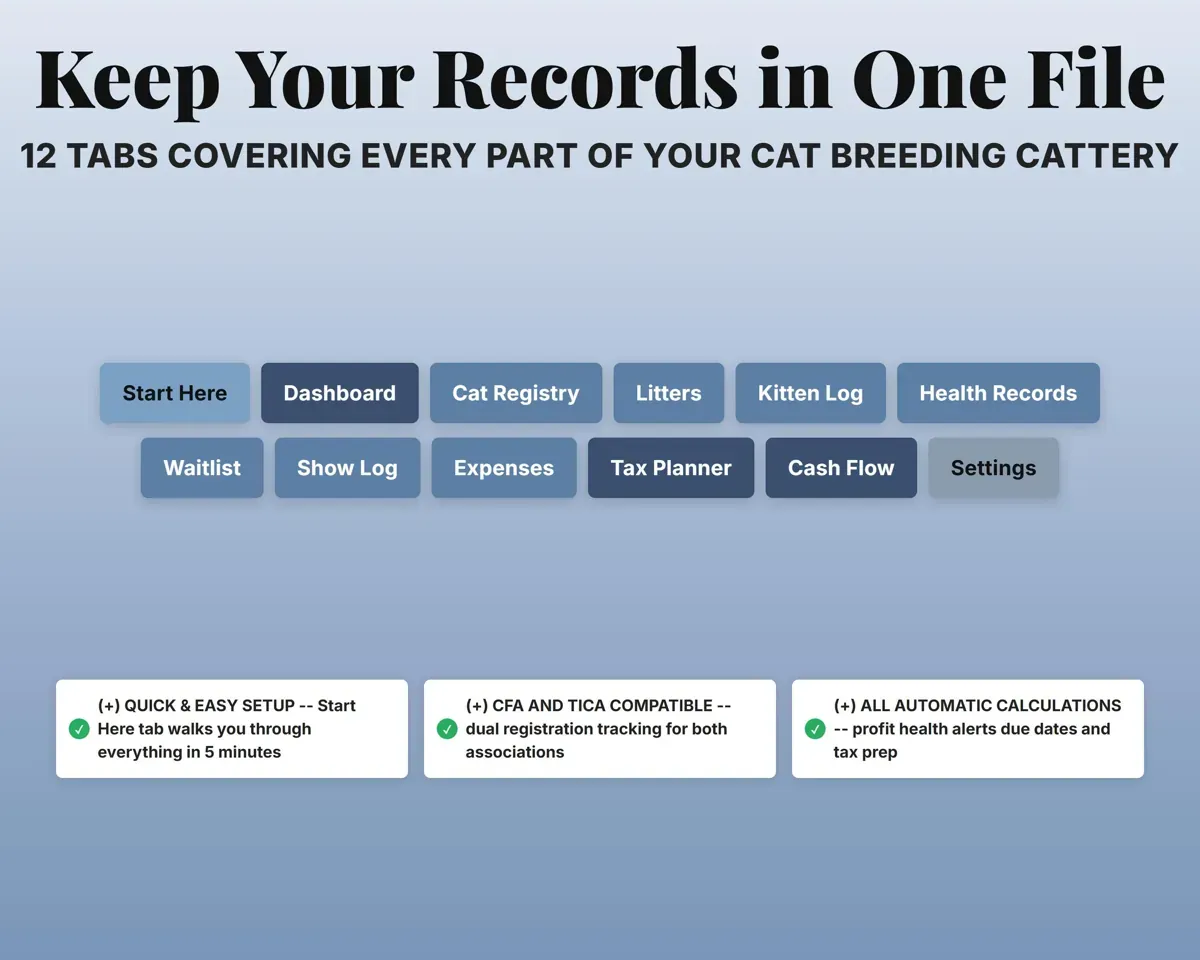
Sales, expensesCattery profit12 tabs in one file
- Start Here
- Dashboard
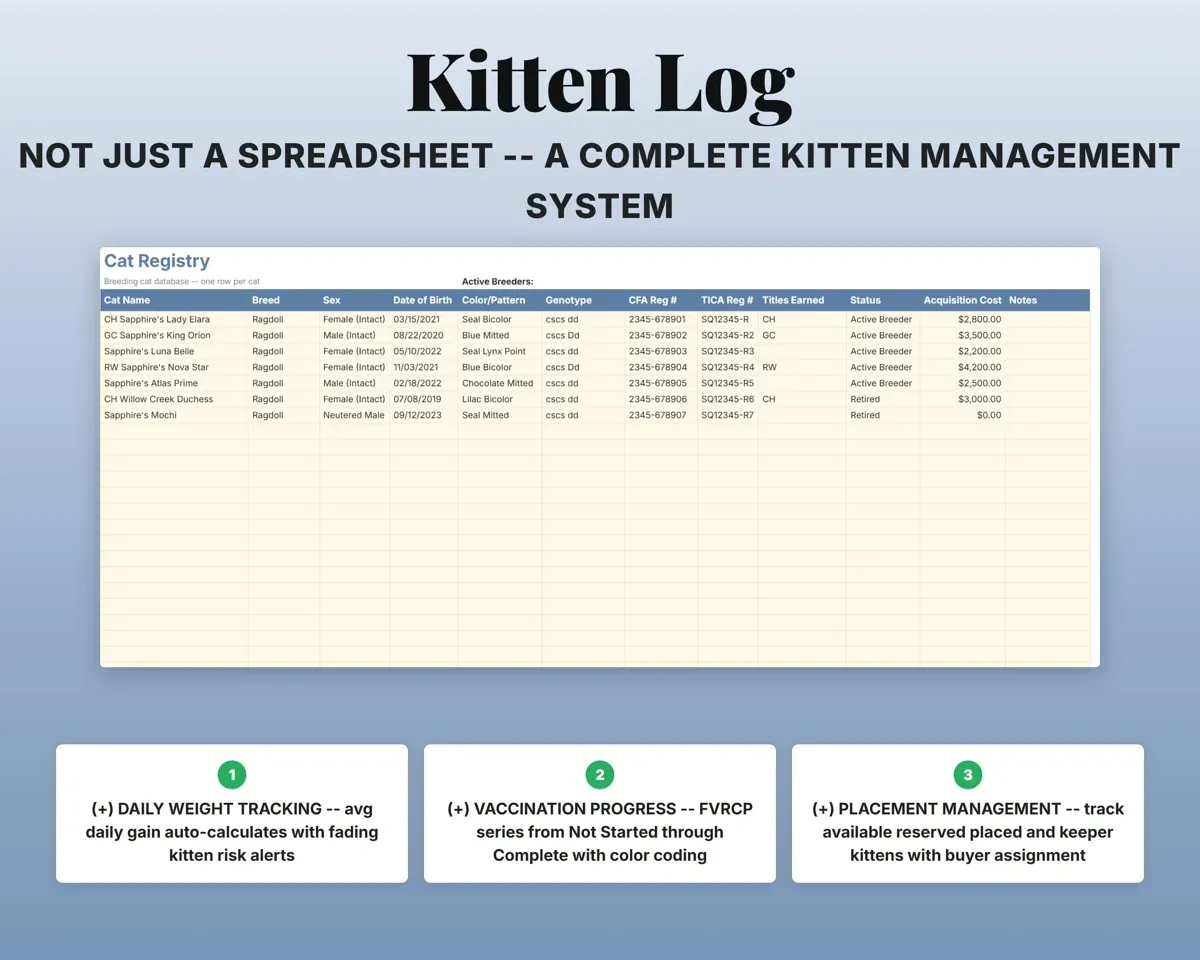
- Cat Registry
- Litters
- Kitten Log
- Health Records
- Waitlist
- Show Log
- Expenses
- Tax Planner
- Cash Flow
- Settings
- Start Here
- Setup steps, color key and a guide to each tab.
- Dashboard
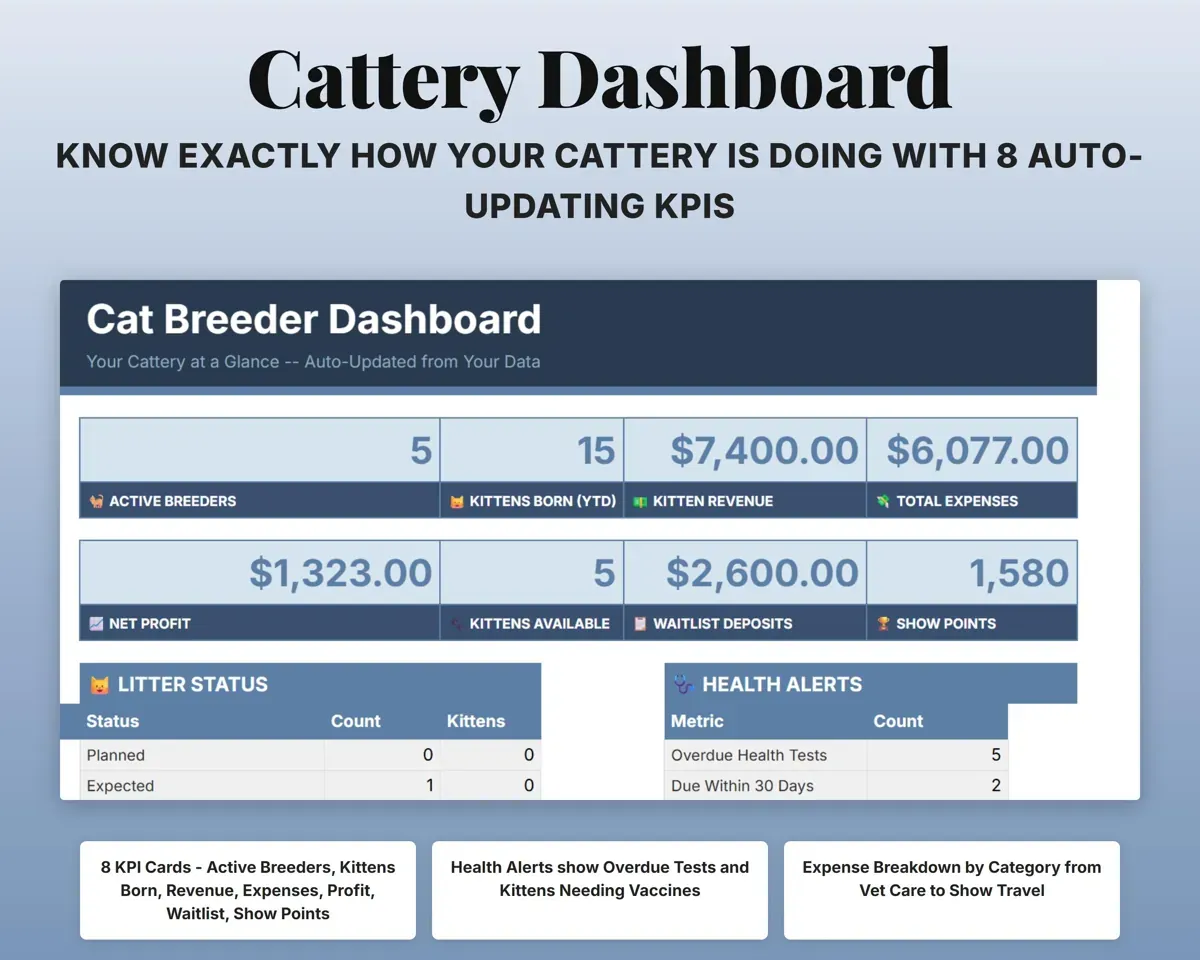
- Cattery totals, health alerts and waitlist summary on one screen.
- Cat Registry
- Breeding cats with CFA and TICA numbers, genotype and titles.
- Litters
- Pairings, due dates, births and litter status.
- Kitten Log
- Weights, daily gain, vaccines, placement and buyer for each kitten.
- Health Records
- Tests, vaccines and vet exams with overdue flags.
- Waitlist
- Buyers, deposits, preferences and contract status.
- Show Log
- Show entries, results, points and costs.
- Expenses
- Cattery costs in 12 categories matched to Schedule C.
- Tax Planner
- Quarterly estimated tax dates and payments (Form 1040-ES).
- Cash Flow
- Twelve months of revenue against expenses.
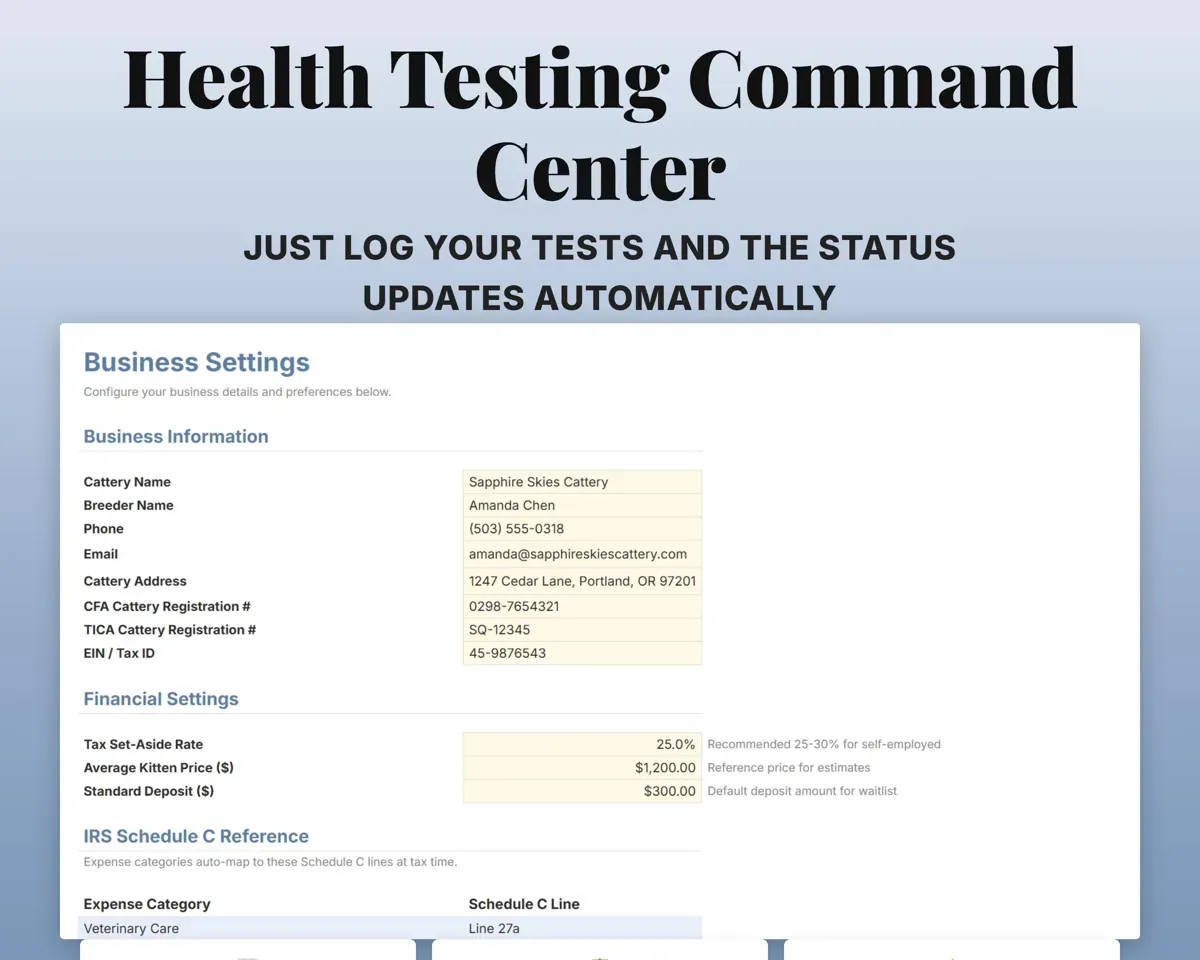
- Settings
- Cattery details, registration numbers, prices and dropdown lists.
Pair it with
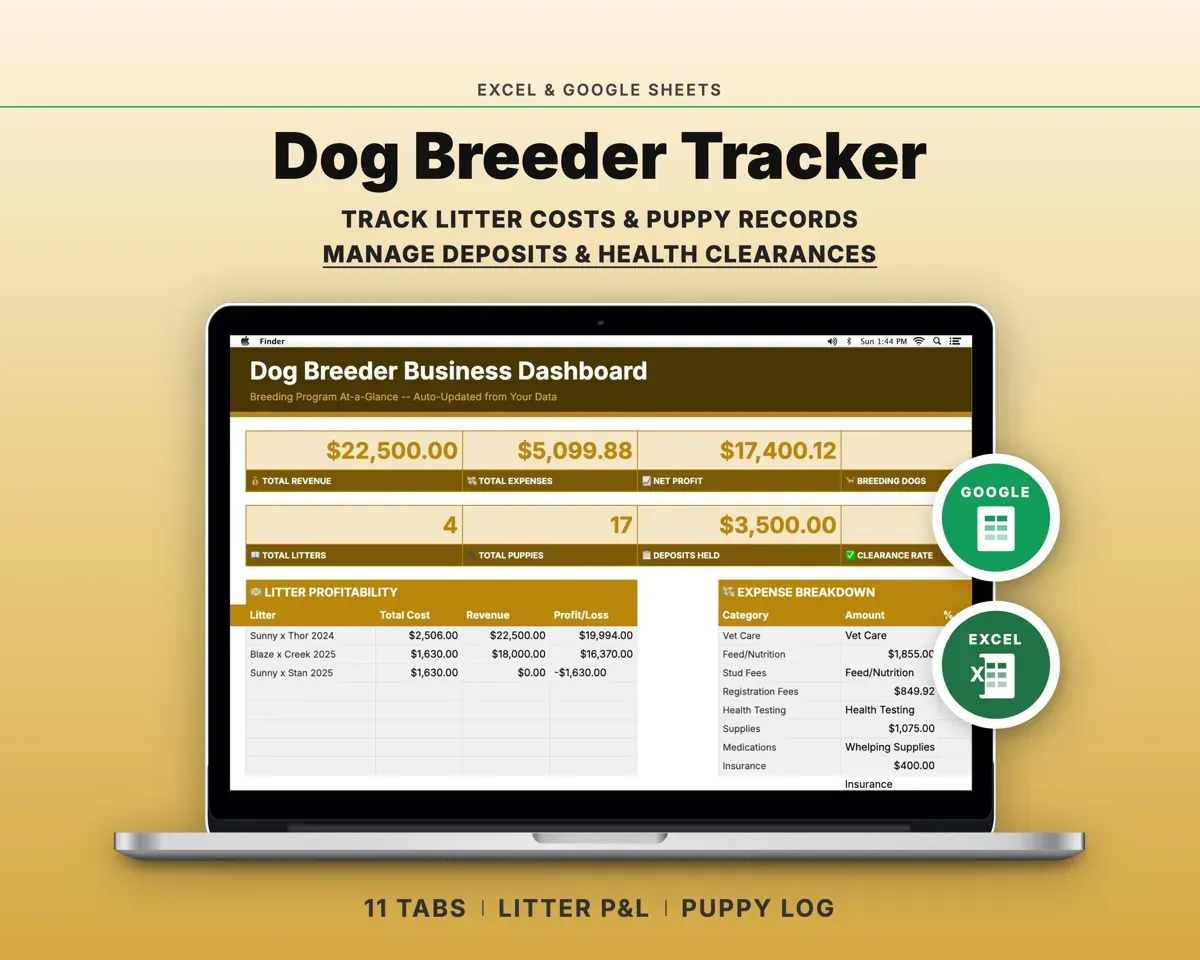
“Excellent! Very easy to use.”
“Nice Organization for 4H projects”
Before you buy
Does it keep CFA and TICA separate?
Yes. Cat Registry has separate CFA and TICA columns for registration numbers and titles, and each show on the Show Log is tagged with its registry.
How many cats and kittens can it hold?
Up to 500 entries per tab, so it fits a cattery of 5 cats or 50.
How do the health alerts work?
Give each test or vaccine a next due date. It shows Overdue once that date passes and Due Soon within 30 days, and the Dashboard counts what is overdue.
What do I get?
An Excel file (.xlsx), a filled-in sample to look at, and a quick-start PDF guide with a link that makes your own copy in Google Sheets.
How does delivery work?
You get your download links right after checkout, and Stripe emails your receipt. There is nothing to ship and nothing to wait for.
How do I set it up in Google Sheets?
Open the quick-start PDF and click the Google Sheets link. Google makes a copy in your own Drive that only you can edit. You need a free Google account.
Will it work on a Mac?
Yes. It works in Excel on Mac and Windows, and in Google Sheets in any browser.
I'm not a spreadsheet person. Is that a problem?
No. You only type in the yellow cells. Everything in gray works itself out, and the Start Here tab shows you where to begin.
Can I get a refund?
Templates are digital downloads, so sales are final. If a file won't open, is broken or doesn't match its description, email hello@cleanpixelstudios.com within 30 days and we'll fix it, or refund you if we can't.
What if I get stuck?
Email hello@cleanpixelstudios.com and we'll help you get it working.
More in Pets & breeders
See all Pets & breeders templates
 Made by Clean Pixel Studios
We start every template by reading what people in that line of work say they struggle with, then build the spreadsheet around those problems. This one was made for cat breeders and nobody else.
How we build templates