Built around the jobs dog breeders actually do
See what each litter really cost and earned
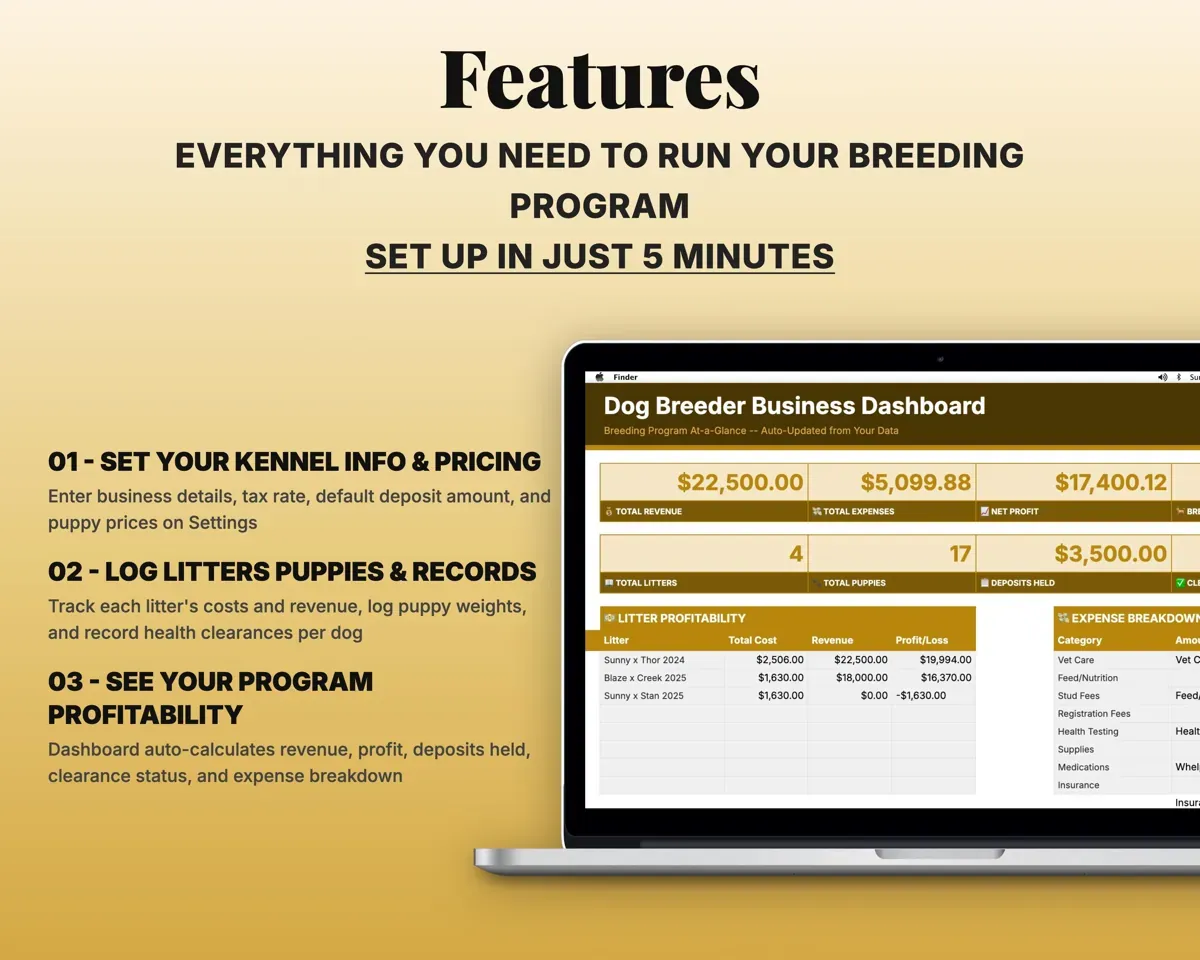
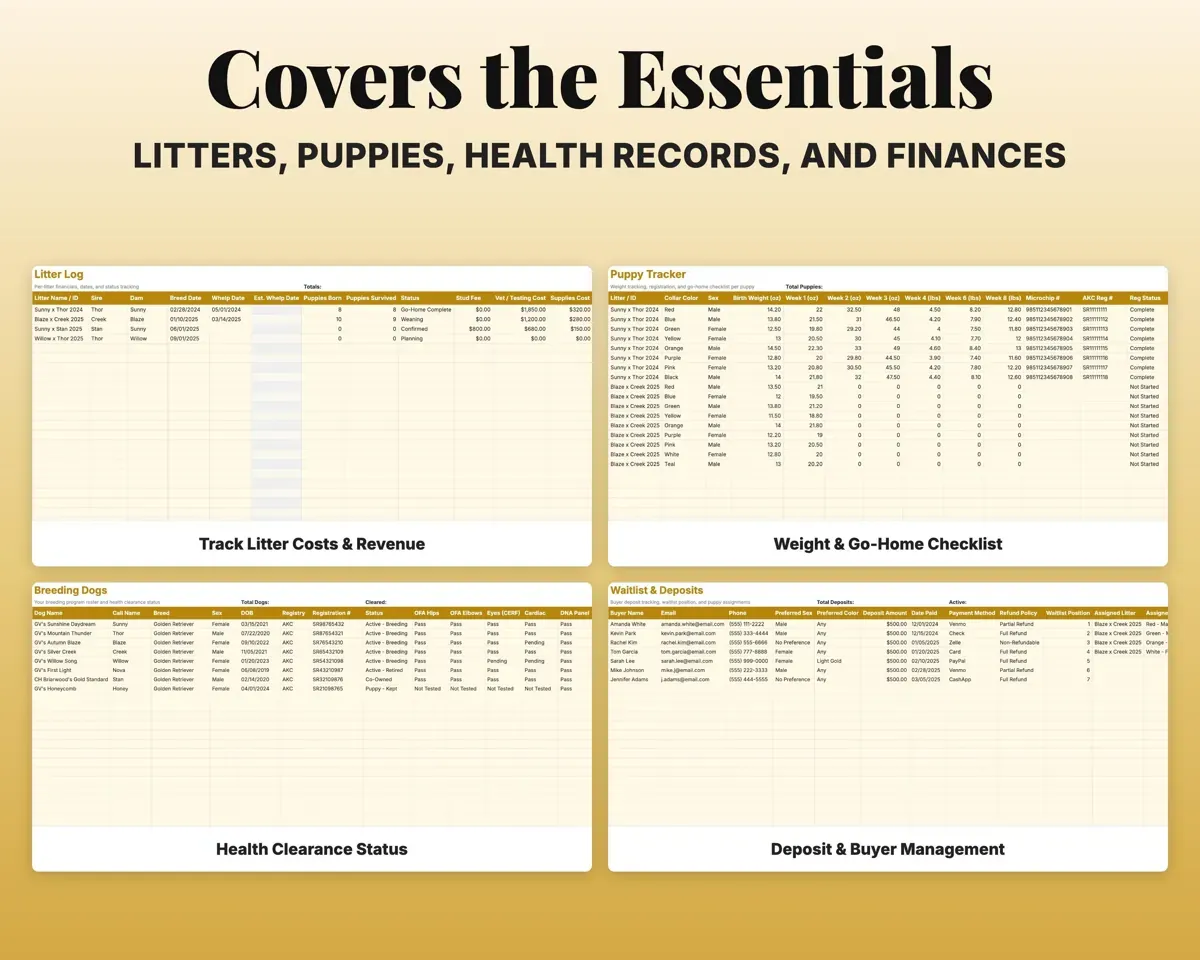
Log the stud fee, vet bills, supplies and registration. The sheet totals them, splits the cost across the puppies, shows the profit or loss, and works out the expected whelp date.
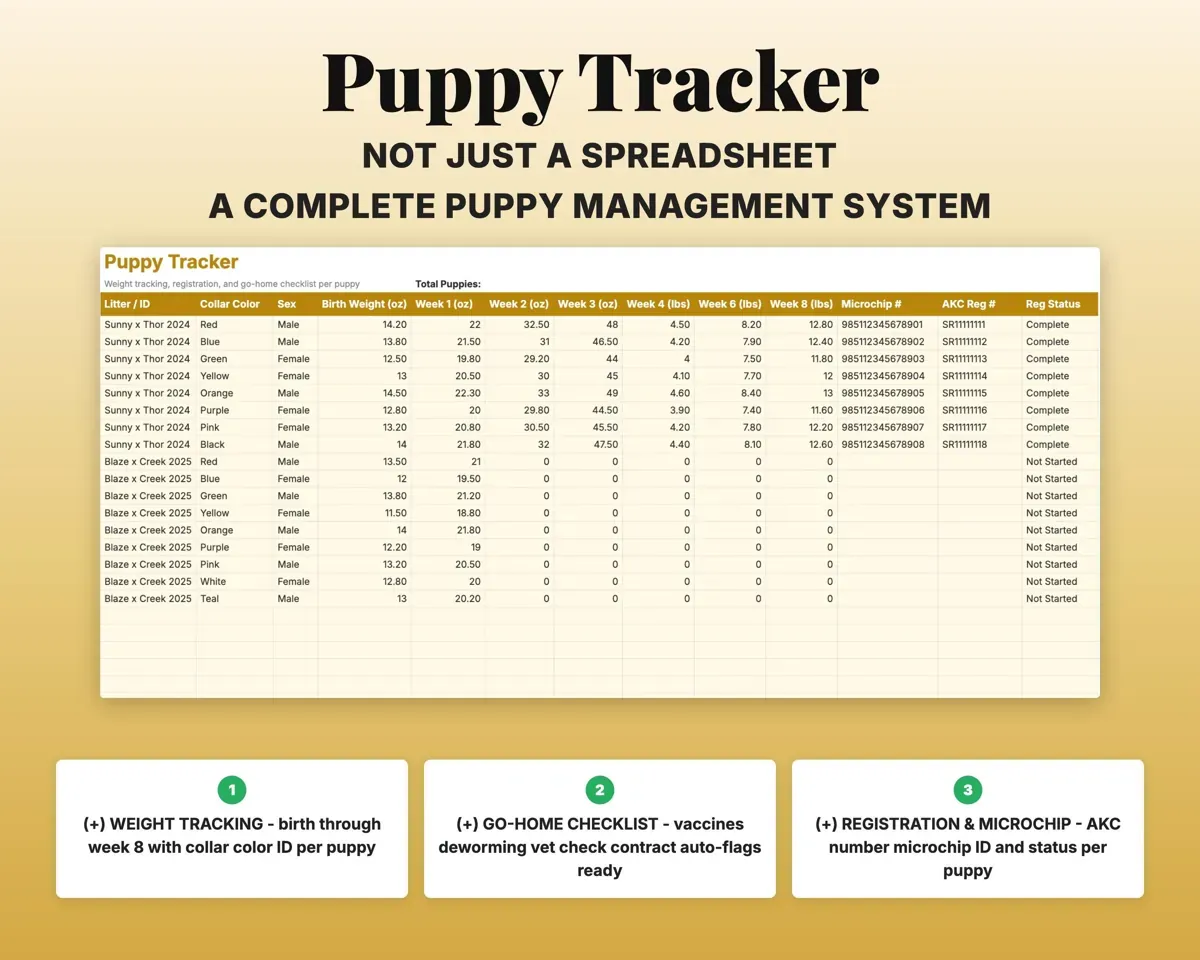
Stud fee, vet, suppliesCost per puppyFollow each puppy to go-home day
Collar color, weekly weights for eight weeks, microchip and registration, plus the vaccine, deworming, vet check and contract checklist. When every item is done, the puppy shows as ready.
Weights, checklistReady to go homeKeep deposits and the waitlist straight
Each buyer’s deposit, how they paid, whether it is refundable, their place in line and the puppy they are matched with, so no puppy gets promised twice.
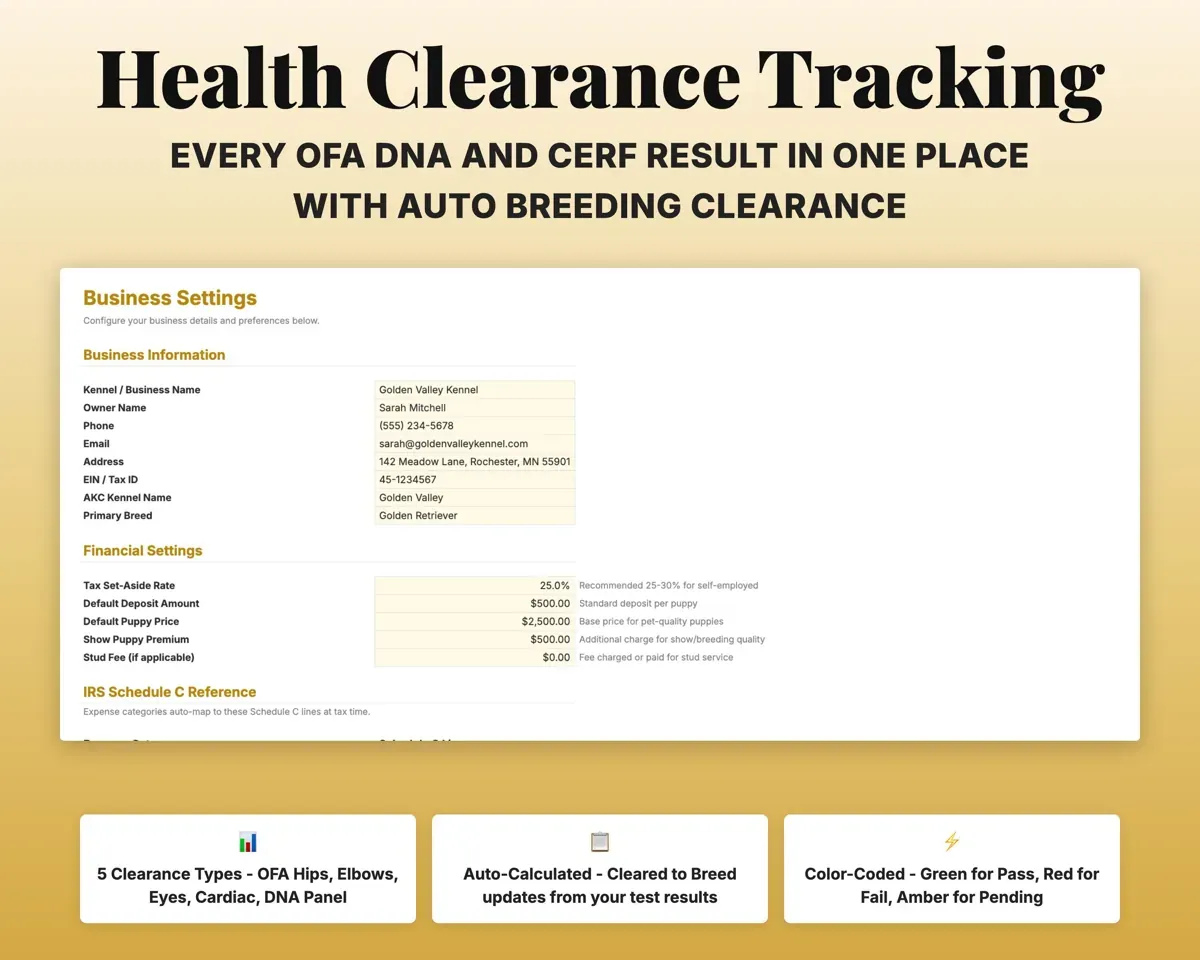
Deposit, refund termsDeposits heldKnow which dogs are cleared to breed
Record OFA hips, elbows, eyes and cardiac results and the DNA panel for each dog. The sheet marks who is cleared and who still needs testing.
OFA and DNA resultsCleared to breed?Have your numbers ready for taxes
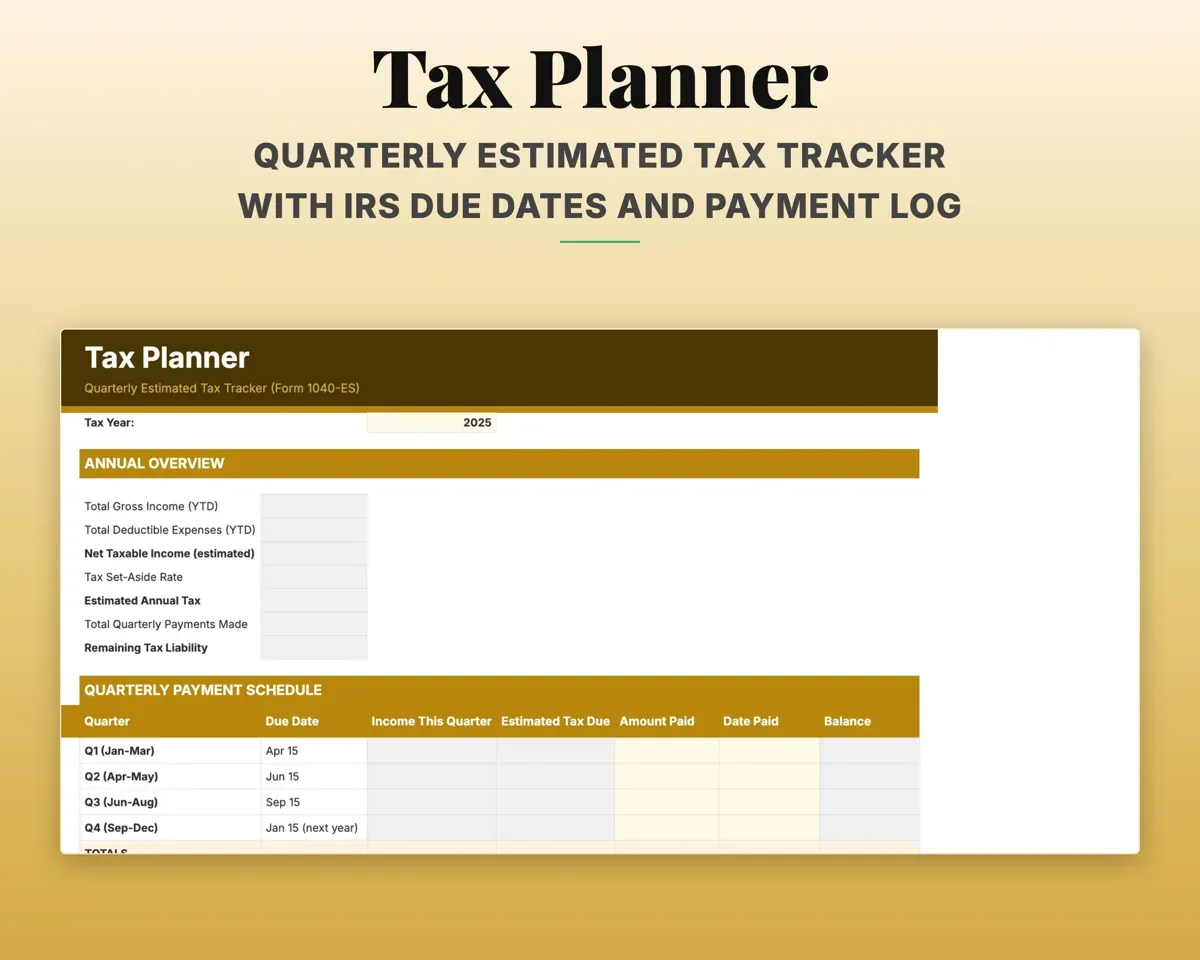
18 breeding expense categories, each matched to its Schedule C line, plus quarterly estimated tax dates and a 12-month cash flow.
ExpensesSchedule C lineSee the whole program on one screen
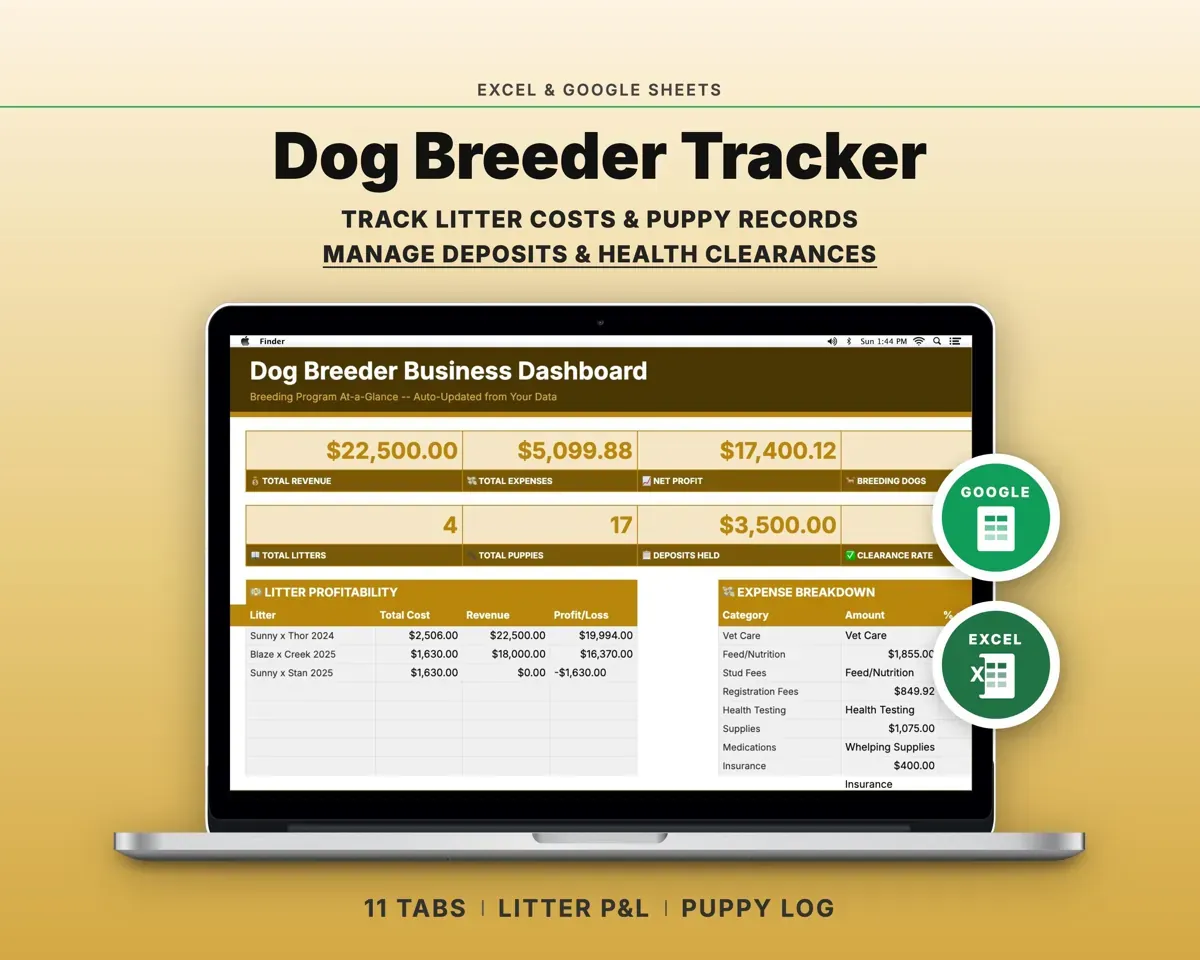
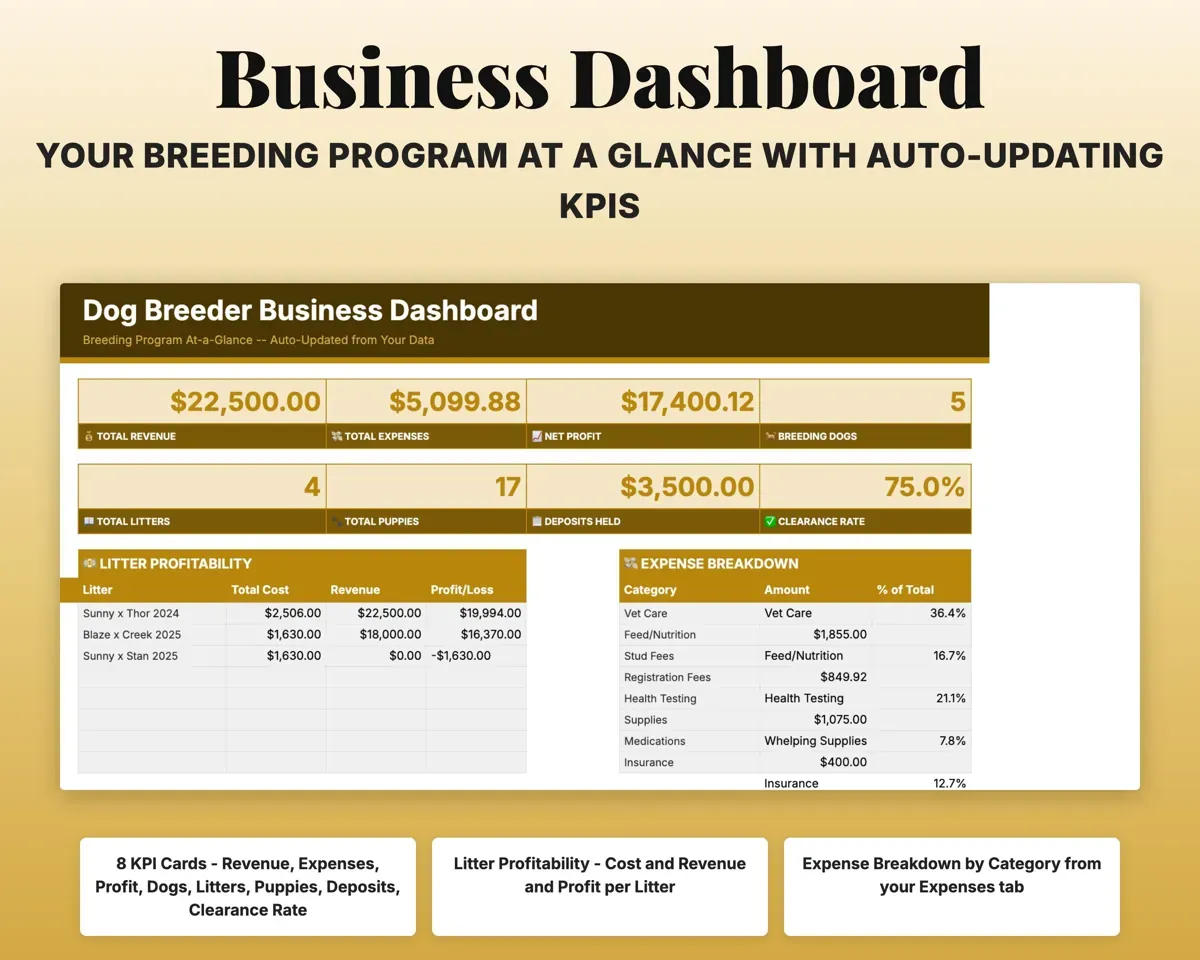
Revenue, expenses, net profit, deposits held, clearance rate and a profit table for every litter, all filled in from the other tabs.
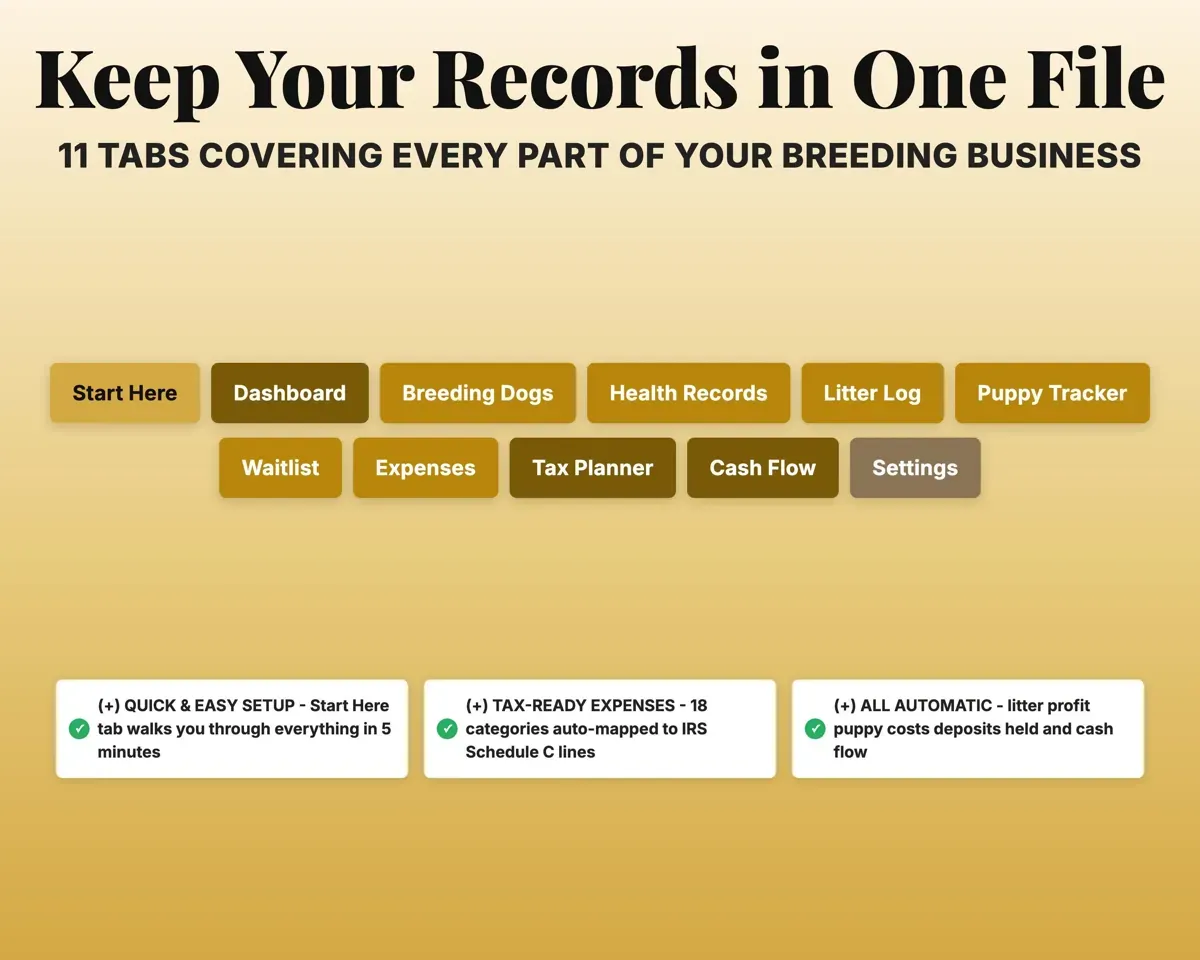
Your other tabsProgram totals11 tabs in one file
- Start Here
- Dashboard
- Breeding Dogs
- Health Records
- Litter Log
- Puppy Tracker
- Waitlist
- Expenses
- Tax Planner
- Cash Flow
- Settings
- Start Here
- Setup steps and a short guide to every tab.
- Dashboard
- The whole breeding program on one screen.
- Breeding Dogs
- Every dog, its registration and its health clearances.
- Health Records
- Vaccines, health tests and vet visits for each dog.
- Litter Log
- Pairings, whelp dates, costs and profit for each litter.
- Puppy Tracker
- Weights, paperwork and go-home readiness for each puppy.
- Waitlist
- Buyers, deposits and which puppy each one is matched with.
- Expenses
- Every cost by category, linked to a dog or a litter.
- Tax Planner
- Quarterly estimated tax dates and payments (Form 1040-ES).
- Cash Flow
- Twelve months of money in and money out.
- Settings
- Kennel details, prices, tax rate and your own dropdown lists.
Pair it with
“It’s a simple business spreadsheet for small businesses and easy to apply.”
“Excellent! Very easy to use.”
Before you buy
I breed more than one breed. Will it work?
Yes. The breed list is a dropdown you edit on the Settings tab, so you can track any breed or mix across every tab.
How does the cleared-to-breed check work?
Enter each dog’s OFA hips, elbows, eyes and cardiac results and its DNA panel on the Breeding Dogs tab. A dog shows as cleared only when all five pass, and the Dashboard shows your clearance rate.
Does it replace kennel management software?
For records, yes: litters, puppies, health clearances, deposits, expenses and tax planning, for a one-time price instead of a monthly subscription. It does not take online payments or send reminders.
What do I get?
An Excel file (.xlsx), a filled-in sample to look at, and a quick-start PDF guide with a link that makes your own copy in Google Sheets.
How does delivery work?
You get your download links right after checkout, and Stripe emails your receipt. There is nothing to ship and nothing to wait for.
How do I set it up in Google Sheets?
Open the quick-start PDF and click the Google Sheets link. Google makes a copy in your own Drive that only you can edit. You need a free Google account.
Will it work on a Mac?
Yes. It works in Excel on Mac and Windows, and in Google Sheets in any browser.
I'm not a spreadsheet person. Is that a problem?
No. You only type in the yellow cells. Everything in gray works itself out, and the Start Here tab shows you where to begin.
Can I get a refund?
Templates are digital downloads, so sales are final. If a file won't open, is broken or doesn't match its description, email hello@cleanpixelstudios.com within 30 days and we'll fix it, or refund you if we can't.
What if I get stuck?
Email hello@cleanpixelstudios.com and we'll help you get it working.
More in Pets & breeders
See all Pets & breeders templates
 Made by Clean Pixel Studios
We start every template by reading what people in that line of work say they struggle with, then build the spreadsheet around those problems. This one was made for dog breeders and nobody else.
How we build templatesDog Breeder Spreadsheet$17.99 · Excel + Google Sheets