Built around the jobs dog groomers actually do
Price grooms by time, not just size
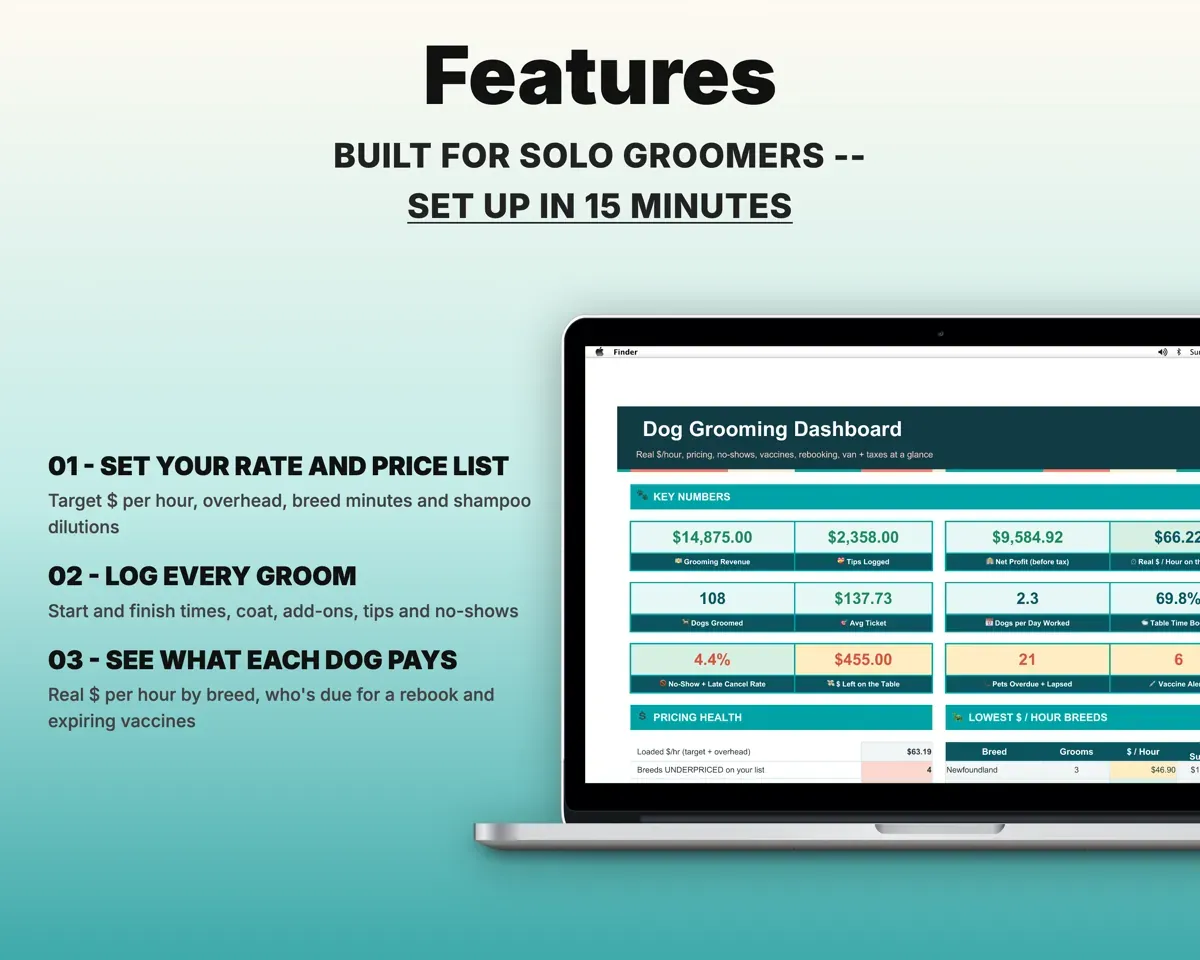
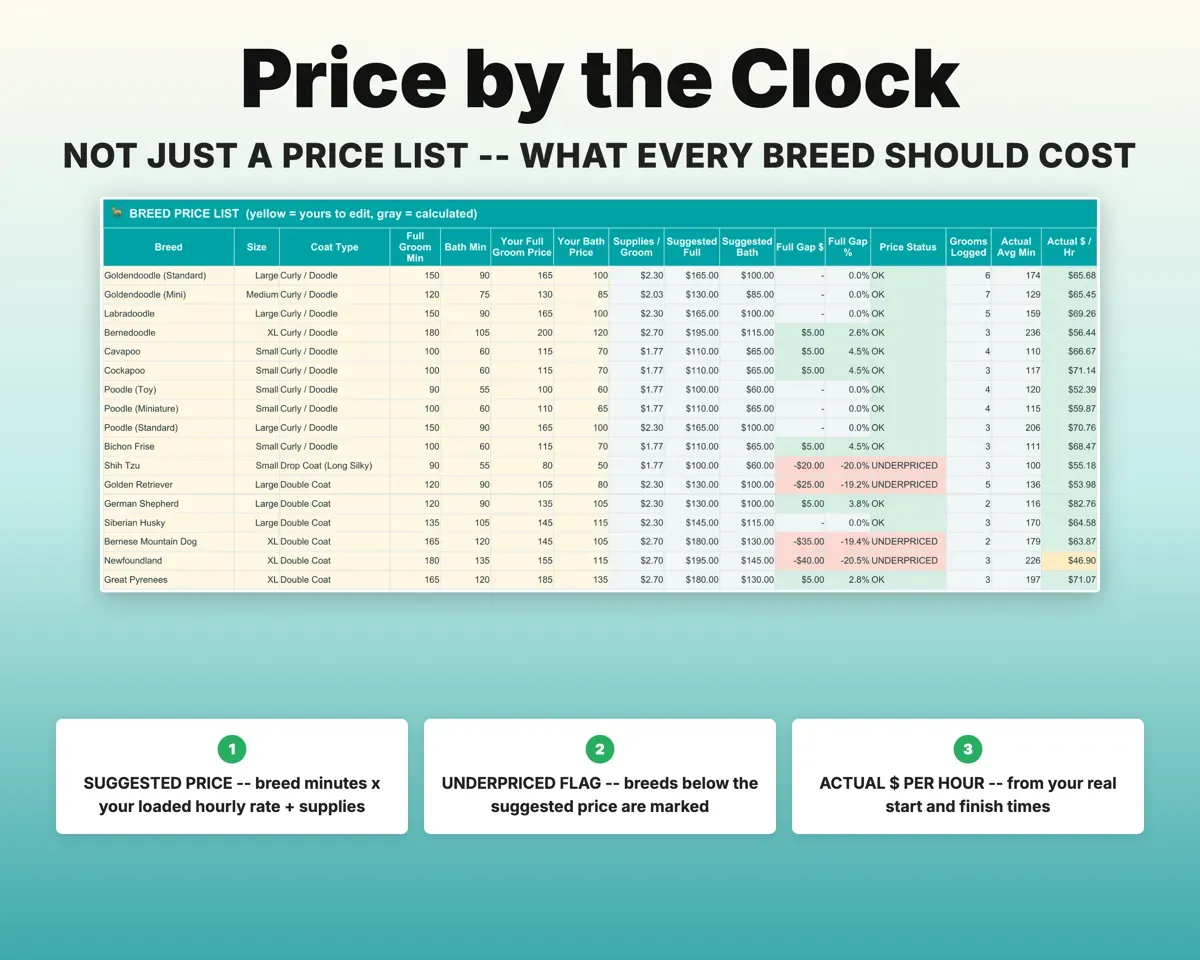
Enter the hourly rate you want and your overhead. For each breed, the Price Builder converts typical table minutes to a suggested price, flags what you undercharge, and offers a Quick Quote for phone calls.
Breed minutes, target rateSuggested priceKnow your real dollars per hour
Log start and finish times on each groom. The sheet works out actual minutes, dollars per hour and the gap to your suggested price, and the Dashboard lists your lowest-paying breeds.
Start and finish timesReal $ per hourCatch expired rabies before the appointment
Record rabies and bordetella dates for each pet. Its status reads Current, Expiring Soon or Expired, and another flag warns when a shot lapses before the next booking.
Vaccine datesExpiry vs next groomCall the regulars who are drifting
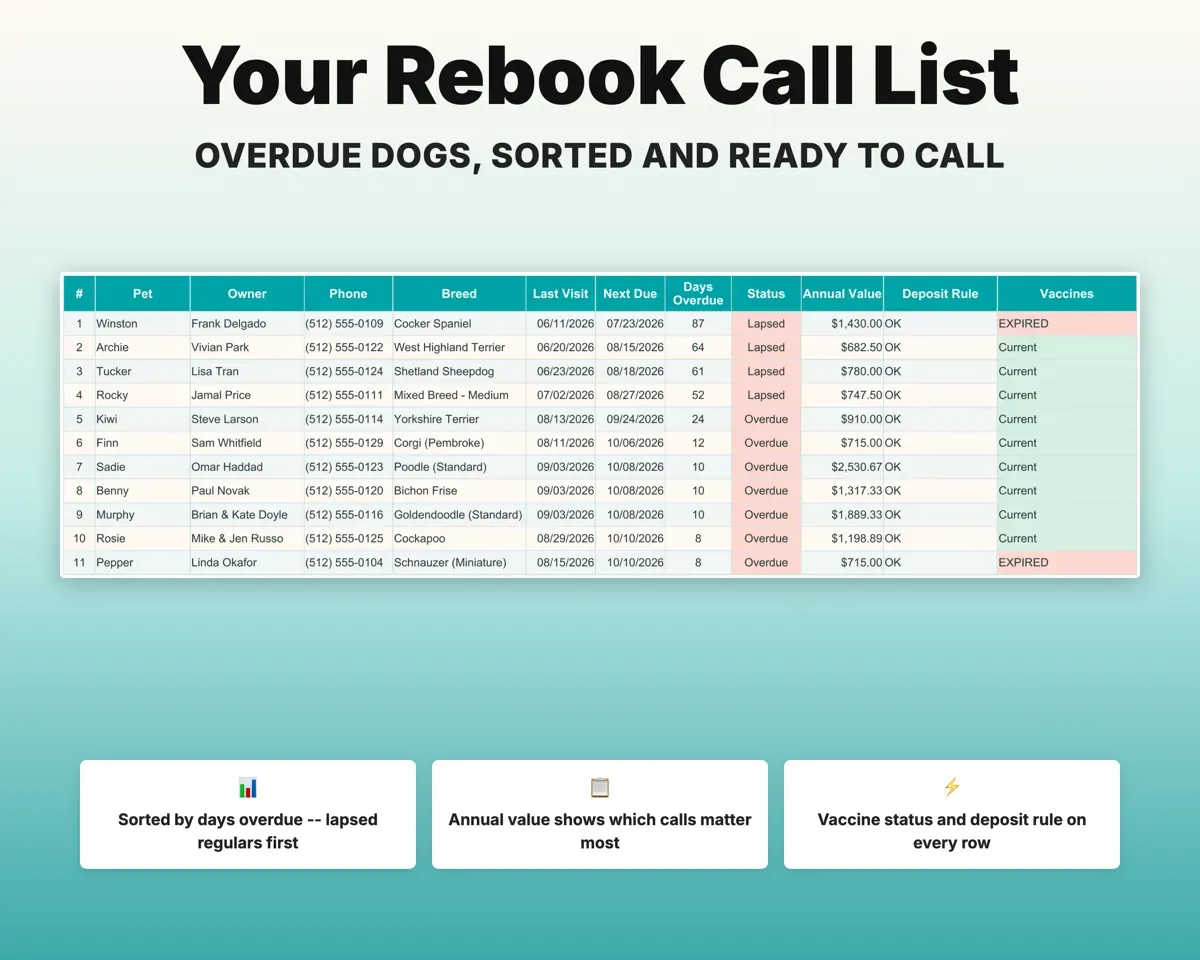
Coat type sets each pet's rebook cycle. The Rebook List puts the most overdue and lapsed dogs first, next to the owner's phone number and what that client is worth per year.
Coat type, last groomWho to call firstCharge no-show fees by your policy
Mark a groom No-Show or Late Cancel and the fee comes from your policy. Clients who pass your limit are flagged Deposit Required.
No-show, late cancelFee and deposit flagSee what the van costs per stop
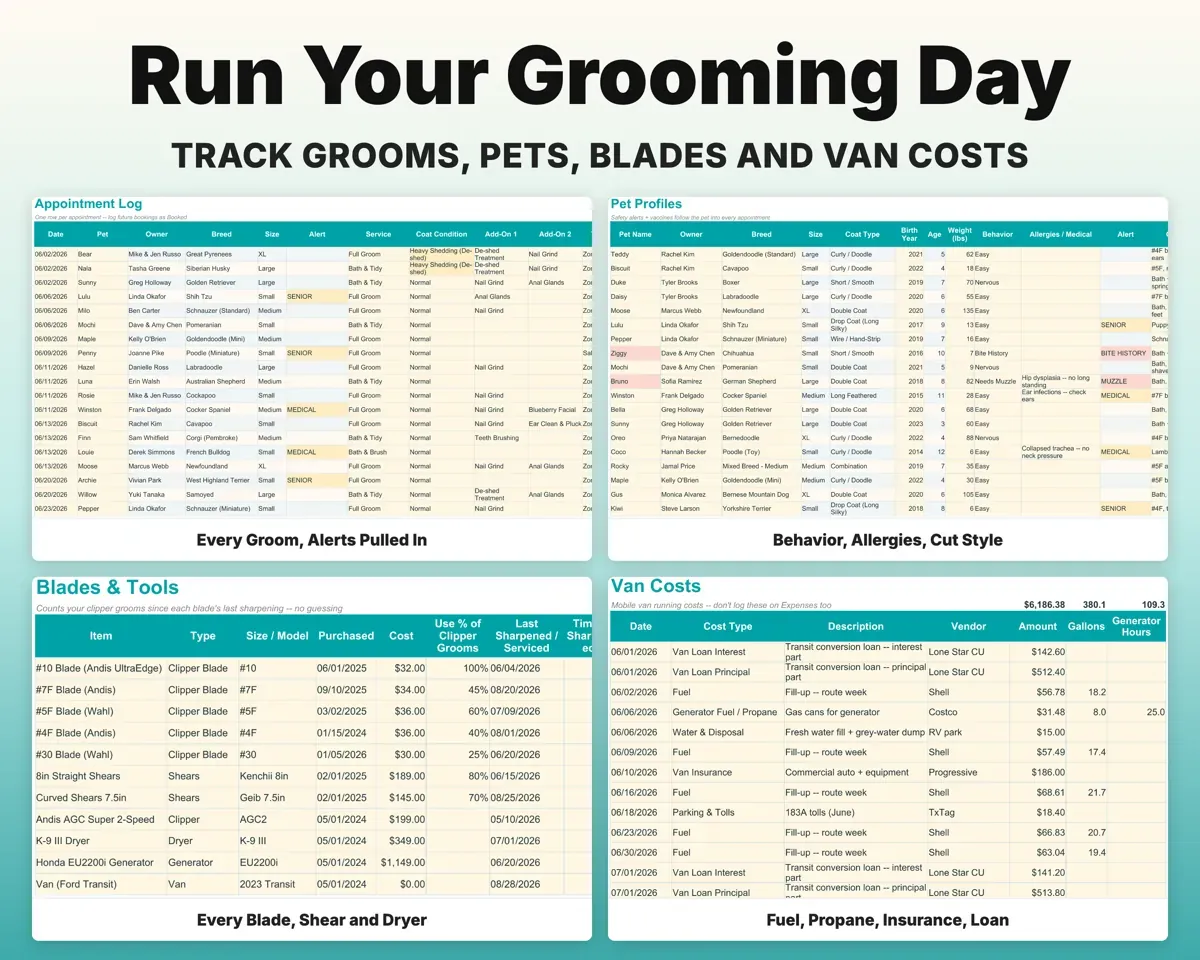
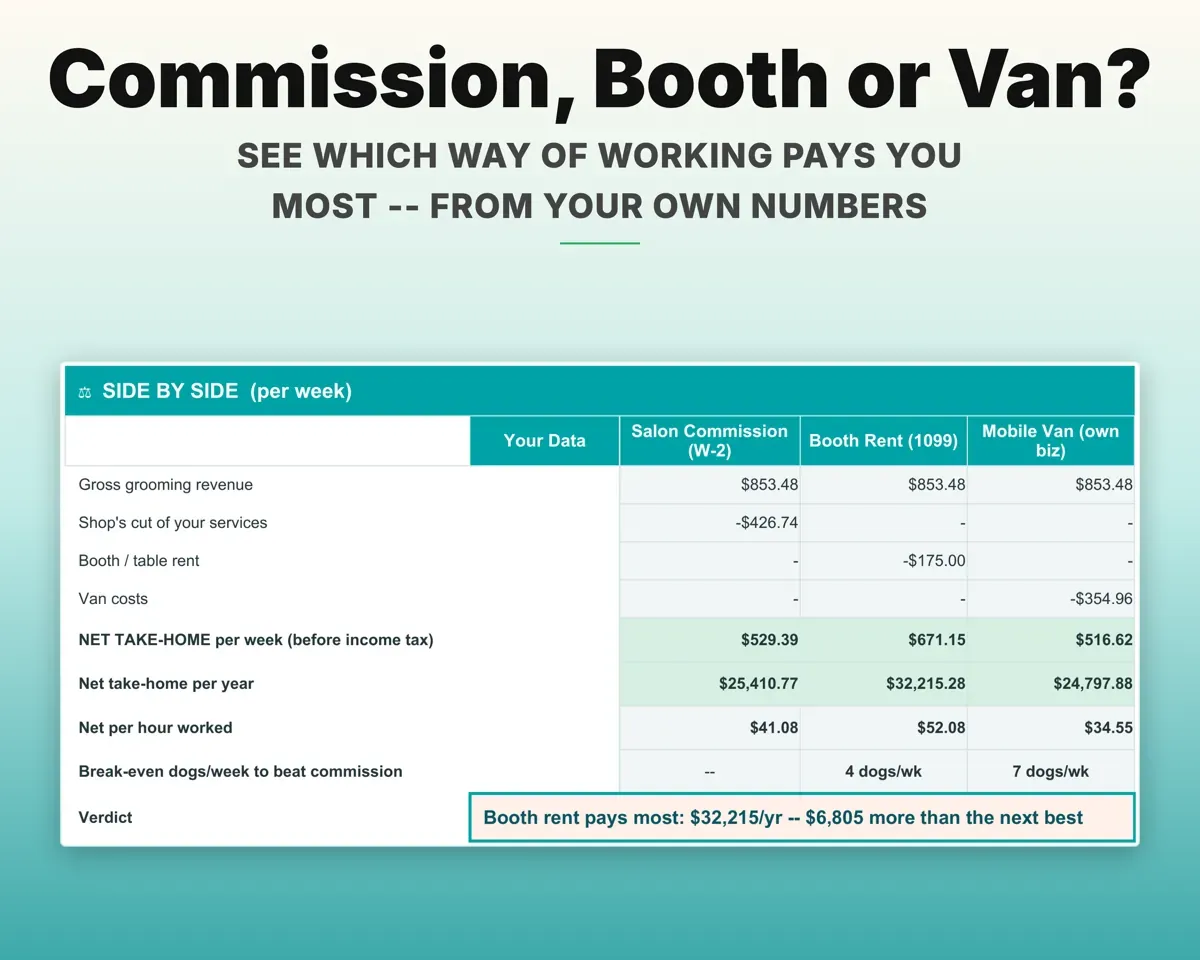
Log fuel, generator fuel, water, repairs and insurance for van cost per groom and per mile. Work Model compares commission, booth rent and your own van using your numbers.
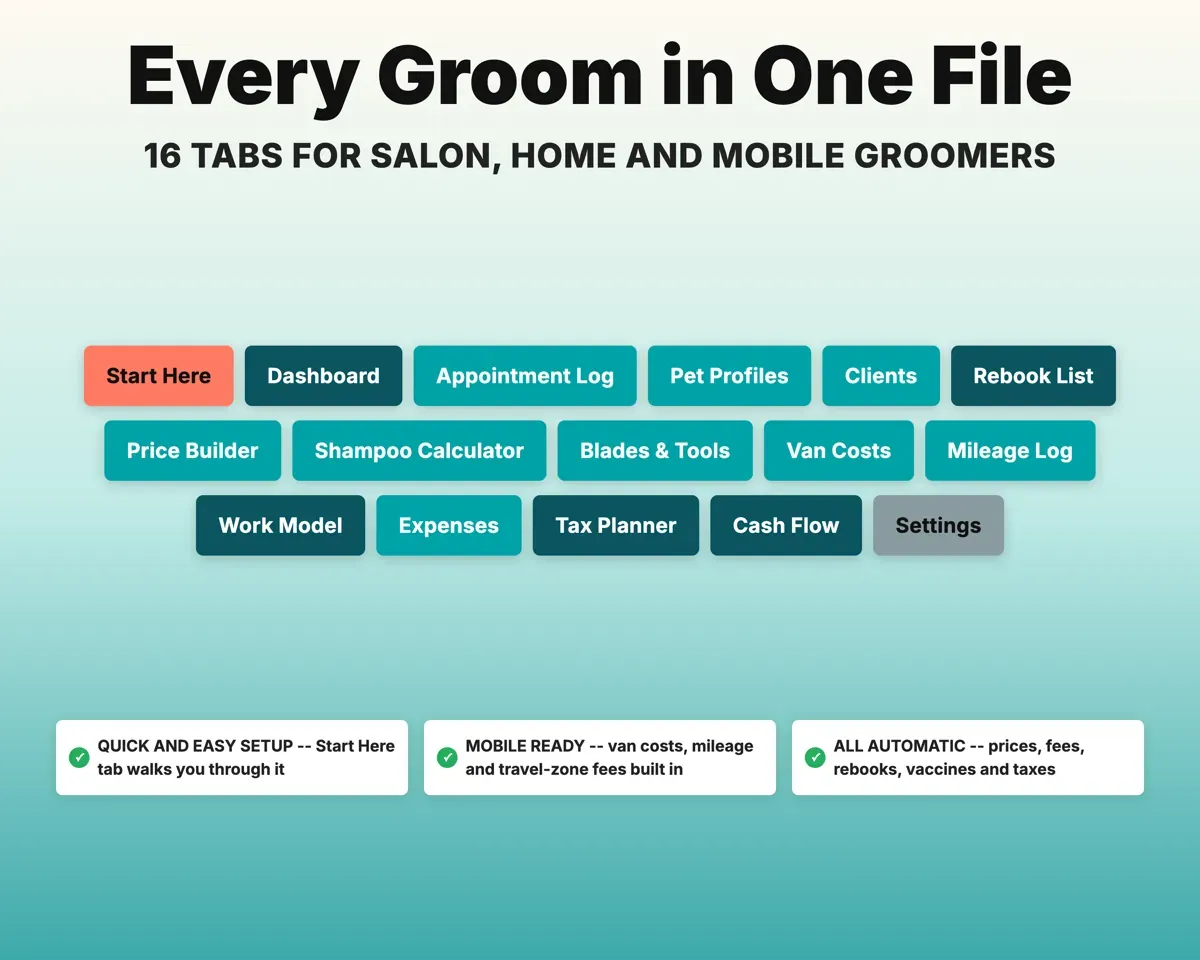
Van costs, milesCost per groom16 tabs in one file
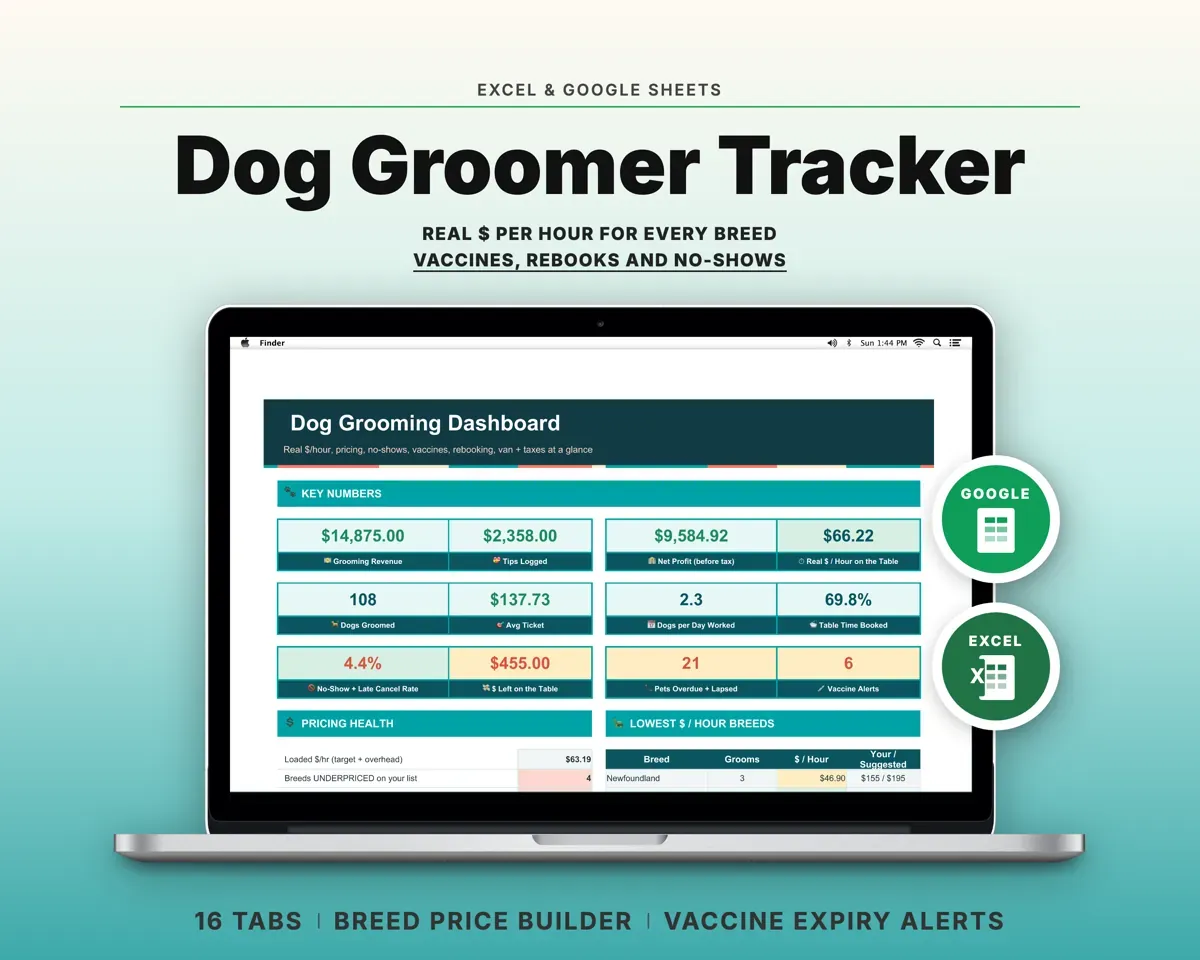
- Start Here
- Dashboard
- Appointment Log
- Pet Profiles
- Clients
- Rebook List
- Price Builder
- Shampoo Calculator
- Blades & Tools
- Van Costs
- Mileage Log
- Work Model
- Expenses
- Tax Planner
- Cash Flow
- Settings
- Start Here
- Setup steps, a color key and a map of the tabs.
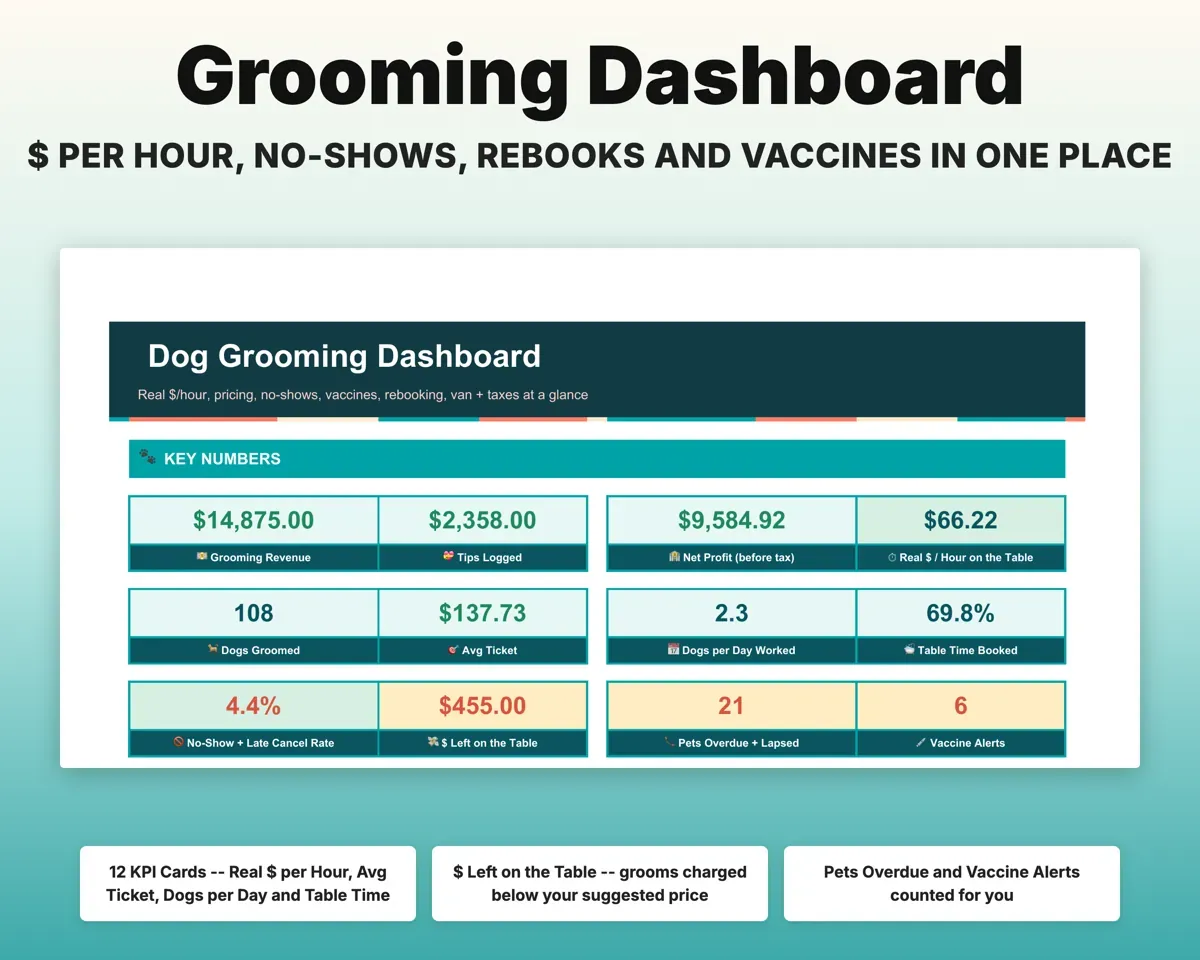
- Dashboard
- Revenue, real hourly pay, no-shows and alerts on one screen.
- Appointment Log
- Every groom and booking with times, add-ons, fees and tips.
- Pet Profiles
- Breed, coat, behavior, vaccines and rebook cycle for each pet.
- Clients
- Visits, spend, tips, no-shows and the deposit rule per client.
- Rebook List
- Overdue and lapsed pets sorted by days overdue.
- Price Builder
- Time-based prices for 40+ breeds and a Quick Quote.
- Shampoo Calculator
- Dilution math for cost per bath, with reorder alerts.
- Blades & Tools
- Sharpening and service alerts for blades, clippers and van.
- Van Costs
- Fuel, repairs, insurance and loan, with deductible dollars.
- Mileage Log
- Daily route miles, stops and mileage deduction.
- Work Model
- Salon commission, booth rent and your own van compared.
- Expenses
- Grooming costs by category, mapped to Schedule C lines.
- Tax Planner
- Quarterly 1040-ES schedule, self-employment tax and tip deduction.
- Cash Flow
- Twelve months of revenue, tips and fees against costs.
- Settings
- Target rate, no-show rules, add-ons, zones and dropdown lists.
Pair it with
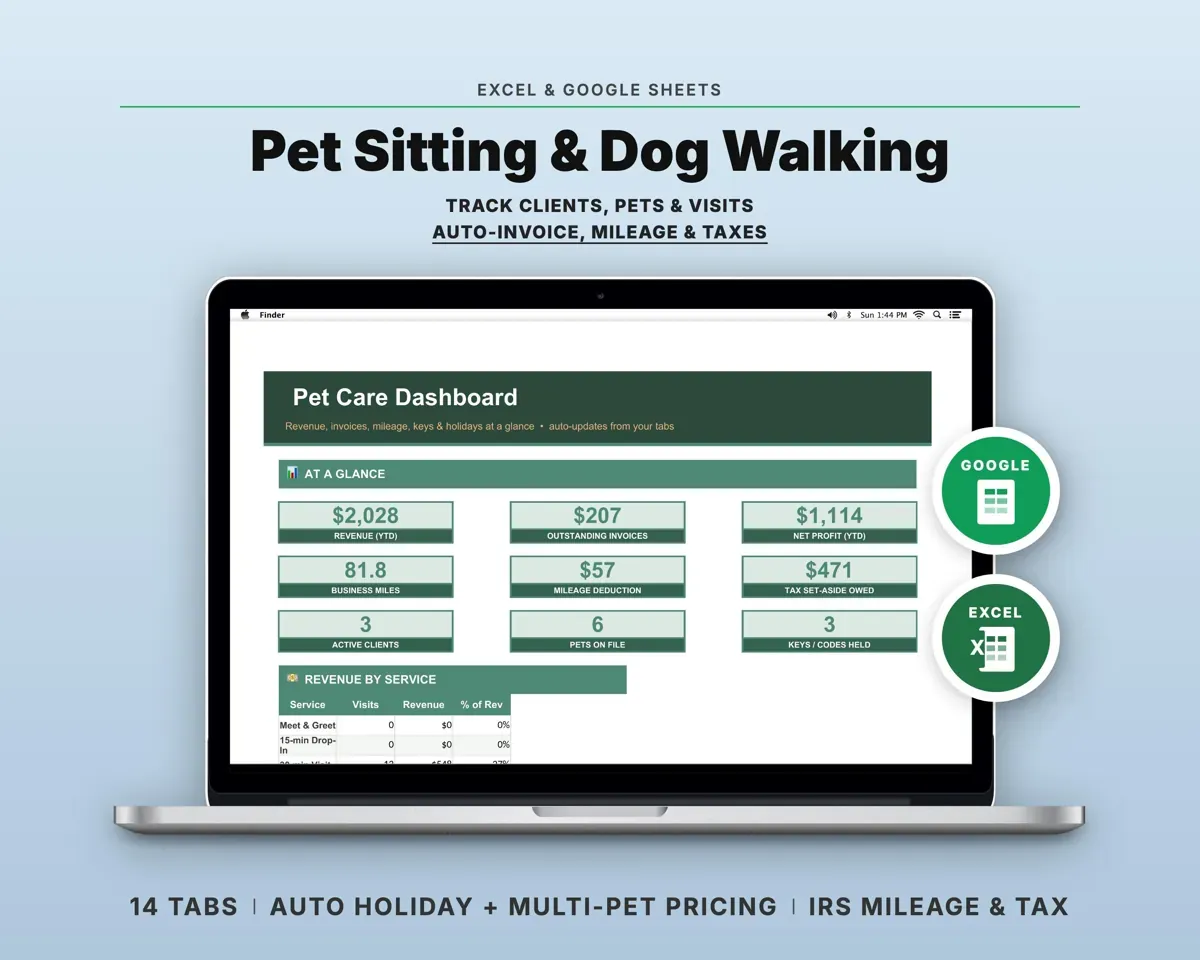
“Excellent! Very easy to use.”
“Nice Organization for 4H projects”
Before you buy
I already use a booking app. Do I still need this?
Keep the app for booking and reminders. This covers what it leaves out: your real hourly pay for each breed, grooms you undercharged, what the van costs per groom, vaccines that lapse before the next visit, and quarterly taxes.
I groom in a salon or at home, not a van. Will it work?
Yes. Choose Salon / Drop-Off as the travel zone and skip Van Costs and Mileage Log. Everything else works the same.
I work on commission. Is it still useful?
Yes. Work Model takes the grooms you have logged and shows what you would take home renting a booth or running a van, plus the dogs per week needed to out-earn commission.
Are the breed list and add-on menu editable?
Yes. Breed minutes and prices are on the Price Builder, and services, add-ons, travel zones and rebook cycles are on Settings.
What do I get?
An Excel file (.xlsx), a filled-in sample to look at, and a quick-start PDF guide with a link that makes your own copy in Google Sheets.
How does delivery work?
You get your download links right after checkout, and Stripe emails your receipt. There is nothing to ship and nothing to wait for.
How do I set it up in Google Sheets?
Open the quick-start PDF and click the Google Sheets link. Google makes a copy in your own Drive that only you can edit. You need a free Google account.
Will it work on a Mac?
Yes. It works in Excel on Mac and Windows, and in Google Sheets in any browser.
I'm not a spreadsheet person. Is that a problem?
No. You only type in the yellow cells. Everything in gray works itself out, and the Start Here tab shows you where to begin.
Can I get a refund?
Templates are digital downloads, so sales are final. If a file won't open, is broken or doesn't match its description, email hello@cleanpixelstudios.com within 30 days and we'll fix it, or refund you if we can't.
What if I get stuck?
Email hello@cleanpixelstudios.com and we'll help you get it working.
More in Pets & breeders
See all Pets & breeders templates
 Made by Clean Pixel Studios
We start every template by reading what people in that line of work say they struggle with, then build the spreadsheet around those problems. This one was made for dog groomers and nobody else.
How we build templatesDog Grooming Business Tracker$18.99 · Excel + Google Sheets