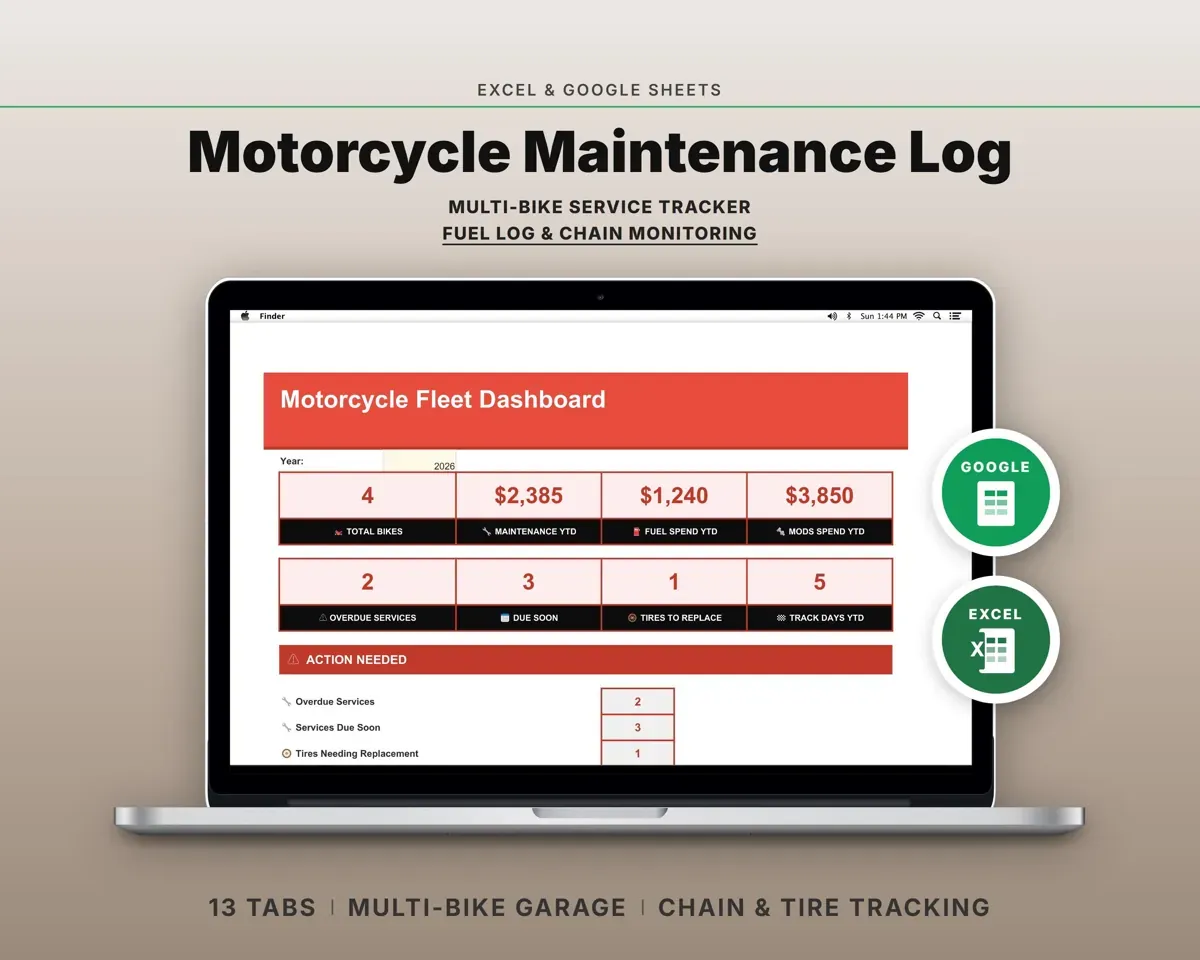
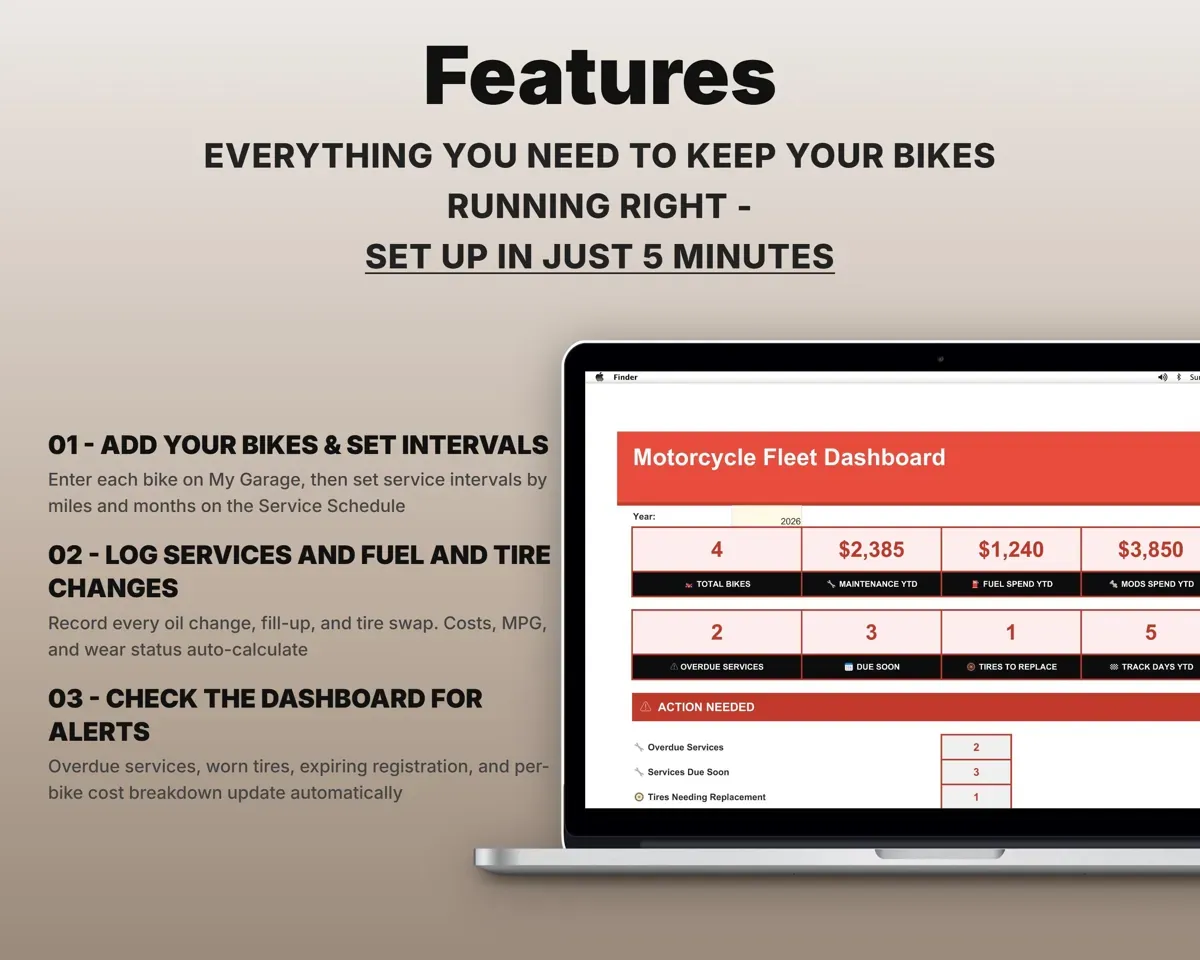
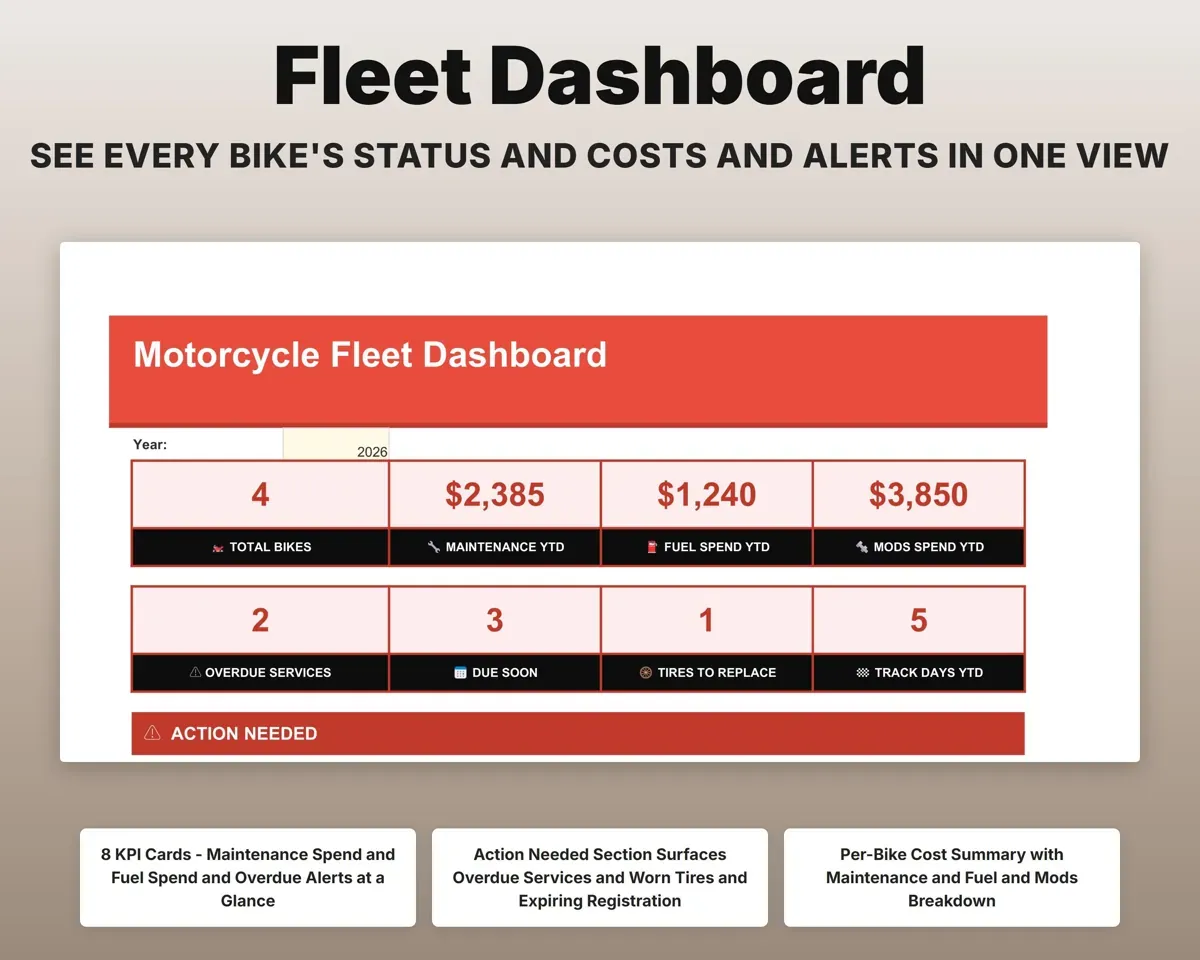
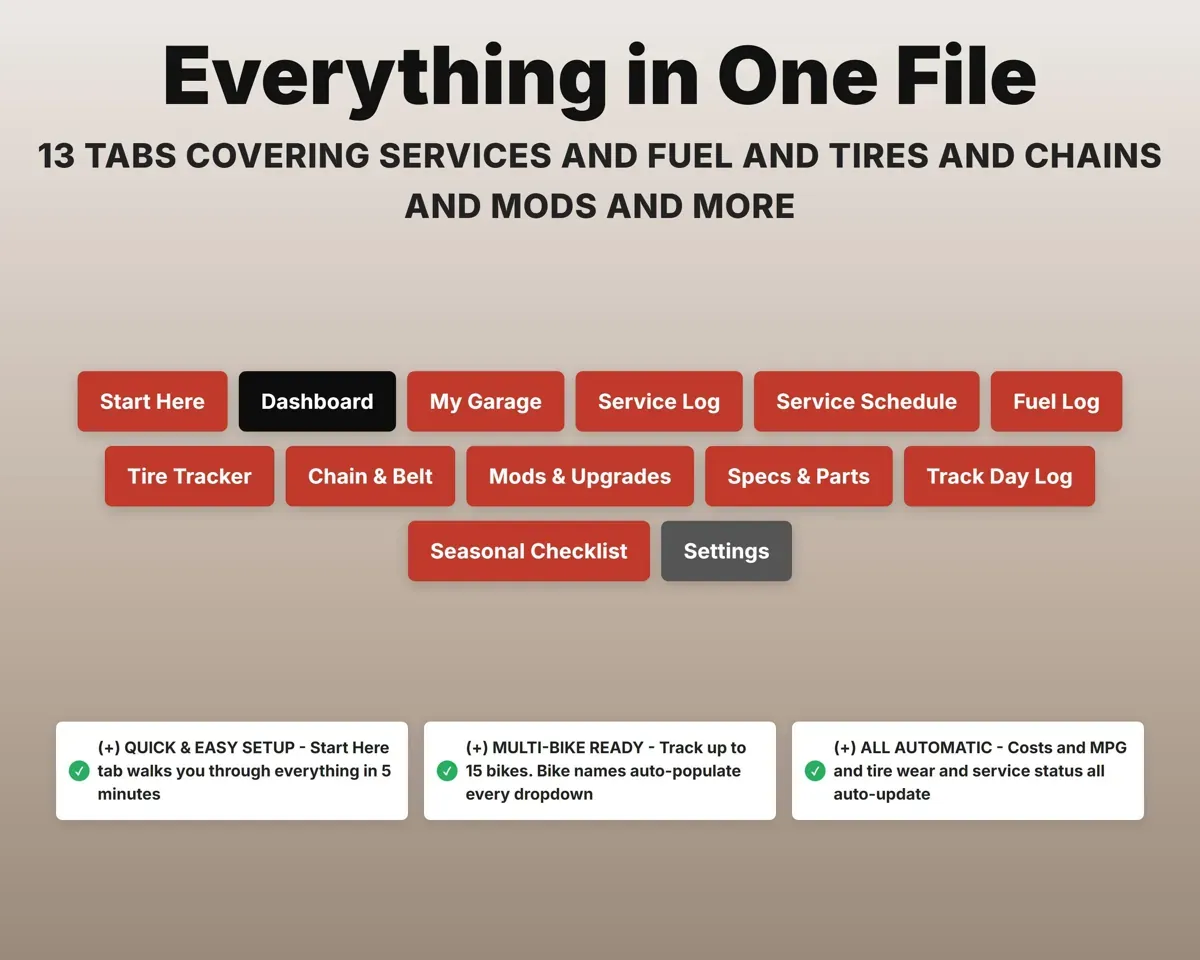
Built around the jobs motorcycle riders actually do
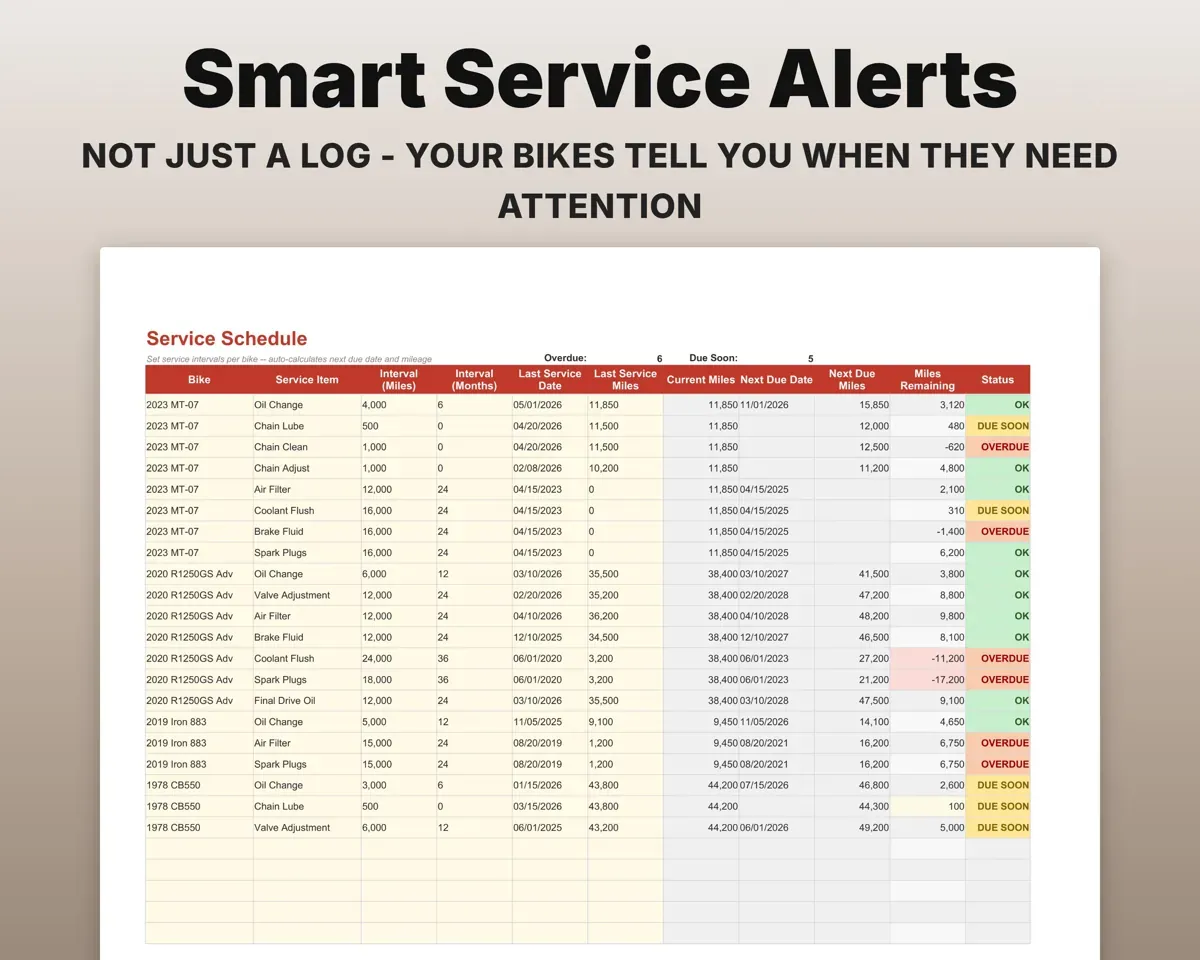
See what is due by miles or by date
Set intervals in both miles and months for each bike. The schedule works out the next due date and mileage and marks it Overdue, Due Soon or OK, whichever comes first.
Intervals, current milesOverdue or due soonKeep every oil change and repair on record
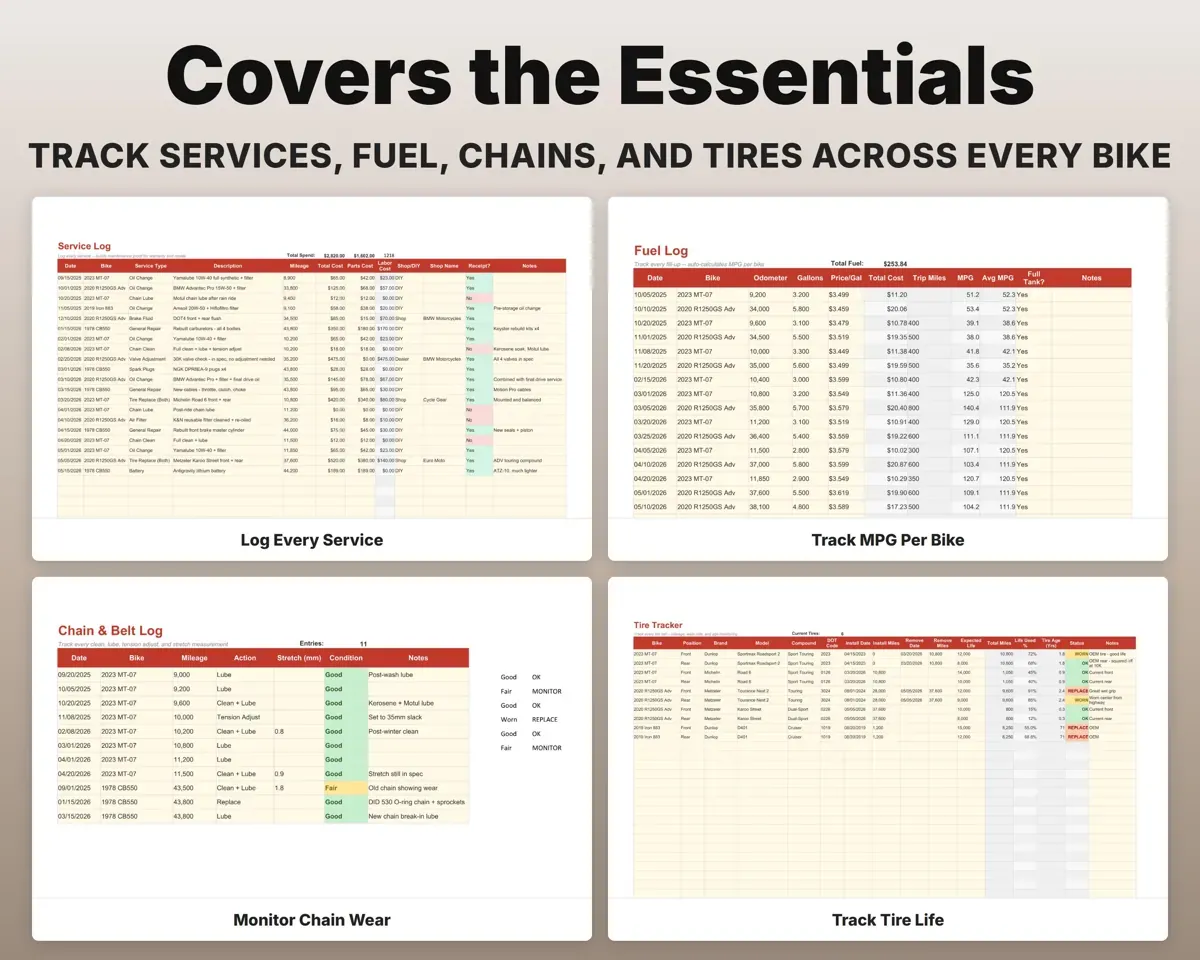
Log each service by bike with the date, mileage, parts and labor cost, shop or DIY, and whether you kept the receipt.
Service, cost, mileageSpend per bikeKnow when the chain and tires need replacing
Record tire installs, chain stretch, lube dates and tension checks. The sheet shows tire life used and tire age and flags anything worn. Belt and shaft bikes work too.
Tire miles, chain checksWorn or replaceCatch an MPG drop early
Log each fill-up. The sheet works out trip miles, MPG and a running average per bike, and flags a sudden drop.
Fill-up, odometerMPG per bikeKeep each bike's specs in one place
Oil type, coolant, tire sizes, chain pitch, plugs, filter numbers, torque values and fluid capacities, stored per bike.
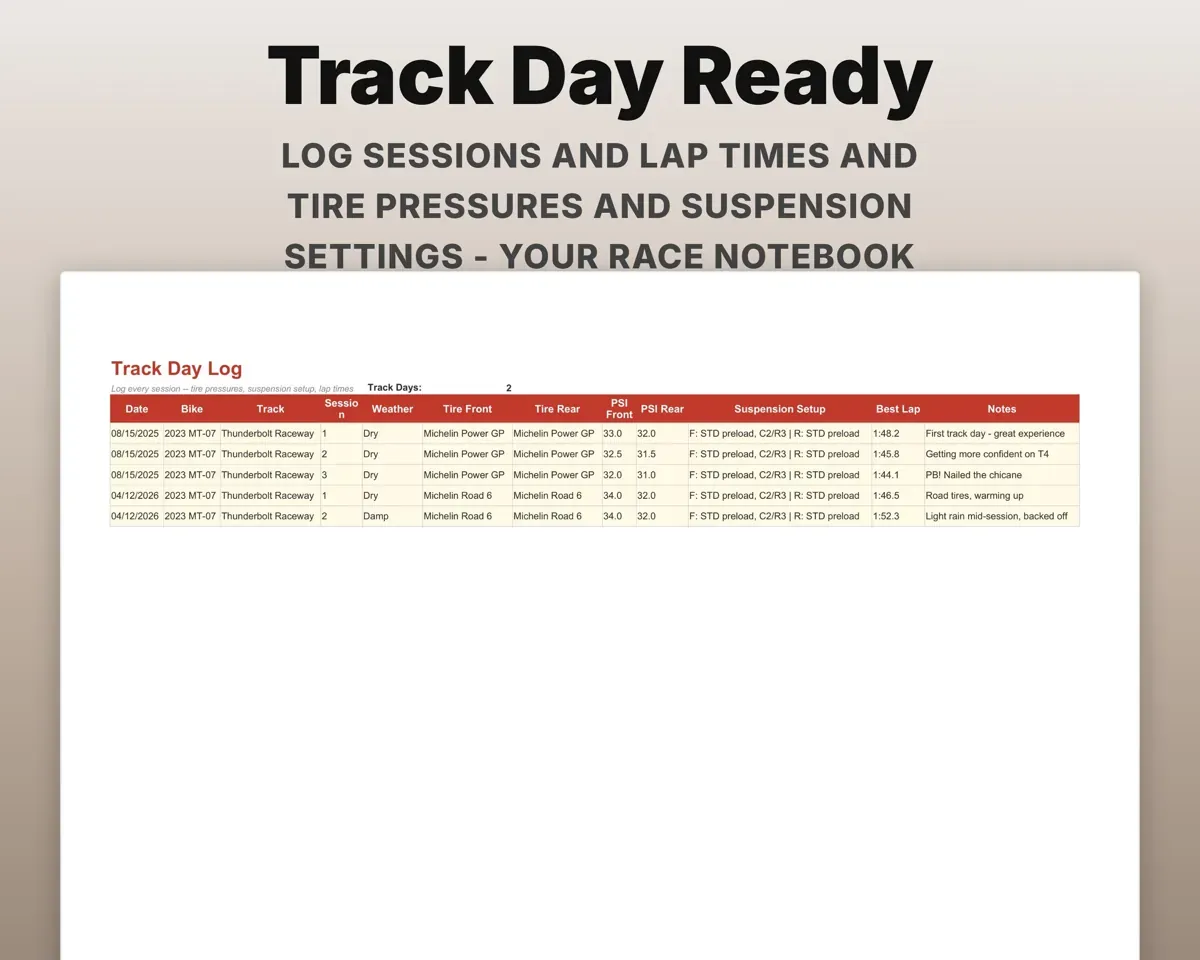
Specs, part numbersQuick referenceLog mods, track days and seasonal checklists
Track installed mods and a wishlist, track day sessions and settings, and spring startup and winter storage tasks for each bike.
Mods, sessions, tasksDone or still to doPair it with
“Excellent! Very easy to use.”
“Nice Organization for 4H projects”
Before you buy
I only have one bike. Is this overkill?
No. Add one bike and use the tabs you need. The Dashboard shows that bike on its own, and there is room for up to 15 if you add more later.
Does it work for belt and shaft-drive bikes?
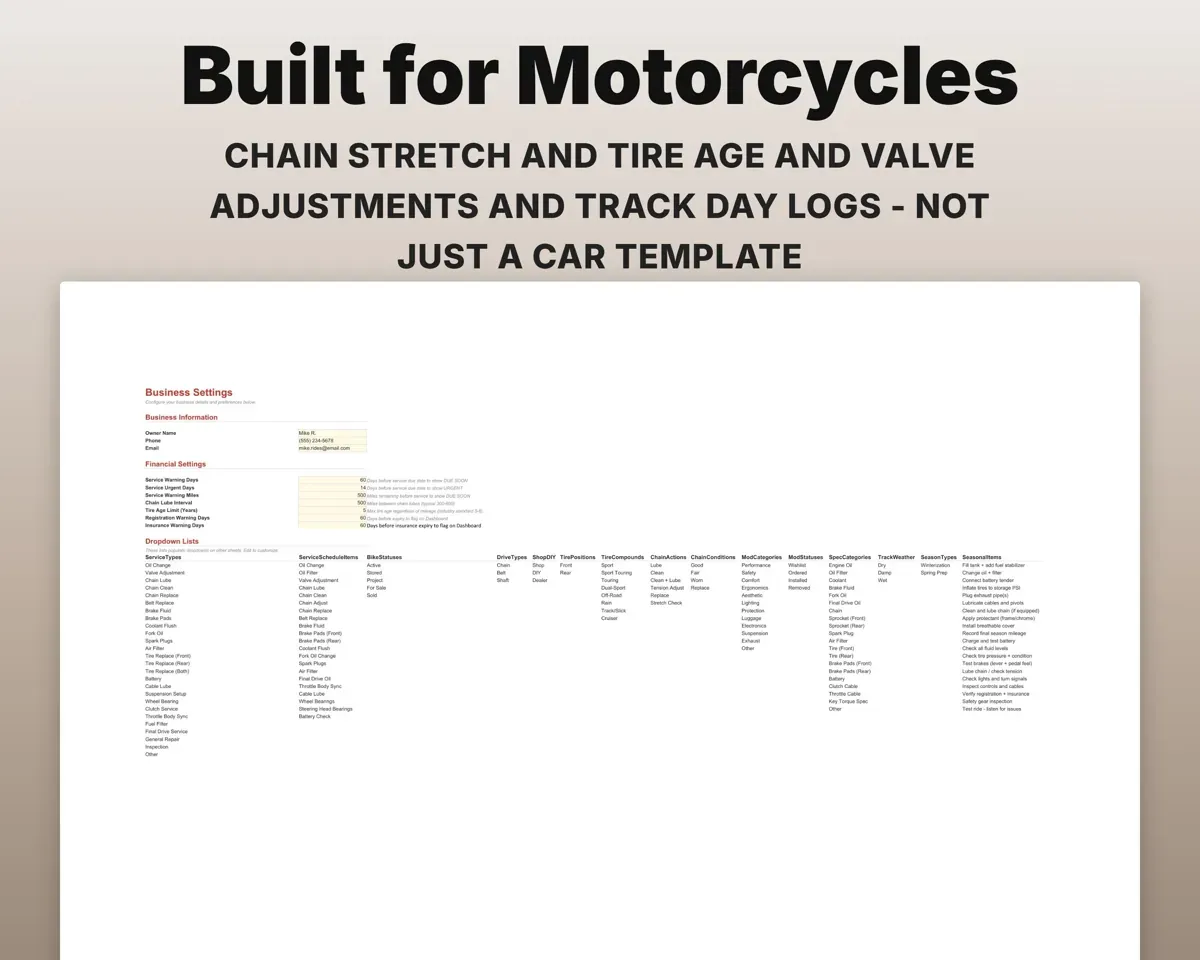
Yes. The Chain & Belt tab covers chain, belt and shaft drives, and each bike's drive type is recorded in My Garage.
How do the service alerts work?
You set an interval in miles and in months for each service. Status changes to Due Soon or Overdue as soon as either limit is reached, using warning thresholds you set in Settings.
What do I get?
An Excel file (.xlsx), a filled-in sample to look at, and a quick-start PDF guide with a link that makes your own copy in Google Sheets.
How does delivery work?
You get your download links right after checkout, and Stripe emails your receipt. There is nothing to ship and nothing to wait for.
How do I set it up in Google Sheets?
Open the quick-start PDF and click the Google Sheets link. Google makes a copy in your own Drive that only you can edit. You need a free Google account.
Will it work on a Mac?
Yes. It works in Excel on Mac and Windows, and in Google Sheets in any browser.
I'm not a spreadsheet person. Is that a problem?
No. You only type in the yellow cells. Everything in gray works itself out.
Can I get a refund?
Templates are digital downloads, so sales are final. If a file won't open, is broken or doesn't match its description, email hello@cleanpixelstudios.com within 30 days and we'll fix it, or refund you if we can't.
What if I get stuck?
Email hello@cleanpixelstudios.com and we'll help you get it working.
More in Automotive
See all Automotive templates
 Made by Clean Pixel Studios
We start every template by reading what people in that line of work say they struggle with, then build the spreadsheet around those problems. This one was made for motorcycle riders and nobody else.
How we build templates