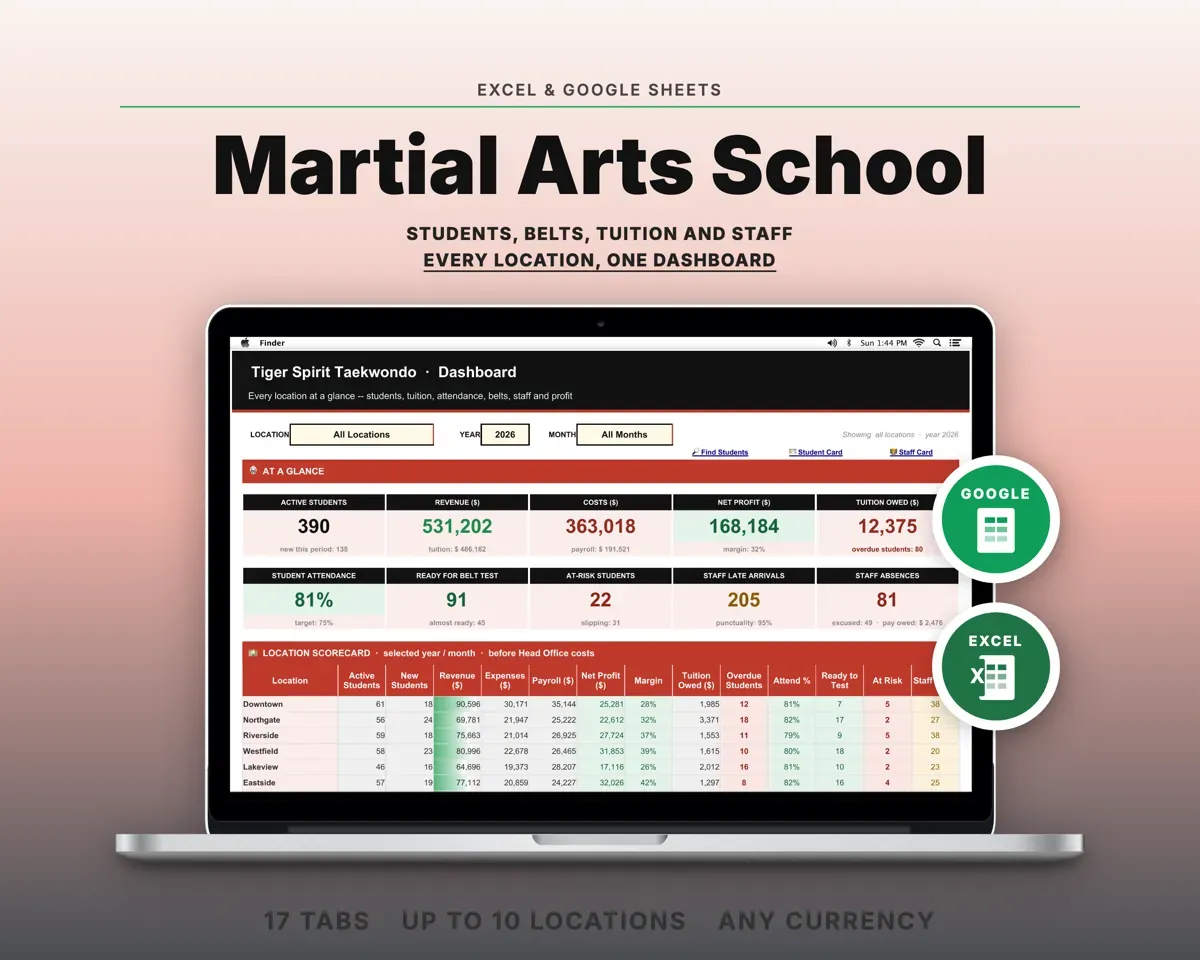
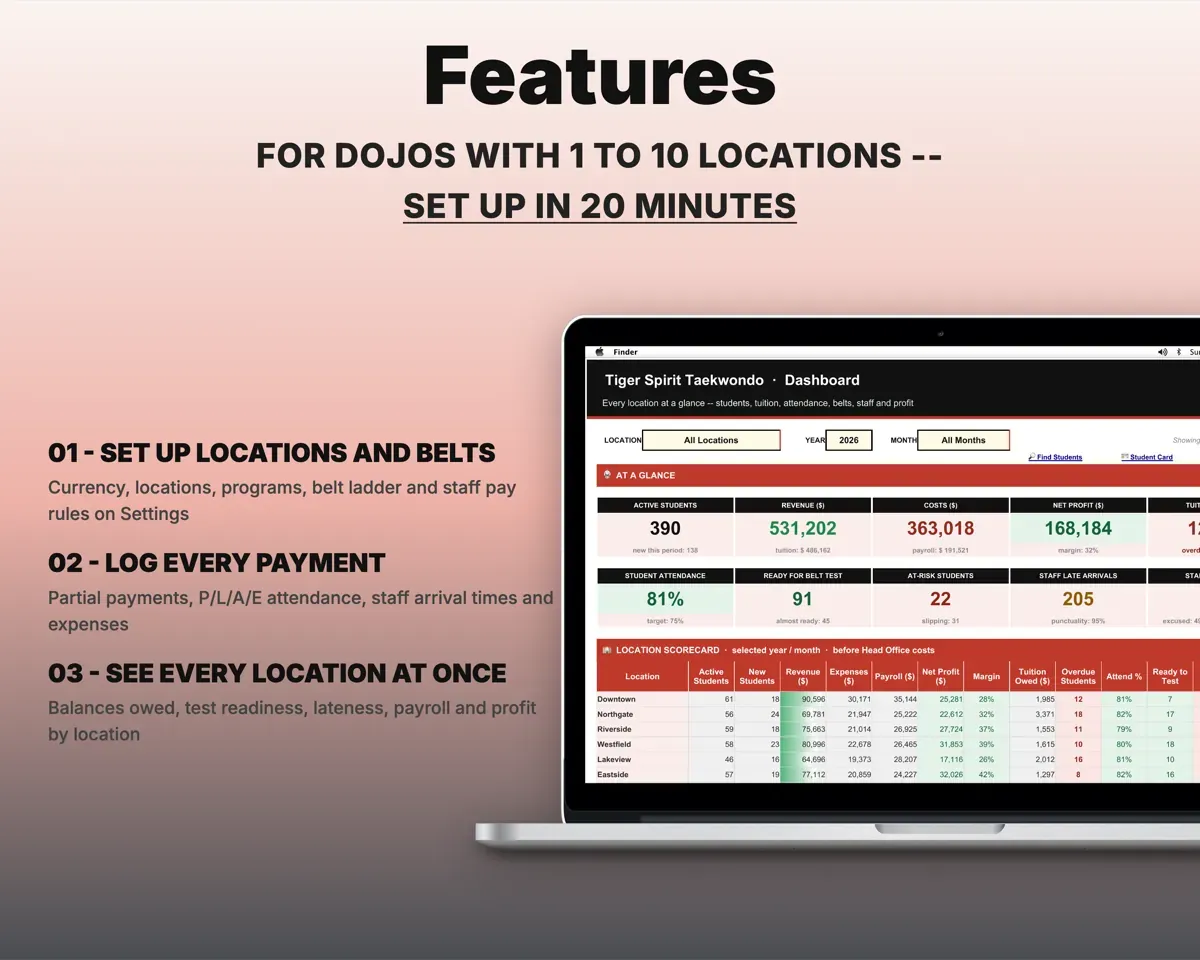
Built around the jobs martial arts school owners actually do
See who is paid up and who is behind
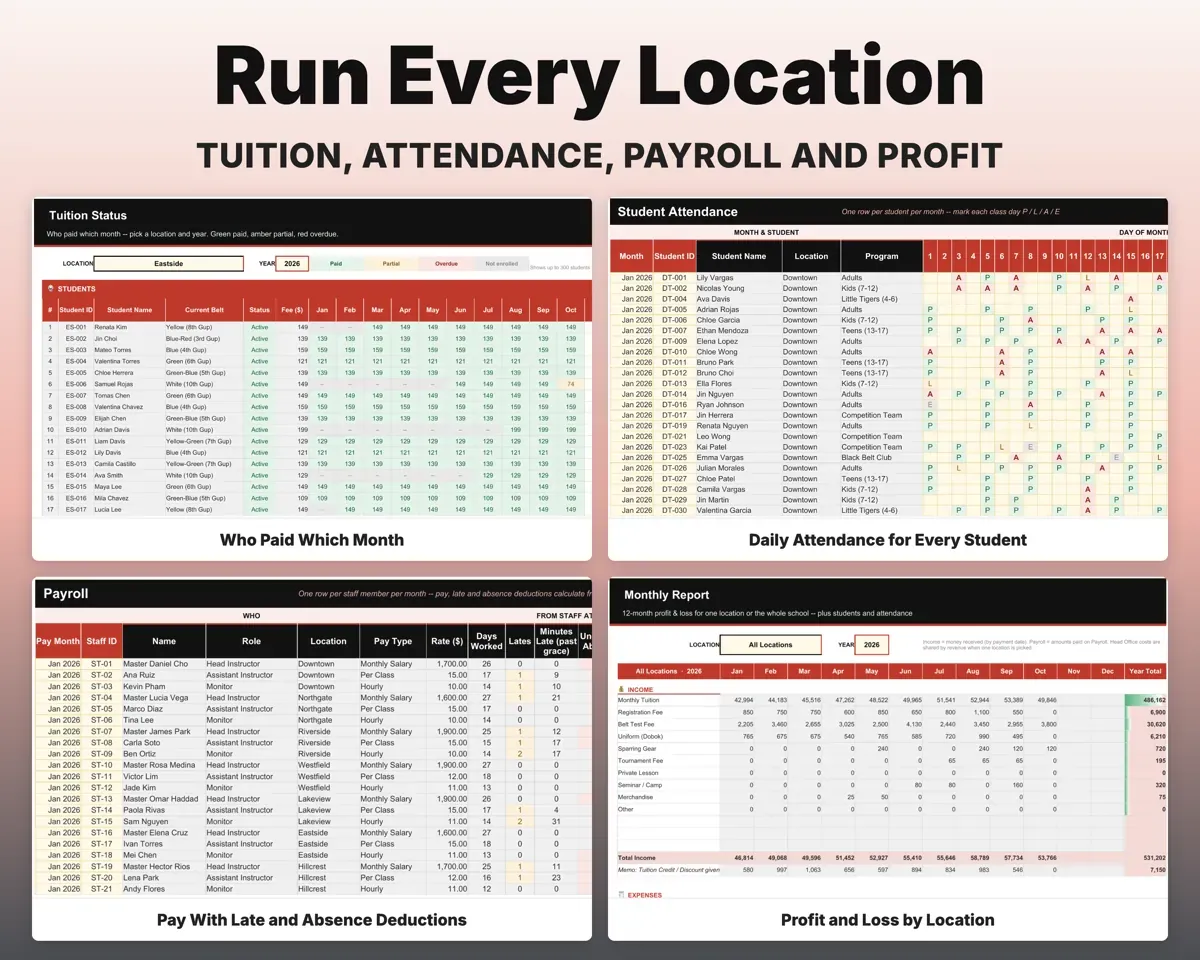
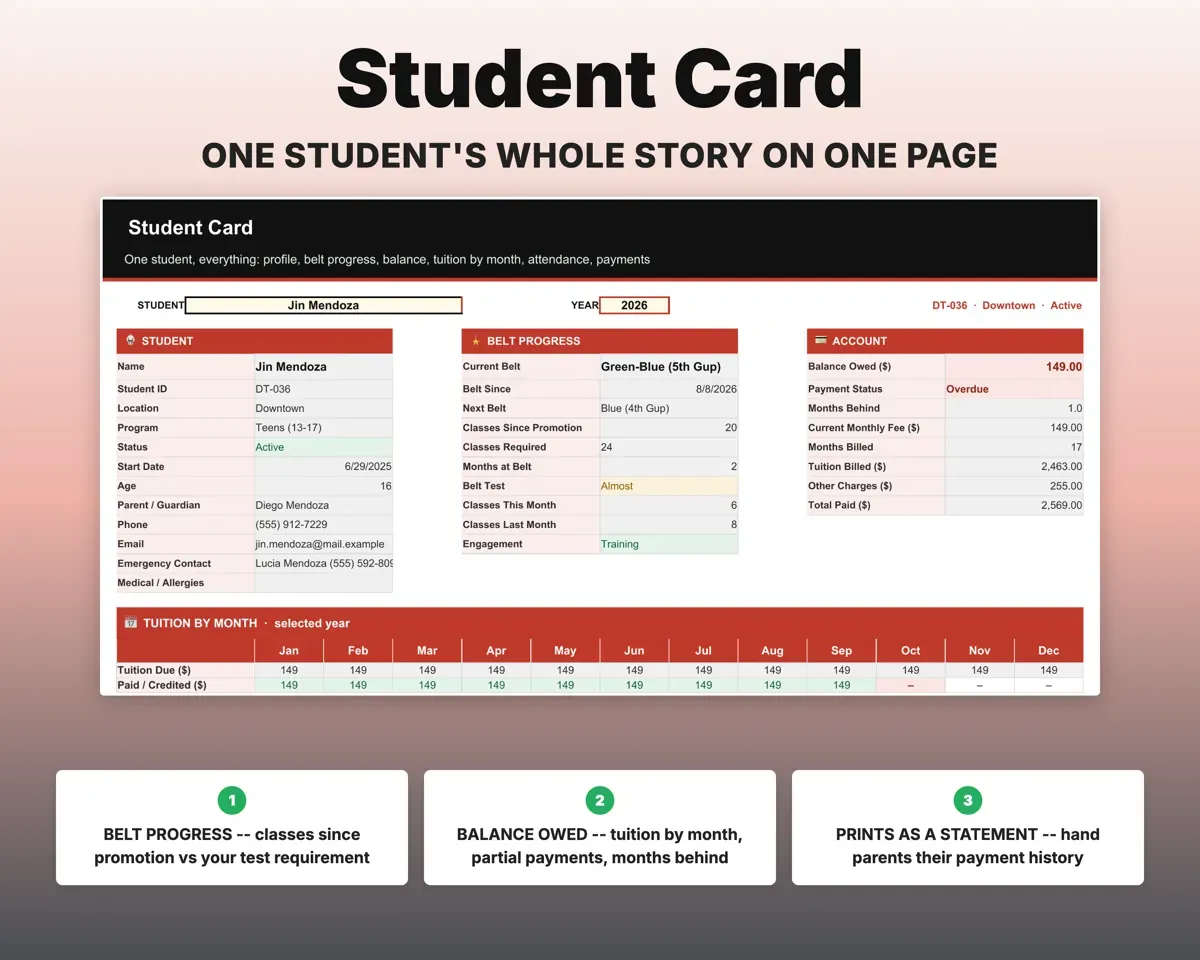
Monthly tuition bills from each student's start date. Log full, partial or multi-month payments, and Tuition Status shows a 12-month paid, partial or overdue grid per location.
PaymentsMonths behindChange fees without touching past months
Raise tuition or add a sibling discount from a chosen month and earlier months keep their old price. Test fees, uniforms and gear go in as extra charges.
New fee, start monthCorrect balancesSpot students who stop coming
A monthly register marks each day present, late, absent or excused. Each student gets an attendance percent and an At Risk flag.
P, L, A or EAt Risk flagKnow who is ready to test
Set minimum classes and months for each rank. A passed test moves the student up a rank, and each student is marked Ready, Almost or Not Yet.
Belt ladder, test resultsReady to testRun payroll with lateness built in
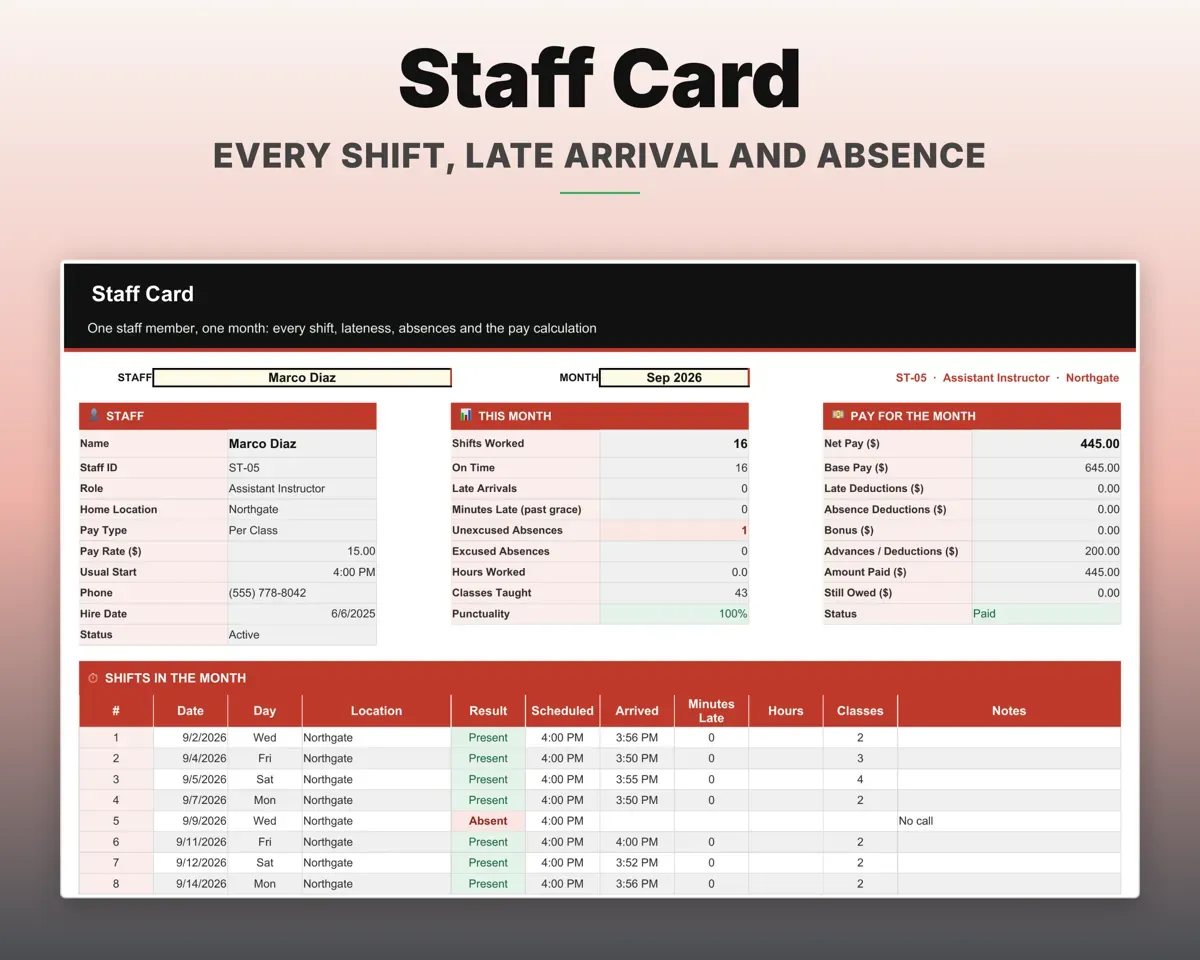
Pay instructors by salary, hour, class or revenue share. Arrival times flag lateness, deductions follow your rules, and Payroll works out the month.
Shifts, arrival timesMonthly paySee profit for each location
Log expenses by location or head office, with salaries pulled from Payroll. The Monthly Report shows twelve months of profit and loss, by location or for the whole school.
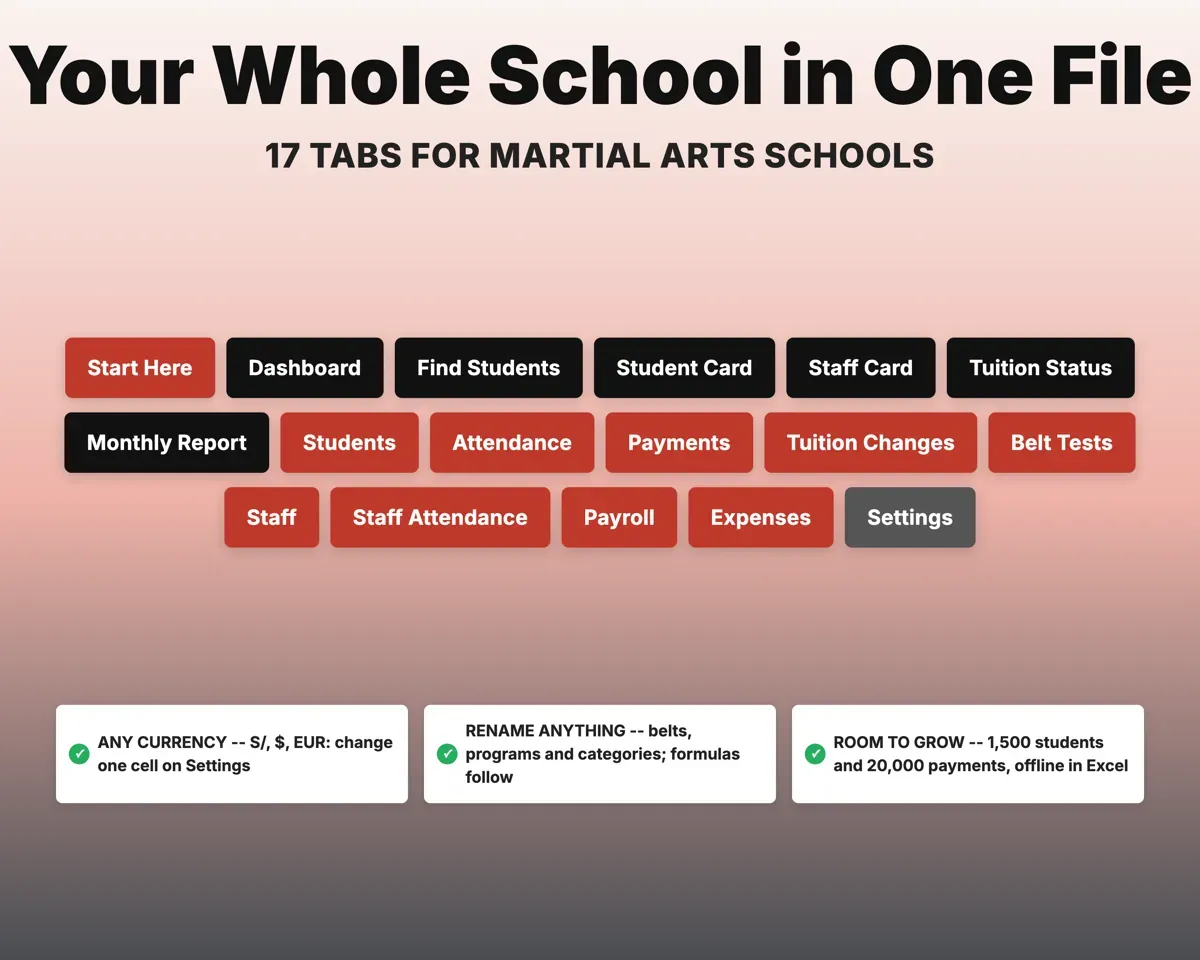
Expenses by locationMonthly P&L17 tabs in one file
- Start Here
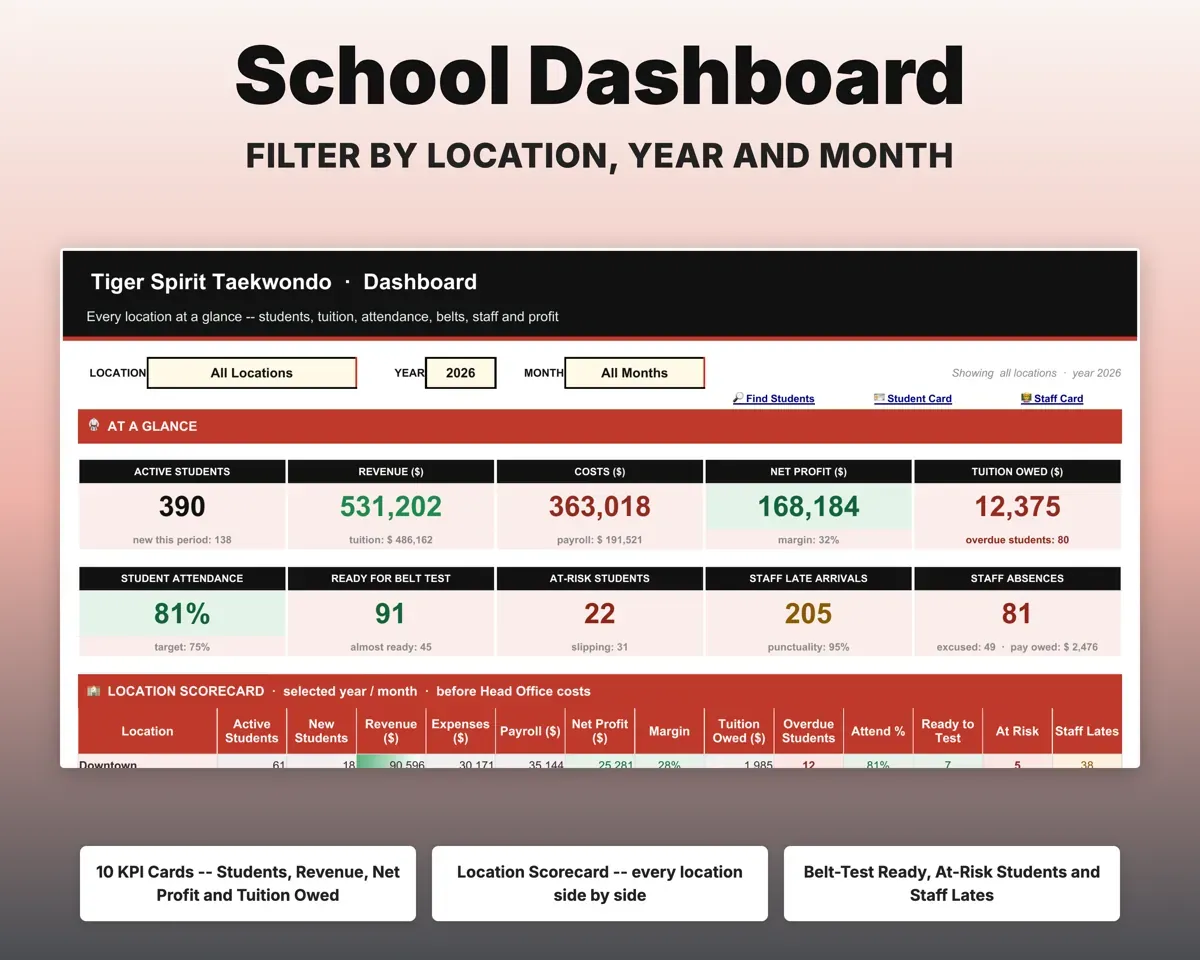
- Dashboard
- Find Students
- Student Card
- Staff Card
- Tuition Status
- Monthly Report
- Students
- Attendance
- Payments
- Tuition Changes
- Belt Tests
- Staff
- Staff Attendance
- Payroll
- Expenses
- Settings
- Start Here
- Setup steps, a color key and a map of every tab.
- Dashboard
- KPIs, a location scorecard, trends and top balances owed.
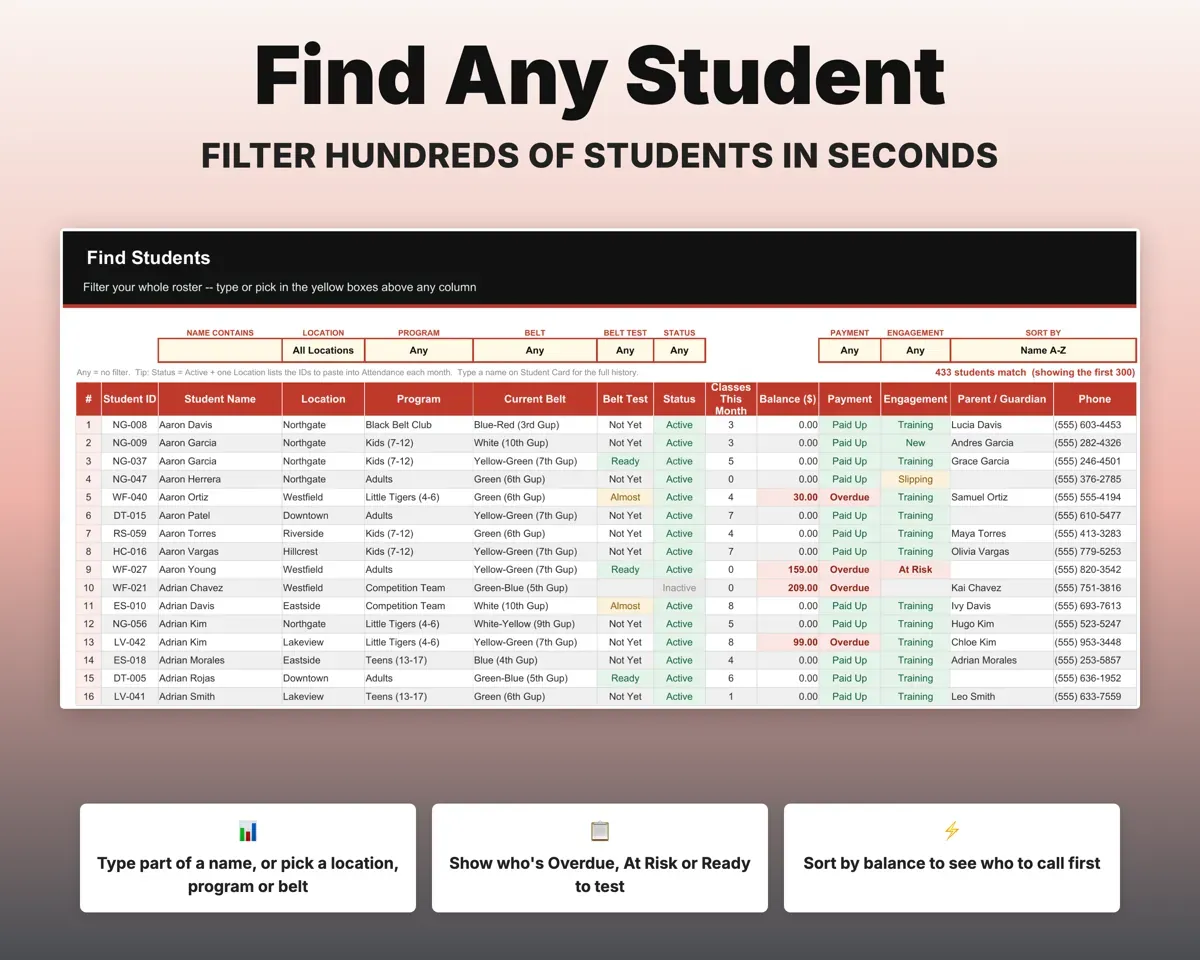
- Find Students
- Filter and sort the roster by any column.
- Student Card
- One student's profile, belt, balance and history, printable.
- Staff Card
- One staff member's shifts, lateness and pay.
- Tuition Status
- Who paid which month, by location and year.
- Monthly Report
- Twelve-month profit and loss for one location or all.
- Students
- The roster with belt, balance and payment status.
- Attendance
- The monthly present, late, absent and excused register.
- Payments
- Payments, partial payments and extra charges.
- Tuition Changes
- Fee increases and discounts from a chosen month.
- Belt Tests
- Gradings and results; a pass promotes the student.
- Staff
- Roles, location, pay type and rate for each staff member.
- Staff Attendance
- Every shift with arrival time and minutes late.
- Payroll
- Base pay, deductions, bonuses, advances and amount paid.
- Expenses
- Costs by location or head office.
- Settings
- Currency, locations, programs, belt ladder and dropdown lists.
Pair it with
“Well thought out worksheets nicely presented”
“Excellent! Very easy to use.”
Before you buy
Can I use my own currency?
Yes. Type your currency symbol once on Settings and every money column and dashboard card shows it.
Does it work for a single location?
Yes. Set up one location and the rest stays out of the way. Settings has room for up to 10 if you grow.
Can I use my own style's ranks?
Yes. It works for karate, BJJ, kickboxing or MMA. The belt ladder comes with Taekwondo gup and dan ranks. Replace them with your own ranks and stripes on Settings.
How much history does it hold?
A school with seven locations fits roughly two to three years of daily records, and a smaller school fits more. Settings shows how full each tab is.
What do I get?
An Excel file (.xlsx), a filled-in sample to look at, and a quick-start PDF guide with a link that makes your own copy in Google Sheets.
How does delivery work?
You get your download links right after checkout, and Stripe emails your receipt. There is nothing to ship and nothing to wait for.
How do I set it up in Google Sheets?
Open the quick-start PDF and click the Google Sheets link. Google makes a copy in your own Drive that only you can edit. You need a free Google account.
Will it work on a Mac?
Yes. It works in Excel on Mac and Windows, and in Google Sheets in any browser.
I'm not a spreadsheet person. Is that a problem?
No. You only type in the yellow cells. Everything in gray works itself out, and the Start Here tab shows you where to begin.
Can I get a refund?
Templates are digital downloads, so sales are final. If a file won't open, is broken or doesn't match its description, email hello@cleanpixelstudios.com within 30 days and we'll fix it, or refund you if we can't.
What if I get stuck?
Email hello@cleanpixelstudios.com and we'll help you get it working.
More in Small business & money
See all Small business & money templates
 Made by Clean Pixel Studios
We start every template by reading what people in that line of work say they struggle with, then build the spreadsheet around those problems. This one was made for martial arts school owners and nobody else.
How we build templatesMartial Arts School Tracker$17.99 · Excel + Google Sheets