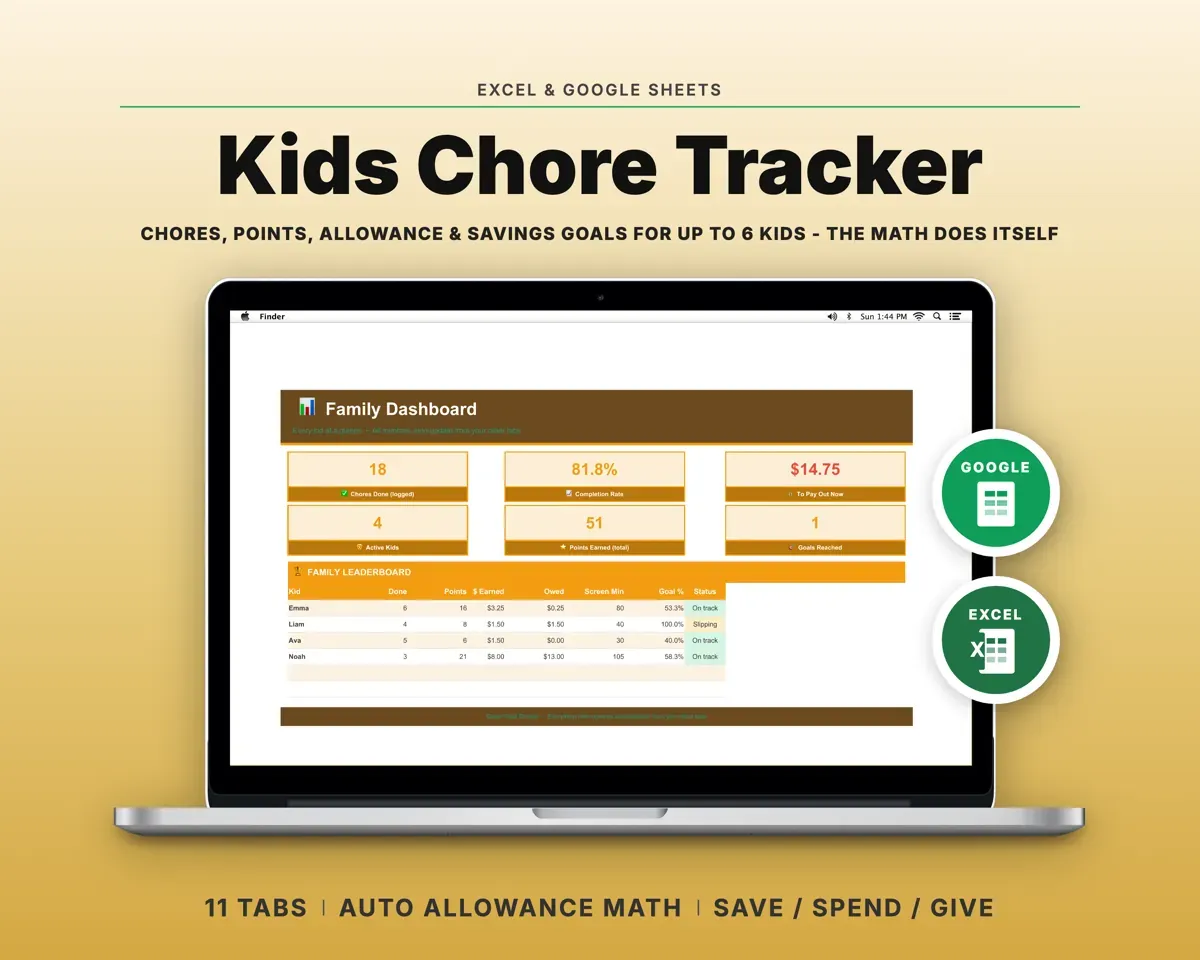
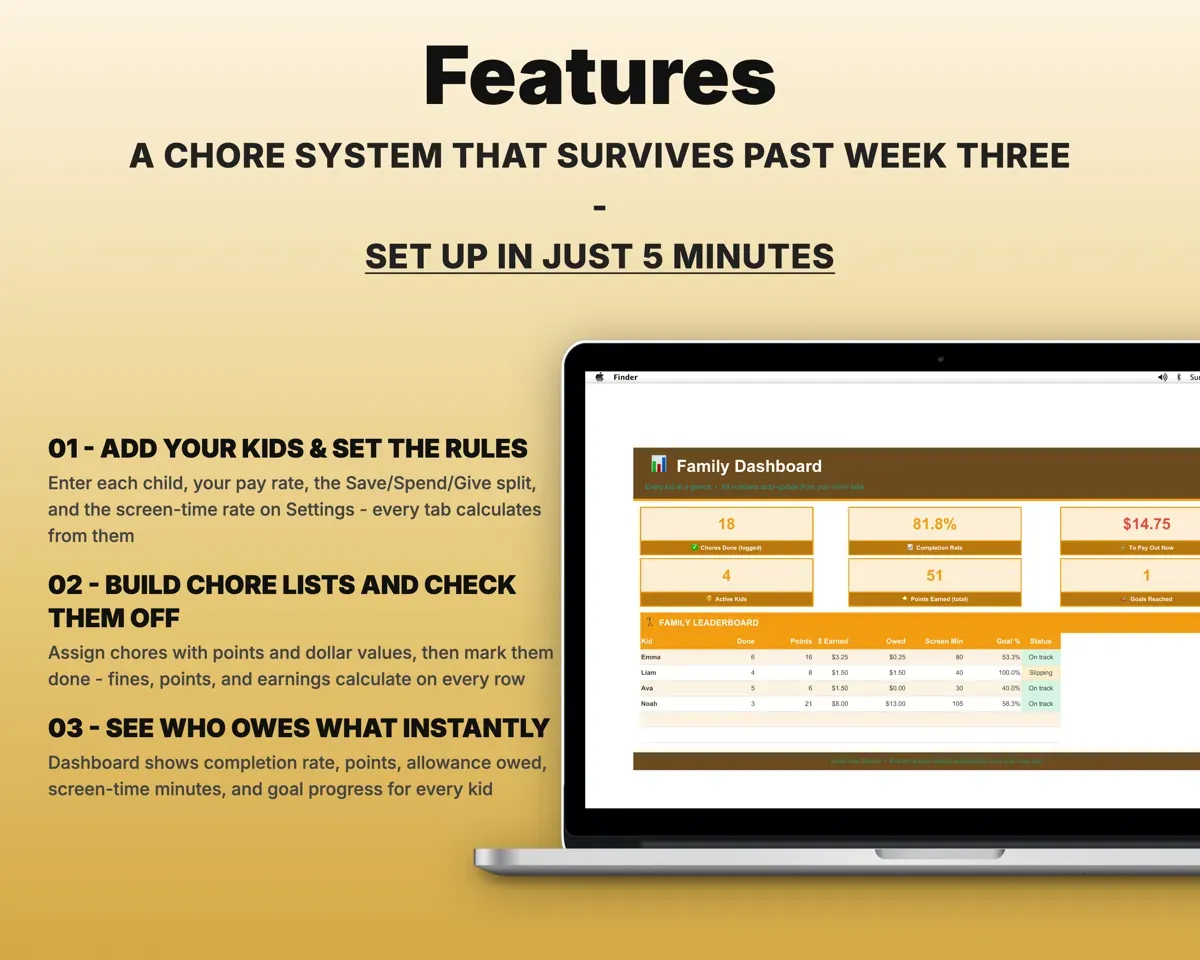
Built around the jobs parents actually do
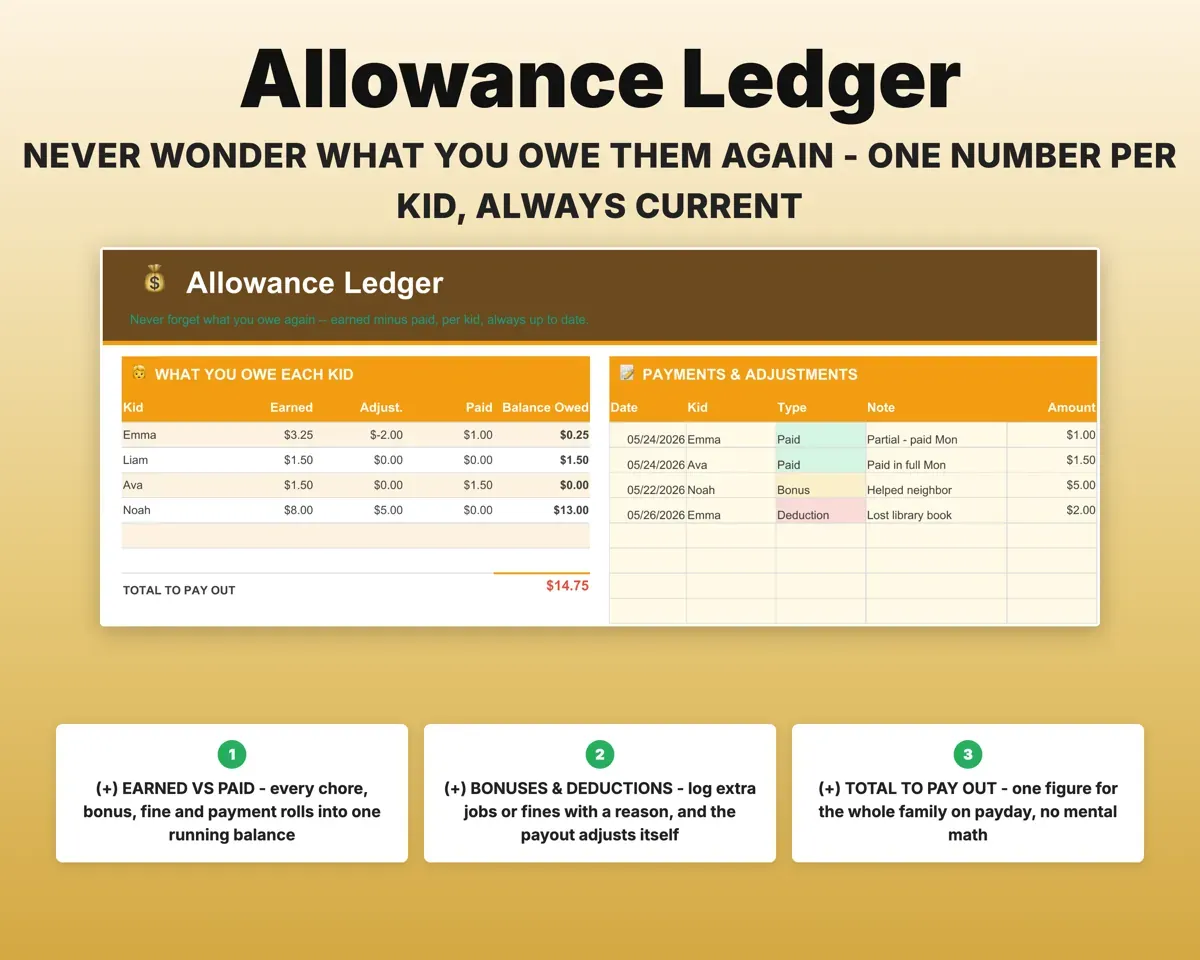
Know what you owe each kid
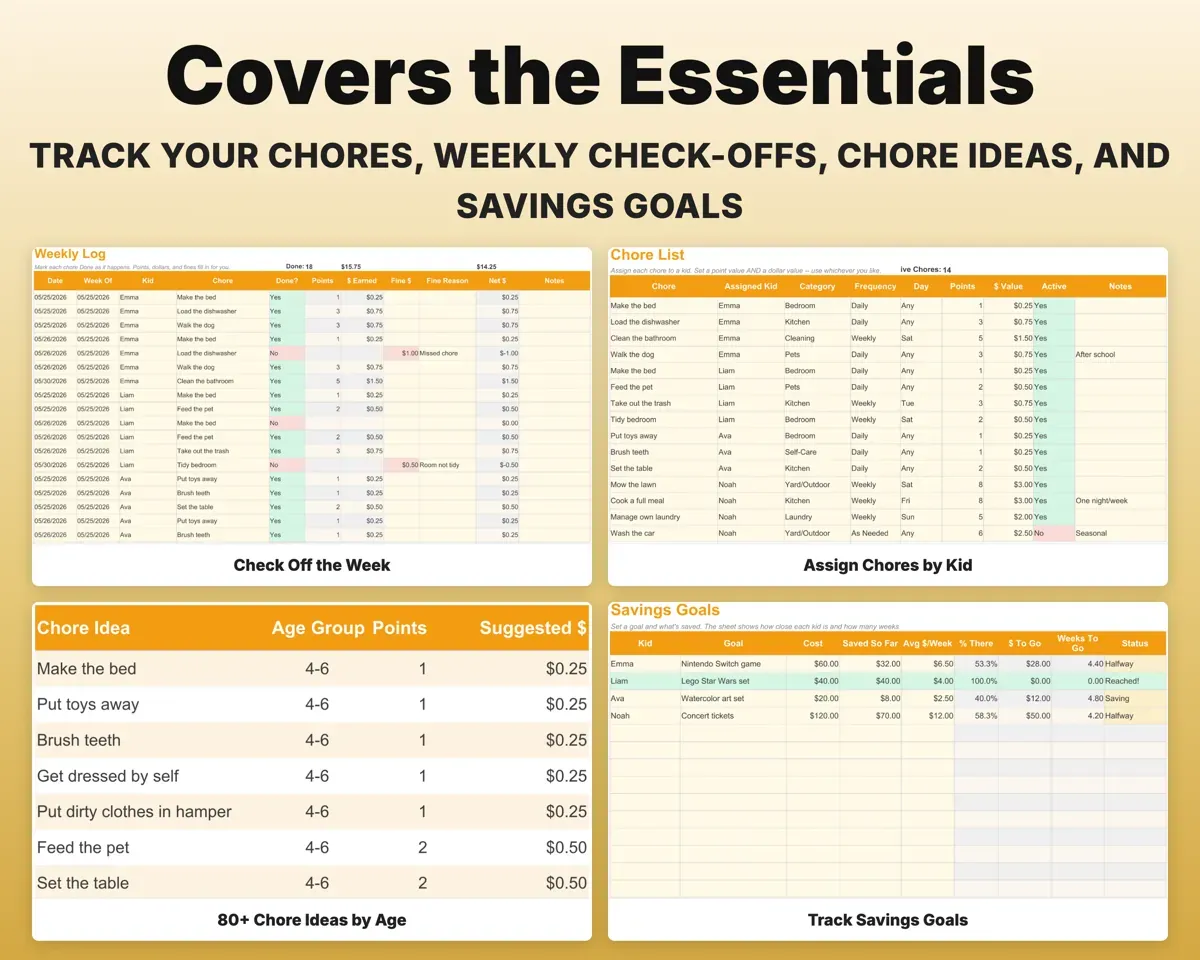
Mark chores done on the Weekly Log and the points, dollars and any fines fill in. The Allowance tab keeps an earned vs paid ledger with one balance per kid.
Chores marked doneAllowance owedMake hard chores count for more
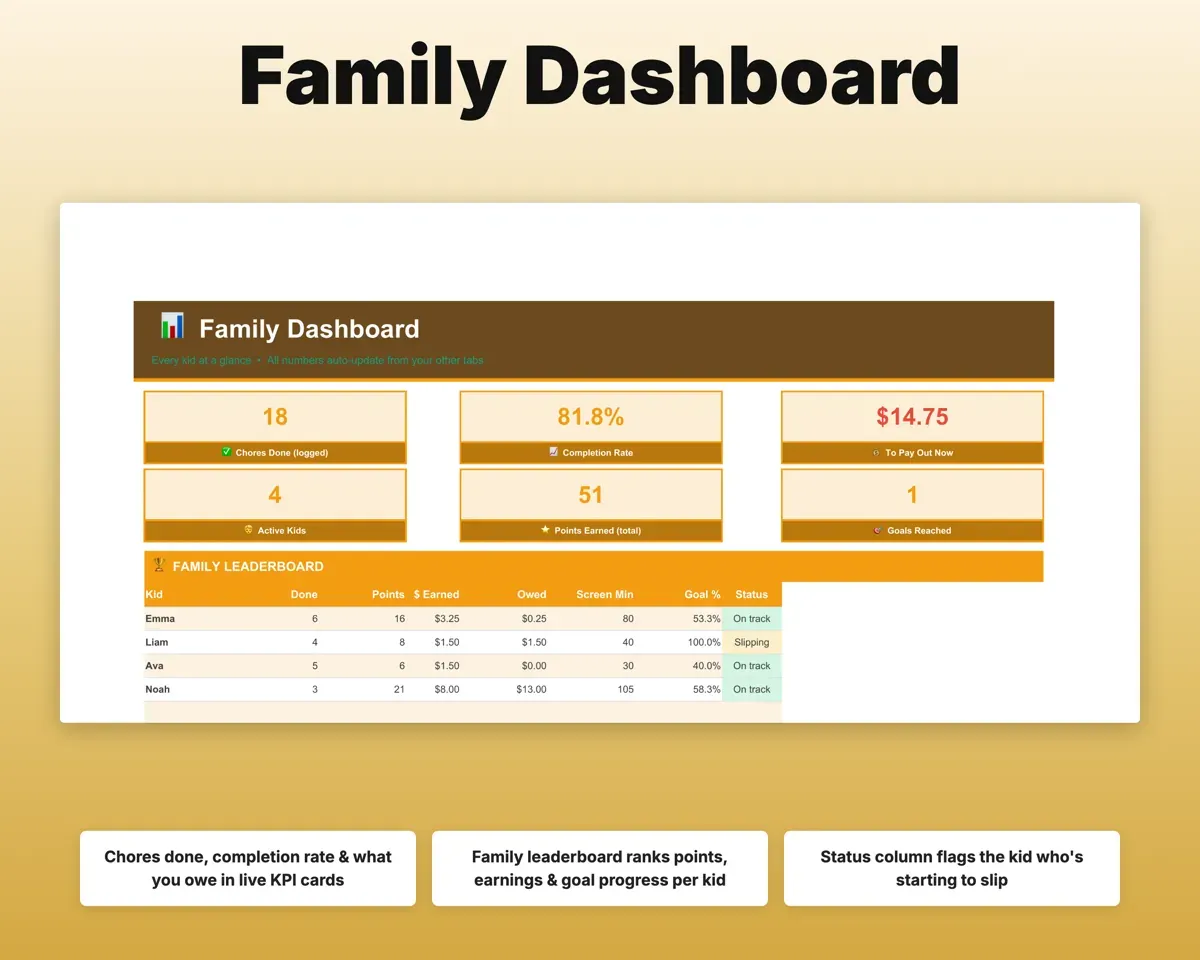
Give every chore a point value and a dollar amount. The Dashboard compares every kid on points earned, chores finished and completion rate.
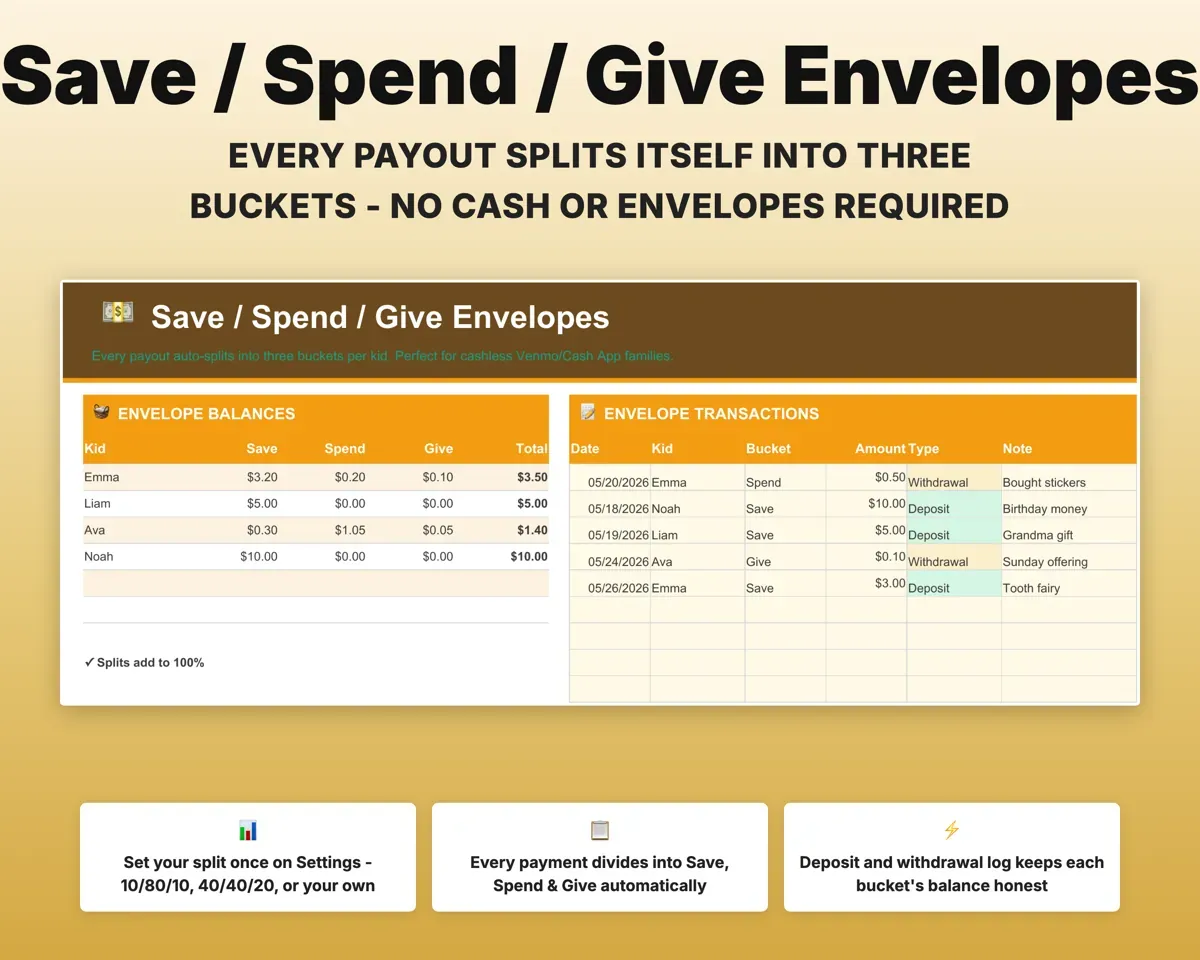
Points per choreCompletion rateSplit every payout into Save, Spend and Give
Set your split once on Settings. Each payout divides into three running balances per kid, with a deposit and withdrawal log, so no cash is needed.
Your split, like 10/80/10Three balances per kidLet kids trade points for rewards
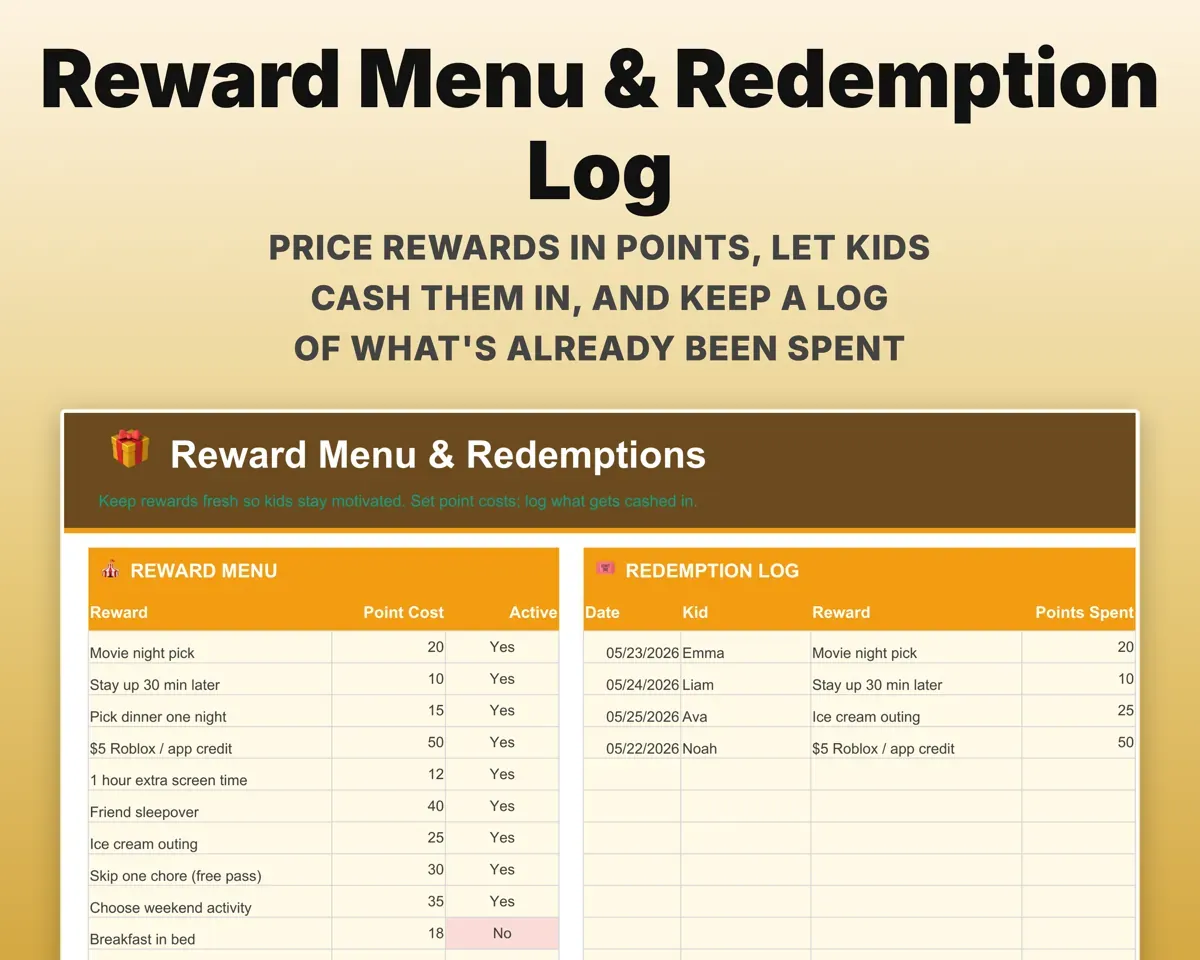
Price a reward menu in points and log each redemption so you know what was already spent. Set a minutes-per-point rate and earned screen time shows on the Dashboard.
Reward menu, point pricesRedemption logShow kids how close they are to a goal
Each kid's savings goal shows percent complete, dollars to go and weeks left at their current earning rate.
Goal amountWeeks to goPick chores that fit each age
The Chore Library has more than 80 ideas sorted into ages 4-6, 7-9, 10-12 and 13+, each with suggested points and a dollar amount.
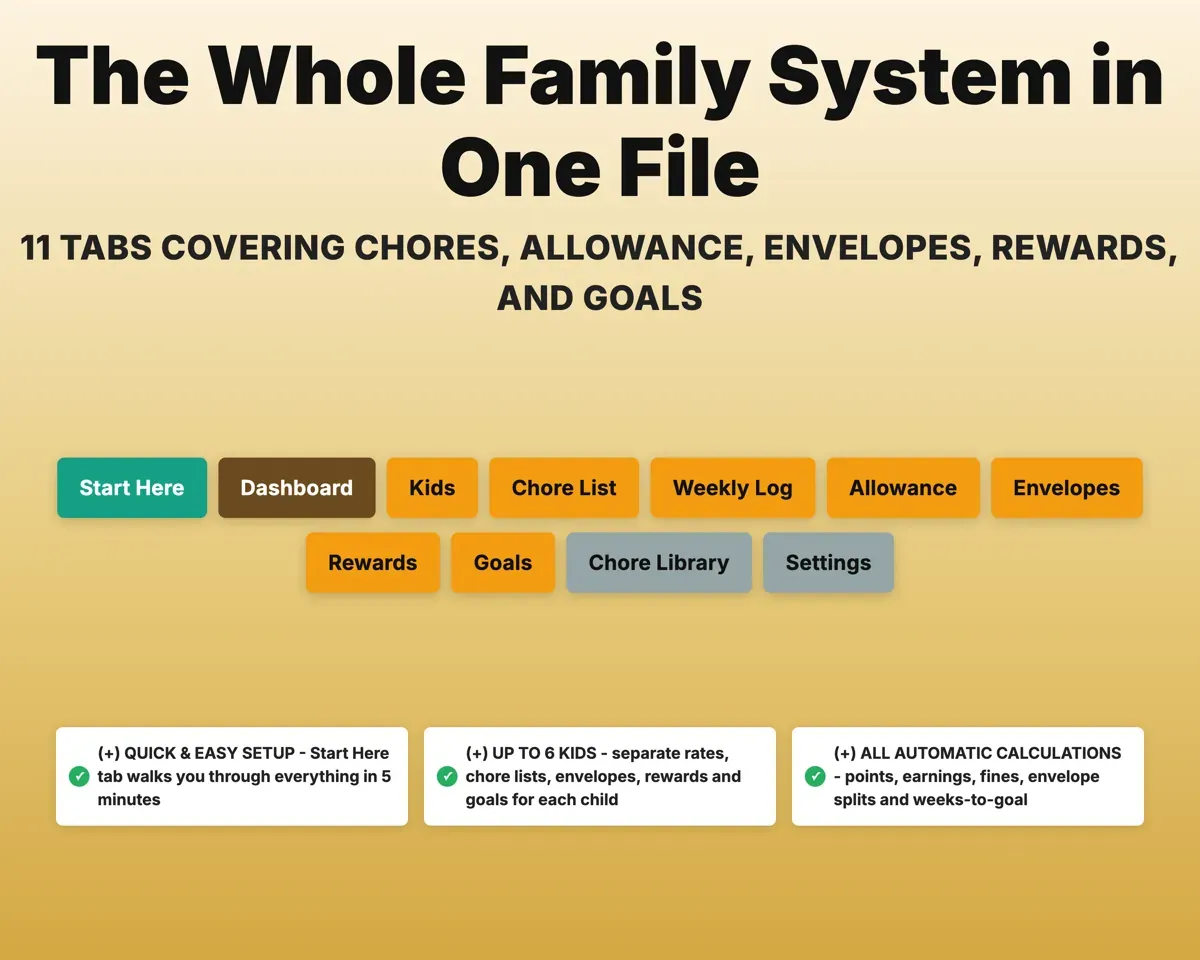
Each kid's ageChore ideas by age11 tabs in one file
- Start Here
- Dashboard
- Kids
- Chore List
- Weekly Log
- Allowance
- Envelopes
- Rewards
- Goals
- Chore Library
- Settings
- Start Here
- Setup steps, a color key and what each tab does.
- Dashboard
- Chores, points, money owed and goals for every kid.
- Kids
- Each child's age, pay rate and weekly point goal.
- Chore List
- Each kid's chores with points, value, frequency and day.
- Weekly Log
- Check off chores; points, dollars and fines fill in.
- Allowance
- Earned vs paid, bonuses, deductions and what you owe.
- Envelopes
- Save, Spend and Give balances with deposits and withdrawals.
- Rewards
- A points-priced reward menu and a log of redemptions.
- Goals
- Savings goals with progress, dollars to go and weeks left.
- Chore Library
- More than 80 chore ideas sorted by age group.
- Settings
- Pay style, envelope split, screen-time rate and dropdown lists.
Pair it with
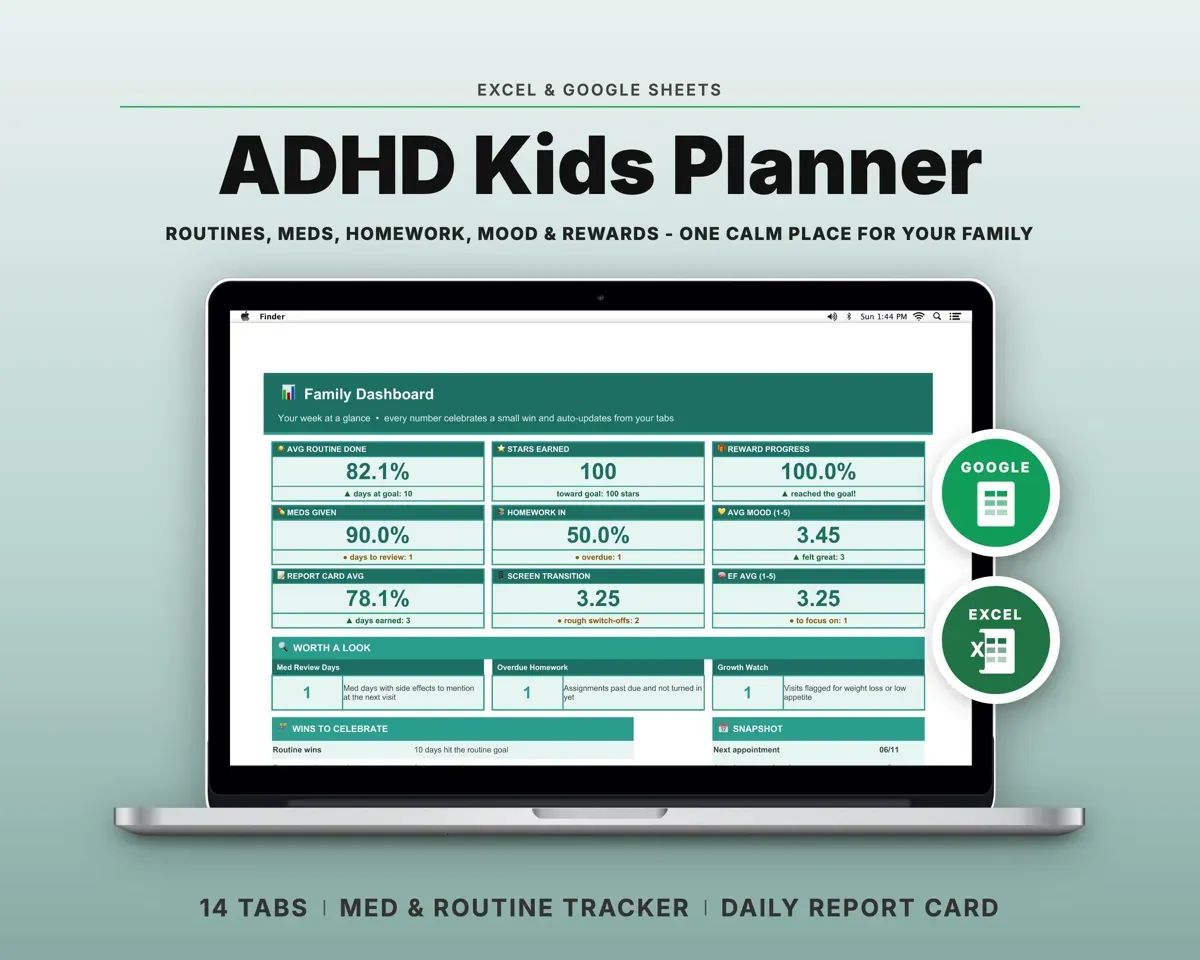
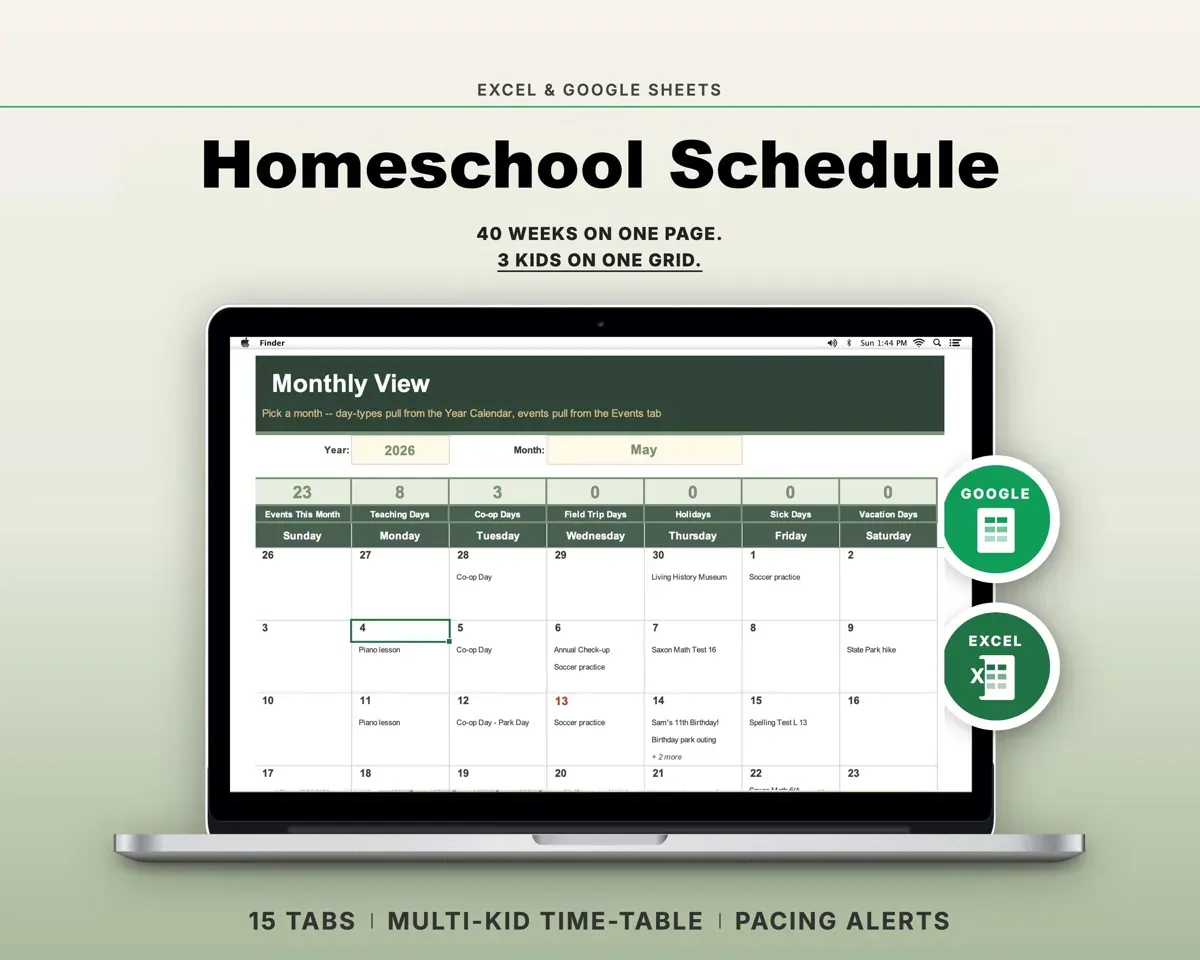
“Excellent! Very easy to use.”
“Nice Organization for 4H projects”
Before you buy
How many kids does it handle?
Up to six. Every kid gets a separate pay rate, chore list, set of envelopes, rewards and savings goals.
Can I use points instead of money?
Yes. Choose a pay style on Settings: points only, dollars only, screen-time minutes, or all three together.
Do I have to pay allowance in cash?
No. The allowance ledger and envelope balances live on the sheet, so it works the same if you pay by Venmo, Cash App or bank transfer.
My kids can't read a spreadsheet yet. Does that matter?
No. The sheet is the parent's side. You check off chores and settle up, and you can print the week's chore list for the fridge.
What do I get?
An Excel file (.xlsx), a filled-in sample to look at, and a quick-start PDF guide with a link that makes your own copy in Google Sheets.
How does delivery work?
You get your download links right after checkout, and Stripe emails your receipt. There is nothing to ship and nothing to wait for.
How do I set it up in Google Sheets?
Open the quick-start PDF and click the Google Sheets link. Google makes a copy in your own Drive that only you can edit. You need a free Google account.
Will it work on a Mac?
Yes. It works in Excel on Mac and Windows, and in Google Sheets in any browser.
I'm not a spreadsheet person. Is that a problem?
No. You only type in the yellow cells. Everything in gray works itself out, and the Start Here tab shows you where to begin.
Can I get a refund?
Templates are digital downloads, so sales are final. If a file won't open, is broken or doesn't match its description, email hello@cleanpixelstudios.com within 30 days and we'll fix it, or refund you if we can't.
What if I get stuck?
Email hello@cleanpixelstudios.com and we'll help you get it working.
More in Homeschool & family
See all Homeschool & family templates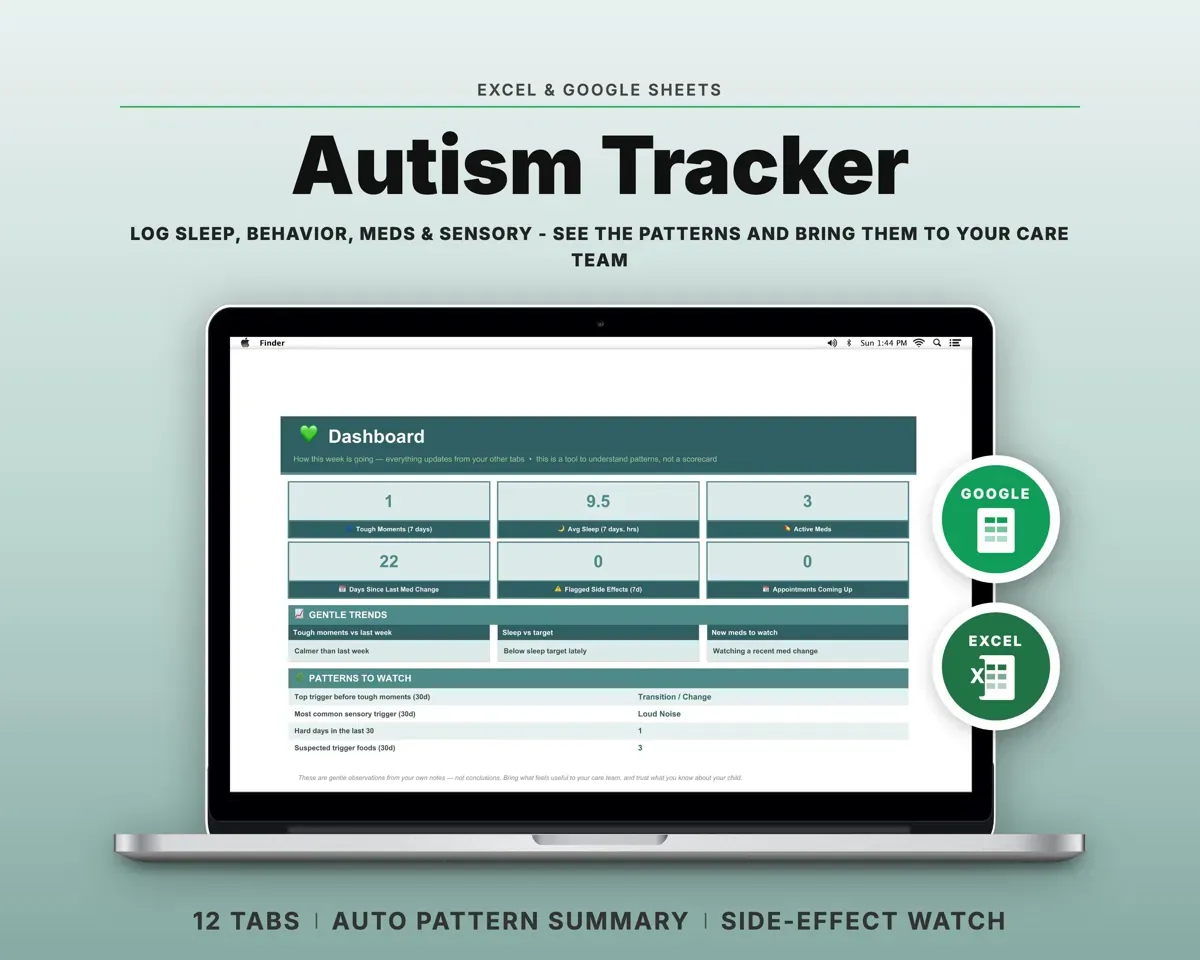
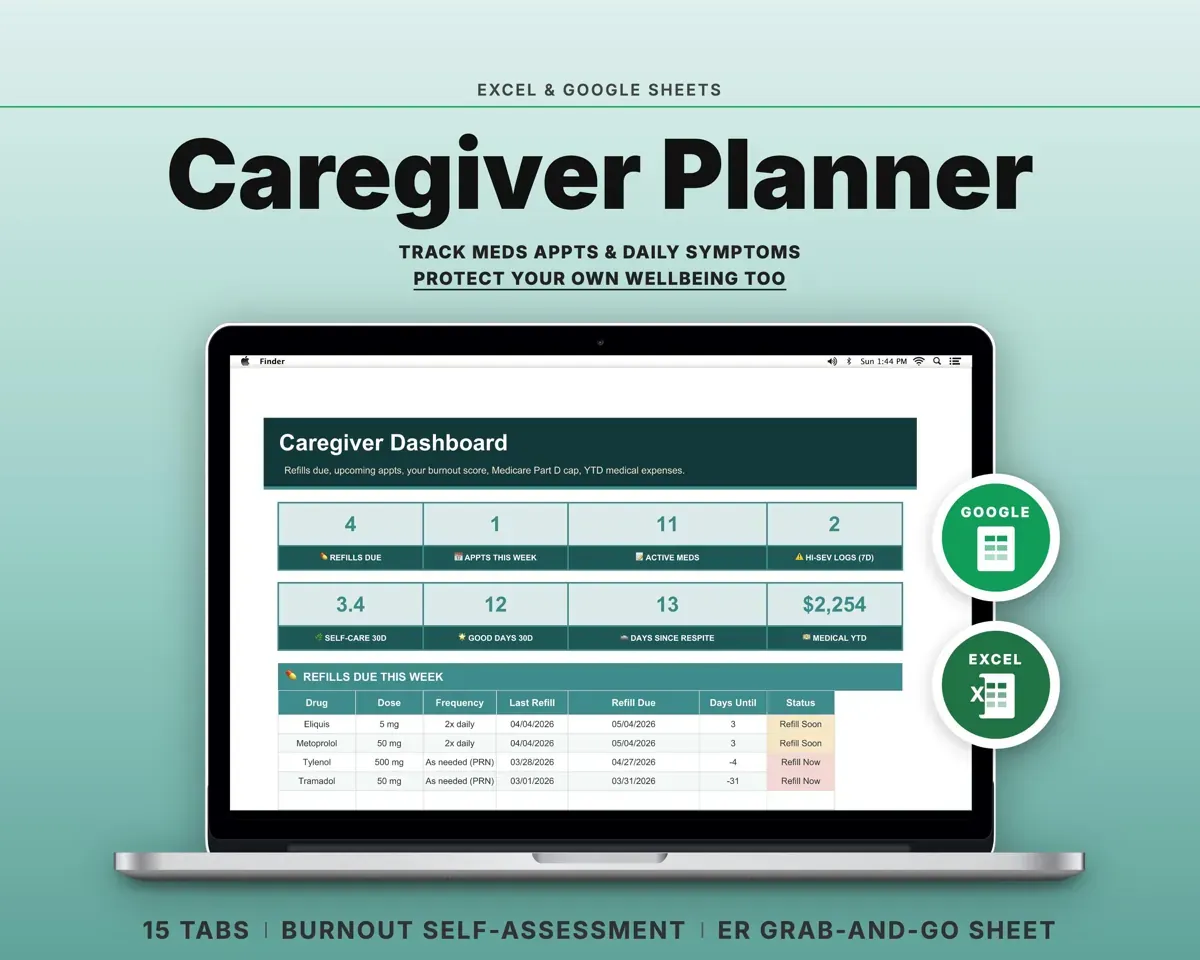
 Made by Clean Pixel Studios
We start every template by reading what people in that line of work say they struggle with, then build the spreadsheet around those problems. This one was made for parents and nobody else.
How we build templatesKids Chore Chart & Allowance Tracker$14.99 · Excel + Google Sheets