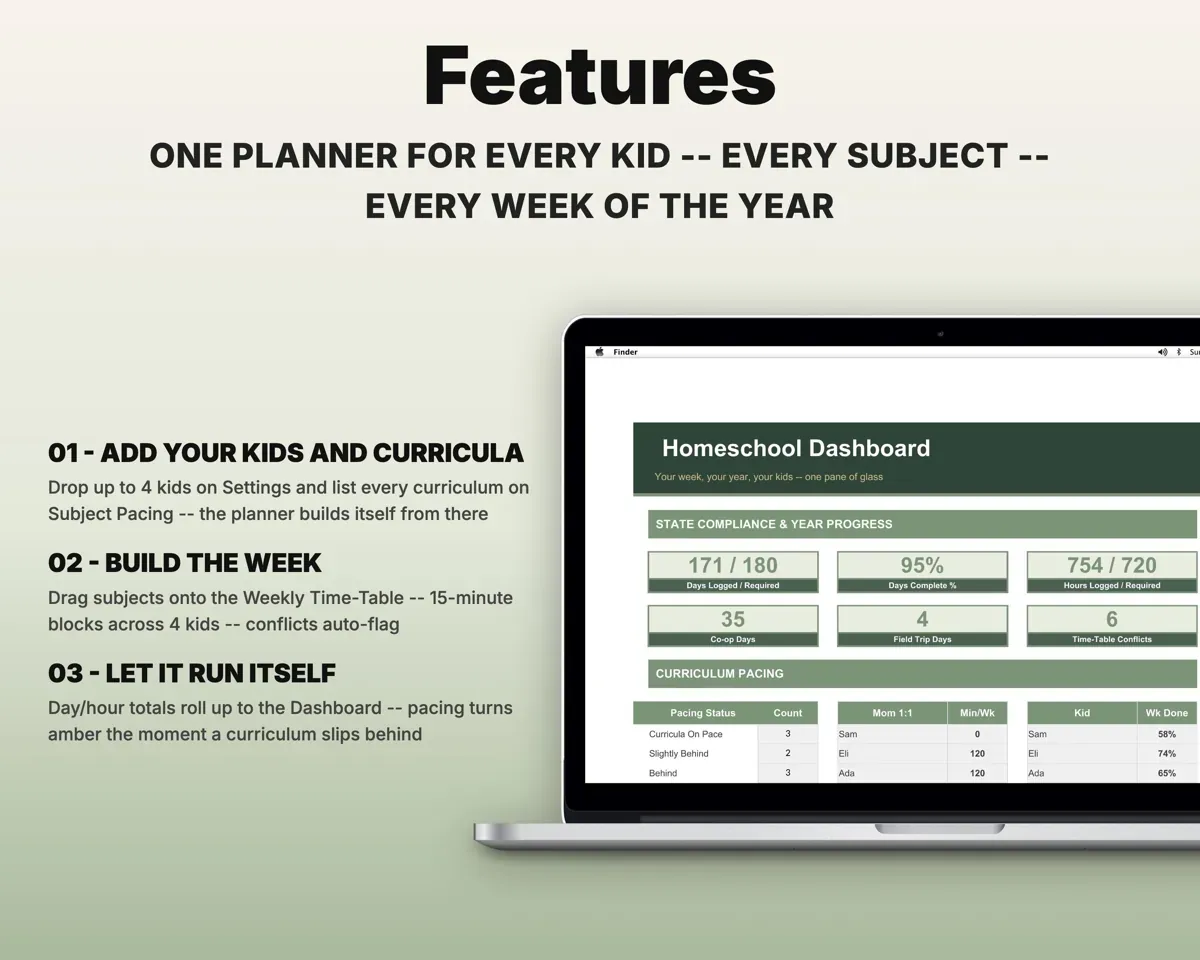
Built around the jobs homeschool families actually do
Build the week once and adjust as you go
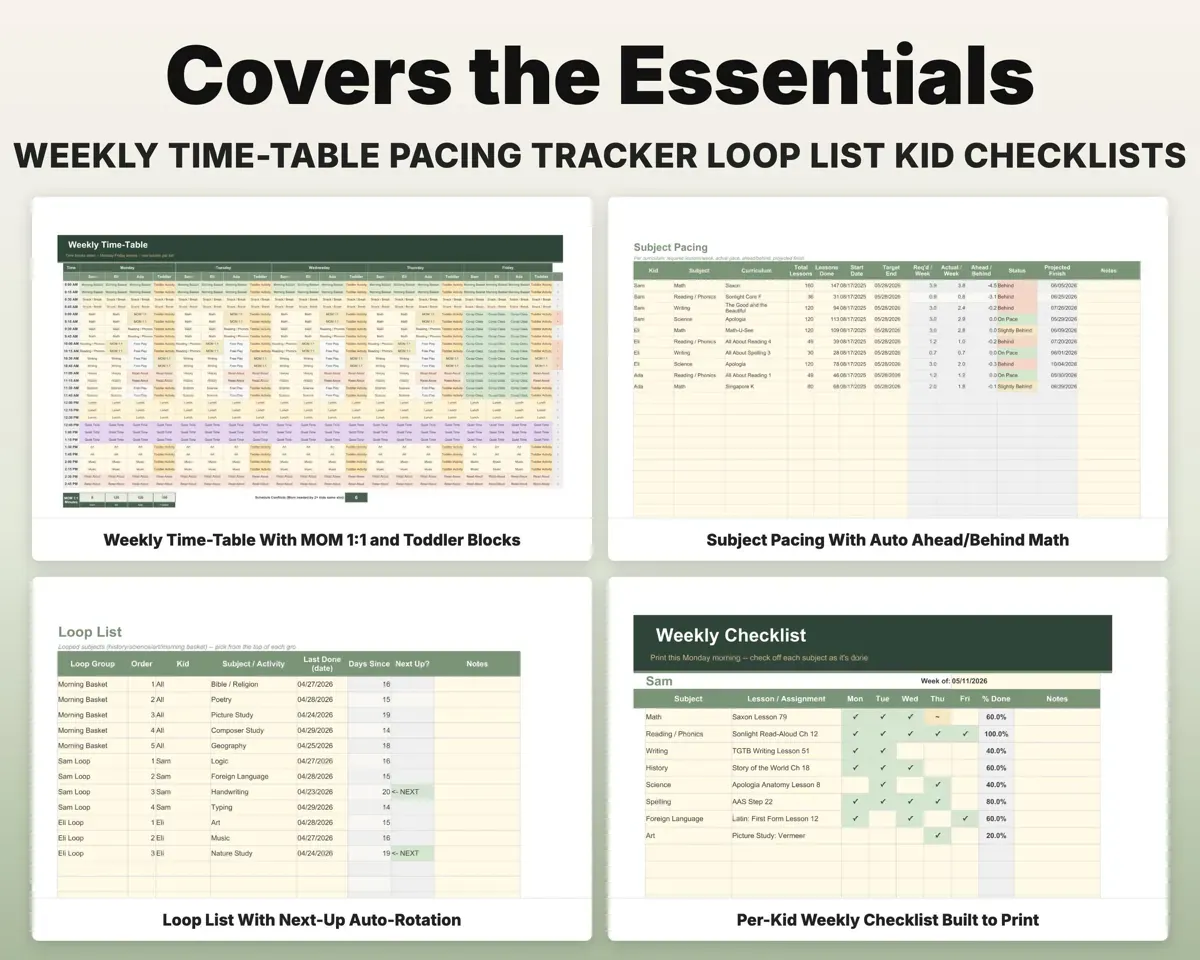
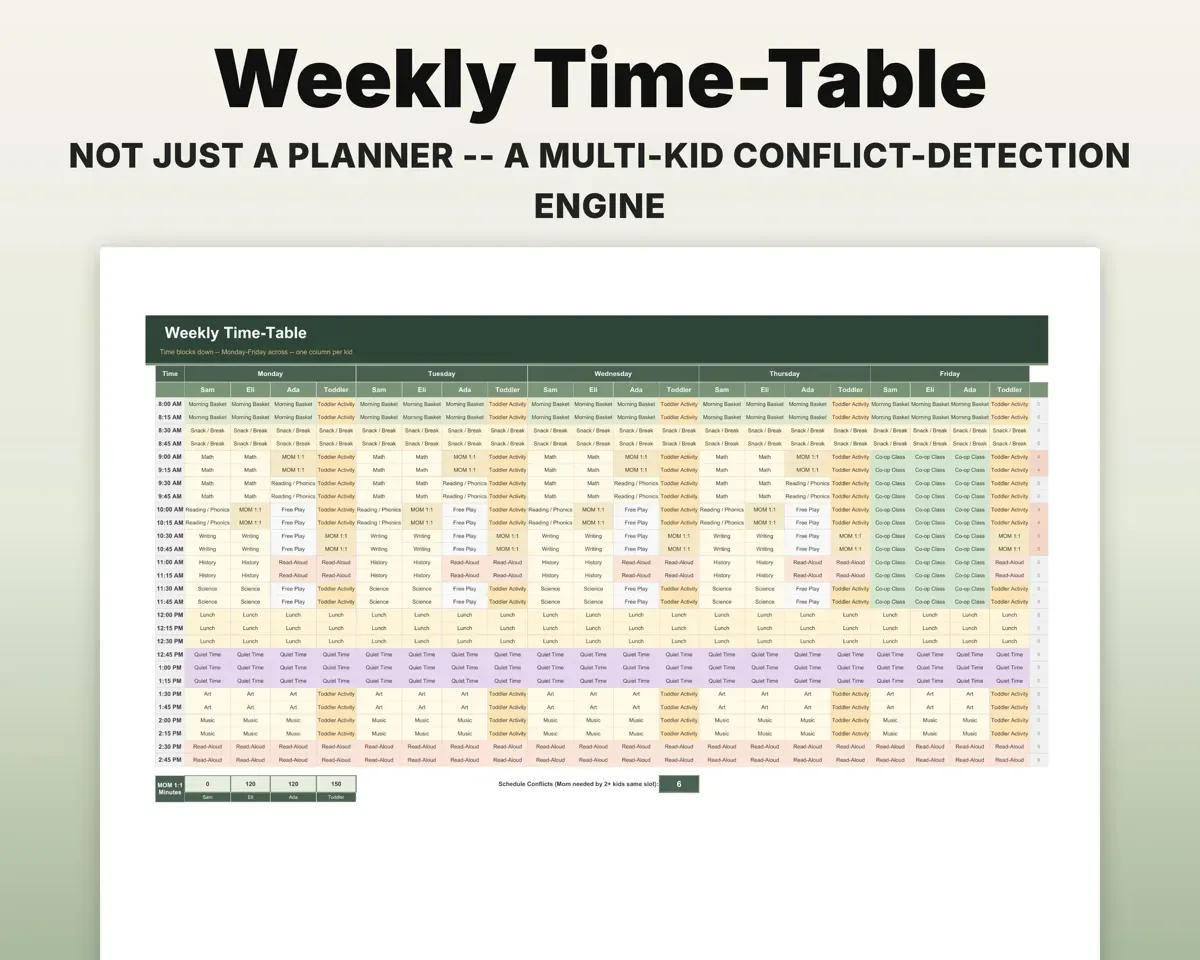
The Weekly Time-Table uses 15-minute blocks with a column per kid per day for up to 4 kids. Move a subject by editing a cell, and the Daily Plan pulls each day from it.
Subjects in time blocksToday's printable planKnow if a curriculum is behind
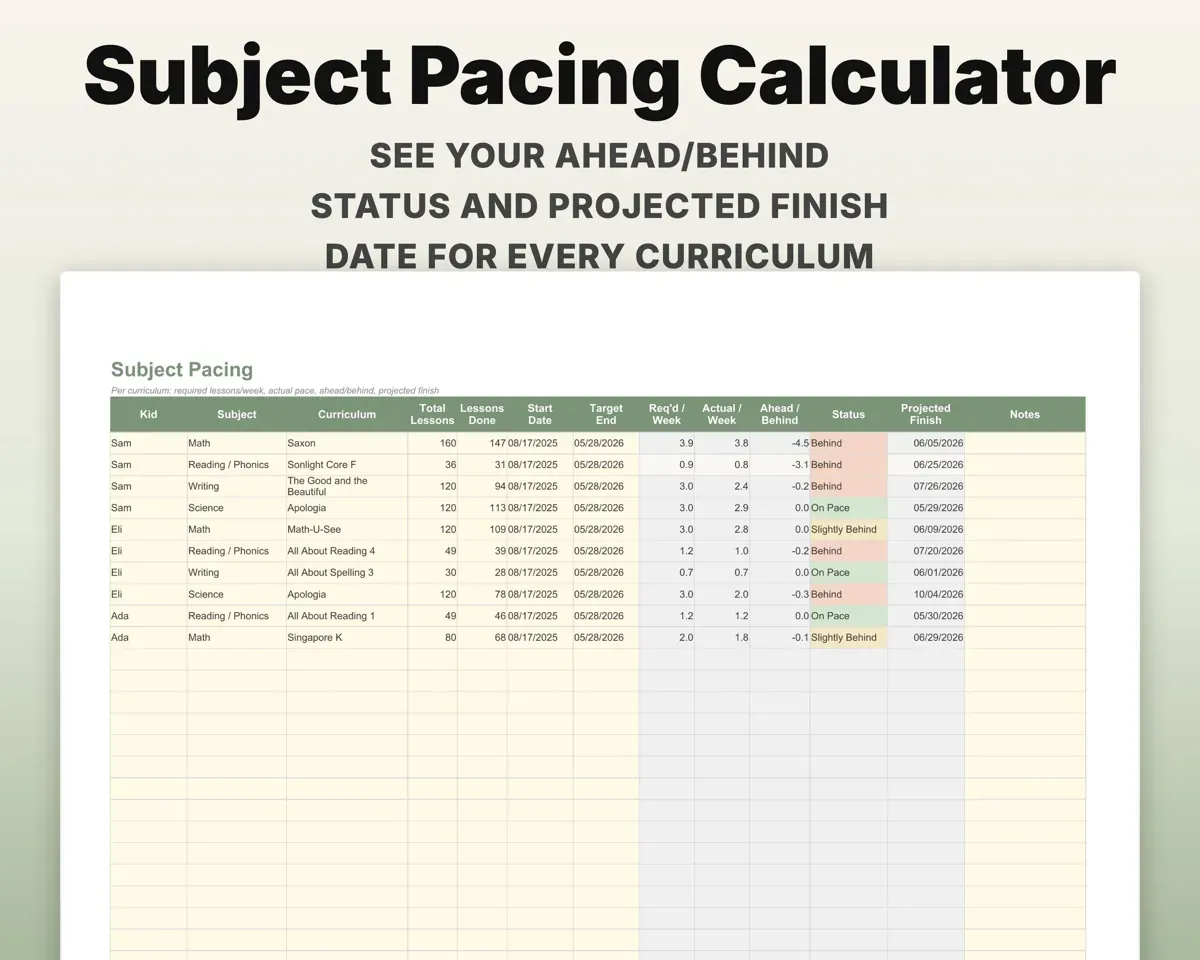
Enter each curriculum's total lessons, target end date and lessons done. The sheet works out lessons needed per week, your actual pace, a projected finish date and an On Pace or Behind status.
Lessons, end dateProjected finishShare your time fairly between kids
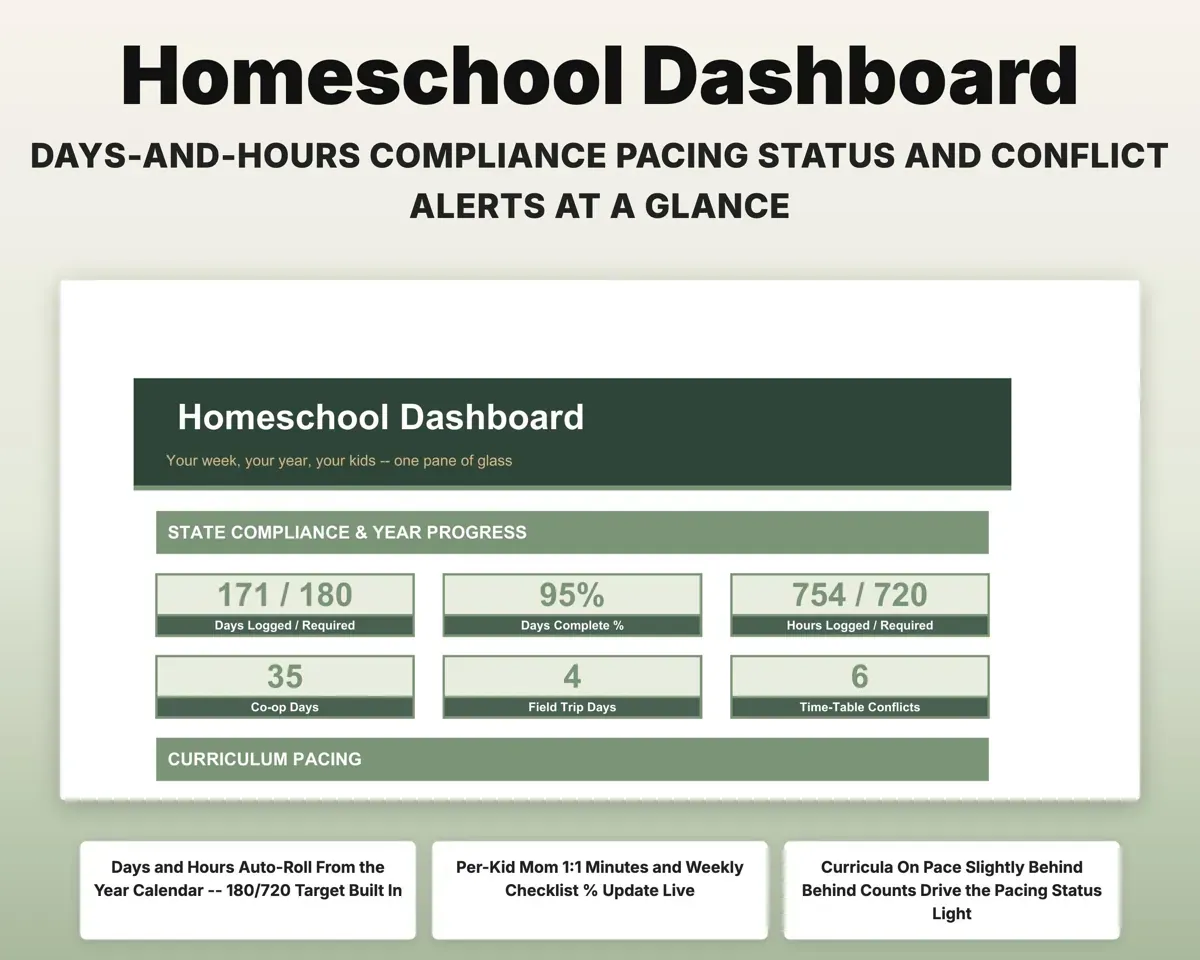
The time-table flags any block where you are booked one-on-one with two kids at once, and the Dashboard totals your 1:1 minutes per kid each week.
Mom 1:1 blocks1:1 minutes per kidRun loop subjects without dropping any
Set up a morning basket or per-kid loop groups. Log a Last Done date and the next subject moves up, with days since each one was last done.
Last done dateNext upMark the school year on one calendar
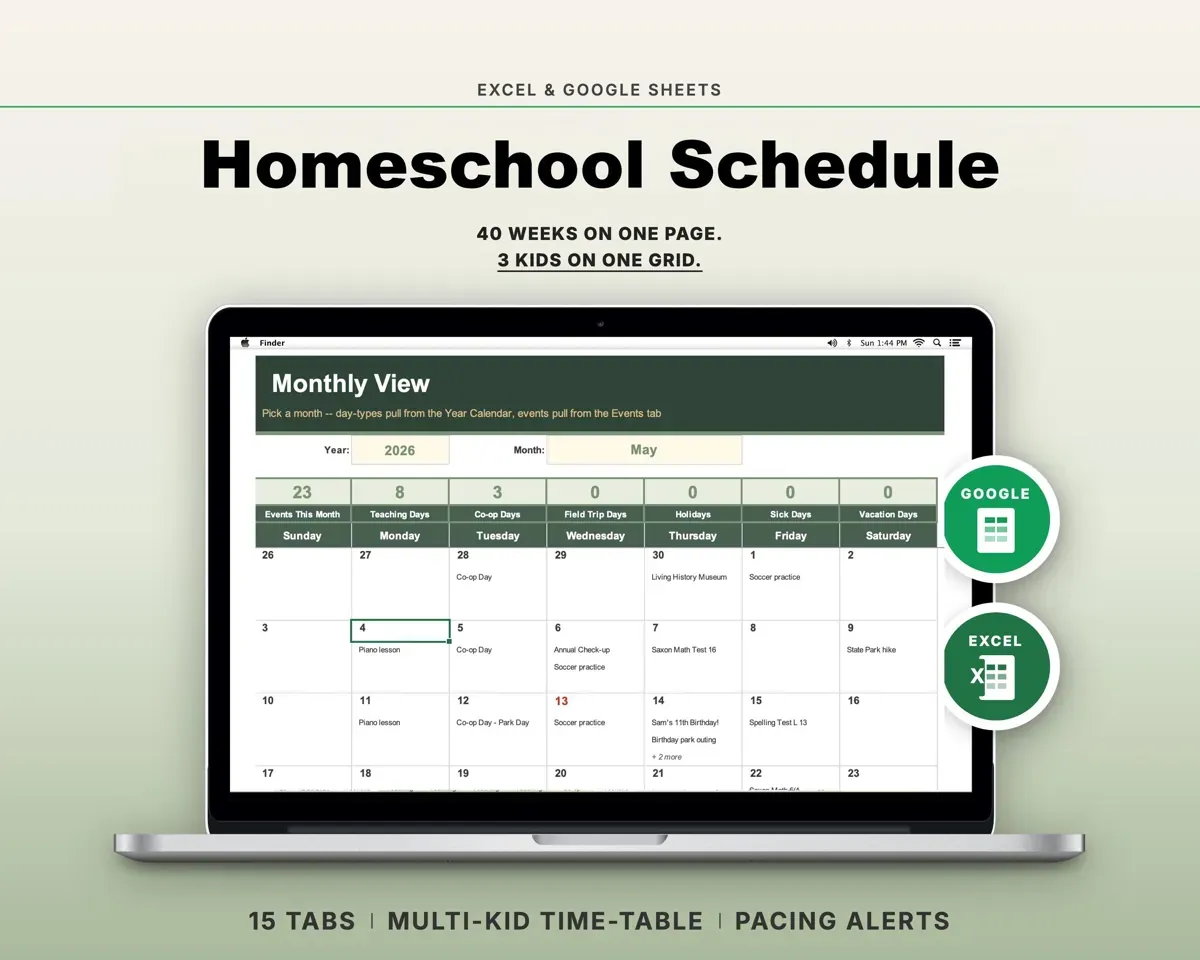
A 40-week color-coded calendar for teaching, co-op, field trip, holiday, sick and vacation days, plus an events list and a printable monthly view.
Day types, eventsMonthly gridGive each kid a weekly checklist
Printable checklists for up to four kids show the percent done, and Subject Load checks weekly minutes against age-based targets.
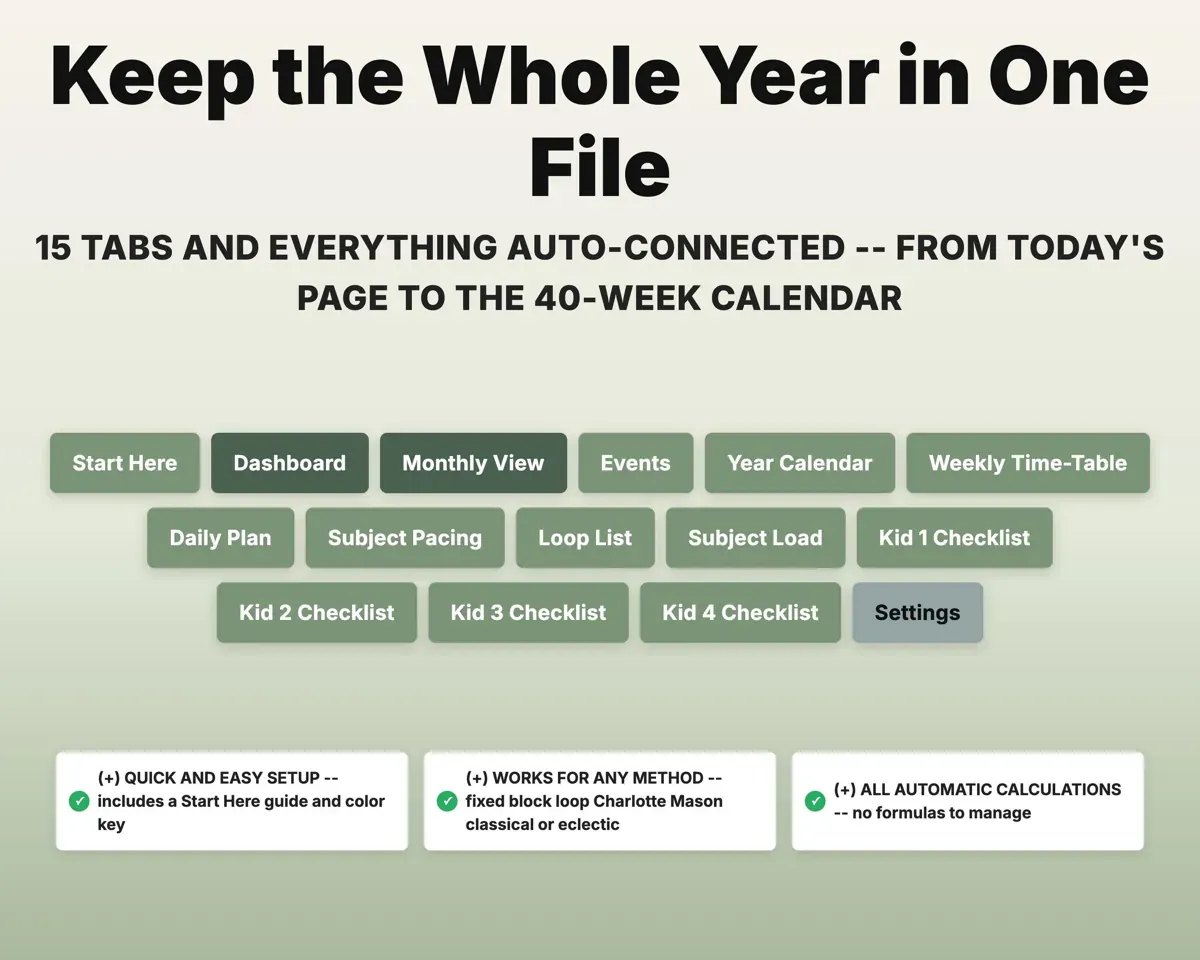
Checked itemsPercent done15 tabs in one file
- Start Here
- Dashboard
- Monthly View
- Events
- Year Calendar
- Weekly Time-Table
- Daily Plan
- Subject Pacing
- Loop List
- Subject Load
- Kid 1 Checklist
- Kid 2 Checklist
- Kid 3 Checklist
- Kid 4 Checklist
- Settings
- Start Here
- Setup walkthrough with a color key and tab map.
- Dashboard
- Days, hours, pacing status, 1:1 minutes and checklist progress.
- Monthly View
- A printable month pulled from the year calendar.
- Events
- Co-op, field trips, appointments, lessons and tests.
- Year Calendar
- A 40-week color-coded calendar of day types.
- Weekly Time-Table
- 15-minute blocks for each kid and day, with conflict flags.
- Daily Plan
- Today's printable page, pulled from the time-table.
- Subject Pacing
- Lessons per week, ahead or behind, and projected finish.
- Loop List
- Looped subjects with next up and days since last done.
- Subject Load
- Weekly minutes per kid against age-based targets.
- Kid 1 Checklist
- A printable weekly checklist for your first child.
- Kid 2 Checklist
- A printable weekly checklist for your second child.
- Kid 3 Checklist
- A printable weekly checklist for your third child.
- Kid 4 Checklist
- A printable weekly checklist for your fourth child.
- Settings
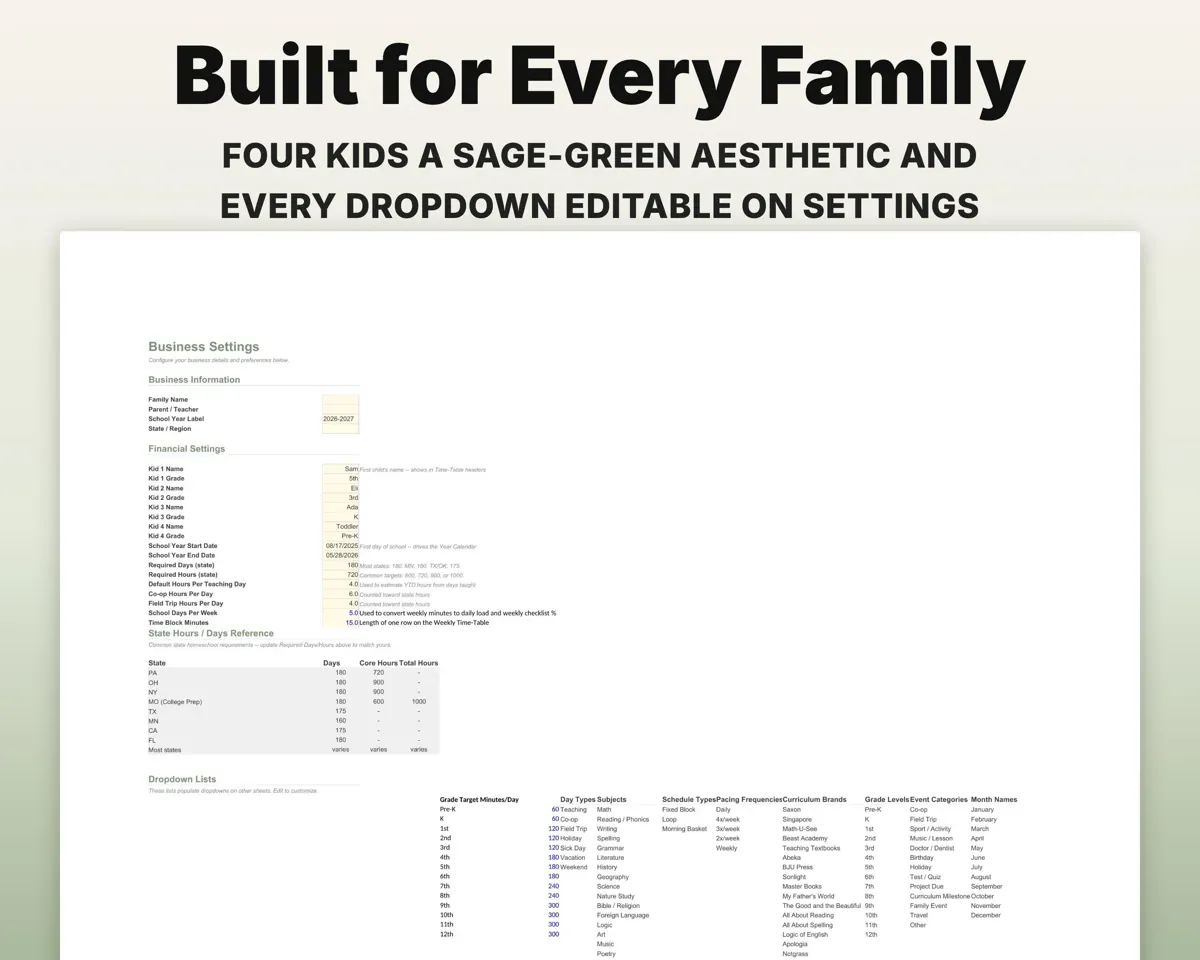
- Family, school year, state, kids, grades and dropdown lists.
Pair it with
“Well thought out worksheets nicely presented”
“Excellent! Very easy to use.”
Before you buy
How many kids does it handle?
Up to four. Add or rename them on Settings and the other tabs follow.
Will it work with my curriculum?
Yes. Subject Pacing takes any curriculum name and lesson count, so it is not tied to one publisher.
We use loops and a morning basket. Does that fit?
Yes. The Loop List has separate loop groups, and you can mix looped and fixed subjects in the same week.
Does it keep full attendance records and grades?
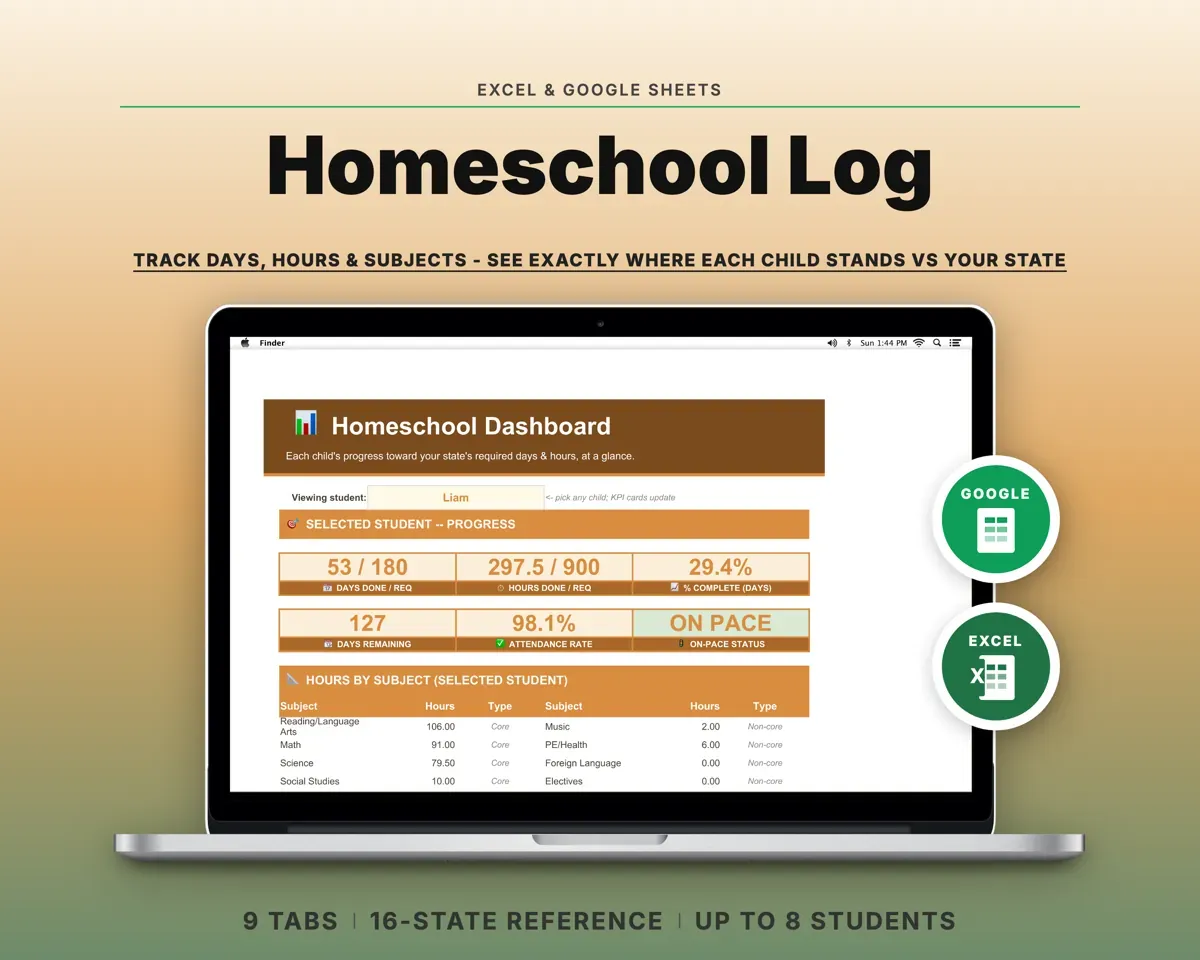
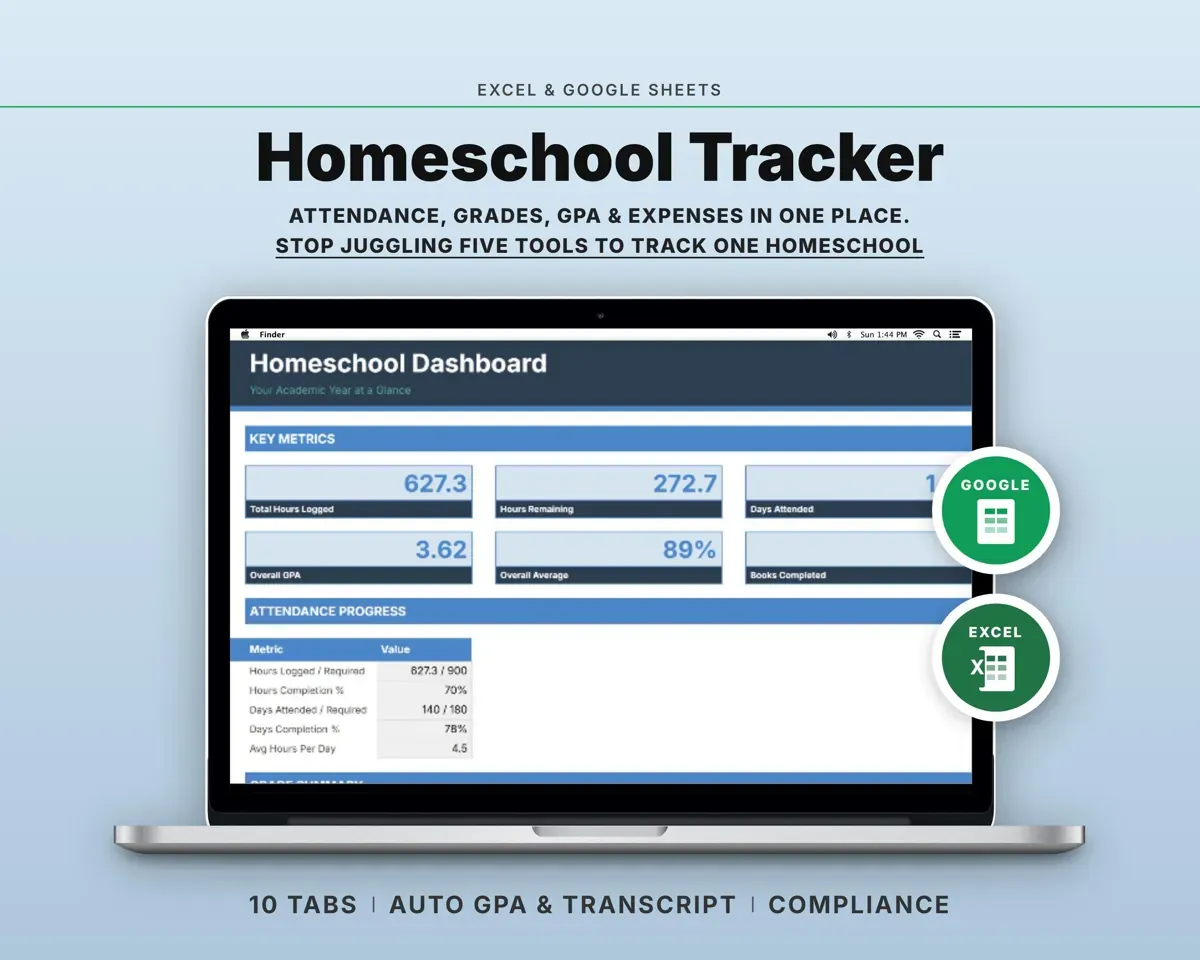
It tracks days and hours against your target on the Dashboard. For an attendance log, gradebook and transcripts, the Homeschool Tracker is a separate template.
What do I get?
An Excel file (.xlsx), a filled-in sample to look at, and a quick-start PDF guide with a link that makes your own copy in Google Sheets.
How does delivery work?
You get your download links right after checkout, and Stripe emails your receipt. There is nothing to ship and nothing to wait for.
How do I set it up in Google Sheets?
Open the quick-start PDF and click the Google Sheets link. Google makes a copy in your own Drive that only you can edit. You need a free Google account.
Will it work on a Mac?
Yes. It works in Excel on Mac and Windows, and in Google Sheets in any browser.
I'm not a spreadsheet person. Is that a problem?
No. You only type in the yellow cells. Everything in gray works itself out, and the Start Here tab shows you where to begin.
Can I get a refund?
Templates are digital downloads, so sales are final. If a file won't open, is broken or doesn't match its description, email hello@cleanpixelstudios.com within 30 days and we'll fix it, or refund you if we can't.
What if I get stuck?
Email hello@cleanpixelstudios.com and we'll help you get it working.
More in Homeschool & family
See all Homeschool & family templates
 Made by Clean Pixel Studios
We start every template by reading what people in that line of work say they struggle with, then build the spreadsheet around those problems. This one was made for homeschool families and nobody else.
How we build templatesHomeschool Schedule Planner$14.99 · Excel + Google Sheets