Built around the jobs homeschool parents actually do
Show the hours and days you need
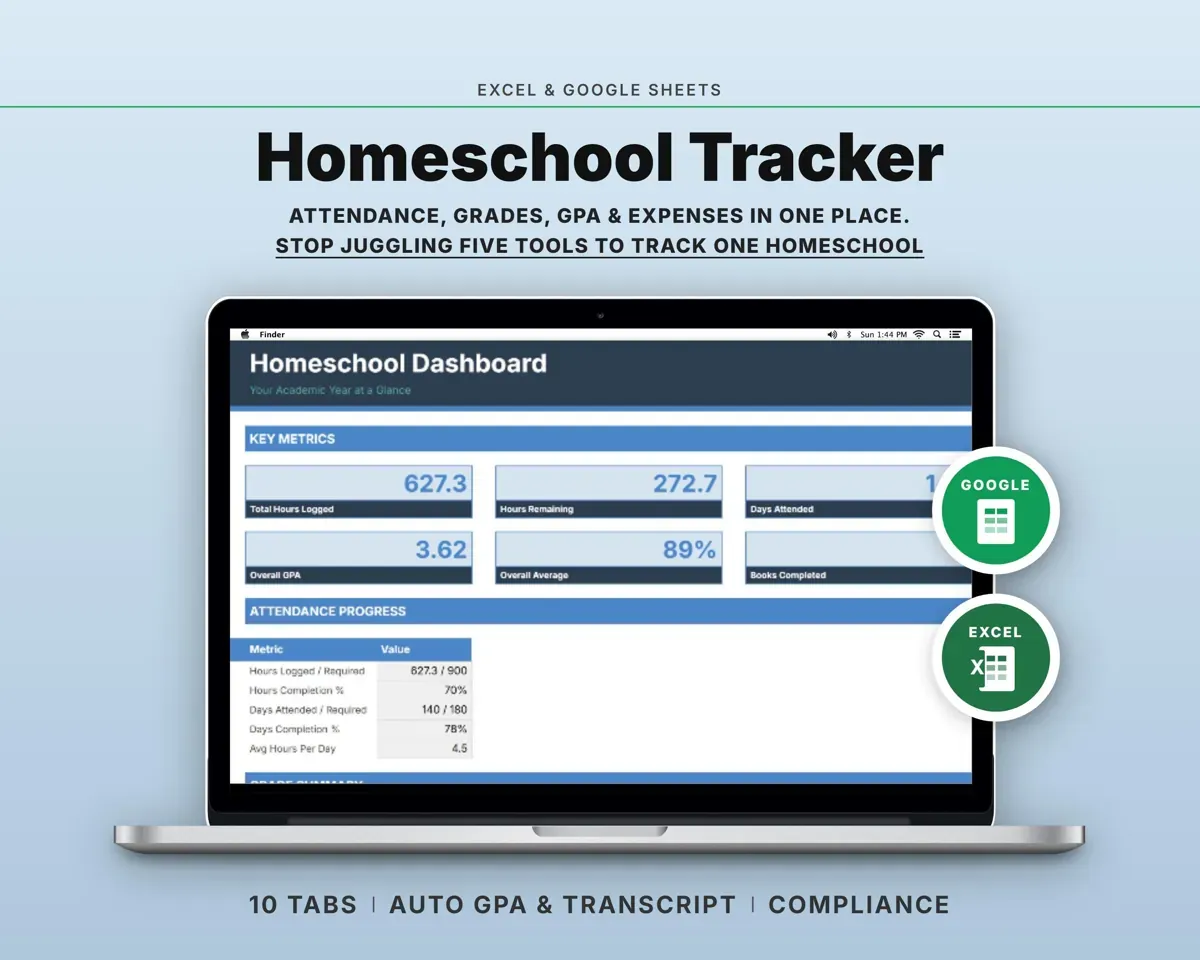
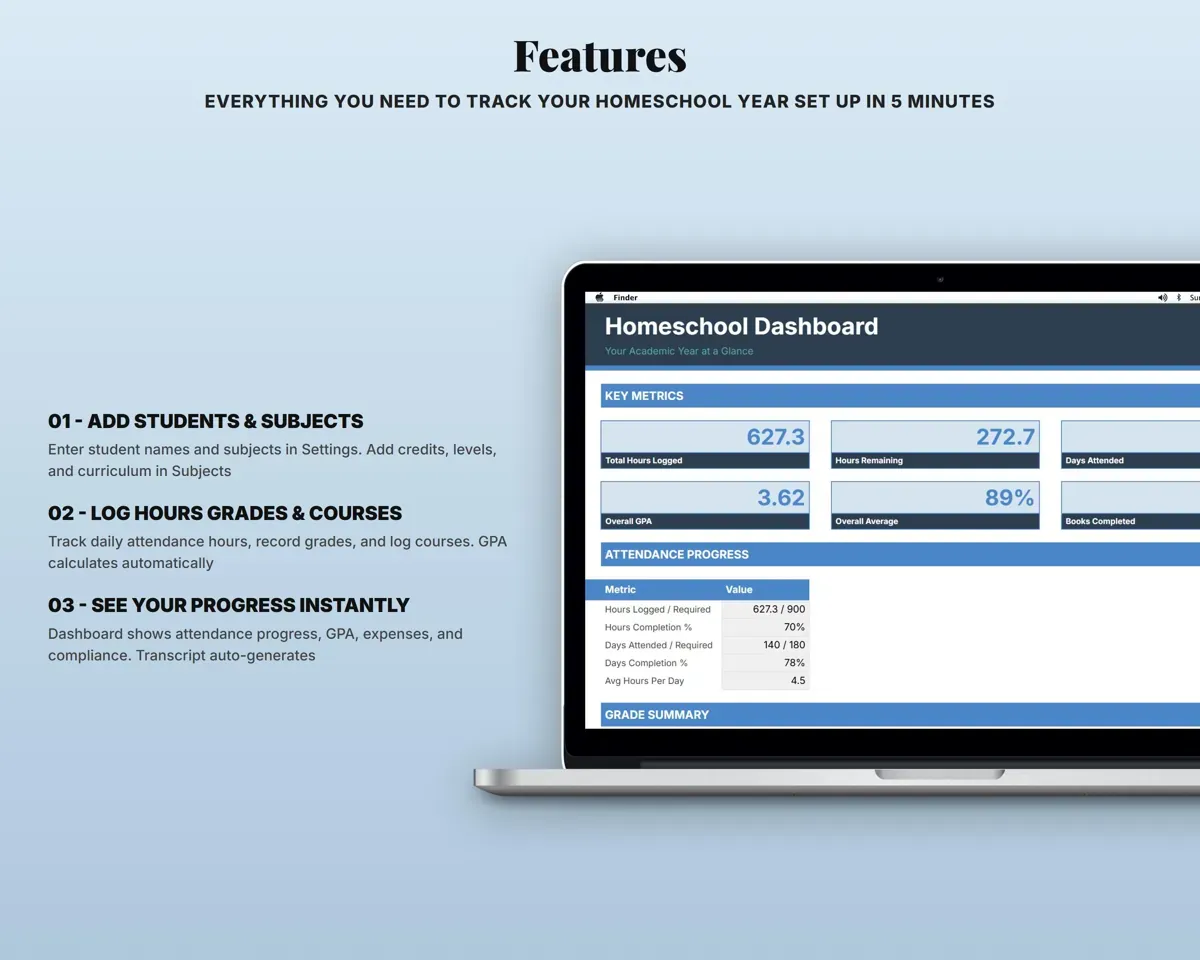
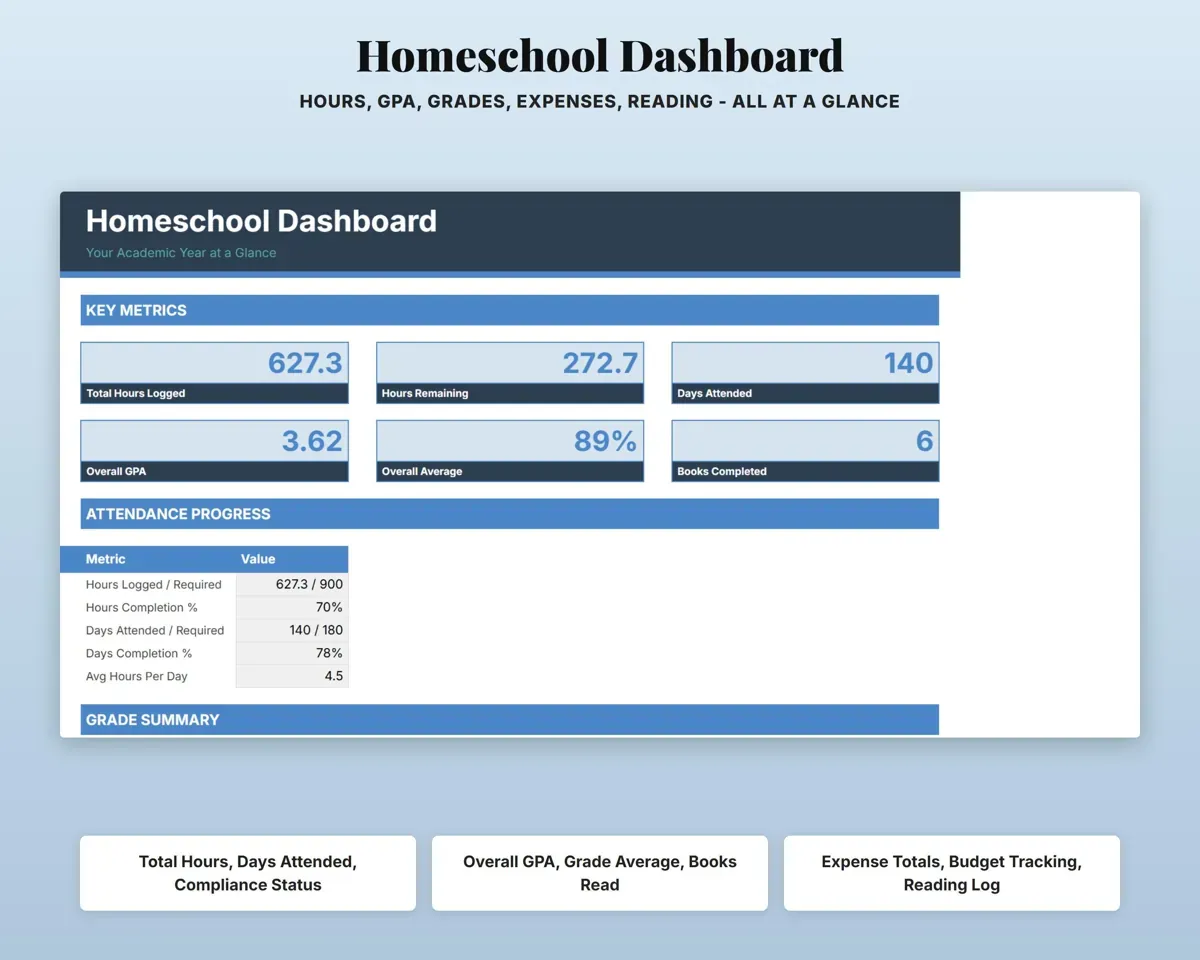
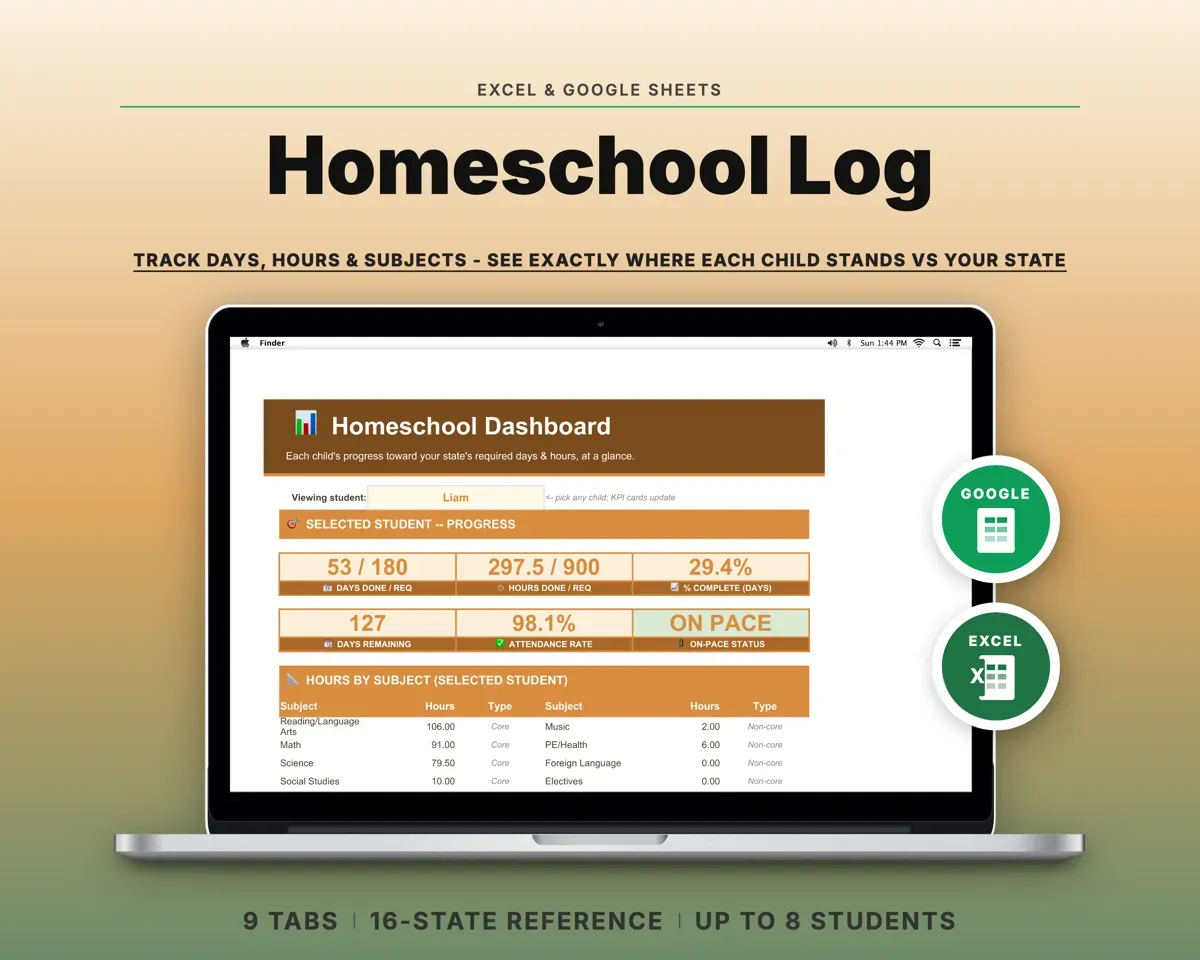
Log daily hours by subject. The Dashboard shows progress against your state's required hours and days with an On Track, Behind or Complete status.
Daily hours by subjectOn Track or BehindGrade work without the math
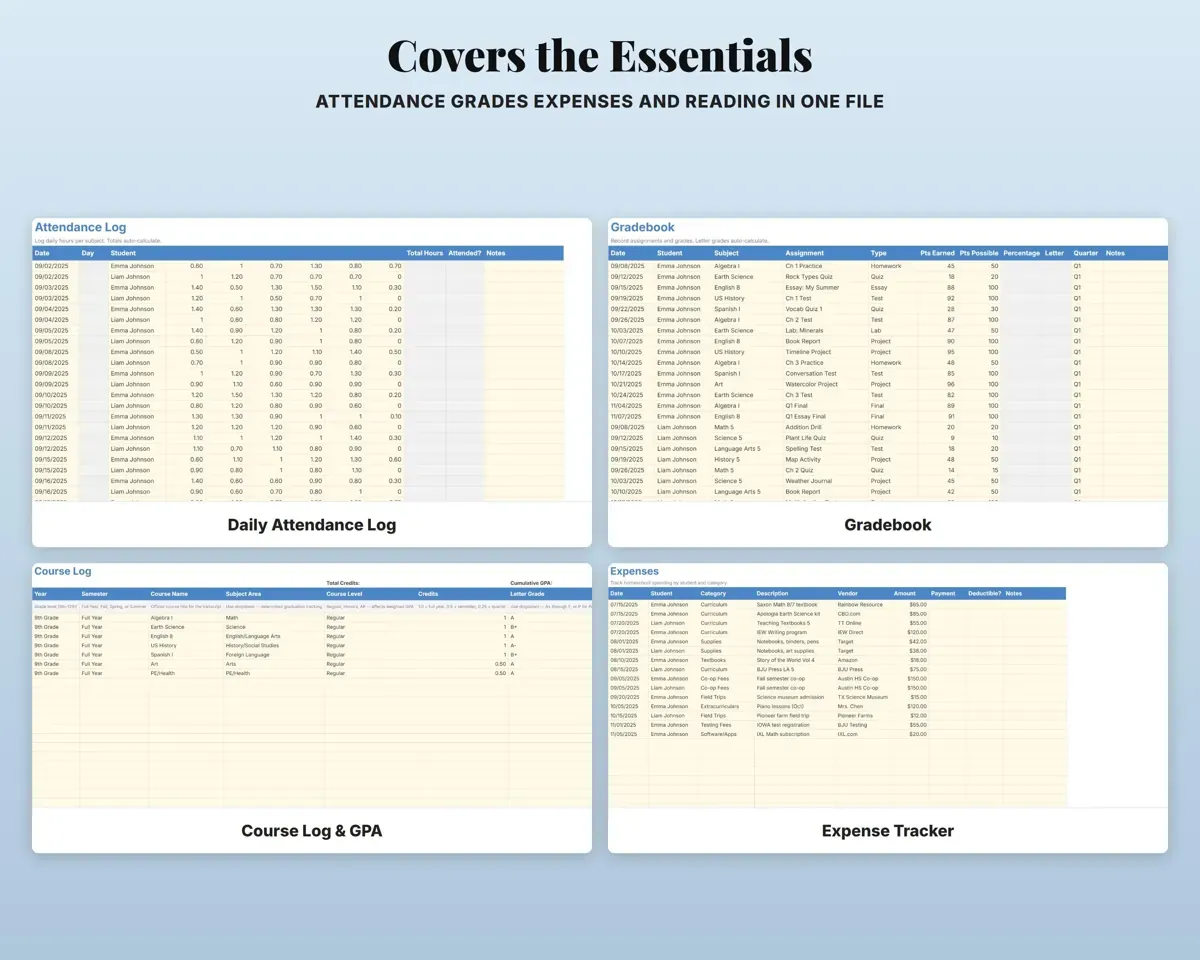
Log assignments, quizzes, tests and projects in the Gradebook, and each entry gets a percentage and a letter grade.
ScoresPercent and letterGet weighted and unweighted GPA
Enter courses with credits, level and grade in the Course Log. Honors adds 0.5 and AP or dual enrollment adds 1.0 to the weighted GPA.
Course, credits, levelWeighted GPAPrint a high school transcript
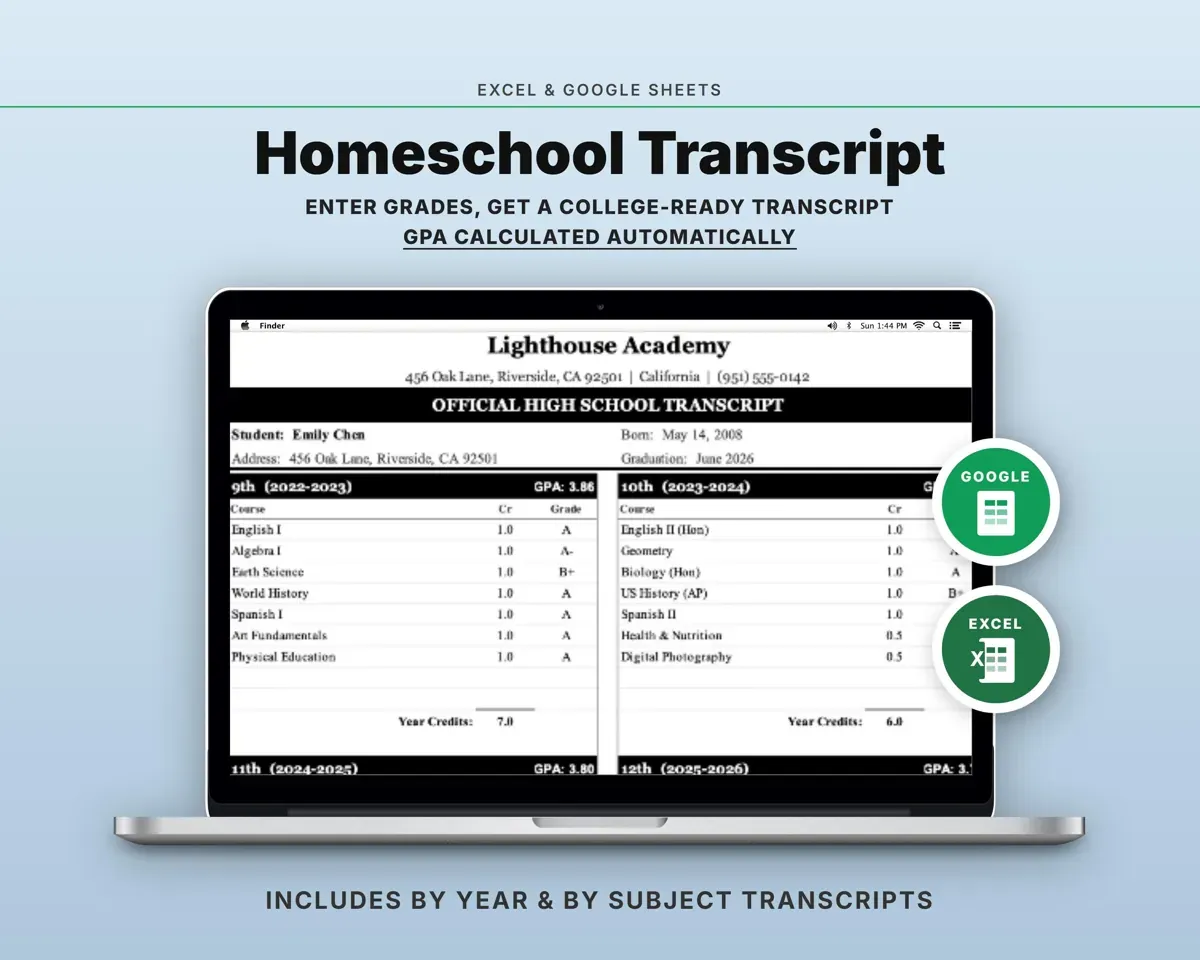
Transcripts fill in from the Course Log, laid out by year or by subject, ready to print and sign.
Your Course LogPrintable transcriptSee where the homeschool money goes
Log spending by student and category, such as curriculum, co-op fees, field trips, testing and tutoring.
ExpensesSpending by categoryHave the year summary ready
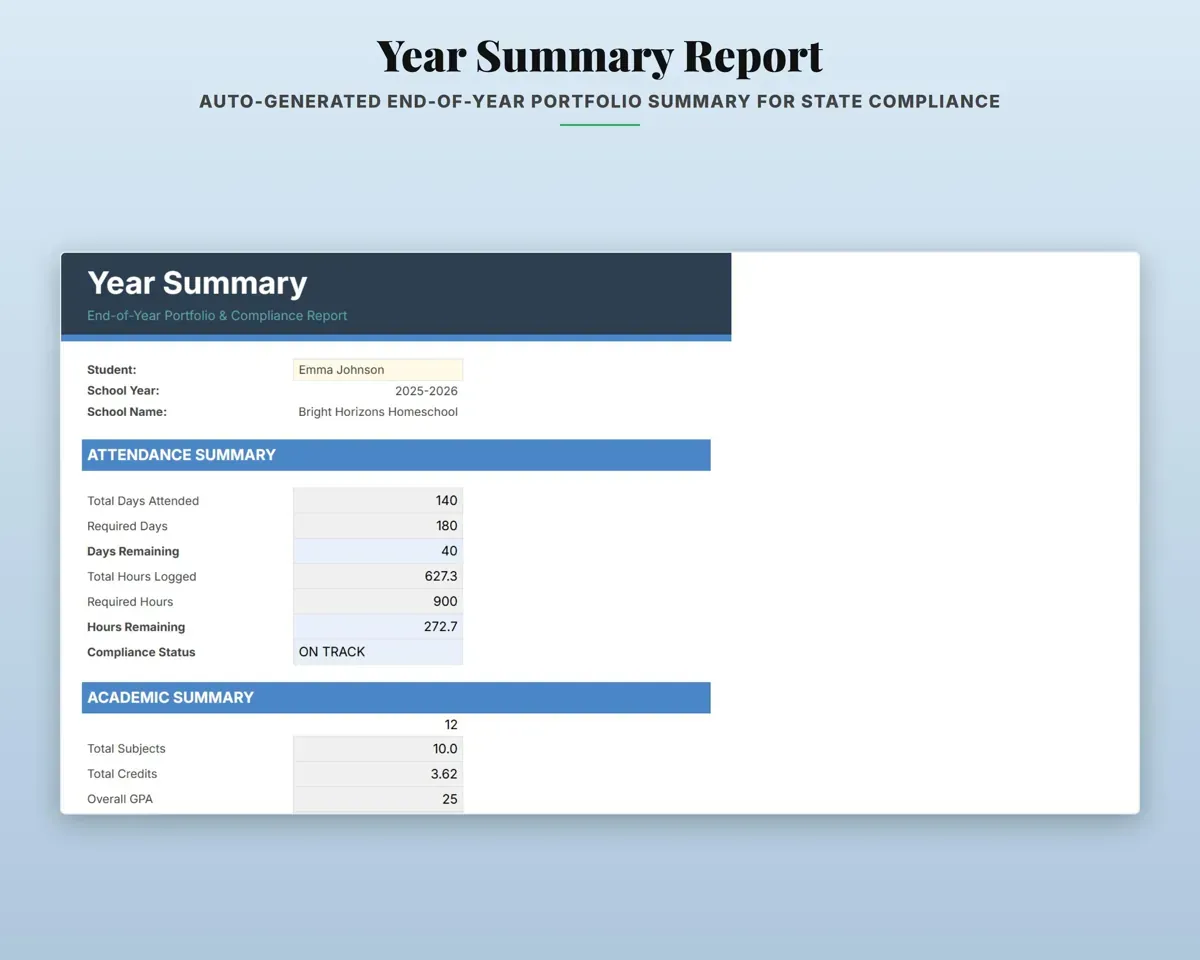
Year Summary pulls attendance, grades, spending and reading into one end-of-year report. The Reading Log keeps titles, pages and ratings.
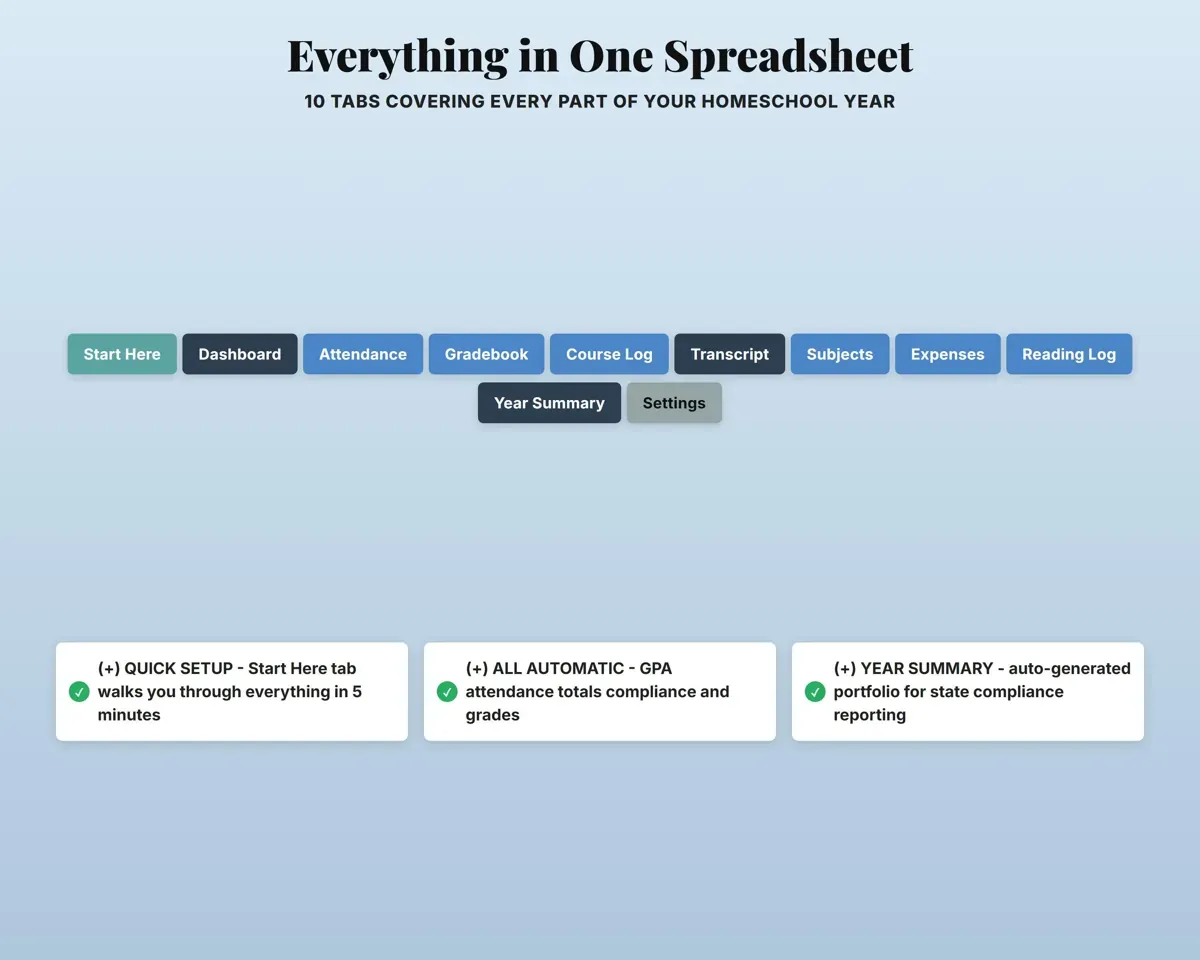
Your other tabsYear-end report12 tabs in one file
- Start Here
- Dashboard
- Course Log
- Gradebook
- Transcript - By Year
- Transcript - By Subject
- Graduation Tracker
- Attendance
- Expenses
- Reading Log
- Year Summary
- Settings
- Start Here
- A five-minute setup walkthrough.
- Dashboard
- Hours, days, GPA, grades, spending and reading at a glance.
- Course Log
- Courses with credits, levels and grades for GPA.
- Gradebook
- Assignments and tests with percent and letter grades.
- Transcript - By Year
- A printable transcript organized by school year.
- Transcript - By Subject
- The same transcript organized by subject.
- Graduation Tracker
- Credits earned toward your graduation requirements.
- Attendance
- Daily hours by subject with an attended flag.
- Expenses
- Spending by student and category.
- Reading Log
- Books with author, genre, pages and rating.
- Year Summary
- An end-of-year report for your portfolio or review.
- Settings
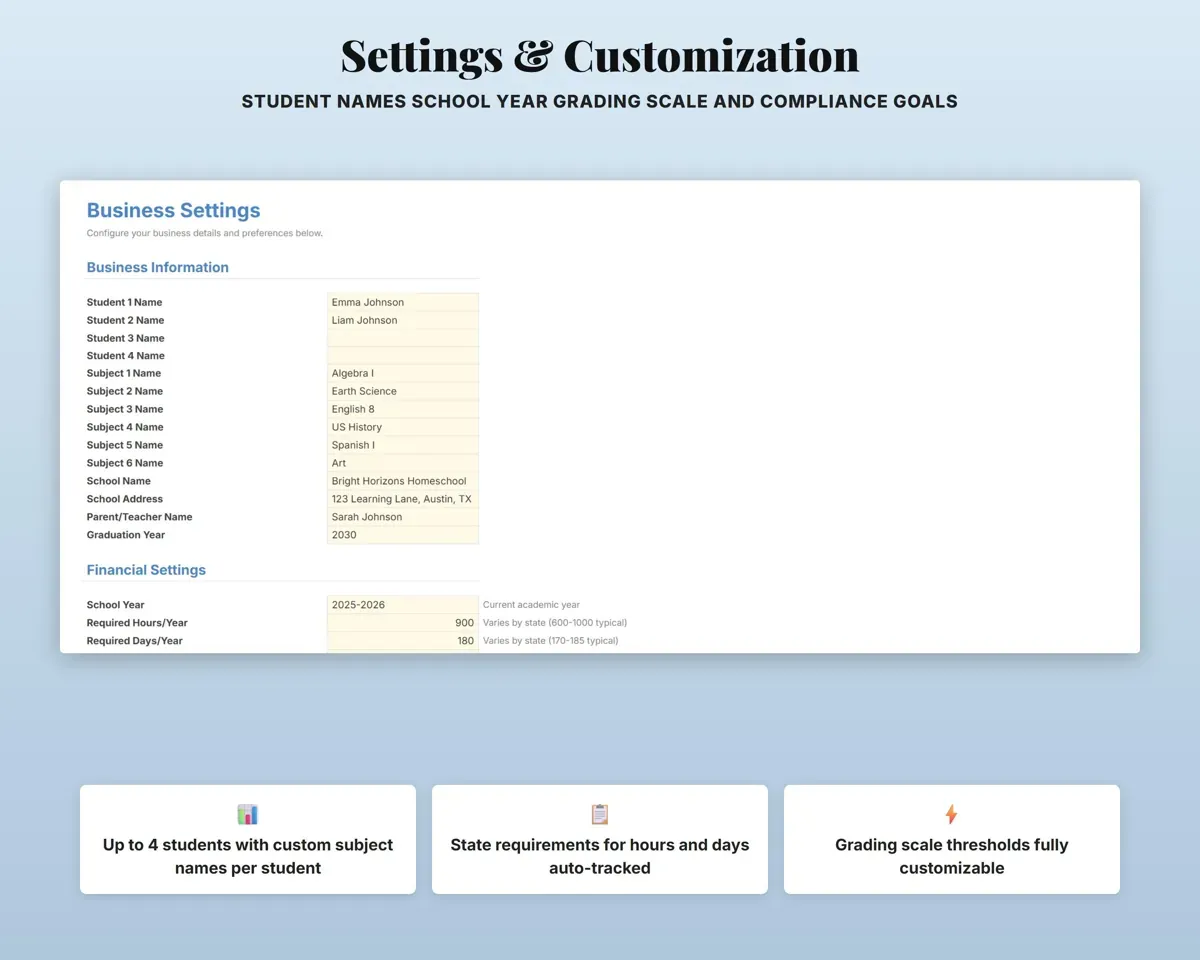
- Students, school info, grading scale and required hours and days.
Pair it with
“Excellent! Very easy to use.”
“Nice Organization for 4H projects”
Before you buy
Does it work for younger kids, or only high school?
Attendance, the gradebook, expenses and the reading log work for any grade. The Course Log and transcripts are built for grades 9 to 12.
How many children can I track?
Up to 4 students. Pick the student from a dropdown on each tab, and the Dashboard and Year Summary filter by child.
Will it fit my state's rules?
You enter your state's required hours and days on Settings, and the Dashboard and Year Summary measure against them. The defaults are 900 hours and 180 days.
What do I get?
An Excel file (.xlsx), a filled-in sample to look at, and a quick-start PDF guide with a link that makes your own copy in Google Sheets.
How does delivery work?
You get your download links right after checkout, and Stripe emails your receipt. There is nothing to ship and nothing to wait for.
How do I set it up in Google Sheets?
Open the quick-start PDF and click the Google Sheets link. Google makes a copy in your own Drive that only you can edit. You need a free Google account.
Will it work on a Mac?
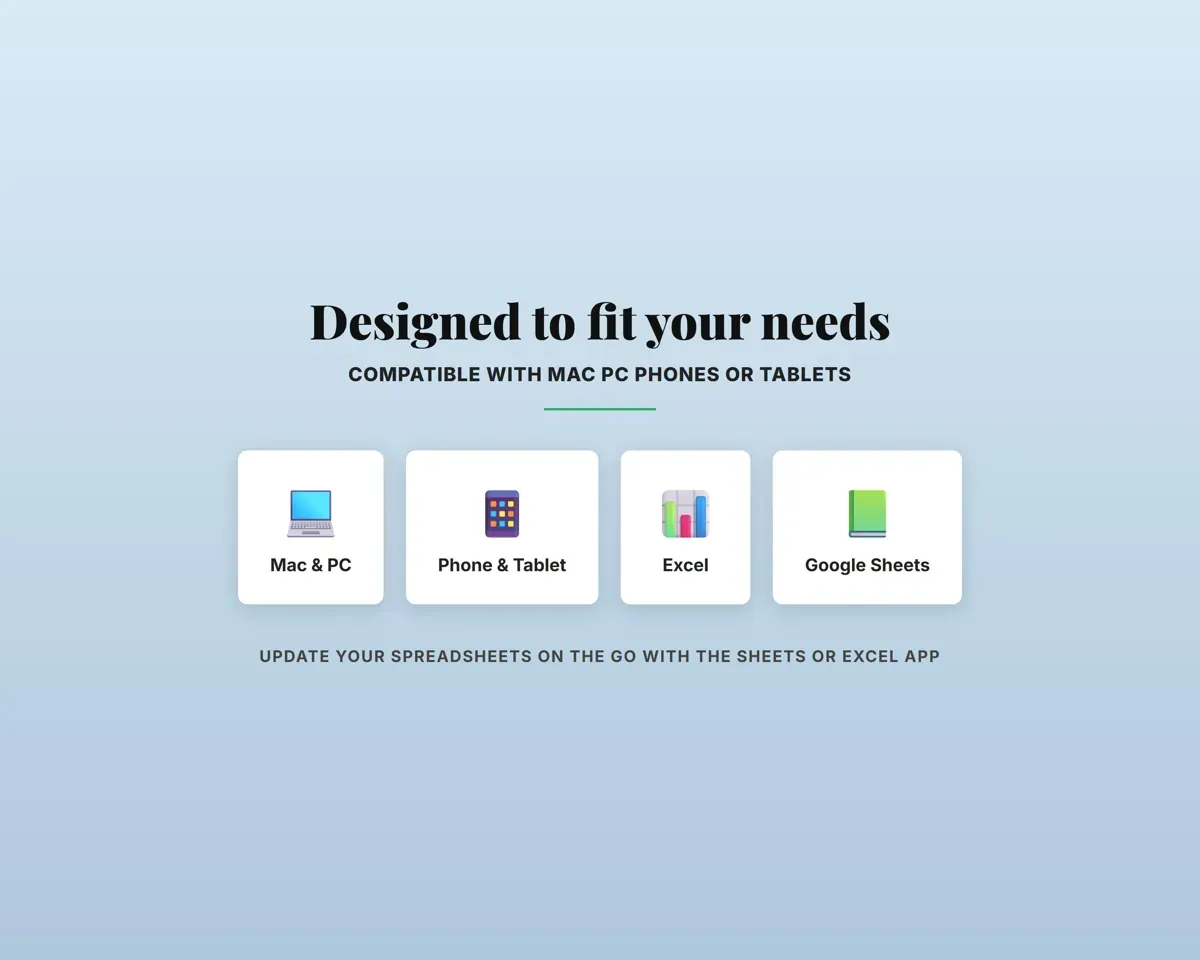
Yes. It works in Excel on Mac and Windows, and in Google Sheets in any browser.
I'm not a spreadsheet person. Is that a problem?
No. You only type in the yellow cells. Everything in gray works itself out, and the Start Here tab shows you where to begin.
Can I get a refund?
Templates are digital downloads, so sales are final. If a file won't open, is broken or doesn't match its description, email hello@cleanpixelstudios.com within 30 days and we'll fix it, or refund you if we can't.
What if I get stuck?
Email hello@cleanpixelstudios.com and we'll help you get it working.
More in Homeschool & family
See all Homeschool & family templates
 Made by Clean Pixel Studios
We start every template by reading what people in that line of work say they struggle with, then build the spreadsheet around those problems. This one was made for homeschool parents and nobody else.
How we build templates