Built around the jobs homeschool parents actually do
Log a school day in seconds
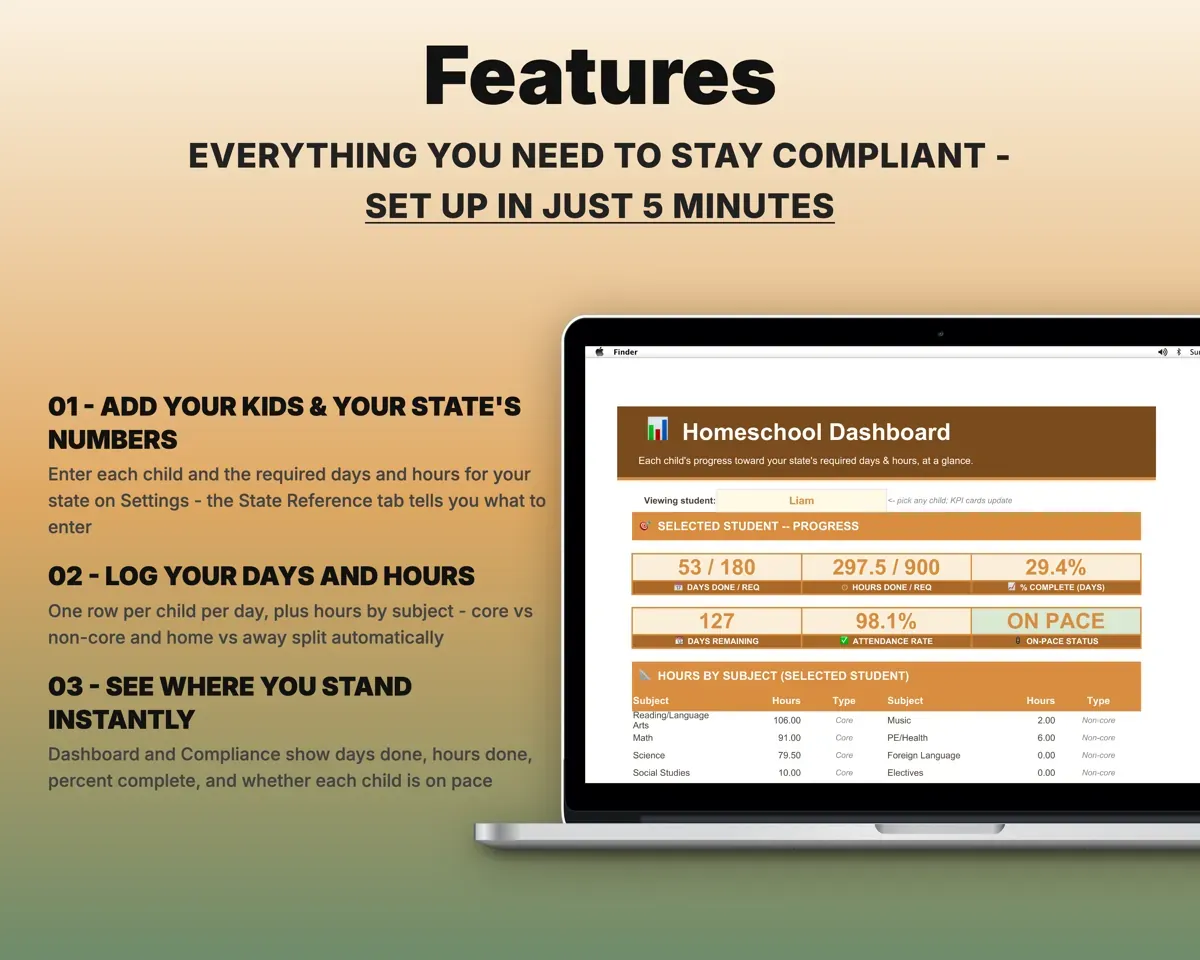
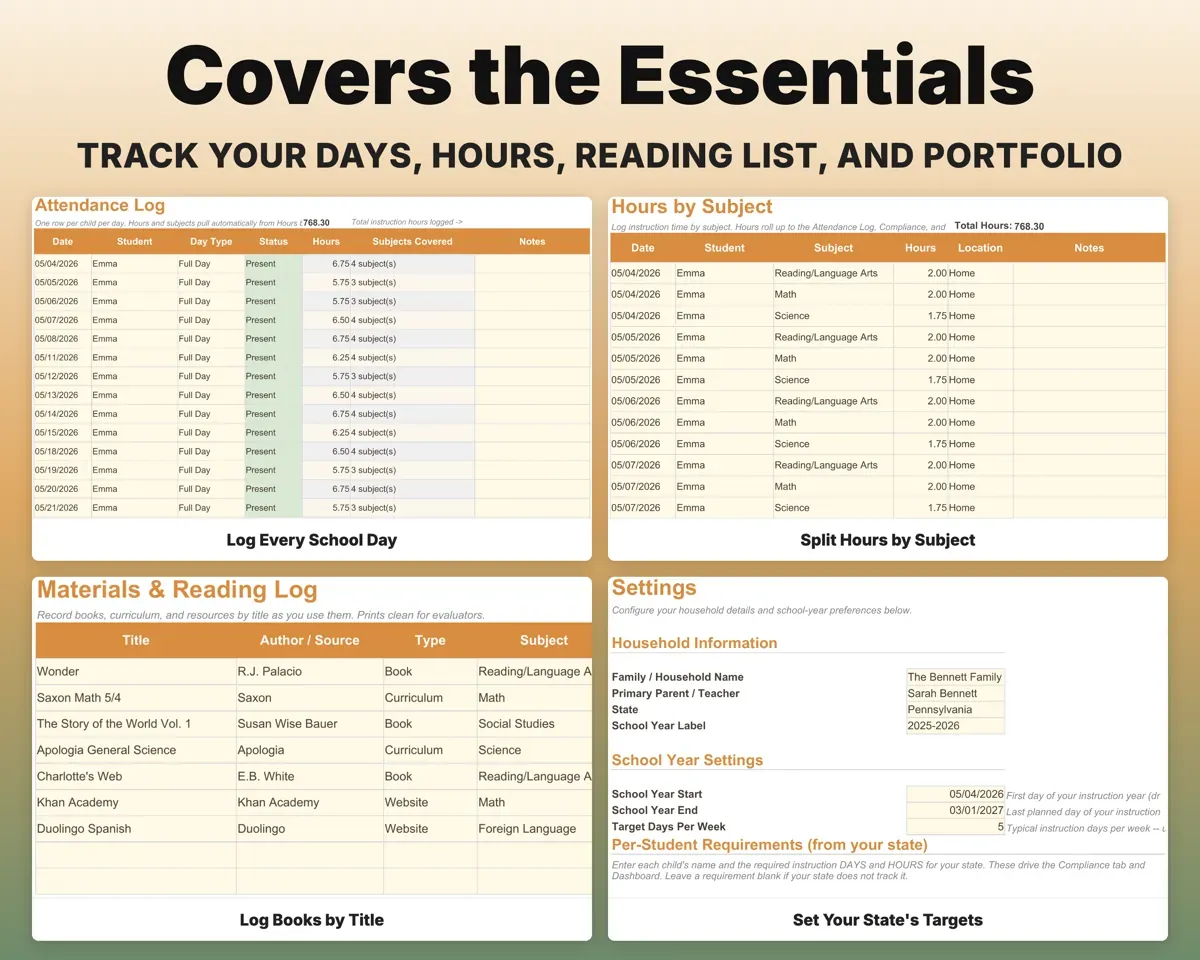
Pick the child, the date and a day type such as Full Day, Field Trip, Co-op or Sick. The day credit follows the type you choose.
Date and day typeDay creditSplit hours the way your state asks
Log instruction time by subject and location. The sheet separates core from non-core hours and home from away hours.
Hours by subjectCore and home hoursSee if each child is on pace
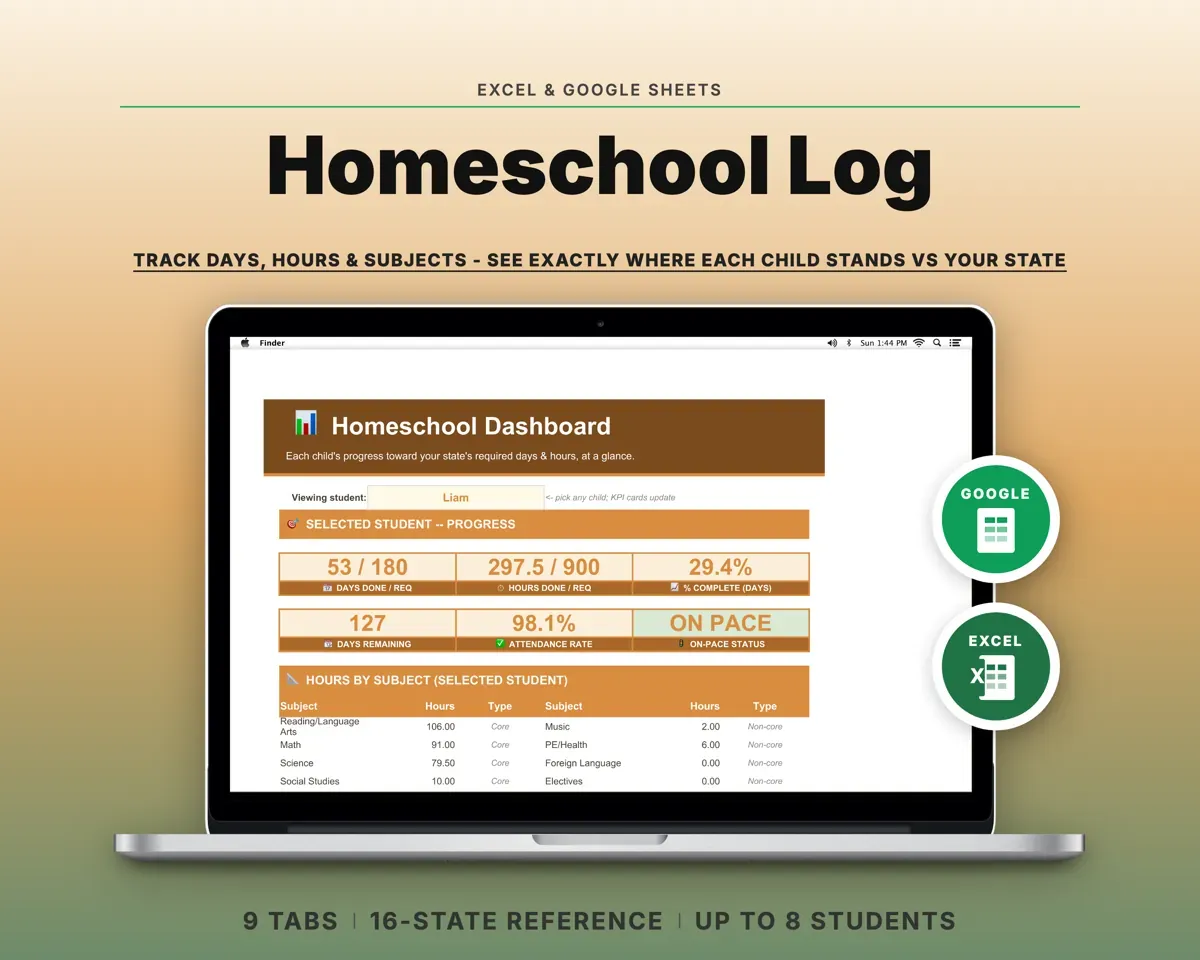
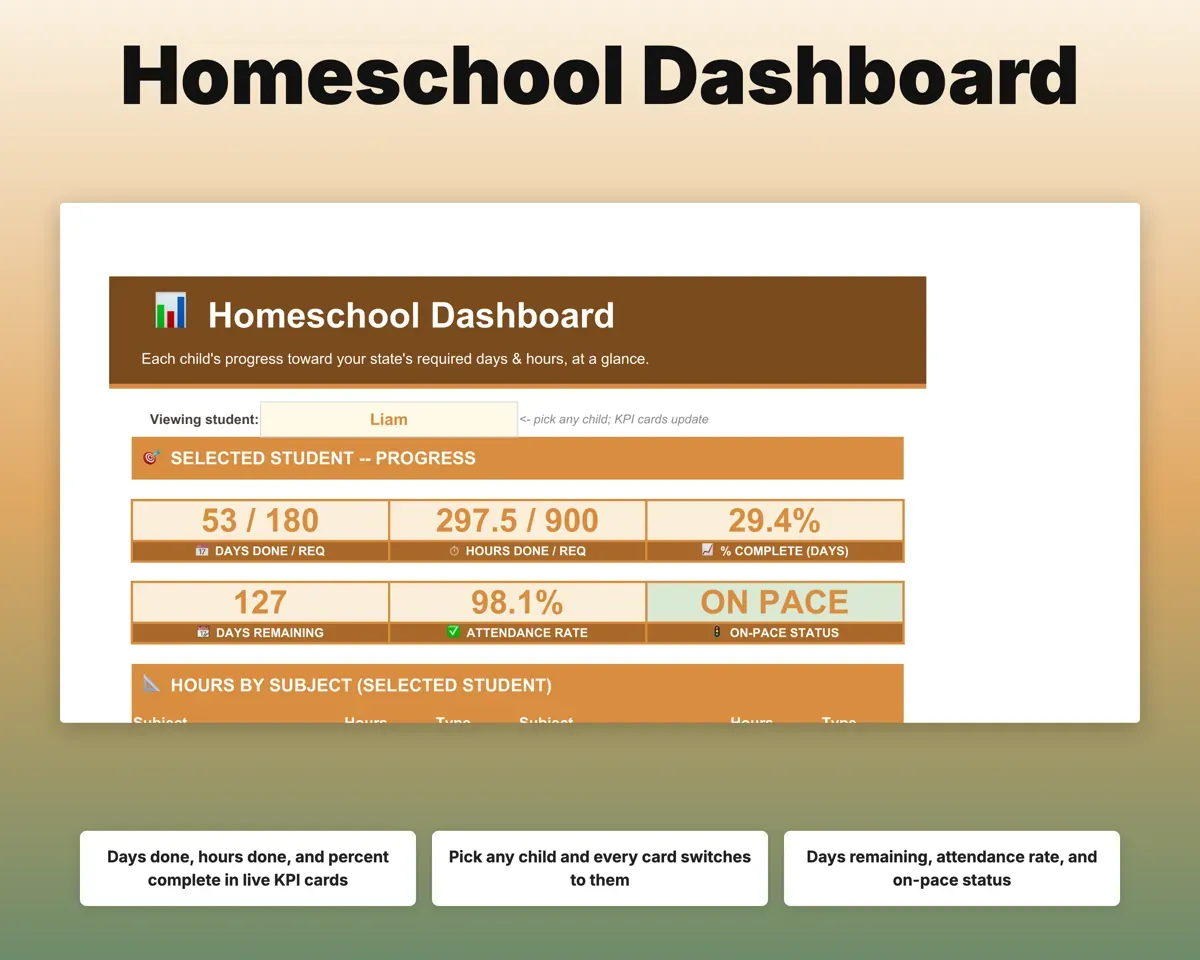
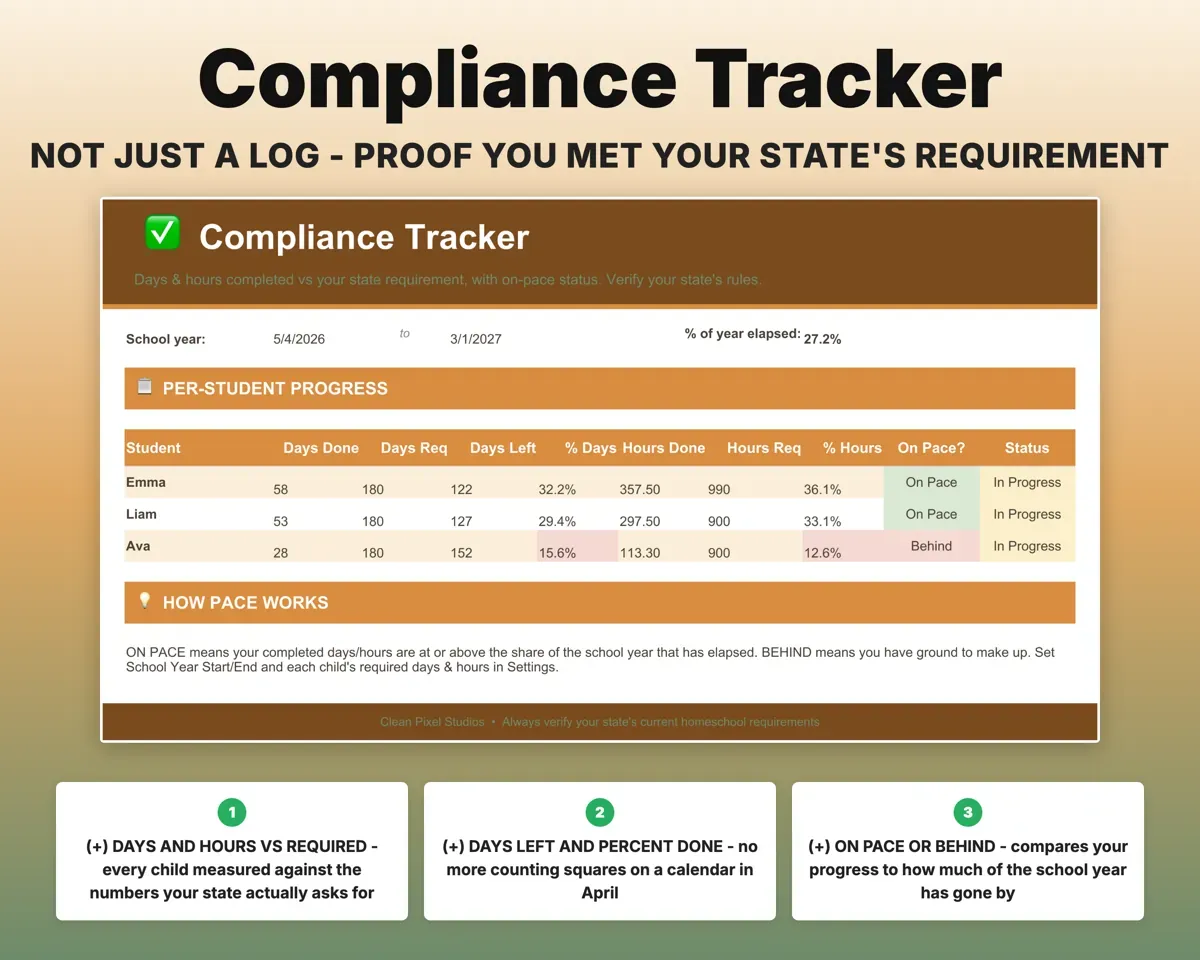
Enter each child's required days and hours once. Compliance shows days left, percent complete and whether each child is on pace or behind.
Required days and hoursOn pace or behindTrack every child in one file
Each child gets their own grade, required days and hours. Pick a child on the Dashboard and every card switches to them.
Child and gradeProgress per childBuild the portfolio as you go
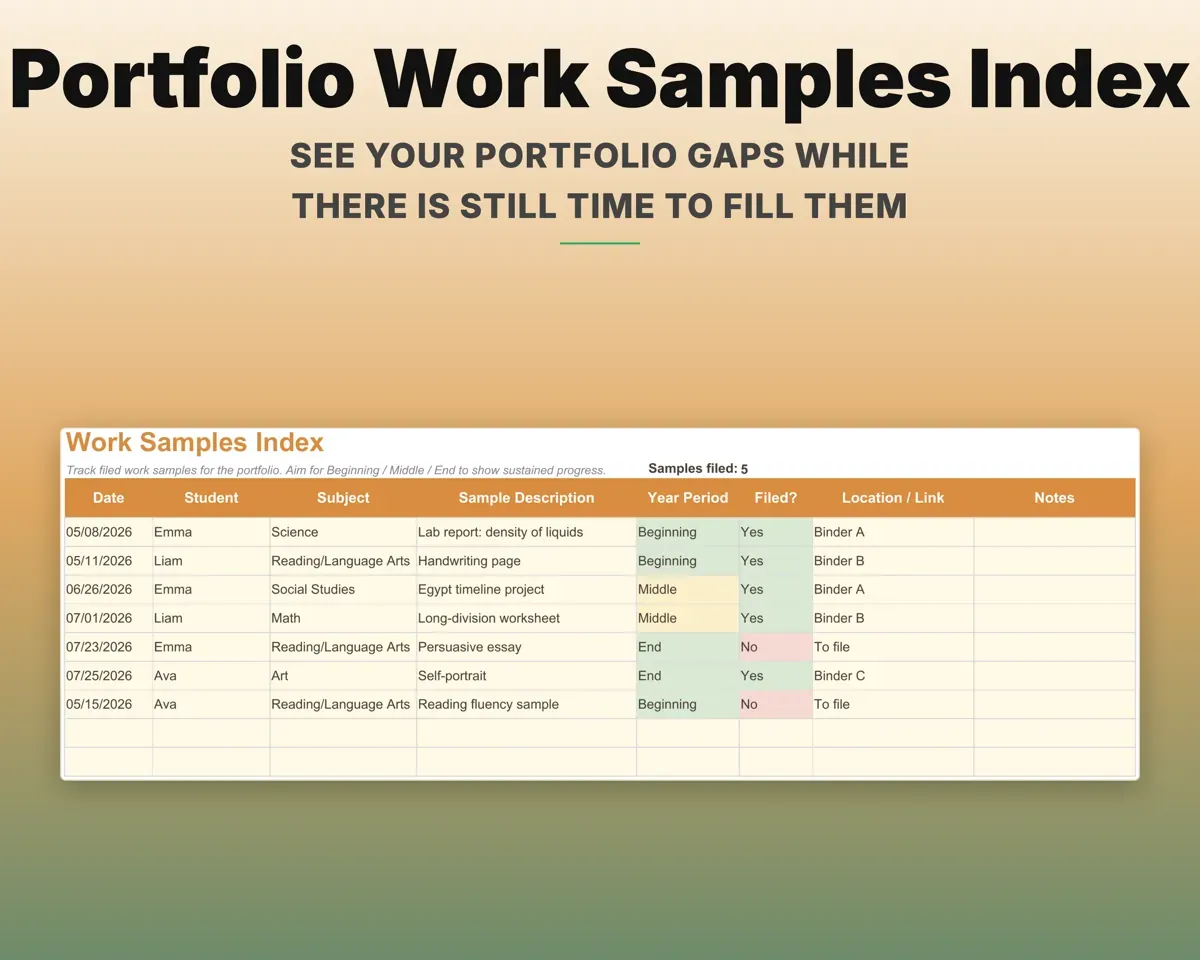
Record books, curriculum and websites with dates on the Materials Log, and index work samples as Beginning, Middle or End of year to spot gaps early.
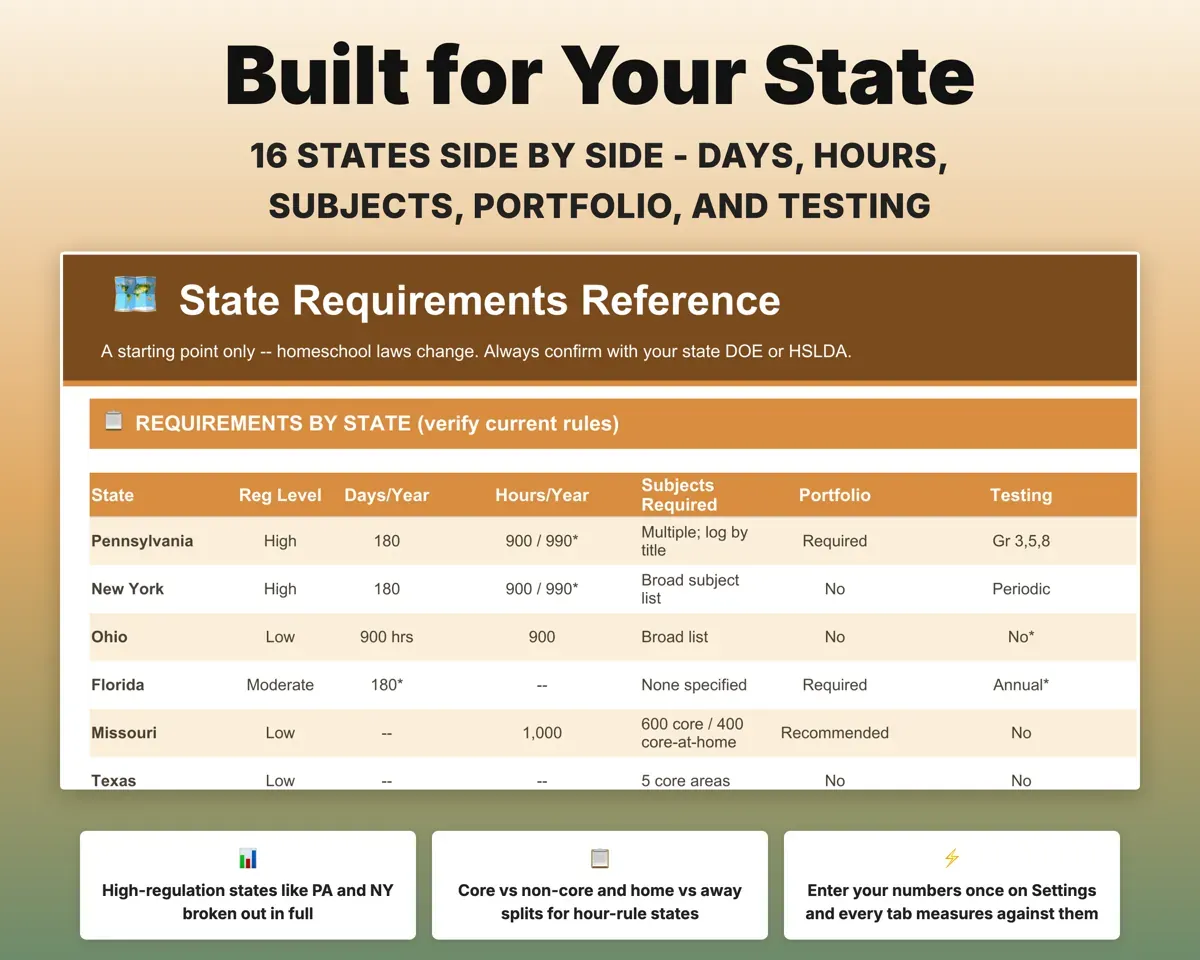
Titles, work samplesPortfolio gapsLook up what your state asks for
State Reference compares days, hours, subjects, portfolio, testing and reporting rules for 16 states. Confirm current rules with your state before you rely on them.
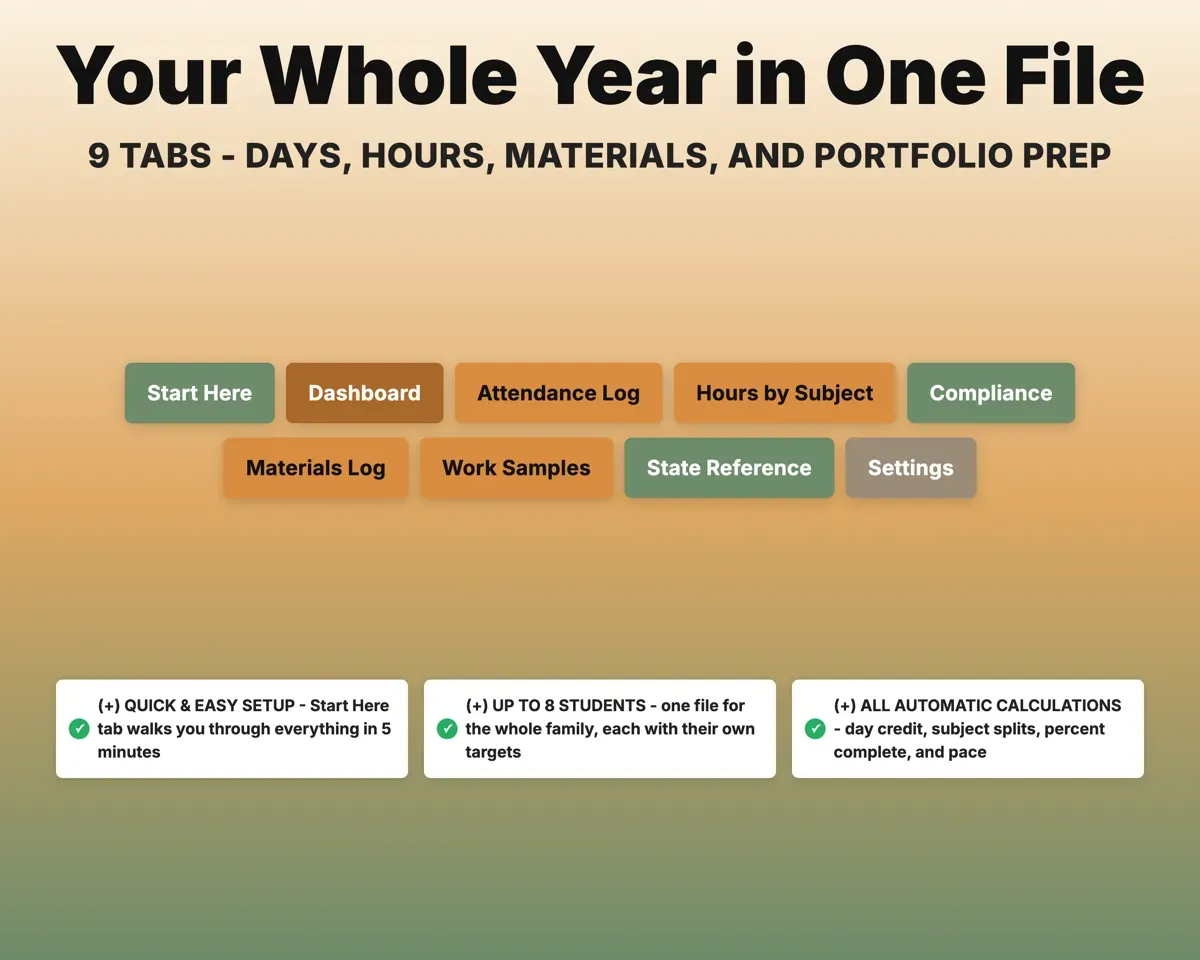
Your stateRules side by side9 tabs in one file
- Start Here
- Dashboard
- Attendance Log
- Hours by Subject
- Compliance
- Materials Log
- Work Samples
- State Reference
- Settings
- Start Here
- A plain walkthrough to log your first day.
- Dashboard
- Days, hours and pace for one child or all of them.
- Attendance Log
- One row per child per day, with day type and notes.
- Hours by Subject
- Instruction time by subject, split core and home.
- Compliance
- Each child's days and hours against the requirement.
- Materials Log
- Your reading log of books, curriculum and websites.
- Work Samples
- An index of filed samples by subject and term.
- State Reference
- Homeschool rules for 16 states in one table.
- Settings
- Children, school year dates, requirements and dropdown lists.
Pair it with
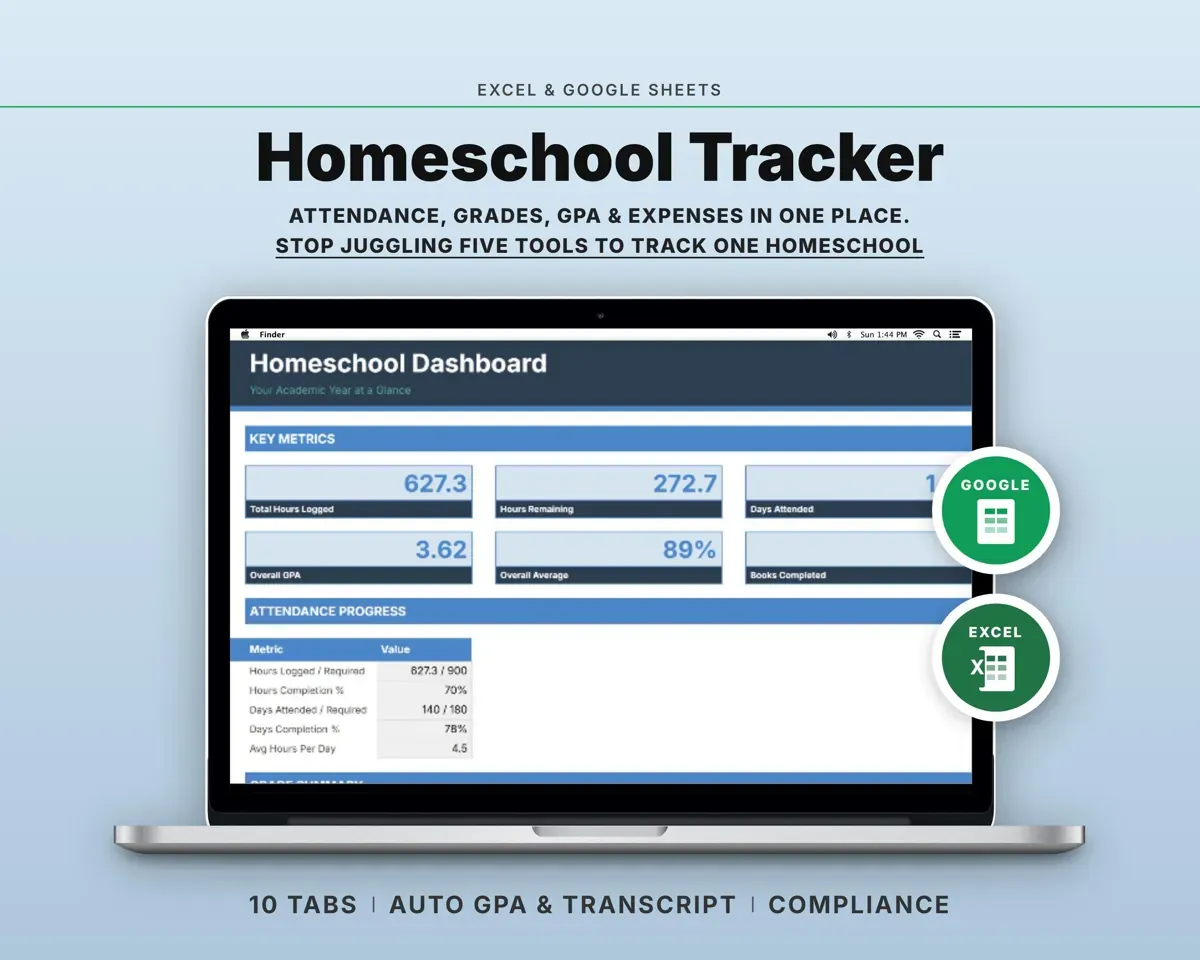
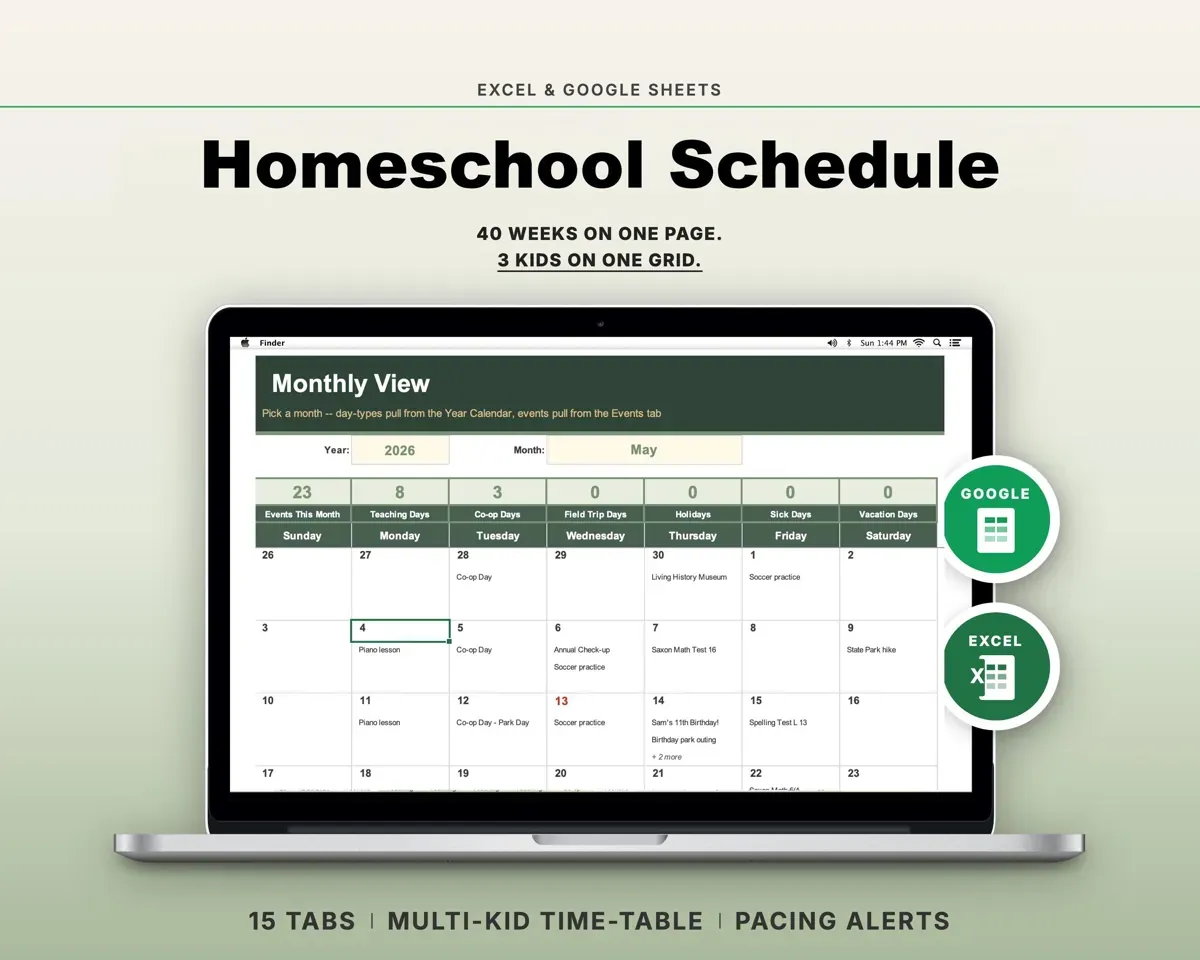
“Well thought out worksheets nicely presented”
“Excellent! Very easy to use.”
Before you buy
Can I start partway through the school year?
Yes. Set your start date, enter the days you have already done, and the totals carry on from there.
Does a field trip or co-op day count?
You decide. Each day gets a type and the day credit comes from that type, so field trips and co-op days count the way you set them up.
My state does not require attendance records. Is it still worth keeping?
Many parents keep one anyway. A log dated as the year goes is useful if you are ever asked to show your homeschool, and it makes transcripts and evaluations easier later.
Is the state table legal advice?
No. It is a starting point drawn from published state guidance. Laws change, so confirm your numbers with your state or umbrella school and enter them on Settings.
What do I get?
An Excel file (.xlsx), a filled-in sample to look at, and a quick-start PDF guide with a link that makes your own copy in Google Sheets.
How does delivery work?
You get your download links right after checkout, and Stripe emails your receipt. There is nothing to ship and nothing to wait for.
How do I set it up in Google Sheets?
Open the quick-start PDF and click the Google Sheets link. Google makes a copy in your own Drive that only you can edit. You need a free Google account.
Will it work on a Mac?
Yes. It works in Excel on Mac and Windows, and in Google Sheets in any browser.
I'm not a spreadsheet person. Is that a problem?
No. You only type in the yellow cells. Everything in gray works itself out, and the Start Here tab shows you where to begin.
Can I get a refund?
Templates are digital downloads, so sales are final. If a file won't open, is broken or doesn't match its description, email hello@cleanpixelstudios.com within 30 days and we'll fix it, or refund you if we can't.
What if I get stuck?
Email hello@cleanpixelstudios.com and we'll help you get it working.
More in Homeschool & family
See all Homeschool & family templates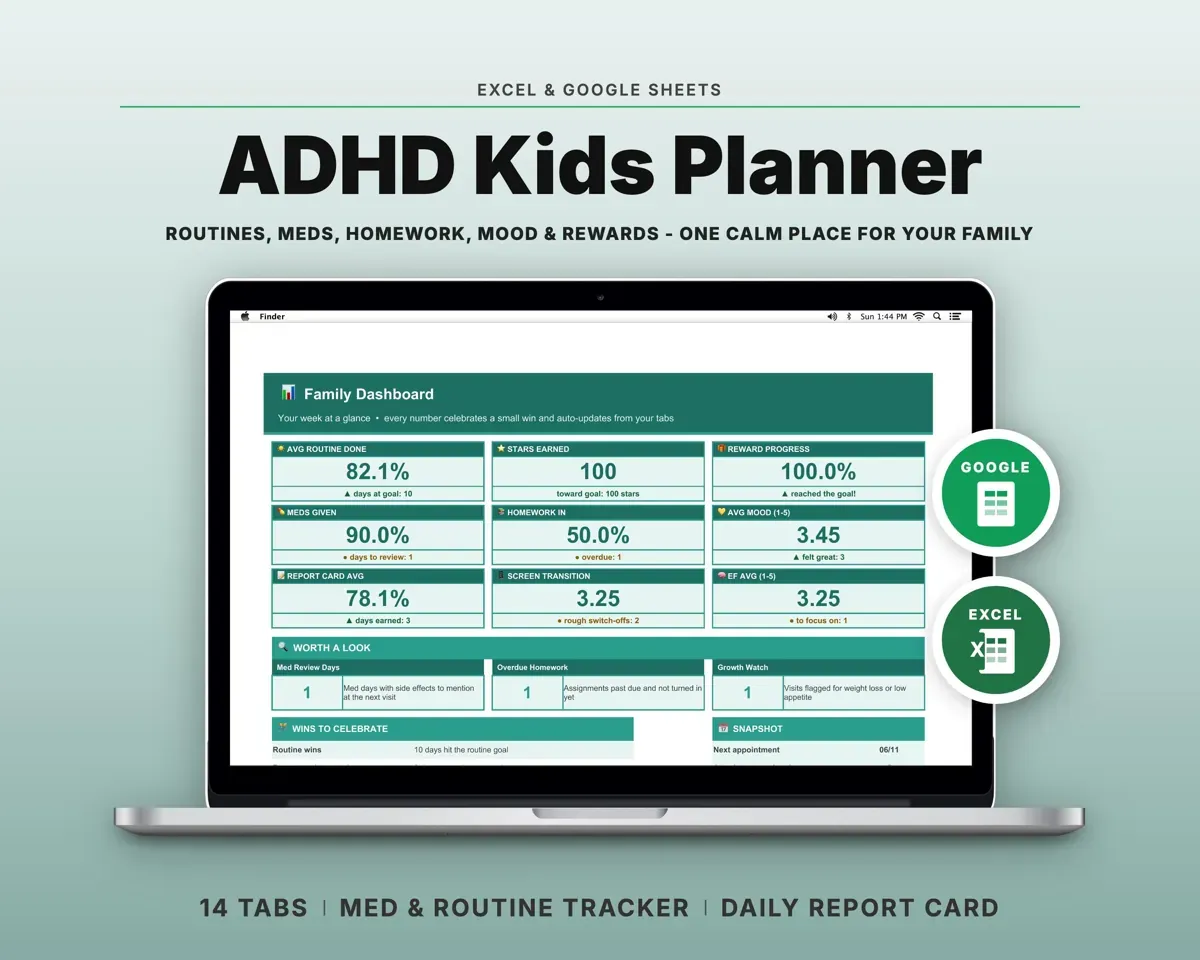
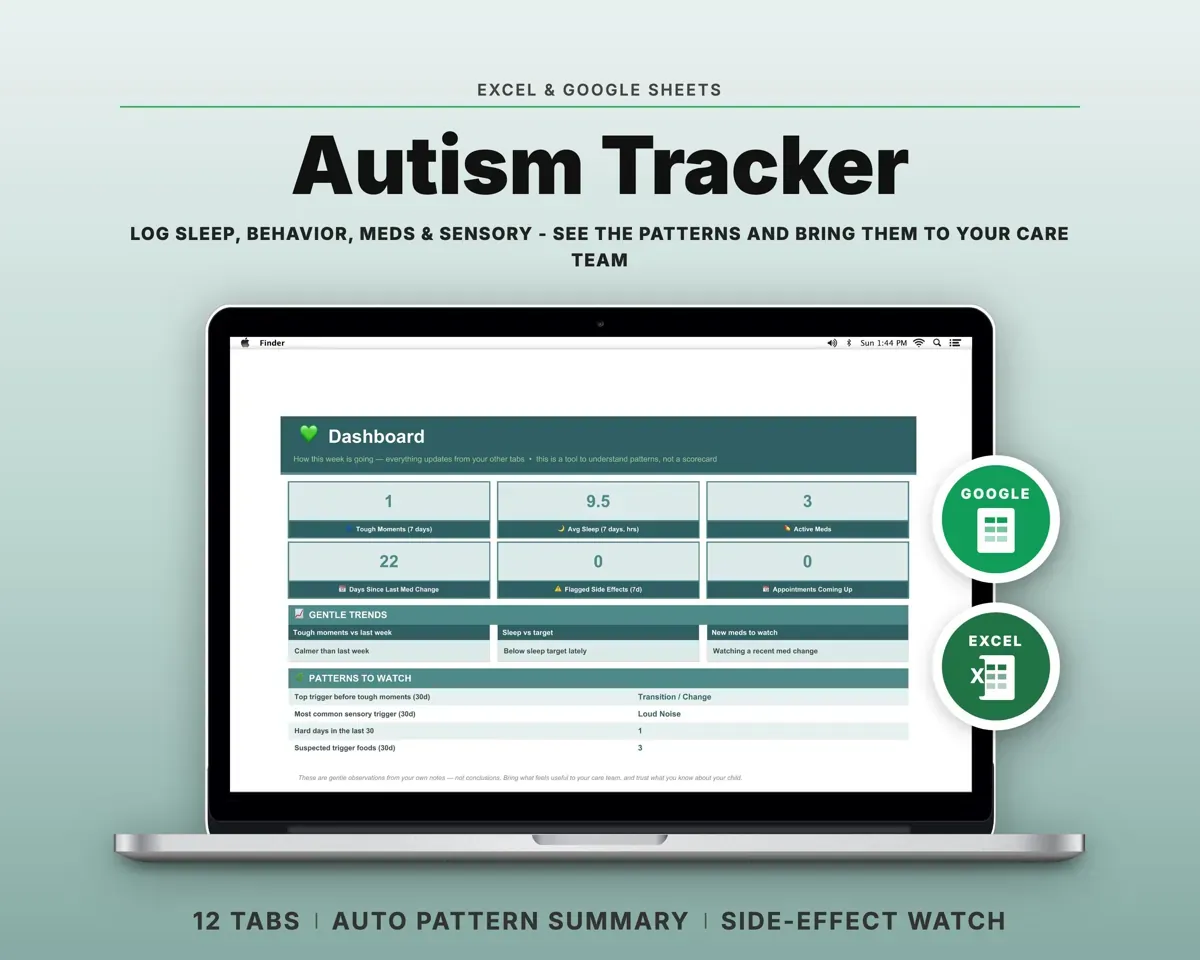
 Made by Clean Pixel Studios
We start every template by reading what people in that line of work say they struggle with, then build the spreadsheet around those problems. This one was made for homeschool parents and nobody else.
How we build templatesHomeschool Attendance Log$16.99 · Excel + Google Sheets