Built around the jobs food truck owners actually do
See the real profit from each event
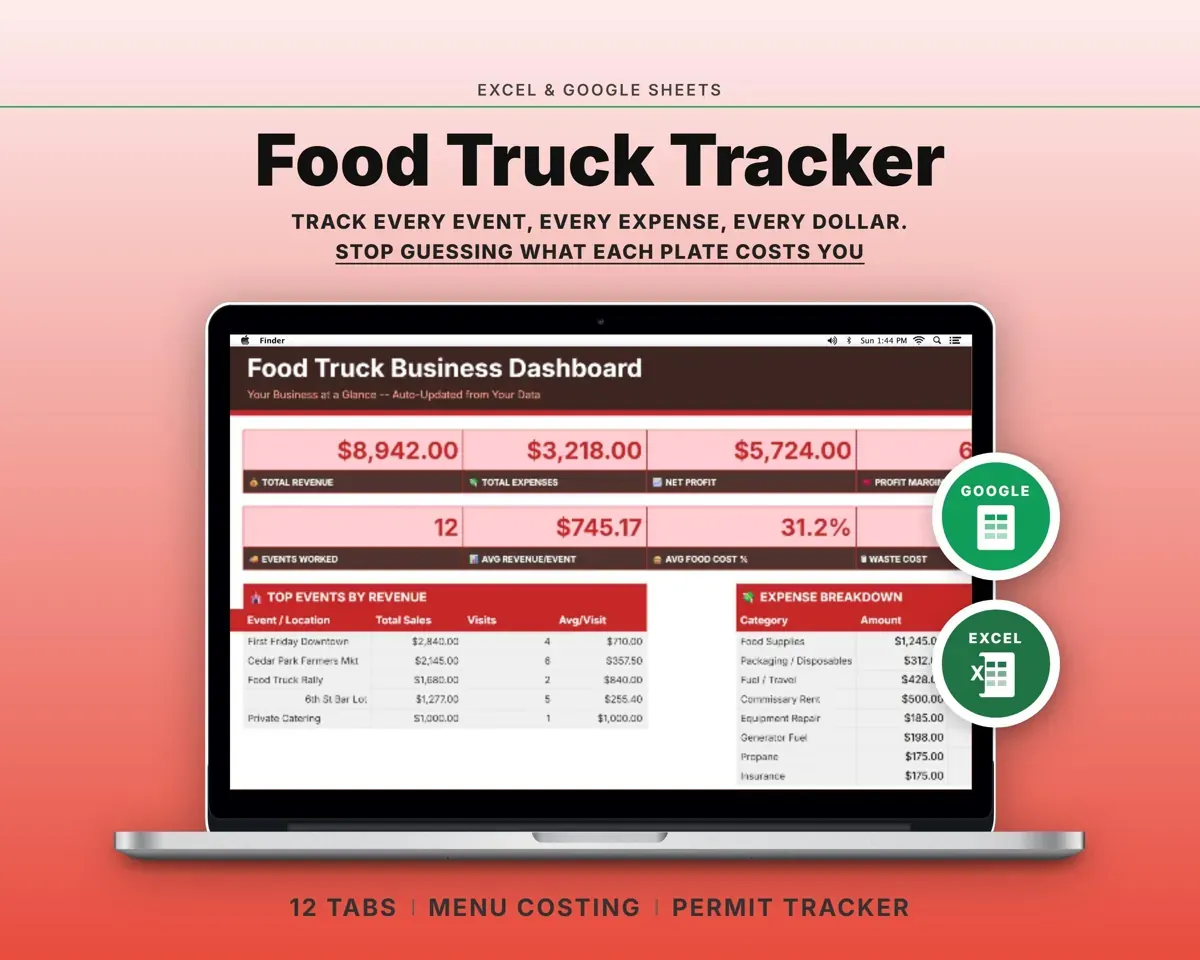
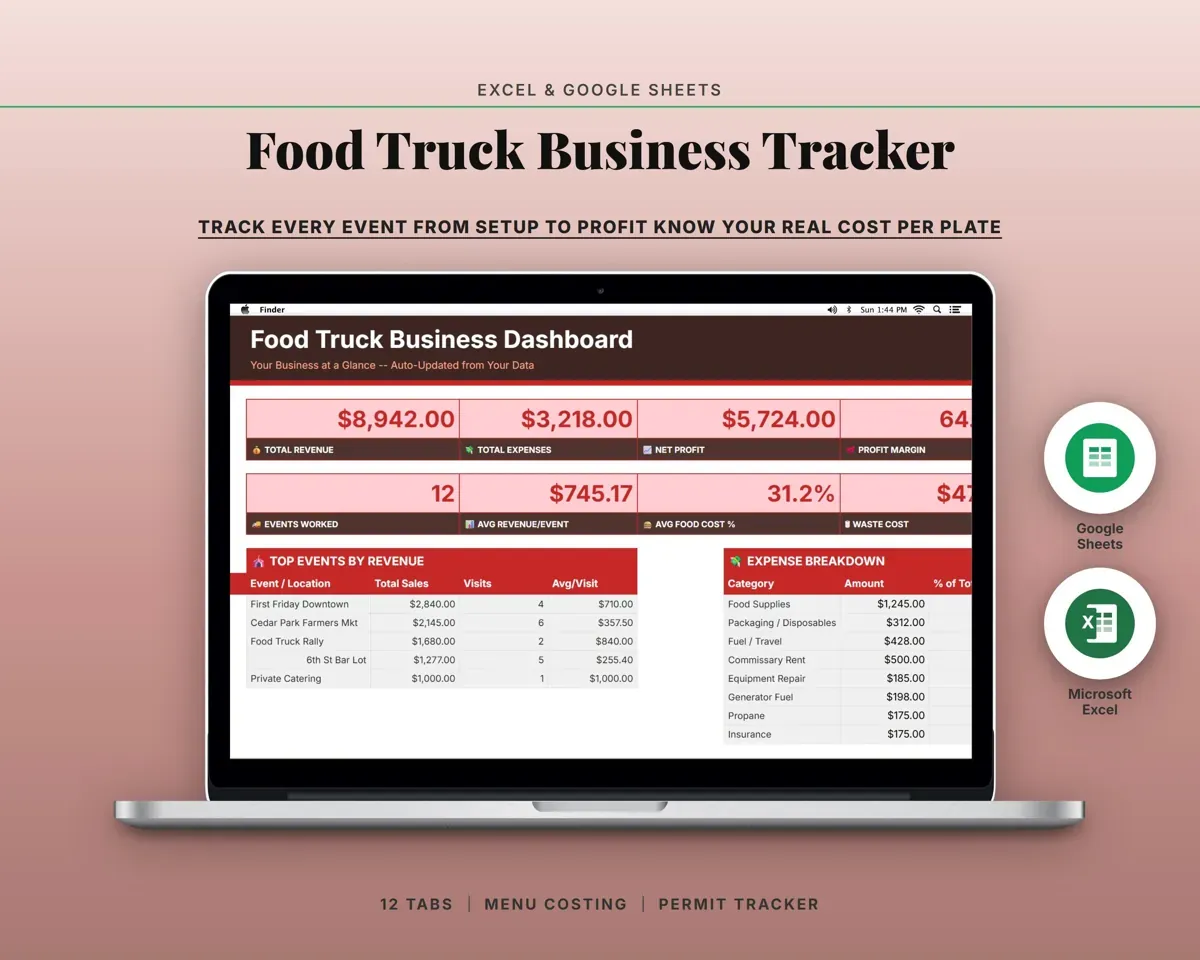
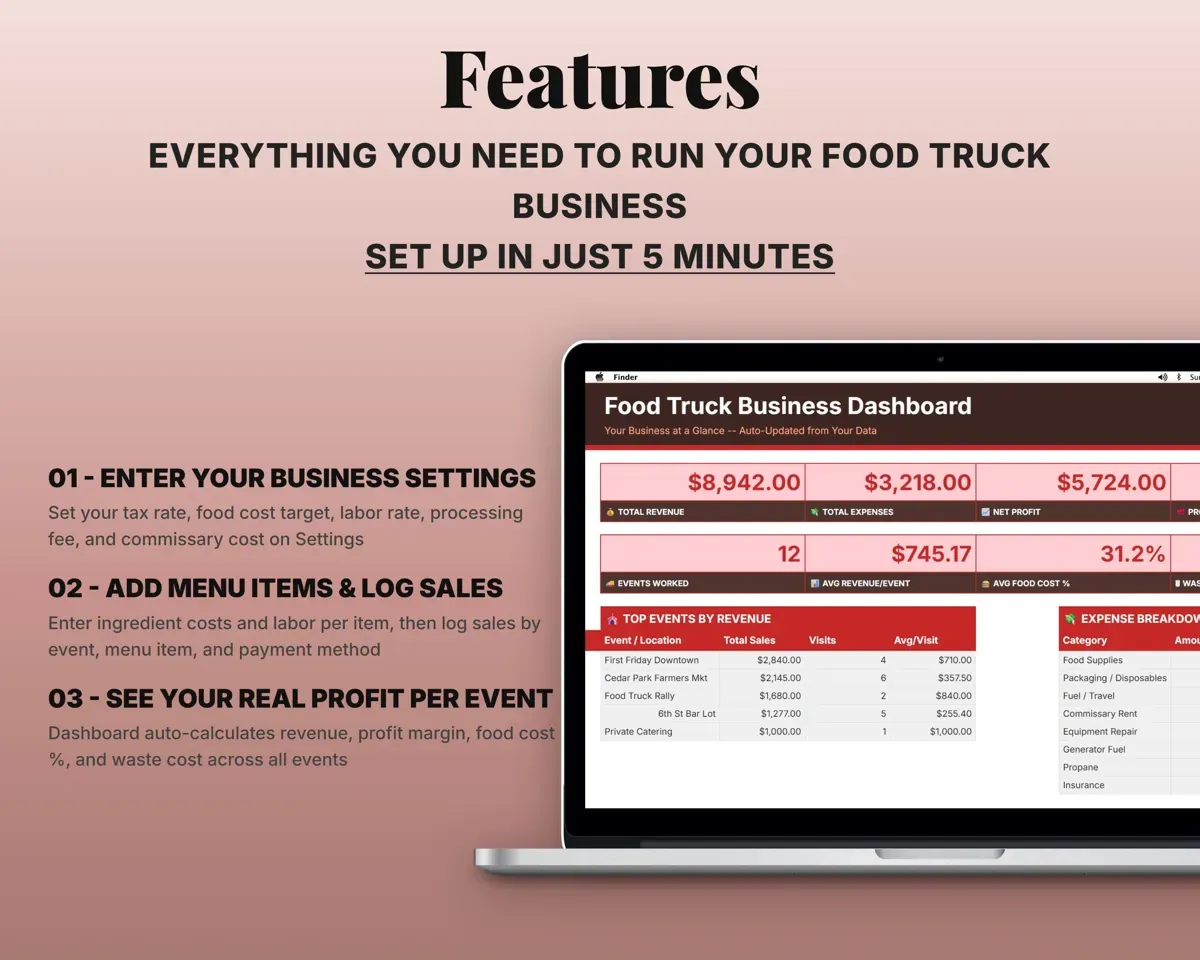
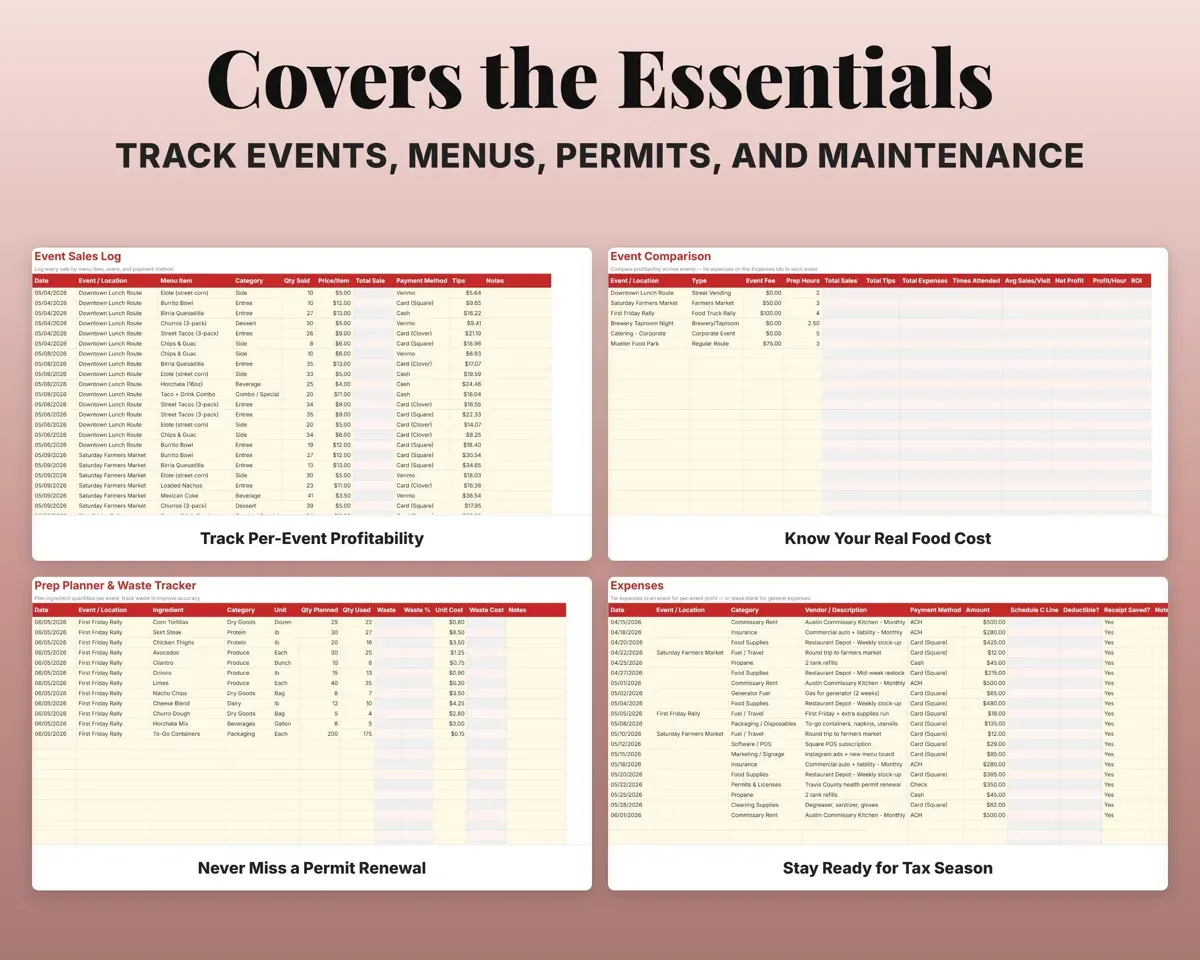
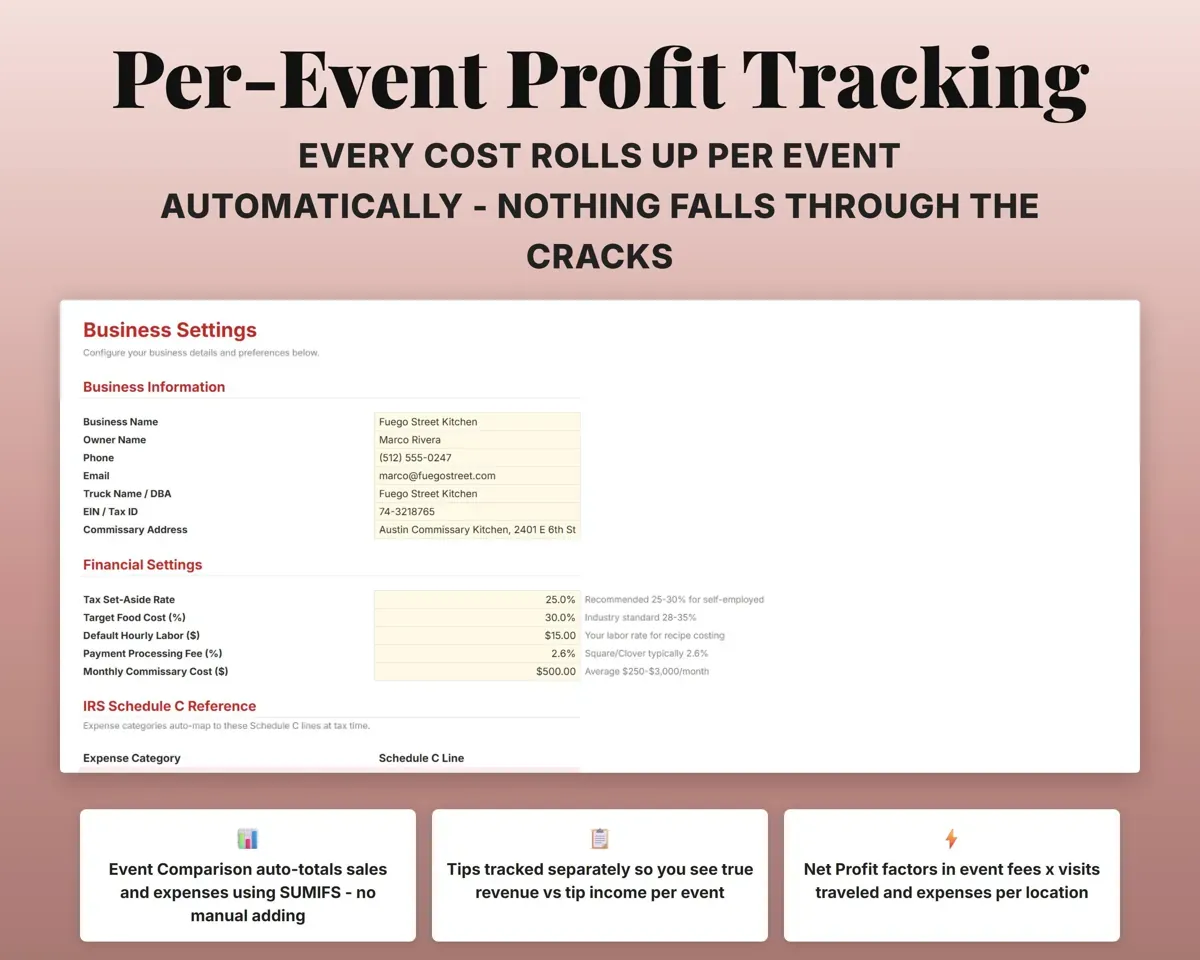
Log sales, tips and the event fee, and tag expenses with the event name. Event Comparison totals each location so you know which ones to book again.
Sales, tips, event feeProfit per locationKnow what every menu item costs
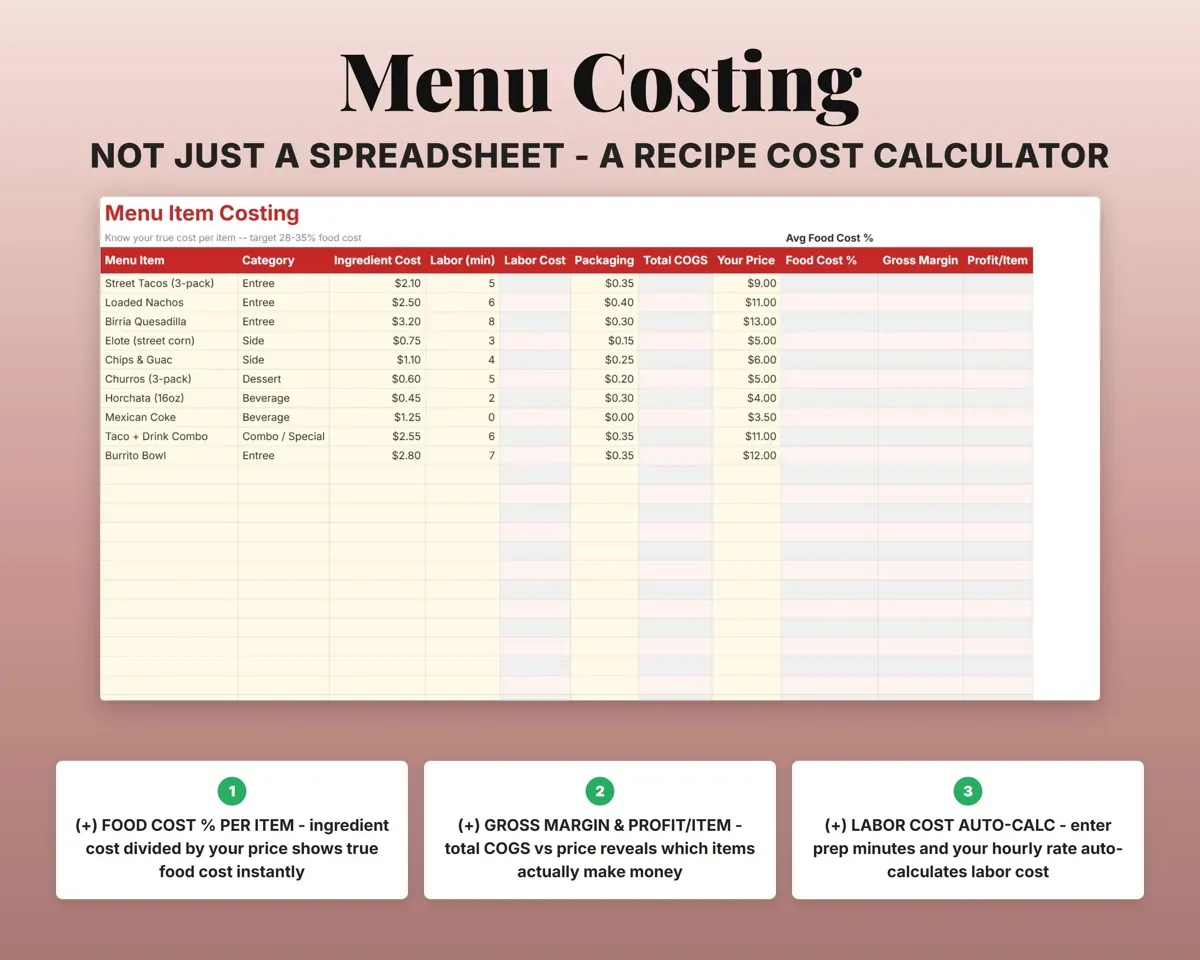
Enter the sale price, ingredient and packaging cost and prep time. The sheet works out COGS, food cost %, gross margin and profit per item.
Ingredients, packagingFood cost %Prep the right amount and track waste
Plan quantities for each event, then record what you actually used and threw out. Unit costs come straight from Menu Costing.
Planned vs actualWaste costKeep every permit current
Add each permit with its jurisdiction and dates. Status changes to Renew Soon, Expiring Soon or Expired as the date gets close.
Issue and expiry datesPermit statusLog service for the truck and equipment
Generator, grill, fryer and refrigeration work with costs and the next service date for each.
Service, costNext service dueHave your numbers ready for taxes
15 food truck expense categories, each mapped to a Schedule C line, plus quarterly estimated tax dates and a 12-month cash flow.
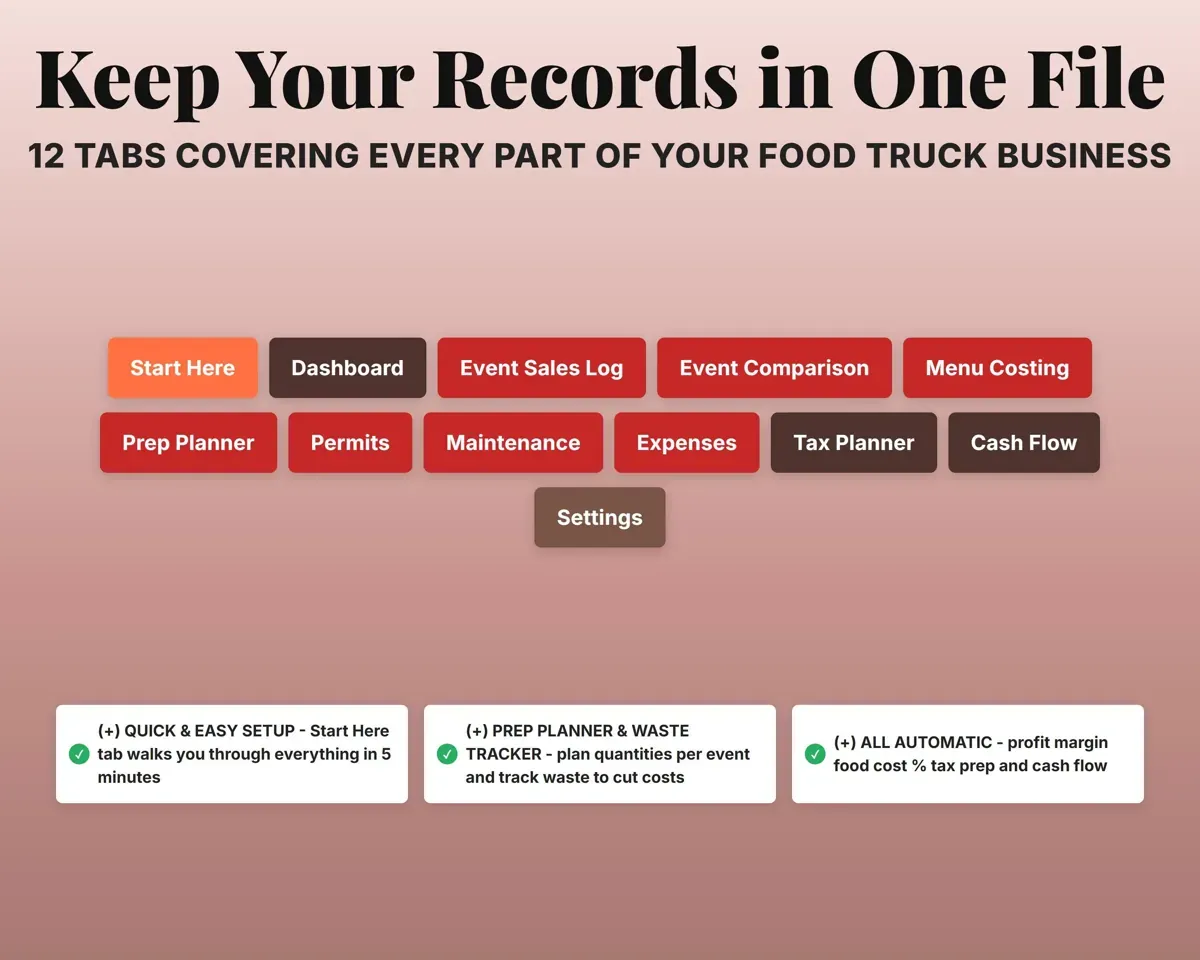
ExpensesSchedule C line12 tabs in one file
- Start Here
- Dashboard
- Event Sales Log
- Event Comparison
- Menu Costing
- Prep Planner
- Permits
- Maintenance
- Expenses
- Tax Planner
- Cash Flow
- Settings
- Start Here
- Setup steps and a short guide to every tab.
- Dashboard
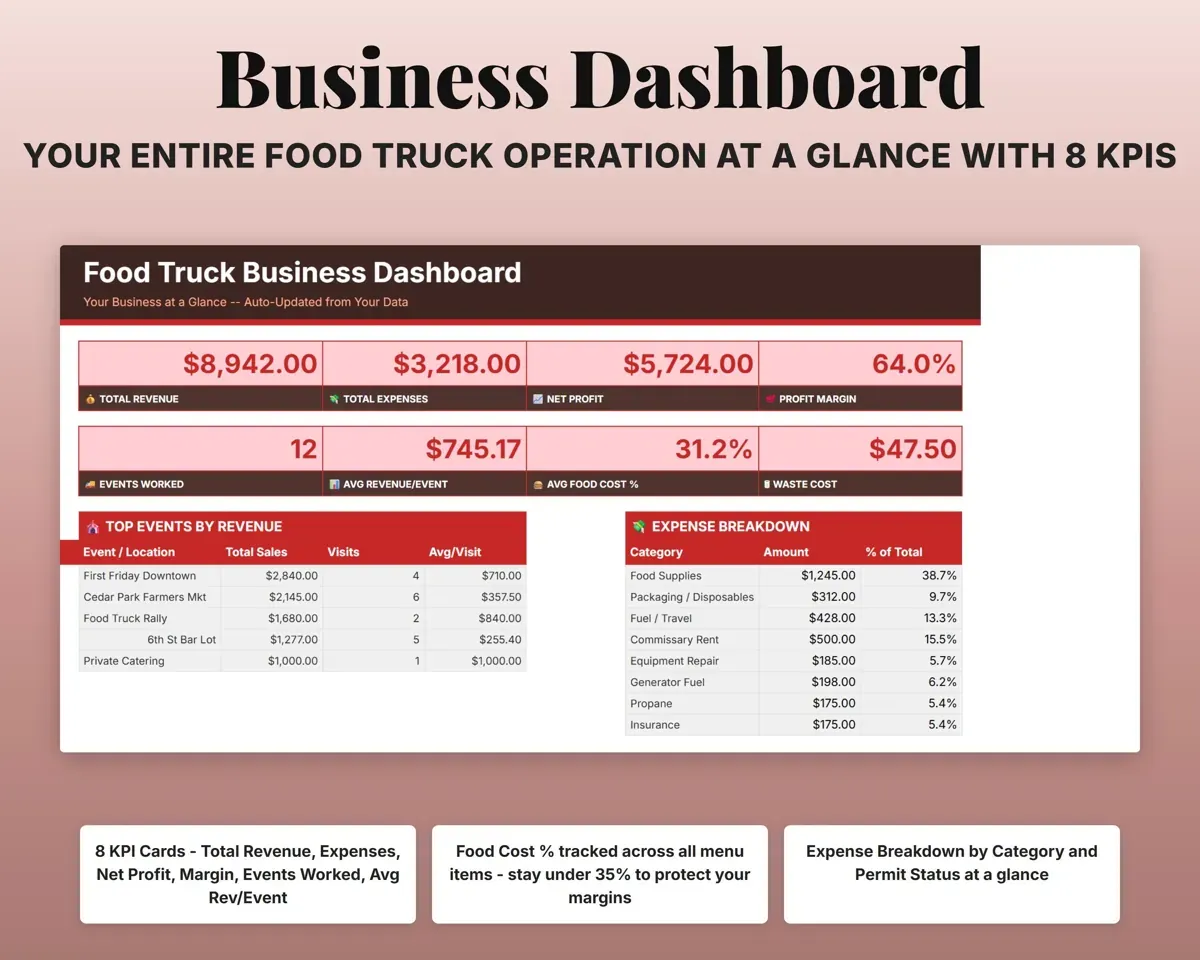
- Revenue, profit, food cost %, waste and permit status.
- Event Sales Log
- Every sale with event, item, payment method and tips.
- Event Comparison
- Sales, costs and profit totaled for each event and location.
- Menu Costing
- Cost, food cost % and profit for each menu item.
- Prep Planner
- Planned and actual prep quantities, with waste, per event.
- Permits
- Permits by jurisdiction with expiration status.
- Maintenance
- Service and repair log for the truck and equipment.
- Expenses
- Costs in 15 categories, mapped to Schedule C.
- Tax Planner
- Quarterly estimated tax dates and payments (Form 1040-ES).
- Cash Flow
- Twelve months of revenue against expenses.
- Settings
- Tax rate, food cost target, labor rate and dropdown lists.
Pair it with
“Well thought out worksheets nicely presented”
“Excellent! Very easy to use.”
Before you buy
How does per-event profit work?
Log sales on the Event Sales Log and add the event name to each expense. Event Comparison totals both for every event and location, with margin and average revenue per visit.
Can I track permits in more than one county?
Yes. Each permit has a jurisdiction, so add a row for every county or city. Status updates from the expiration date.
Can I see card and cash sales separately?
Yes. Each sale records its payment method, and the Dashboard breaks sales down by method.
What do I get?
An Excel file (.xlsx), a filled-in sample to look at, and a quick-start PDF guide with a link that makes your own copy in Google Sheets.
How does delivery work?
You get your download links right after checkout, and Stripe emails your receipt. There is nothing to ship and nothing to wait for.
How do I set it up in Google Sheets?
Open the quick-start PDF and click the Google Sheets link. Google makes a copy in your own Drive that only you can edit. You need a free Google account.
Will it work on a Mac?
Yes. It works in Excel on Mac and Windows, and in Google Sheets in any browser.
I'm not a spreadsheet person. Is that a problem?
No. You only type in the yellow cells. Everything in gray works itself out, and the Start Here tab shows you where to begin.
Can I get a refund?
Templates are digital downloads, so sales are final. If a file won't open, is broken or doesn't match its description, email hello@cleanpixelstudios.com within 30 days and we'll fix it, or refund you if we can't.
What if I get stuck?
Email hello@cleanpixelstudios.com and we'll help you get it working.
More in Food & drink
See all Food & drink templates
 Made by Clean Pixel Studios
We start every template by reading what people in that line of work say they struggle with, then build the spreadsheet around those problems. This one was made for food truck owners and nobody else.
How we build templatesFood Truck Business Tracker Spreadsheet$17.99 · Excel + Google Sheets