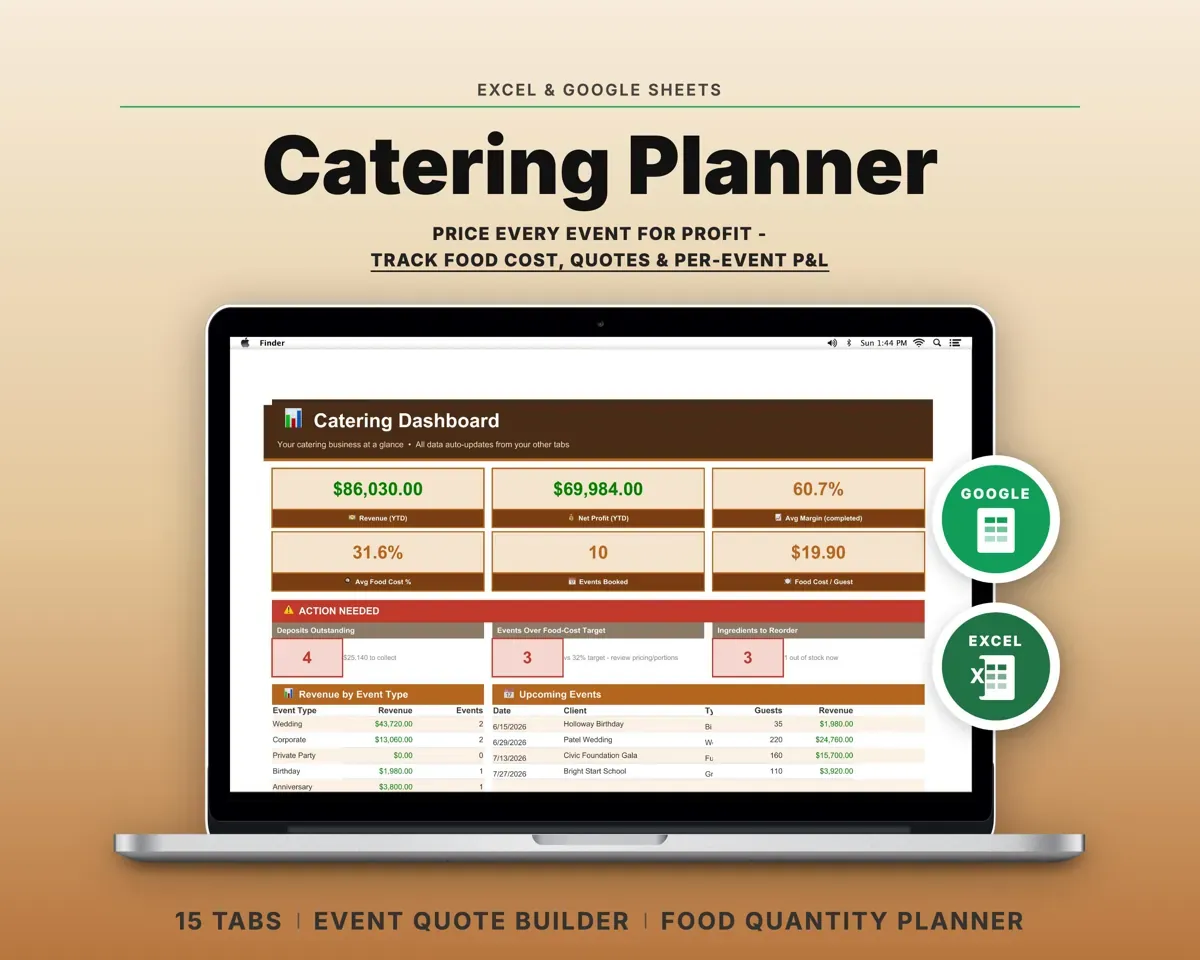
Built around the jobs caterers actually do
Price an event before you commit
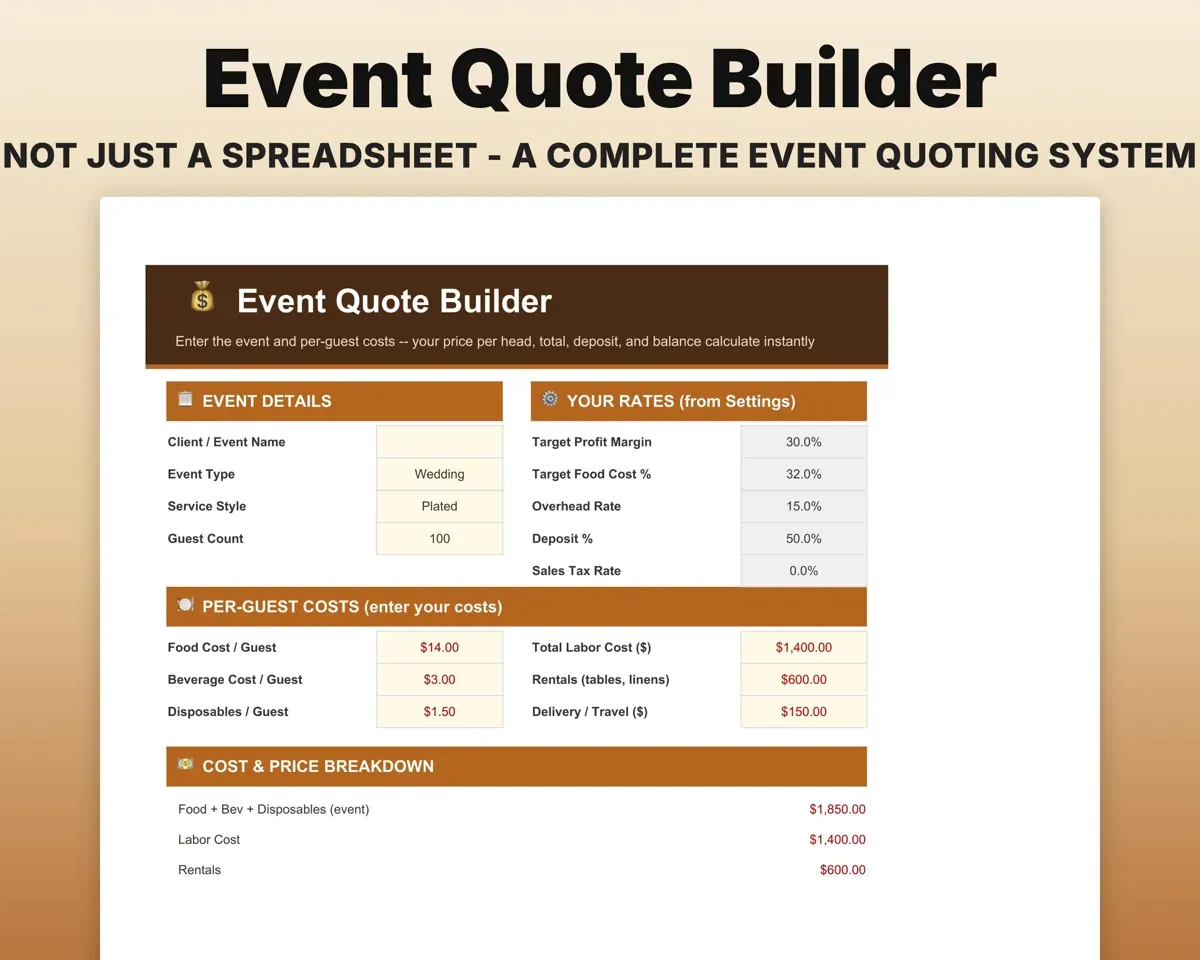
Enter food cost, labor hours and overhead. The Quote Builder prices the event to your target margin and splits the total into a deposit and a balance.
Food, labor, overheadQuote at your marginSee which events made money
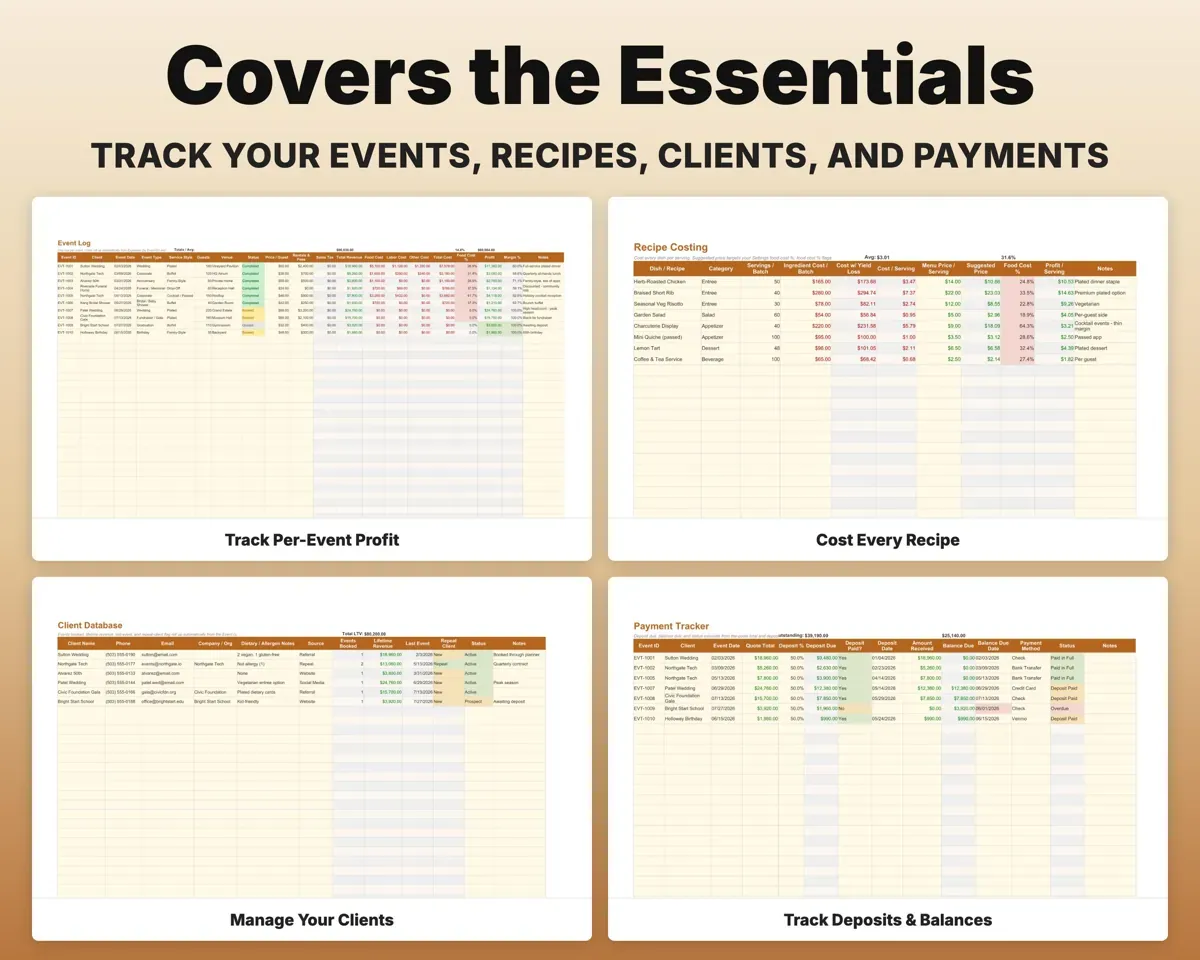
Revenue, food cost, labor, overhead, profit and margin for each event, so a small dinner and a large gala can be compared side by side.
Event costsProfit per eventKnow what each dish costs per plate
Recipe Costing breaks each dish down to cost per serving and food cost percent, then suggests a price for your target margin.
Recipe ingredientsCost per servingBuy the right amount of food
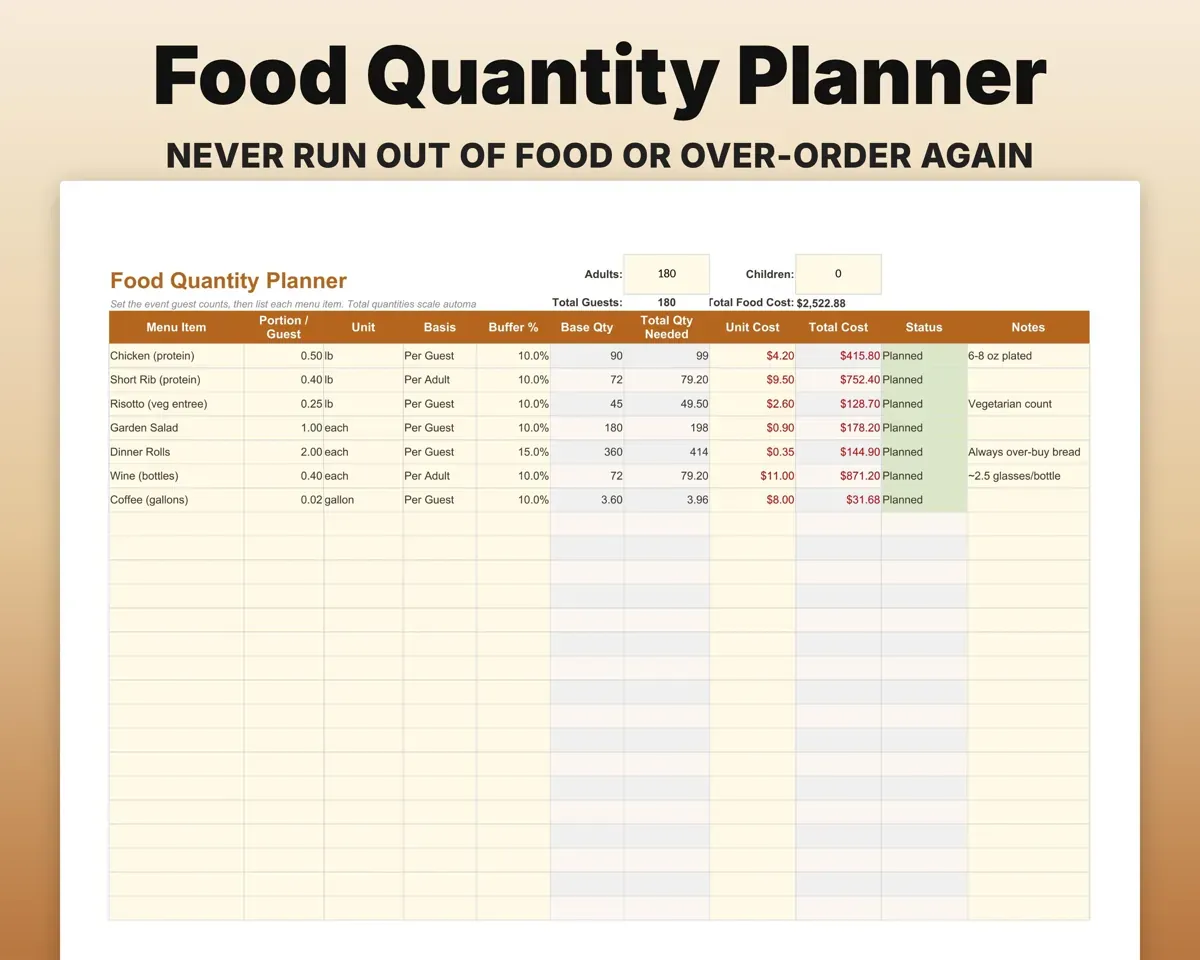
Scale each menu item to the guest count with a safety buffer and get a total of what to buy.
Guest countShopping quantitiesStaff each event
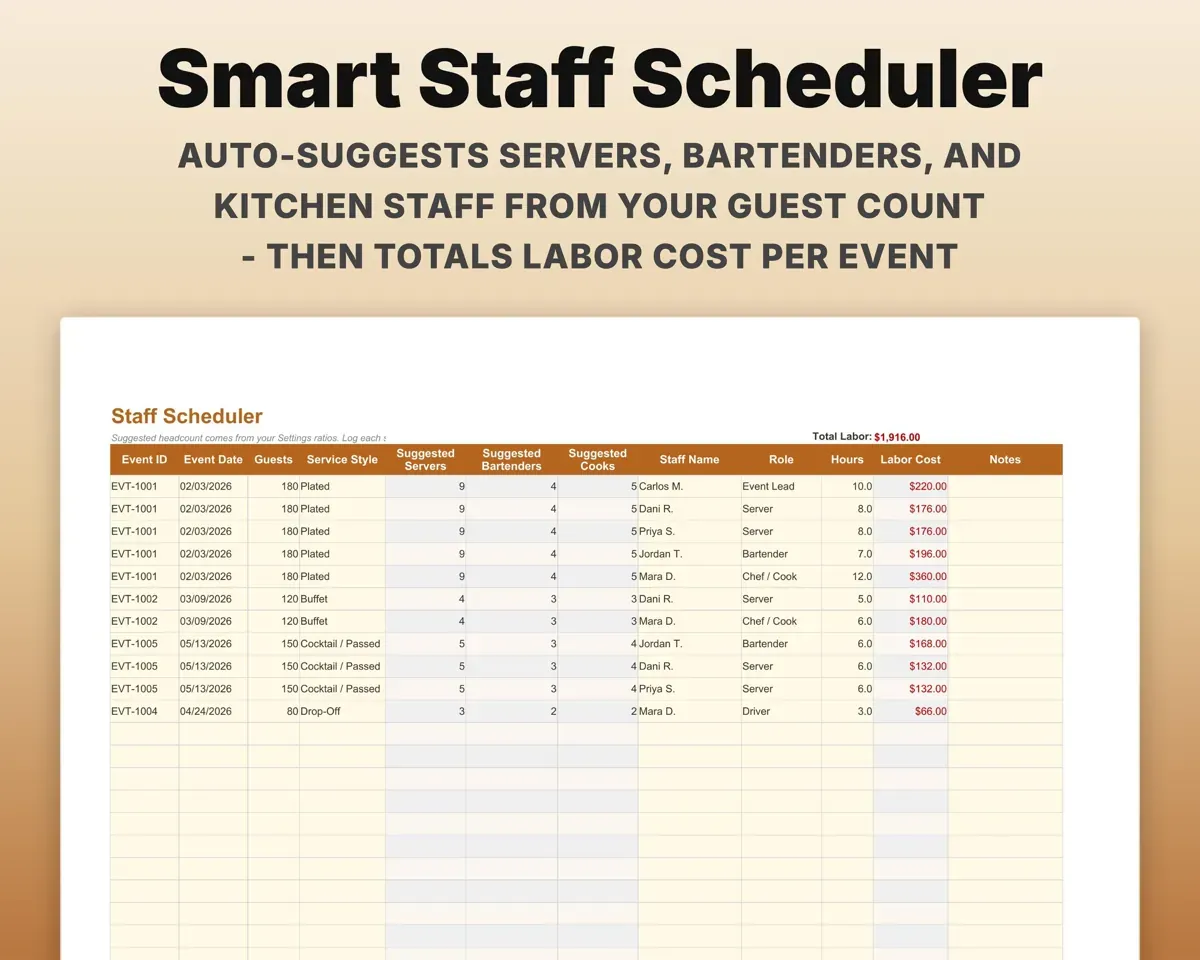
Staff Scheduler suggests servers, bartenders and kitchen staff from the guest count and service style, and totals the labor cost.
Guests, service styleStaff neededCollect every deposit and balance
Track deposit due, balance due and anything overdue, with a running total still to collect.
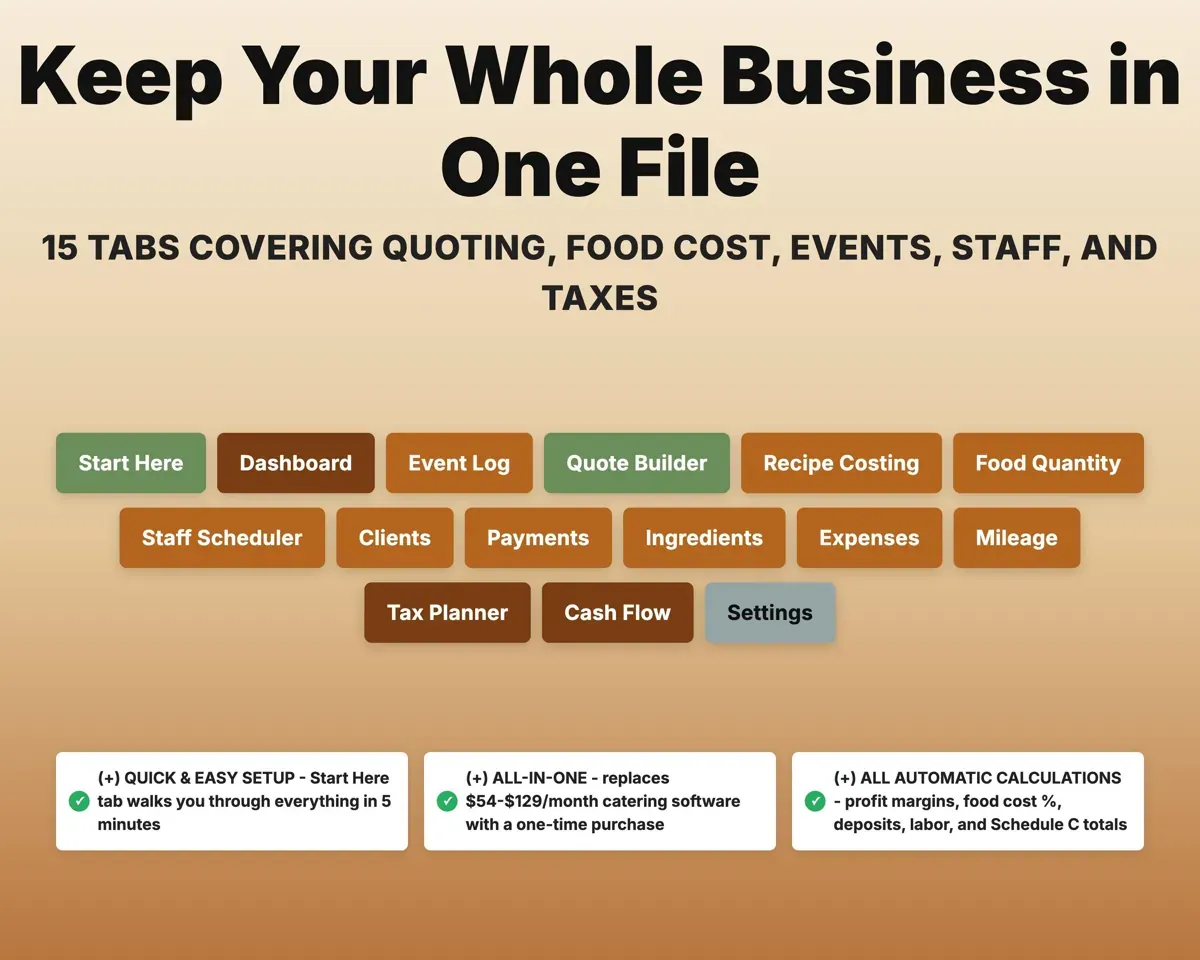
Quote total, deposit %Still to collect15 tabs in one file
- Start Here
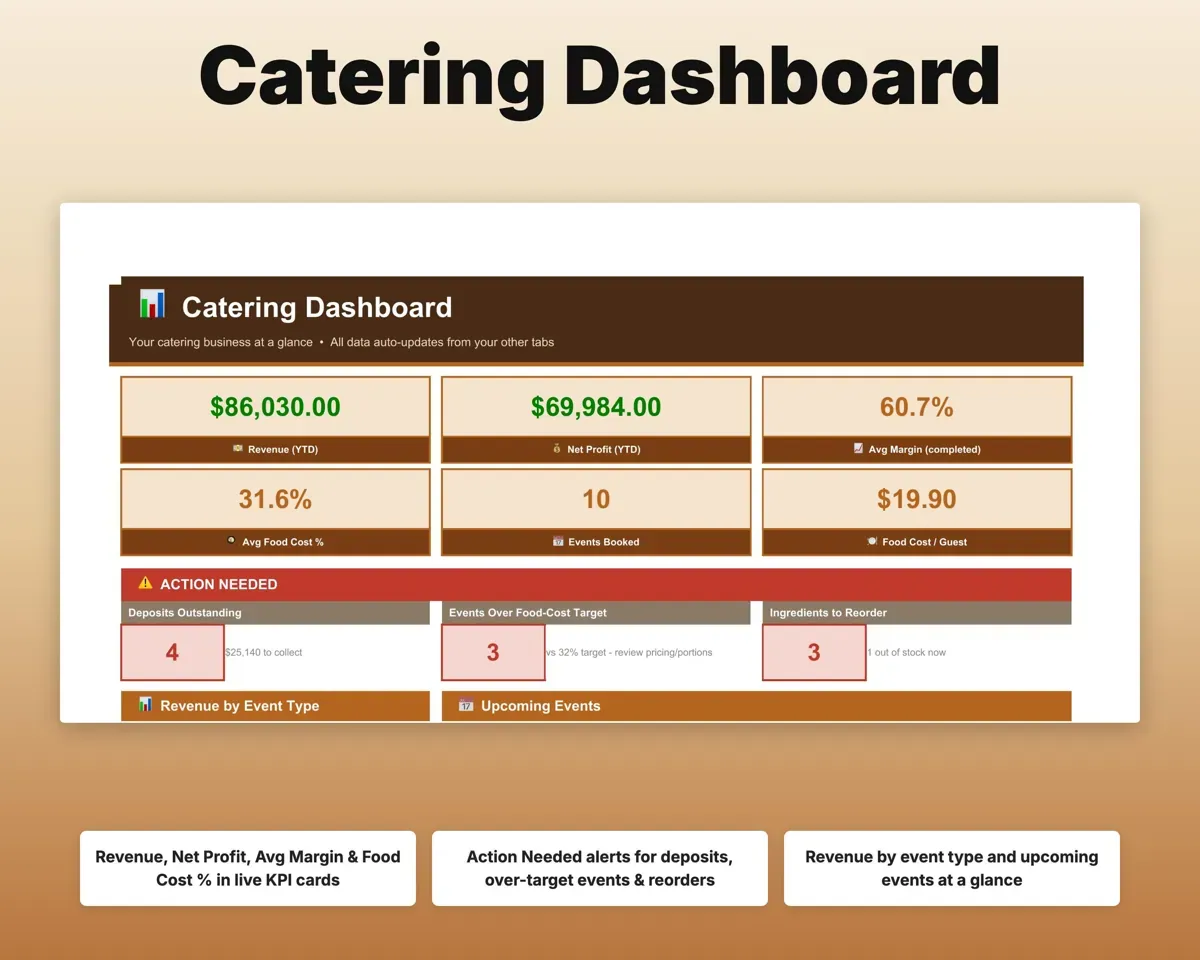
- Dashboard
- Event Log
- Quote Builder
- Recipe Costing
- Food Quantity
- Staff Scheduler
- Clients
- Payments
- Ingredients
- Expenses
- Mileage
- Tax Planner
- Cash Flow
- Settings
- Start Here
- Setup walkthrough in plain English.
- Dashboard
- Revenue, profit, margin, food cost and upcoming events.
- Event Log
- Every event's revenue, costs, profit and margin.
- Quote Builder
- Price an event to your target margin with a deposit split.
- Recipe Costing
- Cost per serving, food cost percent and a suggested price.
- Food Quantity
- Menu items scaled to guest count with a buffer.
- Staff Scheduler
- Suggested staff per event and total labor cost.
- Clients
- Contacts, event history, lifetime revenue and repeat clients.
- Payments
- Deposits, balances and overdue amounts.
- Ingredients
- Cost per unit, reorder points and suppliers.
- Expenses
- Catering costs matched to Schedule C lines, with COGS.
- Mileage
- Delivery and event miles at the IRS rate.
- Tax Planner
- Quarterly estimated tax dates (Form 1040-ES).
- Cash Flow
- Twelve months of money in and out, with seasonal swings.
- Settings
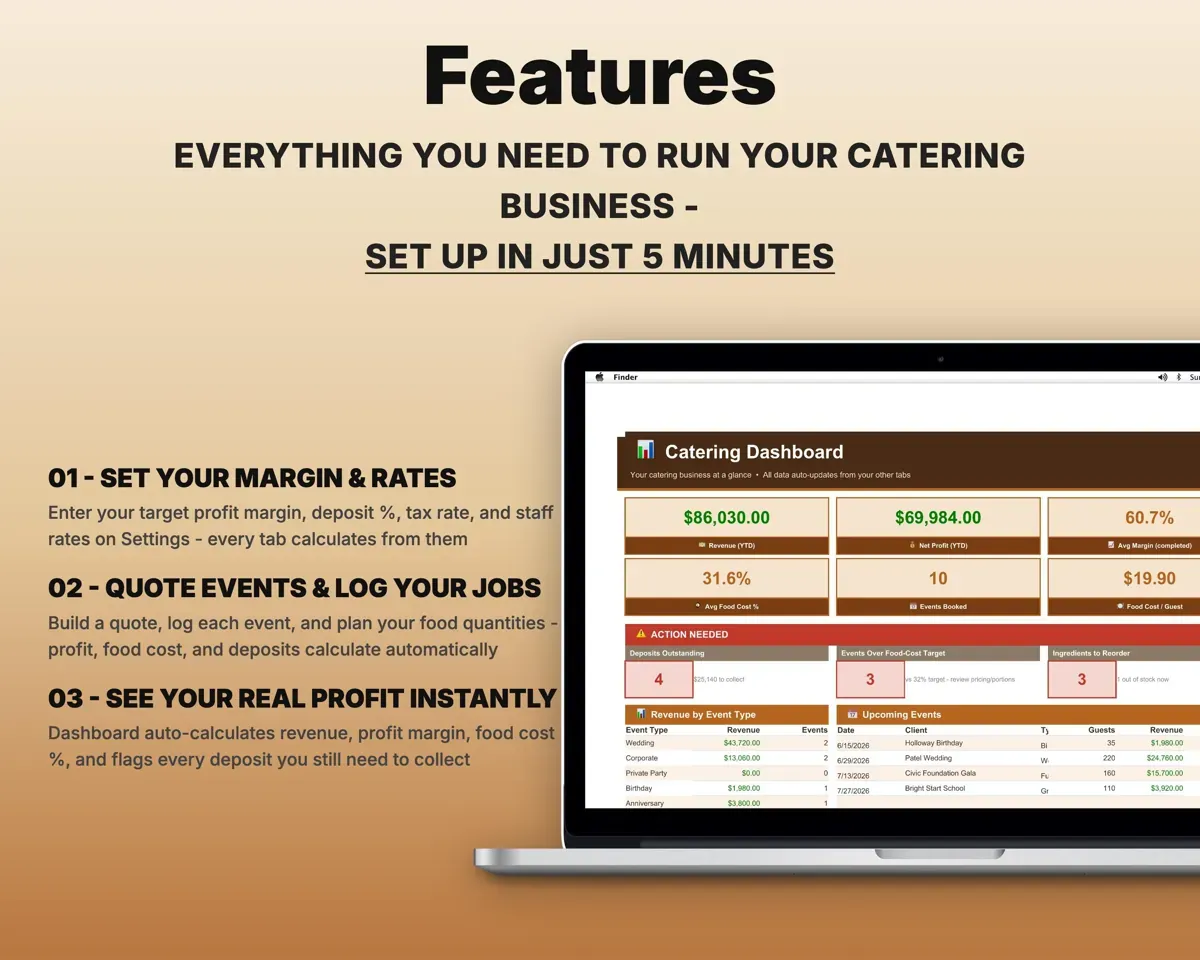
- Margin, deposit, tax and staff rates, portions and lists.
Pair it with
“Well thought out worksheets nicely presented”
“Excellent! Very easy to use.”
Before you buy
Does it handle deposits and balances?
Yes. Payments works from each quote total and your deposit percent, then tracks the deposit, the balance and anything overdue.
Can I set my own margin and staff rates?
Yes. Target margin, deposit percent, tax rate, staff rates and portion defaults are all on the Settings tab, along with every dropdown list.
Is it too much for a solo caterer?
No. It was planned around a caterer doing a handful of events a month. Start with the Quote Builder and Event Log and use the rest as you need it.
What do I get?
An Excel file (.xlsx), a filled-in sample to look at, and a quick-start PDF guide with a link that makes your own copy in Google Sheets.
How does delivery work?
You get your download links right after checkout, and Stripe emails your receipt. There is nothing to ship and nothing to wait for.
How do I set it up in Google Sheets?
Open the quick-start PDF and click the Google Sheets link. Google makes a copy in your own Drive that only you can edit. You need a free Google account.
Will it work on a Mac?
Yes. It works in Excel on Mac and Windows, and in Google Sheets in any browser.
I'm not a spreadsheet person. Is that a problem?
No. You only type in the yellow cells. Everything in gray works itself out, and the Start Here tab shows you where to begin.
Can I get a refund?
Templates are digital downloads, so sales are final. If a file won't open, is broken or doesn't match its description, email hello@cleanpixelstudios.com within 30 days and we'll fix it, or refund you if we can't.
What if I get stuck?
Email hello@cleanpixelstudios.com and we'll help you get it working.
More in Food & drink
See all Food & drink templates
 Made by Clean Pixel Studios
We start every template by reading what people in that line of work say they struggle with, then build the spreadsheet around those problems. This one was made for caterers and nobody else.
How we build templatesCatering Business Spreadsheet$19.99 · Excel + Google Sheets