Built around the jobs coffee shop owners actually do
Watch prime cost before it runs hot
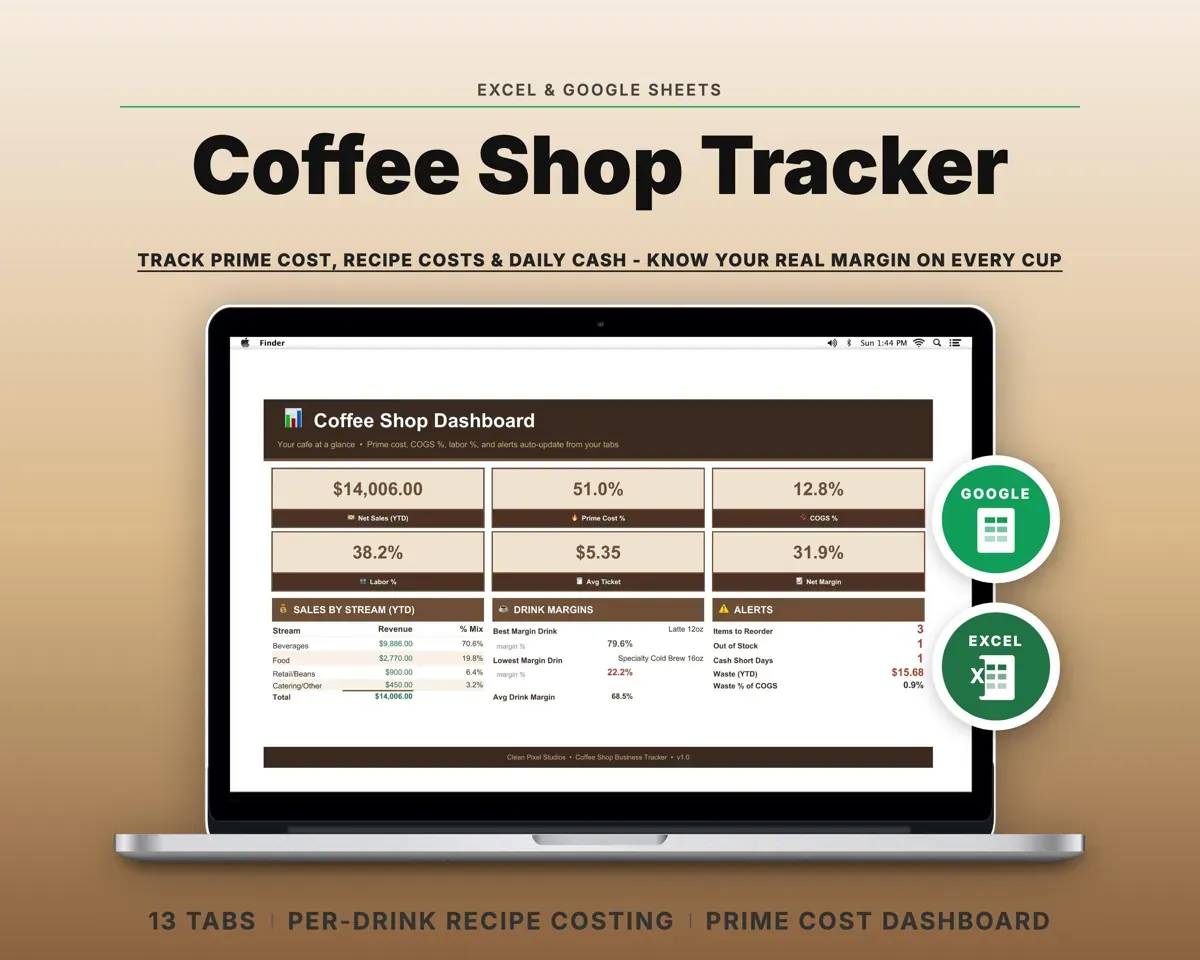
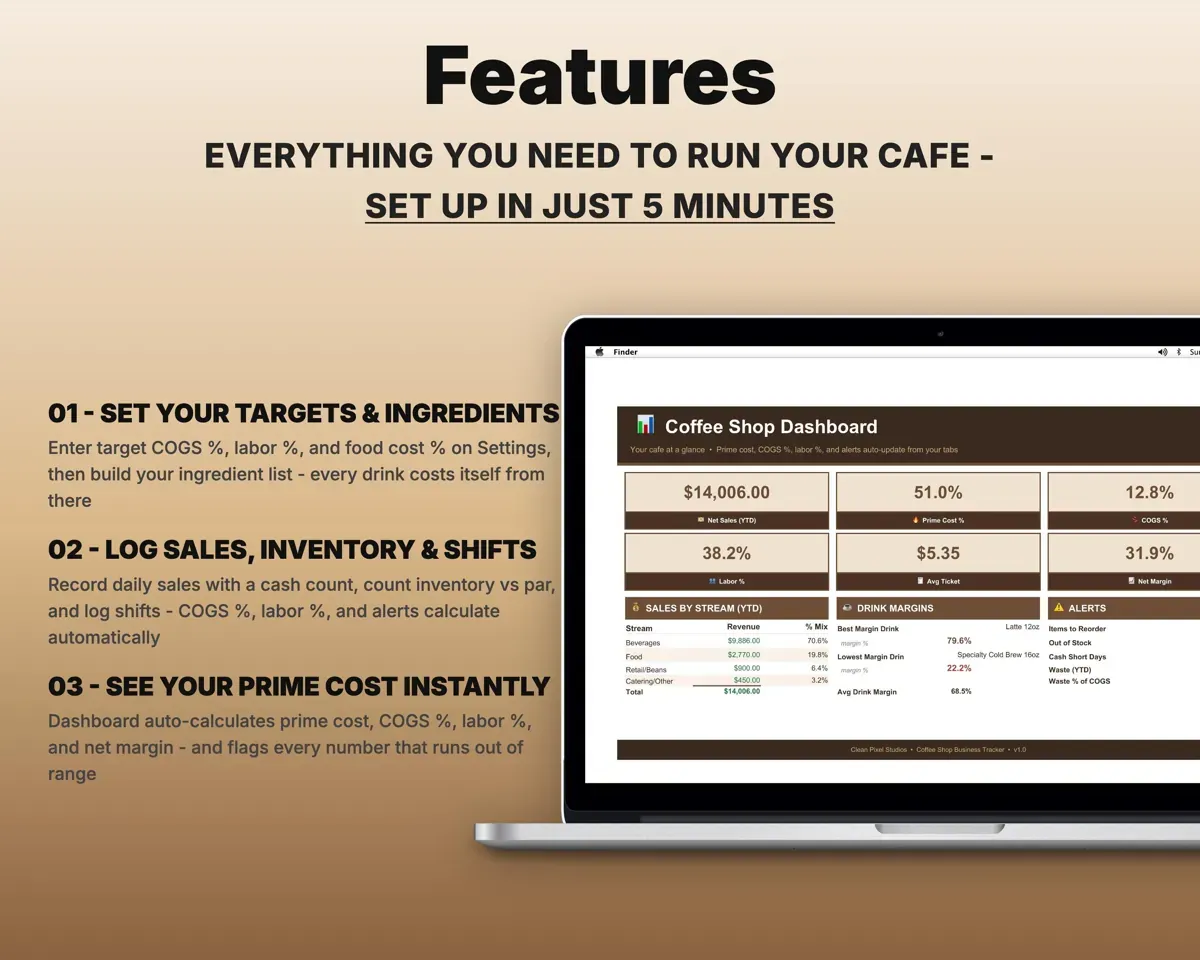
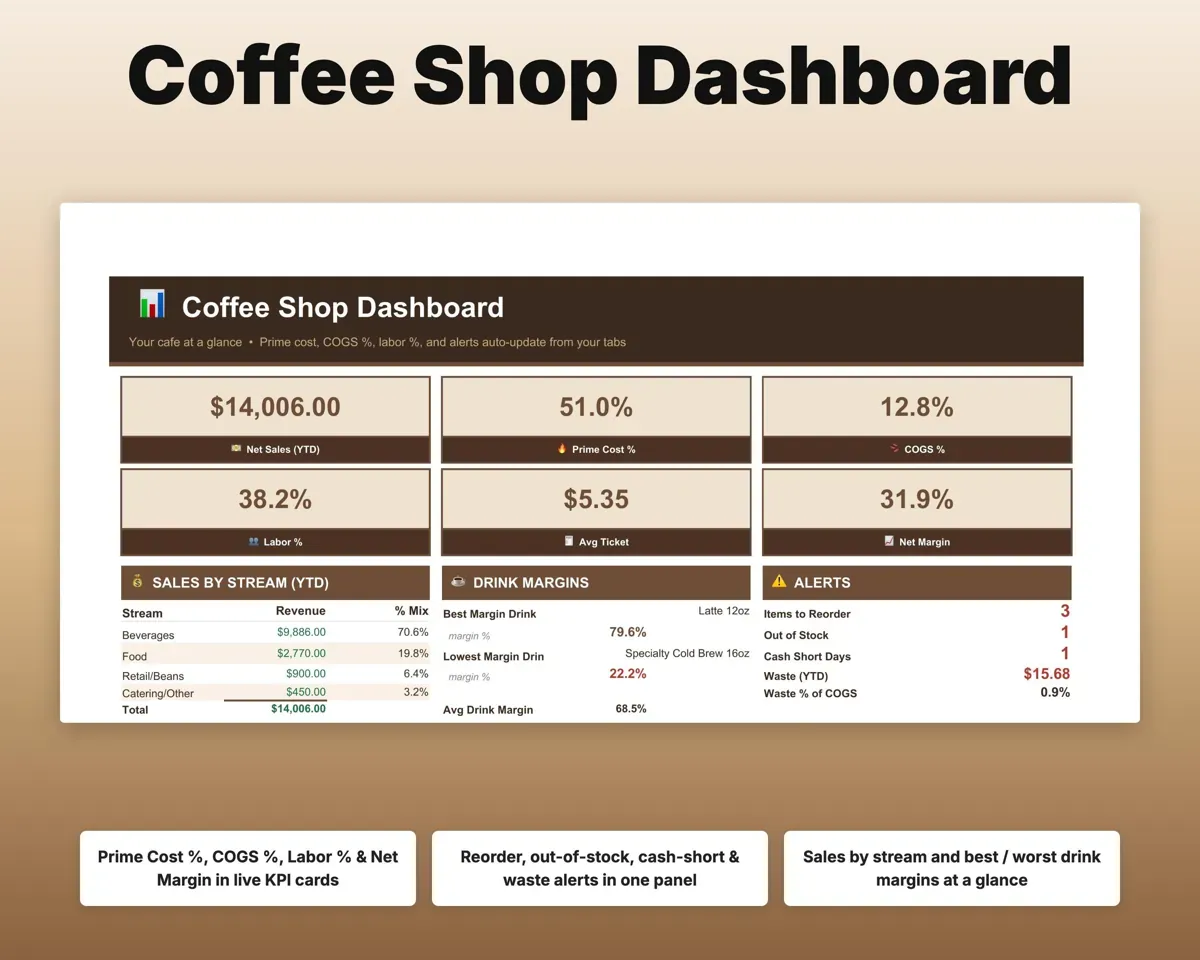
COGS percent, labor percent and prime cost are measured against your targets, and the Dashboard flags any that go over.
Sales, costs, shiftsPrime cost %Price drinks from real costs
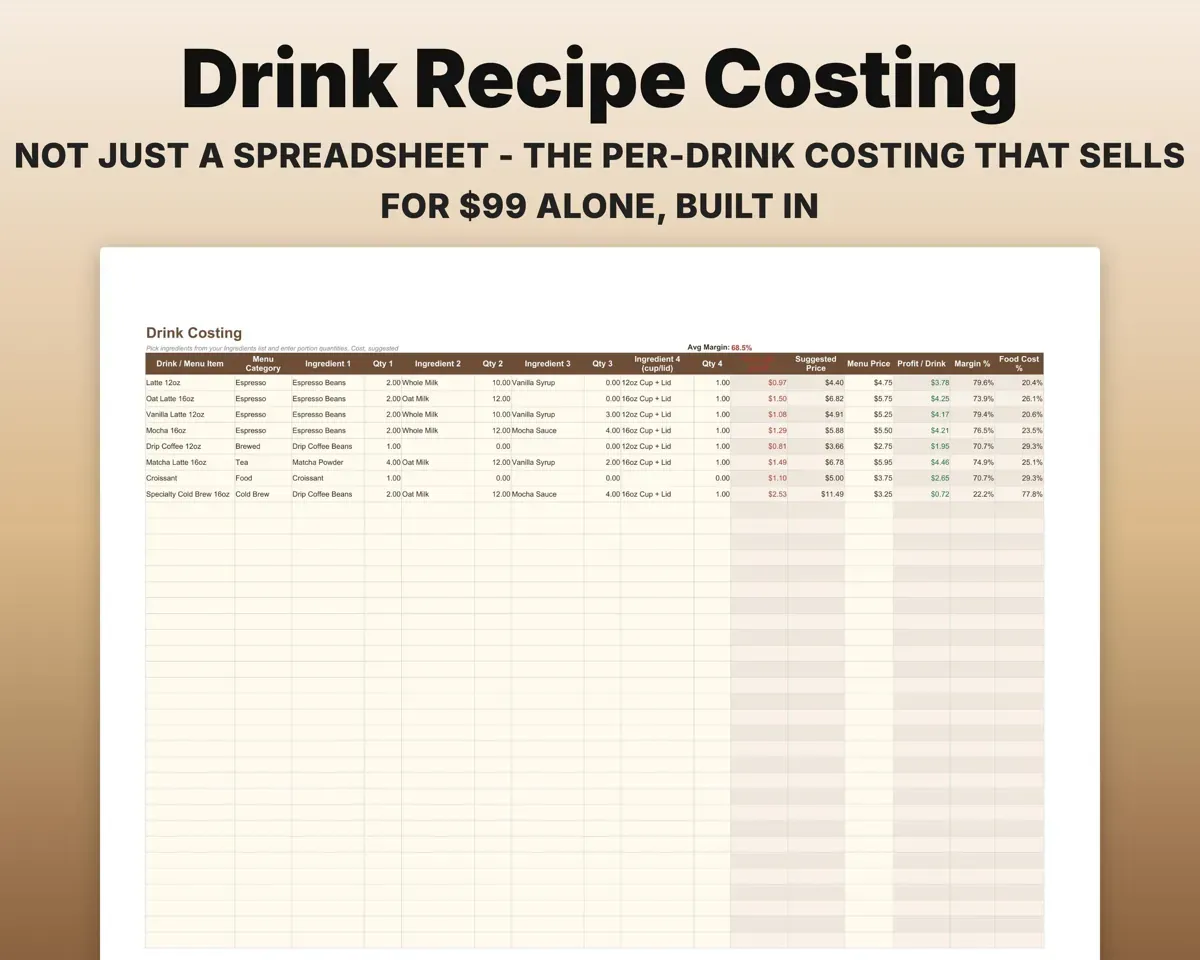
Cost each drink from your ingredient list and get a suggested price for your target food cost. Change an ingredient price once and every drink using it updates.
Recipe, ingredient costsSuggested priceCatch a short drawer the same day
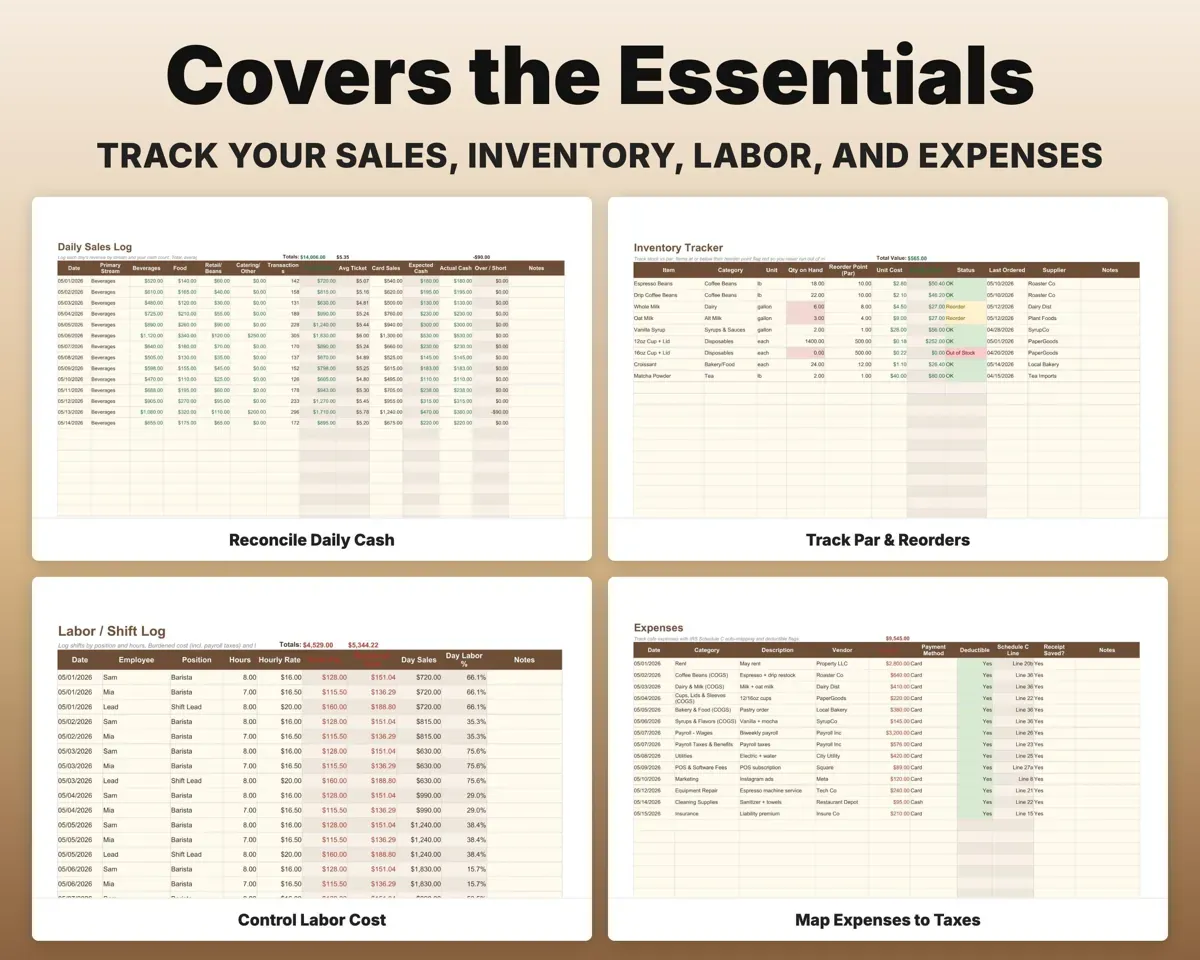
Log revenue by stream and the cash count. Expected and actual are compared, and shortfalls over your threshold are flagged.
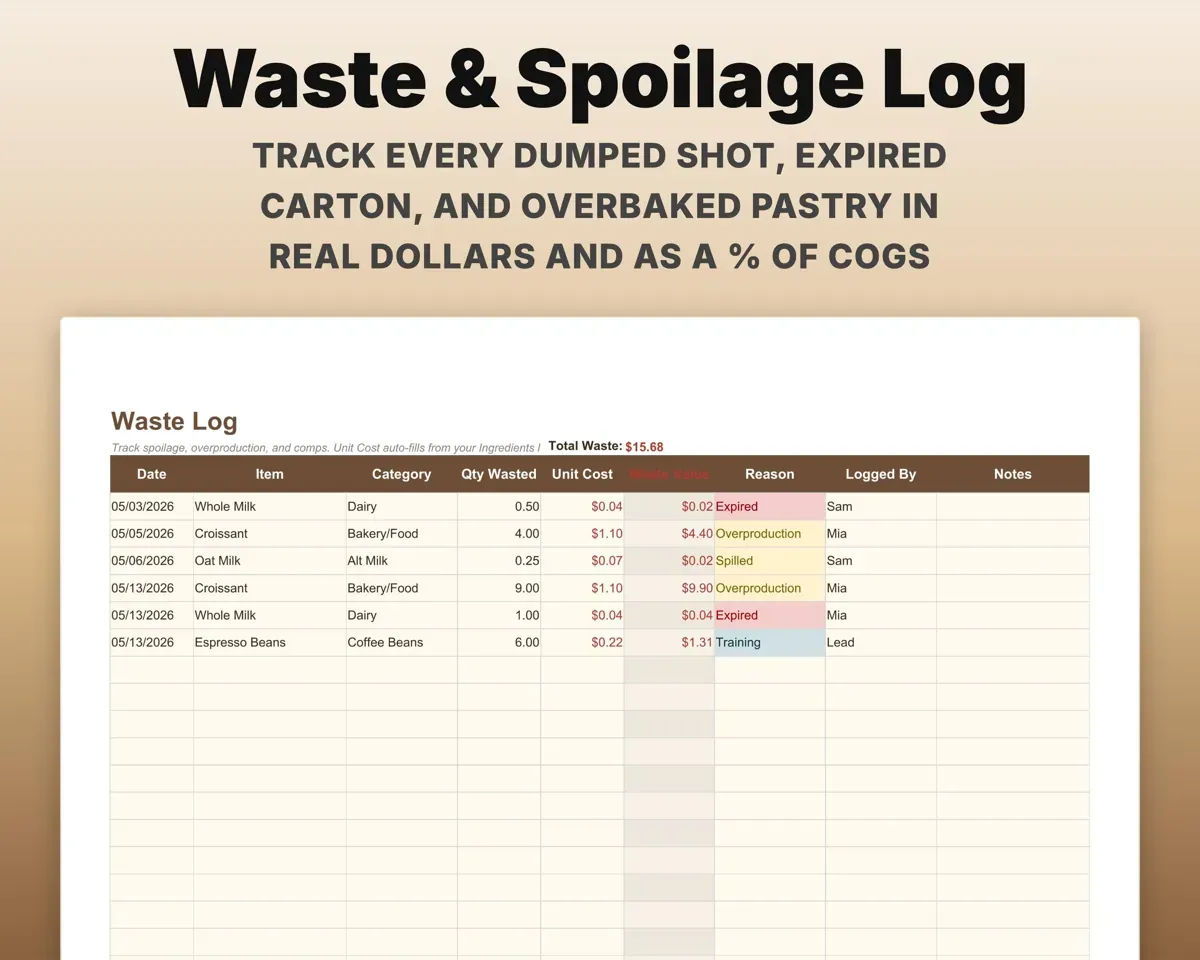
Cash countOver or shortPut a dollar figure on waste
Dumped shots, expired milk and overbaked pastries are logged in dollars and as a percent of COGS.
Item, reason, amountWaste % of COGSSee which items earn their spot
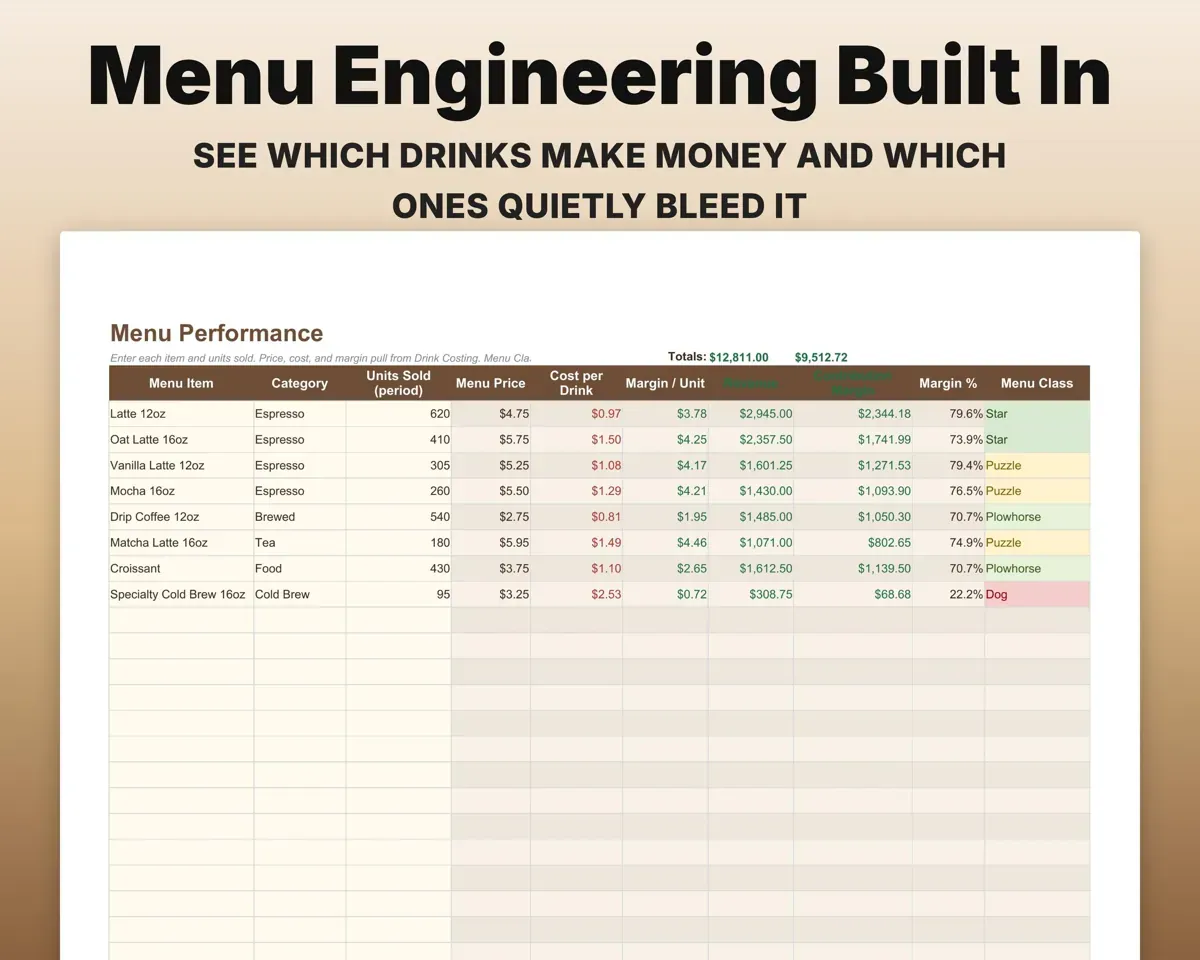
Menu Performance sorts each item into Star, Plowhorse, Puzzle or Dog by how well it sells and its margin.
Sales by itemStar, Plowhorse, DogDon't run out of milk or cups
Count stock against par levels and get reorder alerts.
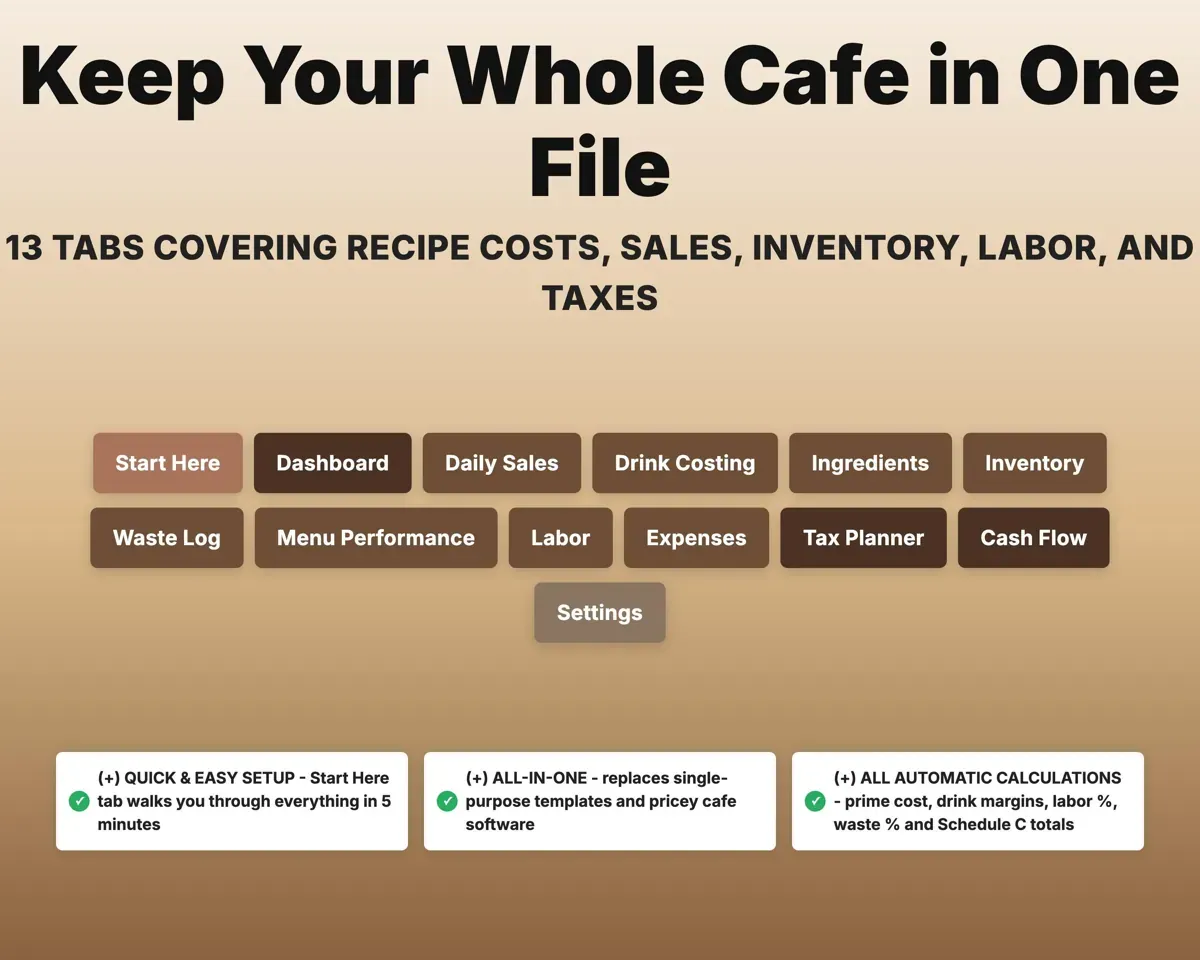
Stock countsReorder alerts13 tabs in one file
- Start Here
- Dashboard
- Daily Sales
- Drink Costing
- Ingredients
- Inventory
- Waste Log
- Menu Performance
- Labor
- Expenses
- Tax Planner
- Cash Flow
- Settings
- Start Here
- Setup walkthrough in plain English.
- Dashboard
- Prime cost, margins, average ticket and alerts.
- Daily Sales
- Daily revenue by stream and cash over or short.
- Drink Costing
- Each drink's cost, suggested price and margin.
- Ingredients
- Beans, milk, syrups and cups with cost per portion.
- Inventory
- Stock against par with reorder alerts.
- Waste Log
- Spoilage, overproduction and comps in dollars.
- Menu Performance
- Every item ranked by sales volume and margin.
- Labor
- Shifts with loaded labor cost and labor percent of sales.
- Expenses
- Cafe categories matched to Schedule C lines.
- Tax Planner
- Quarterly estimated tax with self-employment tax.
- Cash Flow
- Twelve months of cash, flagging months that may go negative.
- Settings
- Cost targets, tax rate, par levels and lists.
Pair it with
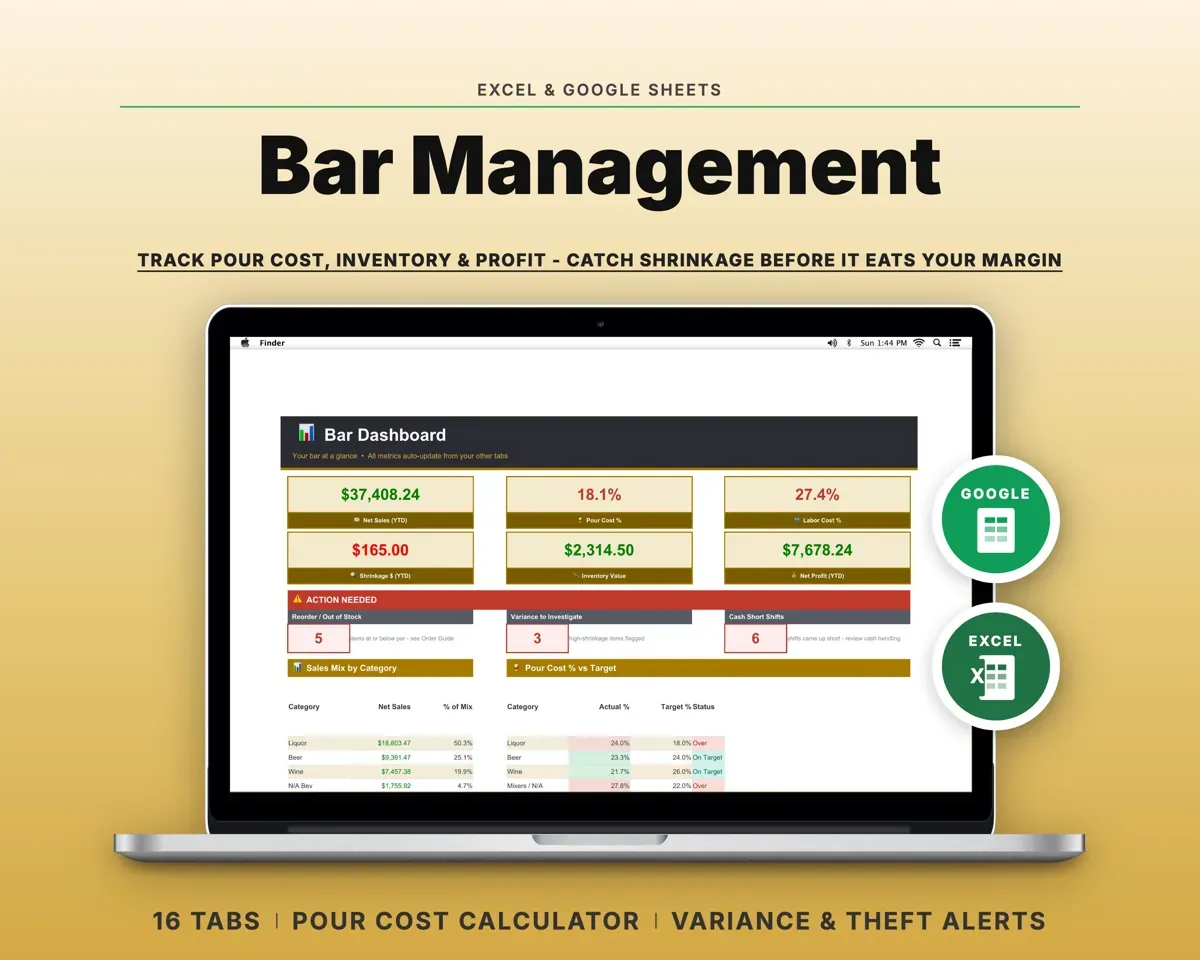
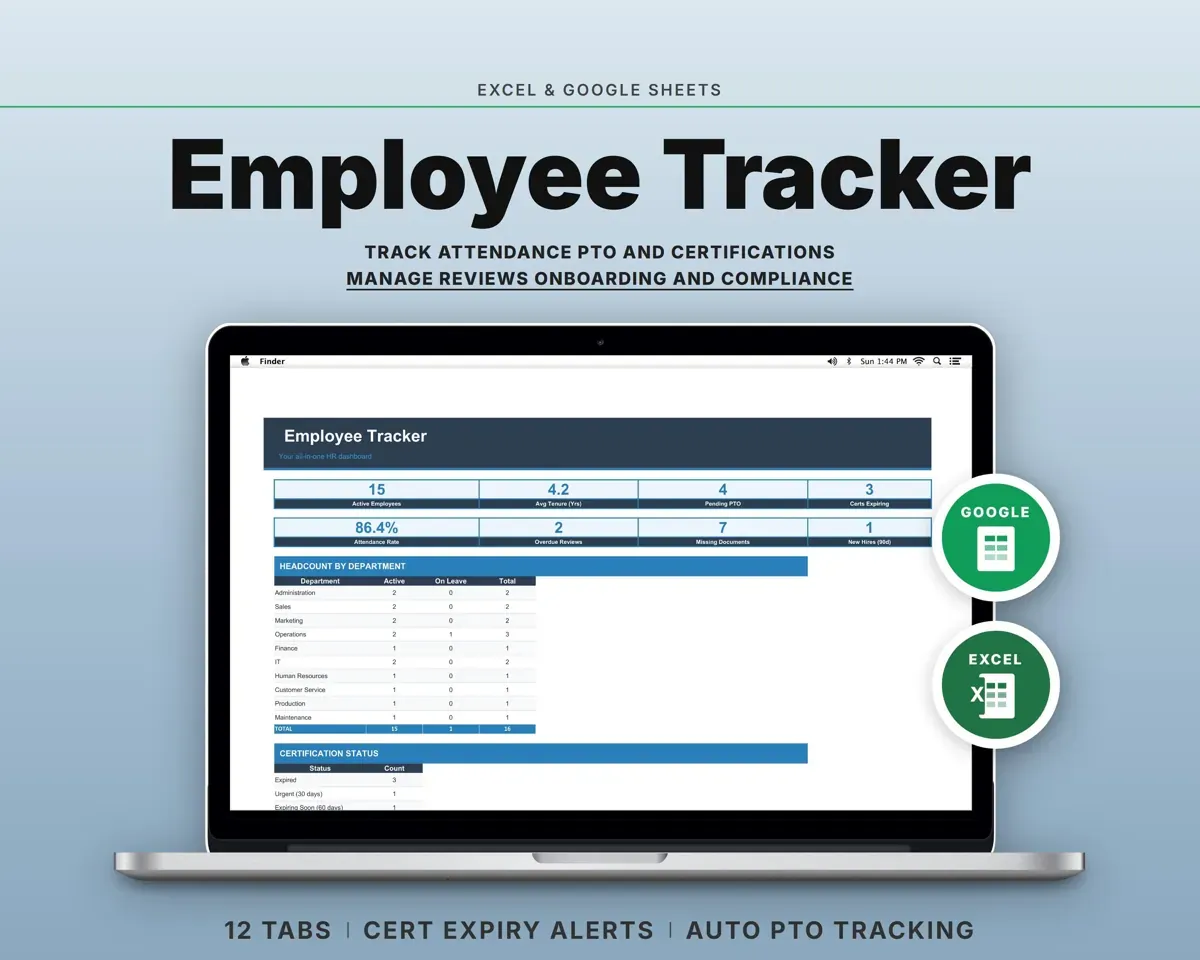
“Excellent! Very easy to use.”
“Nice Organization for 4H projects”
Before you buy
Does drink costing update when supplier prices change?
Yes. Update an ingredient's price on the Ingredients tab and every drink that uses it is re-costed.
Can I set my own targets?
Yes. Target COGS, labor and food cost percents, par levels and every dropdown list are on the Settings tab.
Does it track waste?
Yes. The Waste Log records spoilage, overproduction and comps in dollars and as a percent of COGS.
What do I get?
An Excel file (.xlsx), a filled-in sample to look at, and a quick-start PDF guide with a link that makes your own copy in Google Sheets.
How does delivery work?
You get your download links right after checkout, and Stripe emails your receipt. There is nothing to ship and nothing to wait for.
How do I set it up in Google Sheets?
Open the quick-start PDF and click the Google Sheets link. Google makes a copy in your own Drive that only you can edit. You need a free Google account.
Will it work on a Mac?
Yes. It works in Excel on Mac and Windows, and in Google Sheets in any browser.
I'm not a spreadsheet person. Is that a problem?
No. You only type in the yellow cells. Everything in gray works itself out, and the Start Here tab shows you where to begin.
Can I get a refund?
Templates are digital downloads, so sales are final. If a file won't open, is broken or doesn't match its description, email hello@cleanpixelstudios.com within 30 days and we'll fix it, or refund you if we can't.
What if I get stuck?
Email hello@cleanpixelstudios.com and we'll help you get it working.
More in Food & drink
See all Food & drink templates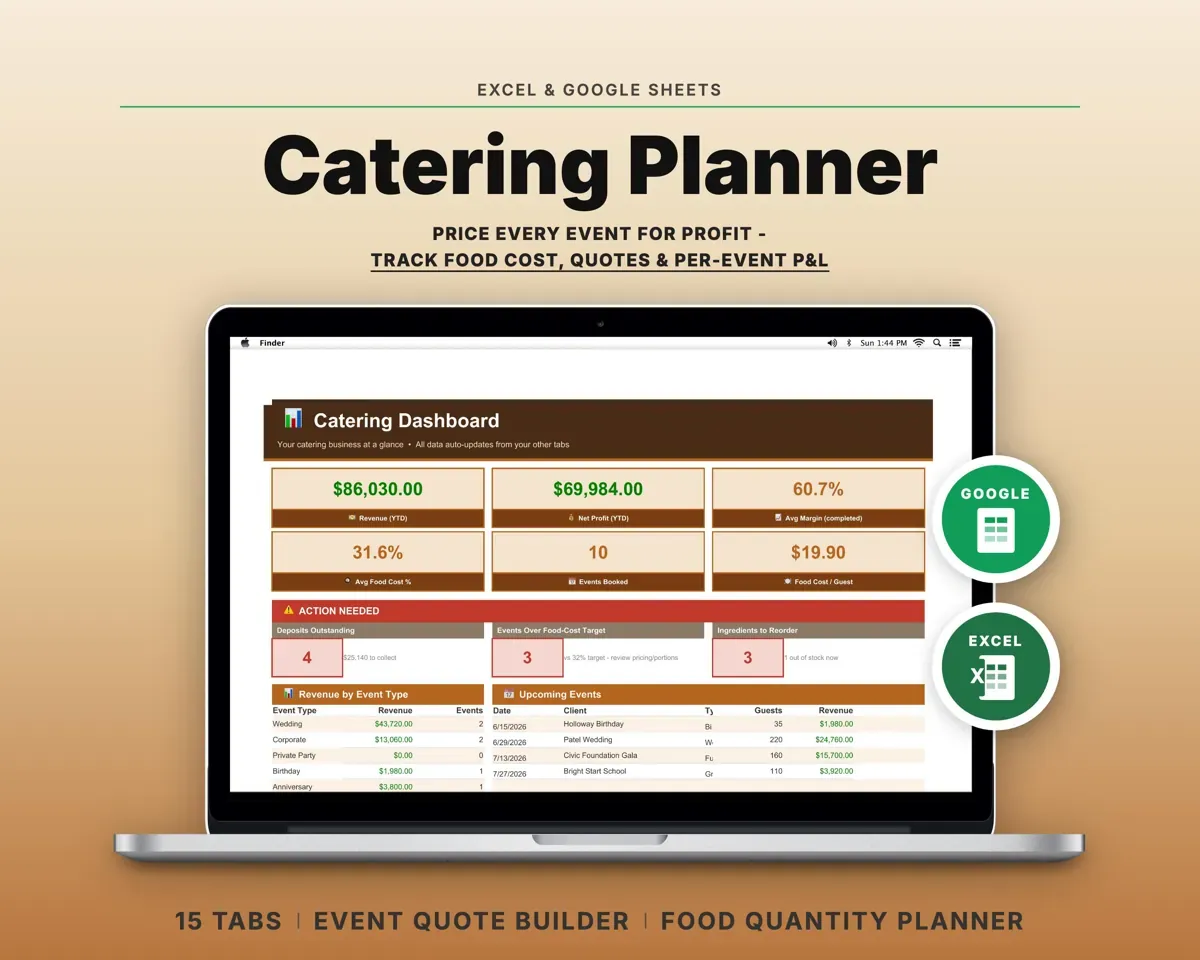
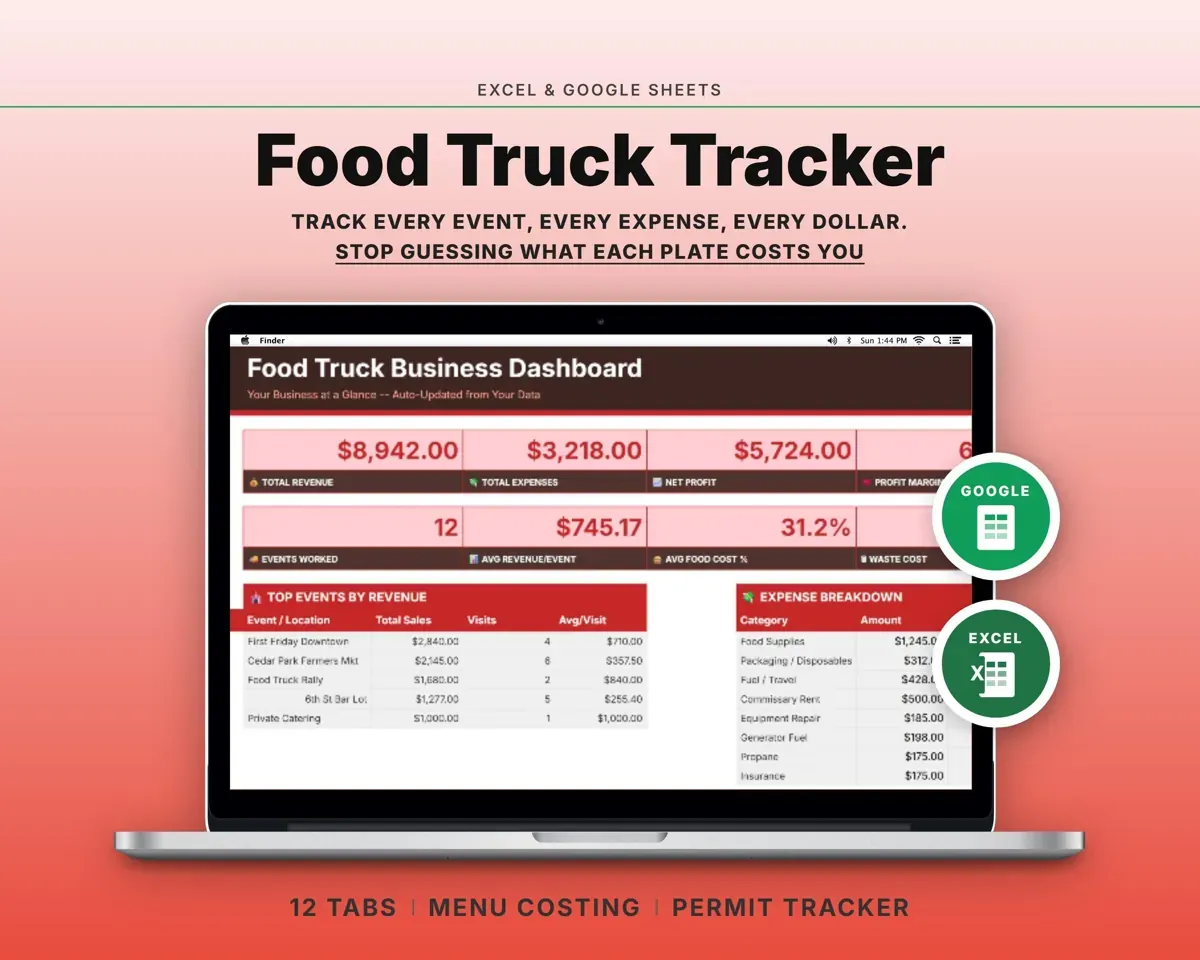
 Made by Clean Pixel Studios
We start every template by reading what people in that line of work say they struggle with, then build the spreadsheet around those problems. This one was made for coffee shop owners and nobody else.
How we build templatesCoffee Shop Tracker$19.99 · Excel + Google Sheets