Built around the jobs bar owners and managers actually do
Know your pour cost by category
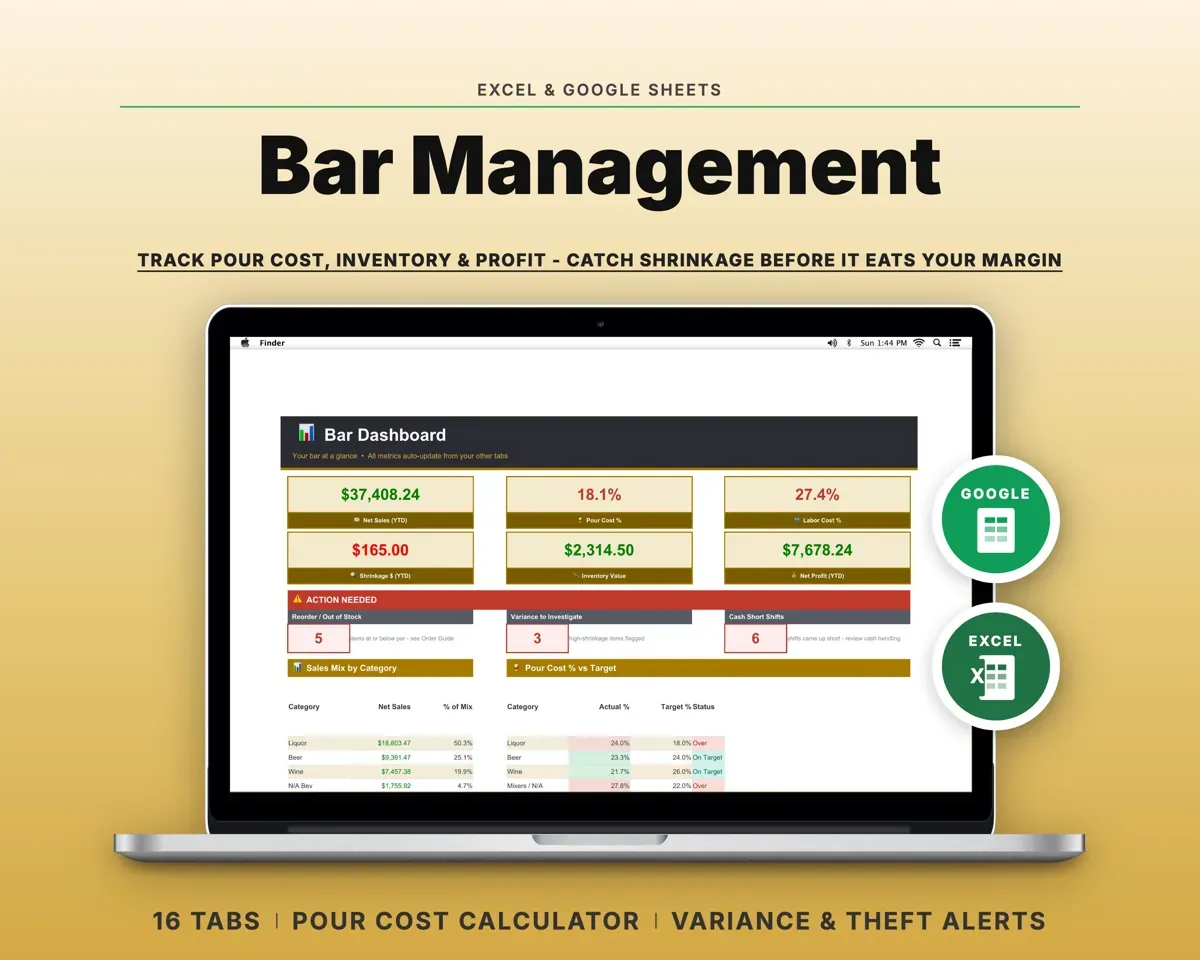
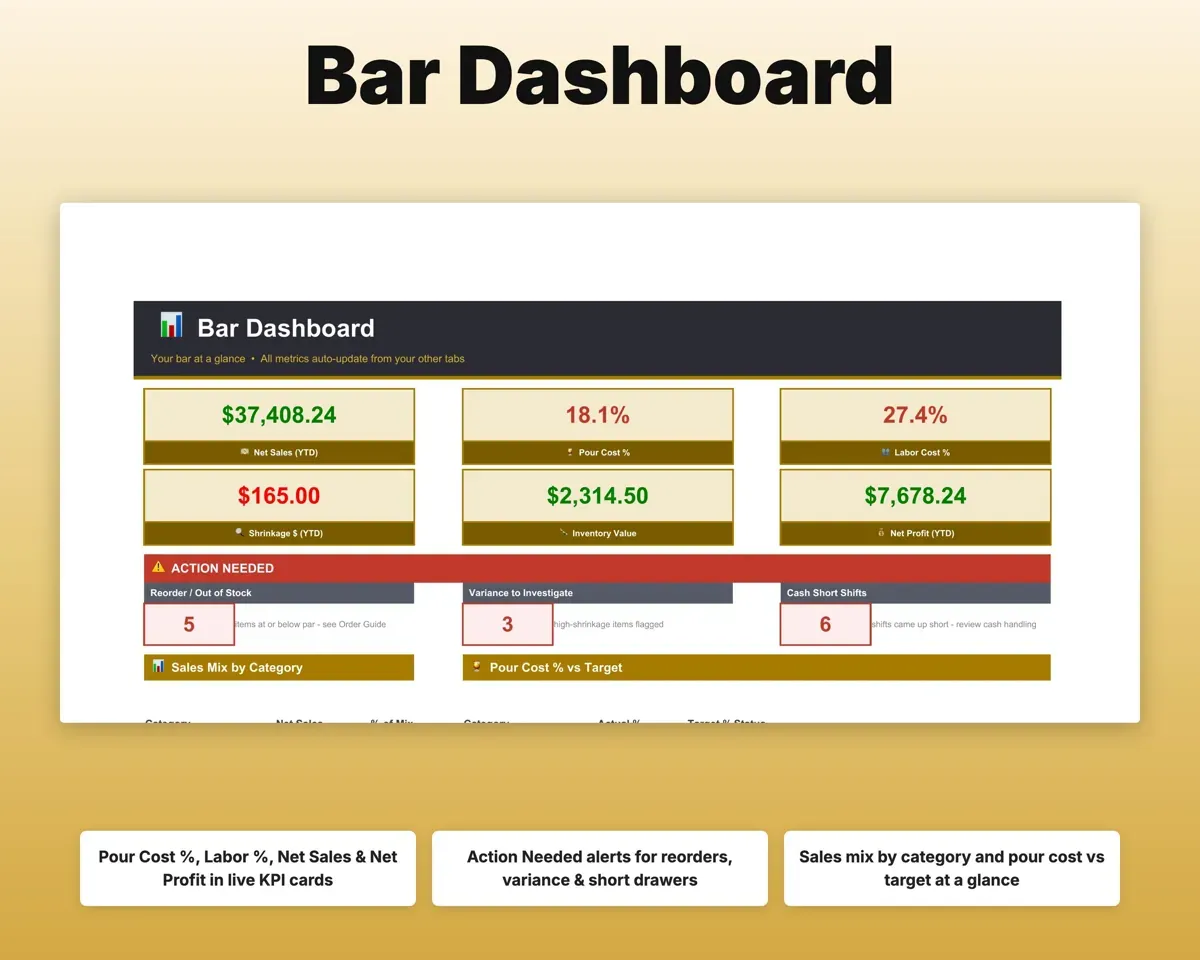
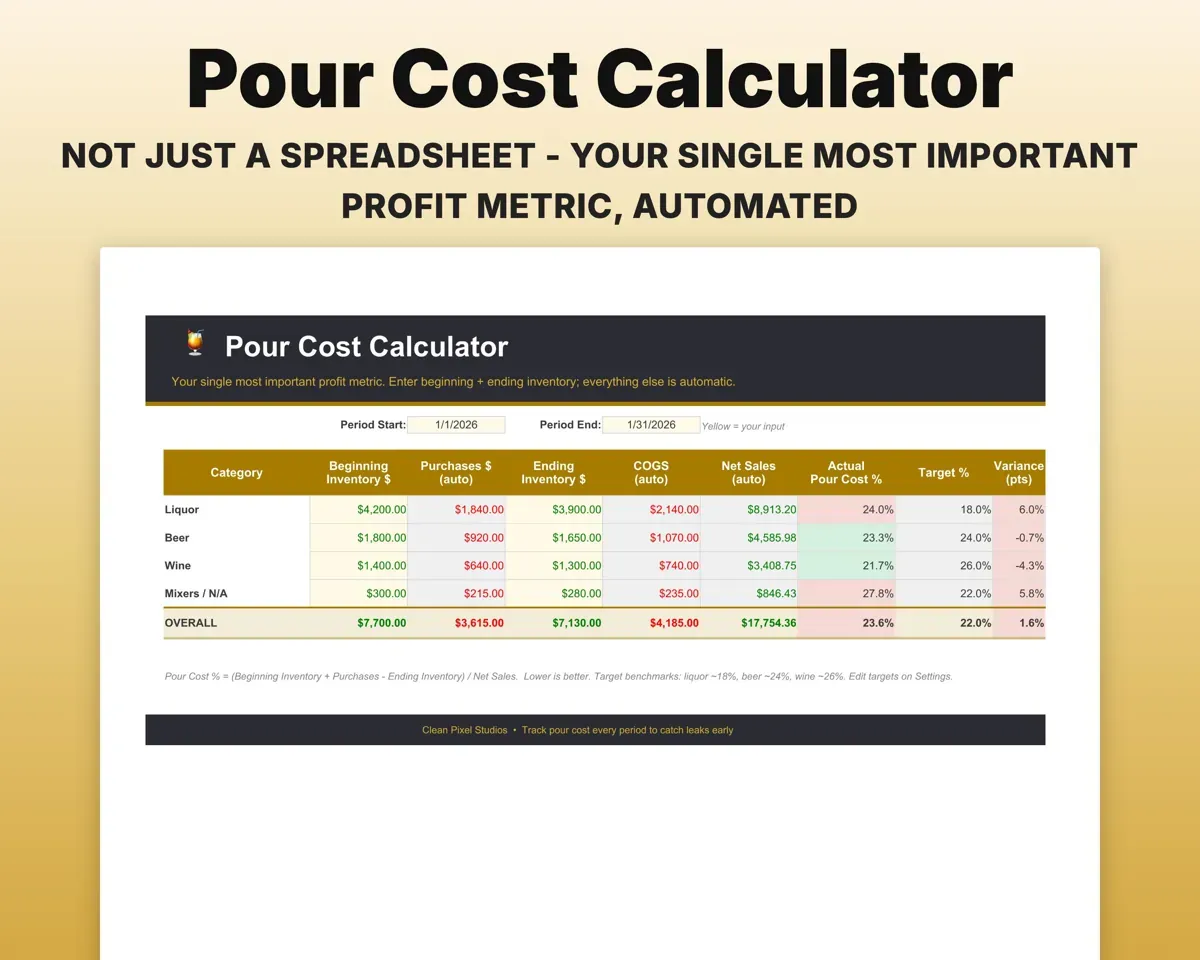
Liquor, beer and wine cost percentages are worked out from your sales and inventory and compared with the targets you set.
Sales, inventoryPour cost %Find overpouring, waste and theft
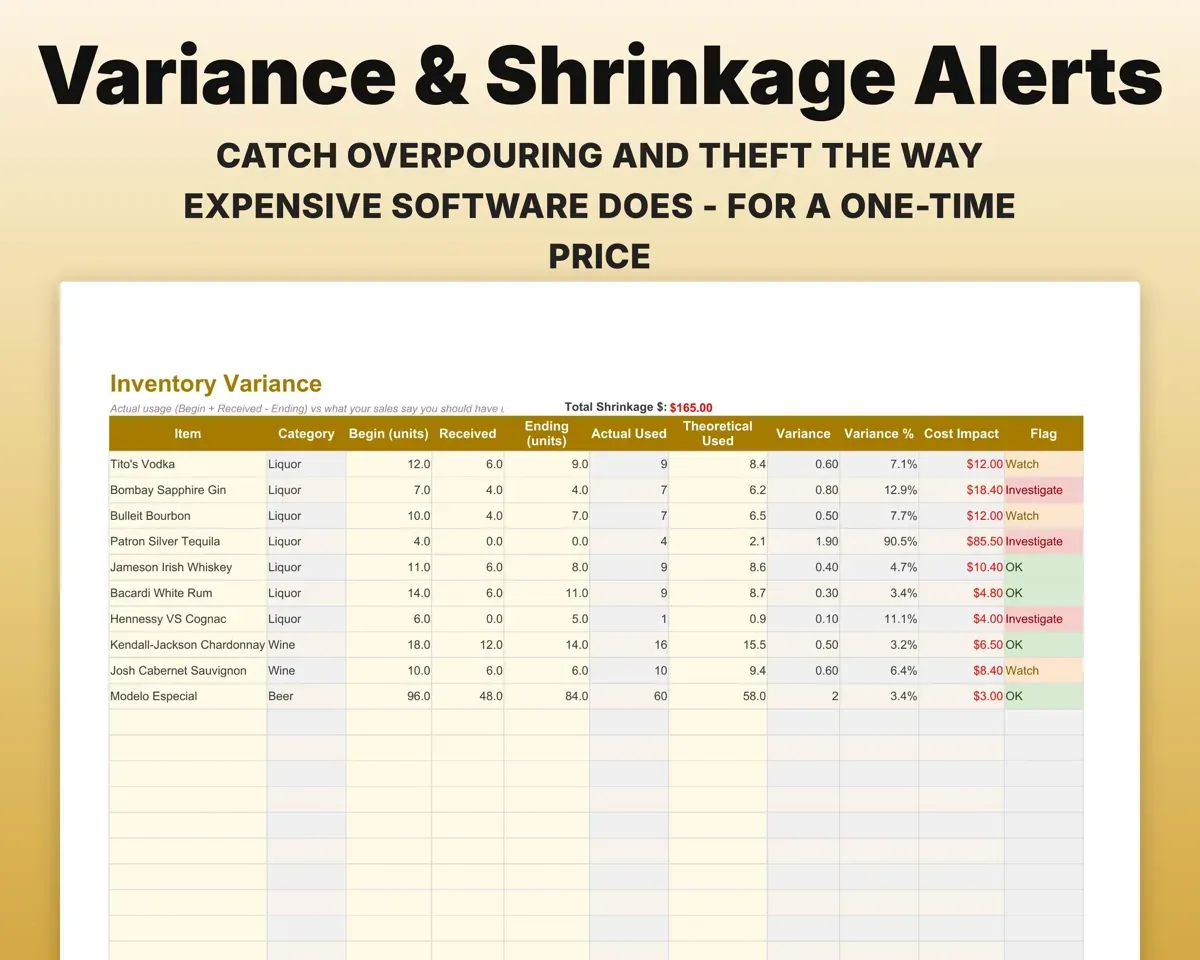
The Variance tab compares what you actually used with what sales say you should have used, and flags the items losing the most money.
Counts, salesShrinkage in dollarsCount stock you can trust
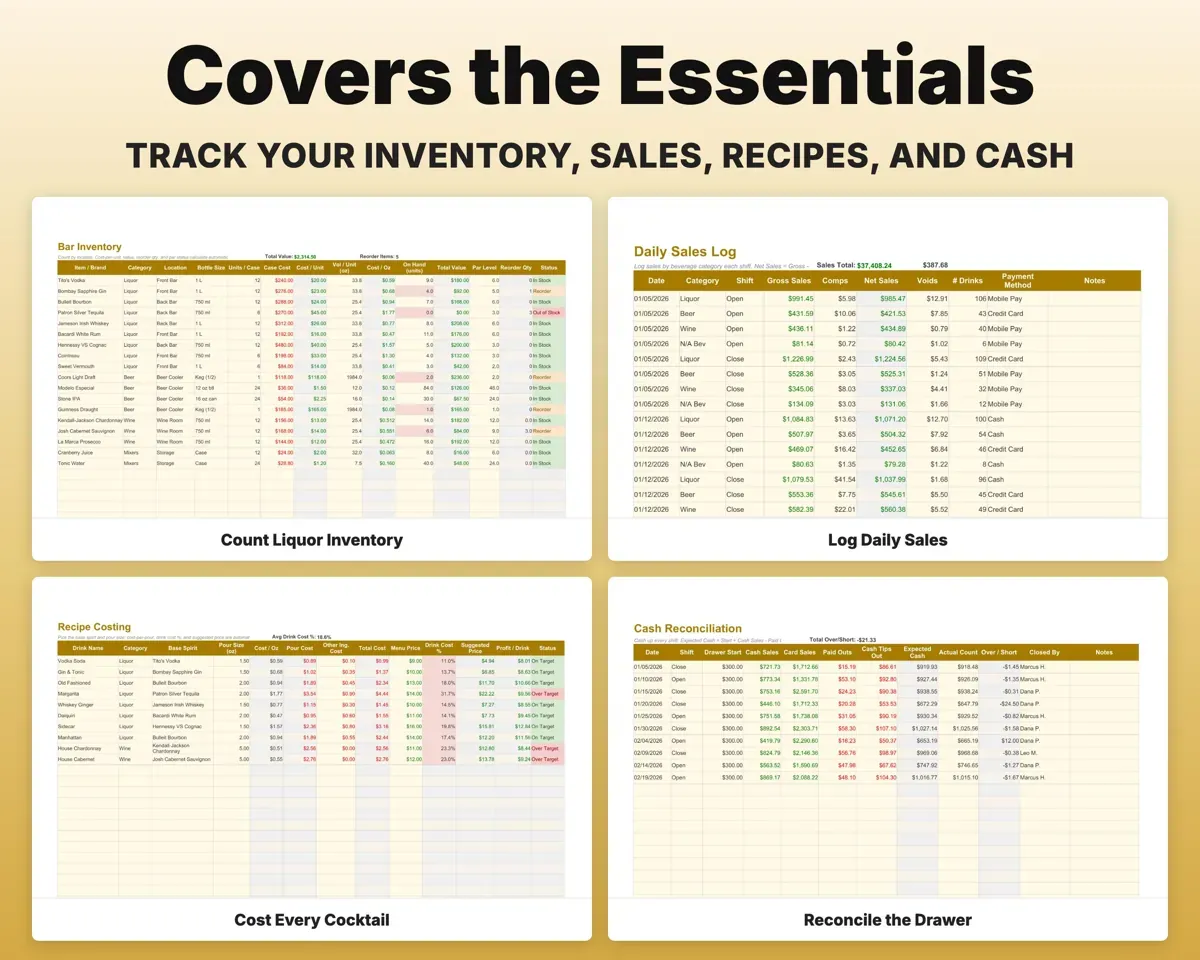
Count by location with cost per ounce, total value and par levels. The order guide suggests how much of each item to reorder.
Bottle countsSuggested orderPrice every cocktail right
Recipe Costing pulls cost per ounce from your inventory, shows the drink cost percentage and suggests a menu price for your target margin.
Recipe poursSuggested menu priceClose out every shift cleanly
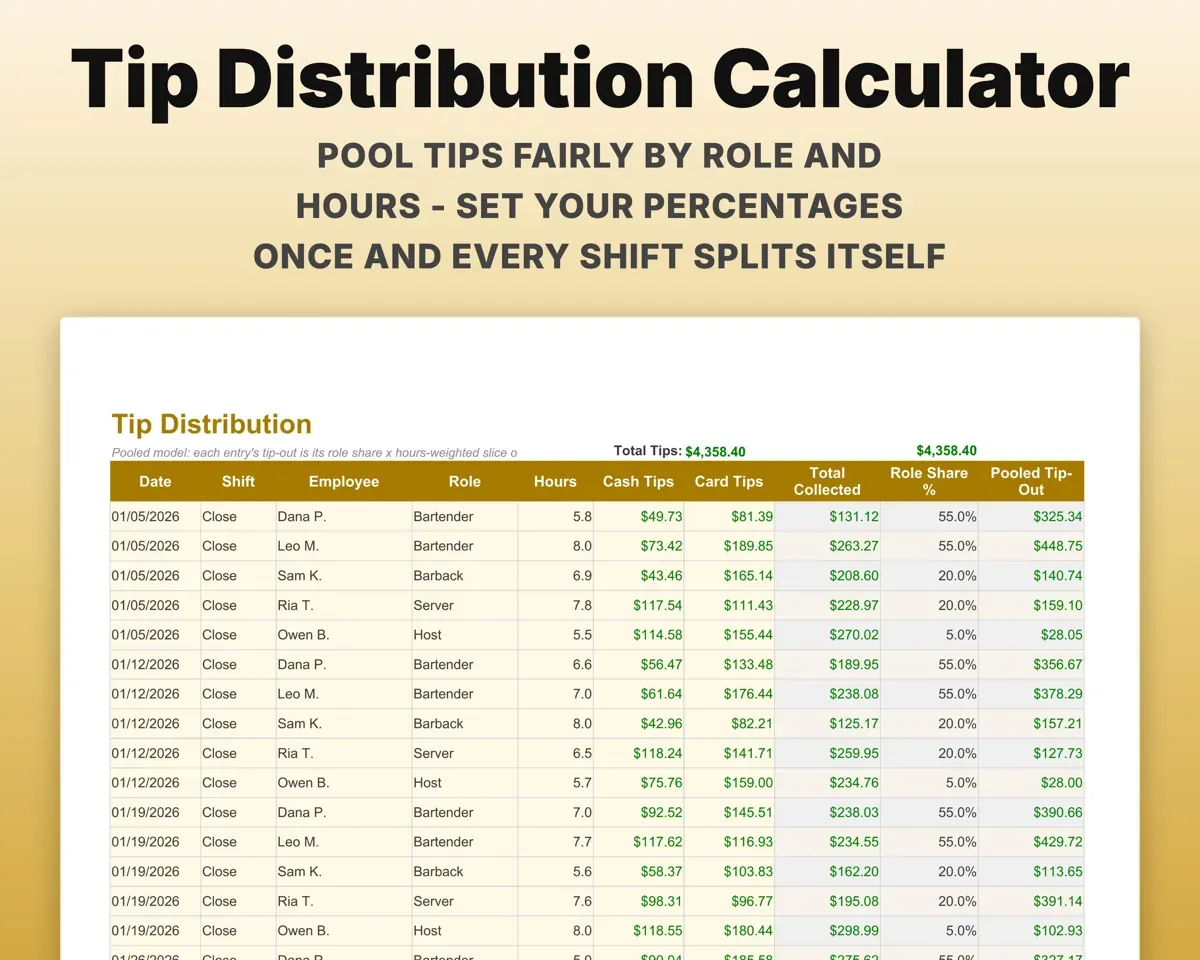
Cash up the drawer with over and short flags, split tips by role and hours, and log spills, breakage and comps with reason codes.
Drawer count, tipsOver/short, tip-outsWatch labor and plan for taxes
Schedule shifts and see labor cost. Expenses map to Schedule C lines, and the Tax Planner lists quarterly due dates.
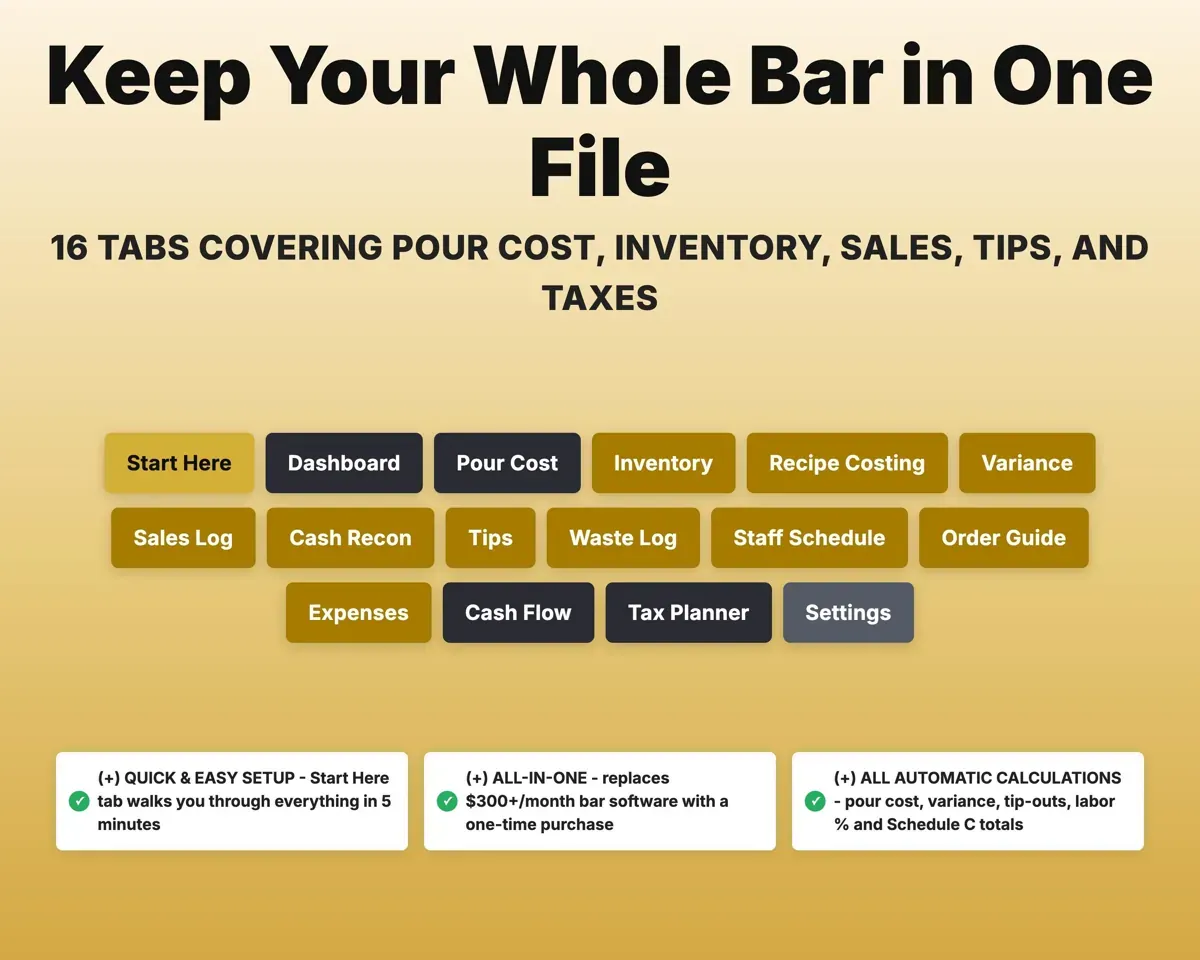
Shifts, expensesLabor %16 tabs in one file
- Start Here
- Dashboard
- Pour Cost
- Inventory
- Recipe Costing
- Variance
- Sales Log
- Cash Recon
- Tips
- Waste Log
- Staff Schedule
- Order Guide
- Expenses
- Cash Flow
- Tax Planner
- Settings
- Start Here
- Setup steps and a short guide to every tab.
- Dashboard
- Pour cost, labor, sales, profit and alerts in one view.
- Pour Cost
- Cost percentage by category against your targets.
- Inventory
- Counts by location with value, par and reorder status.
- Recipe Costing
- Drink cost and a suggested menu price for each recipe.
- Variance
- Actual vs expected usage, with losses in dollars.
- Sales Log
- Daily sales by category and shift, with comps and voids.
- Cash Recon
- Expected vs actual drawer for each shift.
- Tips
- Tip pooling and splits by role and hours.
- Waste Log
- Spills, breakage, comps and staff drinks with their cost.
- Staff Schedule
- Shifts, hours and labor cost.
- Order Guide
- Stock vs par with a suggested order for each item.
- Expenses
- Bar expenses mapped to Schedule C lines.
- Cash Flow
- Twelve months of sales and expenses.
- Tax Planner
- Quarterly estimated taxes with IRS due dates.
- Settings
- Targets, tip-out percentages, par levels and dropdown lists.
Pair it with
“Excellent! Very easy to use.”
“Nice Organization for 4H projects”
Before you buy
Does it really catch shrinkage?
The Variance tab sets actual usage against what your sales should have used up, and flags items past your variance threshold along with the dollar cost.
Can I set my own targets?
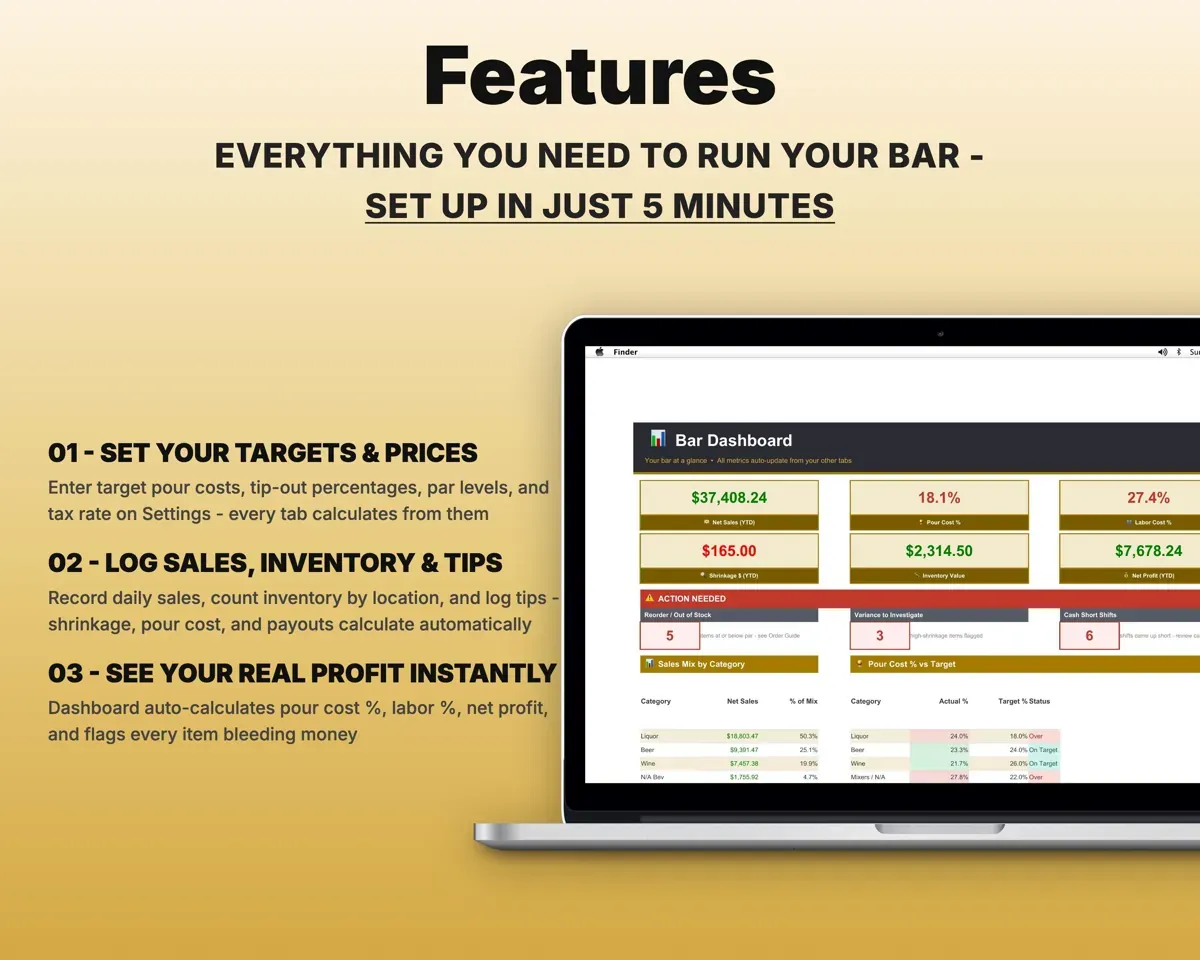
Yes. You set pour cost targets, tip-out splits and par levels on the Settings tab, and every dropdown list there is editable.
Does it connect to my POS?
No. You enter daily sales by category and shift yourself, and everything else works from those numbers and your inventory counts.
What do I get?
An Excel file (.xlsx), a filled-in sample to look at, and a quick-start PDF guide with a link that makes your own copy in Google Sheets.
How does delivery work?
You get your download links right after checkout, and Stripe emails your receipt. There is nothing to ship and nothing to wait for.
How do I set it up in Google Sheets?
Open the quick-start PDF and click the Google Sheets link. Google makes a copy in your own Drive that only you can edit. You need a free Google account.
Will it work on a Mac?
Yes. It works in Excel on Mac and Windows, and in Google Sheets in any browser.
I'm not a spreadsheet person. Is that a problem?
No. You only type in the yellow cells. Everything in gray works itself out, and the Start Here tab shows you where to begin.
Can I get a refund?
Templates are digital downloads, so sales are final. If a file won't open, is broken or doesn't match its description, email hello@cleanpixelstudios.com within 30 days and we'll fix it, or refund you if we can't.
What if I get stuck?
Email hello@cleanpixelstudios.com and we'll help you get it working.
More in Food & drink
See all Food & drink templates
 Made by Clean Pixel Studios
We start every template by reading what people in that line of work say they struggle with, then build the spreadsheet around those problems. This one was made for bar owners and managers and nobody else.
How we build templatesBar Management Spreadsheet$19.99 · Excel + Google Sheets