Built around the jobs disc golfers actually do
Log a round in a couple of minutes
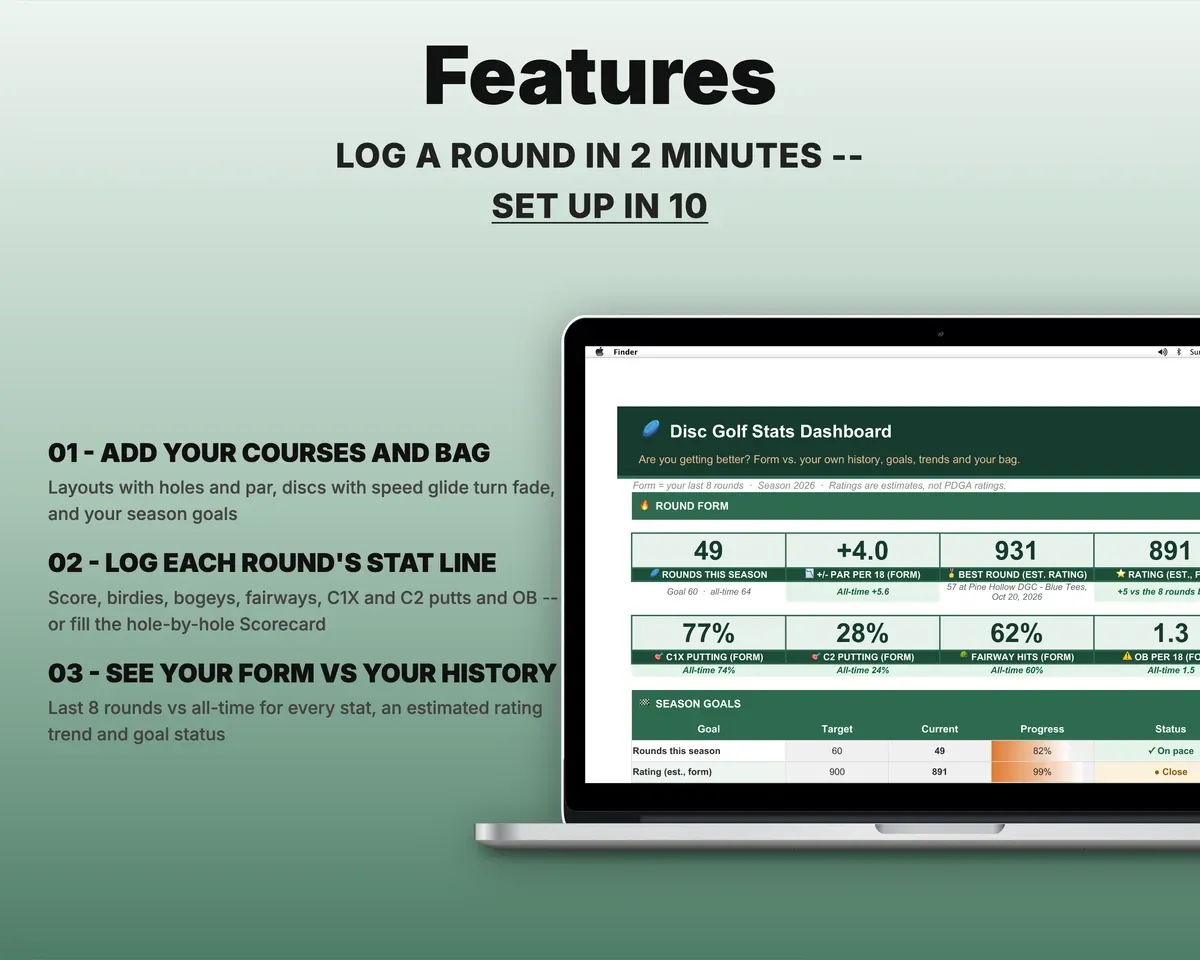
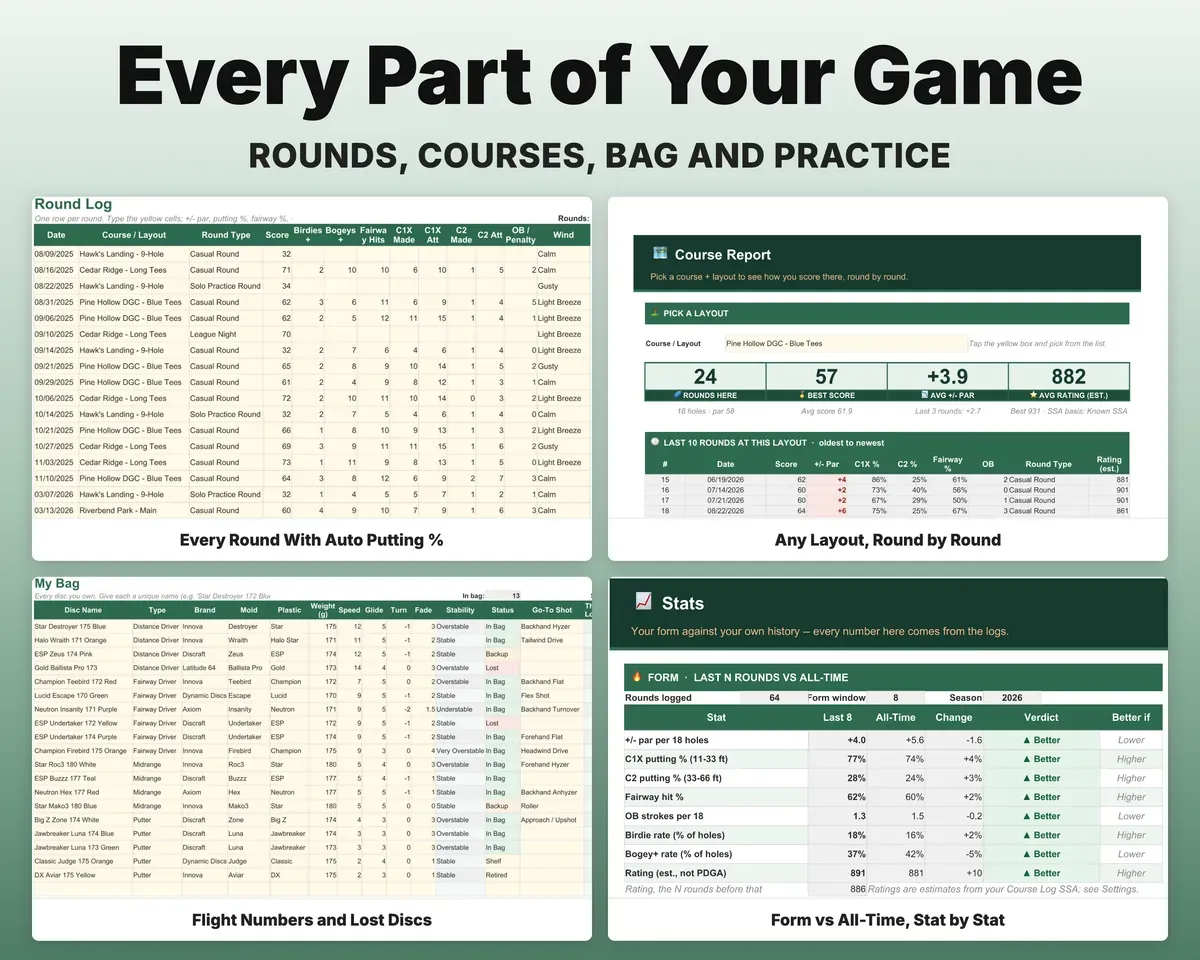
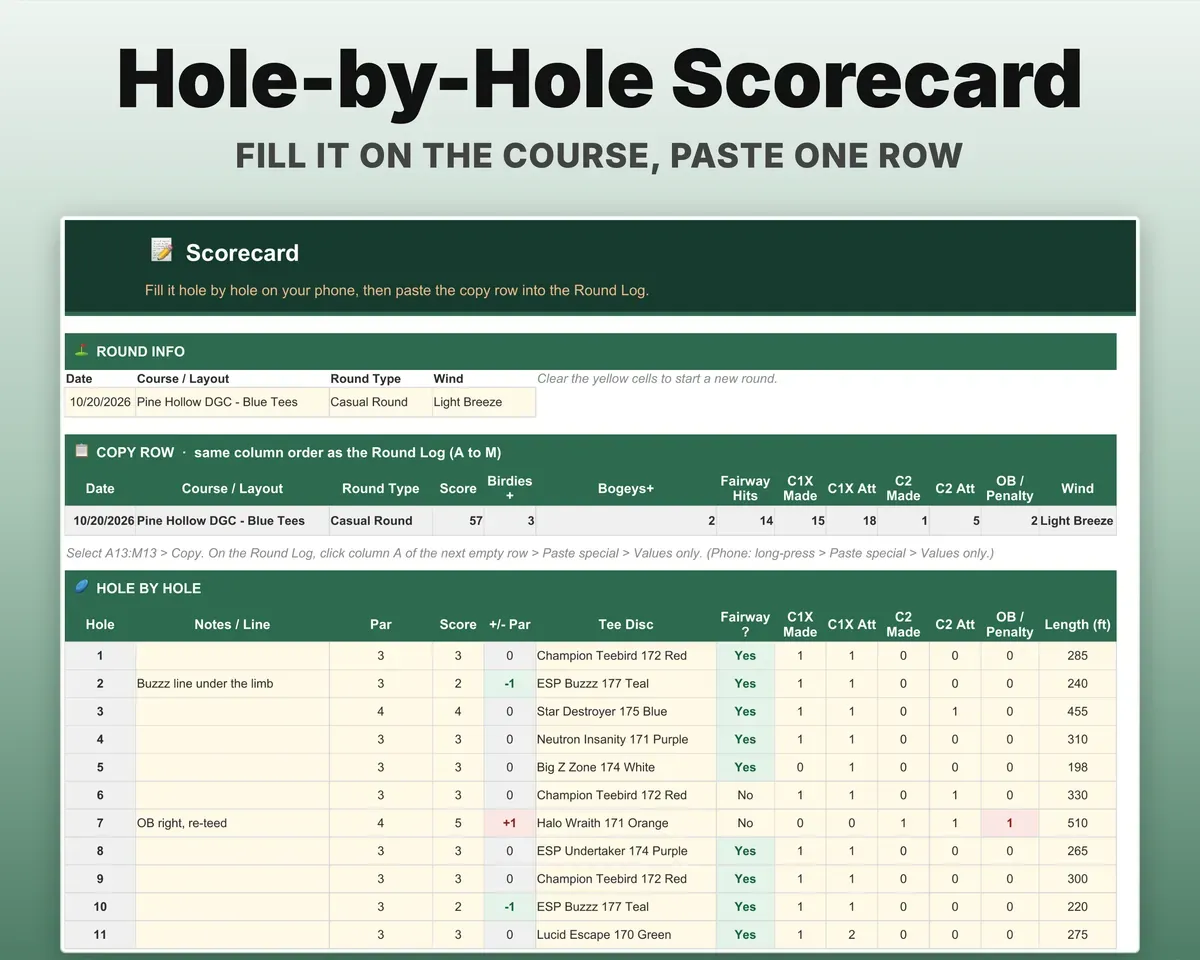
One row per round: score, birdies, bogeys, fairway hits, C1X and C2 putts and OB strokes. Score against par, putting percentages, fairway percentage and OB per 18 fill in by themselves. Prefer hole by hole? Fill in the Scorecard and paste its single summary row.
Score, putts, OBPutting % and +/- parSee if you are actually improving
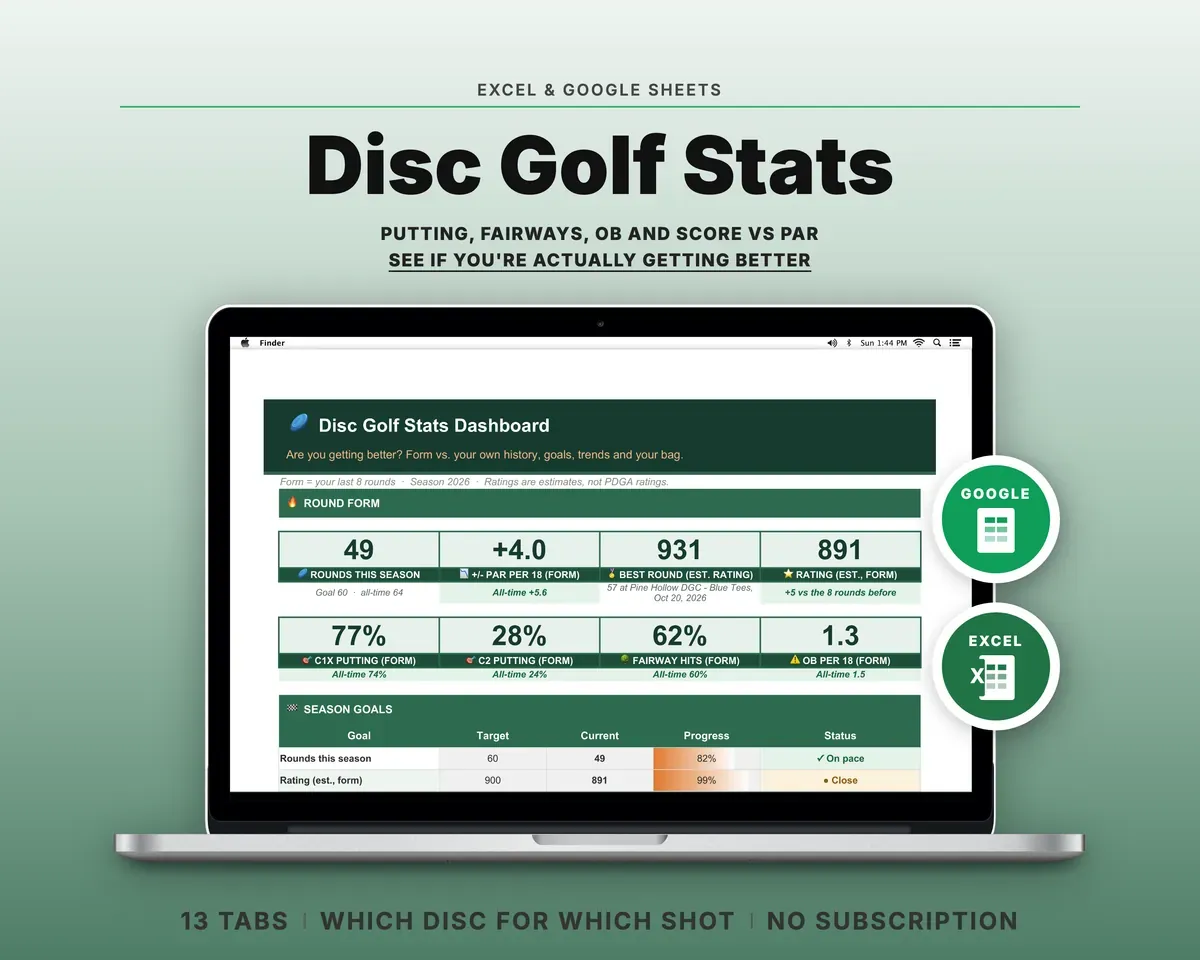
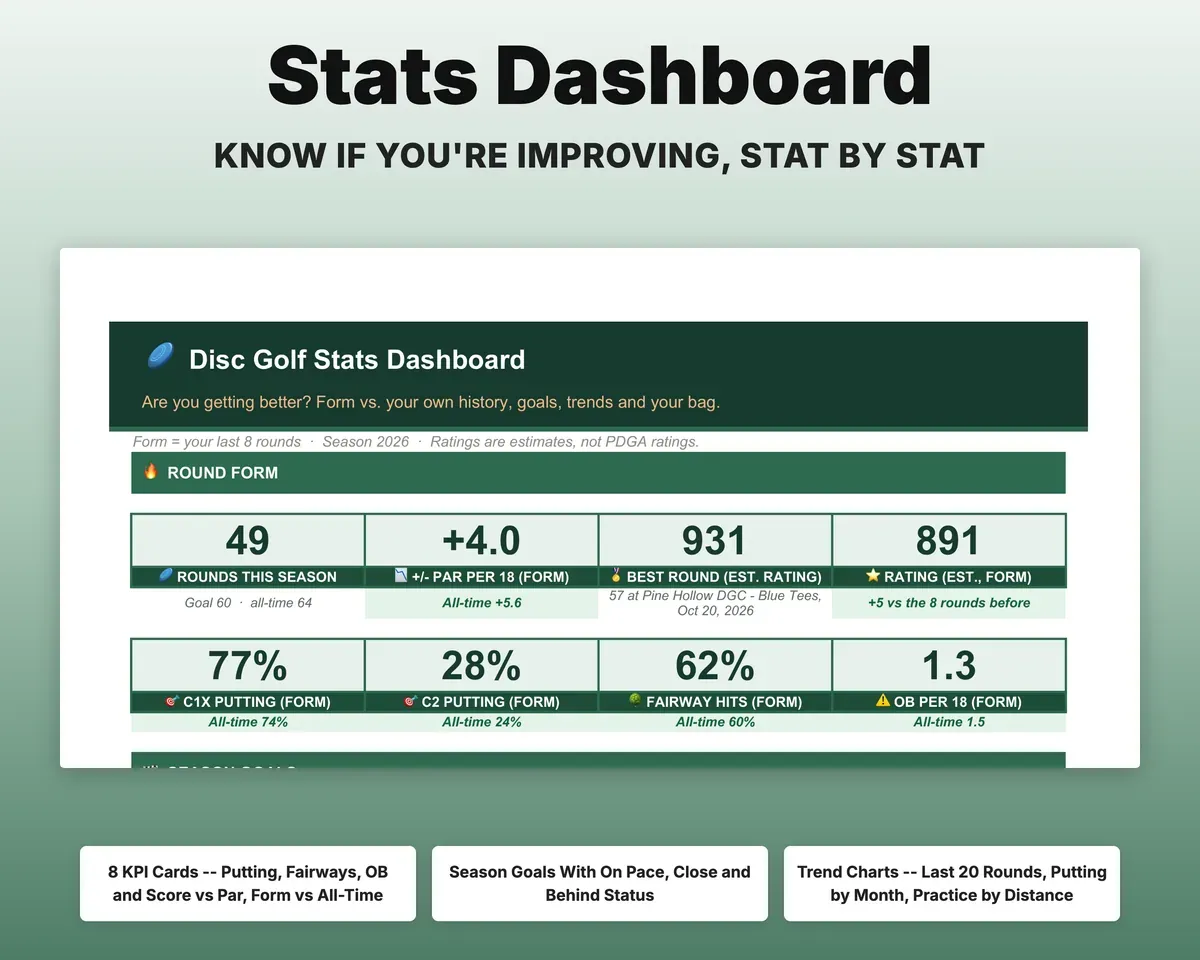
Your last 8 rounds are set against your all-time numbers for every stat, and each one is marked Better, Holding or Worse. Change the window on Settings. Each season goal shows whether you are on pace.
Your roundsForm vs all-timeTrack an estimated rating, clearly labelled
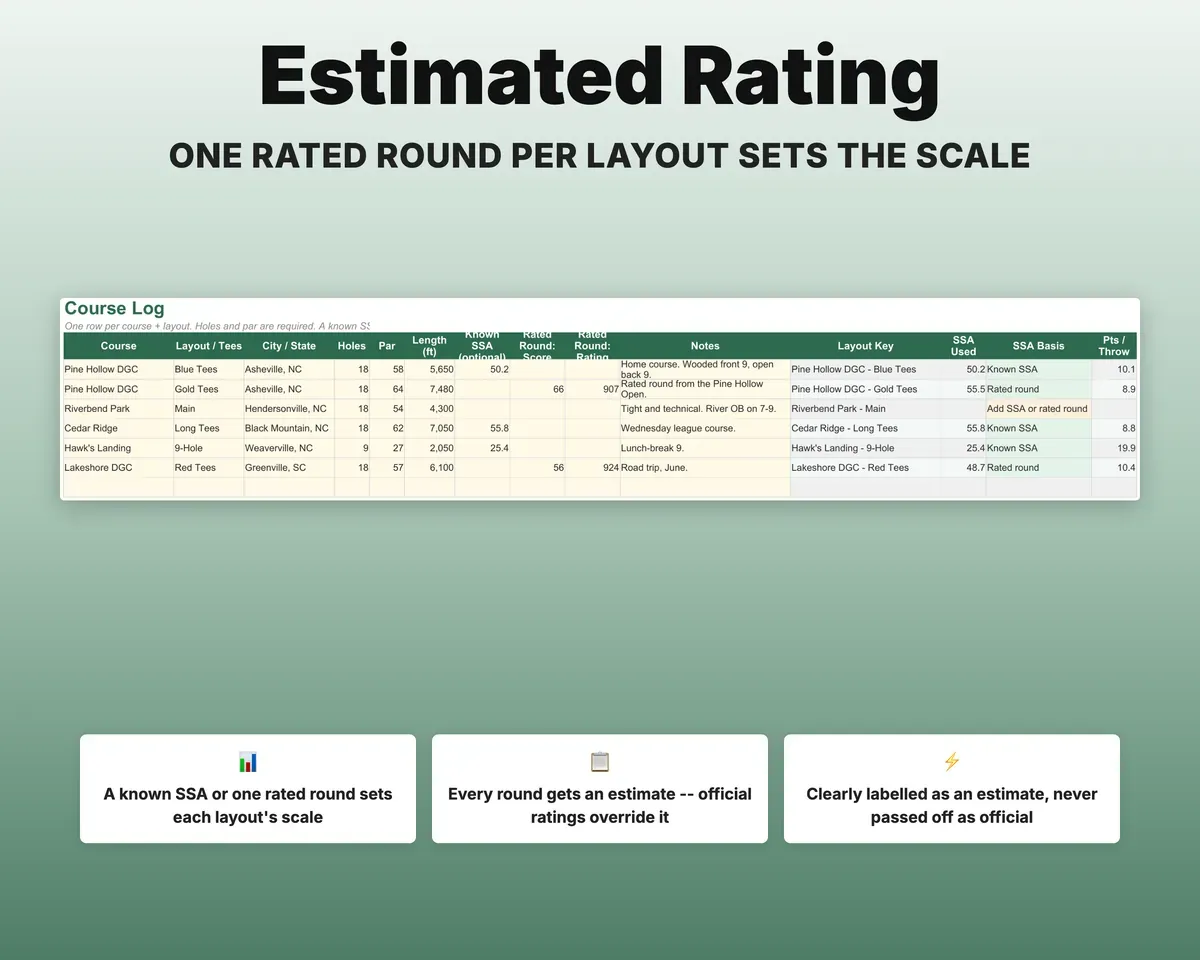
Give a layout its SSA, or one round there that has a rating, and every round you play there gets an estimated rating. An official rating you type in replaces the estimate. It is always marked as an estimate, never as your PDGA rating.
SSA or a rated roundEst. rating trendKeep each layout's history separate
Course Log keeps every course and tee layout apart, with rounds played, best score, average against par and your last three rounds. Course Report pulls up any layout's last 10 rounds with a chart.
Courses, layoutsBest and averageFind the right disc for each shot
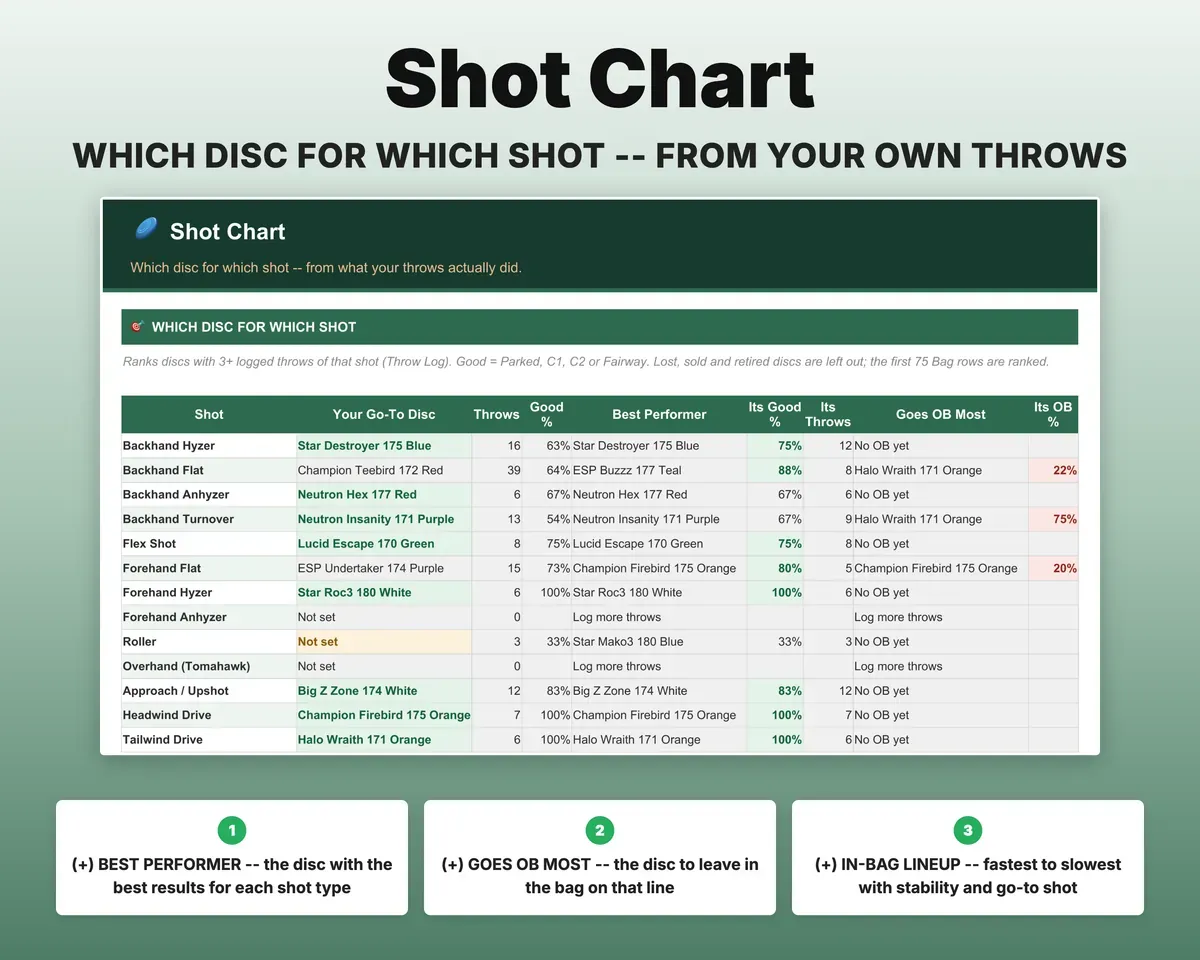
List your discs with speed, glide, turn and fade and the sheet labels each one's stability. Log the throws you want to learn from and the Shot Chart ranks your best disc for each shot type, and flags the one that goes OB most.
Discs, throwsBest disc per shotTrack putting practice, leagues and tournaments
Practice sessions give your make percentage by distance next to your in-round C1X. League nights, bag tag matches and tournaments record division, place, field size, entry fee and winnings.
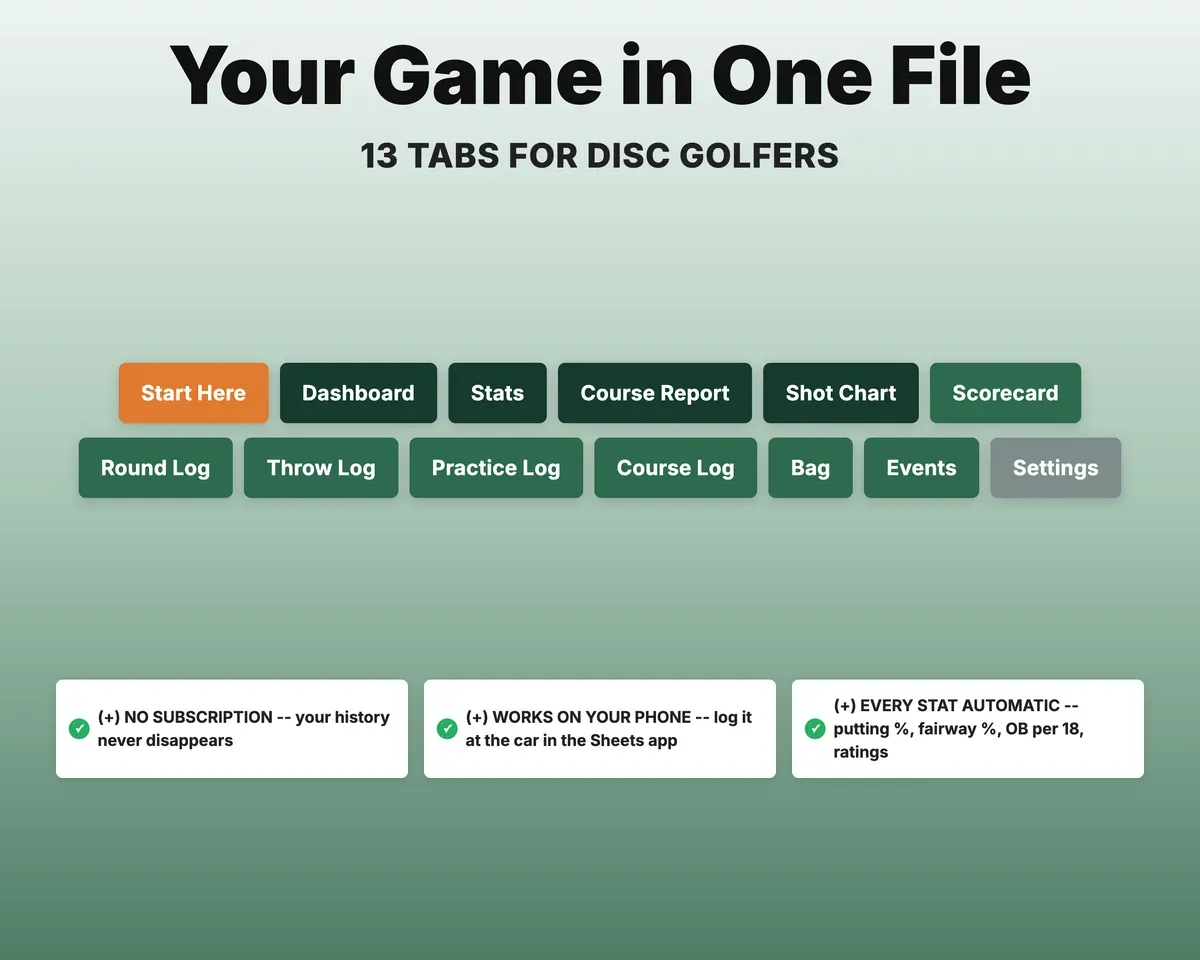
Sessions, eventsMake % and net winnings13 tabs in one file
- Start Here
- Dashboard
- Stats
- Course Report
- Shot Chart
- Scorecard
- Round Log
- Throw Log
- Practice Log
- Course Log
- Bag
- Events
- Settings
- Start Here
- Eight setup steps, the color key and a tour of every tab.
- Dashboard
- Form against all-time, season goals, trend charts and panels for your bag, events and practice.
- Stats
- Every stat for your recent form and all time, month by month, with putting by distance.
- Course Report
- Pick a layout to see your rounds, best, average and last 10 rounds there on a chart.
- Shot Chart
- Your go-to disc, best performer and most OB-prone disc for each shot type.
- Scorecard
- A hole-by-hole card for up to 27 holes with one summary row to paste into the Round Log.
- Round Log
- One row per round; score against par, putting %, fairway %, OB per 18 and est. rating fill in.
- Throw Log
- Disc, shot type and result for the throws you want to learn from.
- Practice Log
- Putting and field work sessions with make % by distance.
- Course Log
- Each course and layout with holes, par, SSA and your stats there.
- Bag
- Every disc with flight numbers, stability, status, lost and replaced, and how it performs.
- Events
- League nights, bag tag matches and tournaments with place, finish %, entry fees, winnings and net.
- Settings
- Season, form window, goals, rating settings, stat definitions and every dropdown list.
Try the free Disc Golf Scorecard
A free printable disc golf scorecard, or score a round here with par per hole and putting stats.
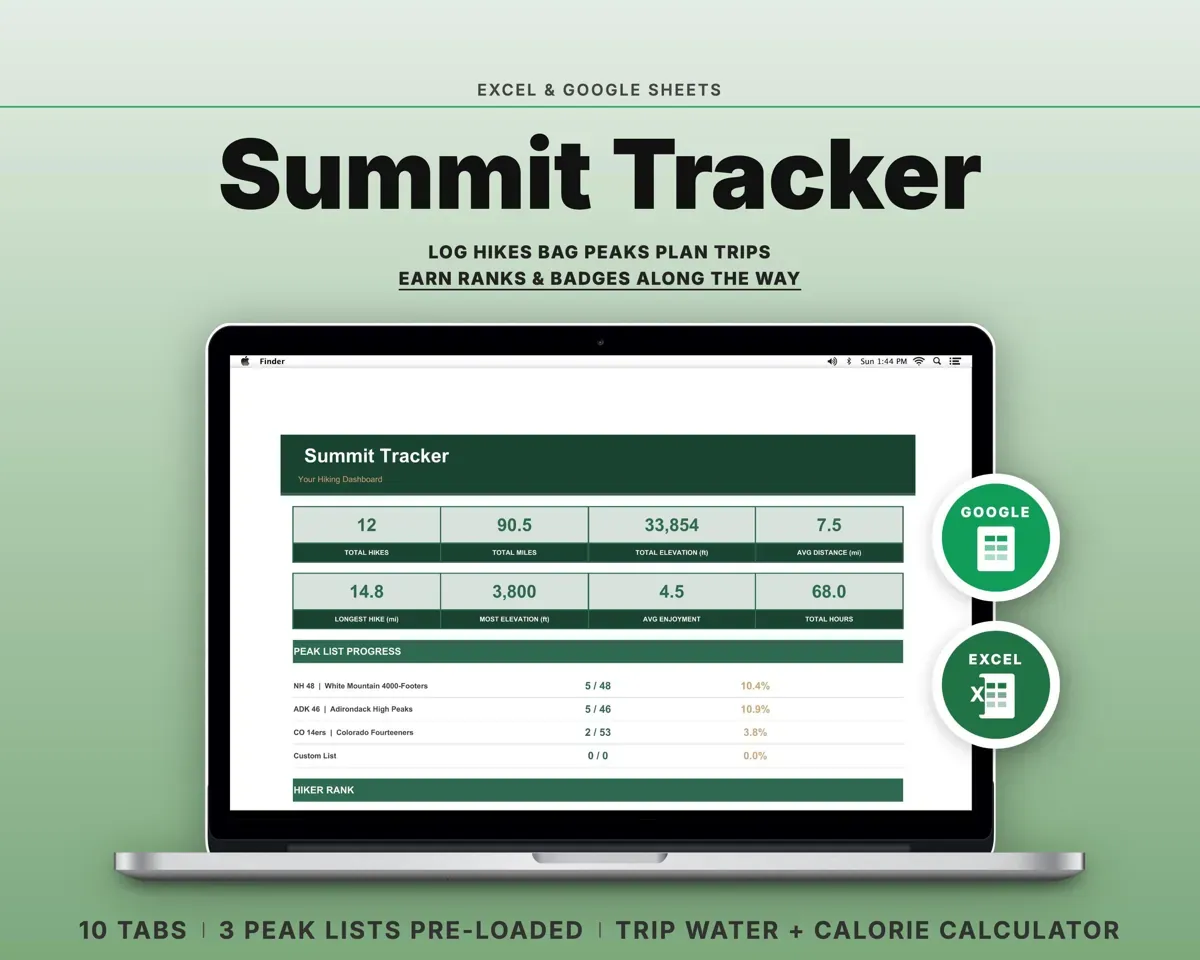
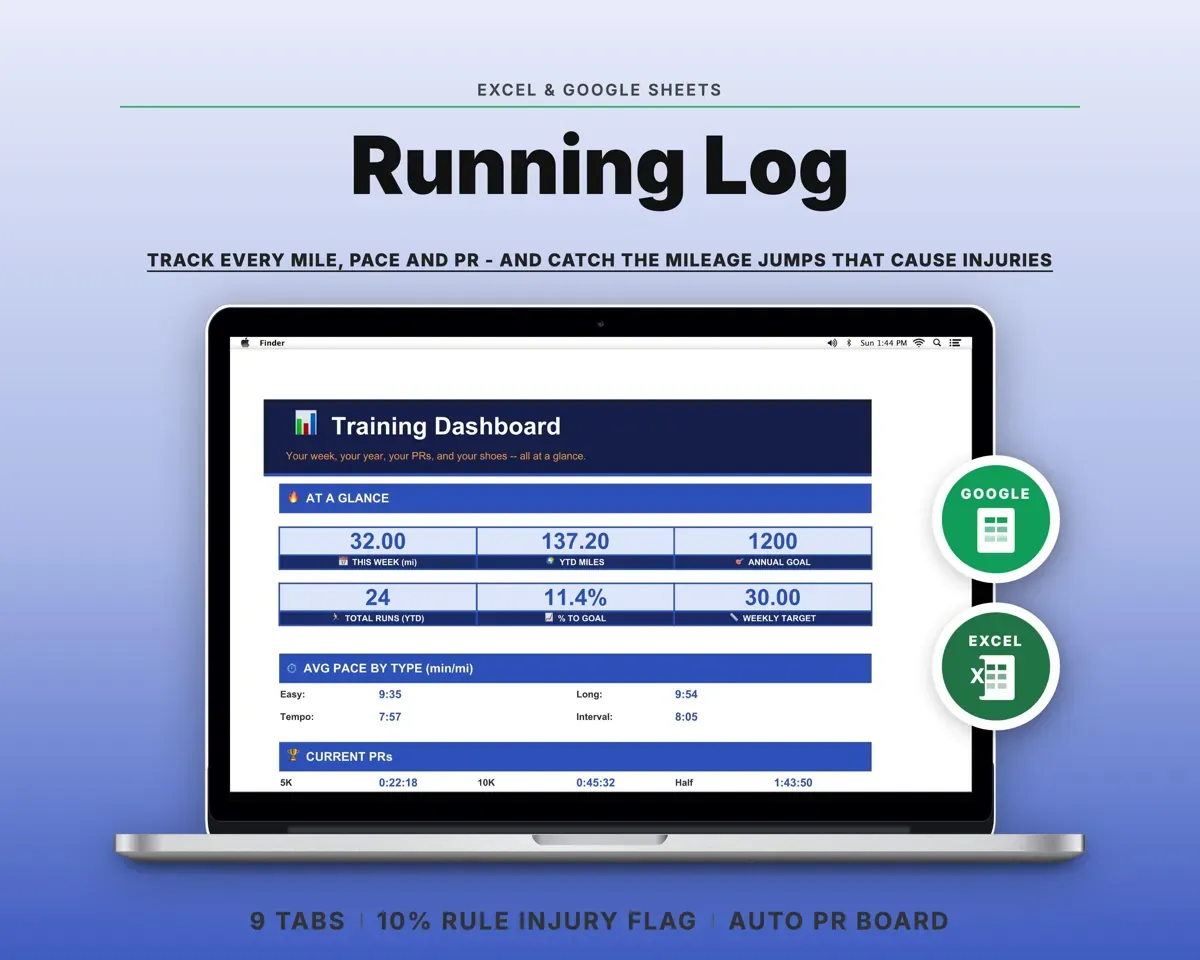
Pair it with
“Well thought out worksheets nicely presented”
“Excellent! Very easy to use.”
Before you buy
Is the rating my official PDGA rating?
No. It is an estimate worked out from each layout's SSA and is labelled "est." everywhere. It is good for watching your trend. When a round has an official rating, type it in and the tracker uses that number instead.
What if I don't know a course's SSA?
Enter one rated round you have played there, from an event or your scoring app, and the tracker works the SSA out. With neither, that layout shows no rating but every other stat still works. There is also a rough par-based estimate you can switch on in Settings.
Do I have to record every hole?
No. The Round Log takes one row of totals per round. The Scorecard is there if you'd rather fill it in hole by hole.
I only keep my score. Is it still useful?
Yes. Leave the putting and fairway cells empty. Score against par, course history and ratings work from the score alone, and each stat only averages the rounds where you filled it in.
Does it handle 9-hole rounds?
Yes. Add the 9-hole layout to the Course Log. Score against par and OB are shown per 18 holes, so 9s and 18s compare fairly, and the rating math adjusts for hole count.
Is there a free scorecard?
Yes. The free Disc Golf Scorecard on this site prints a blank card or scores a round on screen with par per hole and putting stats. The tracker keeps every round so you can see the trend.
What do I get?
An Excel file (.xlsx), a filled-in sample to look at, and a quick-start PDF guide with a link that makes your own copy in Google Sheets.
How does delivery work?
You get your download links right after checkout, and Stripe emails your receipt. There is nothing to ship and nothing to wait for.
How do I set it up in Google Sheets?
Open the quick-start PDF and click the Google Sheets link. Google makes a copy in your own Drive that only you can edit. You need a free Google account.
Will it work on a Mac?
Yes. It works in Excel on Mac and Windows, and in Google Sheets in any browser.
I'm not a spreadsheet person. Is that a problem?
No. You only type in the yellow cells. Everything in gray works itself out, and the Start Here tab shows you where to begin.
Can I get a refund?
Templates are digital downloads, so sales are final. If a file won't open, is broken or doesn't match its description, email hello@cleanpixelstudios.com within 30 days and we'll fix it, or refund you if we can't.
What if I get stuck?
Email hello@cleanpixelstudios.com and we'll help you get it working.
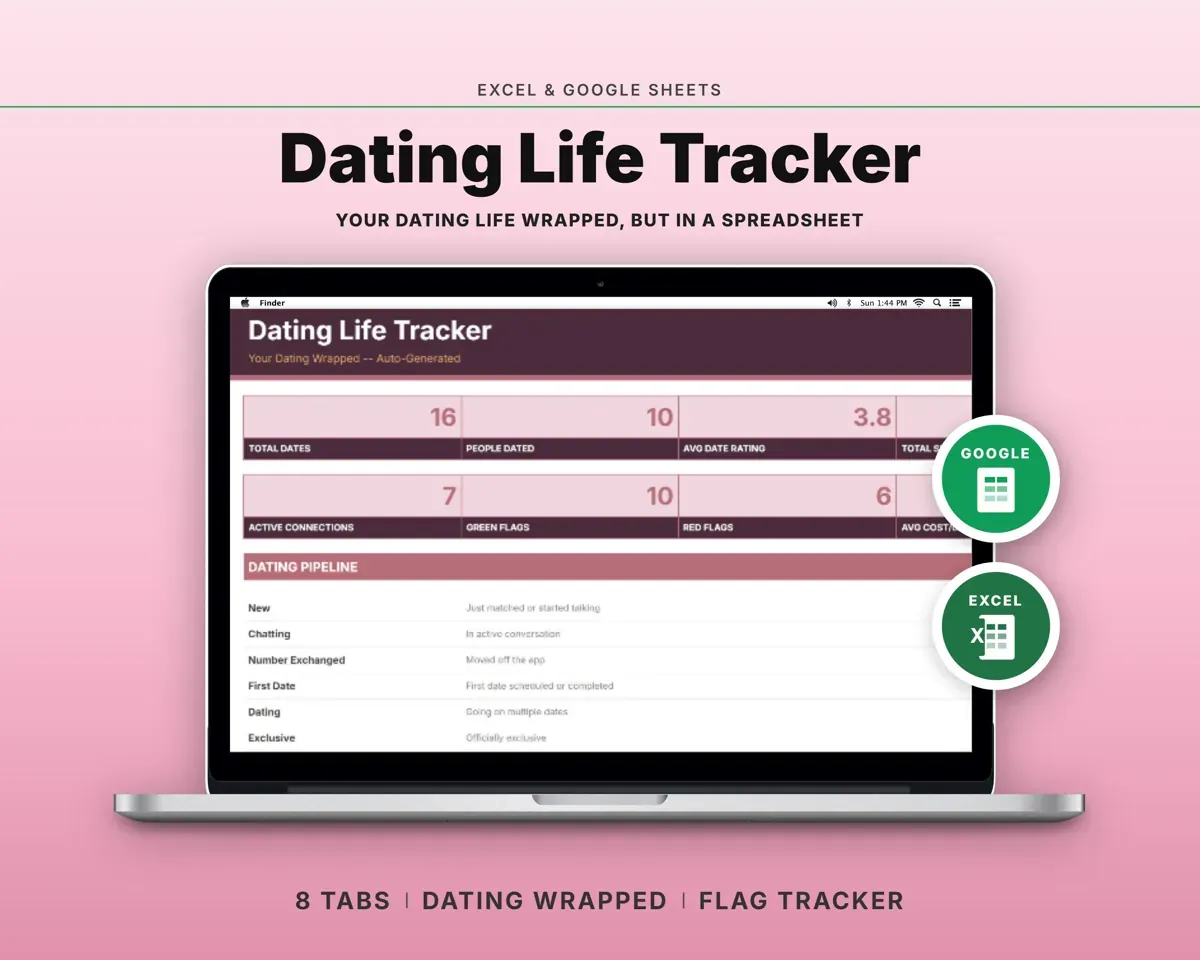
More in Home, hobbies & travel
See all Home, hobbies & travel templates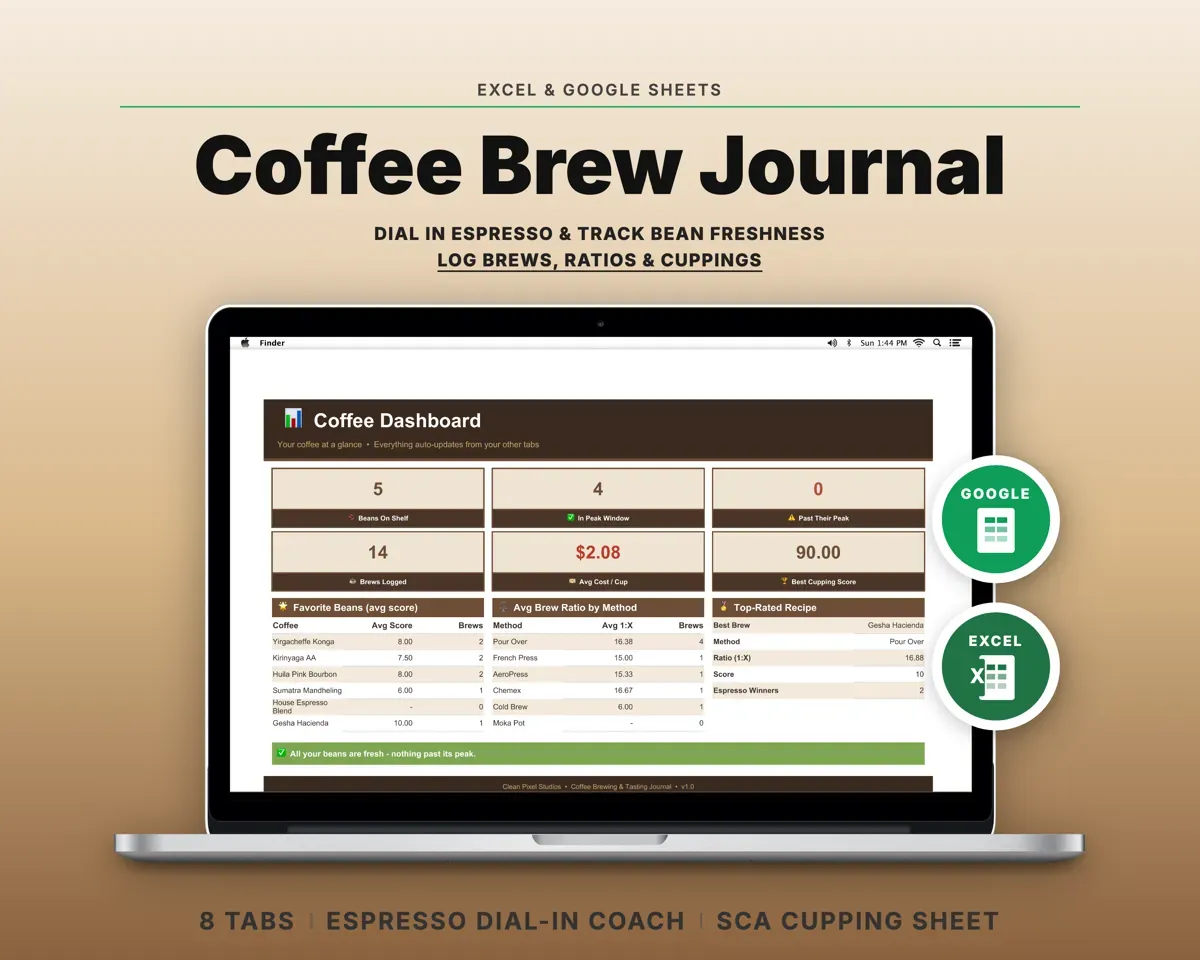
 Made by Clean Pixel Studios
We start every template by reading what people in that line of work say they struggle with, then build the spreadsheet around those problems. This one was made for disc golfers and nobody else.
How we build templatesDisc Golf Stats Tracker$14.99 · Excel + Google Sheets