
How to use this scorecard
Print a blank card
Pick 9 or 18 holes, add your players, and type the course and par if you know them. Then pressPrint a blank scorecard. It fits on one Letter page with big boxes for each hole, an Out and In total for 18-hole rounds, and a total and +/- par column. Anything you leave blank prints as a line to write on. Turn on Track putting and OB to add a putting and OB box for each player.
Or score the round here
Type each player's throws as you go. The leaderboard updates after every hole with each player's total, score against par and their birdies, pars and bogeys. If you track putts, it adds C1X and C2 putting percentages. PressPrint this under the results to print the filled-in card.
How disc golf scoring works
The PDGA rules put it simply: the object is to finish the course in the fewest throws. A player's score on a hole is every throw it took, including penalty throws, and the round score is the sum of the holes. A disc that lands out of bounds costs one penalty throw, so an OB drive on a par 3 often turns a 3 into a 4.
Par is the score an expert would be expected to make on the hole with errorless play, including two throws from close range at the end. Score against par is the round total minus the par of the holes played, so you can compare players at any point in the round. On a single hole the names are the same as in ball golf:
- Ace: in the basket on the first throw.
- Eagle: two under par. Birdie: one under par.
- Bogey: one over par. Double bogey: two over par.
In PDGA events every player keeps their own card for the whole group, and the cards are checked against each other at the end. A printed card with a row for each player is built for exactly that.
Putting stats: C1X and C2
Circle 1 is the 10 meter (33 foot) circle around the basket and circle 2 is the ring from 10 to 20 meters (33 to 66 feet). C1X is the putting stat UDisc uses for circle 1: putts from 11 to 33 feet, with tap-ins left out so they do not pad the number. Count the putts you tried and the ones you made from each zone. The percentage is made divided by tried.
Worked example
Two friends play an 18-hole layout with par 4s on holes 3, 8 and 14 and par 3s everywhere else, for a par of 57.
| Ava: 28 out + 28 in = 56 on a par 57. 3 birdies · 13 pars · 2 bogeys | −1 |
|---|---|
| Sam: 30 out + 31 in = 61 on a par 57. 1 birdie · 14 pars · 2 bogeys · 1 double bogey or worse | +4 |
Ava shoots 56, which is 56 − 57 = −1, one under par. Sam shoots 61, +4. The 6 on hole 16 is a double bogey with an OB penalty in it, one of Sam's 3 OB throws on the day. Ava wins, by 5.
Ava also tracked putts: 9 of 12 from C1X is 75%, and 1 of 5 from C2 is 20%. Press Try an example roundabove to load this round into the scorecard.
One round or the whole season
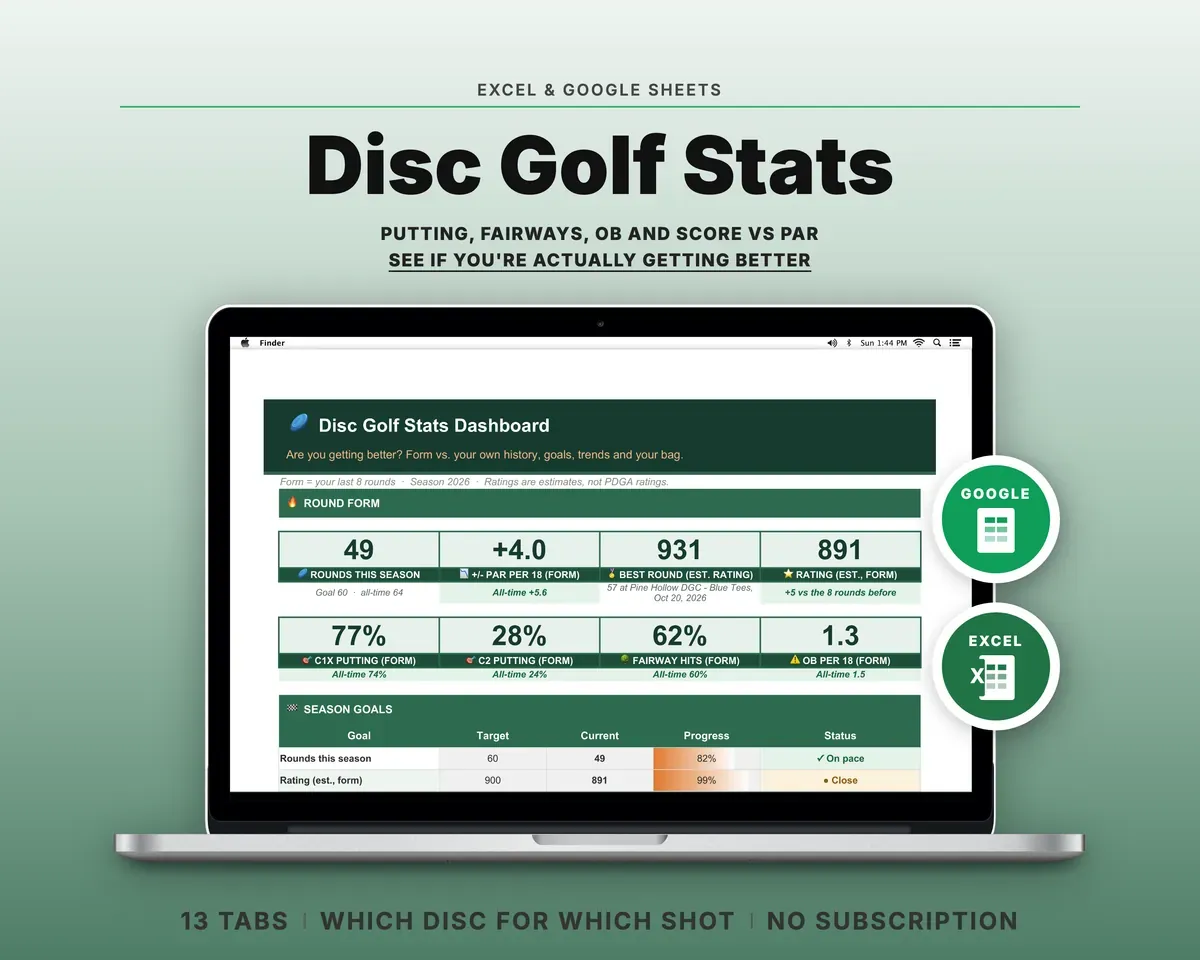
A card tells you how today went. Whether you are getting better takes the rounds side by side: your putting this month against last, your average at your home layout, your OB per 18. The Disc Golf Stats Tracker keeps one row per round and shows that trend, with no app subscription.
Sources
- PDGA Official Rules of Disc Golf, 800 Description of the Game (complete the course in the fewest throws)
- PDGA Official Rules, 808 Scoring (hole score = all throws including penalty throws; each player keeps a card for the group)
- PDGA Official Rules, 806.02 Out-of-Bounds (one penalty throw)
- PDGA Par Guidelines (definition of par, two throws from close range, par by hole length and skill level)
- UDisc: Stats Definitions (C1X 11–33 ft without tap-ins, C2 33–66 ft, birdie rate)
- Jomez Pro: Disc Golf Dictionary (ace, eagle, birdie, bogey, double bogey, circle 1 and circle 2)