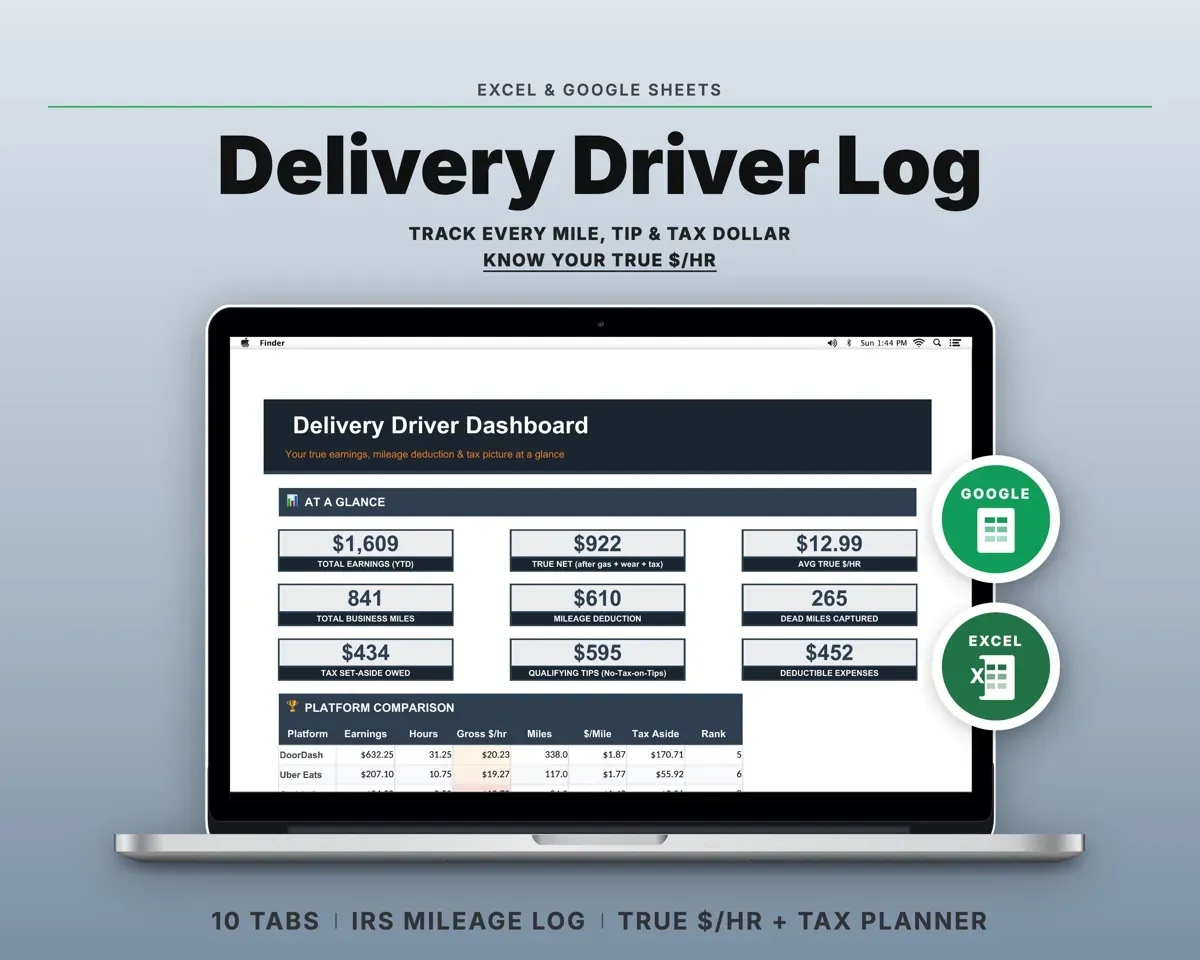
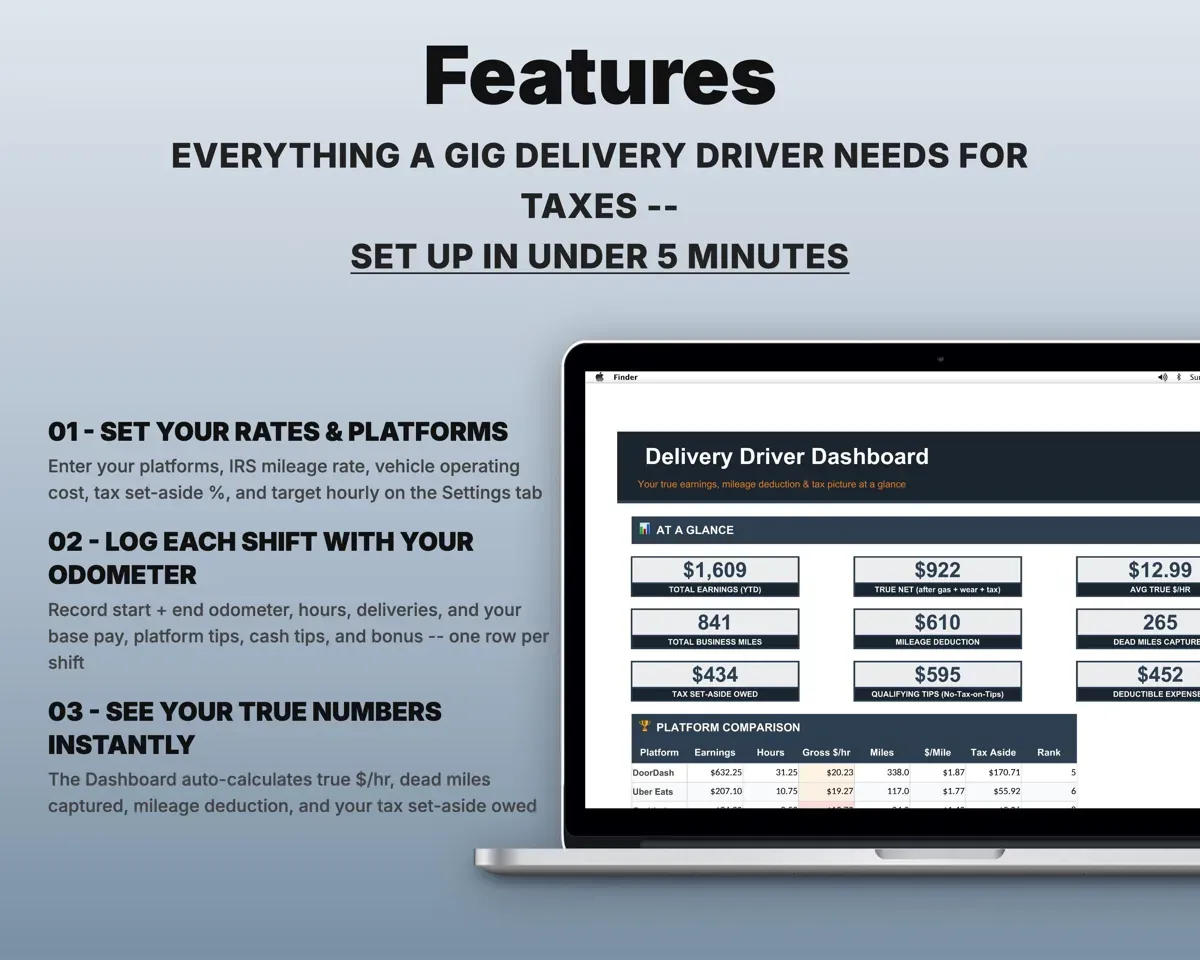
Built around the jobs delivery drivers actually do
Capture the miles the apps never log
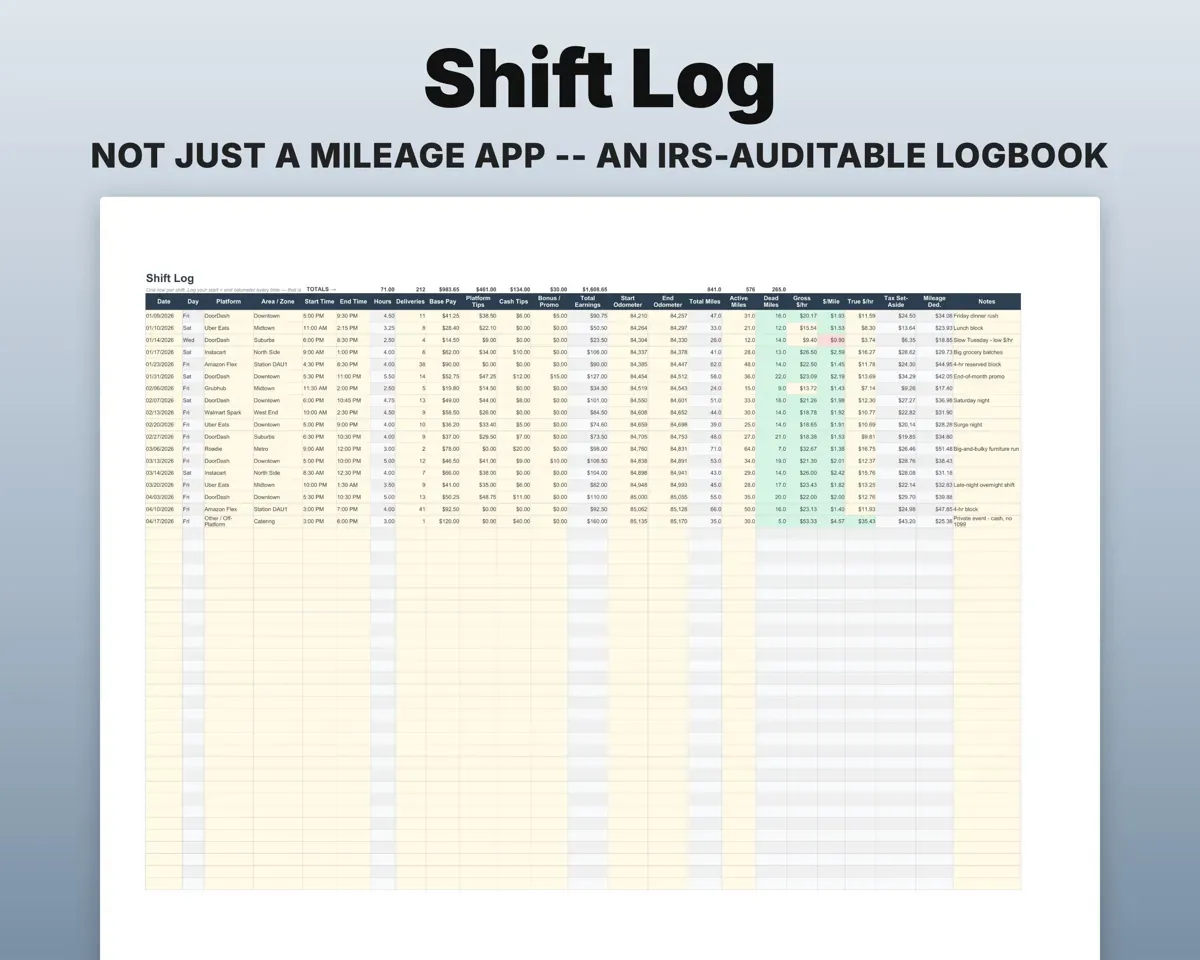
Record start and end odometer for each shift along with platform, hours and deliveries. The sheet works out total miles and the dead miles between orders.
Odometer start and endDead miles capturedSee what you really earn per hour
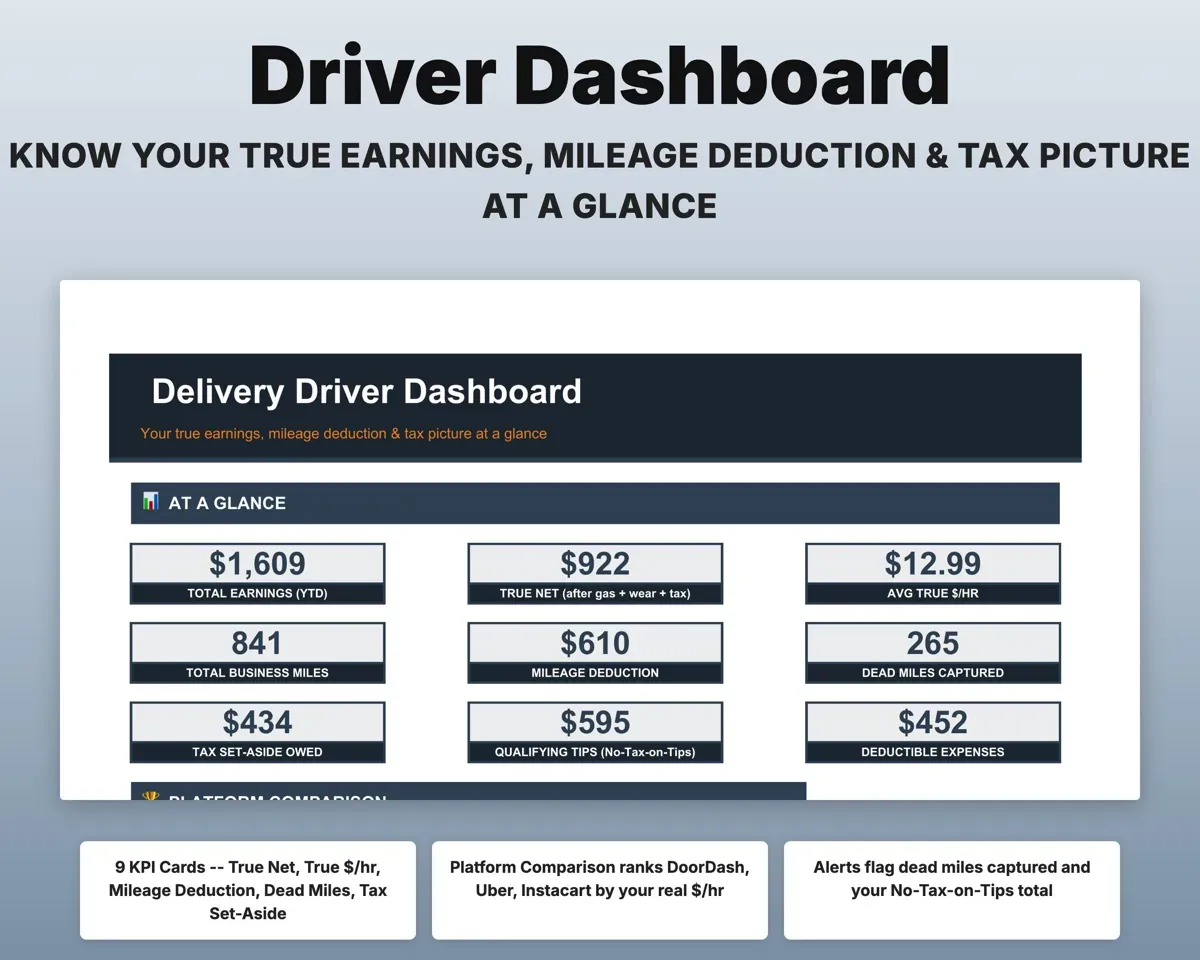
Base pay, platform tips, cash tips and bonus go in separately. The log shows gross and true dollars per hour after gas, wear and tax, and ranks your apps.
Pay, tips, hoursTrue $ per hourMatch your 1099s to your own records
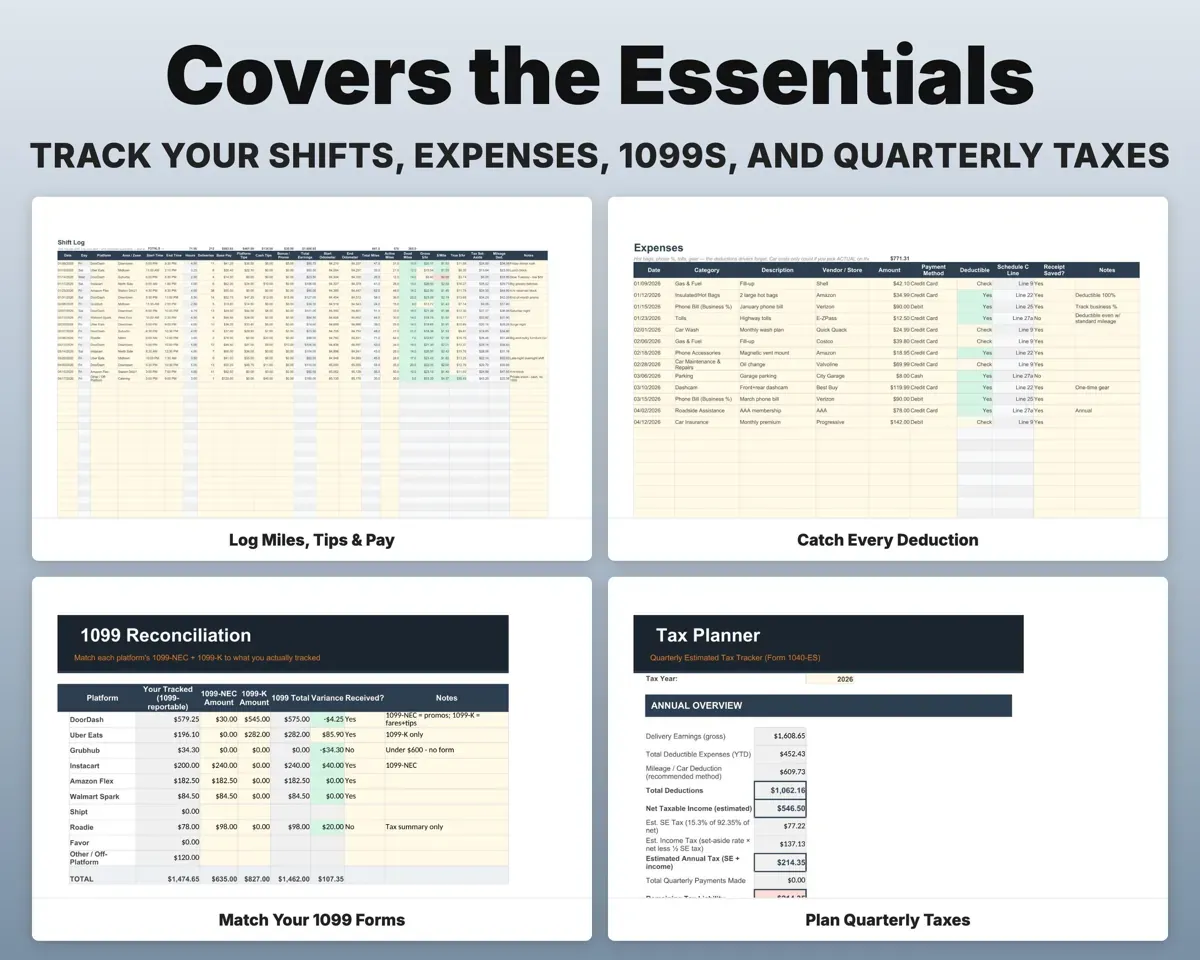
Enter each 1099-NEC and 1099-K by platform. The tab compares them to your tracked gross and flags any gap before you file.
1099-NEC and 1099-KDiscrepancy flagCompare standard mileage and actual costs
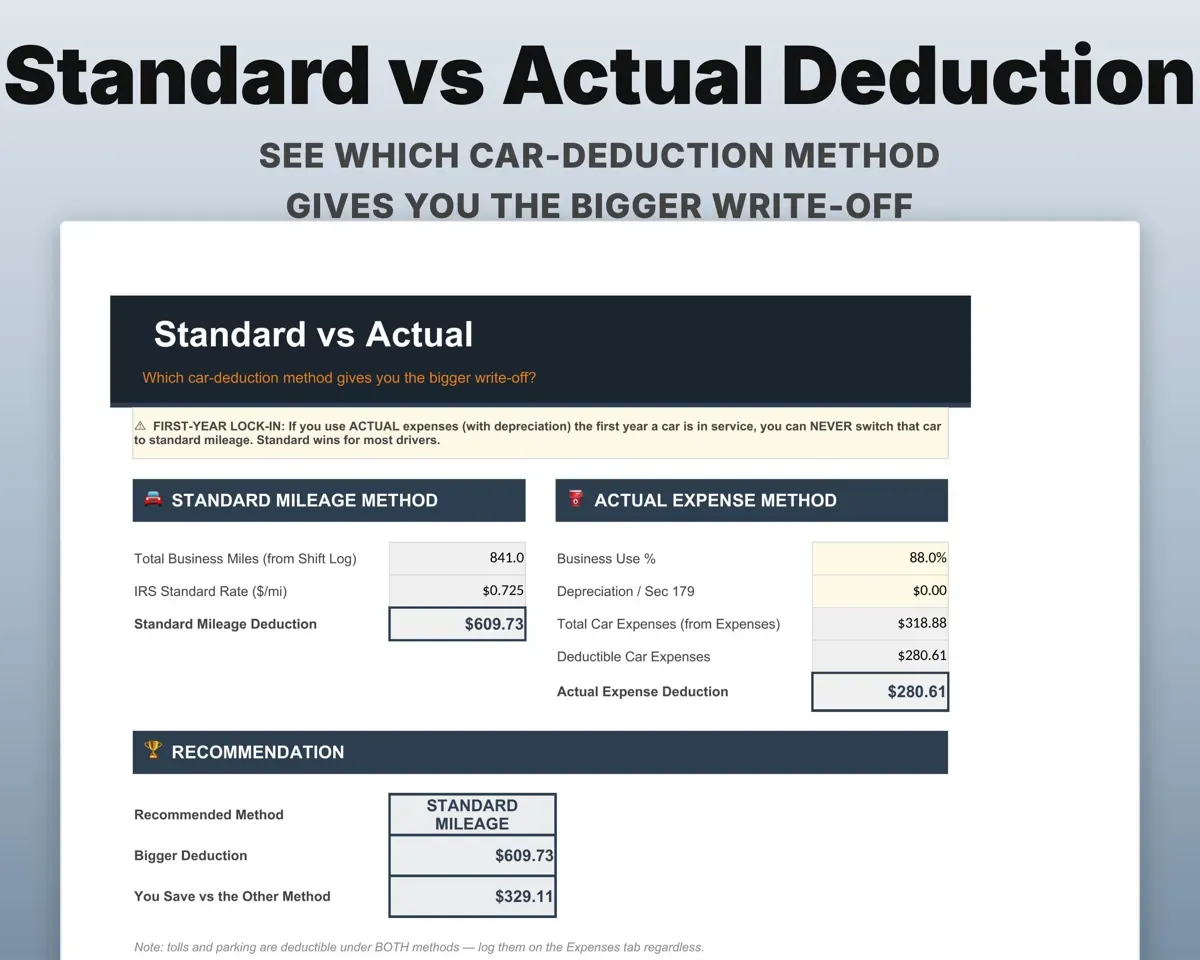
Standard mileage and actual expenses side by side, so you can see which gives the larger deduction, with a warning about the first-year lock-in.
Miles, car costsMethod comparisonKnow what to set aside each quarter
The Tax Planner tracks running net income, a 25-30% set-aside target, self-employment tax and the four 1040-ES due dates.
Shifts and expensesQuarterly set-asideLog the costs drivers forget
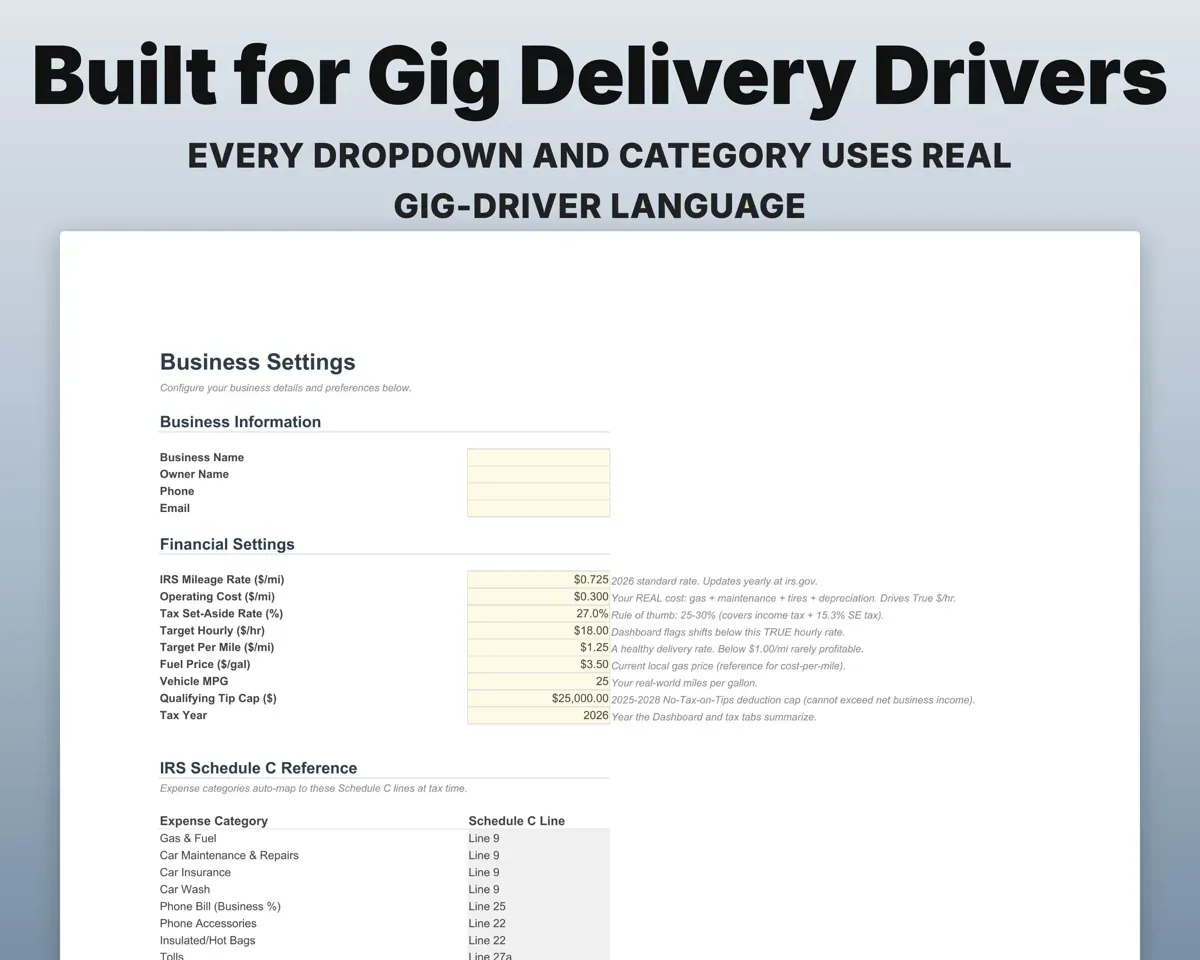
Hot bags, phone, tolls, parking, car washes and dashcam, each matched to a Schedule C line, plus a phone business-use worksheet.
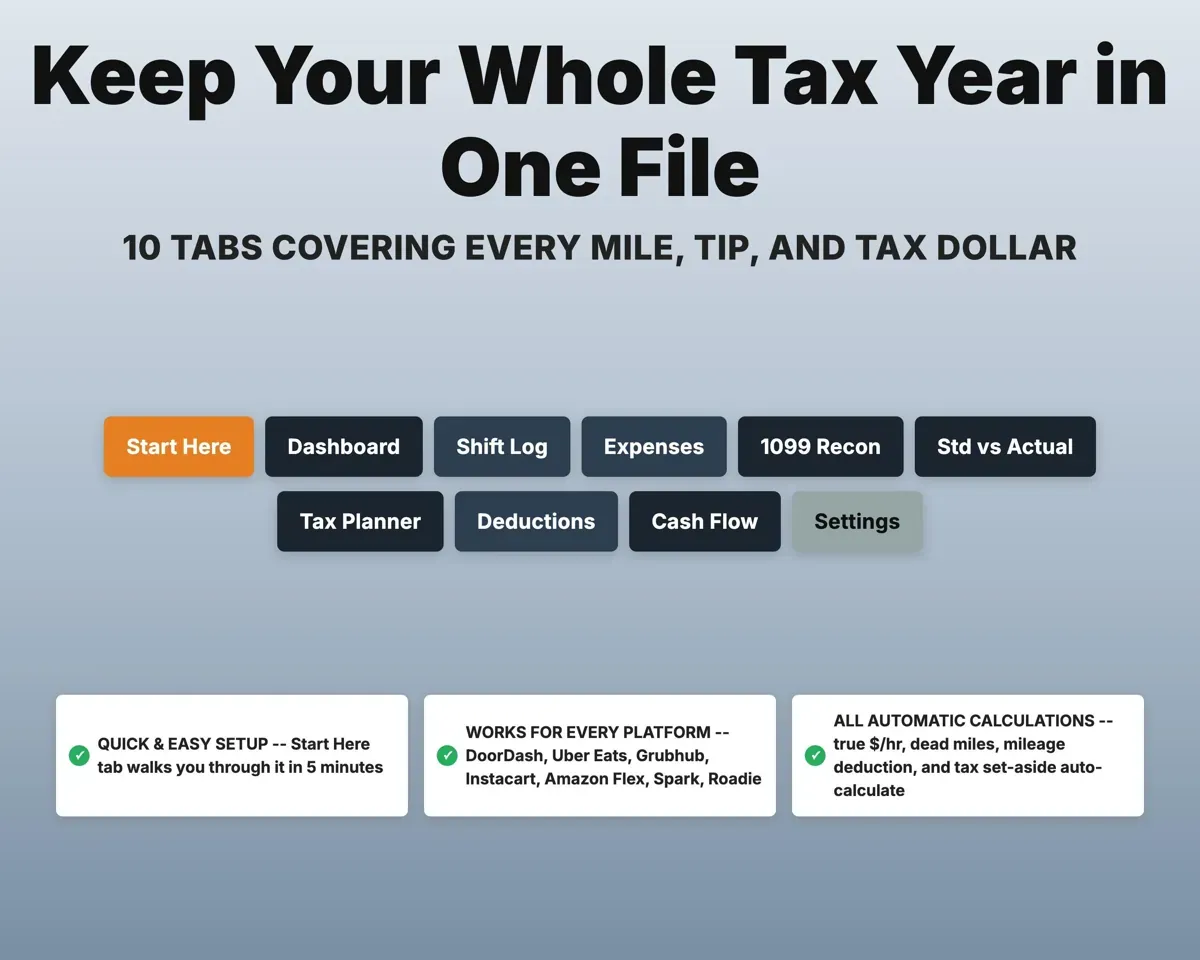
ExpensesSchedule C line10 tabs in one file
- Start Here
- Dashboard
- Shift Log
- Expenses
- 1099 Recon
- Std vs Actual
- Tax Planner
- Deductions
- Cash Flow
- Settings
- Start Here
- Setup steps, a color key and a tour of the tabs.
- Dashboard
- Earnings, true hourly pay, miles and tax set-aside at a glance.
- Shift Log
- One row per shift with pay, tips and odometer miles.
- Expenses
- Driving costs with a deductible flag and Schedule C line.
- 1099 Recon
- Each platform's 1099 forms checked against your tracked gross.
- Std vs Actual
- Standard mileage and actual expense methods side by side.
- Tax Planner
- Quarterly estimated tax, set-aside target and due dates.
- Deductions
- Phone business-use worksheet and a checklist of driver gear.
- Cash Flow
- Twelve months of money in and money out.
- Settings
- Platforms, IRS mileage rate, set-aside rate and target hourly.
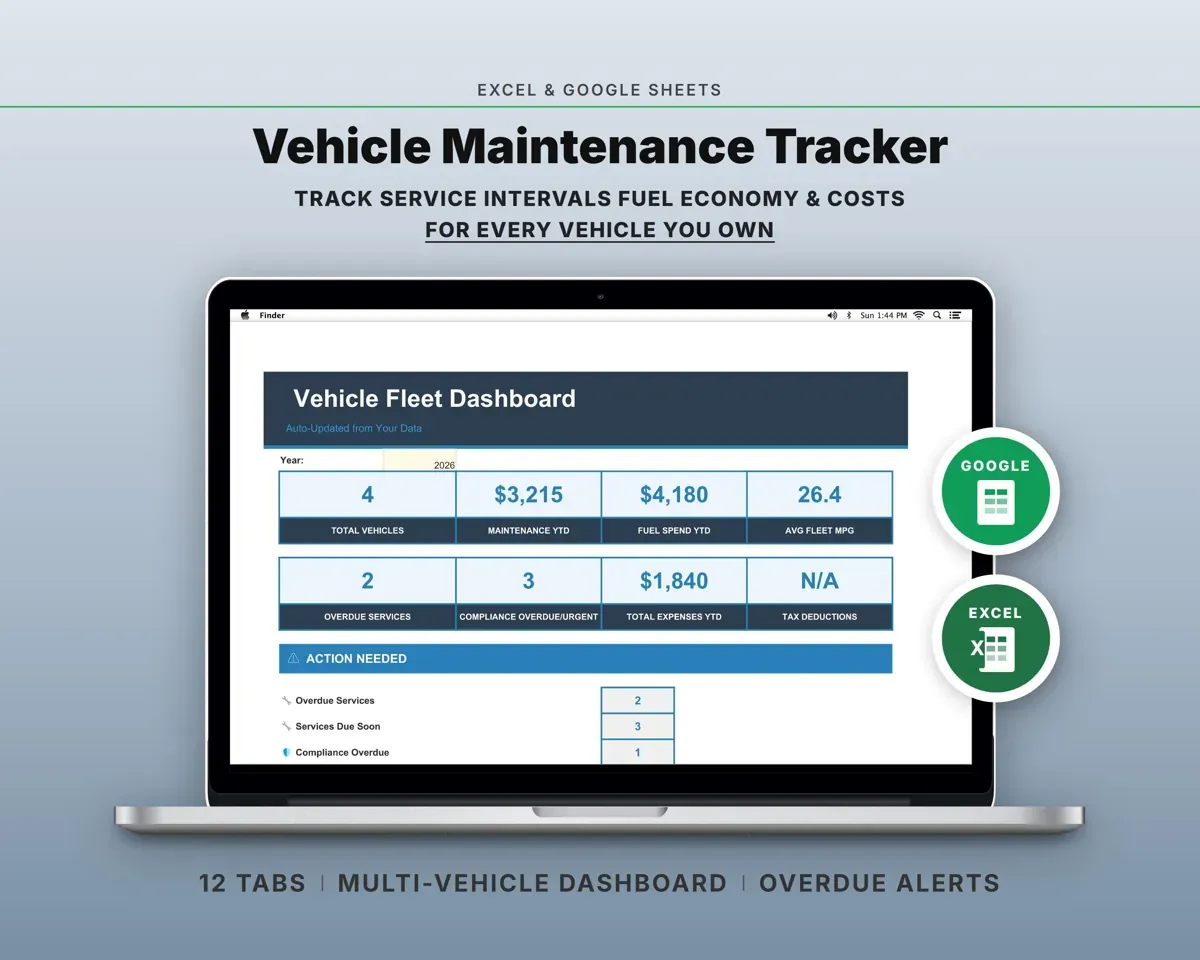
Pair it with
“Excellent! Very easy to use.”
“Nice Organization for 4H projects”
Before you buy
I drive for several apps. Does it handle that?
Yes. Pick the platform on each shift from a dropdown, and the Dashboard ranks each app by your true hourly pay. There is an Other / Off-Platform option for cash gigs.
Does it keep tips separate from pay?
Yes. Platform tips and cash tips are logged apart from base pay, and the Dashboard shows a qualifying-tips total for the 2025-2028 No Tax on Tips deduction.
Can I use it again next year?
Yes. The IRS mileage rate lives on Settings, so you update it once a year. A fresh copy for each tax year keeps your records clean.
Is this tax advice?
No. It organizes your miles, income and expenses so you or your tax preparer can work from complete records.
What do I get?
An Excel file (.xlsx), a filled-in sample to look at, and a quick-start PDF guide with a link that makes your own copy in Google Sheets.
How does delivery work?
You get your download links right after checkout, and Stripe emails your receipt. There is nothing to ship and nothing to wait for.
How do I set it up in Google Sheets?
Open the quick-start PDF and click the Google Sheets link. Google makes a copy in your own Drive that only you can edit. You need a free Google account.
Will it work on a Mac?
Yes. It works in Excel on Mac and Windows, and in Google Sheets in any browser.
I'm not a spreadsheet person. Is that a problem?
No. You only type in the yellow cells. Everything in gray works itself out, and the Start Here tab shows you where to begin.
Can I get a refund?
Templates are digital downloads, so sales are final. If a file won't open, is broken or doesn't match its description, email hello@cleanpixelstudios.com within 30 days and we'll fix it, or refund you if we can't.
What if I get stuck?
Email hello@cleanpixelstudios.com and we'll help you get it working.
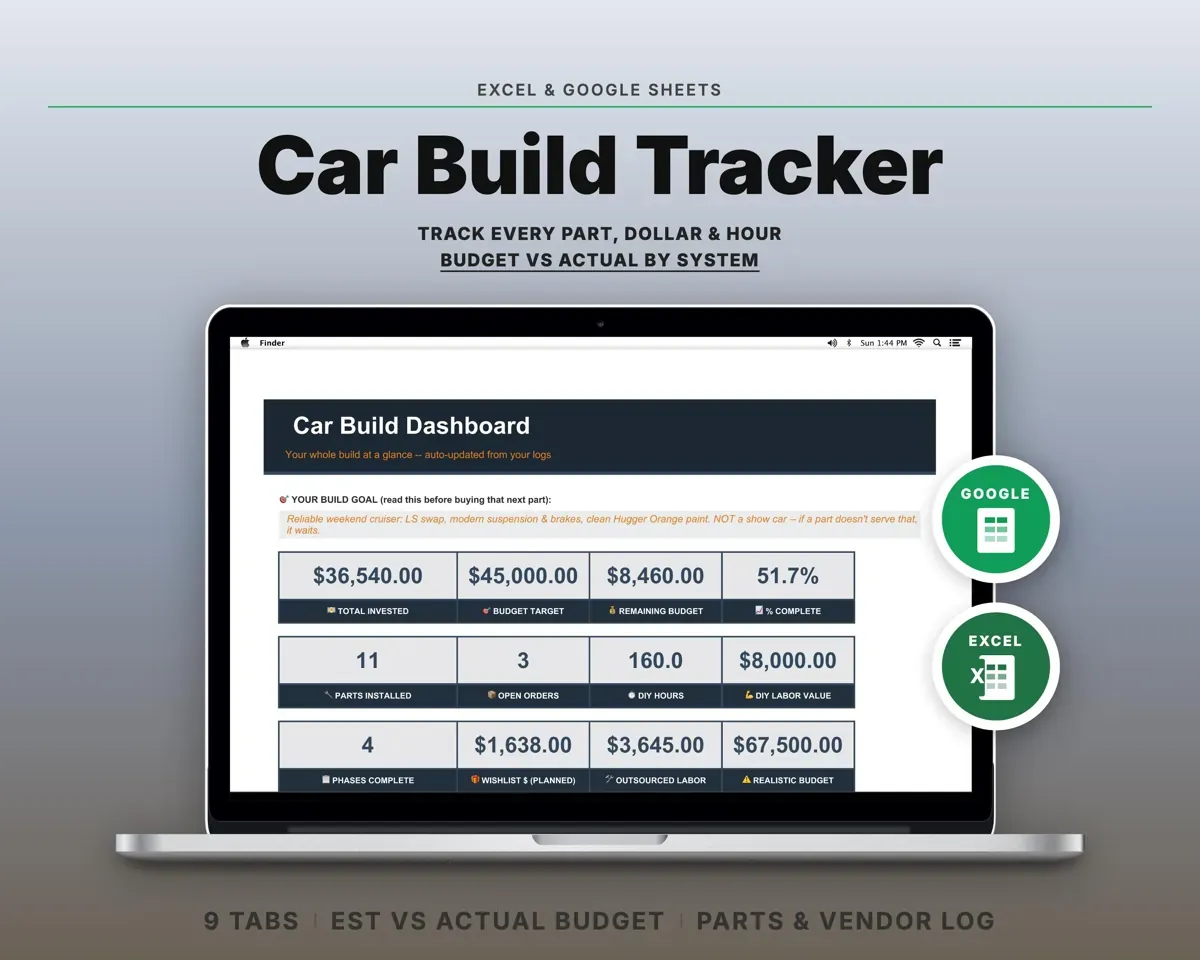
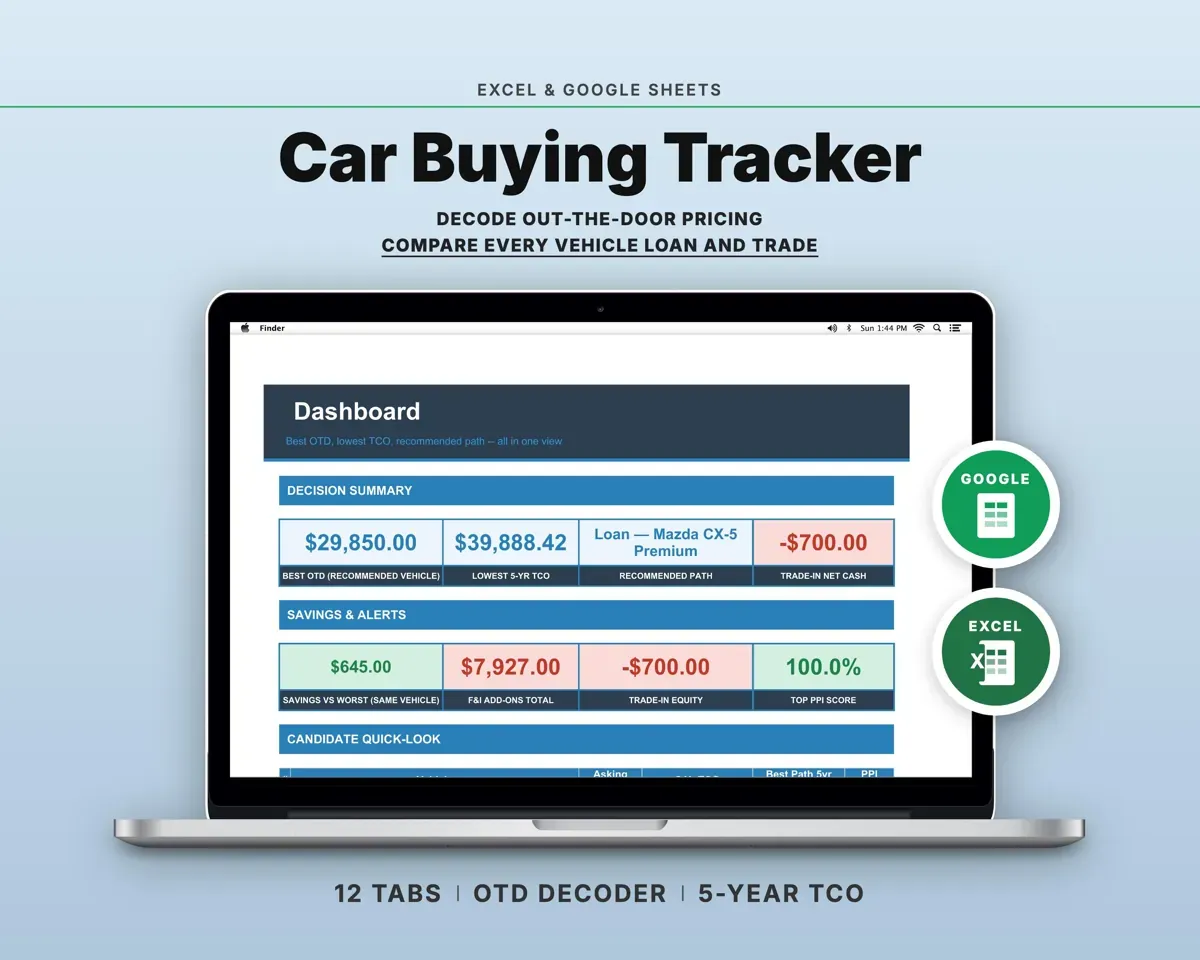
More in Automotive
See all Automotive templates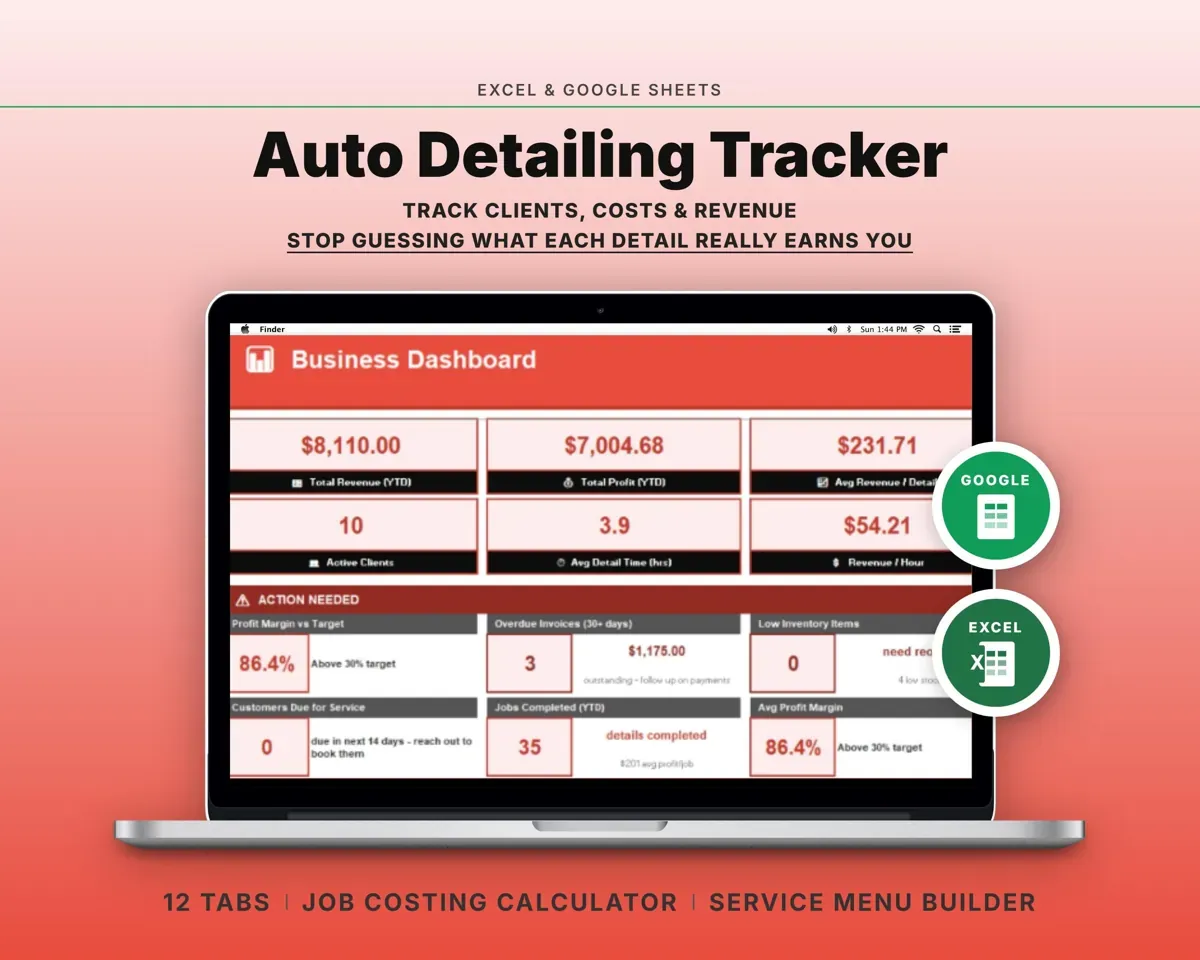
 Made by Clean Pixel Studios
We start every template by reading what people in that line of work say they struggle with, then build the spreadsheet around those problems. This one was made for delivery drivers and nobody else.
How we build templatesDelivery Driver Log Spreadsheet$16.99 · Excel + Google Sheets