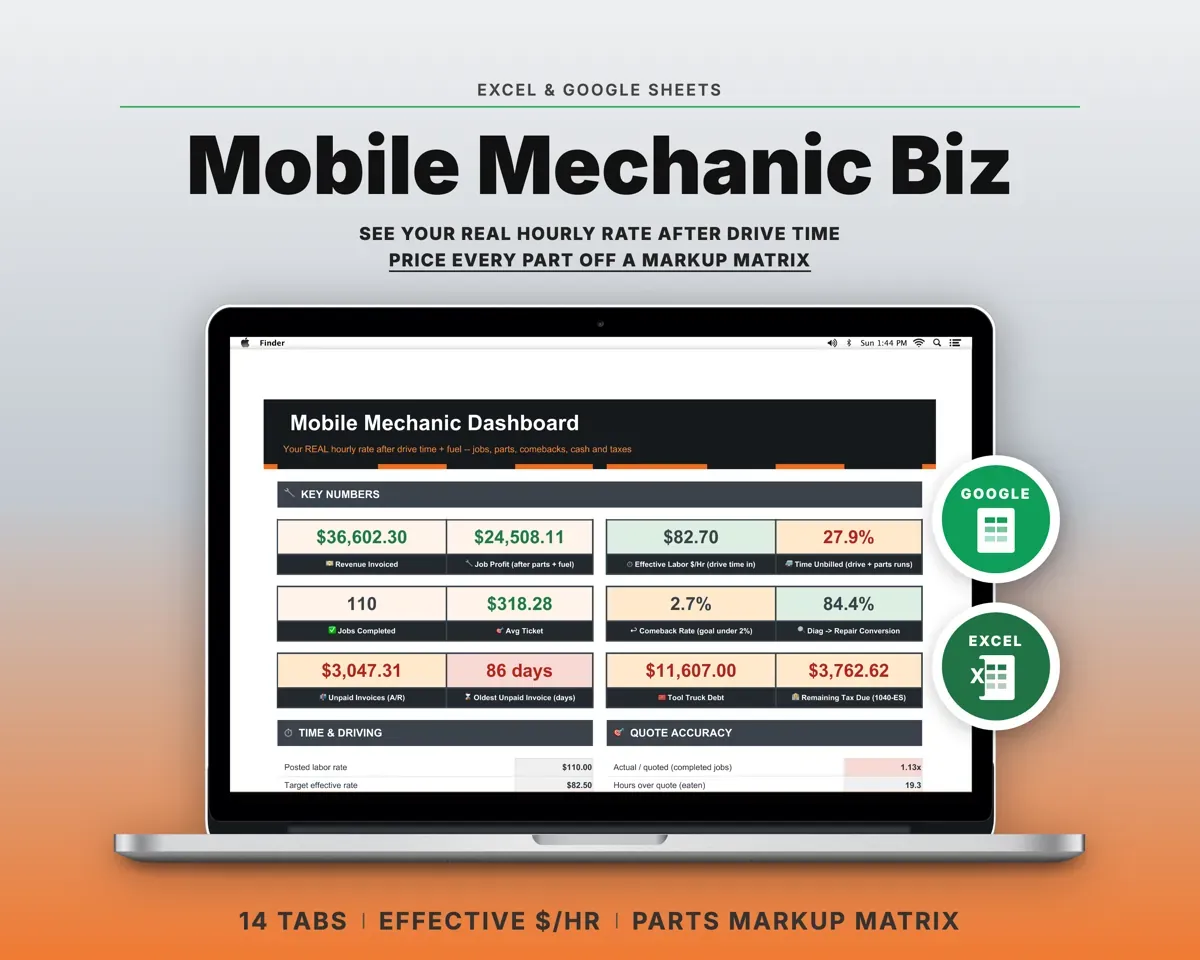
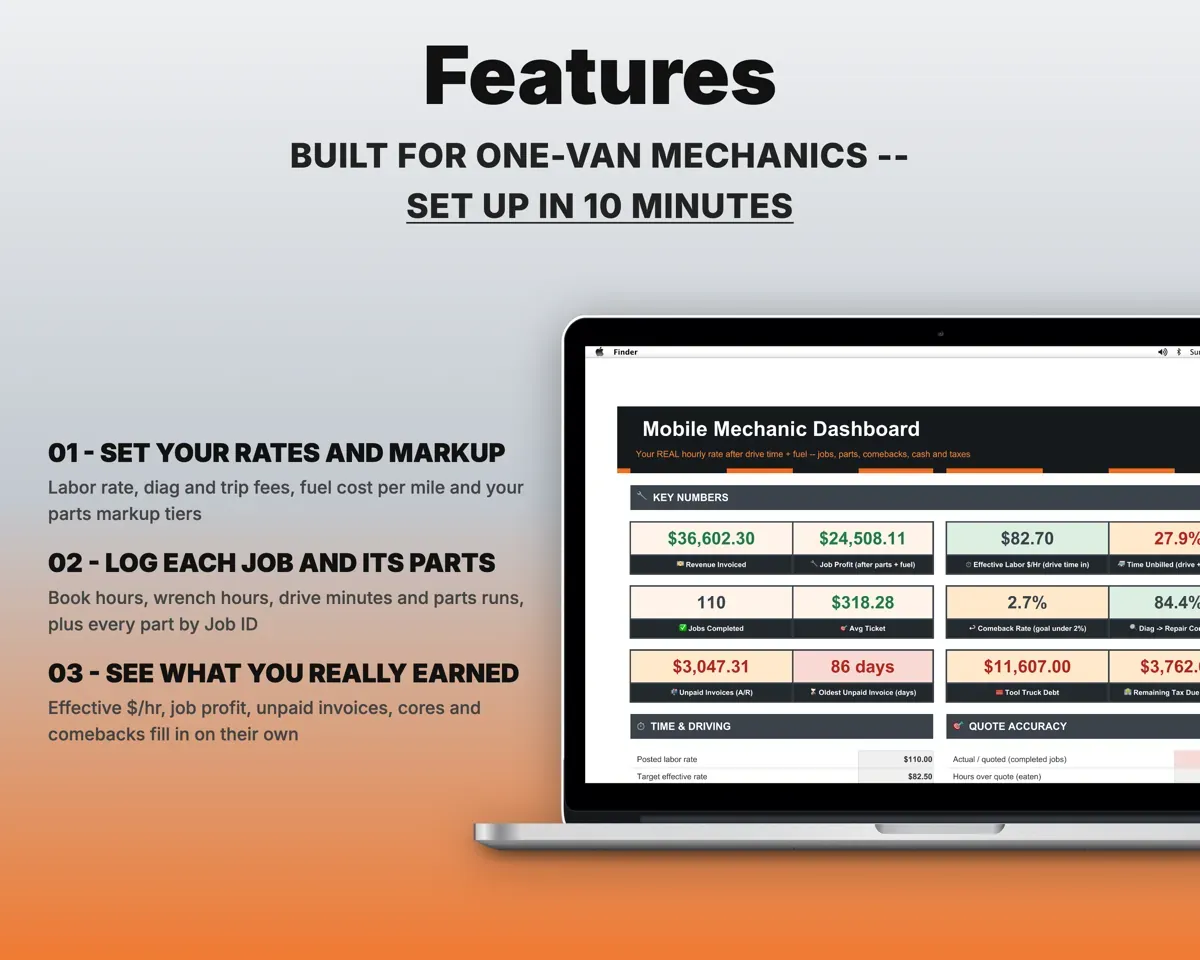
Built around the jobs mobile mechanics actually do
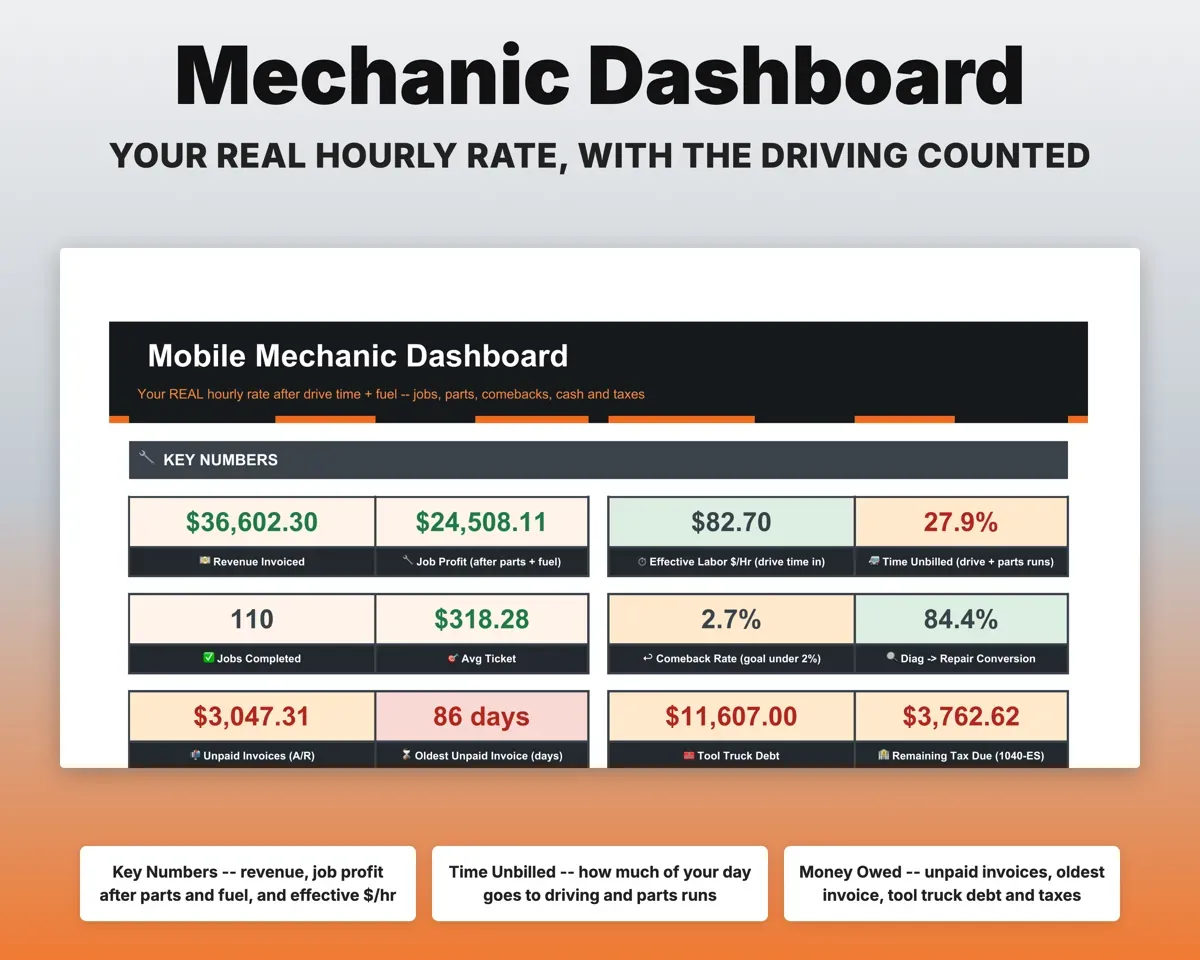
See what each job paid once the driving is counted
Log drive minutes, parts-run minutes and miles with every job. The sheet takes out fuel, divides by all the hours you spent, and flags jobs that land under your target rate.
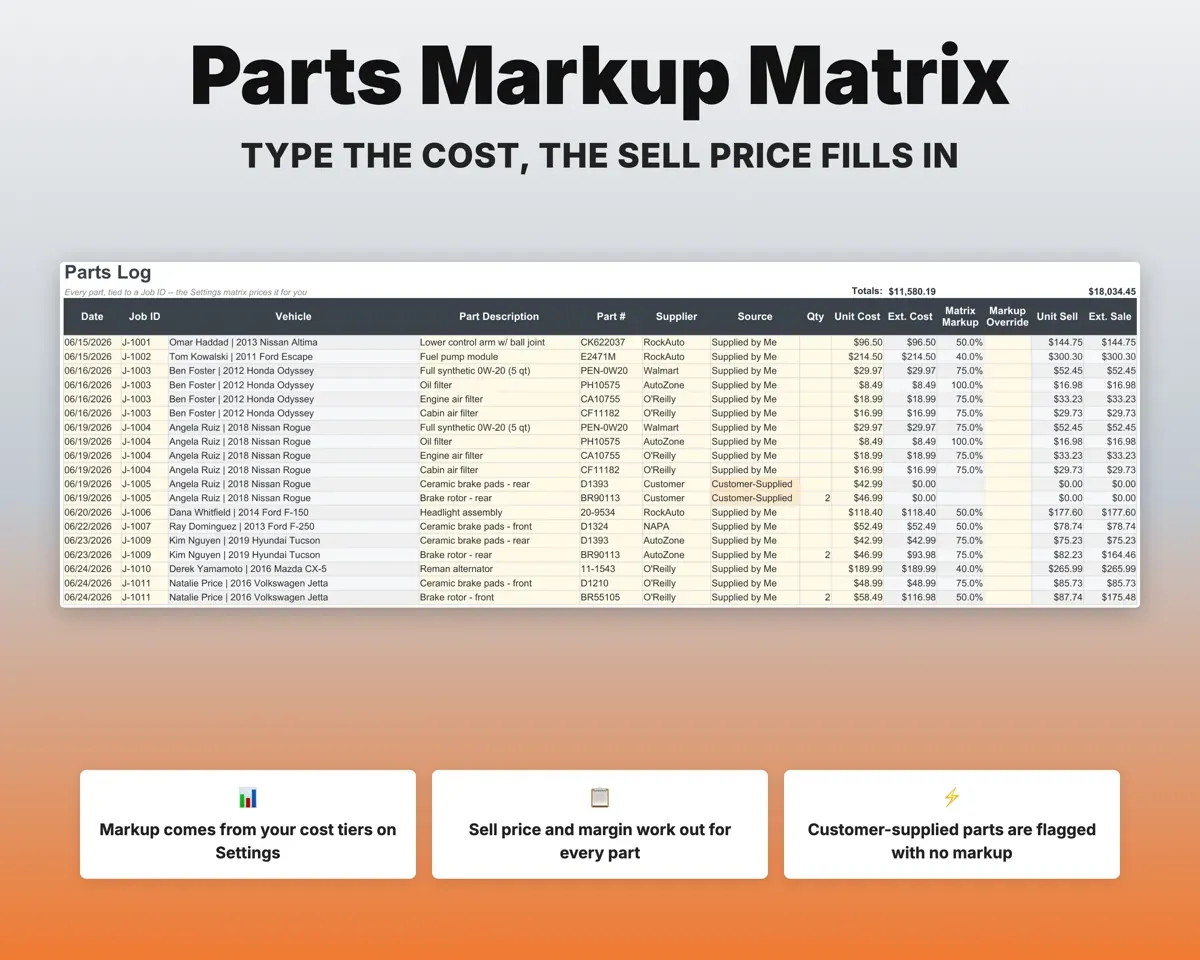
Drive time, milesEffective $/hrPrice parts from a markup matrix instead of a guess
Set your markup tiers once in Settings. Type in your cost on a part and the sheet shows its sell price and margin. Parts the customer brings get no markup, a no-warranty note and your labor surcharge.
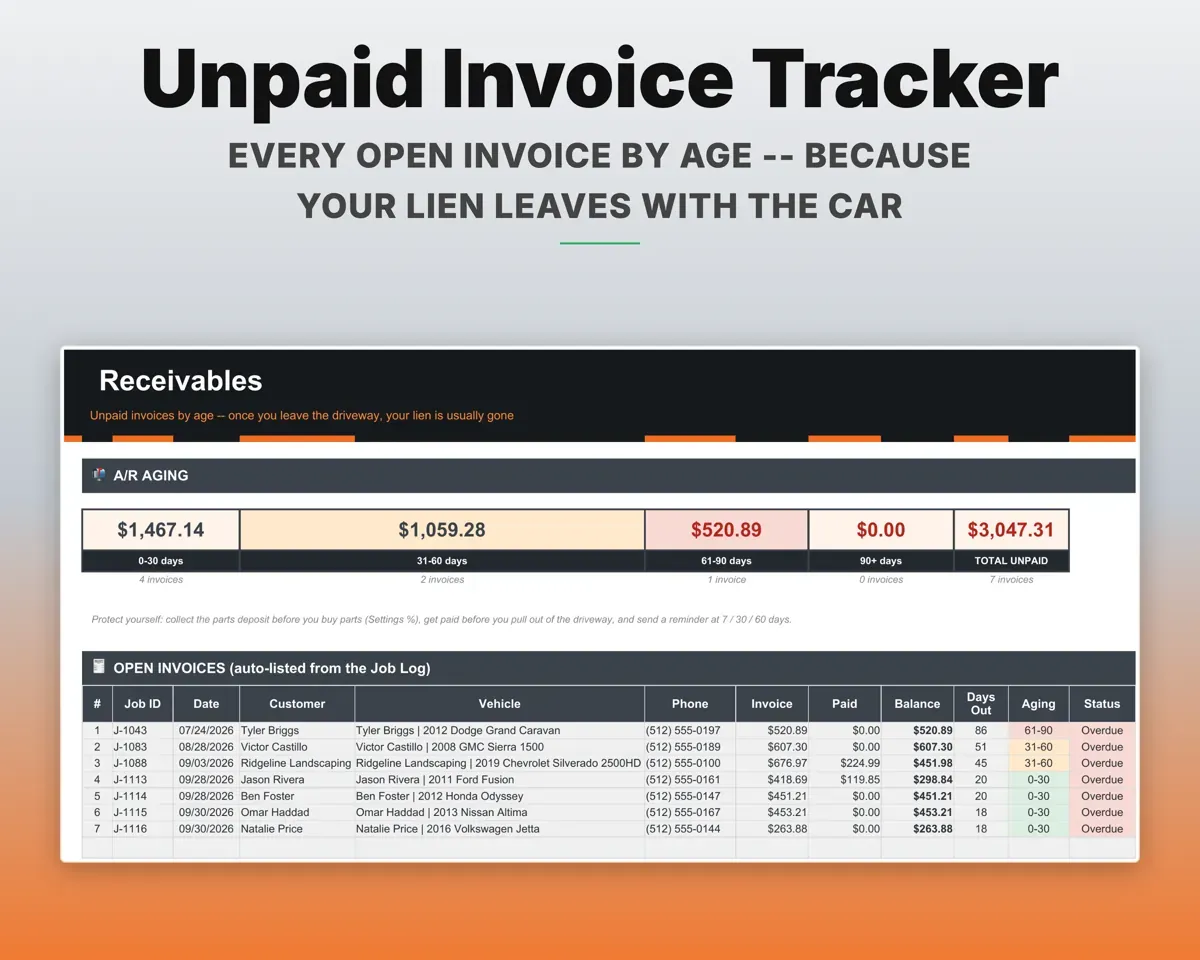
Part costSell price and marginKnow who still owes you after the car is gone
Record deposits and payments as they come in. Open invoices are aged 0-30, 31-60, 61-90 and 90+ days and listed with the customer's phone number.
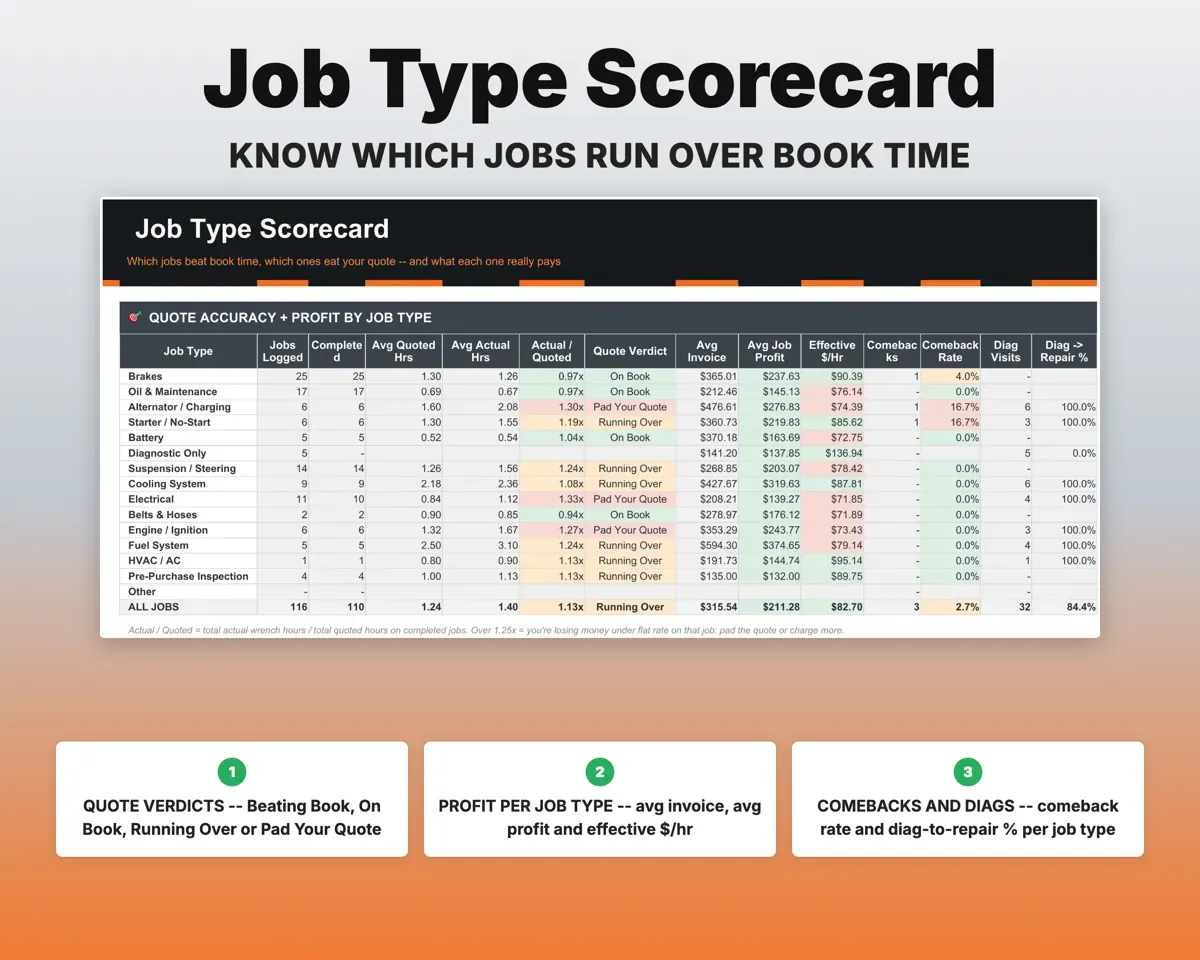
Deposits, paymentsAged balancesSpot the job types that keep running over
Enter the labor-guide hours you quoted next to the hours the job took. The Job Type Scorecard rates each job type from Beating Book to Pad Your Quote.
Quoted and actual hoursJob type ratingCount what comebacks and core returns cost you
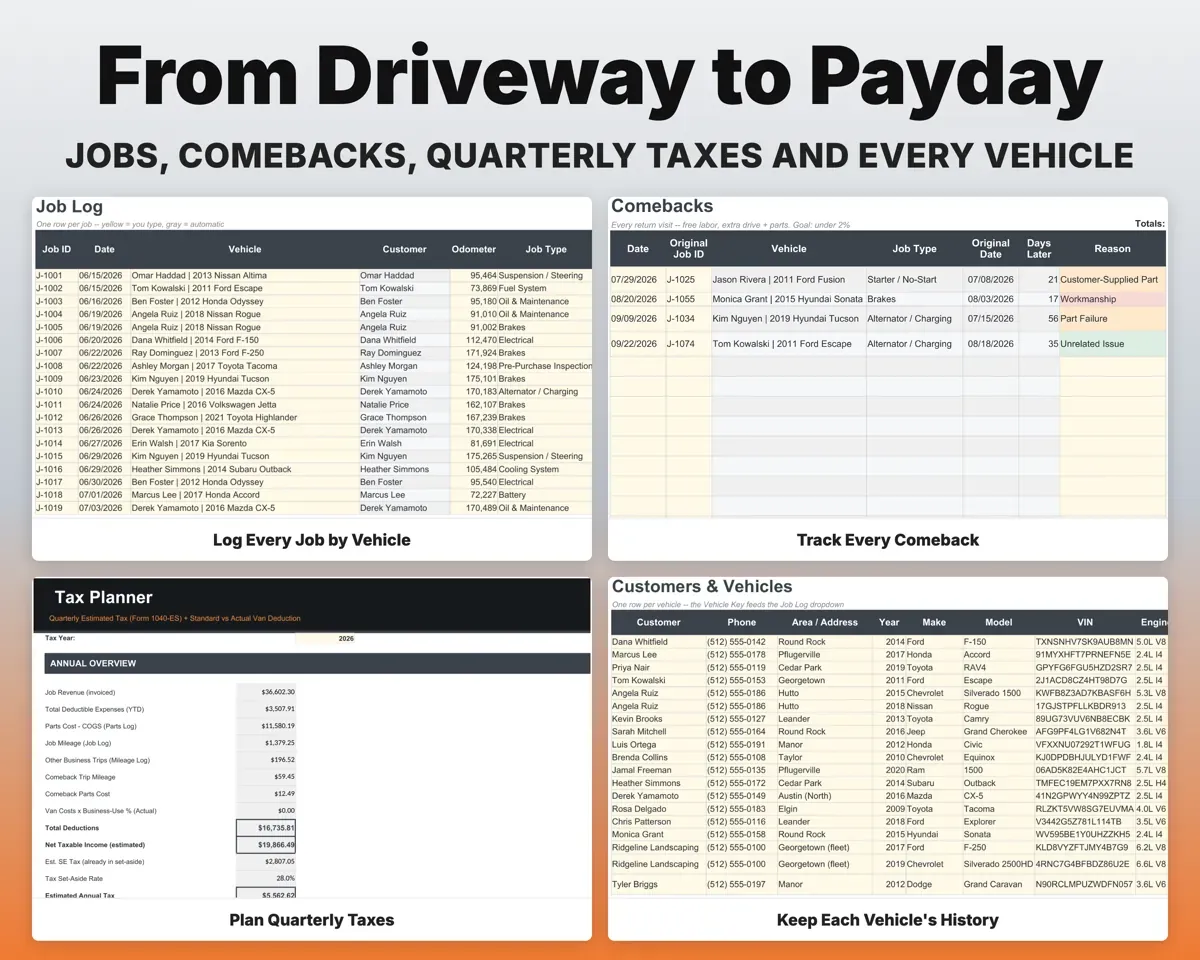
Tie each return visit to the original job to see its cost and your comeback rate against a 2% goal. Cores get a return-by date and a warning before it passes.
Return visit, coreComeback rateKeep tool debt and quarterly taxes in view
Track Snap-on, Mac, Matco and Cornwell balances to payoff. Expenses map to Schedule C lines, and the Tax Planner sets out quarterly estimates with SE tax.
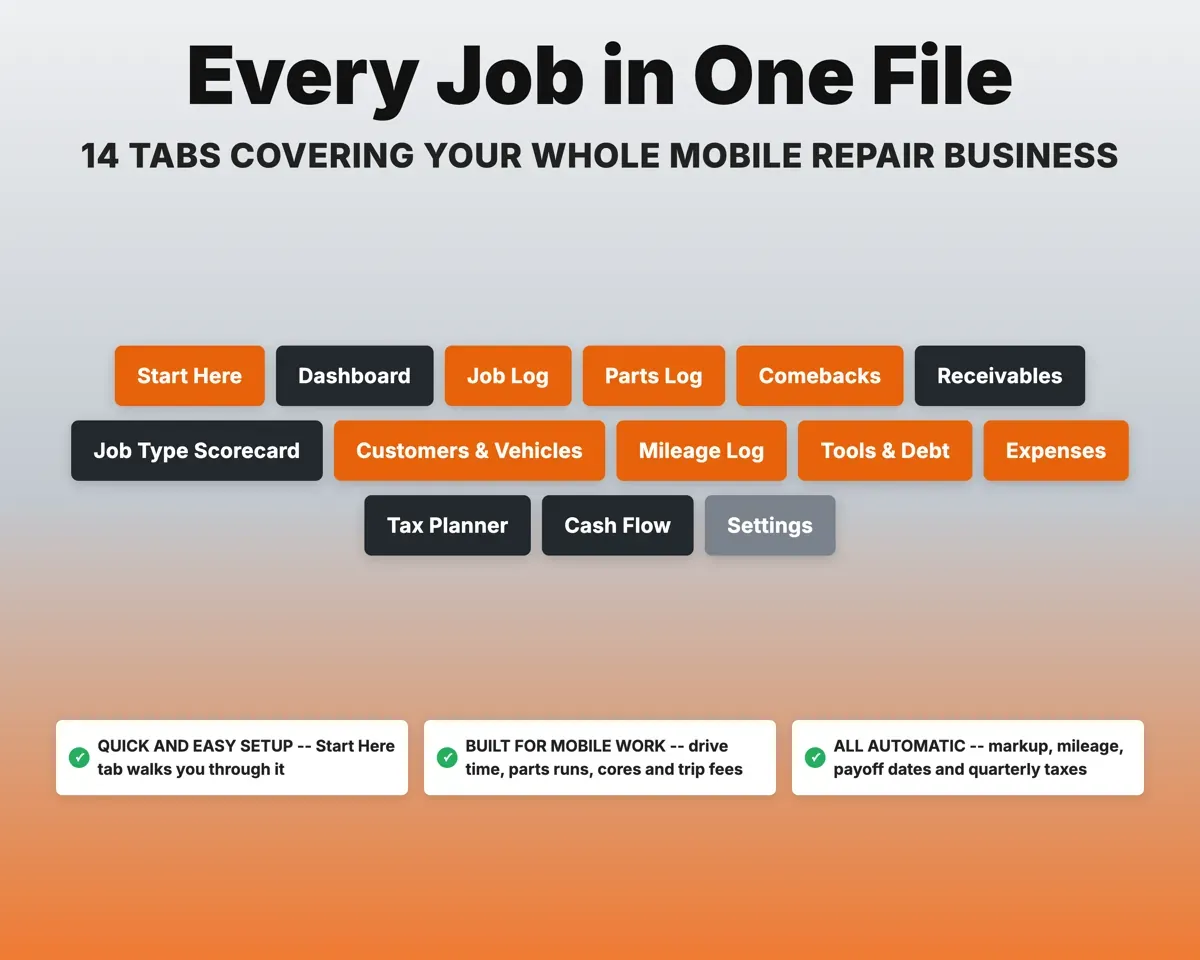
Tool balances, expensesPayoff date, tax due14 tabs in one file
- Start Here
- Dashboard
- Job Log
- Parts Log
- Comebacks
- Receivables
- Job Type Scorecard
- Customers & Vehicles
- Mileage Log
- Tools & Debt
- Expenses
- Tax Planner
- Cash Flow
- Settings
- Start Here
- Setup steps, a color key and what each tab does.
- Dashboard
- Your real hourly rate and what needs attention.
- Job Log
- One row per job with hours, fees, invoice and pay status.
- Parts Log
- Each part with markup, sell price, margin and core deadline.
- Comebacks
- Return visits tied to the original job, with cost and reason.
- Receivables
- Unpaid invoices by age, with the customer's phone number.
- Job Type Scorecard
- Actual vs book hours and profit for each job type.
- Customers & Vehicles
- Each customer's vehicles, VIN, job history and next service.
- Mileage Log
- Parts runs and supply trips with the mileage deduction.
- Tools & Debt
- Tool truck balances, APR, weekly payment and payoff date.
- Expenses
- Costs by category mapped to Schedule C, with van business use.
- Tax Planner
- Quarterly estimated taxes (Form 1040-ES) with SE tax.
- Cash Flow
- Twelve months of revenue by job type and costs by category.
- Settings
- Rates, fees, markup tiers, overhead and your dropdown lists.
Pair it with
“Excellent! Very easy to use.”
“Nice Organization for 4H projects”
Before you buy
I only wrench part-time on weekends. Is it too much?
No. Fill in Settings, then use the Job Log and Parts Log. The other tabs build from those, and you can ignore any tab you don't need.
Does it handle flat-rate pricing?
Yes. Labor bills from the hours you quote times your posted rate, and the sheet compares that with the hours the job actually took.
Can I set my own markup tiers and job types?
Yes. The markup matrix, job types, expense categories, suppliers and tool vendors are all edited on the Settings tab.
Will it do my taxes?
No. It organizes your numbers, including Schedule C categories, parts costs, mileage and quarterly estimates, so you or your tax preparer can work from them.
What do I get?
An Excel file (.xlsx), a filled-in sample to look at, and a quick-start PDF guide with a link that makes your own copy in Google Sheets.
How does delivery work?
You get your download links right after checkout, and Stripe emails your receipt. There is nothing to ship and nothing to wait for.
How do I set it up in Google Sheets?
Open the quick-start PDF and click the Google Sheets link. Google makes a copy in your own Drive that only you can edit. You need a free Google account.
Will it work on a Mac?
Yes. It works in Excel on Mac and Windows, and in Google Sheets in any browser.
I'm not a spreadsheet person. Is that a problem?
No. You only type in the yellow cells. Everything in gray works itself out, and the Start Here tab shows you where to begin.
Can I get a refund?
Templates are digital downloads, so sales are final. If a file won't open, is broken or doesn't match its description, email hello@cleanpixelstudios.com within 30 days and we'll fix it, or refund you if we can't.
What if I get stuck?
Email hello@cleanpixelstudios.com and we'll help you get it working.
More in Automotive
See all Automotive templates
 Made by Clean Pixel Studios
We start every template by reading what people in that line of work say they struggle with, then build the spreadsheet around those problems. This one was made for mobile mechanics and nobody else.
How we build templatesMobile Mechanic Business Tracker$19.99 · Excel + Google Sheets