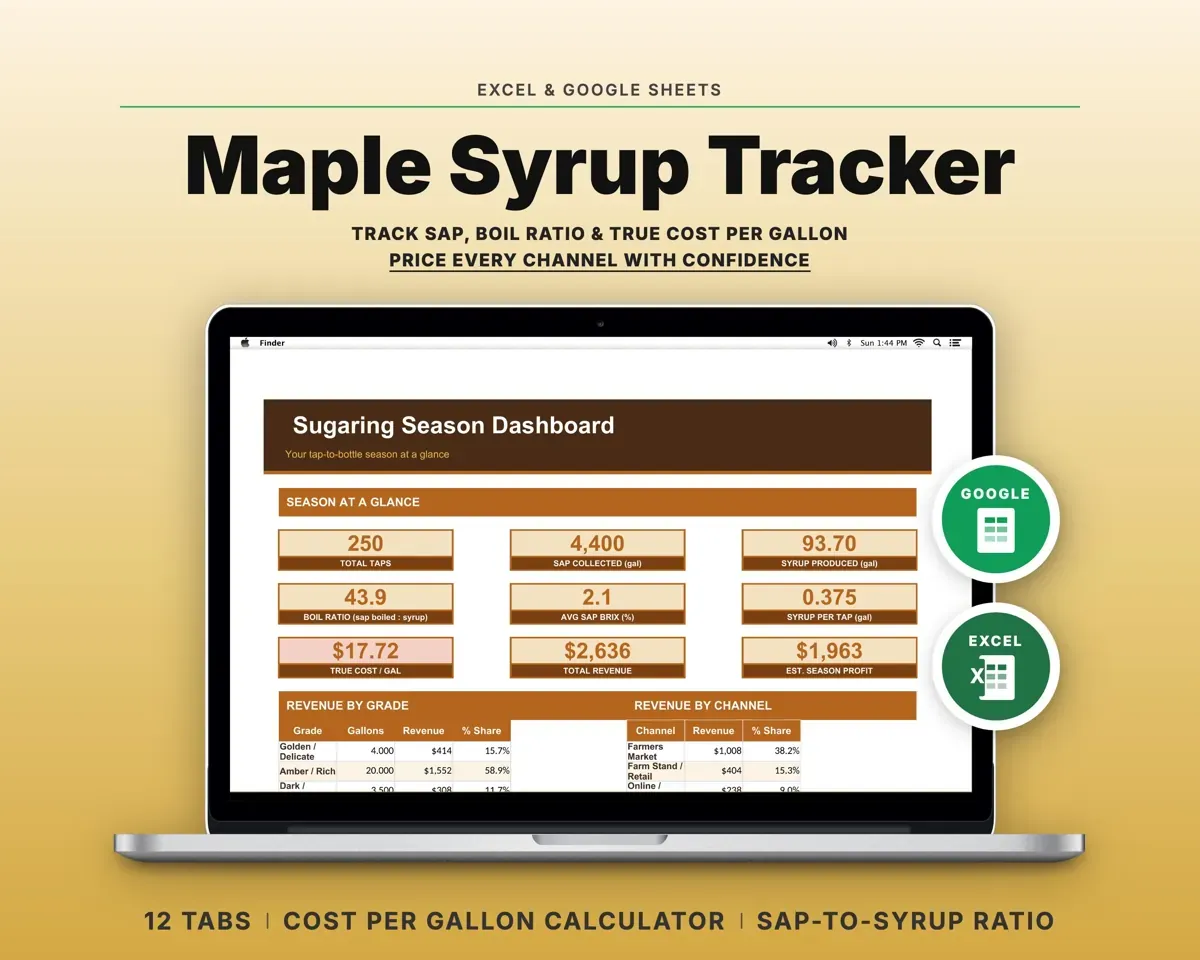
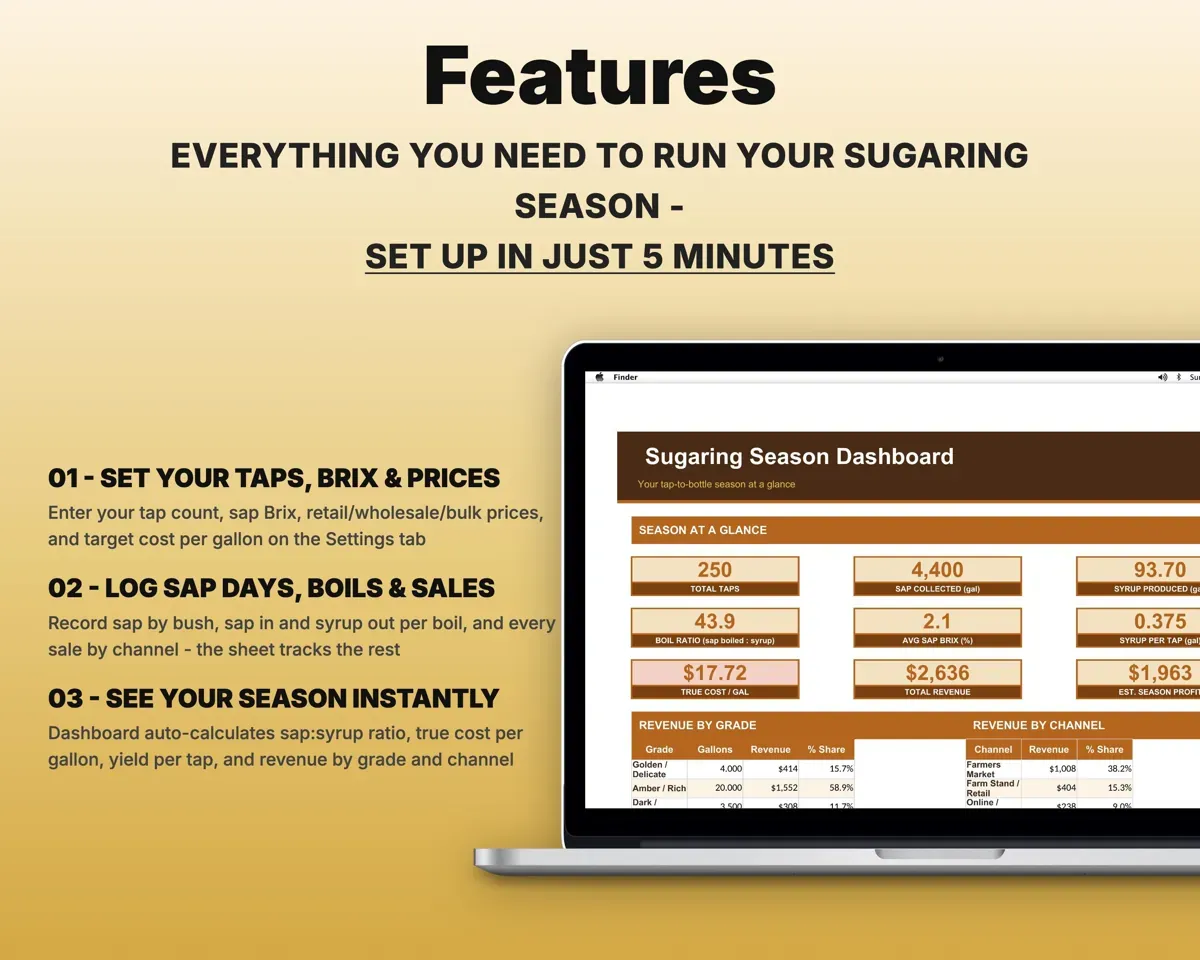
Built around the jobs sugarmakers actually do
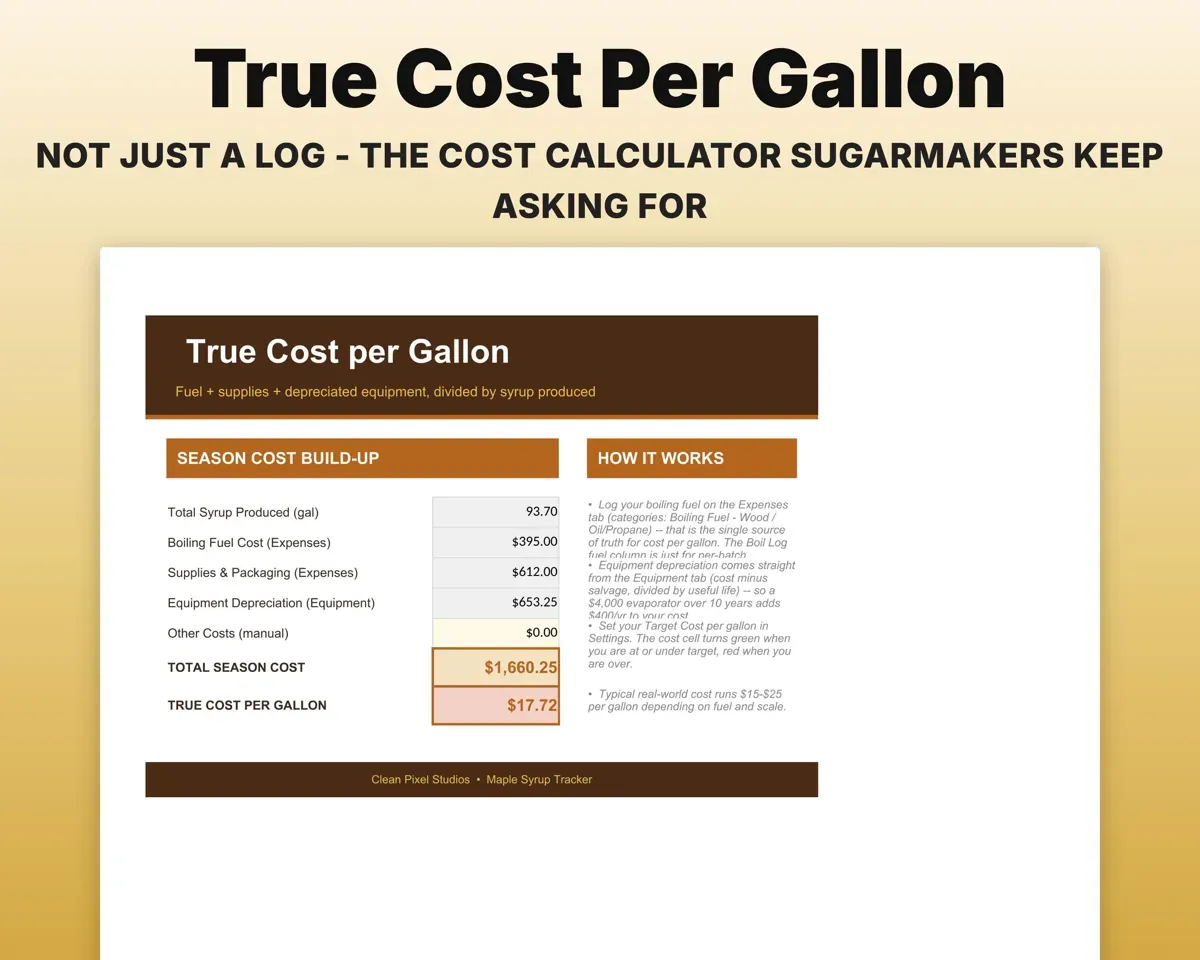
Know your true cost per gallon
Fuel, supplies and depreciated equipment are added up and divided by the gallons you made, then checked against your target cost.
Fuel, supplies, gearCost per gallonCheck your sap to syrup ratio
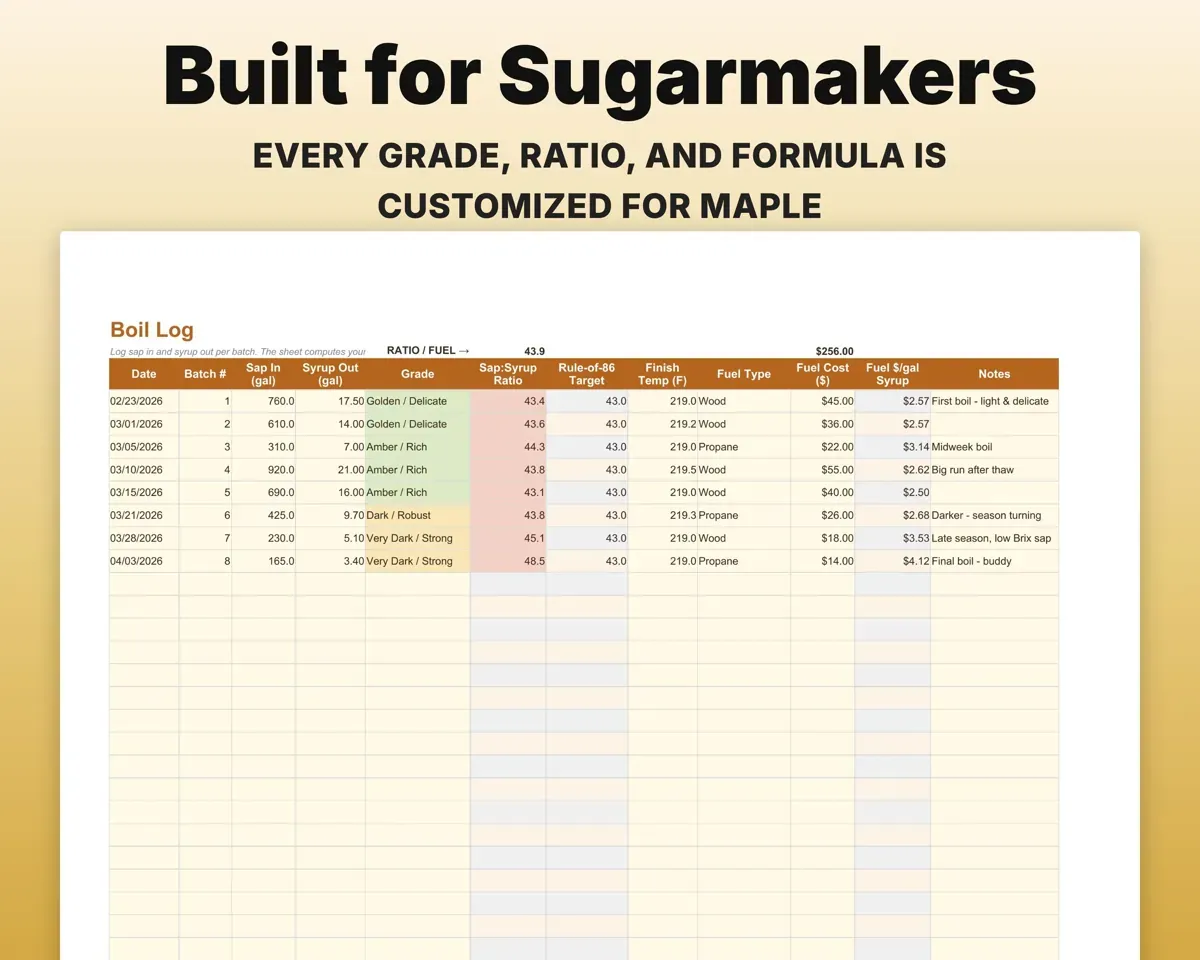
Log sap in and syrup out for each batch. The Boil Log gives your actual ratio next to the Rule of 86 figure for your sap Brix, plus the grade and fuel cost per gallon.
Sap in, syrup outRatio vs Rule of 86See which part of the bush produces
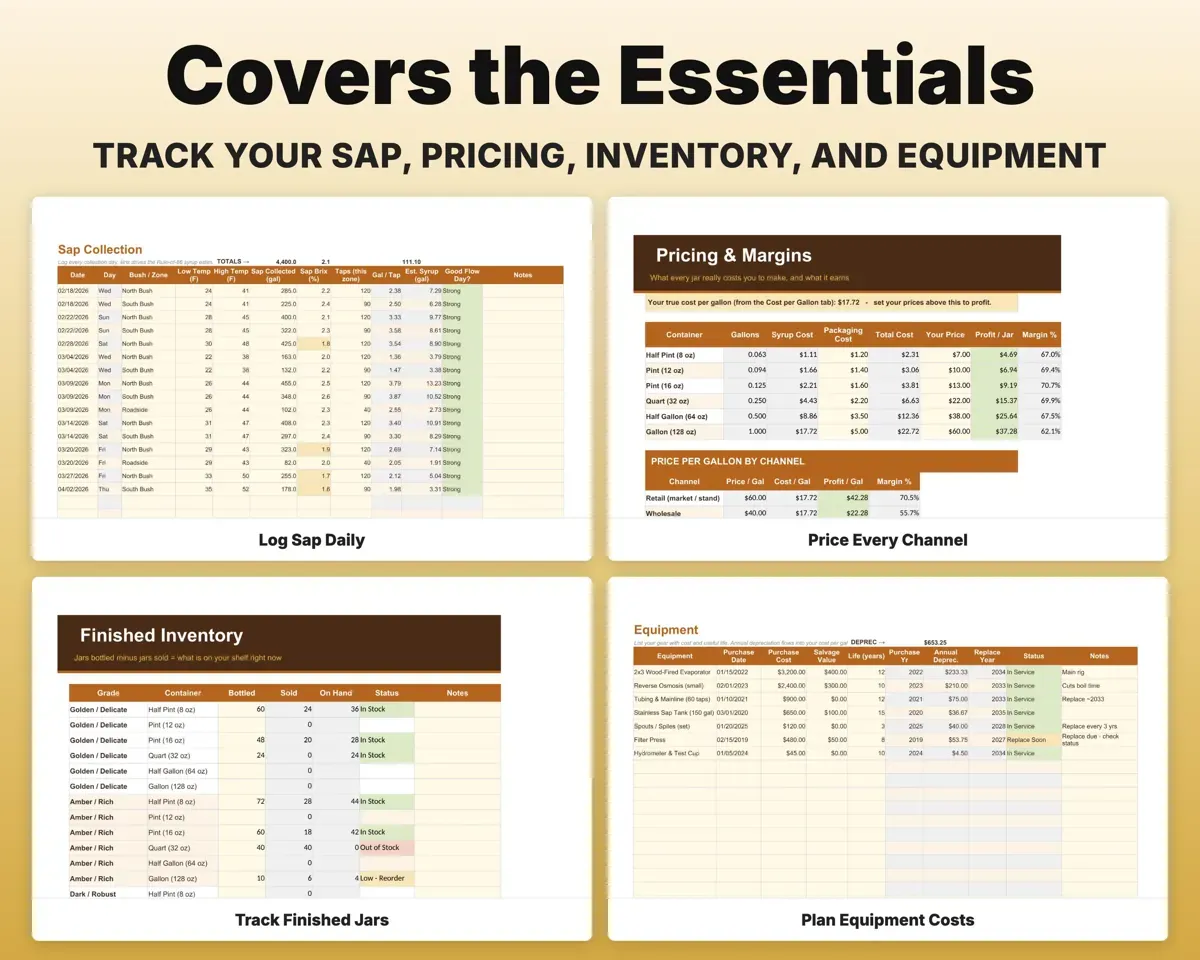
Log daily sap gallons, high and low temperature and Brix by bush or zone. The sheet works out gallons per tap and a syrup estimate.
Sap, temps, BrixGallons per tapPrice jars at a profit
For every jar size you see profit and margin, and for retail, wholesale and bulk you see price per gallon set against your real cost.
Jar sizes and pricesProfit per jarKeep stock counts current
Finished jars by grade and container size count down with each sale and flag when stock is low or out.
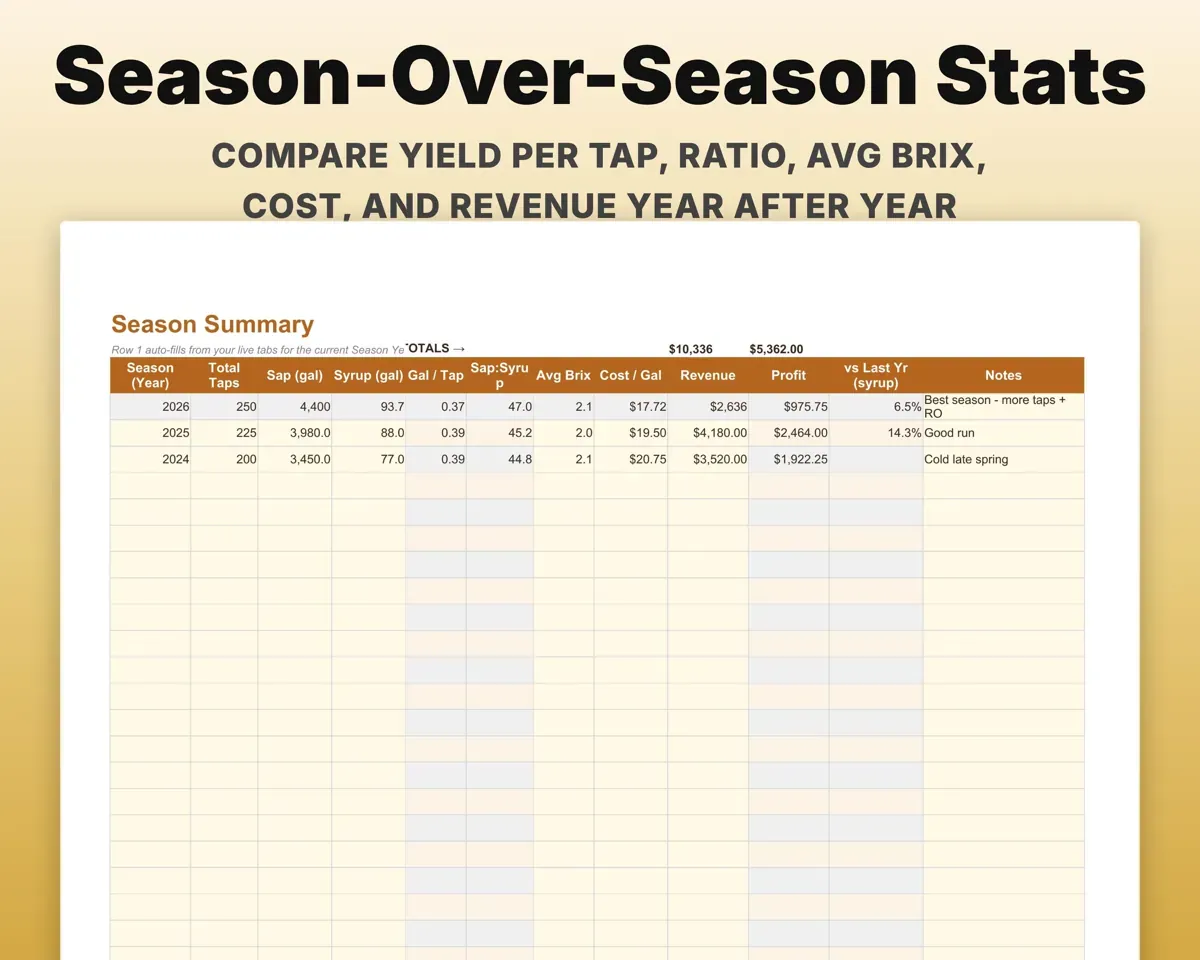
SalesJars on handCompare one season to the next
One row per year for taps, sap, syrup, gallons per tap, ratio, Brix, cost and revenue. The current season fills in from your live tabs.
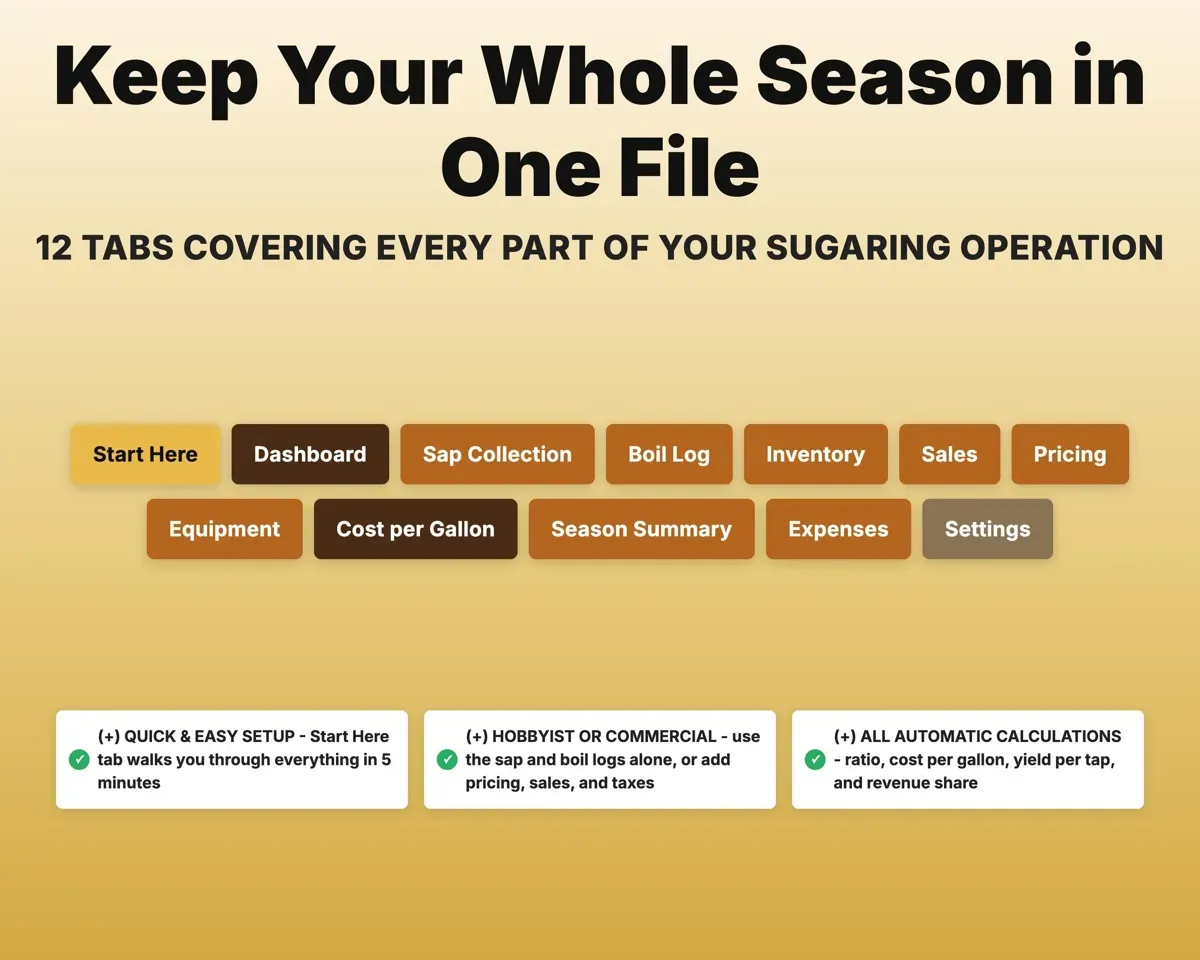
Your season logsYear-over-year stats12 tabs in one file
- Start Here
- Dashboard
- Sap Collection
- Boil Log
- Inventory
- Sales
- Pricing
- Equipment
- Cost per Gallon
- Season Summary
- Expenses
- Settings
- Start Here
- A short walkthrough of every tab.
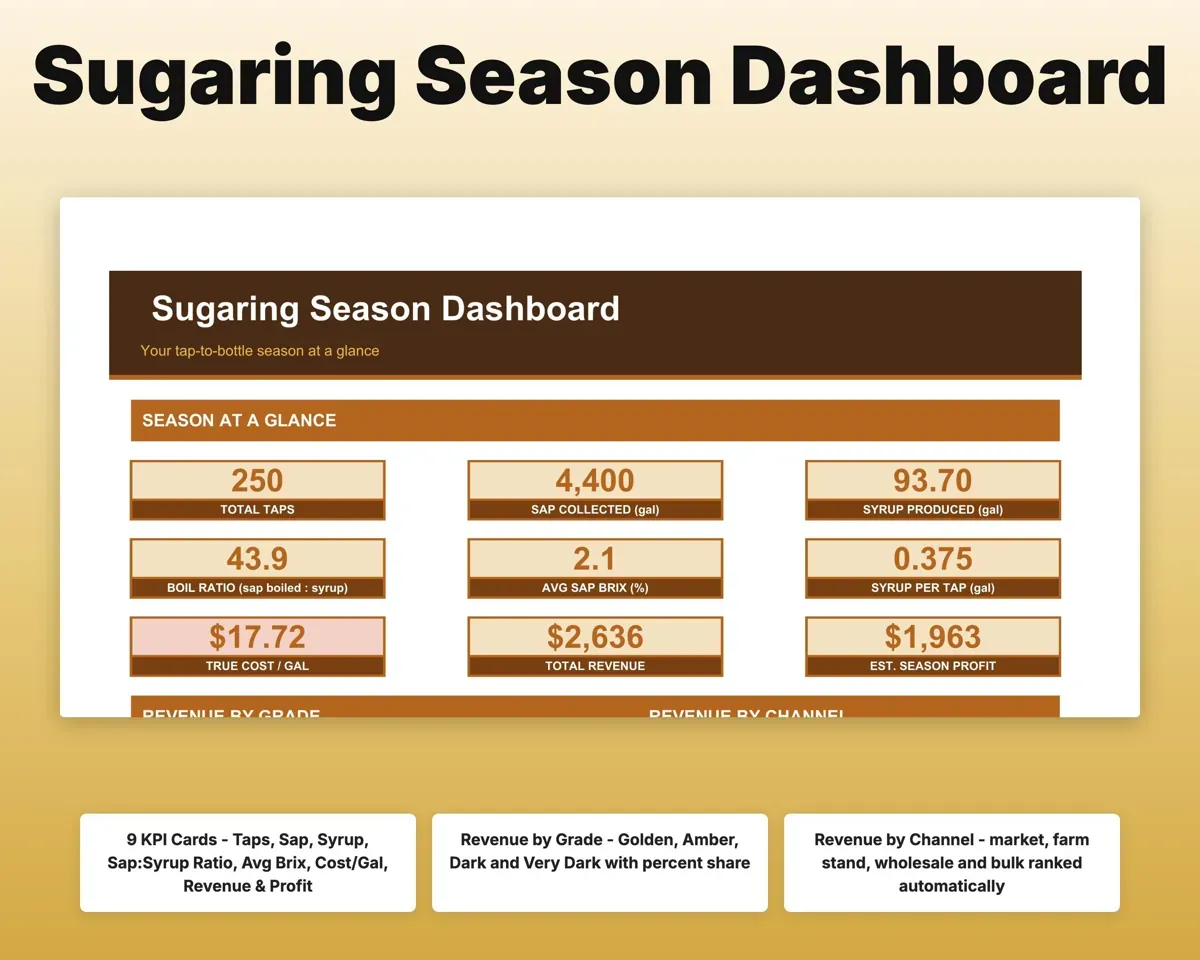
- Dashboard
- Taps, sap, syrup, ratio, cost per gallon and revenue.
- Sap Collection
- Daily sap, temperatures and Brix by bush or zone.
- Boil Log
- Each batch with ratio, grade, finish temp and fuel cost.
- Inventory
- Finished jars by grade and size with low-stock flags.
- Sales
- Every sale by channel with revenue and profit.
- Pricing
- Profit per jar and price per gallon by channel.
- Equipment
- Evaporator, RO and tubing with depreciation and replace year.
- Cost per Gallon
- Your full cost divided by the syrup you made.
- Season Summary
- One row per season for side-by-side comparison.
- Expenses
- Every cost tagged Schedule F or Schedule C.
- Settings
- Tap count, sap Brix, prices, target cost and dropdown lists.
Pair it with
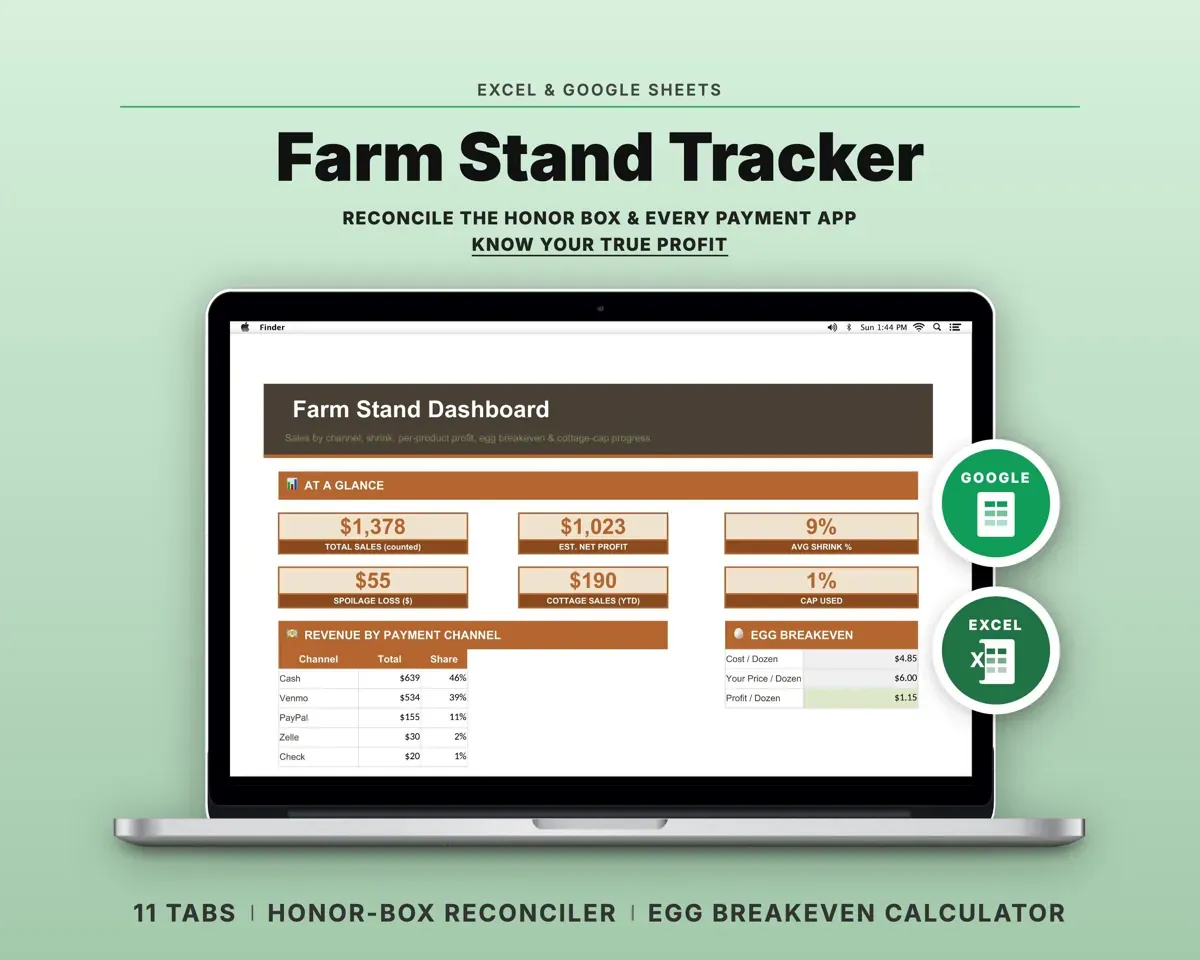
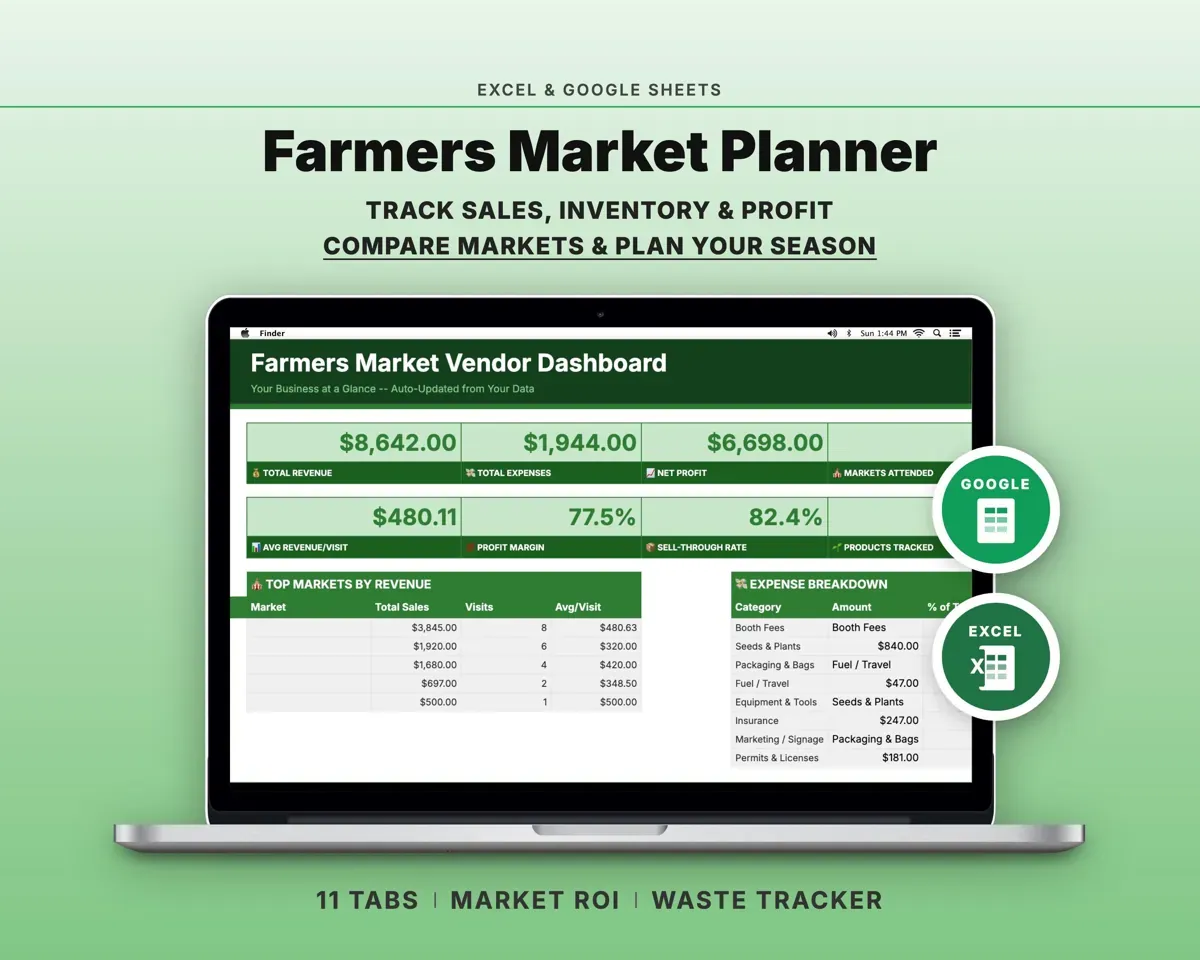
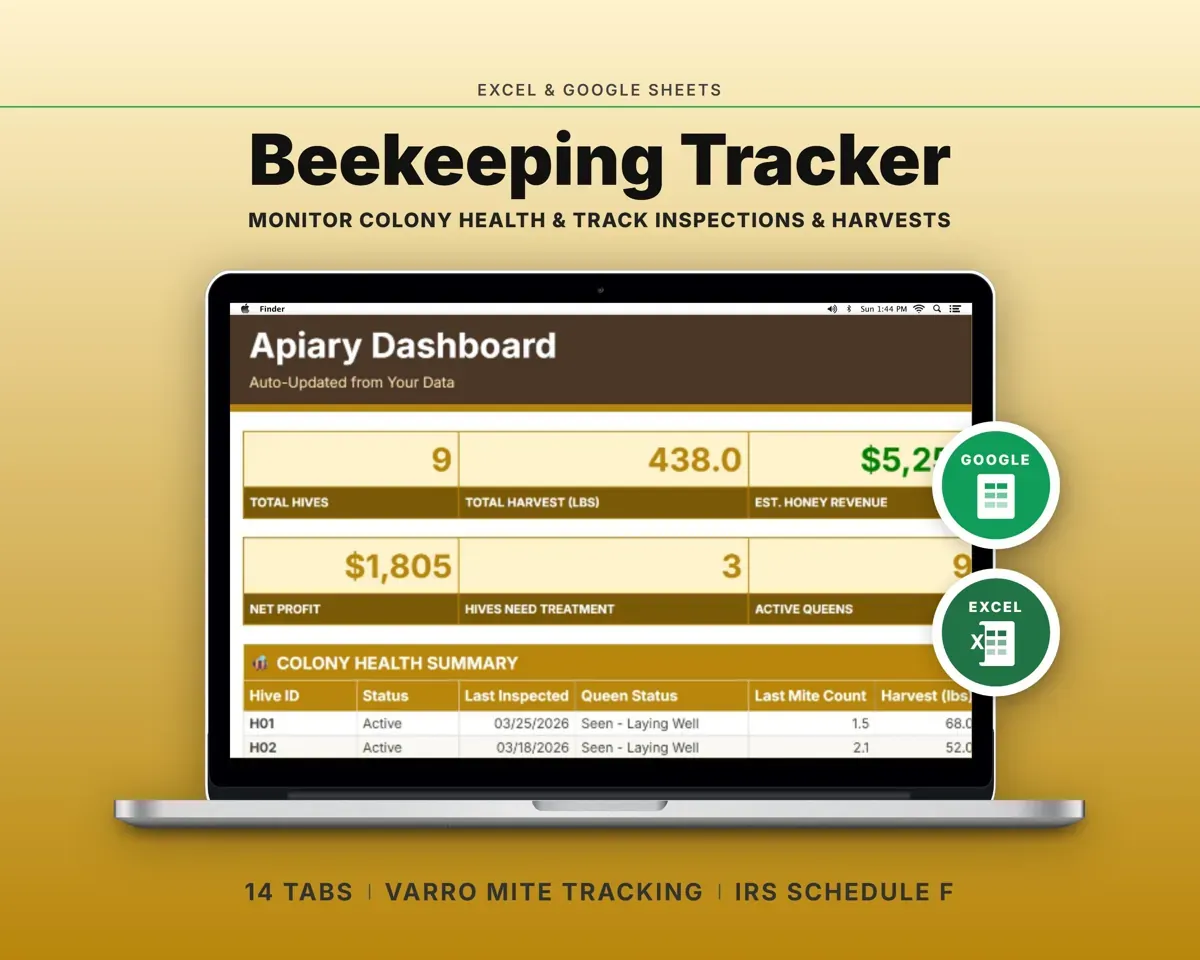
“Excellent! Very easy to use.”
“Nice Organization for 4H projects”
Before you buy
I only have a few taps. Is it too much?
No. Use Sap Collection and the Boil Log on their own. The money tabs are there if the hobby grows into a side business.
Why are expenses split between Schedule F and Schedule C?
Sap harvesting is treated as farming and boiling as processing, so each expense is tagged one way or the other. Your tax preparer gets clean totals for both.
Can I change the grades, zones and containers?
Yes. You can rename grades, zones, containers, sales channels and expense categories on the Settings tab.
What do I get?
An Excel file (.xlsx), a filled-in sample to look at, and a quick-start PDF guide with a link that makes your own copy in Google Sheets.
How does delivery work?
You get your download links right after checkout, and Stripe emails your receipt. There is nothing to ship and nothing to wait for.
How do I set it up in Google Sheets?
Open the quick-start PDF and click the Google Sheets link. Google makes a copy in your own Drive that only you can edit. You need a free Google account.
Will it work on a Mac?
Yes. It works in Excel on Mac and Windows, and in Google Sheets in any browser.
I'm not a spreadsheet person. Is that a problem?
No. You only type in the yellow cells. Everything in gray works itself out, and the Start Here tab shows you where to begin.
Can I get a refund?
Templates are digital downloads, so sales are final. If a file won't open, is broken or doesn't match its description, email hello@cleanpixelstudios.com within 30 days and we'll fix it, or refund you if we can't.
What if I get stuck?
Email hello@cleanpixelstudios.com and we'll help you get it working.
More in Farm & homestead
See all Farm & homestead templates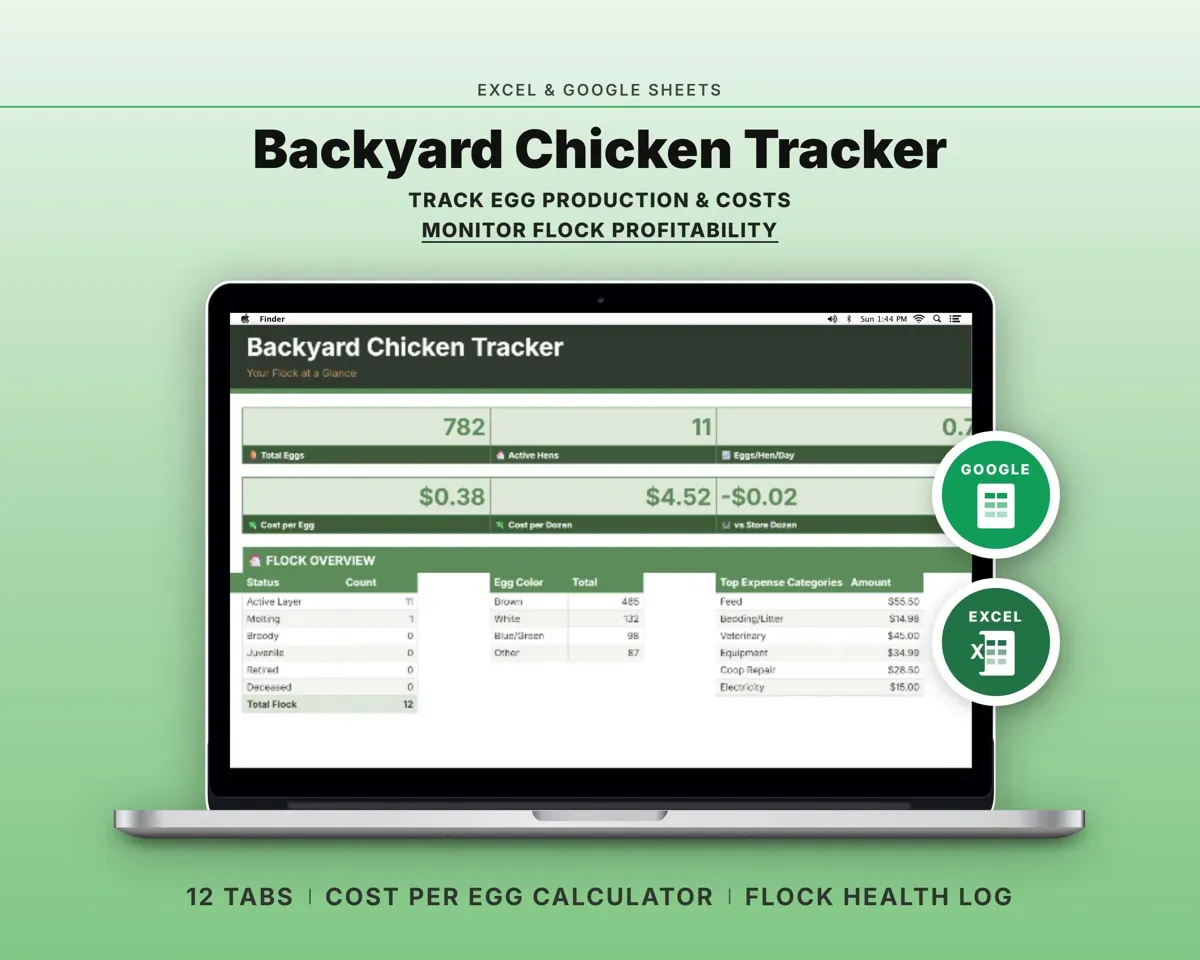
 Made by Clean Pixel Studios
We start every template by reading what people in that line of work say they struggle with, then build the spreadsheet around those problems. This one was made for sugarmakers and nobody else.
How we build templatesMaple Syrup Tracker Spreadsheet$15.99 · Excel + Google Sheets