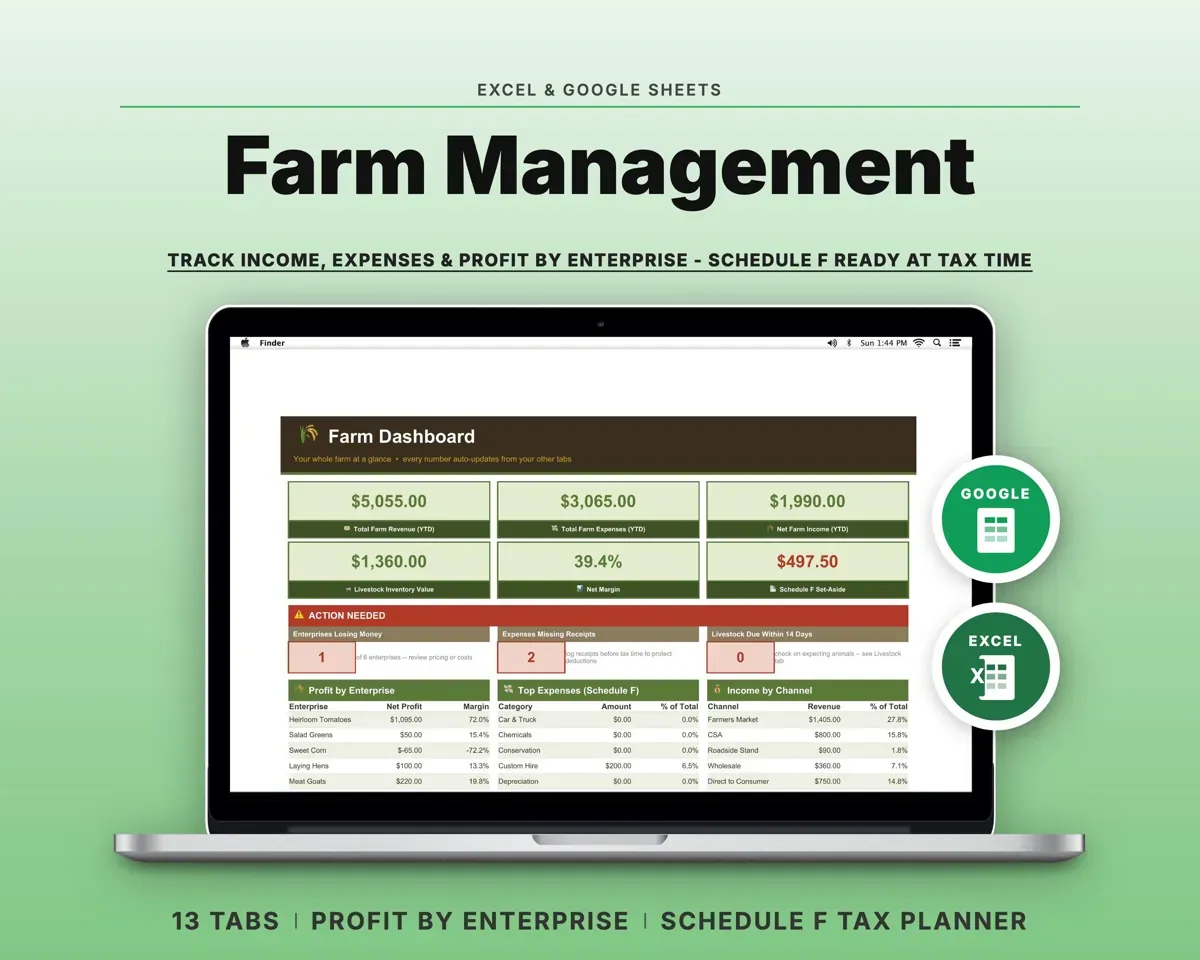
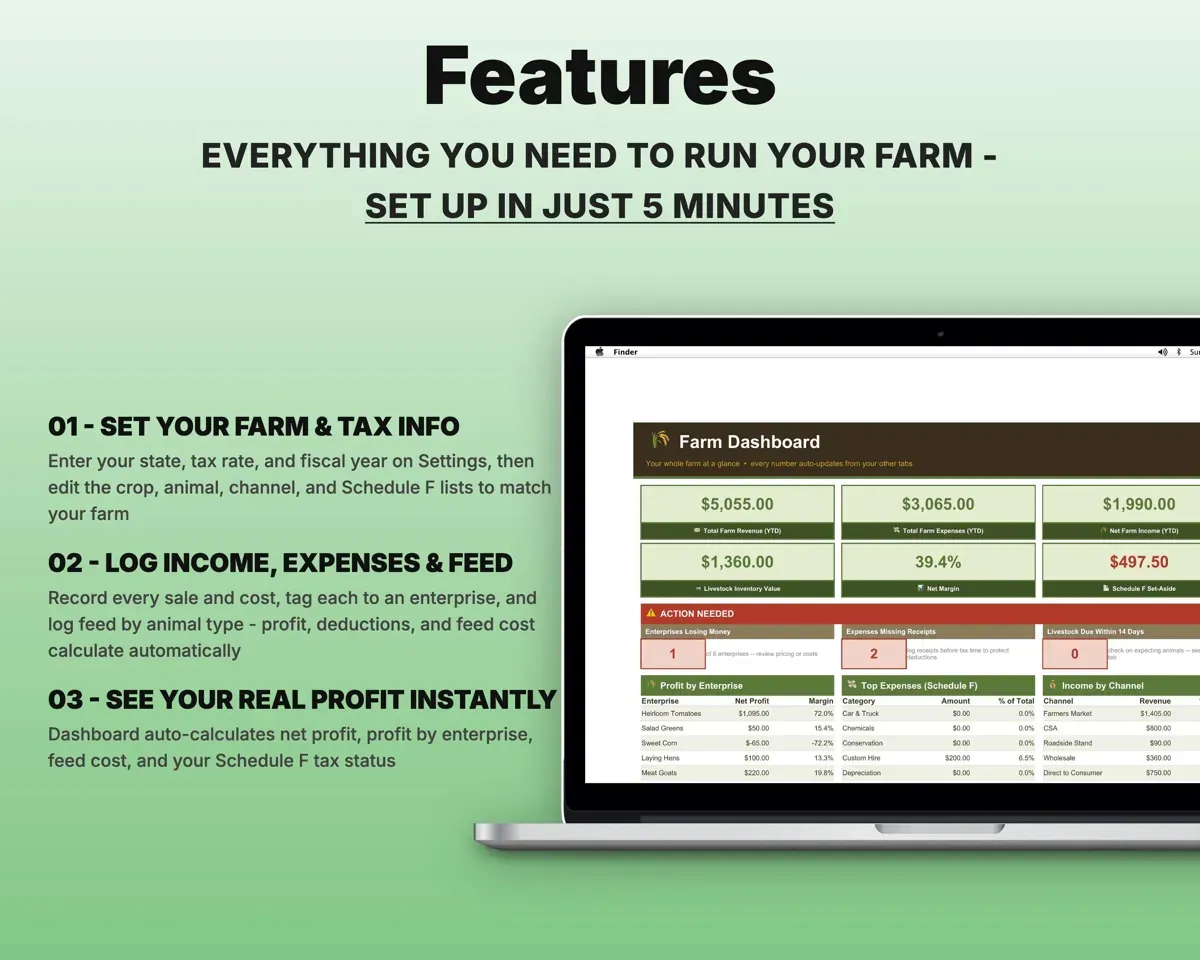
Built around the jobs small farmers and homesteaders actually do
Find out which enterprise pays
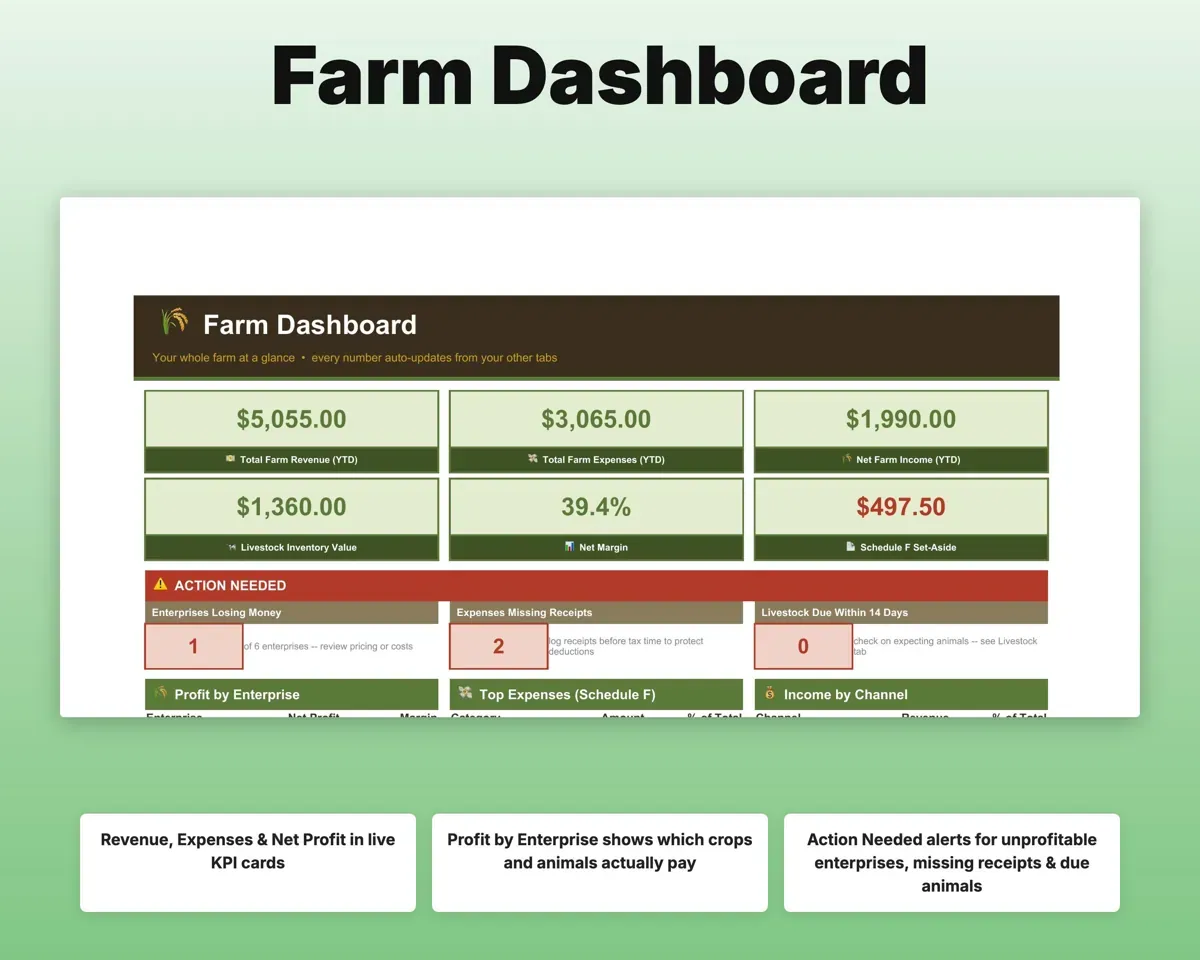
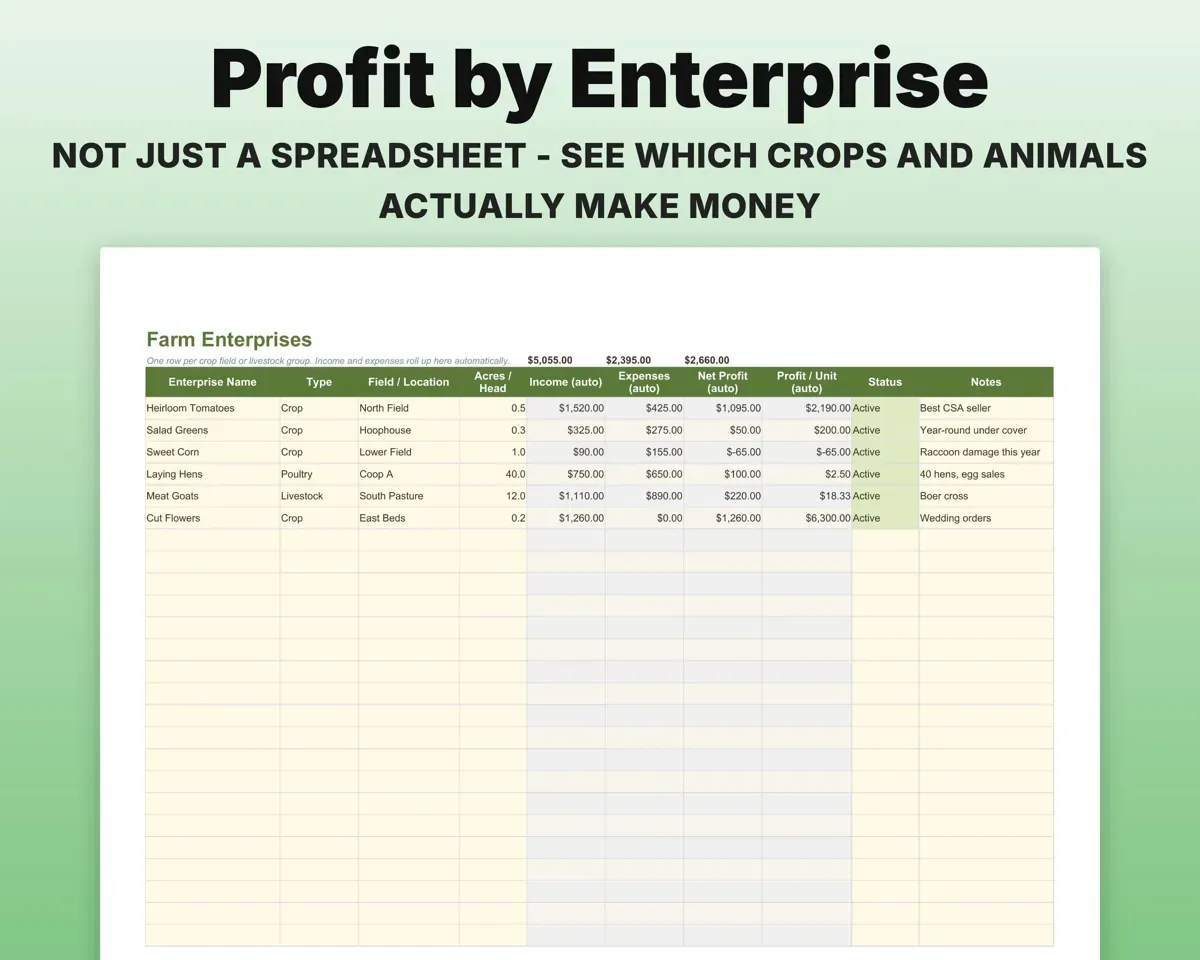
Tag each sale and cost to a crop or animal group. The Enterprises tab shows revenue, profit and margin for each one.
Enterprise tagsProfit per enterpriseSort every cost by Schedule F line
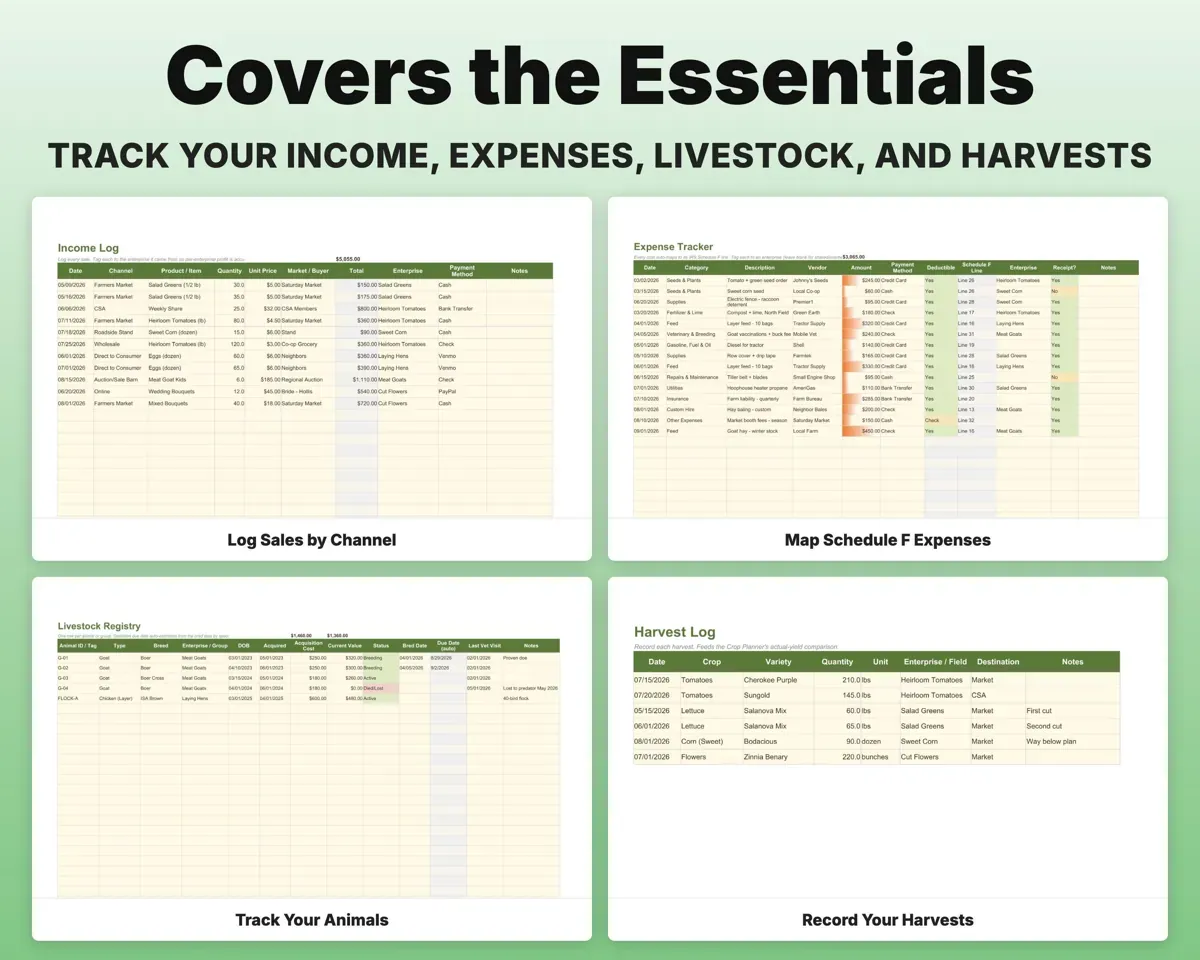
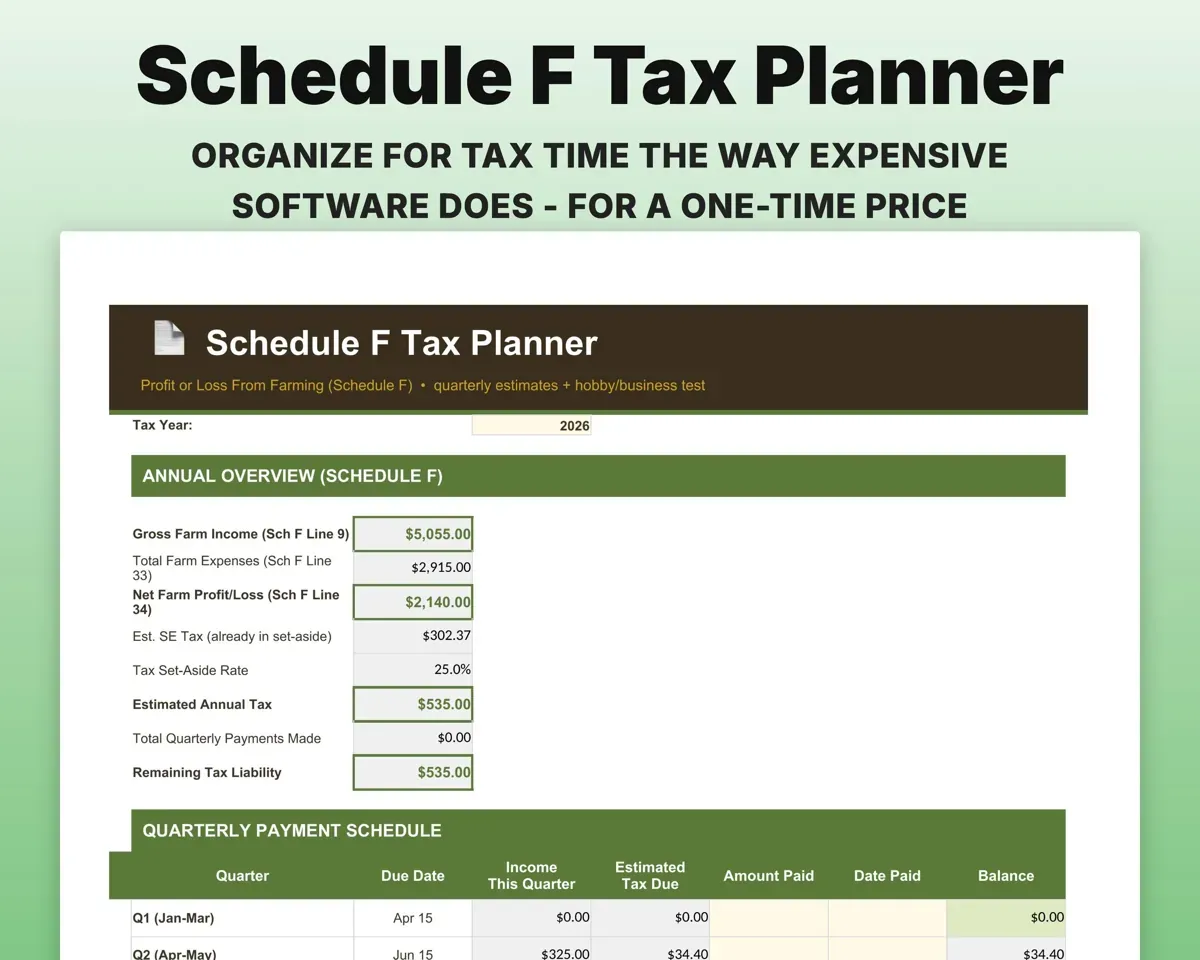
Each expense maps to its Schedule F line with a deductible flag and a field or enterprise tag. The Tax Planner rolls the categories up.
Expense, categorySchedule F lineRun the 3-of-5 year profit test
The Tax Planner checks each year's net income against the IRS 3-of-5 year test and explains the result in plain English, for you to confirm with your tax pro.
Yearly net income3-of-5 test resultCompare planned and actual yields
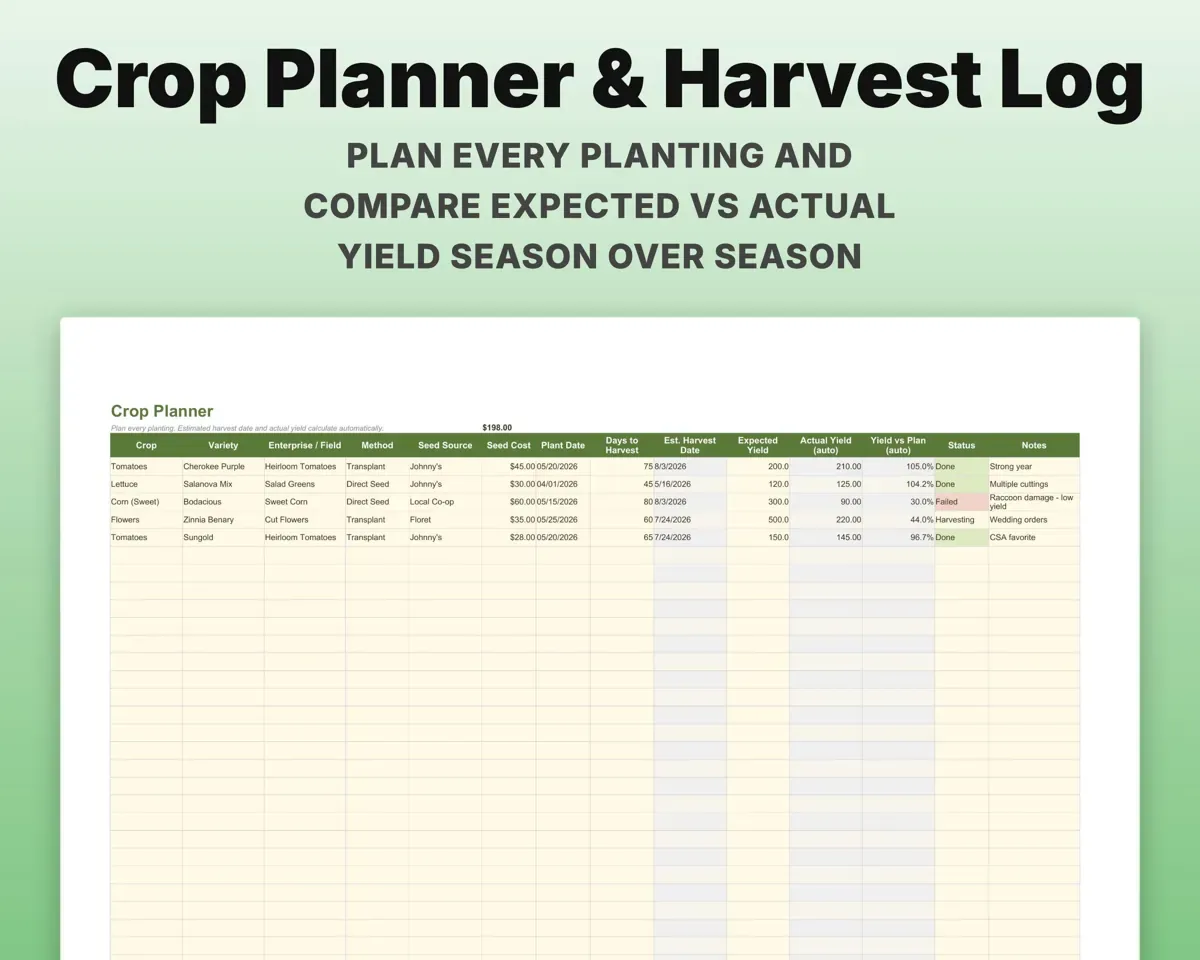
Plan each planting by variety, field, seed source and dates. The Harvest Log feeds actual yields back for next season.
Plantings, harvestsExpected vs actual yieldKeep feed costs from creeping
Log feed and supply purchases by animal type and group, and cost per head rolls up to the Dashboard.
Feed purchasesFeed cost per headTrack income by sales channel
Log every sale by market, CSA, wholesale, direct or online, tagged to the enterprise it came from.
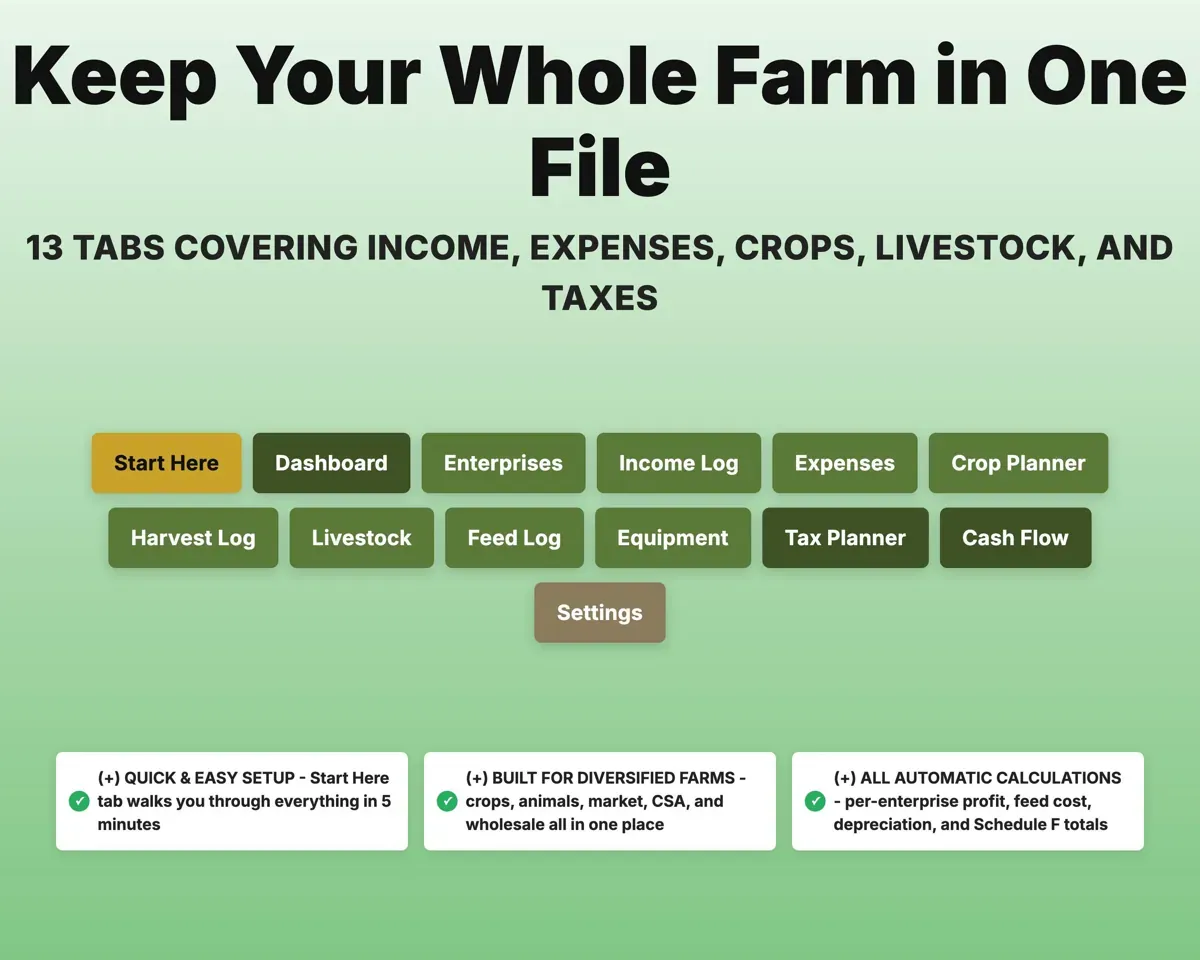
Sale, channelIncome by channel13 tabs in one file
- Start Here
- Dashboard
- Enterprises
- Income Log
- Expenses
- Crop Planner
- Harvest Log
- Livestock
- Feed Log
- Equipment
- Tax Planner
- Cash Flow
- Settings
- Start Here
- A plain-English setup walkthrough.
- Dashboard
- Revenue, profit by enterprise, feed cost and alerts.
- Enterprises
- Profit, margin and revenue for each crop and animal group.
- Income Log
- Every sale by channel, tagged to an enterprise.
- Expenses
- Costs mapped to Schedule F lines and tagged to an enterprise.
- Crop Planner
- Plantings with dates and expected vs actual yield.
- Harvest Log
- Each harvest's crop, quantity, field and destination.
- Livestock
- Animal registry with breed, status, cost and due dates.
- Feed Log
- Feed and supply purchases by animal type and group.
- Equipment
- Equipment cost and an annual depreciation schedule.
- Tax Planner
- Quarterly estimates, Schedule F rollup and the 3-of-5 test.
- Cash Flow
- Twelve months of income and expenses.
- Settings
- Tax rate, state, fiscal year and editable lists.
Pair it with
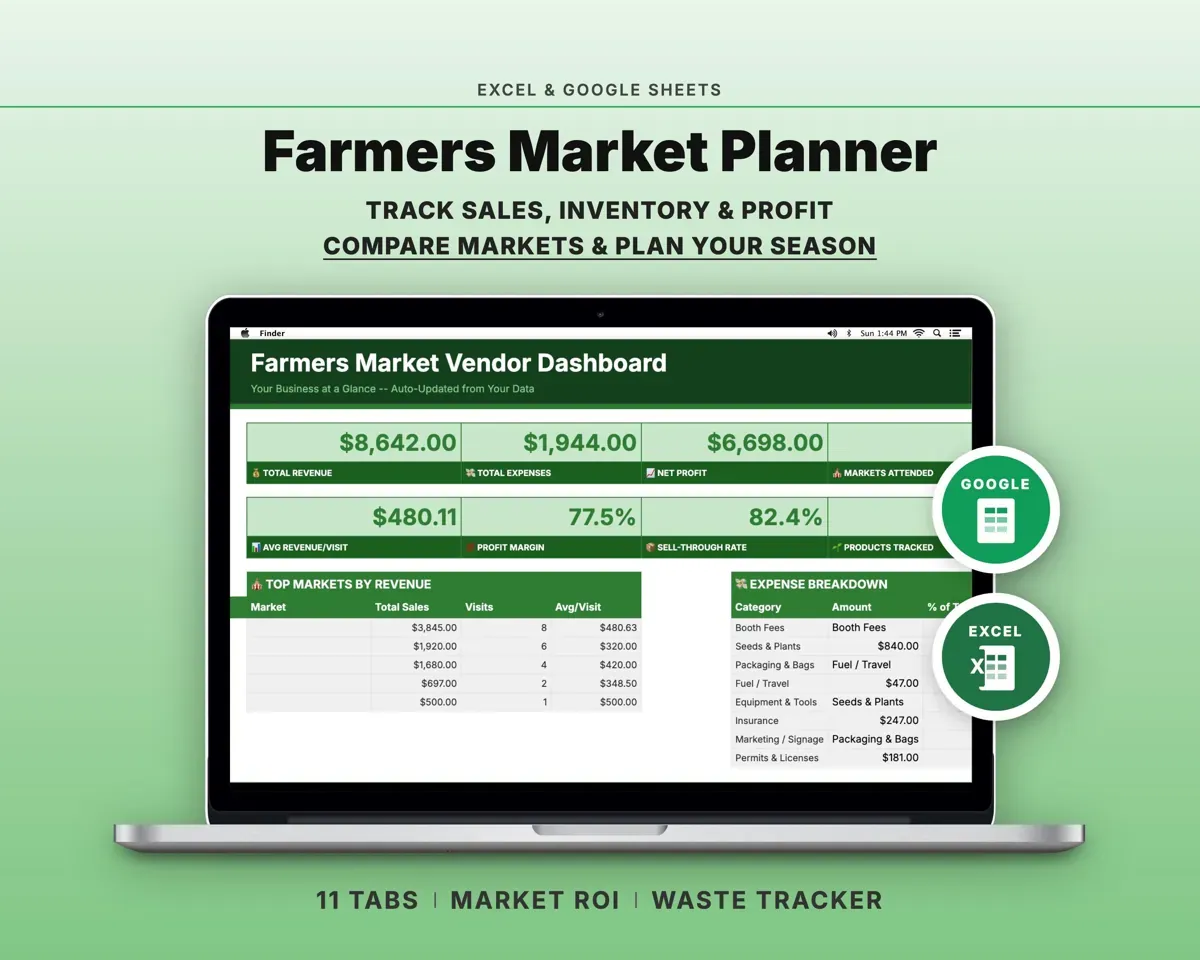
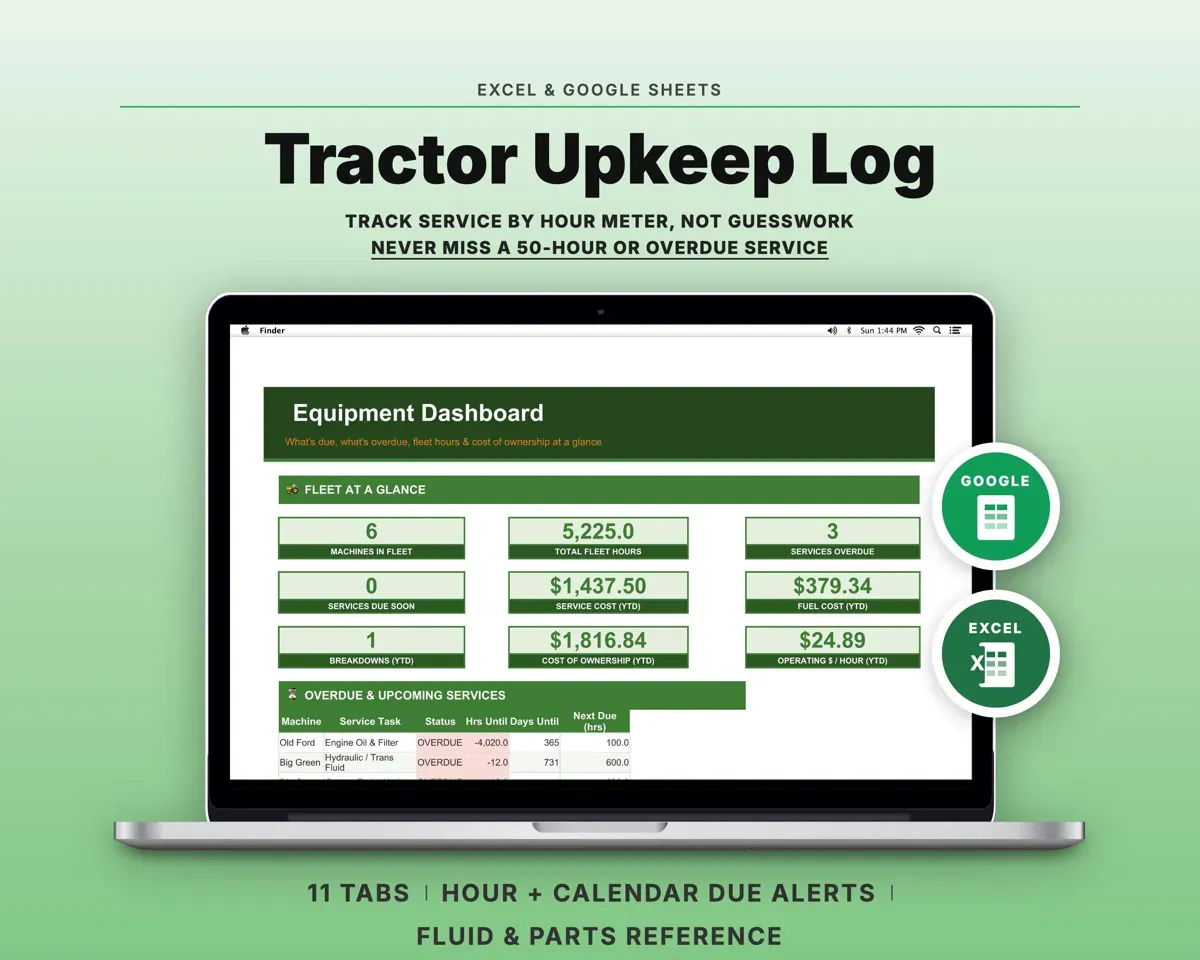
“Excellent! Very easy to use.”
“Nice Organization for 4H projects”
Before you buy
Will it fit my mix of crops and animals?
Yes. Every list on Settings is editable, including crops, animal types, channels, markets and Schedule F categories, so you can set it up for whatever you raise and grow.
How does profit by enterprise work?
Tag each income and expense entry to a crop or animal group. Enterprises and the Dashboard then total revenue, profit and margin for each one.
Does it decide whether my farm counts as a business?
It checks your yearly net income against the IRS 3-of-5 year test and reports what it finds. That result is a starting point for your tax pro, not a ruling.
What do I get?
An Excel file (.xlsx), a filled-in sample to look at, and a quick-start PDF guide with a link that makes your own copy in Google Sheets.
How does delivery work?
You get your download links right after checkout, and Stripe emails your receipt. There is nothing to ship and nothing to wait for.
How do I set it up in Google Sheets?
Open the quick-start PDF and click the Google Sheets link. Google makes a copy in your own Drive that only you can edit. You need a free Google account.
Will it work on a Mac?
Yes. It works in Excel on Mac and Windows, and in Google Sheets in any browser.
I'm not a spreadsheet person. Is that a problem?
No. You only type in the yellow cells. Everything in gray works itself out, and the Start Here tab shows you where to begin.
Can I get a refund?
Templates are digital downloads, so sales are final. If a file won't open, is broken or doesn't match its description, email hello@cleanpixelstudios.com within 30 days and we'll fix it, or refund you if we can't.
What if I get stuck?
Email hello@cleanpixelstudios.com and we'll help you get it working.
More in Farm & homestead
See all Farm & homestead templates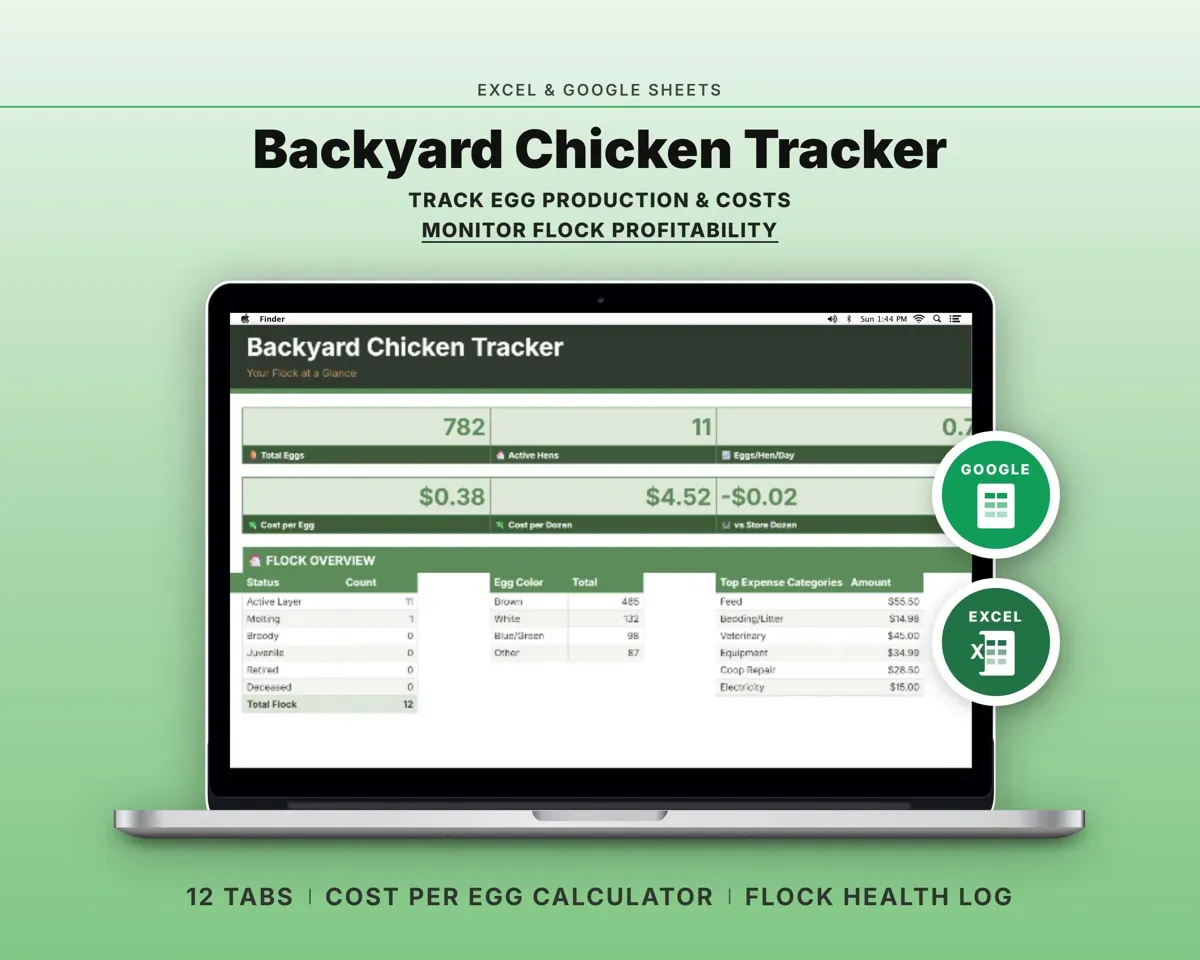
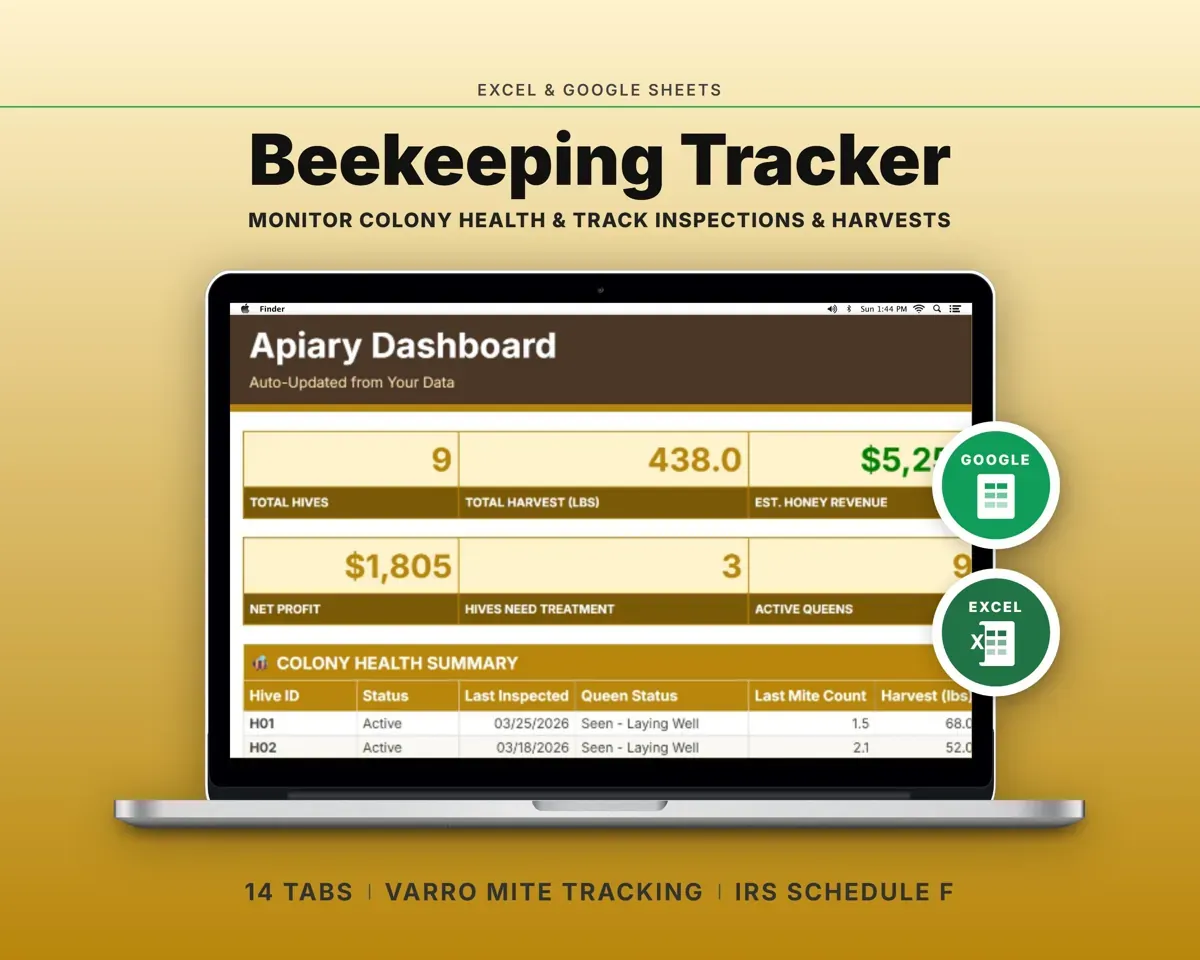
 Made by Clean Pixel Studios
We start every template by reading what people in that line of work say they struggle with, then build the spreadsheet around those problems. This one was made for small farmers and homesteaders and nobody else.
How we build templatesFarm Management Spreadsheet$19.99 · Excel + Google Sheets