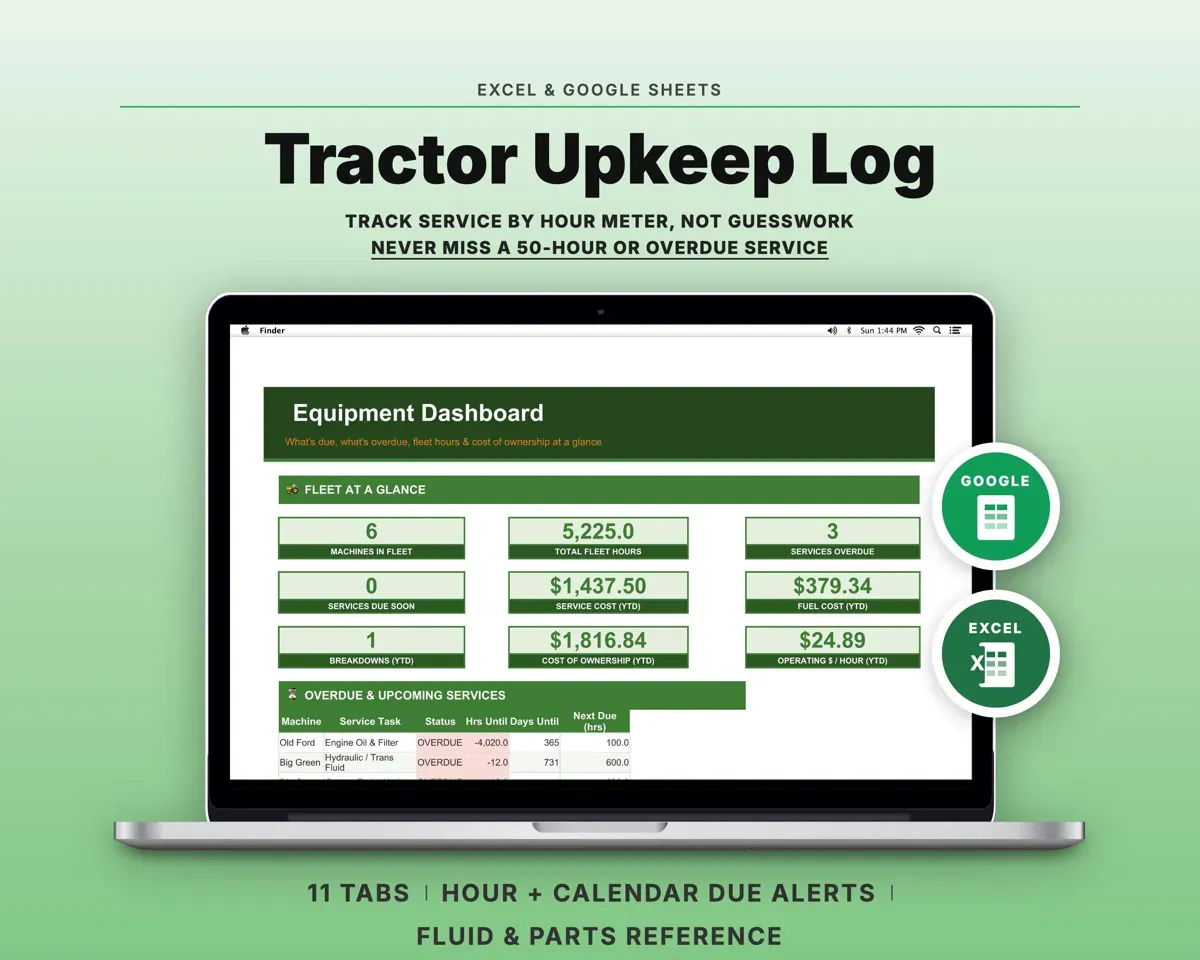
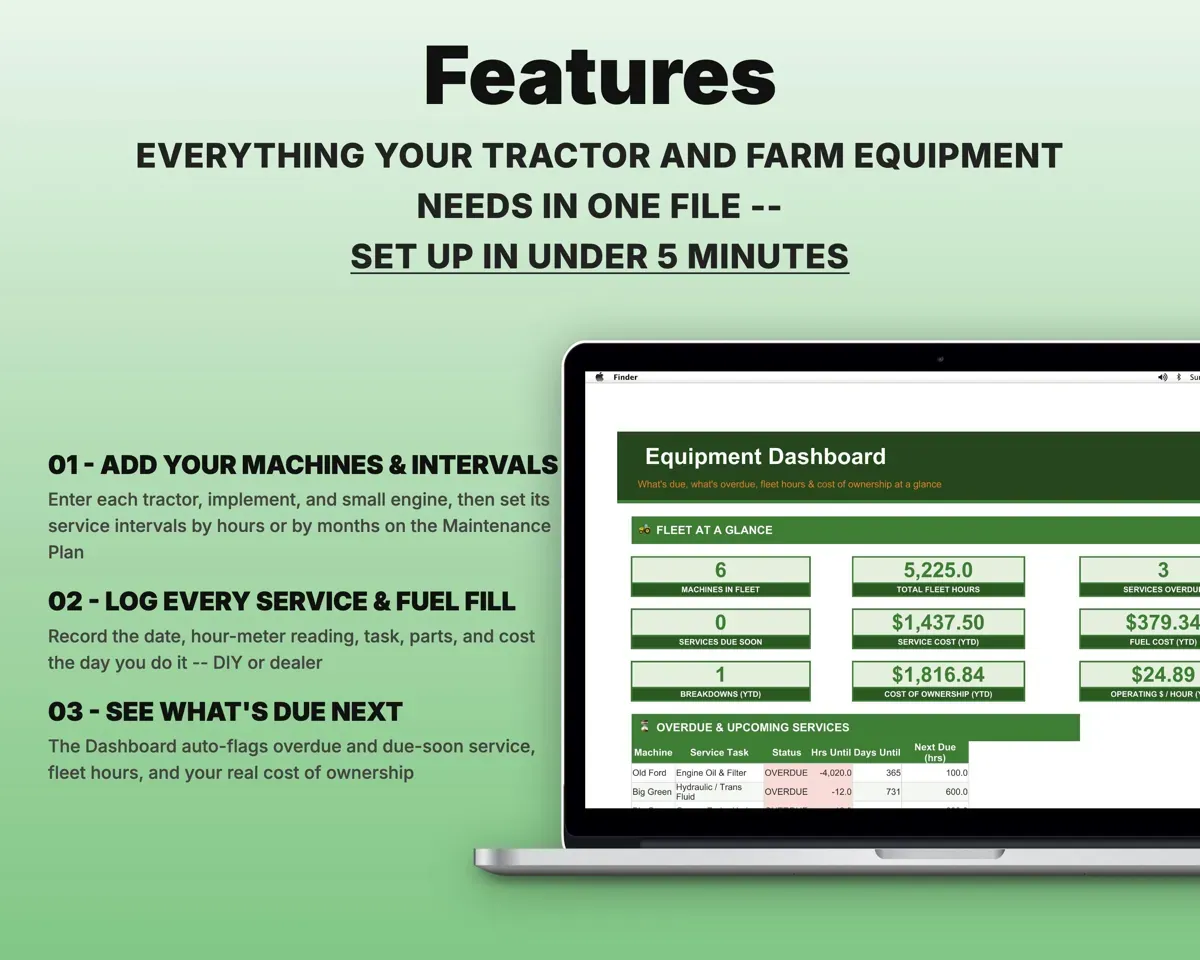
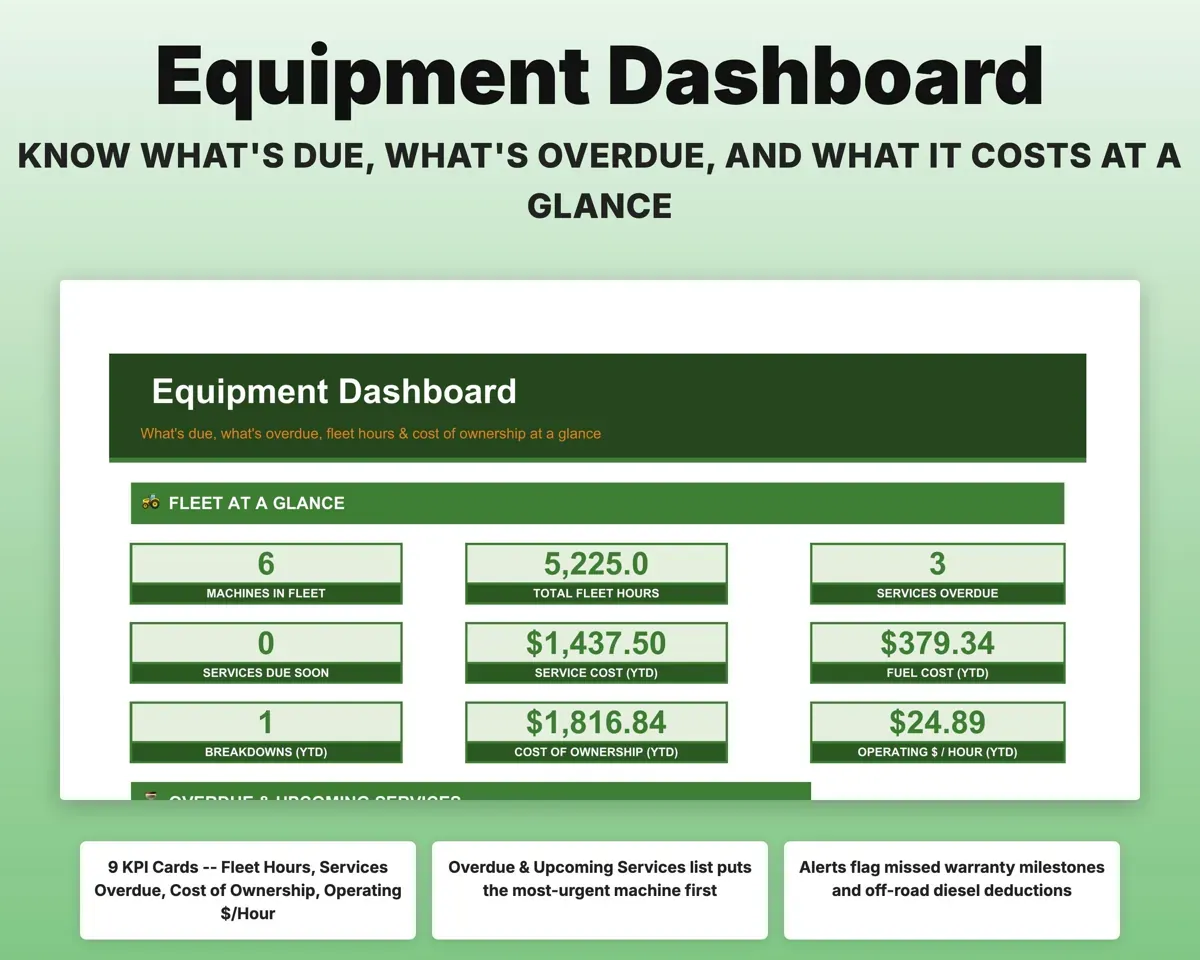
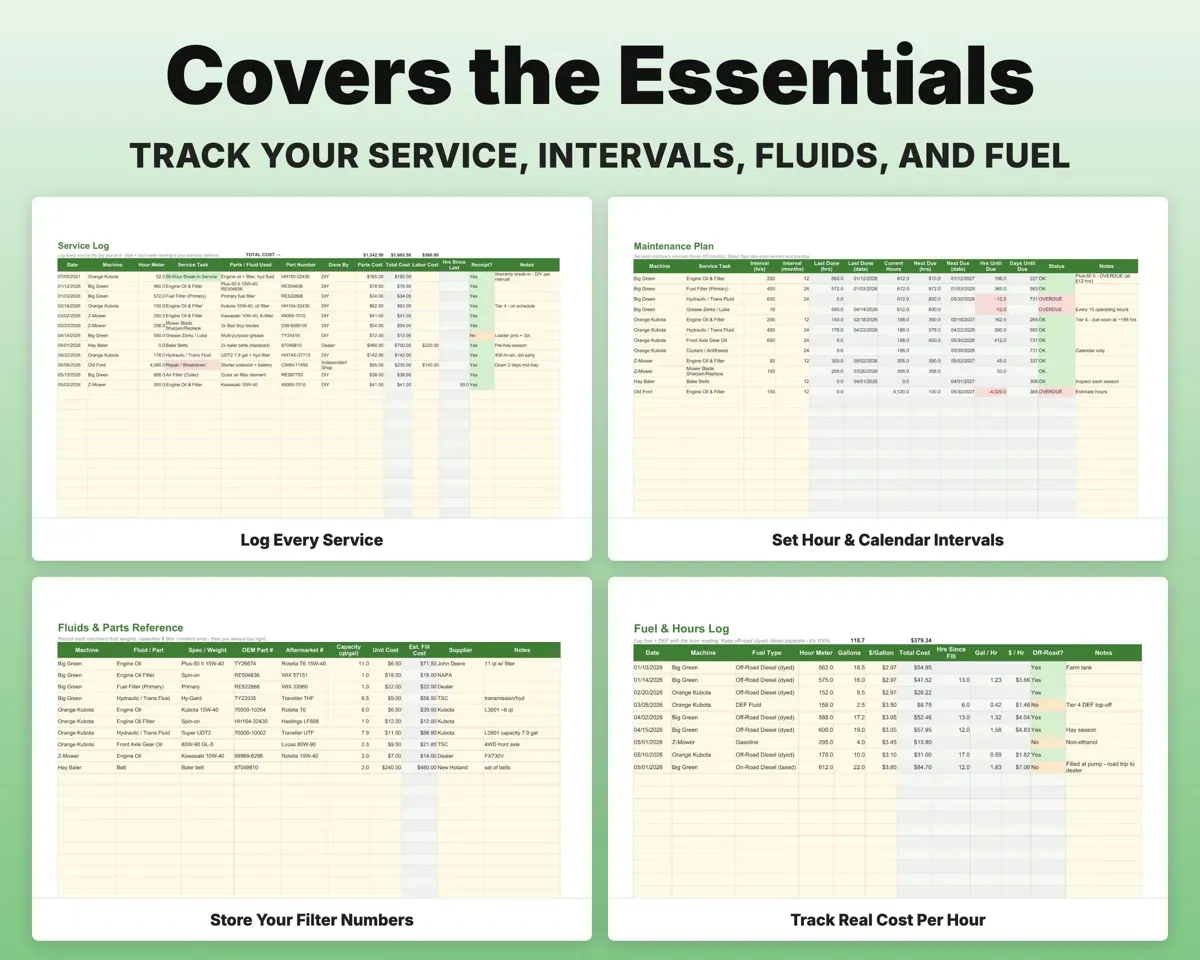
Built around the jobs tractor owners actually do
See which service is due next
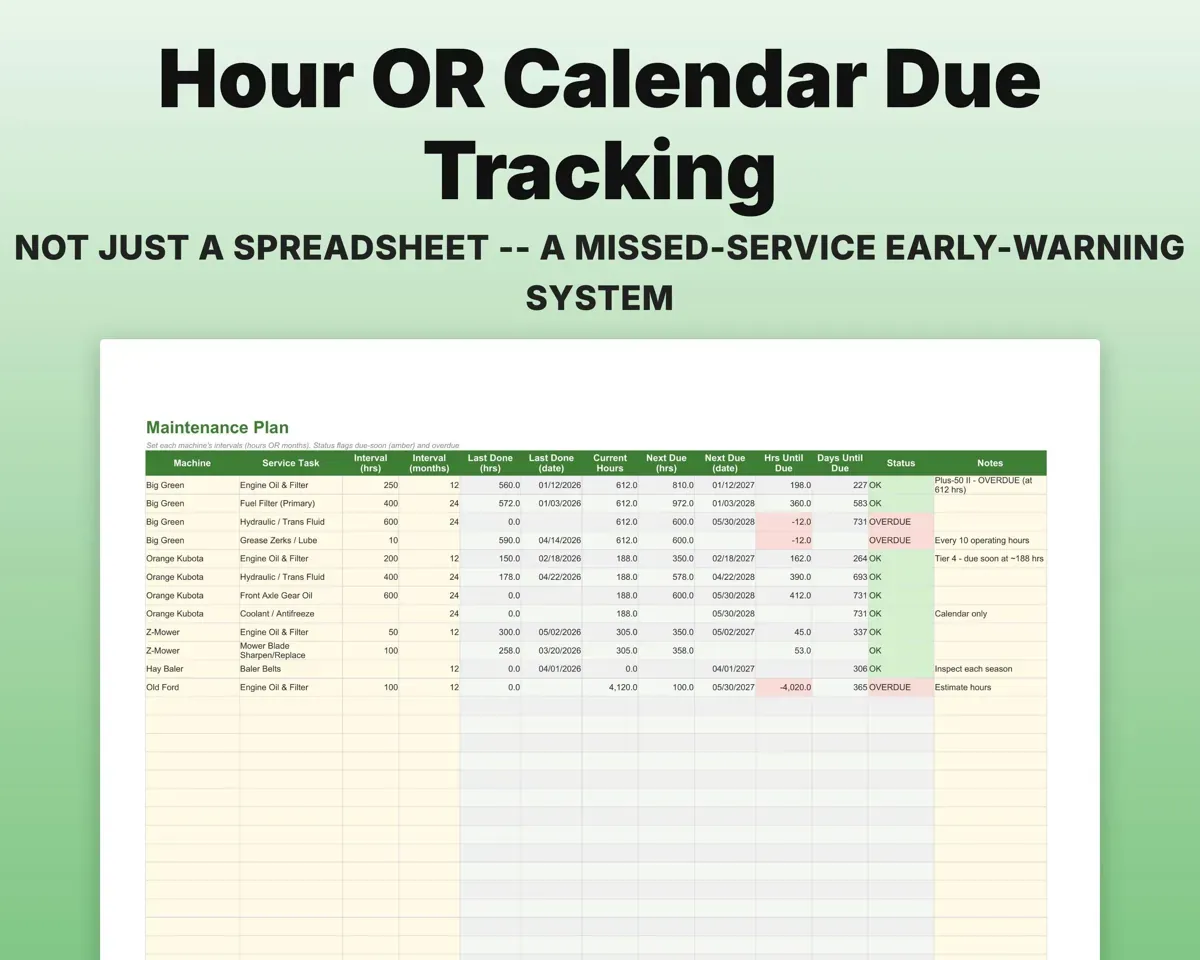
Set each interval in hours and in months. Whichever comes first sets the status, so a low-use tractor still gets its oil changed. Due soon shows amber and overdue shows red.
Hours and month intervalsDue soon or overdueKeep proof of every service
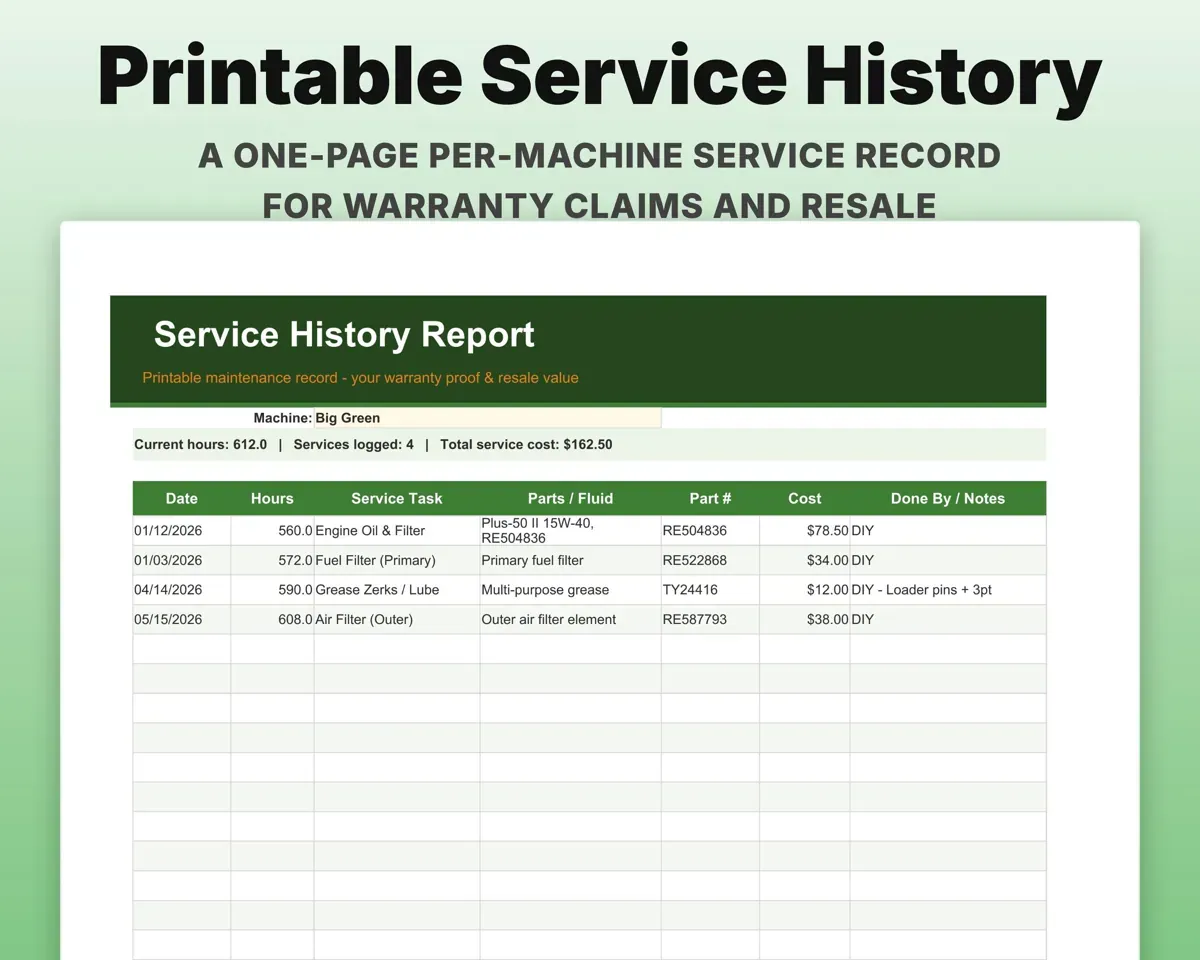
Each entry records the date, hour-meter reading, task, parts, part number, cost and whether you or the dealer did it. Print a one-page history per machine for a warranty claim or a buyer.
Date, hours, partsPrintable historyBuy the right filter the first time
Store each machine's oil weight, fluid capacities and OEM and aftermarket filter numbers once, then look them up when you order.
Fluids, part numbersParts referenceKnow what an hour of work costs
Log fuel and DEF fills with the hour reading. The sheet works out gallons per hour and cost per hour for each machine, and keeps dyed diesel apart from taxed fuel.
Fuel fills, hour readingCost per hourTrack the mower and baler too
One Equipment list feeds every tab, so tractors, implements and small engines each keep their own intervals and history.
Make, model, serialOne fleet listOrganize equipment costs for taxes
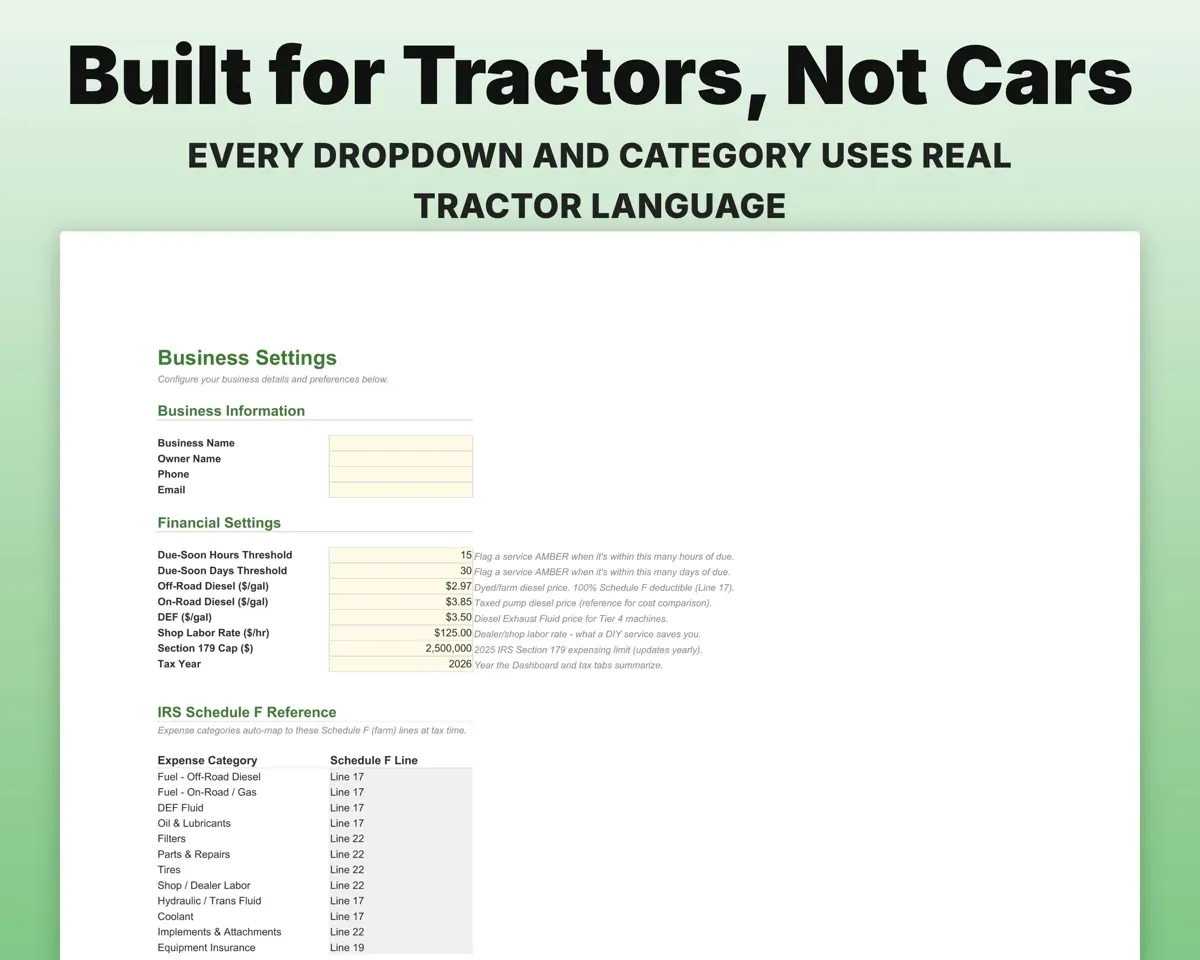
Expenses map to Schedule F lines with a deductible flag, and a worksheet covers Section 179 and MACRS depreciation.
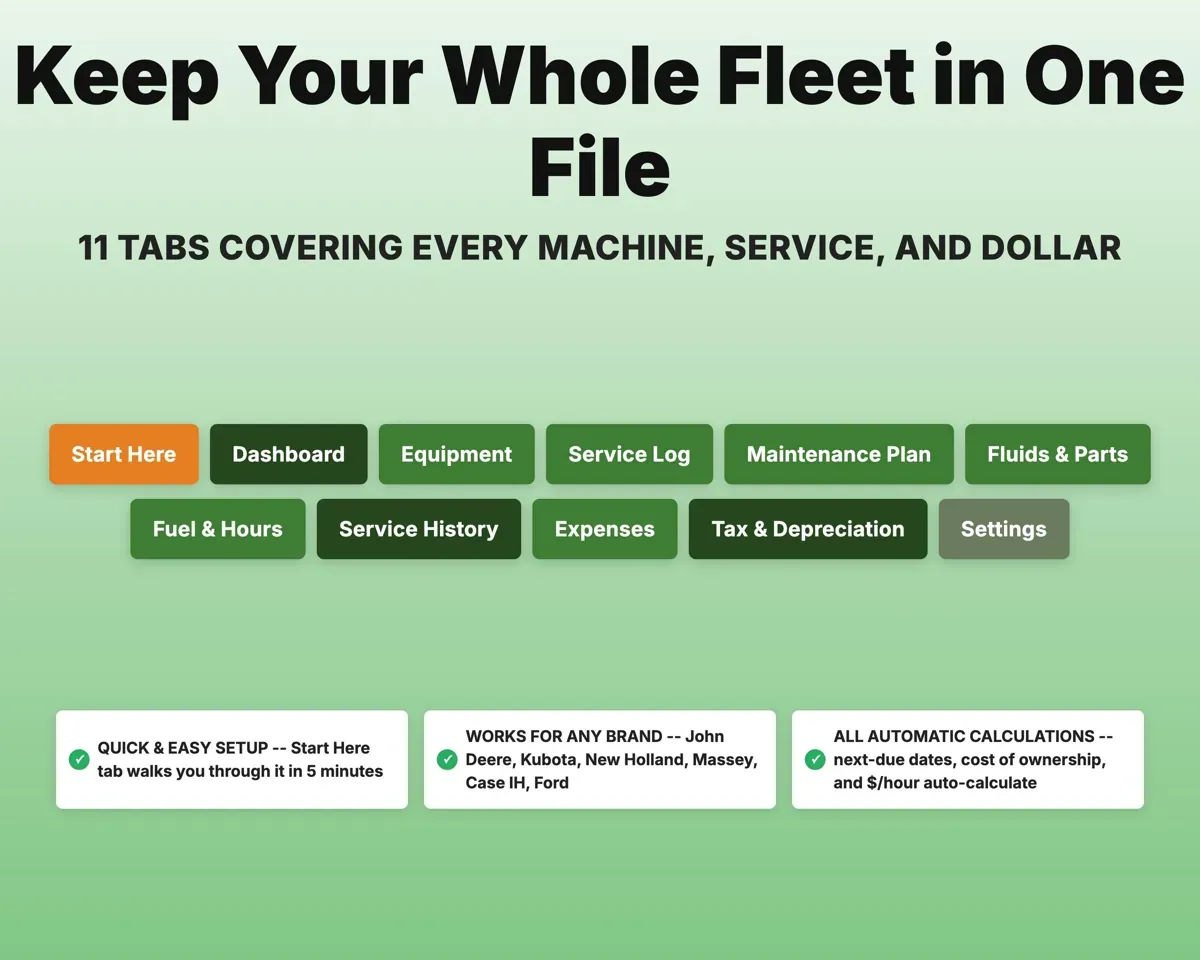
Expenses, purchase priceSchedule F line11 tabs in one file
- Start Here
- Dashboard
- Equipment
- Service Log
- Maintenance Plan
- Fluids & Parts
- Fuel & Hours
- Service History
- Expenses
- Tax & Depreciation
- Settings
- Start Here
- A five-minute setup walkthrough.
- Dashboard
- What's due, fleet hours and cost per hour.
- Equipment
- Every machine with serial number, meter type and hours.
- Service Log
- One row per service with hours, parts and cost.
- Maintenance Plan
- Hour and month intervals with due-soon and overdue flags.
- Fluids & Parts
- Oil weights, capacities and filter part numbers.
- Fuel & Hours
- Fuel and DEF fills with gallons and cost per hour.
- Service History
- A printable service record for one machine.
- Expenses
- Equipment costs mapped to Schedule F lines.
- Tax & Depreciation
- A Section 179 and MACRS depreciation worksheet.
- Settings
- Tax year, fuel prices, warning window and dropdown lists.
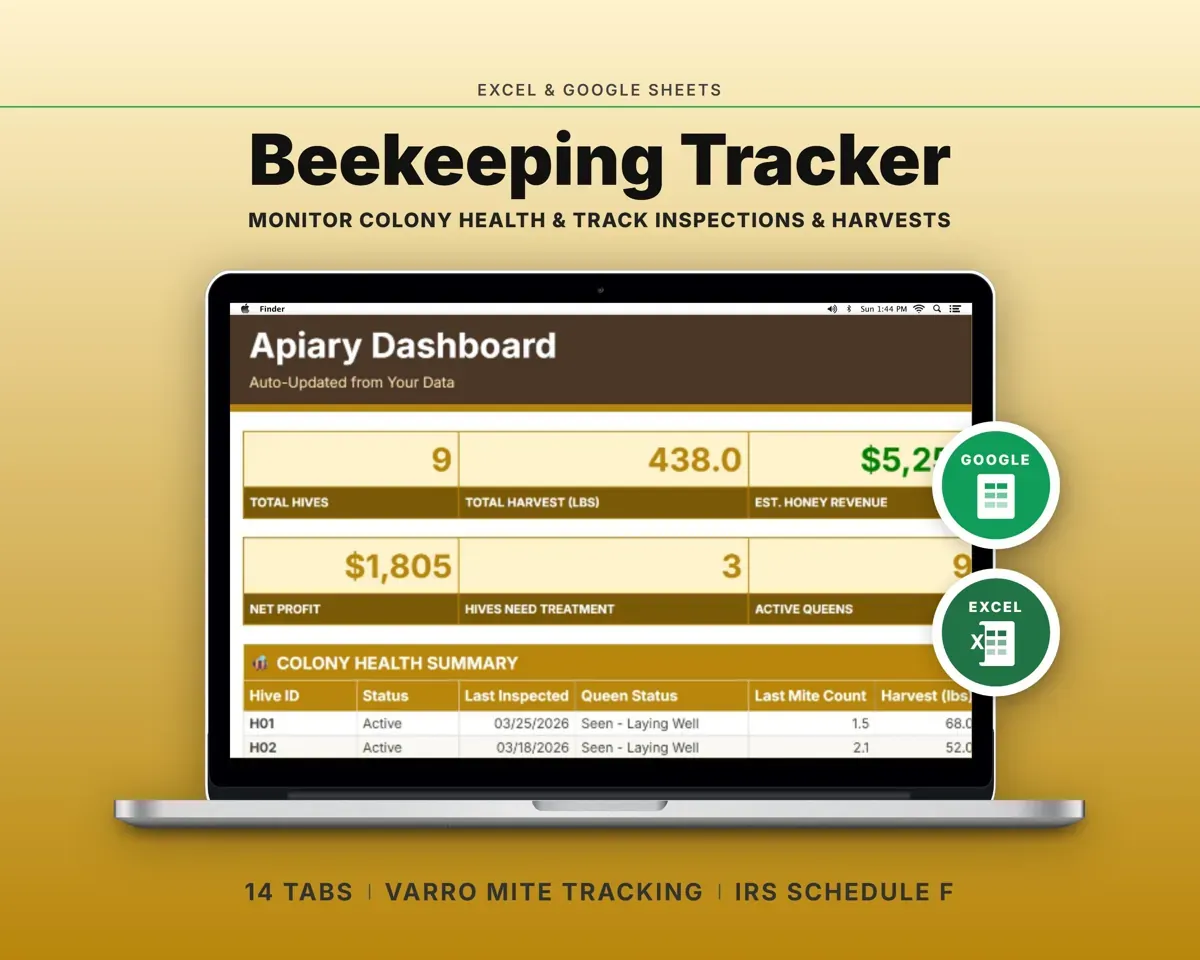
Pair it with
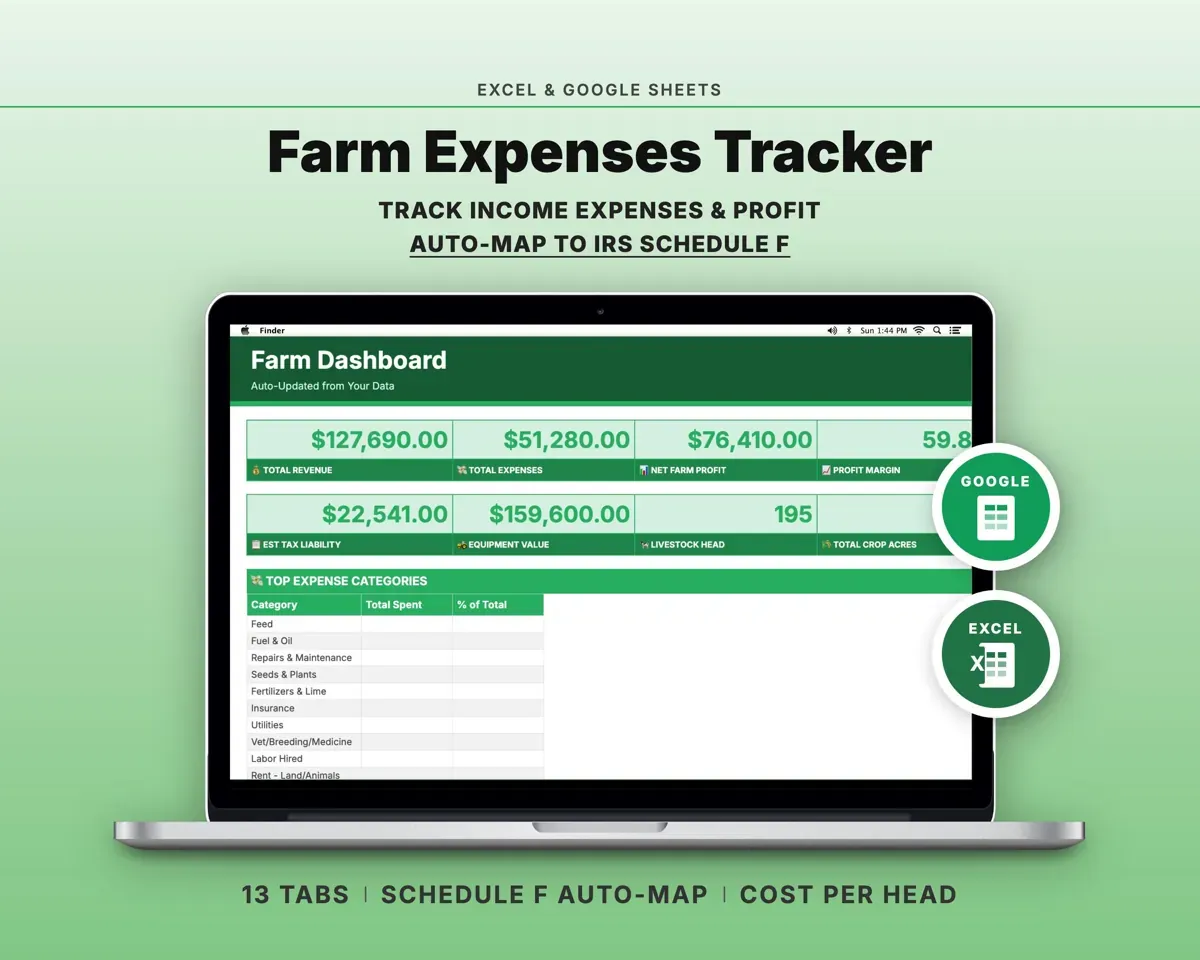
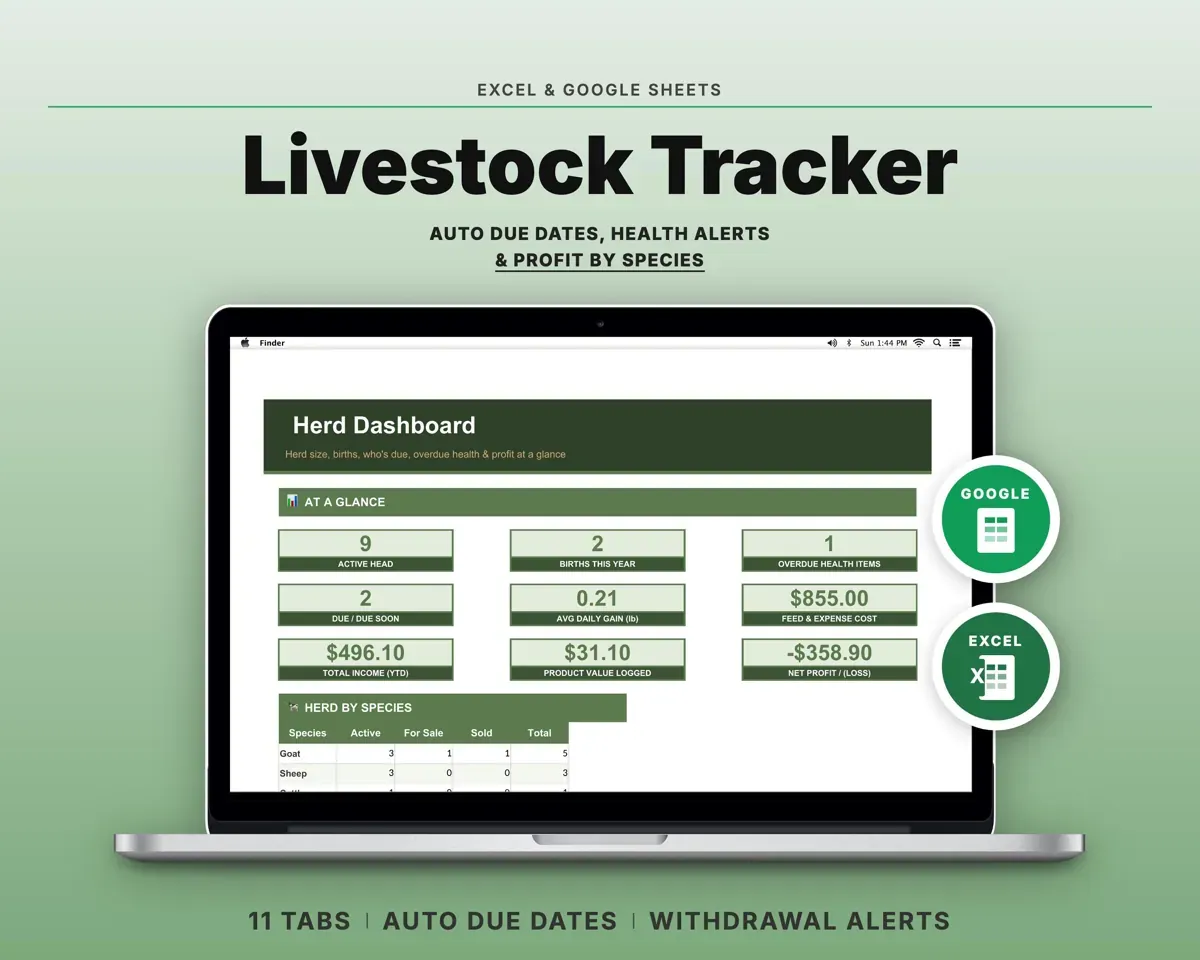
“Excellent! Very easy to use.”
“Nice Organization for 4H projects”
Before you buy
Does it work with my brand of tractor?
Yes. You enter your own intervals and part numbers, so it fits John Deere, Kubota, Massey, New Holland or any other make.
Does it track hours or miles?
Hours. Every service is built around the hour meter, and you can note each machine's meter type, such as engine hours or Hobbs.
Can I add implements and small engines?
Yes. Add a mower, baler, brush hog, tiller, ATV or chainsaw on the Equipment tab and each one gets its own intervals and history.
What do I get?
An Excel file (.xlsx), a filled-in sample to look at, and a quick-start PDF guide with a link that makes your own copy in Google Sheets.
How does delivery work?
You get your download links right after checkout, and Stripe emails your receipt. There is nothing to ship and nothing to wait for.
How do I set it up in Google Sheets?
Open the quick-start PDF and click the Google Sheets link. Google makes a copy in your own Drive that only you can edit. You need a free Google account.
Will it work on a Mac?
Yes. It works in Excel on Mac and Windows, and in Google Sheets in any browser.
I'm not a spreadsheet person. Is that a problem?
No. You only type in the yellow cells. Everything in gray works itself out, and the Start Here tab shows you where to begin.
Can I get a refund?
Templates are digital downloads, so sales are final. If a file won't open, is broken or doesn't match its description, email hello@cleanpixelstudios.com within 30 days and we'll fix it, or refund you if we can't.
What if I get stuck?
Email hello@cleanpixelstudios.com and we'll help you get it working.
More in Farm & homestead
See all Farm & homestead templates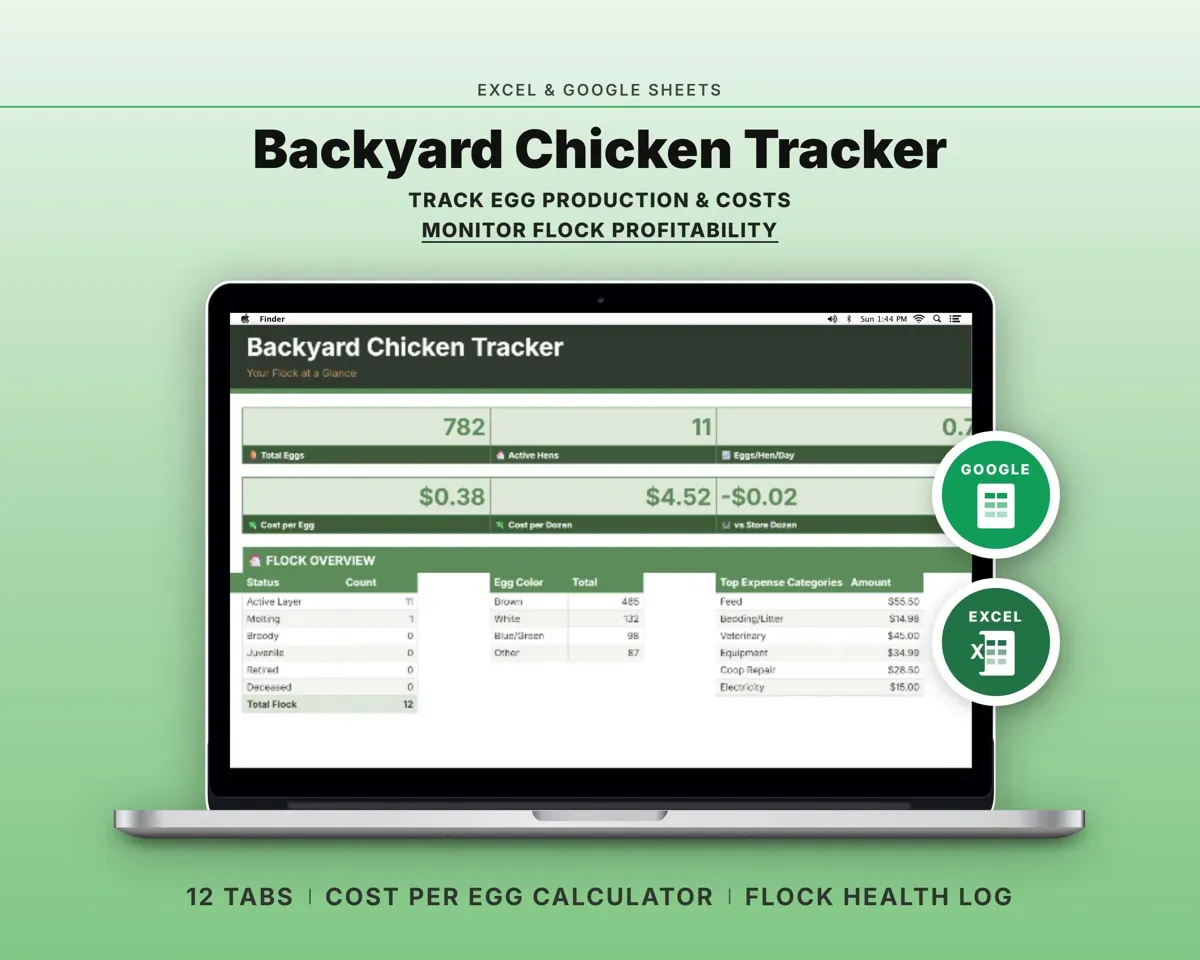
 Made by Clean Pixel Studios
We start every template by reading what people in that line of work say they struggle with, then build the spreadsheet around those problems. This one was made for tractor owners and nobody else.
How we build templatesTractor Maintenance Log Spreadsheet$16.99 · Excel + Google Sheets