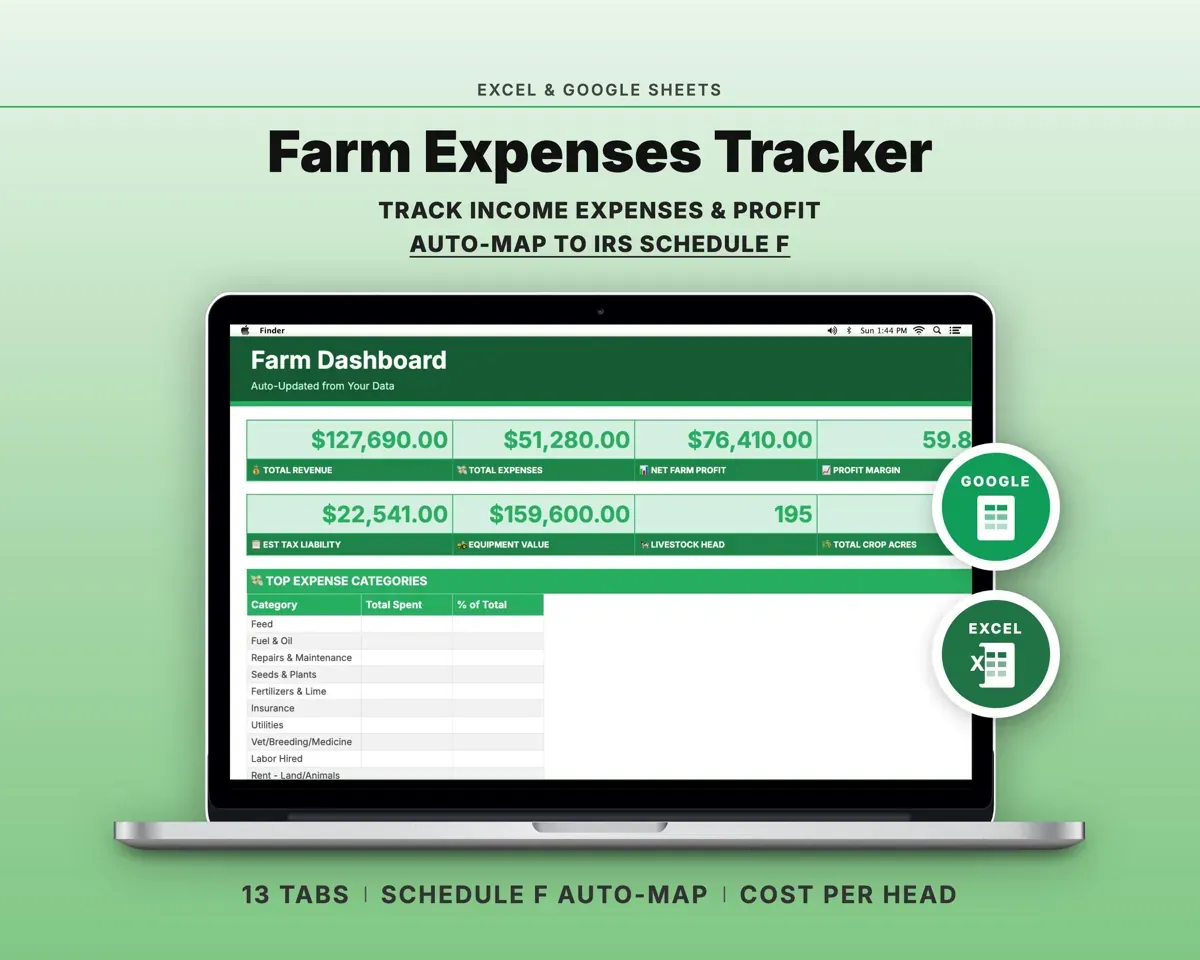
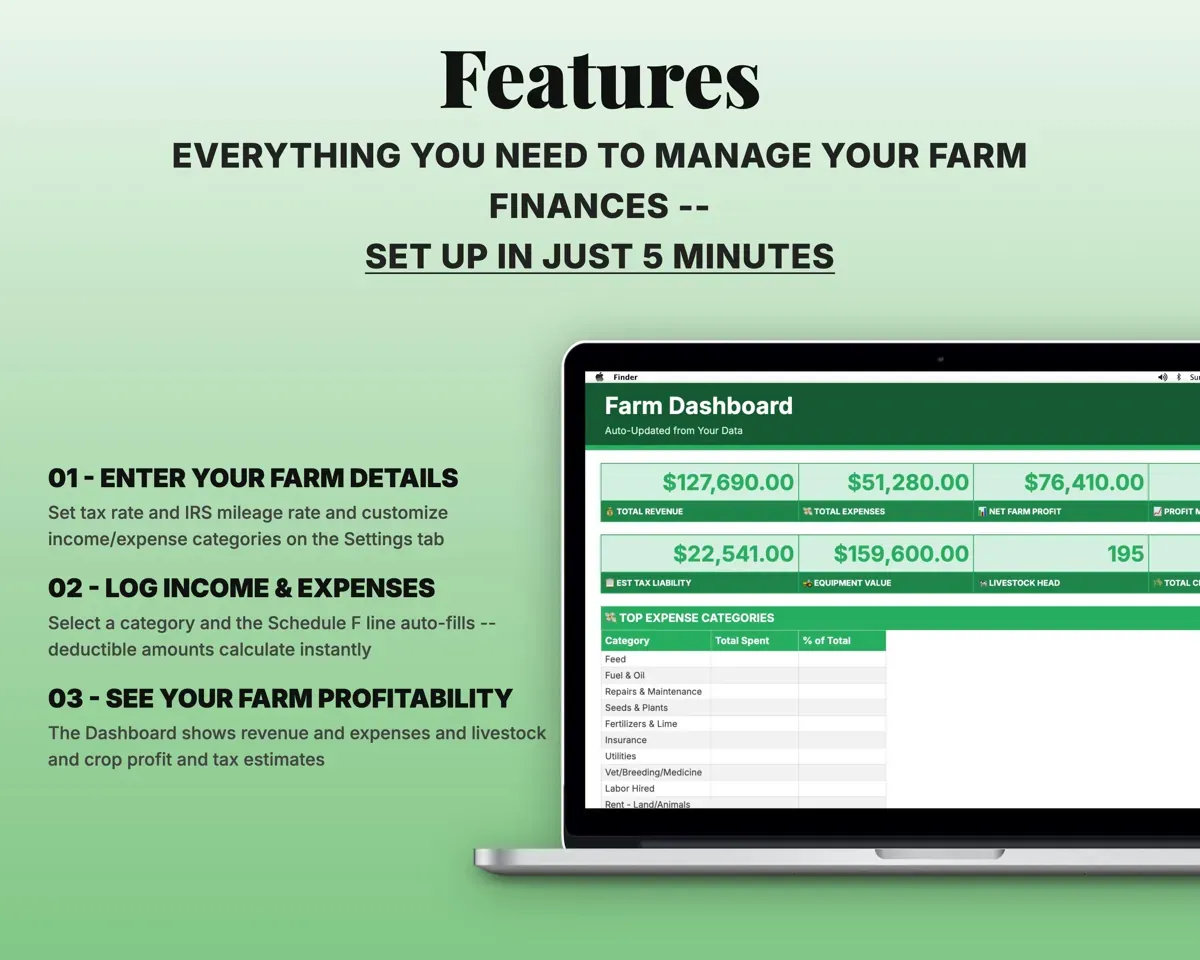
Built around the jobs small farmers actually do
Have Schedule F ready at tax time
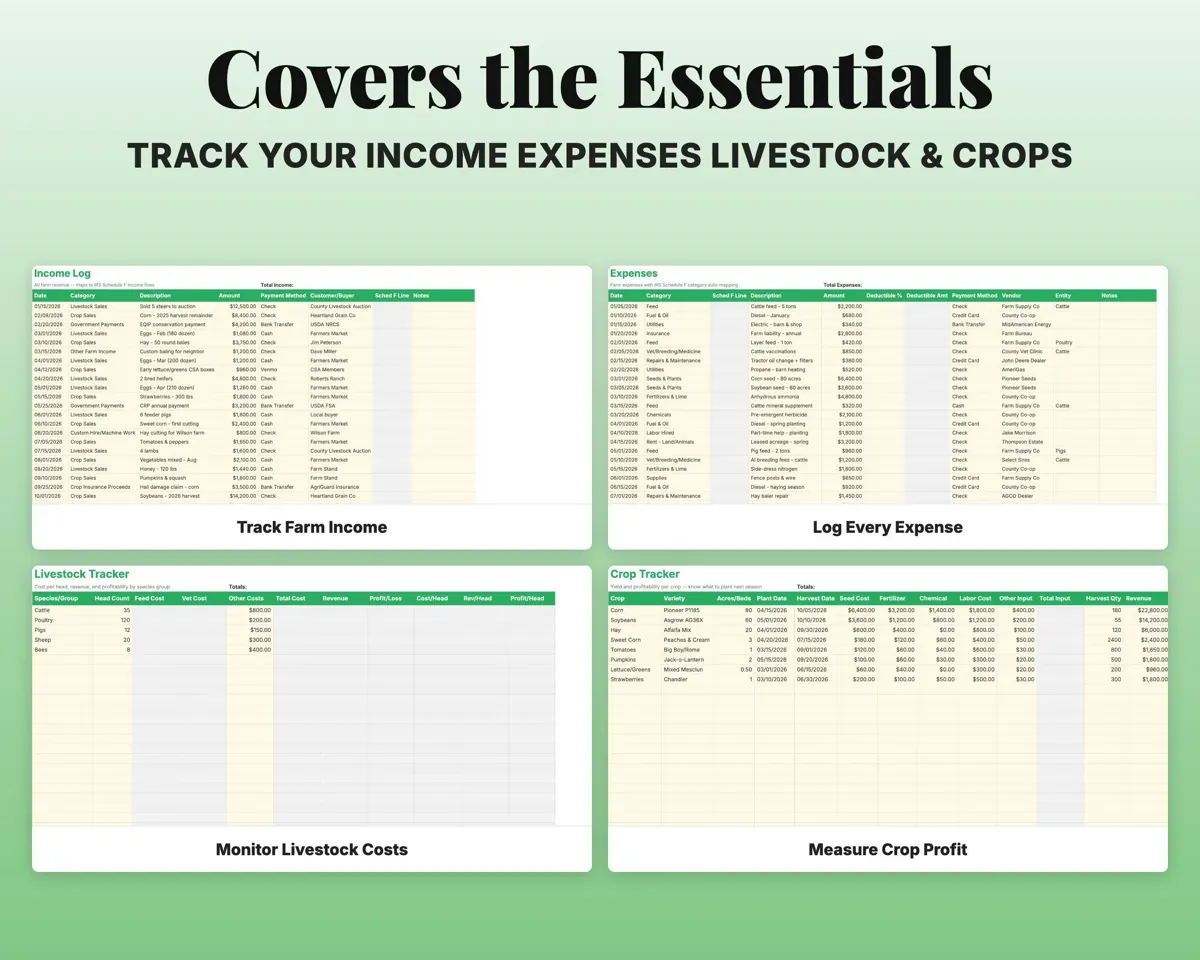
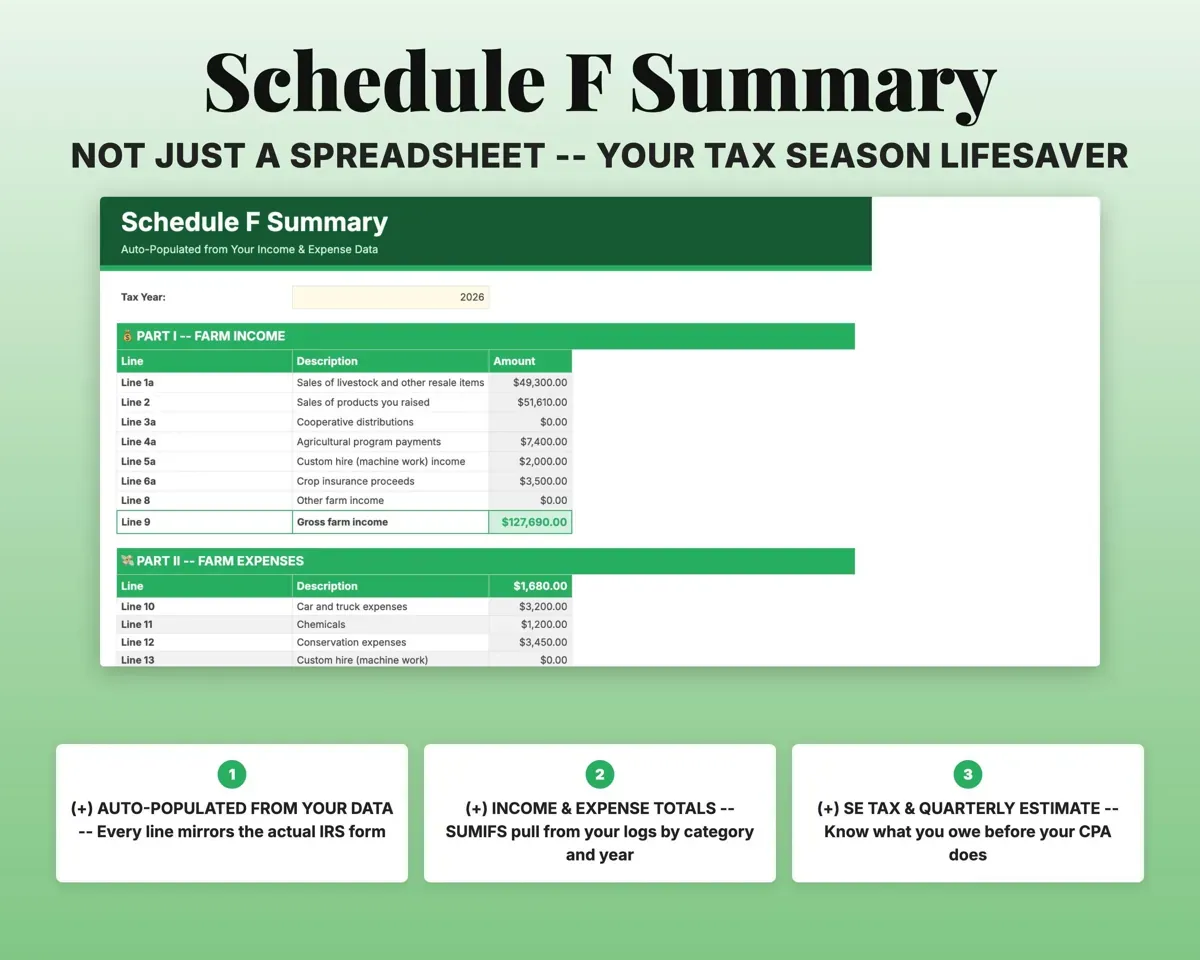
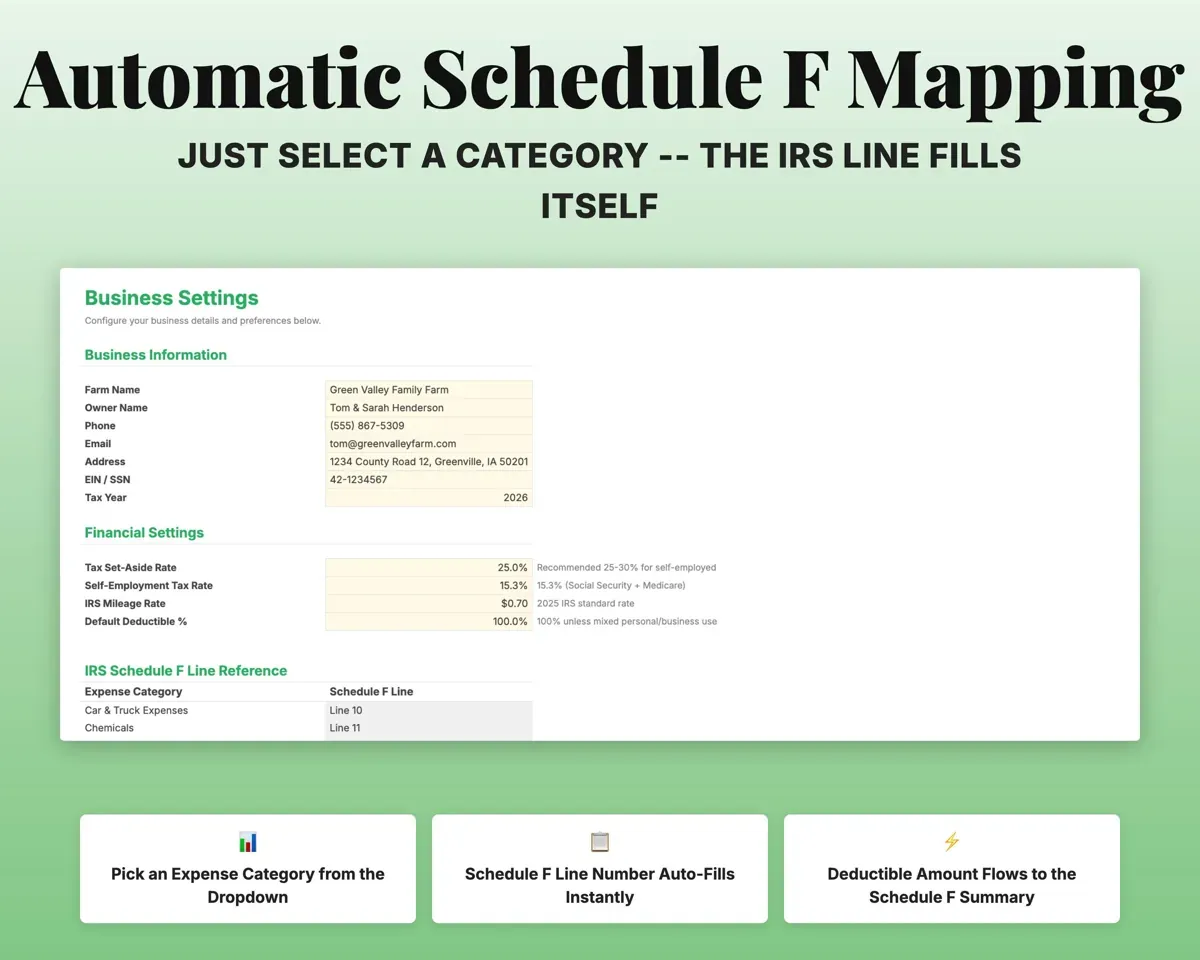
Every income and expense entry maps to its Schedule F line. The Schedule F Summary mirrors the form, with net profit and self-employment tax filled in from your logs.
Income and expensesSchedule F summaryKnow your real cost per animal
Feed and vet costs are pulled from Expenses by species. Each animal group shows total cost, revenue, profit and cost per head.
Feed and vet costsCost per headSee profit per acre for each crop
Track seed, fertilizer, chemical, labor and other inputs per crop, along with harvest quantity and revenue.
Input costs, harvestProfit per acreDepreciate equipment without the math
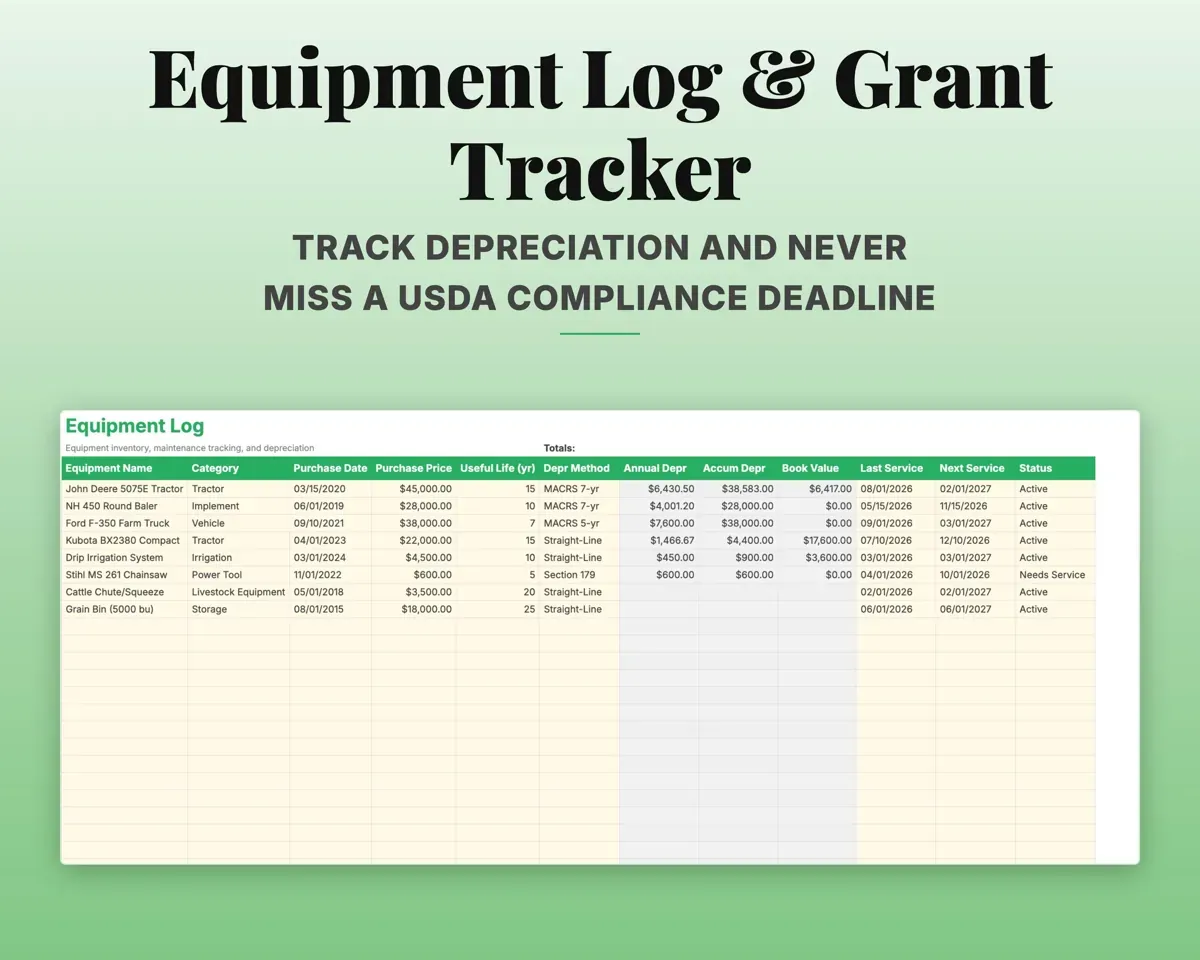
Choose Straight-Line, Section 179, MACRS 5-year or MACRS 7-year. Annual and accumulated depreciation and book value are worked out, with maintenance status alerts.
Purchase price, methodBook valueSplit shared personal and farm costs
Each expense has a Deductible % column that starts at 100%. Lower it for shared costs and the deductible amount flows to Schedule F.
Deductible %Deductible amountKeep grant deadlines in view
Log USDA programs such as EQIP, CSP and CRP, with alerts for compliance deadlines.
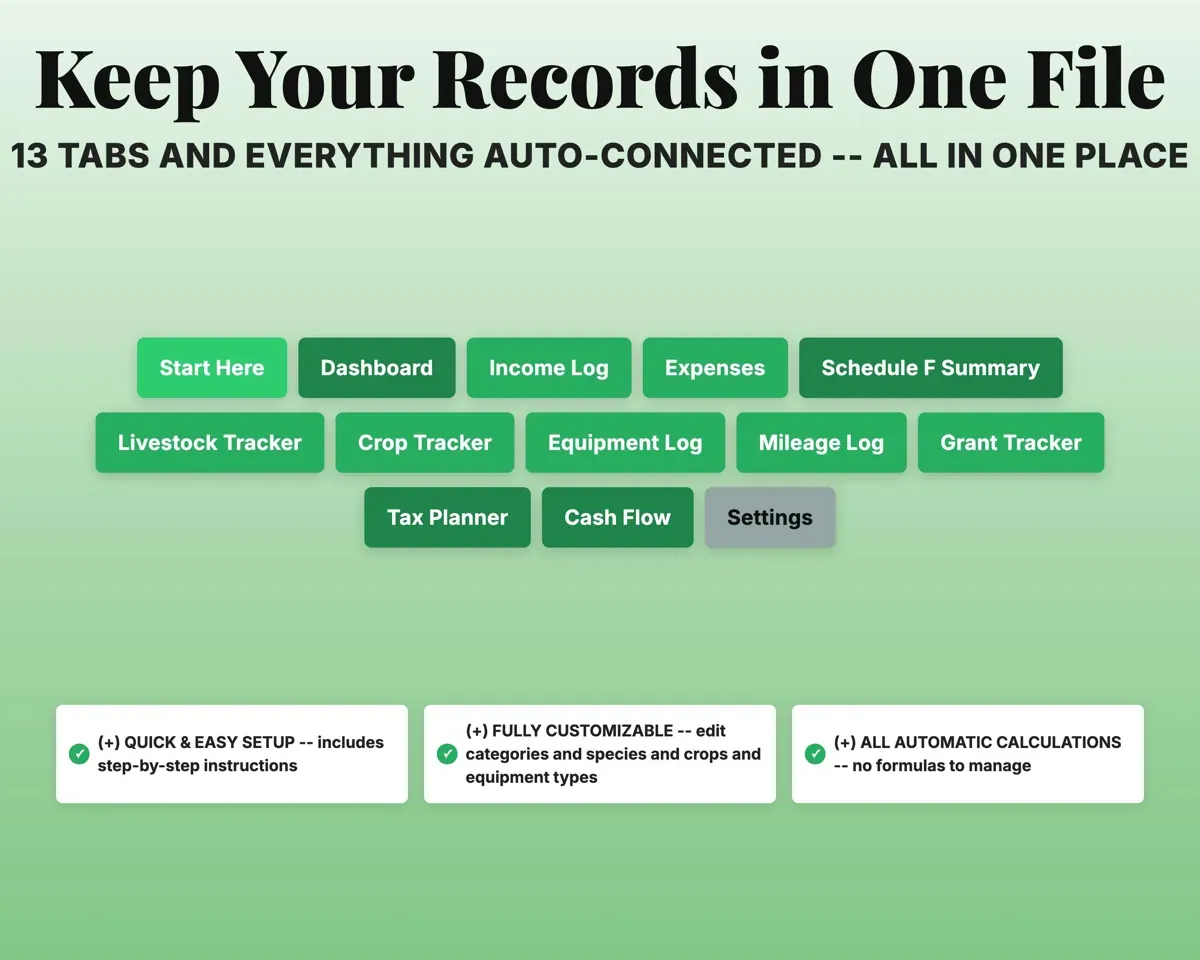
Program, deadlineDeadline alert13 tabs in one file
- Start Here
- Dashboard
- Income Log
- Expenses
- Schedule F Summary
- Livestock Tracker
- Crop Tracker
- Equipment Log
- Mileage Log
- Grant Tracker
- Tax Planner
- Cash Flow
- Settings
- Start Here
- Step-by-step setup and a color key.
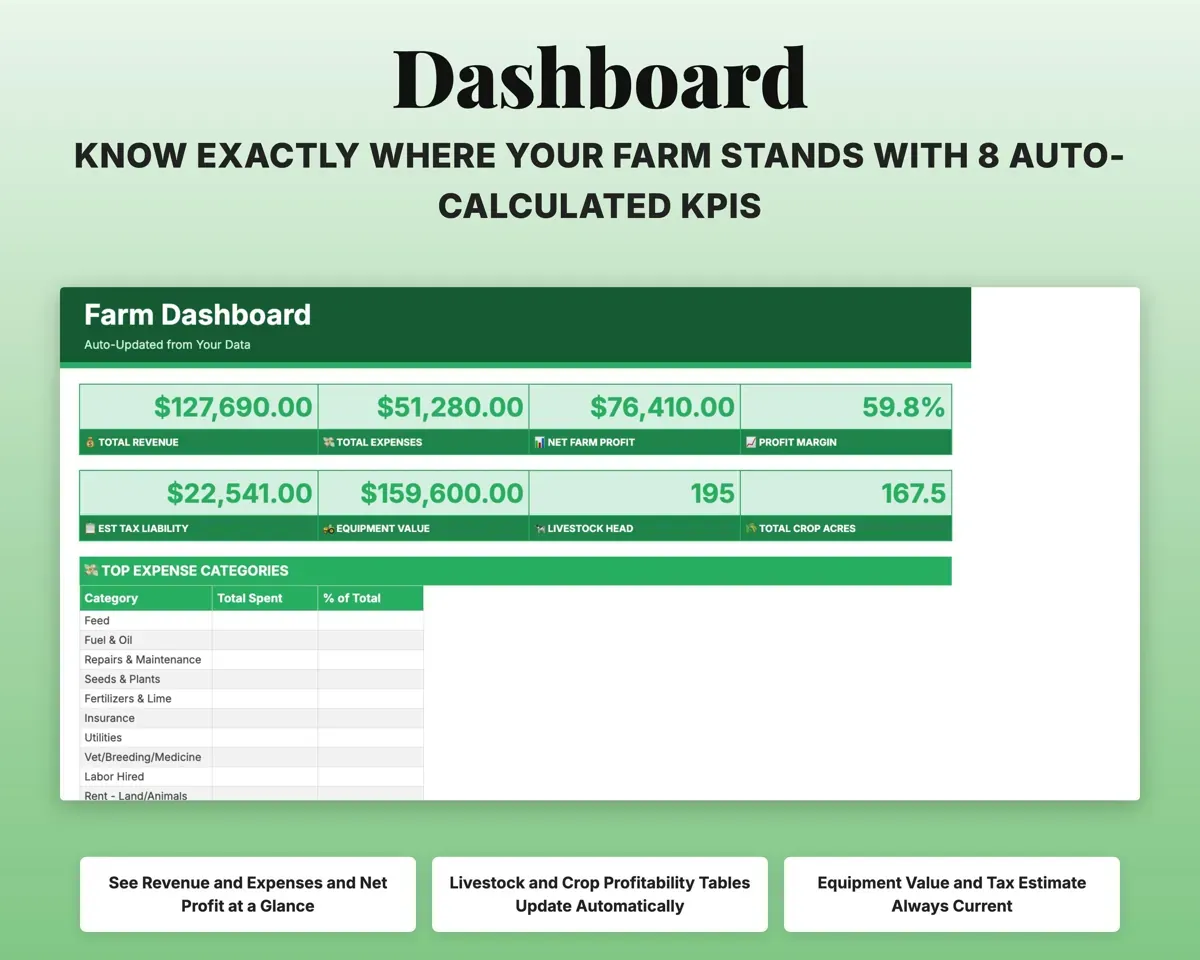
- Dashboard
- KPIs, livestock and crop profit, expenses and alerts.
- Income Log
- All farm revenue, mapped to Schedule F income lines.
- Expenses
- Costs in 25 Schedule F categories with deductible %.
- Schedule F Summary
- A mirror of the form filled in from your logs.
- Livestock Tracker
- Cost, revenue and cost per head for each animal group.
- Crop Tracker
- Input costs, harvest, revenue and profit per acre.
- Equipment Log
- Equipment, depreciation and maintenance status.
- Mileage Log
- Odometer trips split into business and personal.
- Grant Tracker
- USDA programs with compliance deadline alerts.
- Tax Planner
- Quarterly estimated tax dates and payments (Form 1040-ES).
- Cash Flow
- Twelve months of farm income and expenses.
- Settings
- Farm info, tax rates, mileage rate and dropdown lists.
Pair it with
“Excellent! Very easy to use.”
“Nice Organization for 4H projects”
Before you buy
I use one truck for the farm and personally. How does that work?
Mileage Log splits business and personal trips, and only business miles count toward the deduction. Expenses also has a Deductible % column for shared costs.
Does the Schedule F Summary fill in by itself?
Yes. Every line pulls from Income Log and Expenses by formula, so there is nothing to type on that tab.
Can I change the categories?
Yes. Income and expense categories, livestock species, crop types and equipment categories are all editable on Settings.
What do I get?
An Excel file (.xlsx), a filled-in sample to look at, and a quick-start PDF guide with a link that makes your own copy in Google Sheets.
How does delivery work?
You get your download links right after checkout, and Stripe emails your receipt. There is nothing to ship and nothing to wait for.
How do I set it up in Google Sheets?
Open the quick-start PDF and click the Google Sheets link. Google makes a copy in your own Drive that only you can edit. You need a free Google account.
Will it work on a Mac?
Yes. It works in Excel on Mac and Windows, and in Google Sheets in any browser.
I'm not a spreadsheet person. Is that a problem?
No. You only type in the yellow cells. Everything in gray works itself out, and the Start Here tab shows you where to begin.
Can I get a refund?
Templates are digital downloads, so sales are final. If a file won't open, is broken or doesn't match its description, email hello@cleanpixelstudios.com within 30 days and we'll fix it, or refund you if we can't.
What if I get stuck?
Email hello@cleanpixelstudios.com and we'll help you get it working.
More in Farm & homestead
See all Farm & homestead templates
 Made by Clean Pixel Studios
We start every template by reading what people in that line of work say they struggle with, then build the spreadsheet around those problems. This one was made for small farmers and nobody else.
How we build templatesFarm Expense Tracker$19.99 · Excel + Google Sheets