Built around the jobs microgreens growers actually do
Know when each tray is ready
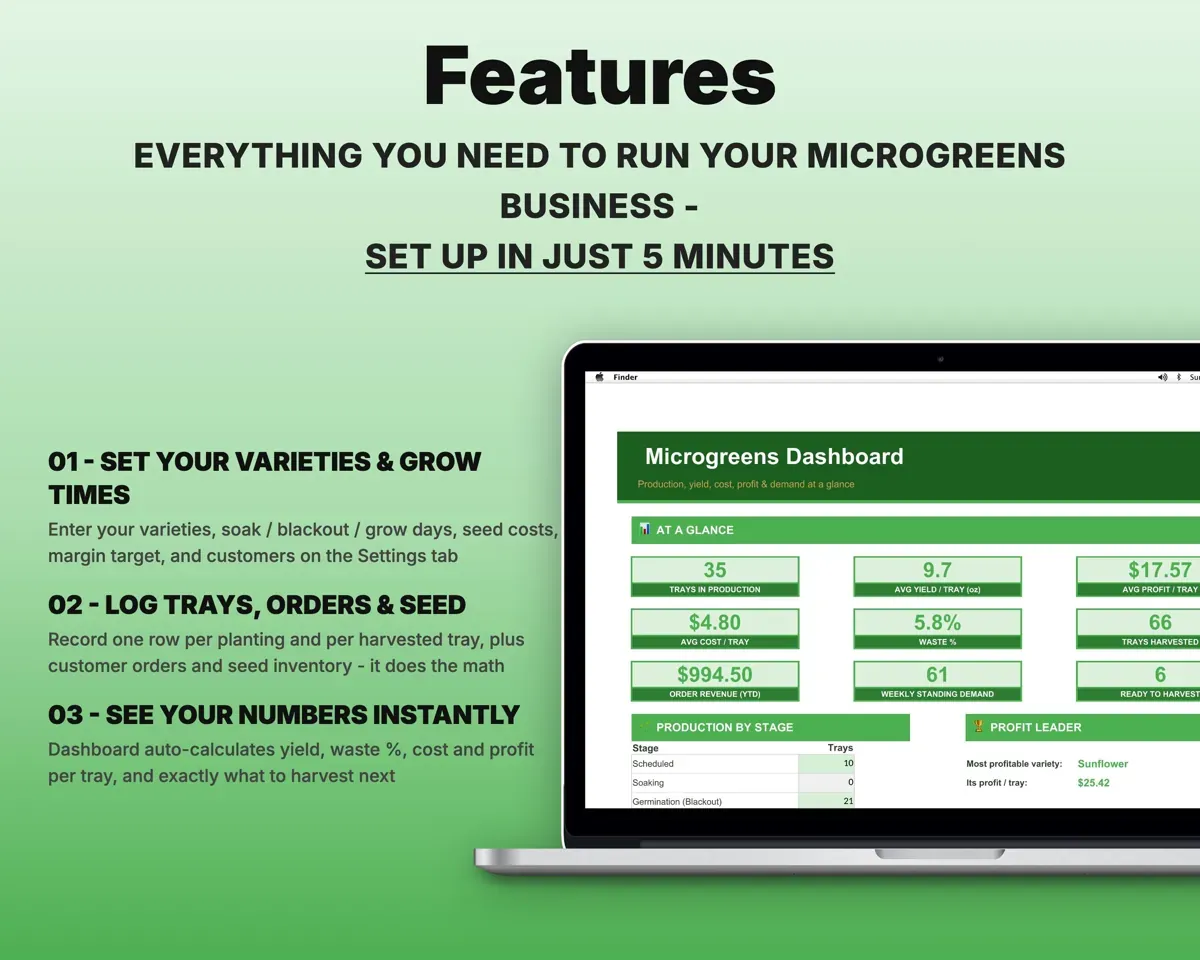
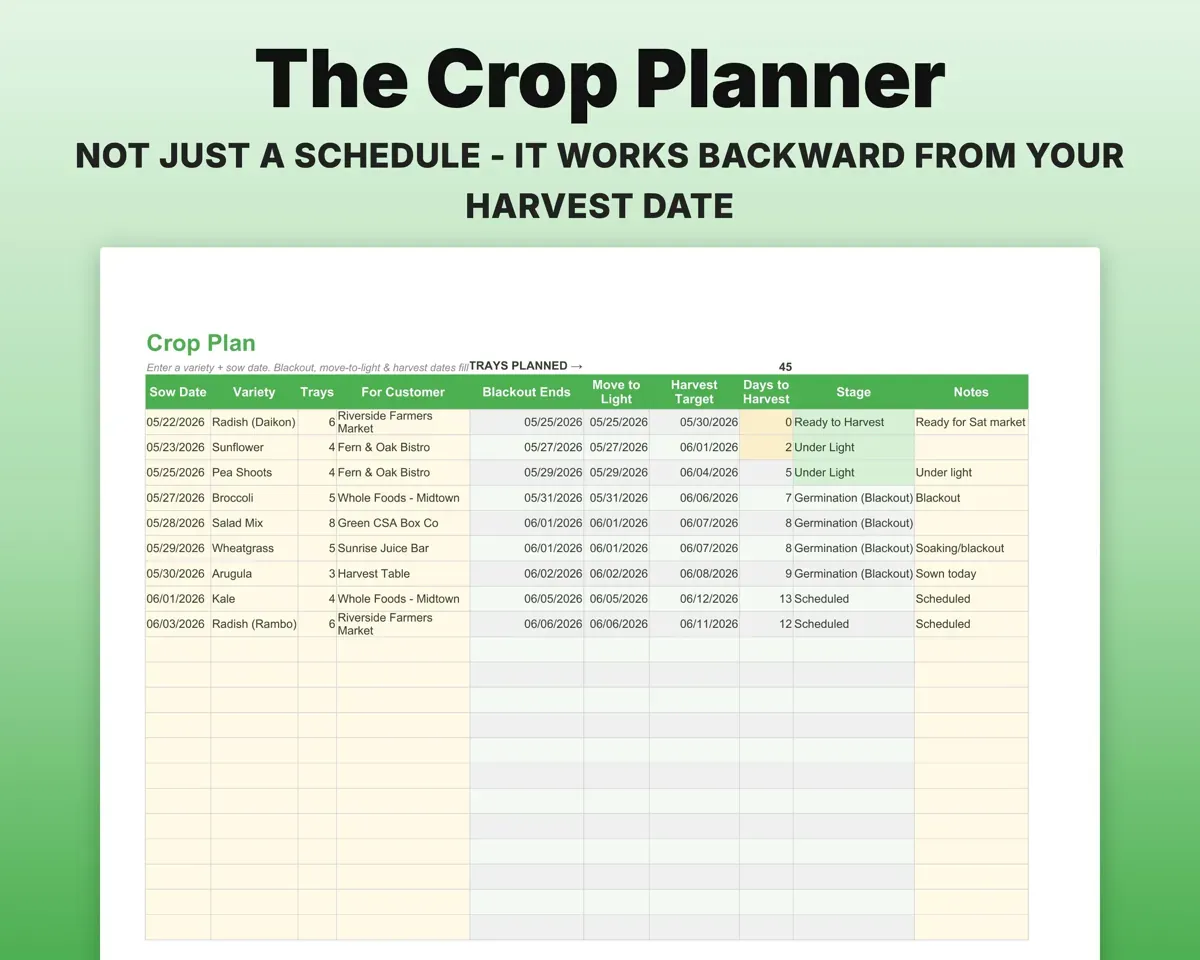
Enter a harvest target or a sow date and variety. The sheet works out when blackout ends, when trays go under light and when to harvest, and shows each tray's current stage and days left.
Sow date, varietyHarvest datePrice from your real cost per tray
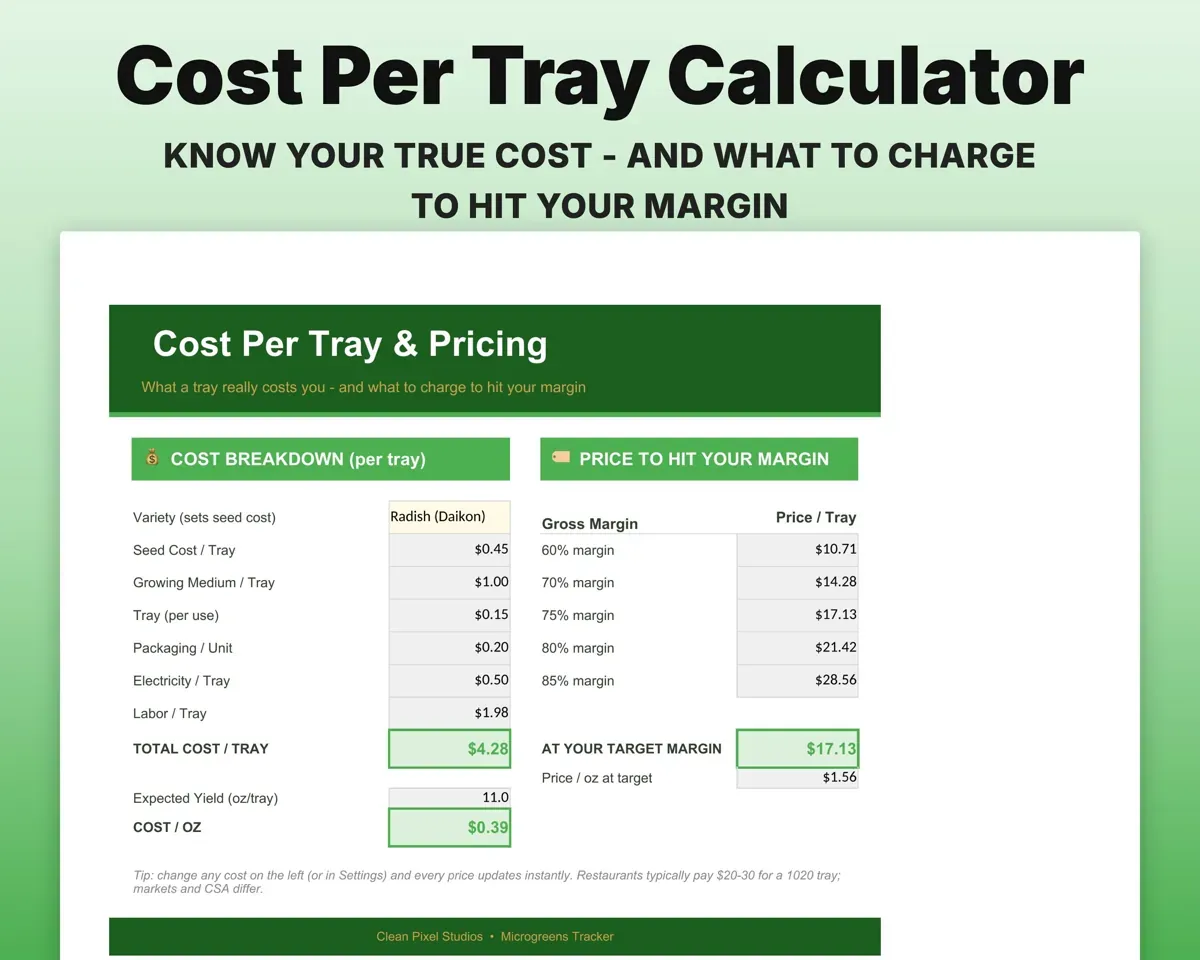
Break out seed, soil, tray, packaging, electricity and labor by variety to get cost per tray, cost per ounce and a suggested price at your target margin.
Seed, soil, power, laborSuggested priceCut down on wasted trays
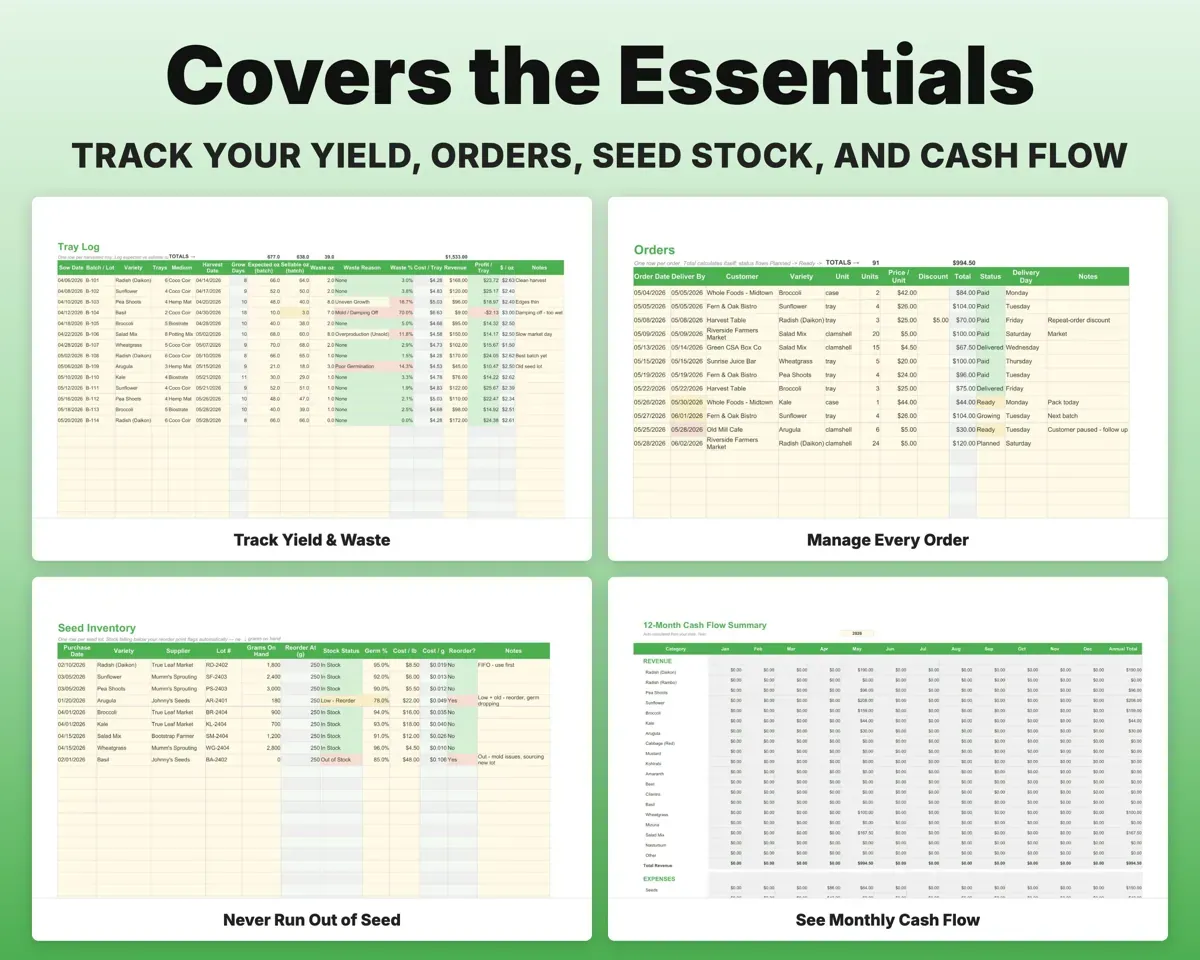
Log expected and sellable ounces for each harvested tray. Waste percent works itself out and flags trays over your target, with a reason such as mold or poor germination.
Expected vs sold ozWaste %Grow what makes money
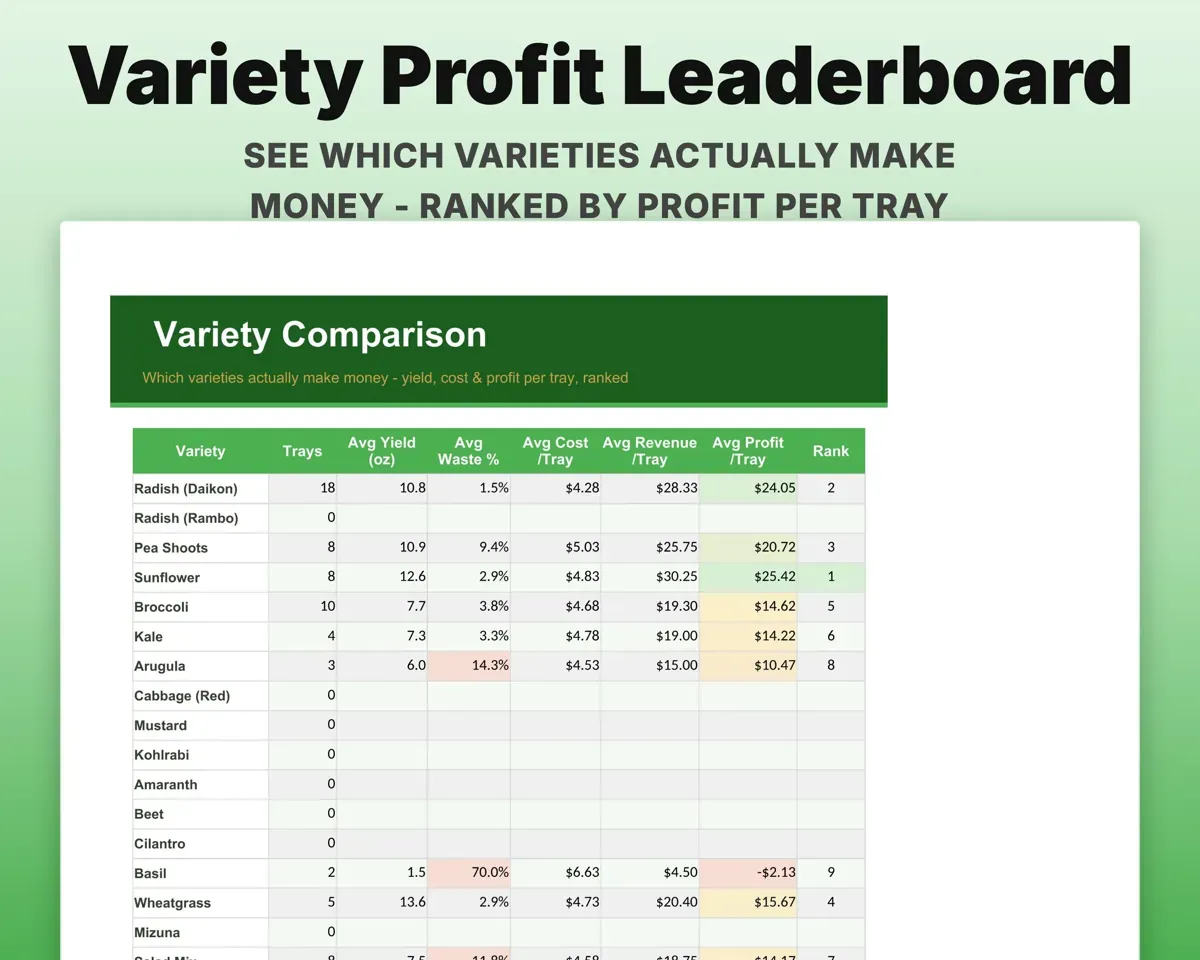
Variety Compare ranks every variety by profit per tray, yield and waste.
Tray resultsProfit rankingDon't run out of seed mid-week
Track grams on hand, supplier, lot number and germination rate. A variety flags when its stock drops below your reorder point.
Grams on handLow-stock alertKeep buyers and orders organized
Store restaurant, market, CSA and retail buyers with pricing tier, delivery day and standing order. Orders total themselves and move from Planned to Paid.
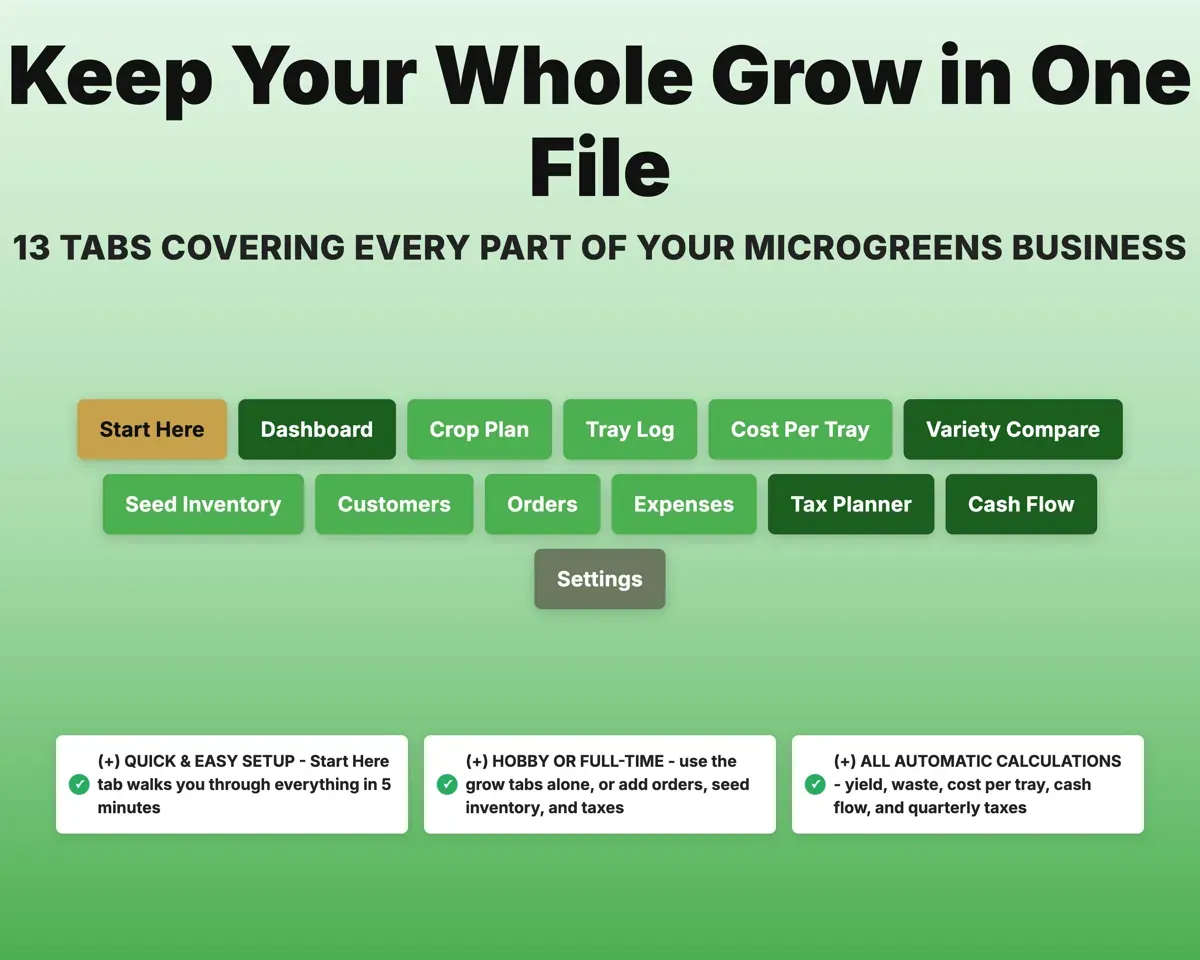
OrdersOrder totals13 tabs in one file
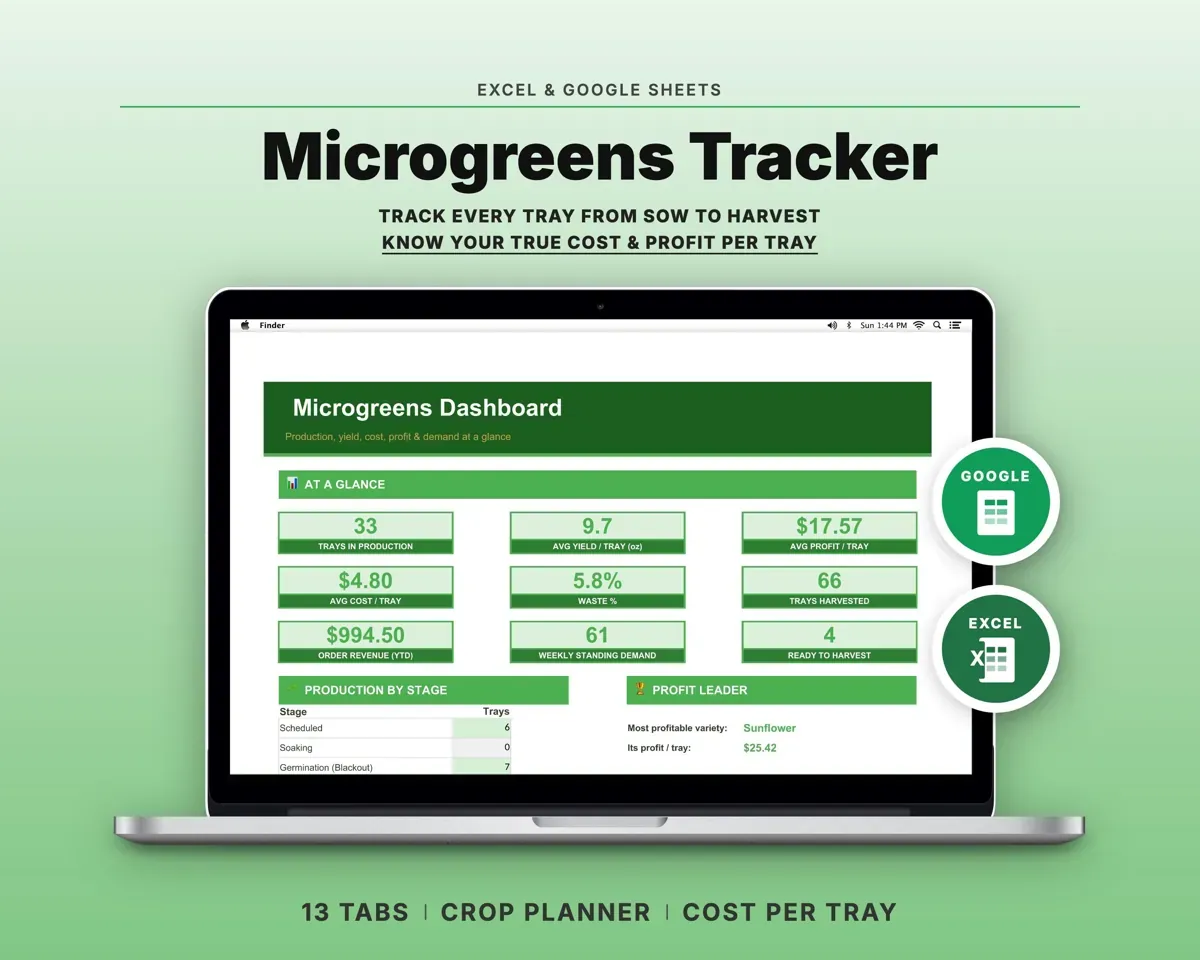
- Start Here
- Dashboard
- Crop Plan
- Tray Log
- Cost Per Tray
- Variety Compare
- Seed Inventory
- Customers
- Orders
- Expenses
- Tax Planner
- Cash Flow
- Settings
- Start Here
- A five-minute setup walkthrough.
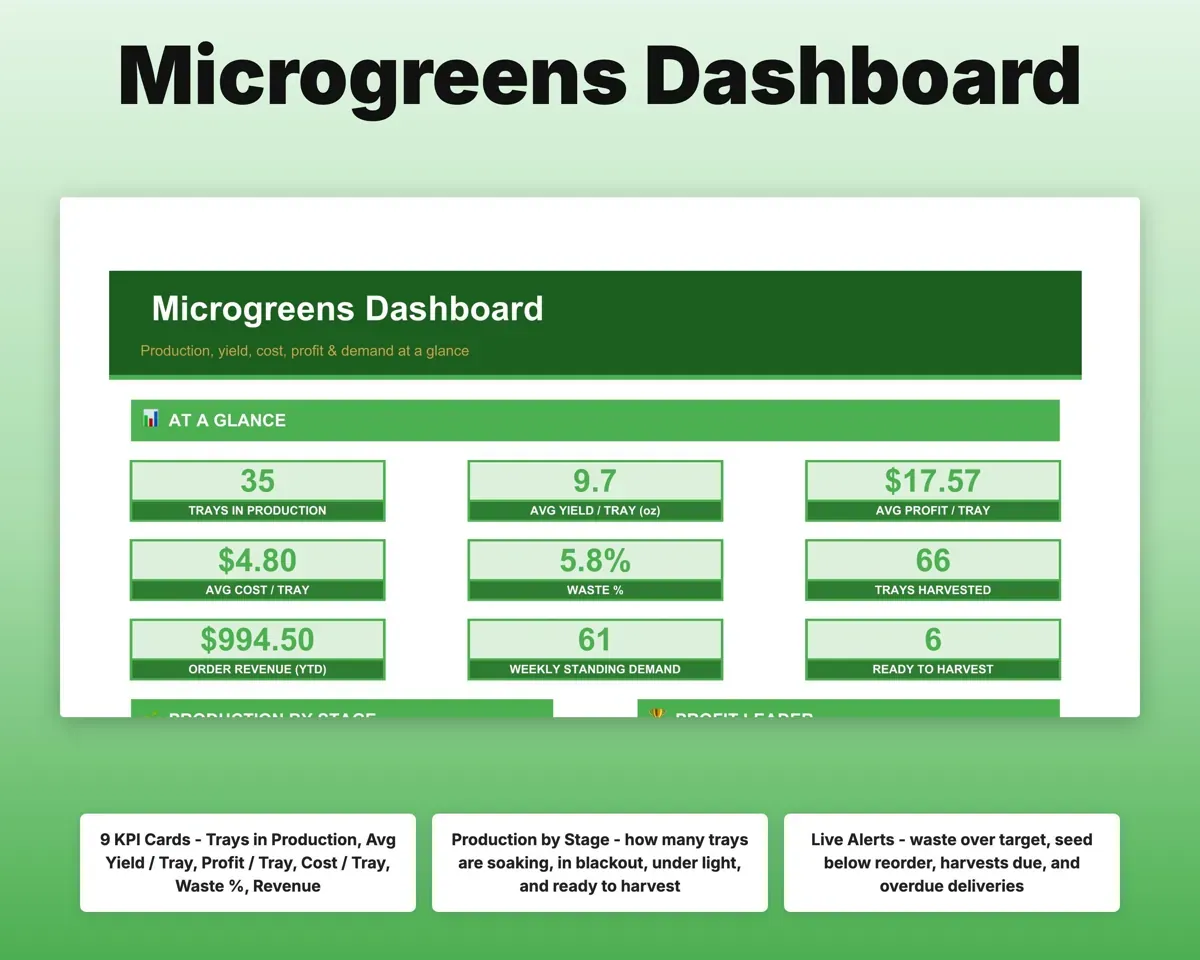
- Dashboard
- Trays growing, yield, profit, waste and alerts.
- Crop Plan
- Sow, blackout, light and harvest dates with countdowns.
- Tray Log
- Yield, waste, cost and profit for each harvested tray.
- Cost Per Tray
- Full cost per tray and ounce, plus a suggested price.
- Variety Compare
- Varieties ranked by profit, yield and waste.
- Seed Inventory
- Seed on hand with lot, germination and reorder alerts.
- Customers
- Buyers by type with pricing tier and delivery day.
- Orders
- Each order with totals and payment status.
- Expenses
- Costs mapped to Schedule C with deductible flags.
- Tax Planner
- Quarterly estimated tax set-aside.
- Cash Flow
- Twelve months of orders and expenses.
- Settings
- Varieties, grow times, seed costs and margin target.
Pair it with
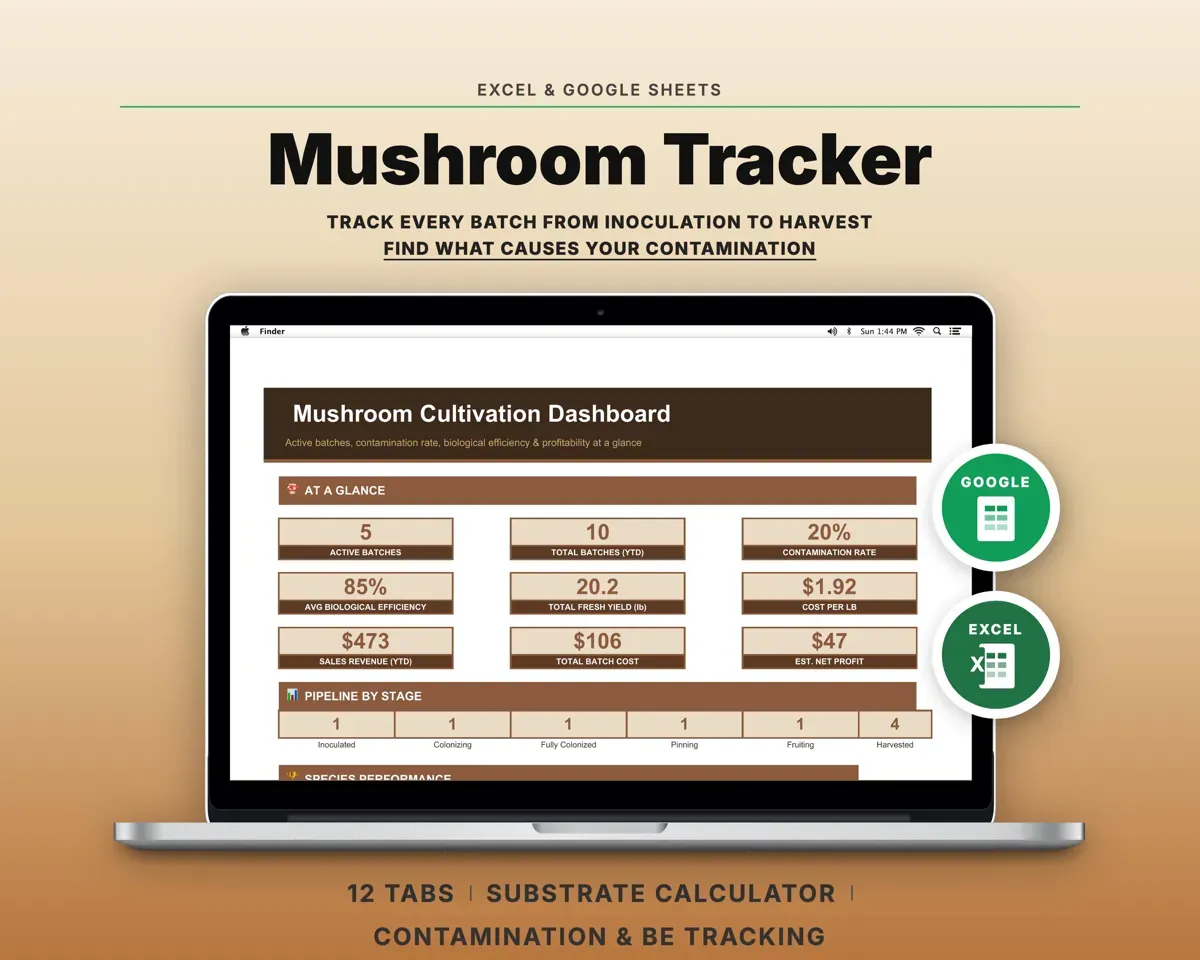
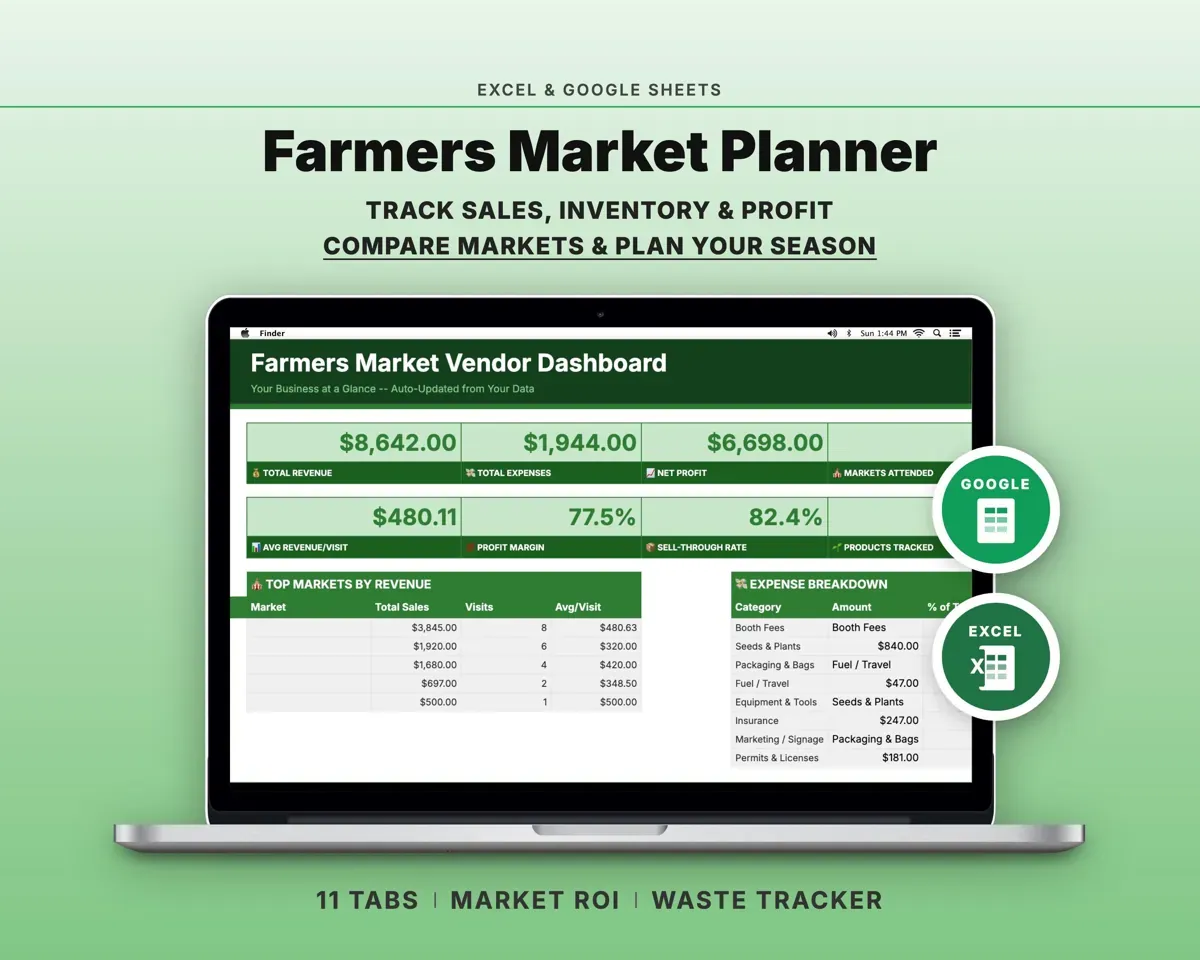
“Excellent! Very easy to use.”
“Nice Organization for 4H projects”
Before you buy
I grow as a hobby. Is this too much?
No. Start with planting, tray and cost tracking alone, and leave the order and tax tabs until you begin selling.
Can I add my own varieties?
Yes. Add varieties, grow times and seed costs on Settings and they appear in every dropdown and calculation.
Can I plan backward from a delivery day?
Yes. Enter a harvest target instead of a sow date and the planner works out when to sow and when each stage ends.
What do I get?
An Excel file (.xlsx), a filled-in sample to look at, and a quick-start PDF guide with a link that makes your own copy in Google Sheets.
How does delivery work?
You get your download links right after checkout, and Stripe emails your receipt. There is nothing to ship and nothing to wait for.
How do I set it up in Google Sheets?
Open the quick-start PDF and click the Google Sheets link. Google makes a copy in your own Drive that only you can edit. You need a free Google account.
Will it work on a Mac?
Yes. It works in Excel on Mac and Windows, and in Google Sheets in any browser.
I'm not a spreadsheet person. Is that a problem?
No. You only type in the yellow cells. Everything in gray works itself out, and the Start Here tab shows you where to begin.
Can I get a refund?
Templates are digital downloads, so sales are final. If a file won't open, is broken or doesn't match its description, email hello@cleanpixelstudios.com within 30 days and we'll fix it, or refund you if we can't.
What if I get stuck?
Email hello@cleanpixelstudios.com and we'll help you get it working.
More in Farm & homestead
See all Farm & homestead templates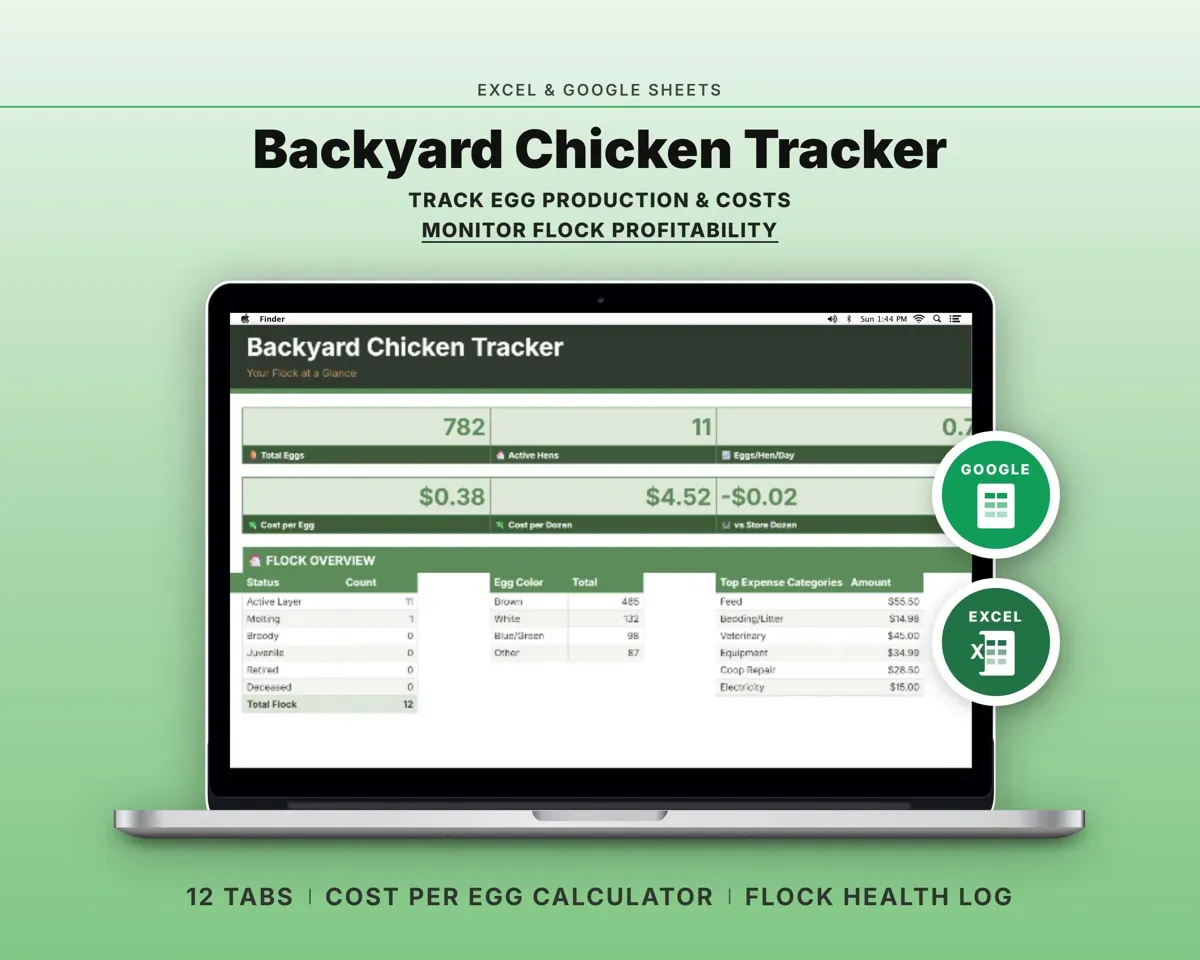
 Made by Clean Pixel Studios
We start every template by reading what people in that line of work say they struggle with, then build the spreadsheet around those problems. This one was made for microgreens growers and nobody else.
How we build templatesMicrogreens Business Tracker Spreadsheet$19.99 · Excel + Google Sheets