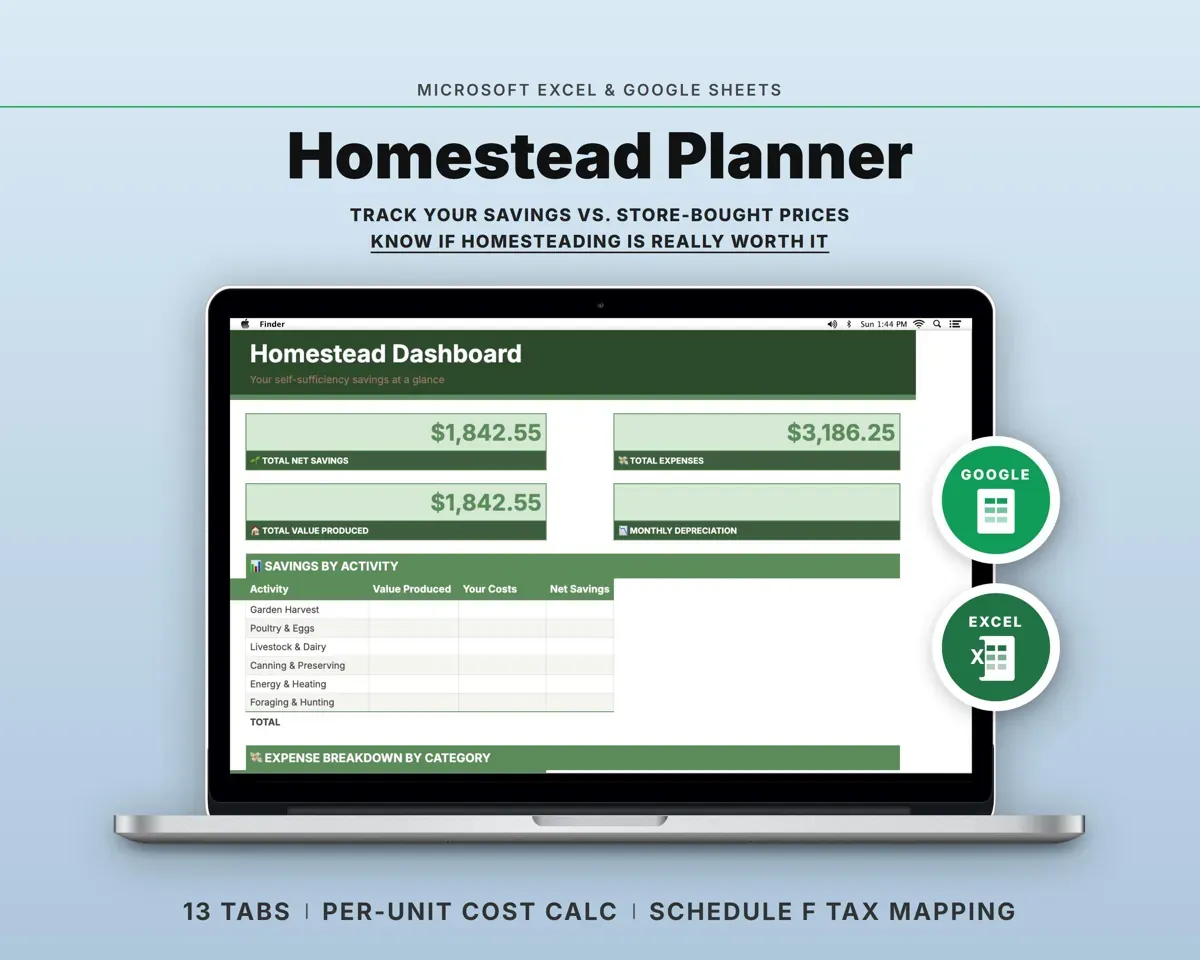
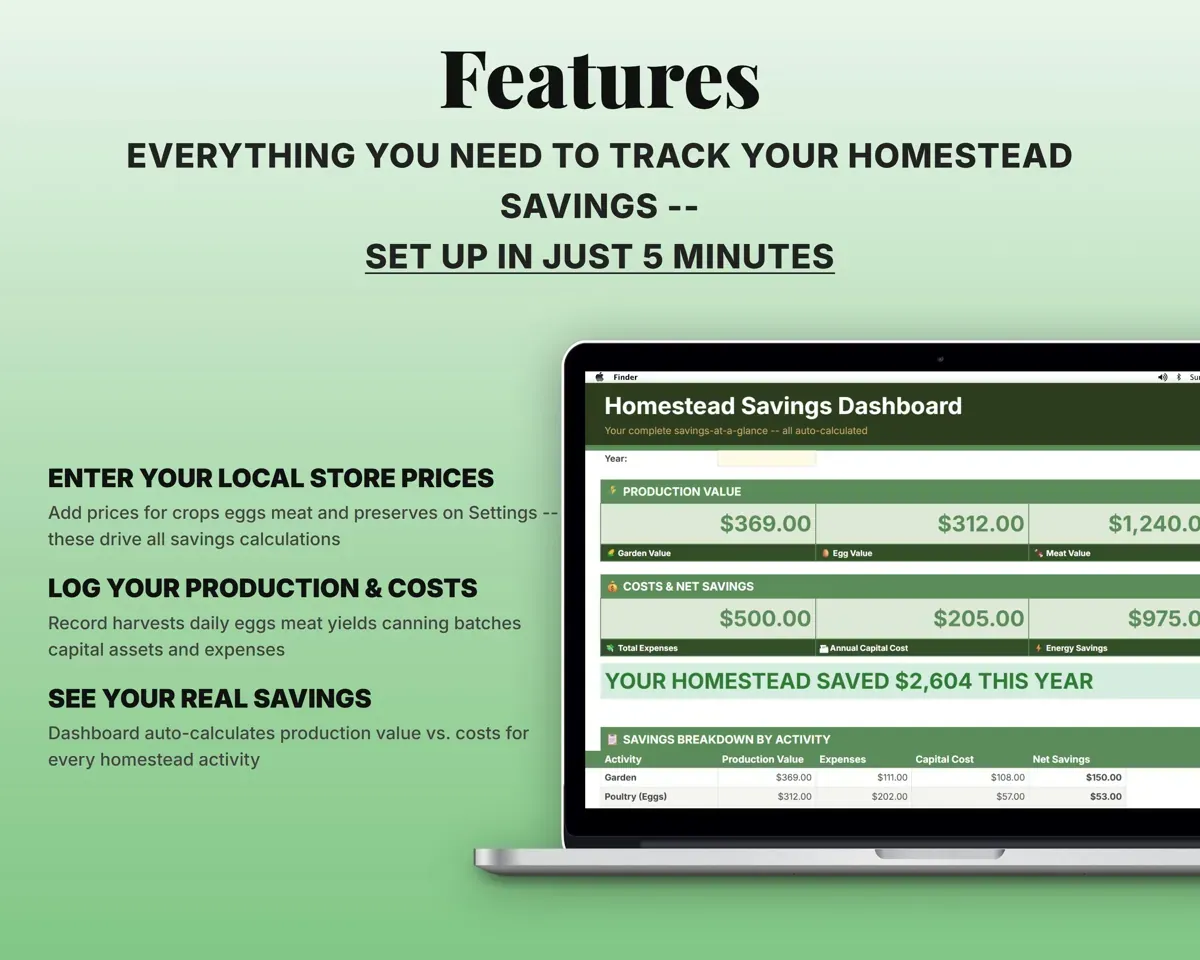
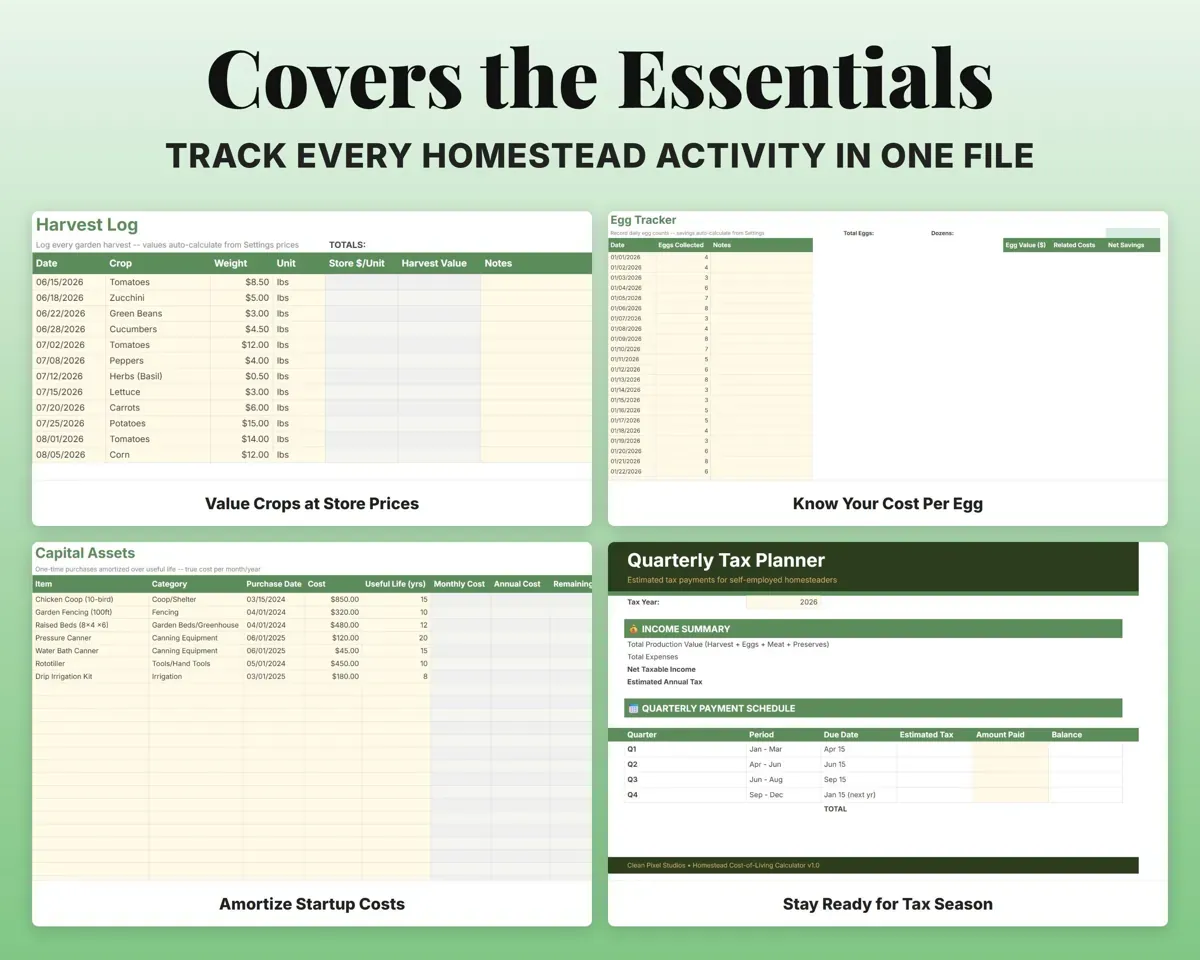
Built around the jobs homesteaders actually do
Put a dollar value on what you produce
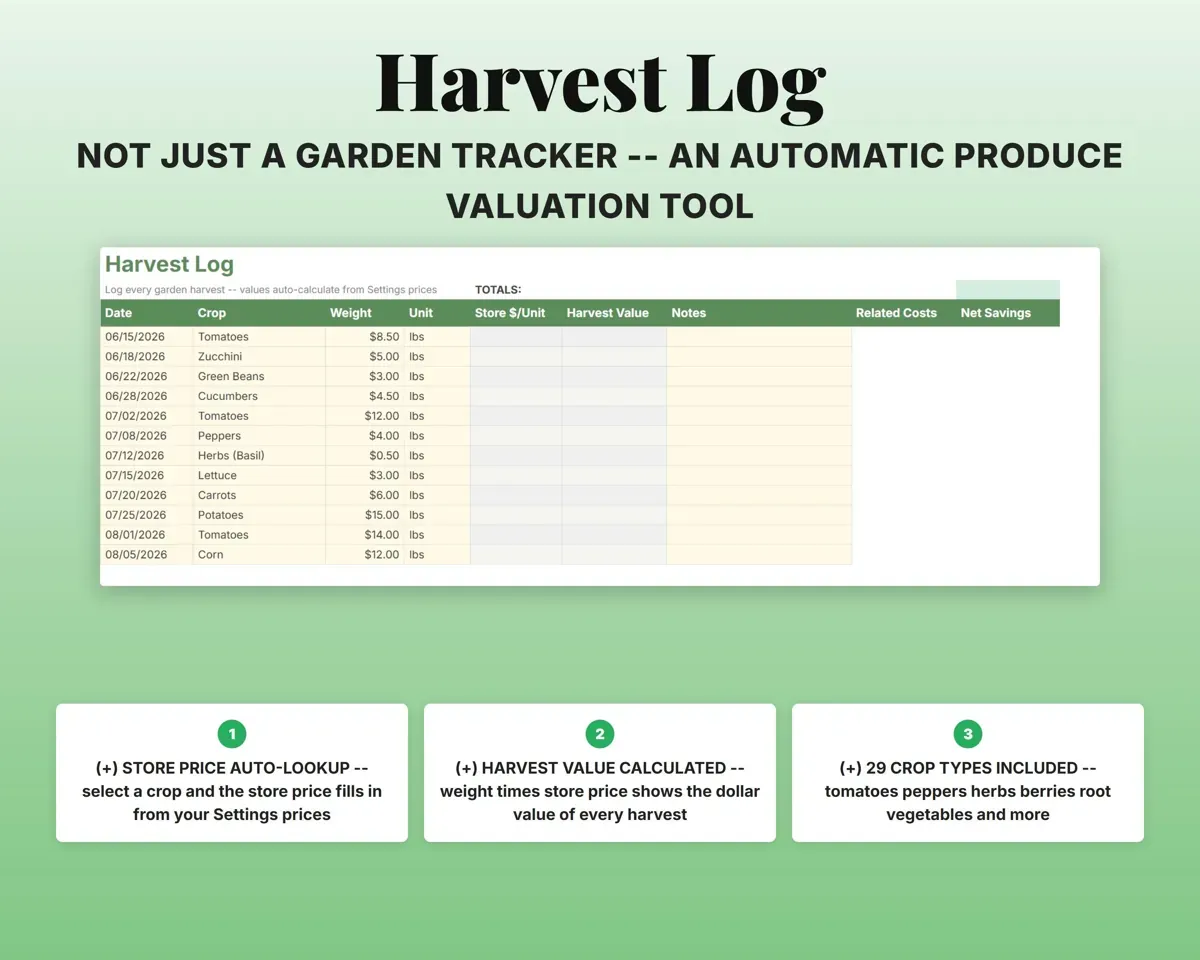
Log harvests, egg counts, meat yields and canned goods. Each is valued at the store price you set, so you see dollars and not just counts.
Pounds, eggs, jarsValue at store pricesKnow your real cost per egg and per pound
Feed, supplies and spread-out equipment costs are all counted, giving a cost per egg, per dozen, per pound of meat and per jar.
Feed and supply costsCost per eggSpread the coop over its useful life
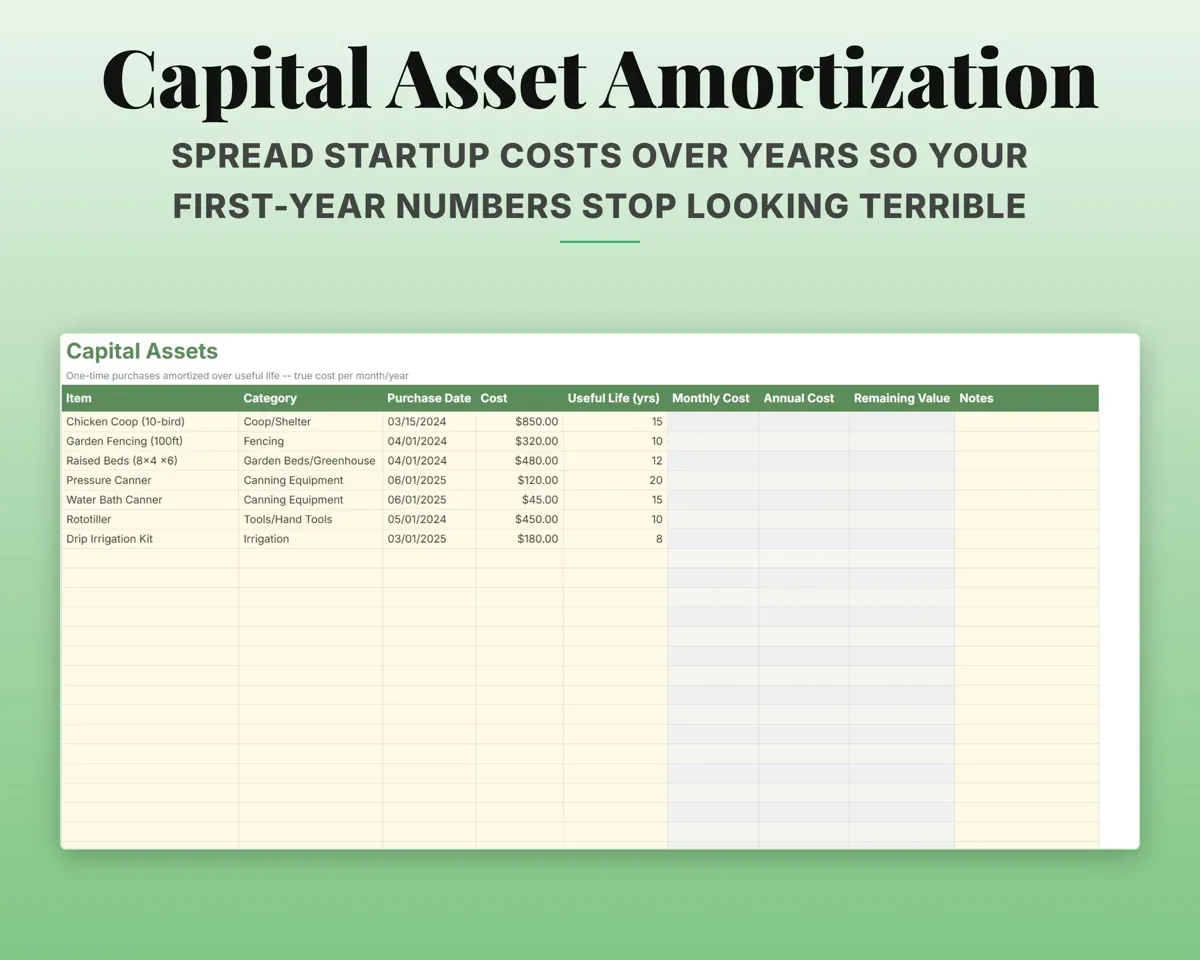
Enter a purchase price and useful life for the coop, fencing or canner. The sheet works out monthly and annual cost and remaining value, so year one is not overstated.
Price and useful lifeAnnual costCount what solar or wood heat saves
Compare what the utility would charge with what you actually pay, and see the savings each month.
Utility vs actualMonthly savingsHave expenses sorted for tax time
18 homestead categories, each matched to a Schedule F line with a deductible flag, plus quarterly estimated tax dates.
ExpensesSchedule F lineSee the year's net savings
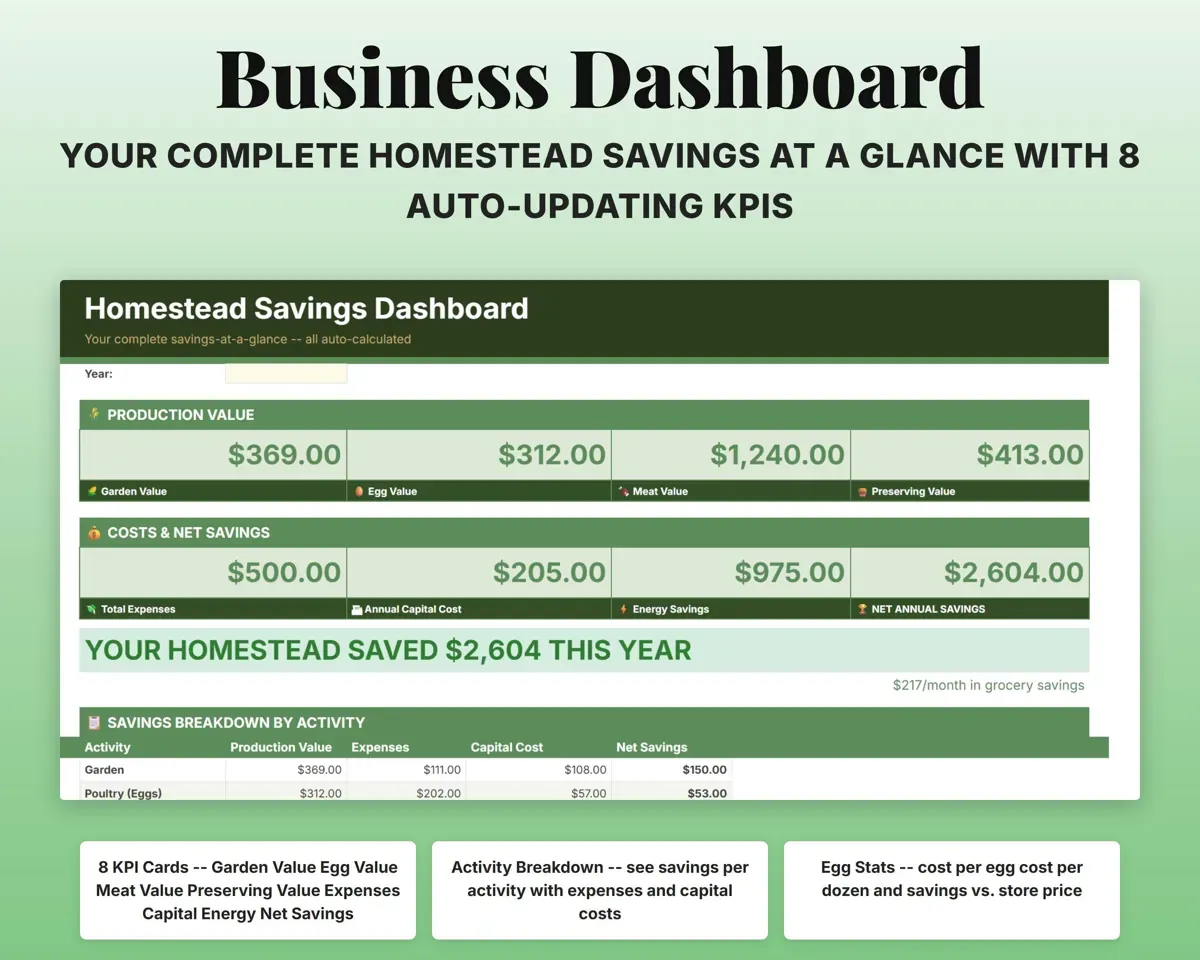
The Dashboard and a 12-month cash flow compare the value you produced with what you spent, by month and for the year.
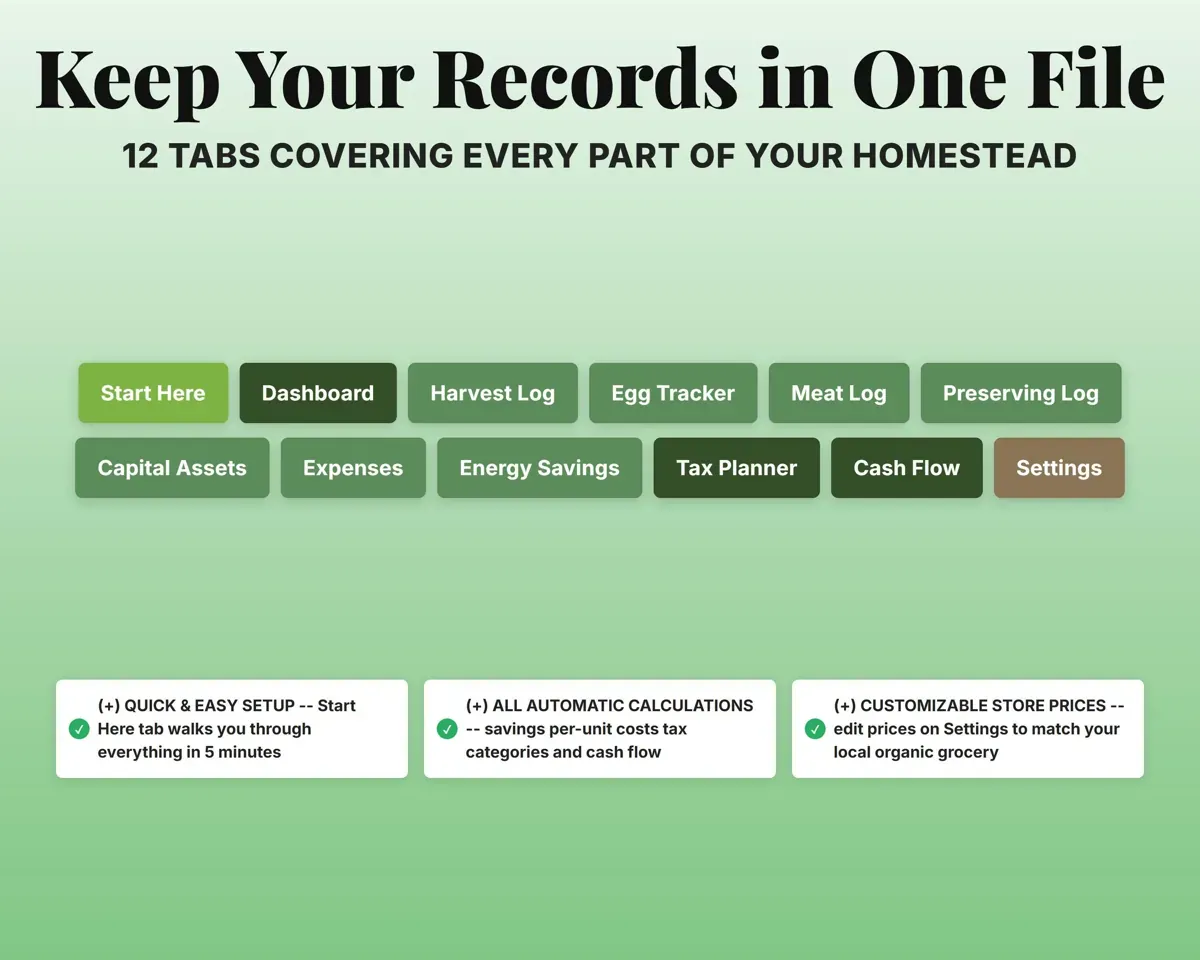
Your other tabsNet annual savings12 tabs in one file
- Start Here
- Dashboard
- Harvest Log
- Egg Tracker
- Meat Log
- Preserving Log
- Capital Assets
- Expenses
- Energy Savings
- Tax Planner
- Cash Flow
- Settings
- Start Here
- Setup steps and a guide to every tab.
- Dashboard
- Value produced, expenses and net savings on one screen.
- Harvest Log
- Each harvest by crop and weight, valued at store price.
- Egg Tracker
- Daily egg counts for the flock.
- Meat Log
- Butcher dates, yields and processing costs.
- Preserving Log
- Canned and preserved goods with jar counts and supply costs.
- Capital Assets
- One-time purchases spread over their useful life.
- Expenses
- Ongoing costs by category, mapped to Schedule F.
- Energy Savings
- Utility costs compared with what you actually pay.
- Tax Planner
- Quarterly estimated tax dates and payments (Form 1040-ES).
- Cash Flow
- Twelve months of production value and expenses.
- Settings
- Store prices for crops, meat and preserves, plus dropdown lists.
Pair it with
“Well thought out worksheets nicely presented”
“Excellent! Very easy to use.”
Before you buy
How does it know what my produce is worth?
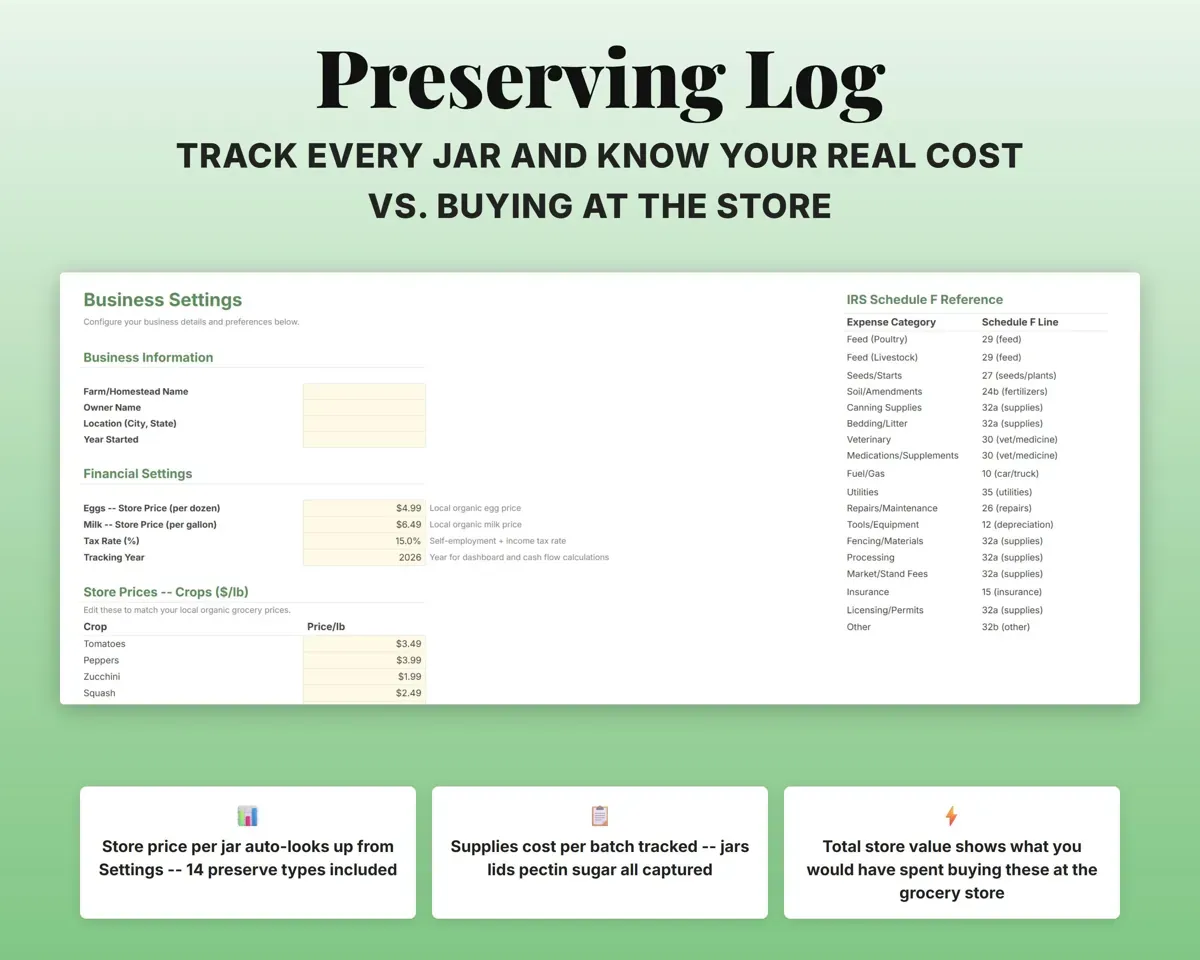
Settings lists a store price for each of 29 crops, 10 kinds of meat and 14 preserves. Change them to match your local stores and every log uses them.
My coop cost a lot. Won't that wreck the first year?
Enter it on Capital Assets with its useful life. The cost is spread across those years, so your cost per egg reflects the ongoing cost.
Can I change the prices and categories?
Yes. Store prices and every dropdown list are editable on the Settings tab.
What do I get?
An Excel file (.xlsx), a filled-in sample to look at, and a quick-start PDF guide with a link that makes your own copy in Google Sheets.
How does delivery work?
You get your download links right after checkout, and Stripe emails your receipt. There is nothing to ship and nothing to wait for.
How do I set it up in Google Sheets?
Open the quick-start PDF and click the Google Sheets link. Google makes a copy in your own Drive that only you can edit. You need a free Google account.
Will it work on a Mac?
Yes. It works in Excel on Mac and Windows, and in Google Sheets in any browser.
I'm not a spreadsheet person. Is that a problem?
No. You only type in the yellow cells. Everything in gray works itself out, and the Start Here tab shows you where to begin.
Can I get a refund?
Templates are digital downloads, so sales are final. If a file won't open, is broken or doesn't match its description, email hello@cleanpixelstudios.com within 30 days and we'll fix it, or refund you if we can't.
What if I get stuck?
Email hello@cleanpixelstudios.com and we'll help you get it working.
More in Farm & homestead
See all Farm & homestead templates
 Made by Clean Pixel Studios
We start every template by reading what people in that line of work say they struggle with, then build the spreadsheet around those problems. This one was made for homesteaders and nobody else.
How we build templatesHomestead Savings Calculator$17.99 · Excel + Google Sheets